Skip to content
Giallo

AI assistants

ChatGPT, Claude, Gemini, Copilot and the other assistants: what they do well, where they go wrong and how to use them in everyday work.

48 guides in this category
A Teams meeting that becomes a record with decisions and actions confirmed by the managersCopilot in Teams: meetings, minutes and actions to be confirmedCopilot in Teams for meeting summaries and minutes: transcription, use during and after meetings, actions to confirm and a practical team method.
Claude Code hooks debug: event, control, and result in the development workflowClaude Code hook not running: a debugging guideDiagnose a Claude Code hook that does not run: loaded settings, matchers, JSON input, timeouts and policies. Local tests and reproducible errors.
Claude Code Hooks: event, control and outcome in the development workflowClaude Code Hooks: a practical guide in ItalianClaude Code Hooks: choose events and handlers, configure local automation and controls. Examples, limitations and an approach for an Italian team.
Claude Code Hooks MCP: event, control and result in the development workflowHooks and MCP: filters and handlers in Claude CodeDistinguish hooks on MCP tools and mcp_tool handlers. Canonical names, authentication and read-only controls to connect Claude Code to external tools.
Claude Code notifications: event, control and result in the development workflowClaude Code Notifications: local hooks and permissionsLocal Claude Code notifications when attention is needed: events, filters and permissions on macOS, Windows and Linux, without external services.
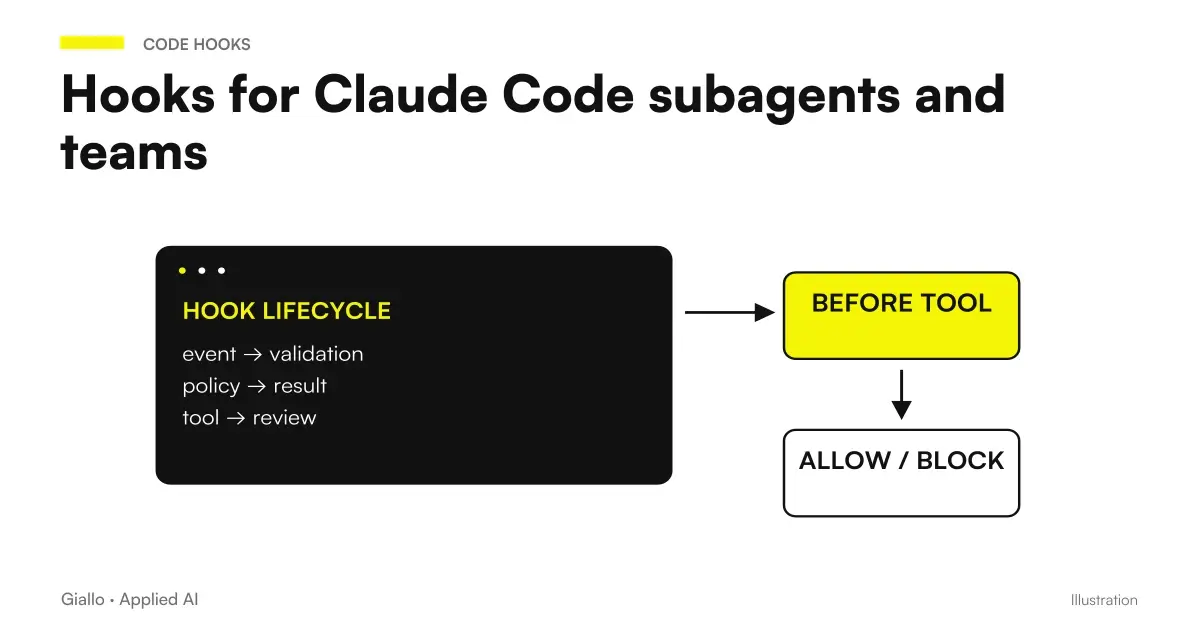
Claude Code hooks subagent: event, control and result in development workflowClaude Code hooks for subagents and teamsPlace hooks in the delegated workflow: settings, frontmatter, plugins, TaskCompleted and TeammateIdle. Identity, testing and limits without recursion.
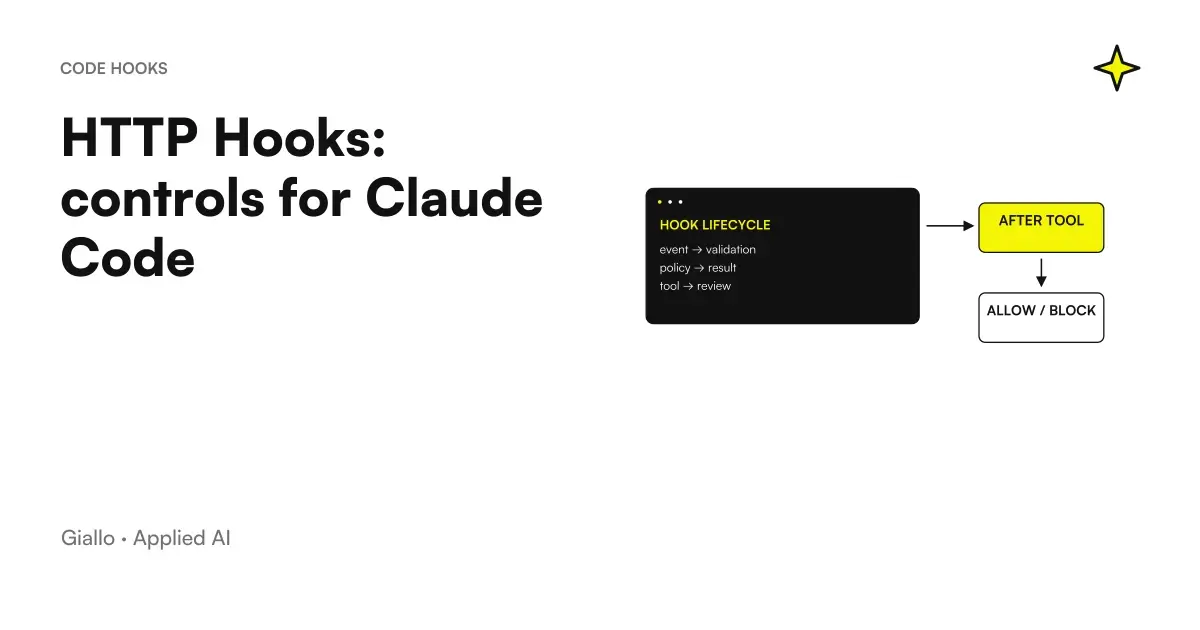
Claude Code HTTP Hooks: event, control and result in the development workflowHTTP Hooks: controls for Claude CodeConnect Claude Code to an HTTP check: POST JSON, decision responses, allowlists and error handling. A local example using synthetic data.
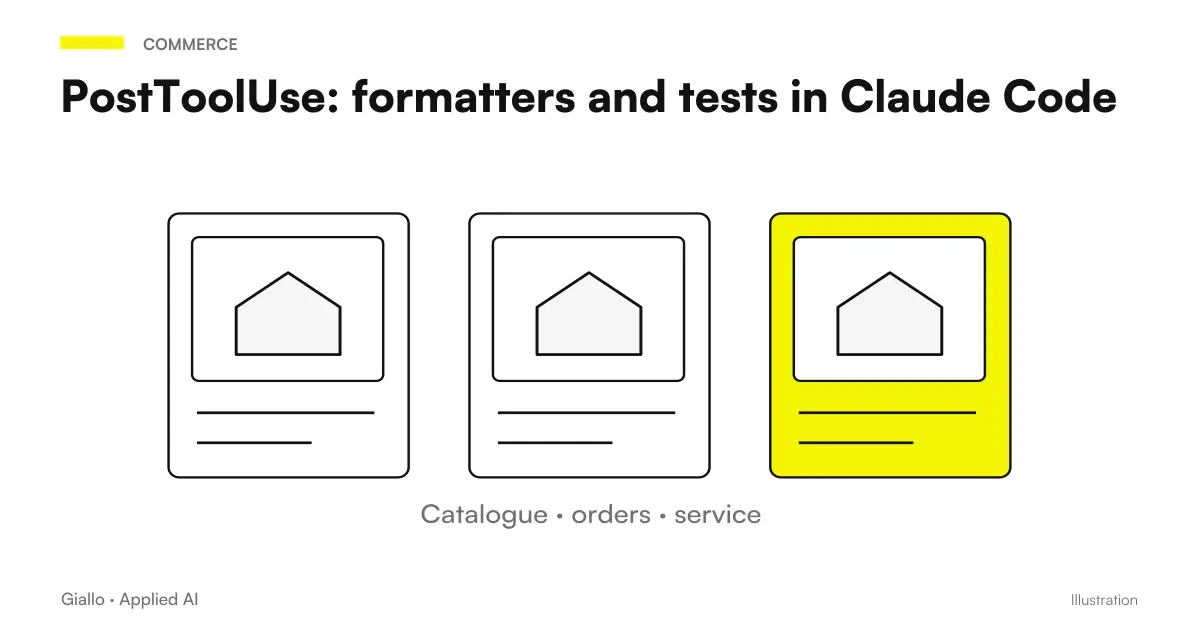
Claude Code PostToolUse: event, control and outcome in the development workflowPostToolUse: formatters and tests in Claude CodeUse PostToolUse for formatting and test feedback. Handle paths, async tasks and concurrency while distinguishing validation from rollback.
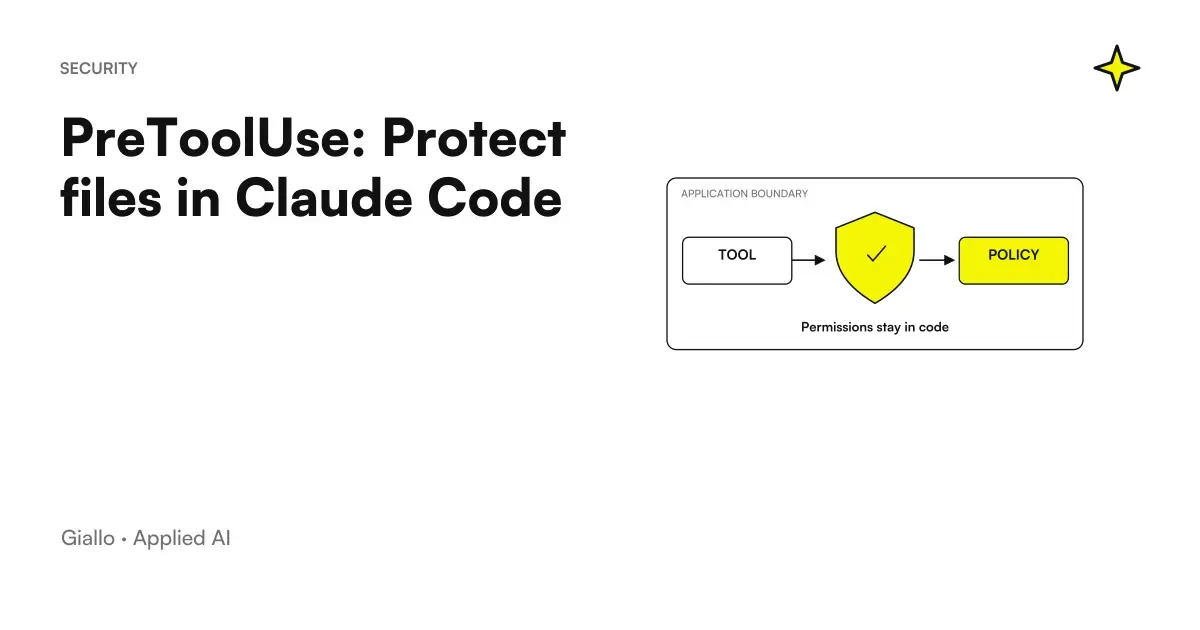
Claude Code PreToolUse: event, control and result in the development workflowPreToolUse: Protect files in Claude CodeConfigure PreToolUse in Claude Code: deny, ask, protected paths and control limits. A small rule to check before use.
Claude Code SessionStart: event, control and result in the development workflowSessionStart: restore context after compactionChoose what to add with SessionStart after startup, resume, and compaction. Git, persistent instructions, and environment, with small, verifiable output.
Claude Code Stop hook: event, control and result in development workflowStop hook: loopless checks in Claude CodeDesign a Stop hook with verifiable conditions, stop_hook_active and limits. Comparison between script, prompt and agent, with no invented results.
How to create Dot ChatGPT: path from brief to first revised resultHow to create the first Dot in ChatGPT and assign it a projectCreate a Dot on desktop, prepare sources and a brief, choose access permissions and verify the first result. A guide for eligible accounts.
Dots automations: path between programming, source control and useful notificationDots automations: reminders, recurring checks and monitoringDefine Dots automations with a time, time zone, end date and notifications. Recurring tasks, reminders and events compared, with SME examples.
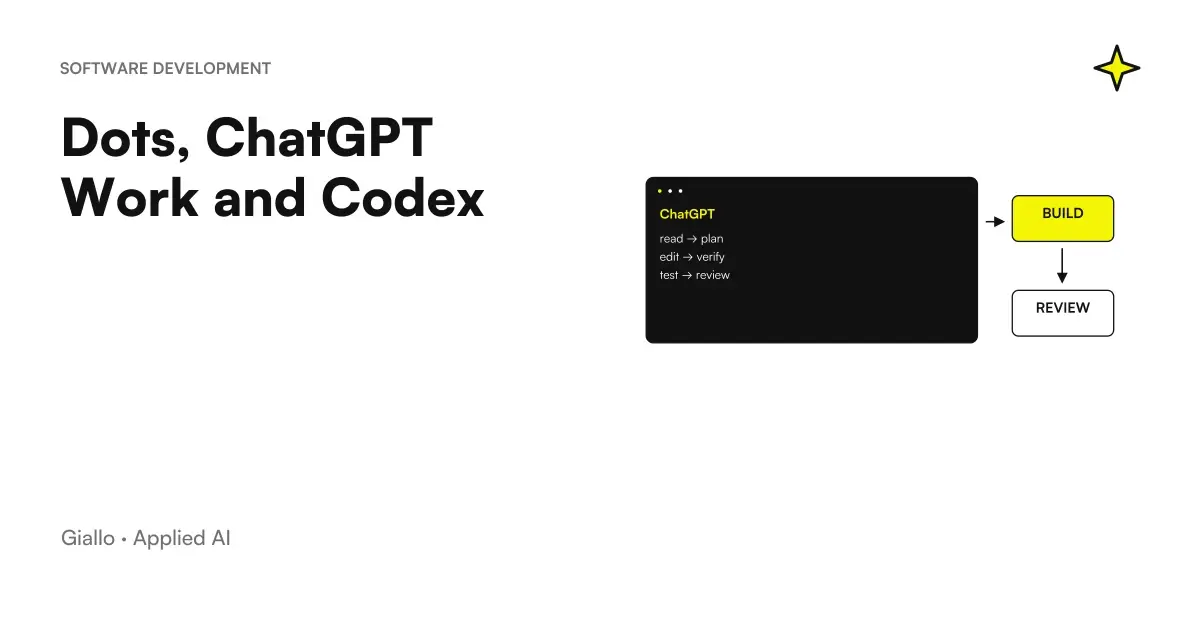
Dots ChatGPT Work Codex: distributed responsibilities between coordination, deliverables and codeDots, ChatGPT Work and Codex: how to delegate a software jobDots coordinates, Work prepares deliverables and Codex works on software. Assign tasks, choose the environment and verify changes before release.
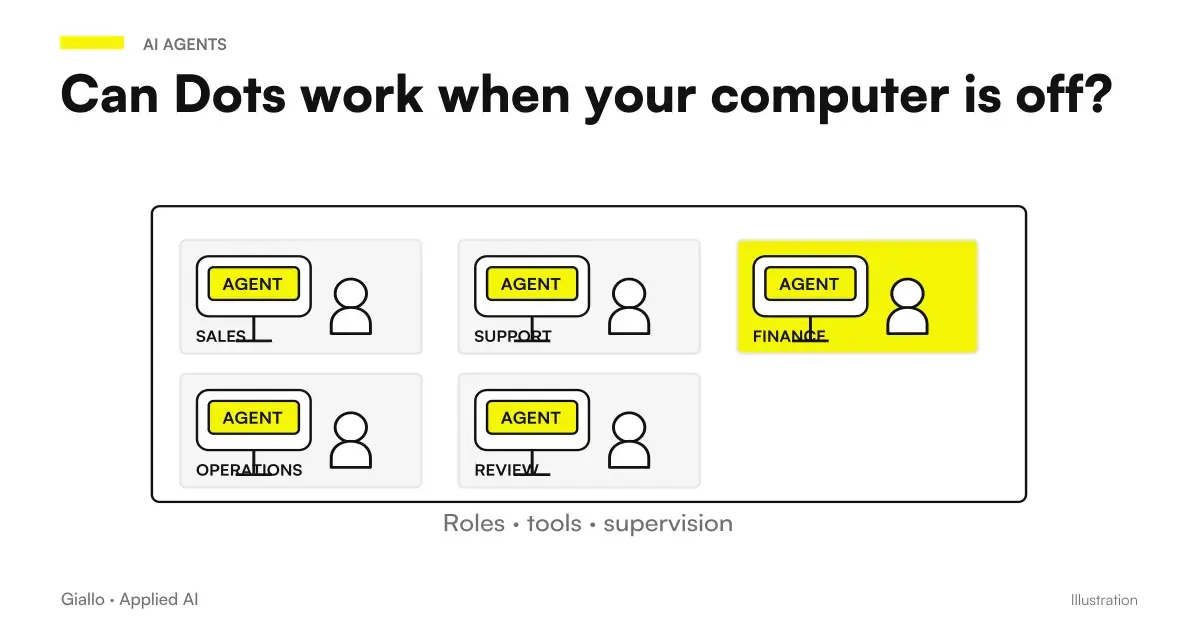
Dots computer off: Separate cloud and local environments with their own files and loginsDo Dots work when your computer is off? Cloud, local access and loginDots with your computer off: cloud tasks versus local file access, which needs a connection and ChatGPT open. Logins, revocation and recurring tasks.
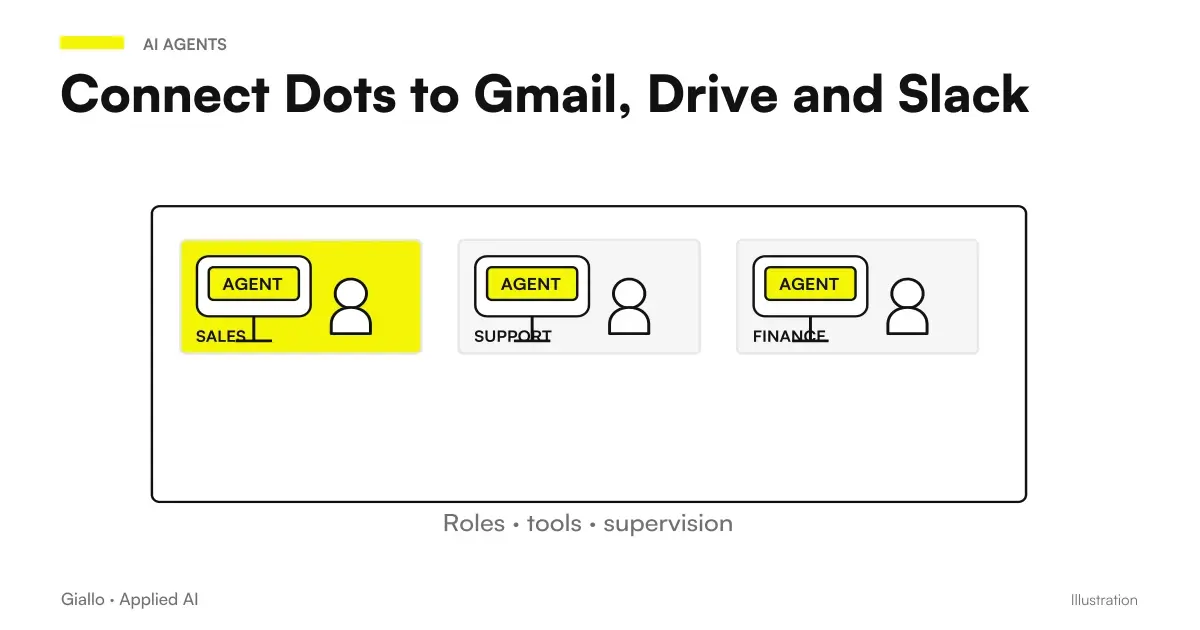
Dots Gmail Drive Slack: separation between messaging channel, sources and actionsConnect Dots to Gmail, Drive and Slack: permissions and channelsConnect Dots to Gmail, Drive and Slack: plugins, accounts and channels, access permissions to check, Teams limitations and data control.
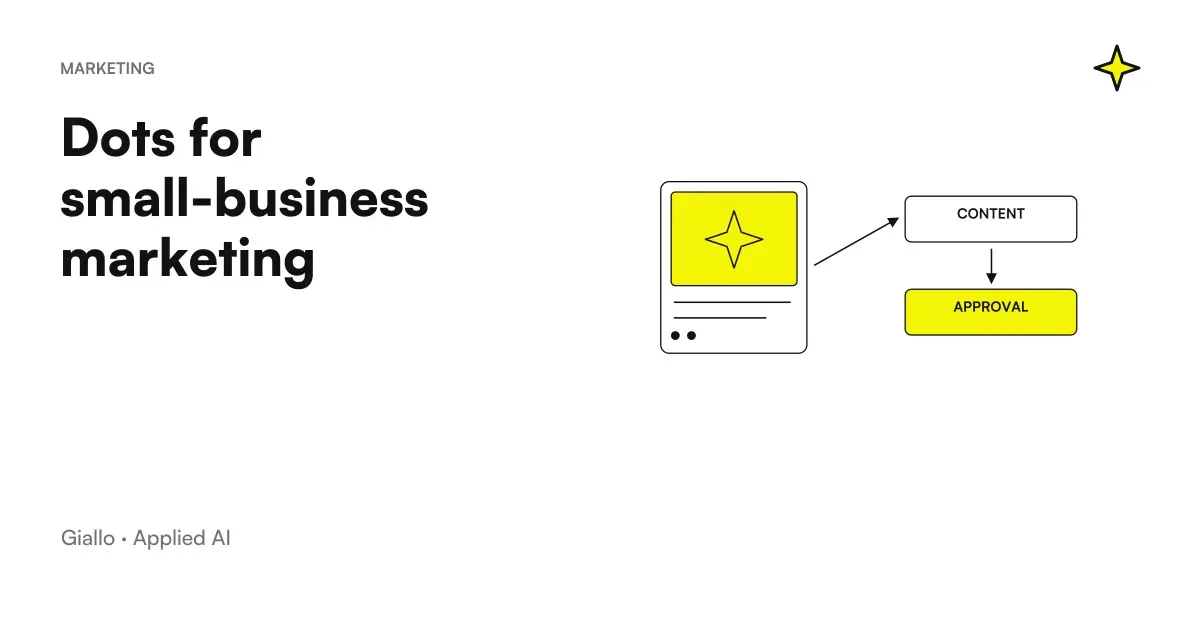
Dots marketing PMI: materials linked to an approved brief and editorial reviewDots for marketing an SME: content and materials always up to dateDots for SME marketing: approved briefs, drafts from transcripts and consistent launch materials. Sources, review and limitations before publishing.
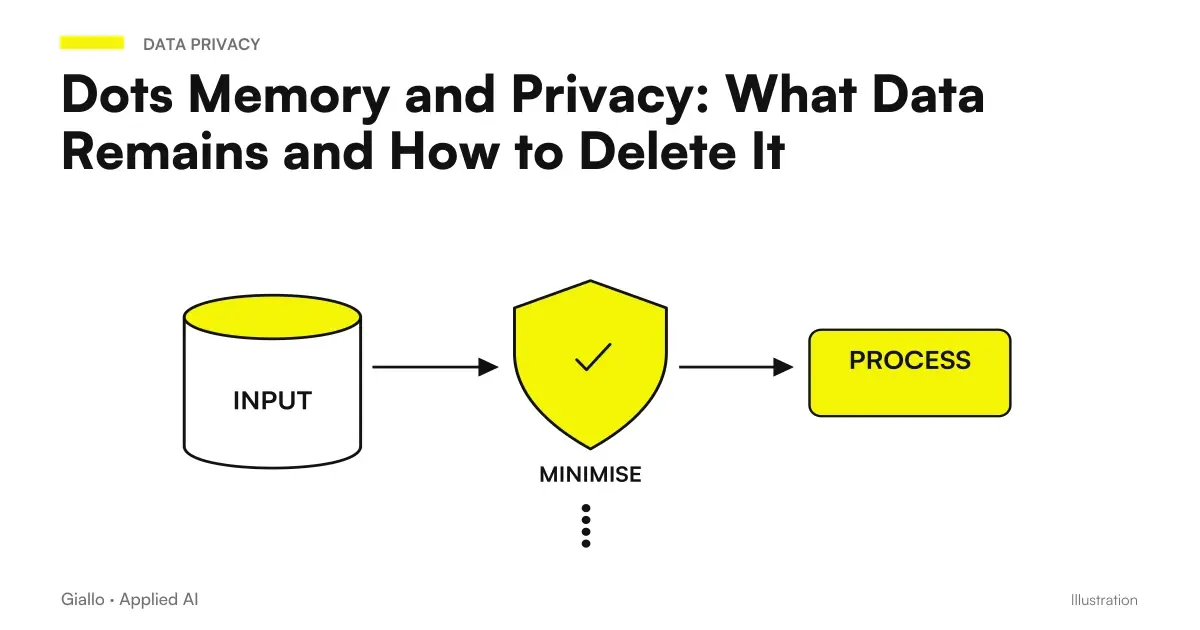
Dots privacy memory: separate layers of context, access to sources, and files producedDots Memory and Privacy: What Data Remains and How to Delete ItDots privacy: ChatGPT memory, dot context, training and data after access is revoked. What deleting a dot removes and what remains in files and conversations.
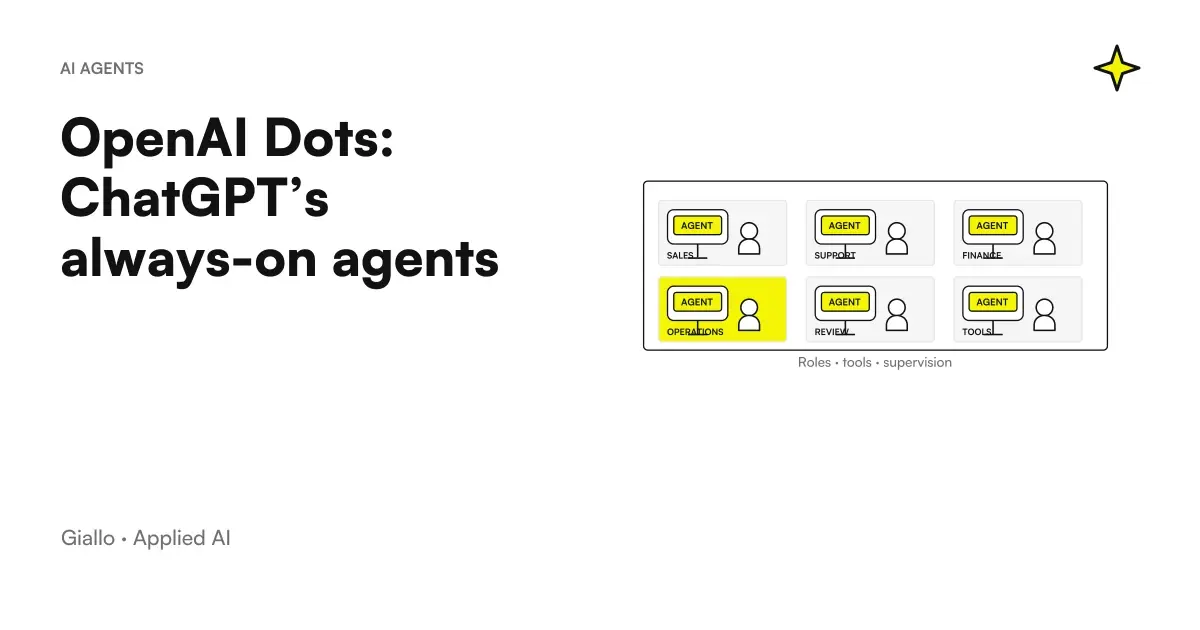
Dots OpenAI at the Center of Corporate Responsibility, Sources and ActivitiesOpenAI Dots: ChatGPT's always-active agents explainedOpenAI Dots explained for SMEs: ongoing responsibilities, cloud, memory and controls. Differences from ChatGPT, Work and Codex, and access in Italy.
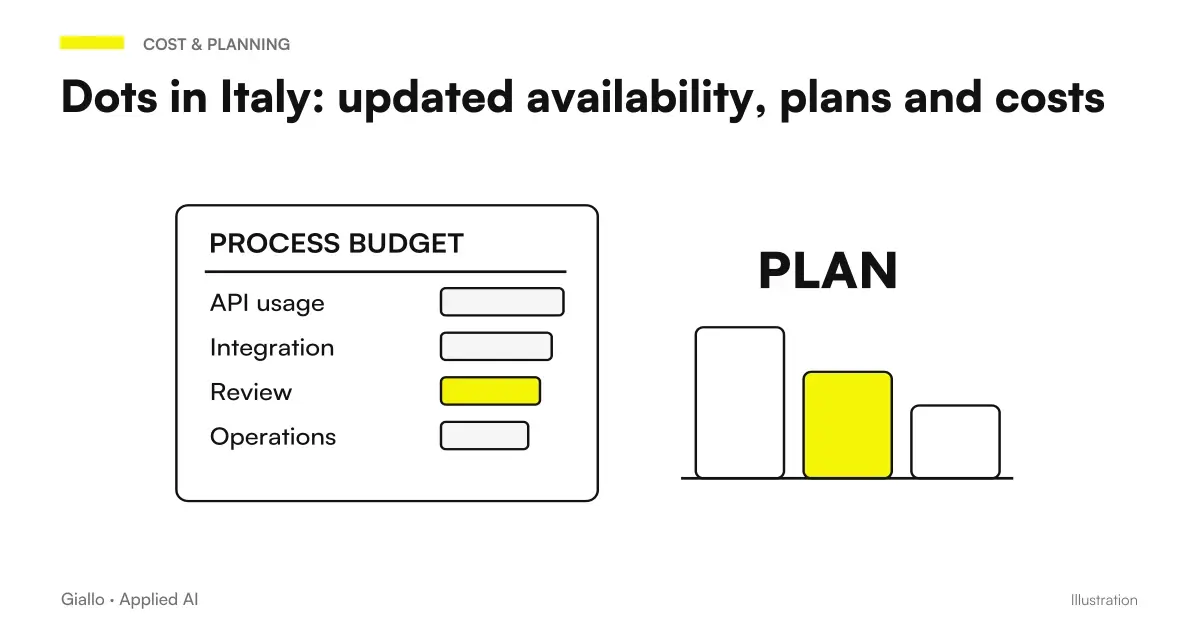
Dots OpenAI Italy: comparison between eligibility of plans and costs Business PremiumDots in Italy: updated availability, plans and costsDots in Italy as of 9 October 2026: Business Premium access, Pro exclusion in the EEA, official USD prices, minimum seats and limits to check.
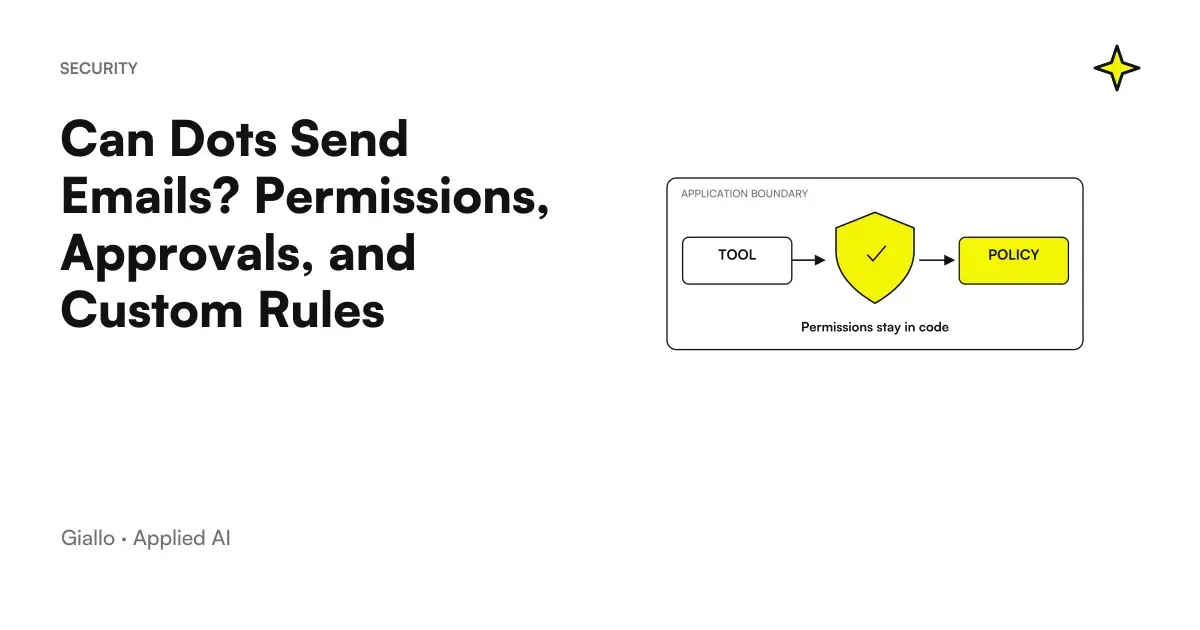
Dots approvals allowed: boundary between email draft, review and authorized actionCan Dots Send Emails? Permissions, Approvals, and Custom RulesDots and email sending: drafts, permissions, auto-review and Custom Rules. Define verifiable boundaries and stop tasks, delegates and recurring runs.
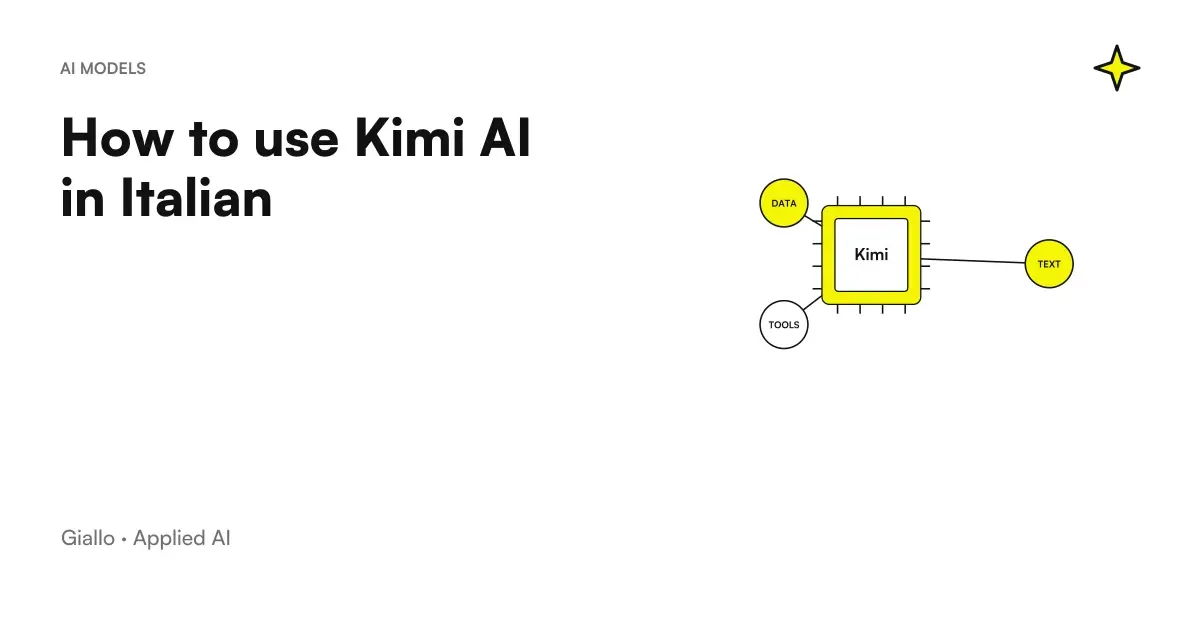
How to use Kimi AI in Italian with verifiable files and requestsHow to use Kimi AI in Italian: a practical guideUse Kimi AI in Italian: choose a task, upload files, write a verifiable prompt and check documents, spreadsheets and answers before using them.
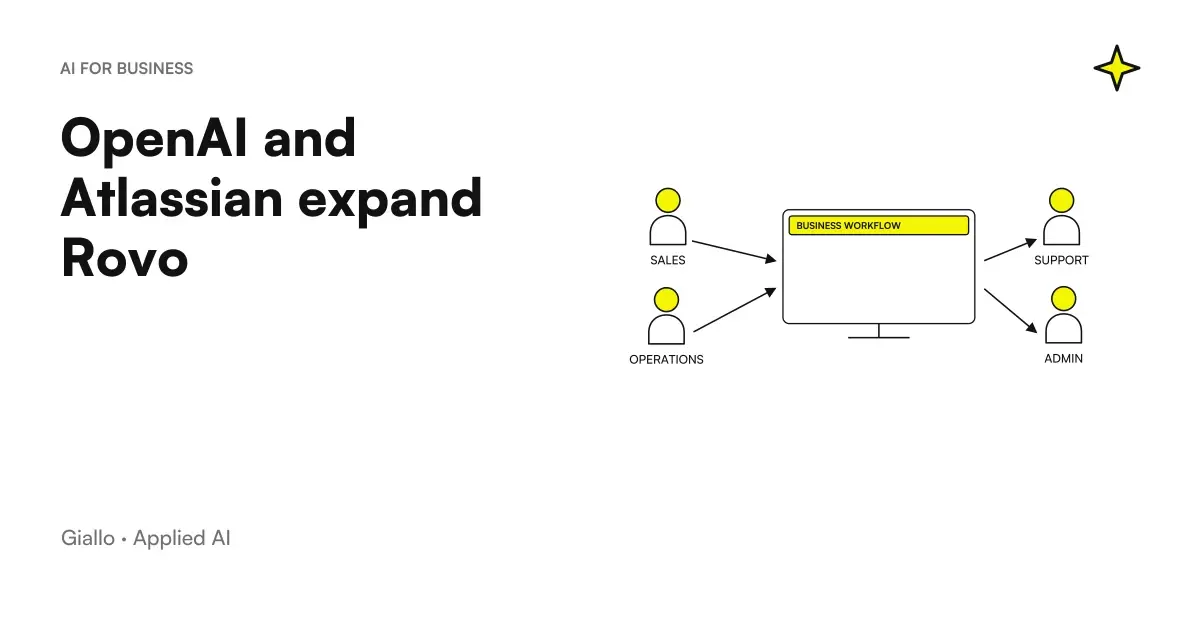
Rovo, Jira and Confluence: Confluence → Rovo → Jira → Person.OpenAI and Atlassian expand Rovo: Jira and Confluence in working with AIRovo OpenAI expands work with Jira and Confluence. Connect context, permissions and tasks while distinguishing announcements from available features.
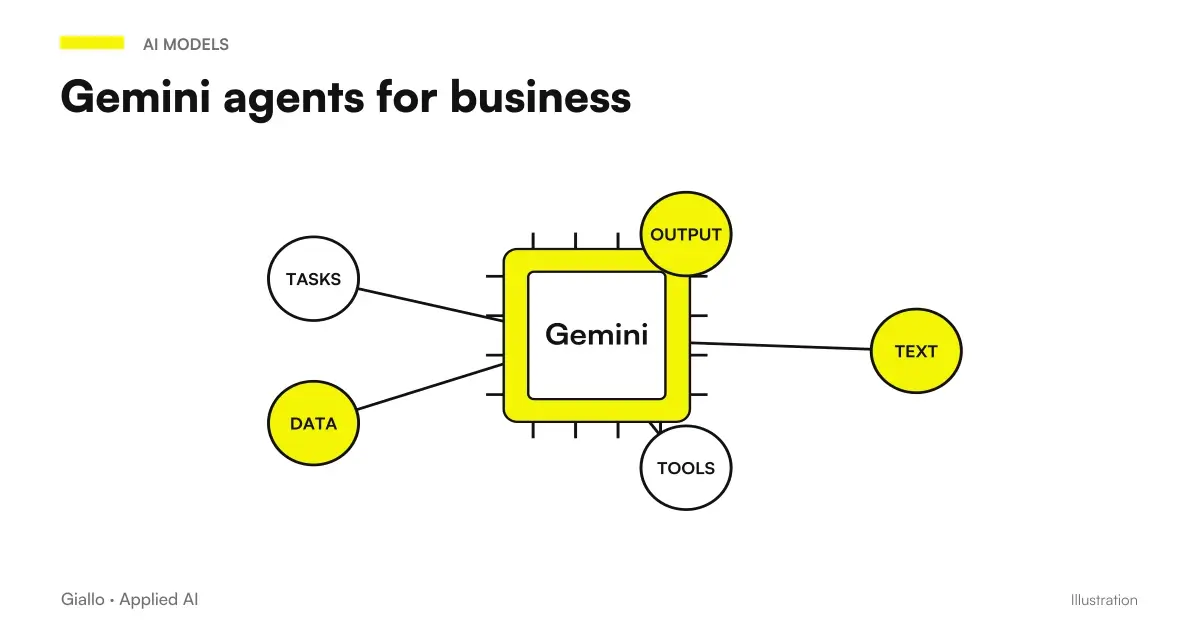
Gemini Agent at work: Context → Agent → Governance.Gemini agent for companies: what Google announced and what to check before using itGemini agent for business: capabilities announced by Google, access and tool controls, and what to check about pricing and availability in Italy.
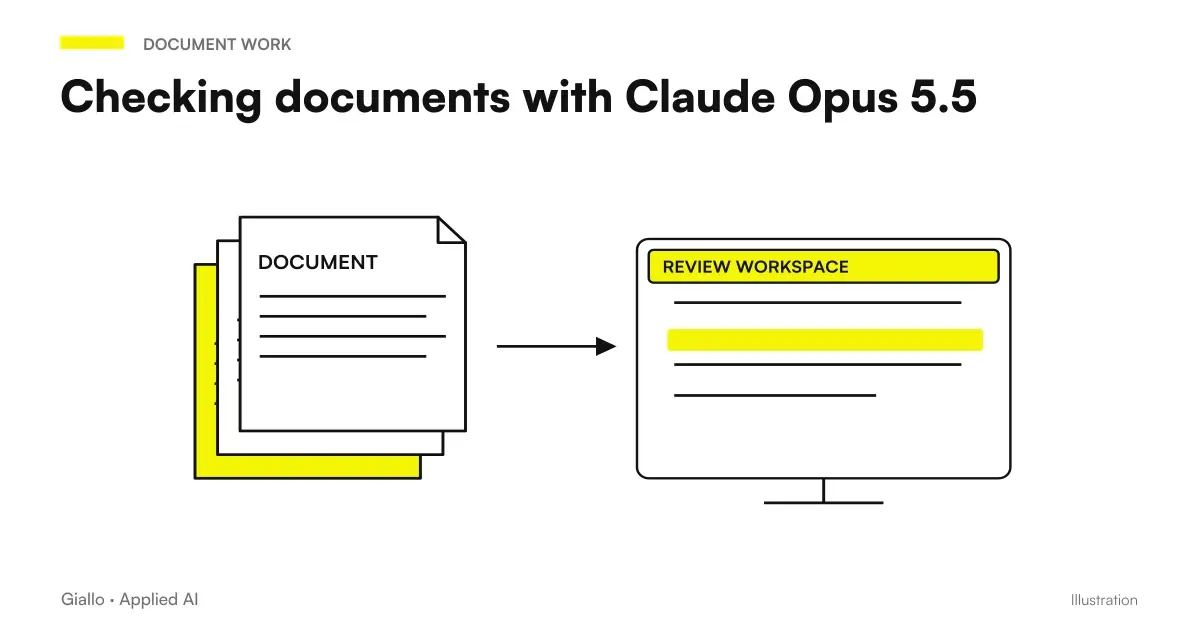
Getting Claude Opus 5.5 to check a document: contradictions, dates and numbersReview documents with Claude Opus 5.5: inconsistencies, dates and numbersReview quotes, contracts and presentations with Claude Opus 5.5: a prompt for inconsistencies in numbers, dates and names, and its limitations.
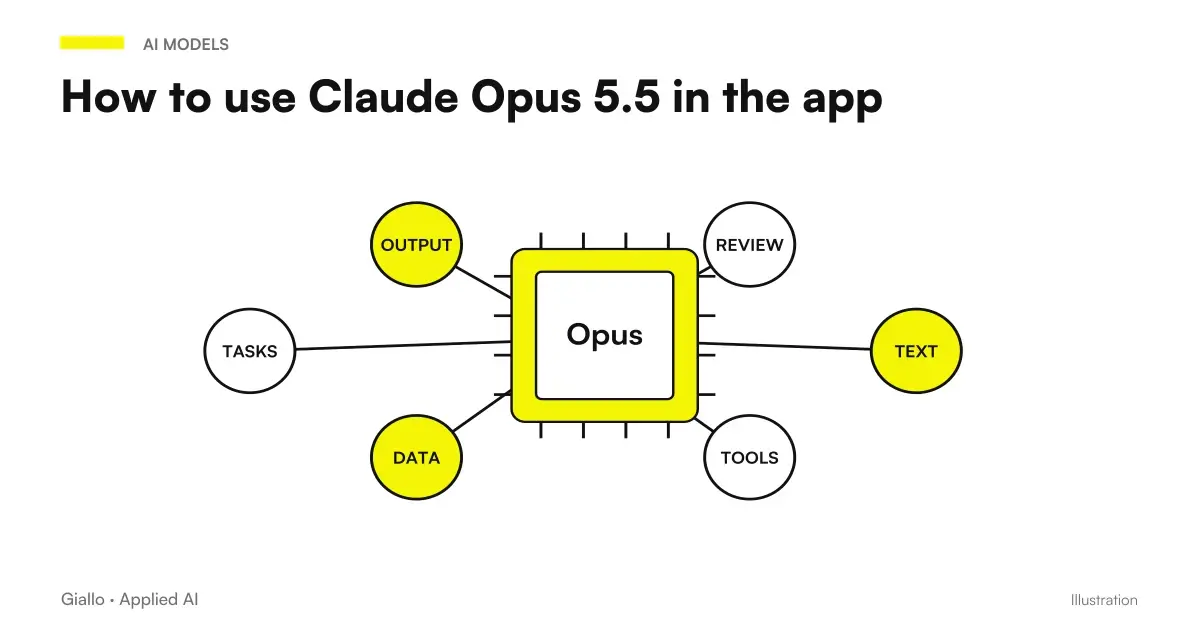
How to use Claude Opus 5.5 in the Claude app: images, documents and filesHow to use Claude Opus 5.5 in the app: images, long documents, finished filesUse Claude Opus 5.5 in the app: attach images, review long documents, request finished files and manage extended projects, with practical prompts.
Chatbot for corporate website: AI chat widget that answers FAQs, qualifies a lead and book a callBusiness website chatbots: how they work and when they make senseBusiness website chatbots: FAQs, lead qualification, bookings and quotes. How they work, when to use them, costs to assess and CRM integration.
WhatsApp Chatbots for Business: Schematic of an Automatic Conversation with FAQ Answers and Sorting to an OperatorWhatsApp Chatbots for Business: How It Works and When It's BestBusiness WhatsApp chatbots: WhatsApp Business API, automatic replies, bookings, per-message costs and when they are worthwhile.
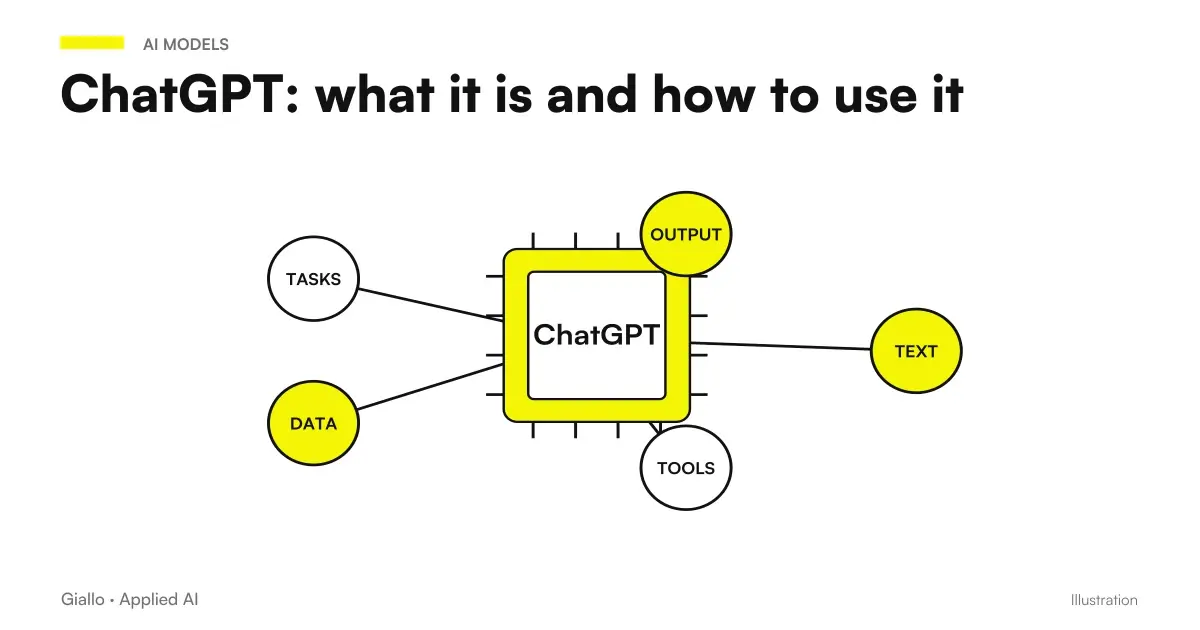
ChatGPT screen with prompt write field and generated response, example of how to use itChatGPT: what it is and how to use itWhat ChatGPT is and how to use it: accounts, interface and apps, free versus Plus, business data privacy, useful capabilities and real limitations.
Comparison of free ChatGPT and ChatGPT Plus: two-story comparison on models, limits and functionsFree ChatGPT vs ChatGPT PlusChatGPT Free vs Plus: compare models, usage limits, features and indicative pricing. Find out which plan makes sense for your needs.
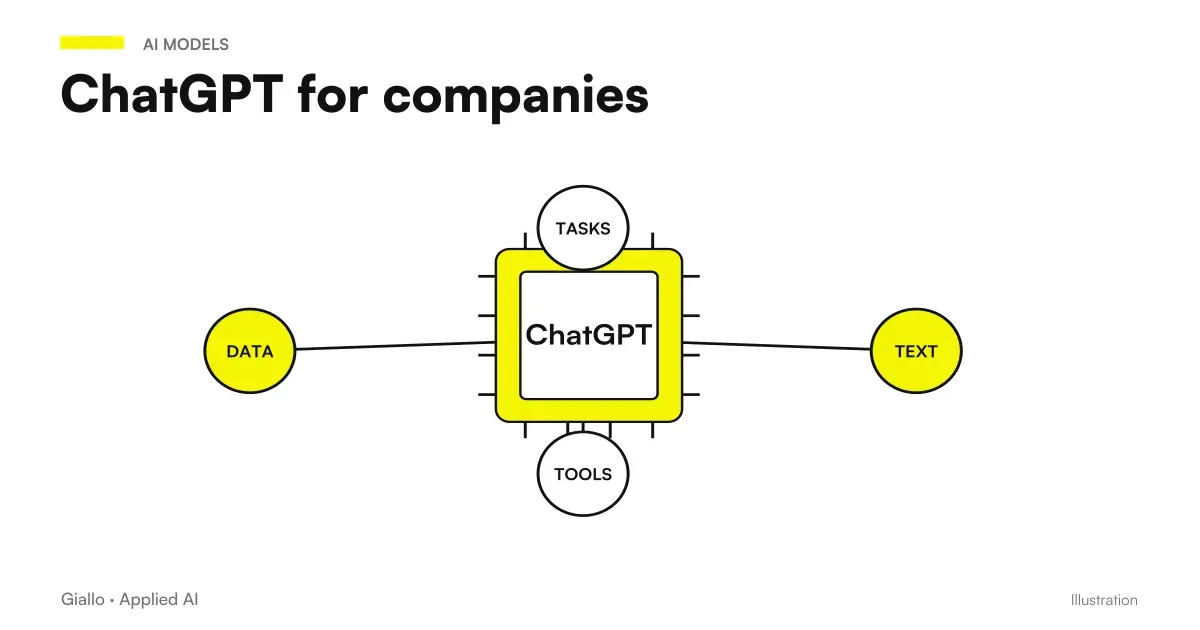
ChatGPT for business: Office usage pattern between emails, documents, and customer supportChatGPT for companiesChatGPT for business: real use cases, difference between consumer and Enterprise version, GDPR rules on data and when custom automation is needed.
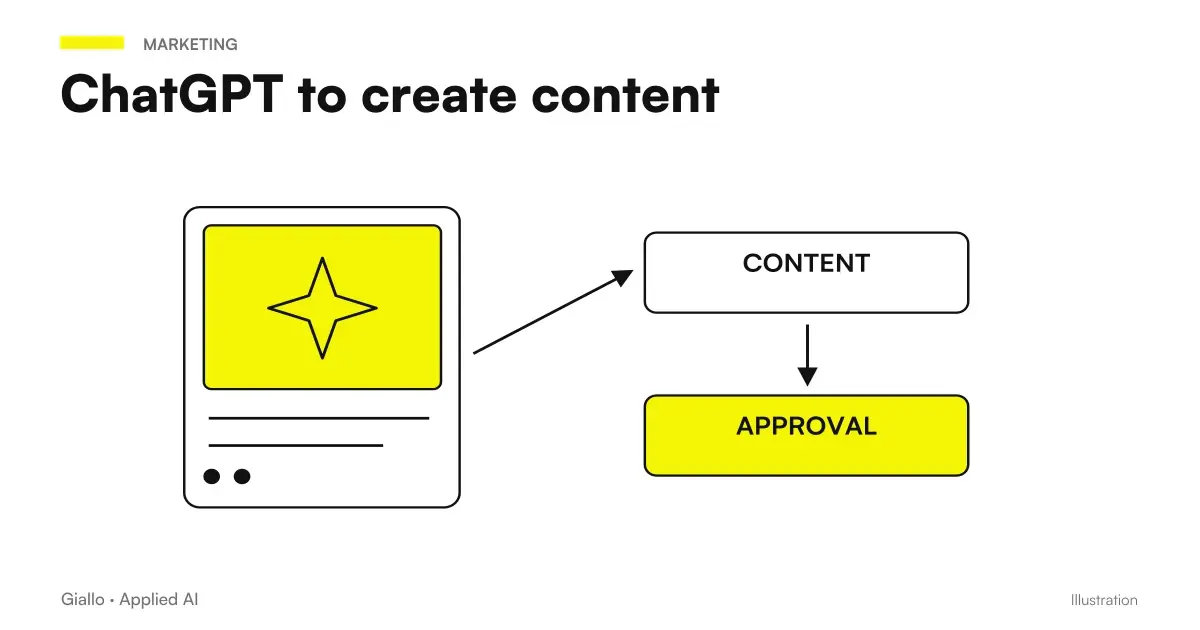
Pattern of a stream to create content with ChatGPT: brief, AI draft, human review, publicationChatGPT to create contentChatGPT for blogs, social posts, product descriptions and newsletters: ready-to-use prompts, format-specific tips and how to avoid generic content.
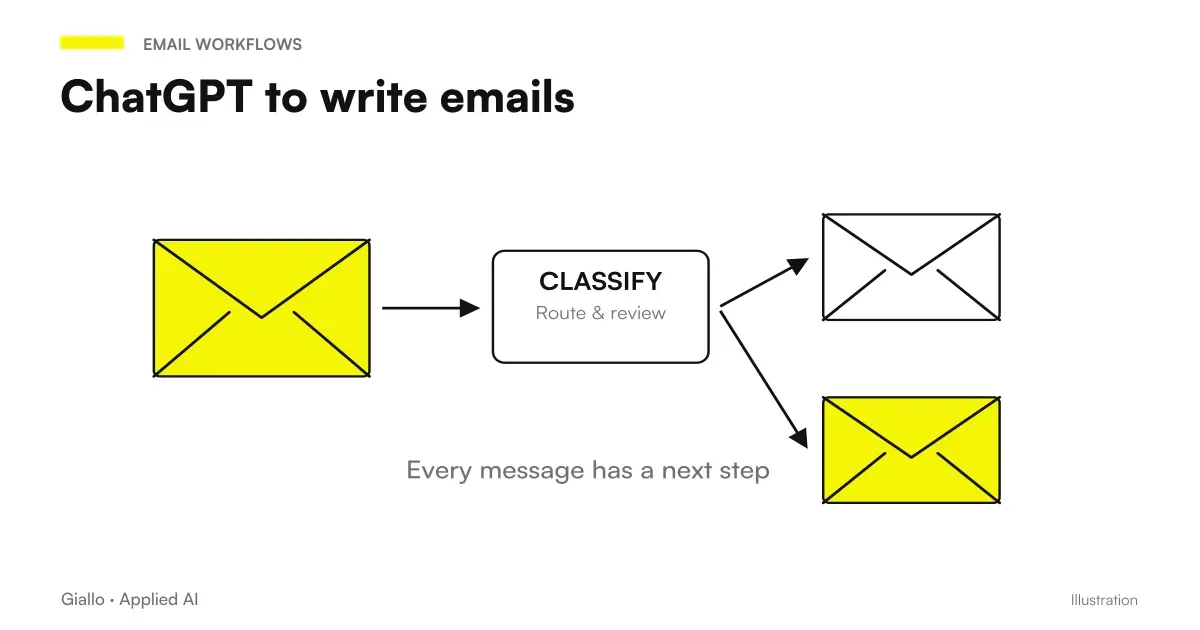
Scheme of how to use ChatGPT to write professional emails: input context, prompt, draft ready to be reviewedChatGPT to write emailsChatGPT for email: ready-to-use prompts for replies, reminders and follow-ups, a tone-and-goal table and a workflow to halve writing time.
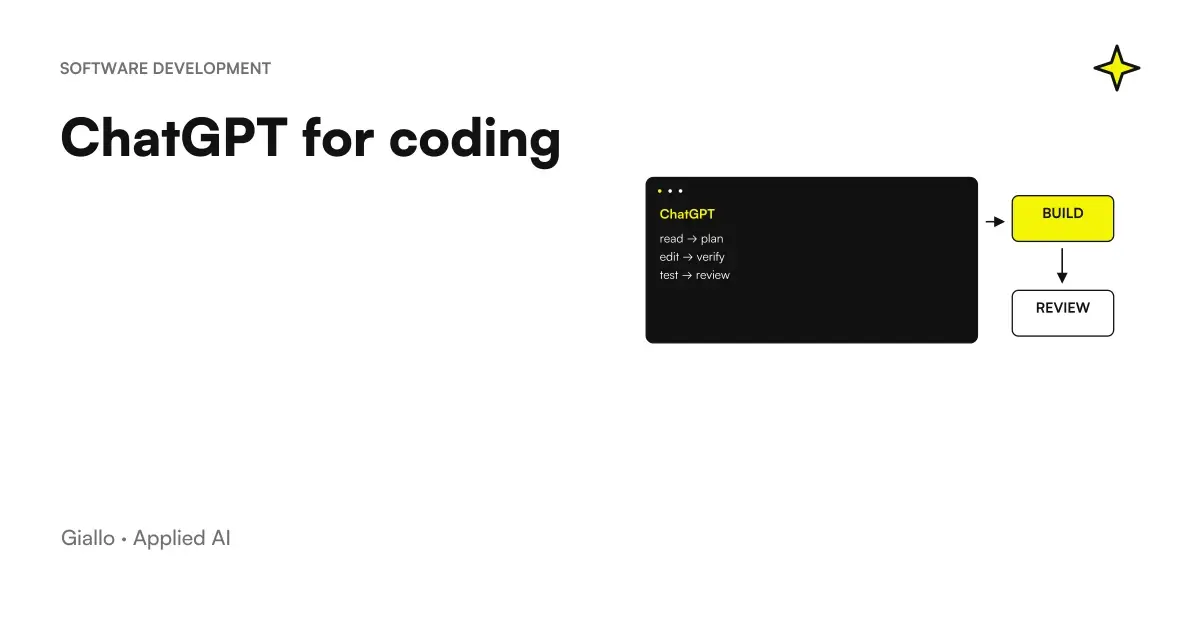
ChatGPT to program: from natural language request to generated and tested codeChatGPT for codingUse ChatGPT for coding: prototypes, scripts, debugging and code explanations. Explore its strengths, limits and the tests needed before using output.
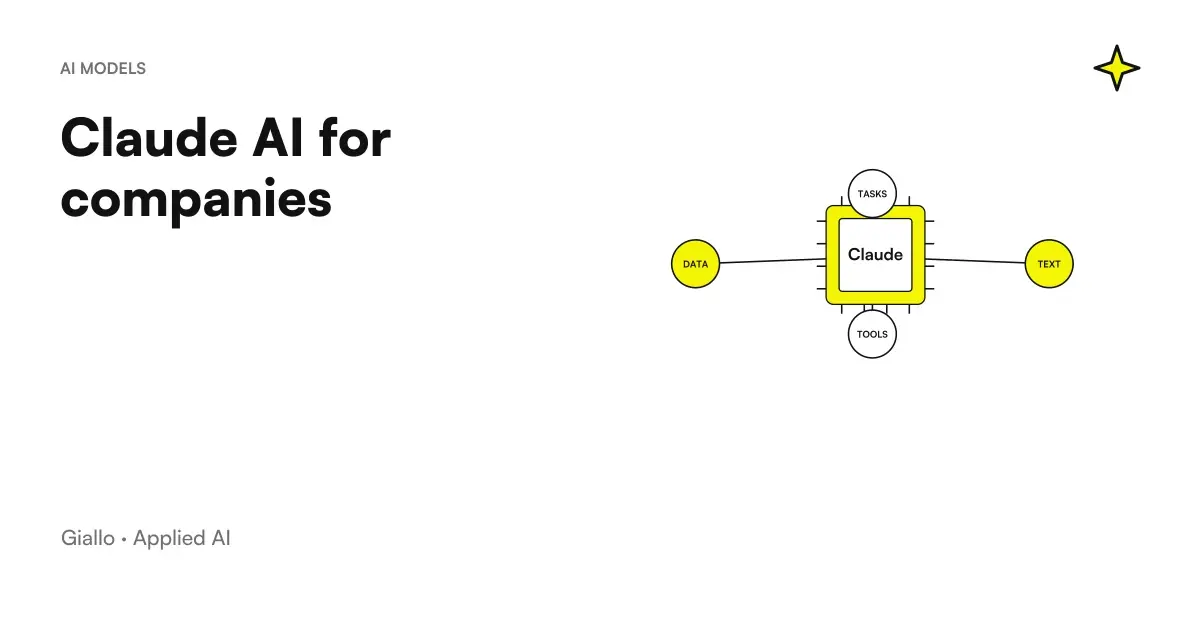
Claude AI for companies: documents, writing, code and data analysis in a single assistant for workClaude AI for companiesClaude for business: real uses for documents, writing, code and analysis, Team and Enterprise plans, data privacy and API integration into business processes.
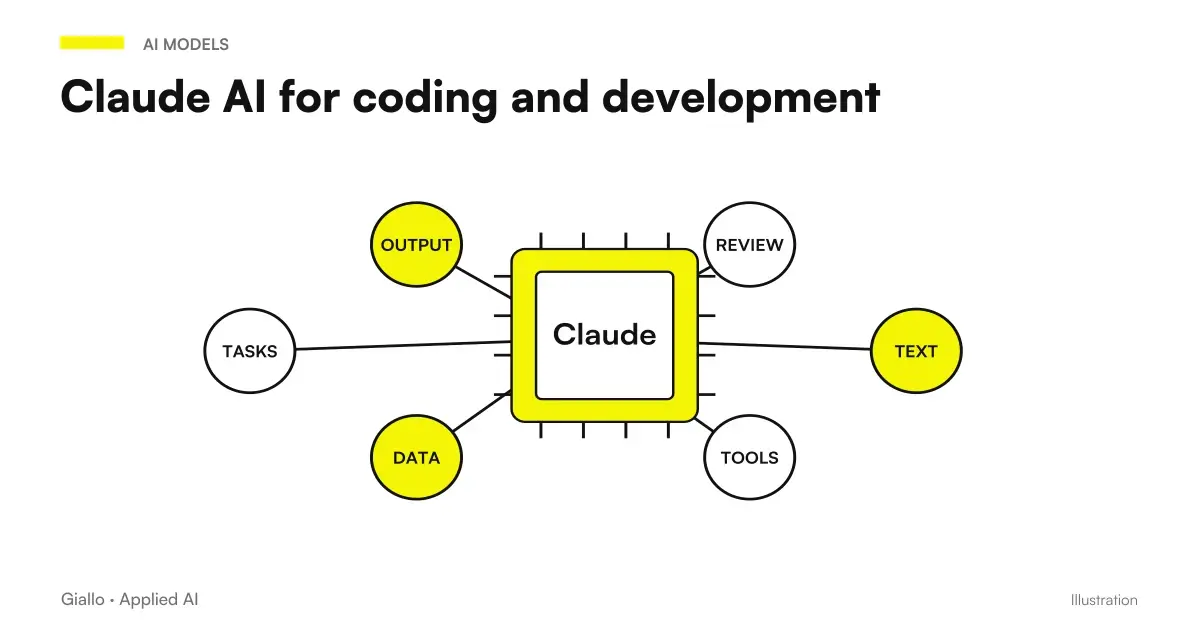
Claude AI used to write and revise code: editor, tips and human reviewClaude AI for code and developmentClaude for coding: refactoring, debugging, tests and documentation in large codebases. Comparison with ChatGPT, limitations and real business uses.
Anthropic's Claude AI scheme: long input document, model, written and structured responseClaude AI: what it is and when to use itClaude AI by Anthropic: strengths in long documents, writing and code, comparison with ChatGPT and Gemini, privacy and limitations.
Gemini for companies: usage pattern inside Google Workspace between Gmail, Documents, Sheets and DrivesGemini for CompaniesGemini for businesses: Google Workspace, privacy, business licences, APIs and Vertex AI. Learn how to integrate AI and when custom software is needed.
Gemini for Google Workspace at work inside Gmail, Docs and Google Sheets on corporate screenGemini for Google WorkspaceGemini for Google Workspace: Gmail, Docs, Sheets, Slides and Meet features, included plans and business data handling. A practical SME guide.
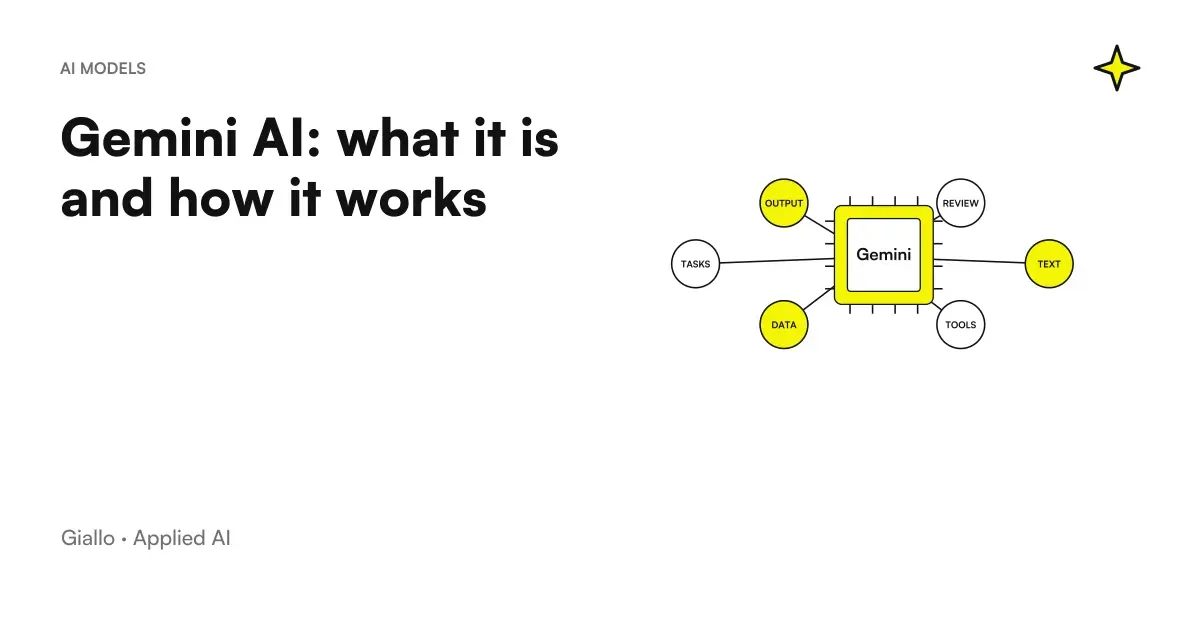
Google's Gemini AI built into Gmail, Documents, and Google Workspace SheetsGemini AI: what it is and how it worksWhat Google's Gemini AI is and how it works: multimodality, Google Workspace integration, when to use it, privacy and real business limitations.
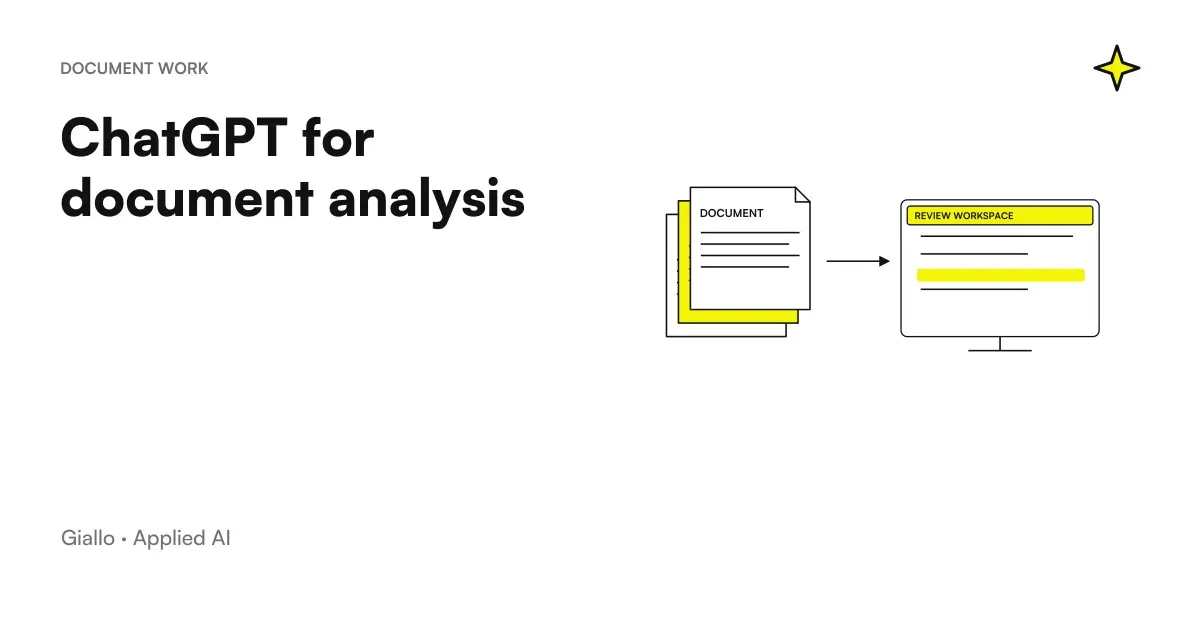
ChatGPT for documents: a uploaded PDF that is summarized and interrogated with questions in natural languageChatGPT for document analysisHow to use ChatGPT to analyze documents: upload PDF, Word and Excel, summarize, extract data and ask questions. With limits and privacy explained.
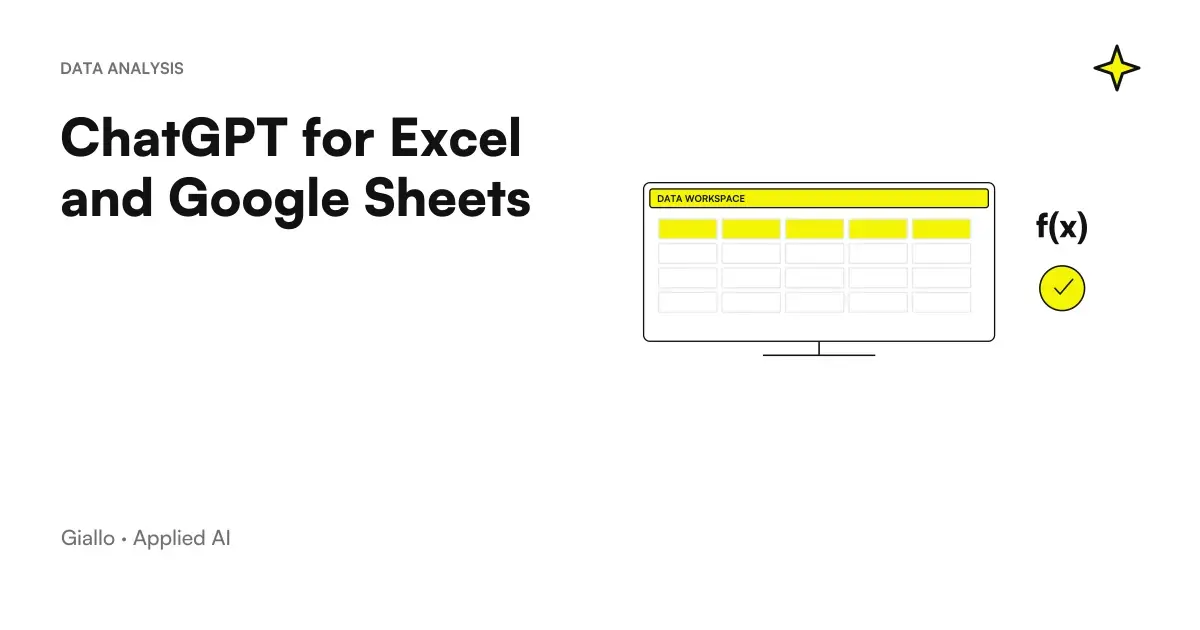
ChatGPT for Excel and Google Sheets: a formula written by AI next to a spreadsheetChatGPT for Excel and Google SheetsHow to use ChatGPT for Excel and Google Sheets: create and explain formulas, clean data and generate macros. Ready-to-use prompts and mistakes to avoid.
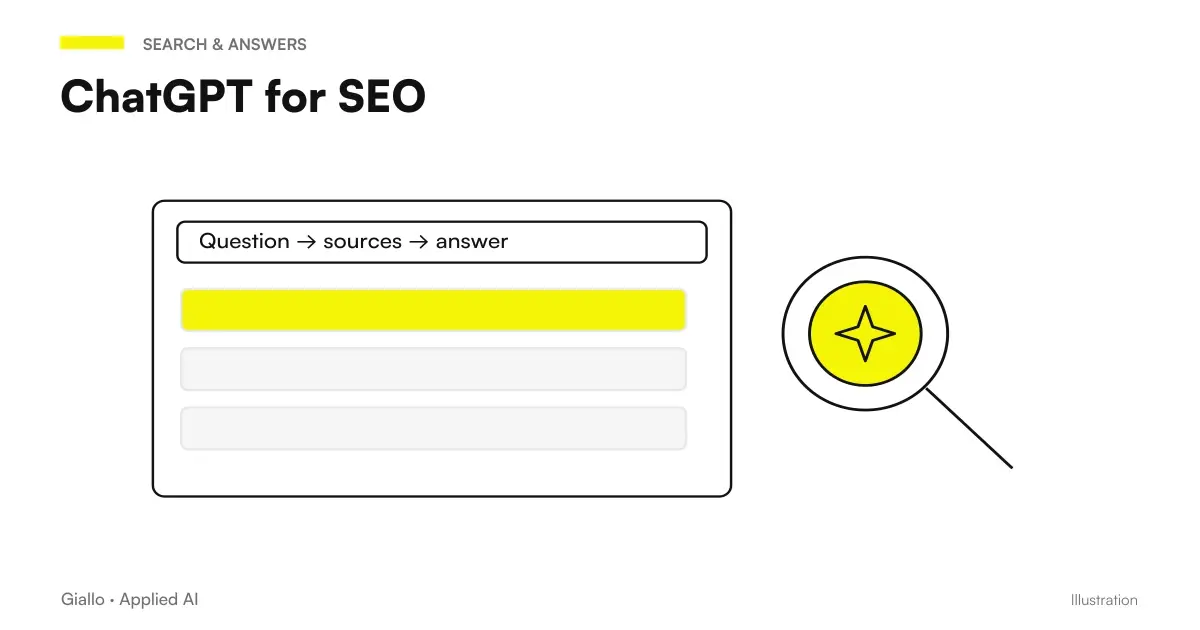
Workflow to use ChatGPT for SEO: from keyword search to brief, title and meta descriptionChatGPT for SEOHow to use ChatGPT for SEO: keyword research, topic clusters, briefs, titles, metadata and FAQs. Strengths, tasks it cannot replace and mistakes to avoid.
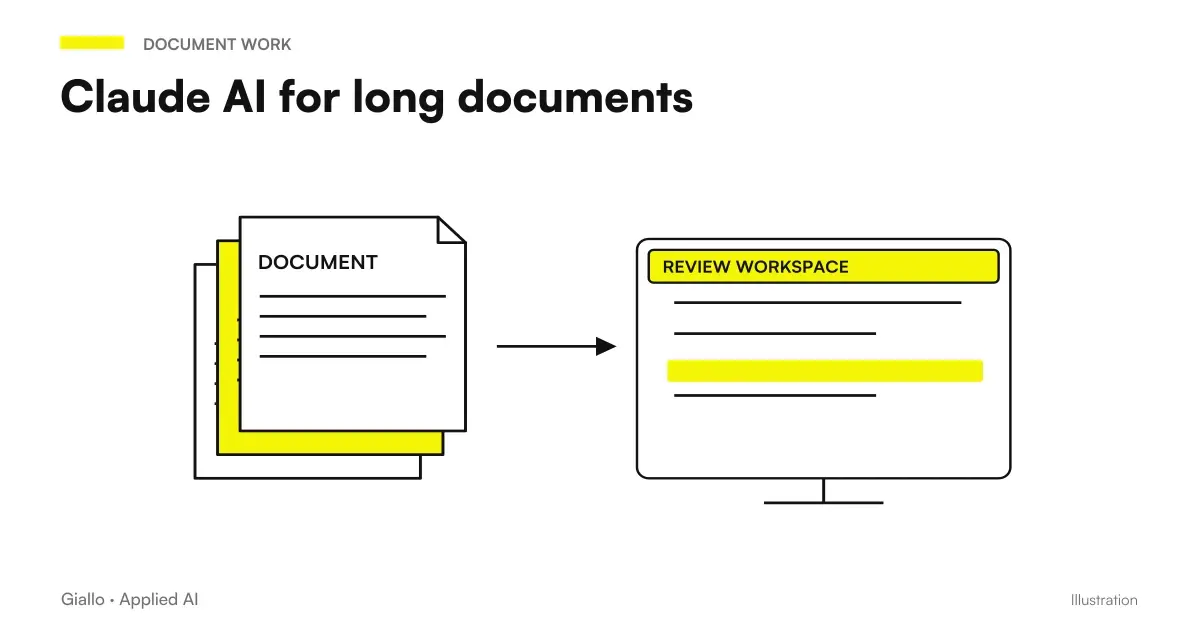
Claude AI analyzing a long document: contract and report with highlighted source quotesClaude AI for long documentsClaude for long documents: use its large context window with contracts, manuals and reports, source citations and human review.
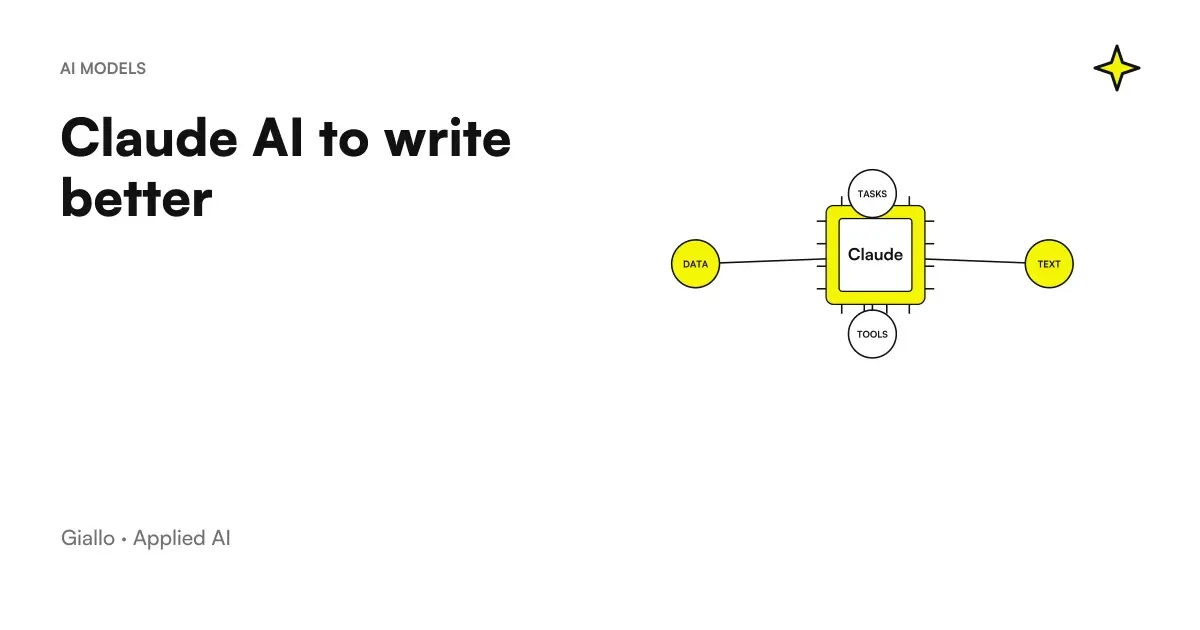
Claude's usage scheme for better writing: draft, tone editing, and rewriting a textClaude AI to write betterHow to write better with Claude: tone, editing, rewriting, structure and summaries. Prompting best practices and an honest comparison with ChatGPT.
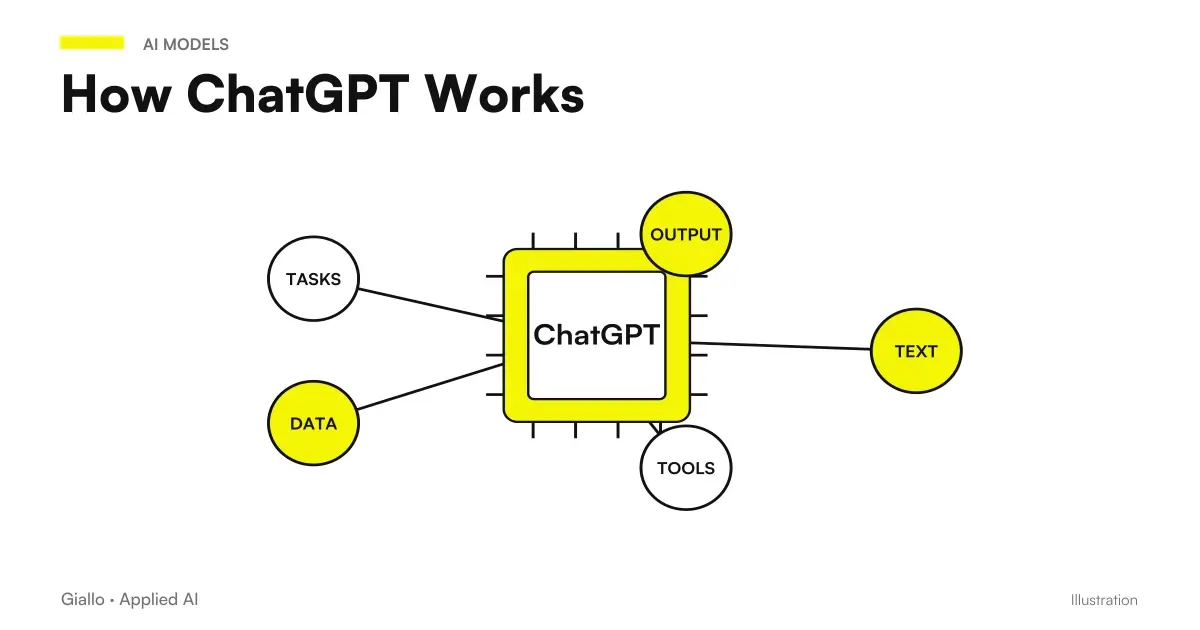
Scheme of how ChatGPT works: from the prompt to the prediction of the next token until the generated responseHow ChatGPT WorksHow ChatGPT works, explained simply: token prediction, training, RLHF, the context window, real limitations and effective business use.
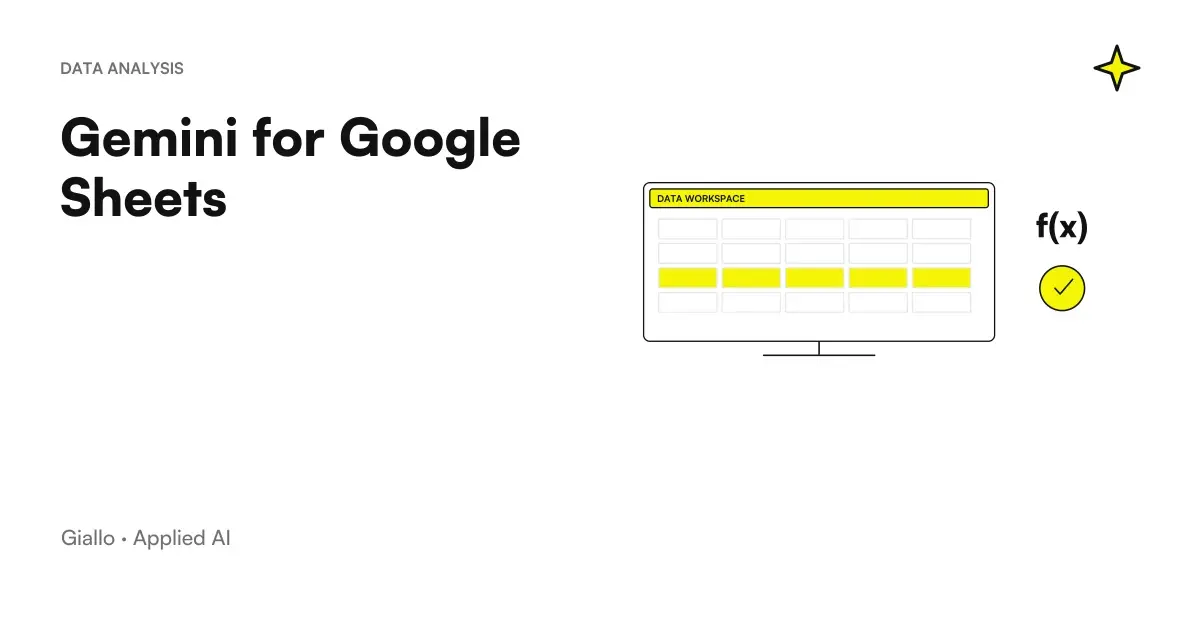
Gemini for Google Sheets: Side AI panel that generates a formula and table in a spreadsheetGemini for Google SheetsUse Gemini in Google Sheets to generate formulas, create tables, clean and categorise data, and run analyses. Example prompts and mistakes to avoid.
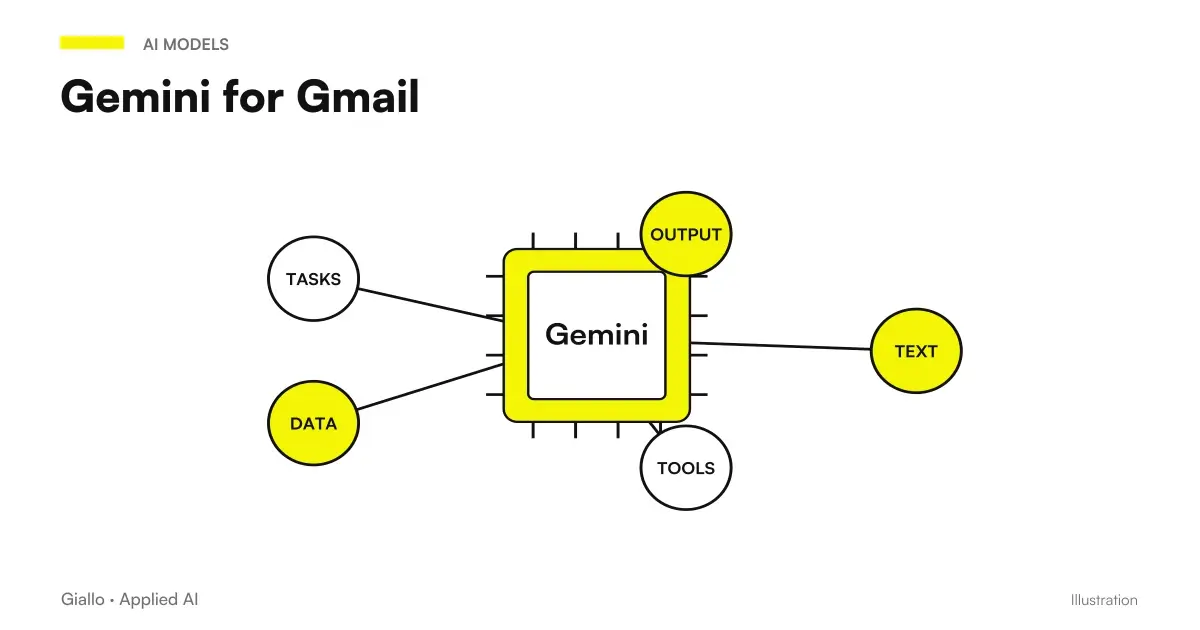
Gmail box with Gemini panel suggesting a draft of emailsGemini for GmailGemini for Gmail: write replies, summarise threads, adjust tone and search your inbox. A practical guide with prompts and examples.

The other categories