
WhatsApp Chatbots for Business: How It Works and When It's Best
Business WhatsApp chatbots: WhatsApp Business API, automatic replies, bookings, per-message costs and when they are worthwhile.
Reading time: 9 min
A WhatsApp chatbots for businesses is an automatic assistant that responds to customer messages on the company's WhatsApp number: it handles frequently asked questions, takes bookings or orders, gives information about schedules and availability and passes the conversation to a person when the case is too complex. It works over the WhatsApp Business API of Meta and, in the most evolved versions, uses the AI to understand natural language instead of following a rigid menu.
The real question is not "can be asked" si you can — but when it's really convenient. It is convenient when you receive so many repetitive messages, when customers write out of hours, when you lose requests because no one responds on time. Not It's convenient when volumes are low, when each request is different and negotiated, or when you don't have clear processes to automate: in those cases a chatbot adds complexity without paying back.
In this guide we see how a business WhatsApp chatbot works step by step, what it takes to activate it, how much it costs (without inventing figures), the concrete examples for shop, restaurant, studio and e-commerce, and the mistakes that make these projects fail.
In summary
- A Corporate WhatsApp Chatbots automatically responds to FAQs, reservations and orders, and sorts to a person complex cases.
- Serves the WhatsApp Business API (Meta's Cloud API), not just the free app: the API enables automation and linking to your systems.
- Meta charges to delivered message, with rates varying by country and category; from 1 October 2026 the first 1,000 service messages per month per number are free: always check the updated Meta price list.
- A AI Chatbots understands natural language; a base responder follows only a fixed menu of options.
- Agrees with high volumes of repetitive messages and requests out of hours; not convenient with low volumes or requests all different.
- Conversations contain personal data: information, legal basis and attention to the GDPR must be set from the beginning.
How a WhatsApp Chatbot Works for Businesses
The basic mechanism is simple: a customer writes to the company's WhatsApp number, the message comes to a software connected via the WhatsApp Business API, the chatbot interprets the request and responds. If the request falls within what it can handle, it closes the conversation on its own; if not, the switch to an operator with all the historian ready.
The difference between a chatbot that works and one that frustrates customers lies in four concrete capabilities.
- Automatic answers to FAQs. Timetables, address, how you arrive, delivery times, return policy, base price list. These are the questions that are repeated every day and that a bot handles better than a tired operator.
- Reservations and orders. The chatbot collects the necessary data (date, number of people, product, address) and writes them in the calendar or in the management software, or generates the cart. Here integration with your systems is what makes the difference.
- Timetables and availability in real time. Connected to an agenda or a warehouse, the bot replies "yes, that table is free" or "that product is sold out, it arrives Thursday" without making anyone wait.
- Handing complex cases over to a person. Complaints, negotiations, ambiguous or delicate requests are passed to an operator. A good chatbot knows when to stop and this is the most underrated function.
In simpler versions the chatbot follows a tree of handwritten rules. In versions AI uses a linguistic model to understand the message written freely and respond naturally —the same technology behind the Conversational Assistants. The choice between the two approaches depends on how varied the questions you receive.
What it takes to activate it: the WhatsApp Business API
Here is the most misunderstood technical point. There are three levels of WhatsApp for businesses, and only one allows a real automatic chatbot.
| Level | What Allows | Suitable for chatbots? |
|---|---|---|
| Normal WhatsApp | Manual phone chat | No |
| WhatsApp Business App (free) | Quick Answers, Absence Messages, Catalog | Minimal automations only, no integrations |
| WhatsApp Business API (Cloud API) | Automatic chatbot, multiple operators, integrations, sending notifications | Yes, that's what it takes |
For a serious business assistant you need the WhatsApp Business API, now available as Cloud API managed by Meta. It is activated through Meta itself or through an authorized provider (BSP, Business Solution Provider) and requires the Company Verification on Meta Business. The number can be new or the one you already use on the WhatsApp Business app, which connects to the Cloud API without abandoning the app (Meta, coexistence). This step is often the bottleneck of project times, more than bot programming.
How much does a company WhatsApp chatbot cost
The cost consists of two separate items, and it is important not to confuse them.
The first is the platform or development: the software that runs the chatbot. It can be a monthly subscription service or a custom-made project integrated into your systems. For an SME this is almost always the heaviest entry.
The second is the WhatsApp rate, which from 1 July 2025 Meta applies to delivered message, no longer a conversation. The price depends on the country of the recipient and the category of the message (service, utility, marketing, authentication): for Italian numbers, from 1 October 2026, 0.0248 € per service, utility and authentication and 0.0658 € for marketing (Meta’s pricing). Meta updates the price list at the beginning of the quarter: always check it before making a budget.
The correct way to estimate spending is the same as any automation: number of messages per month per category × tariff, removing the first 1,000 service per number, plus the platform fee. If the chatbot uses an AI model, add the consumption of Token of the model, which however for the text of WhatsApp is typically marginal compared to the other entries.
When it's convenient and when not
A WhatsApp chatbot is not always the right answer. Here is the practical rule.
When it makes sense
- Receive many repetitive messages: times, availability, order status, frequently asked questions.
- Customers write out of hours and today they remain unanswered until the next day.
- You lose demands because No one answers in time at peak times.
- You have processes clear and repeatable (bookings, standard orders) to be automated.
- You want more capacity without hiring other first contact personnel.
When NOT convenient
- The Volumes are low: few messages a day handles them better one person.
- Every request is different and negotiated (advice, tailored complex quotes).
- You haven't defined processes: automating chaos only produces chaos faster.
- Your value is the direct human relationship and customers would perceive it as deviant.
- You can't Guardiare the bot: without someone correcting it, mistakes accumulate.
The summary: the chatbot agrees where the job is repetitive and high volume, and should be avoided where each contact is unique and low volume. In the middle, you start small — only FAQ and sorting — and expand only if the numbers justify it.
Practical examples
Four realistic scenarios of Italian activities. Estimates are declared as estimates, not as guarantees.
1. Shop with physical showcase. The store gets dozens of messages a day like "Are you open?", "Do you have size M?", "How much does this cost?". The chatbot responds to times and availability by connecting to the warehouse management software, and for specific requests passes the word to the clerk. Estimate: most of the incoming messages close without human intervention, and the staff in the store is no longer interrupted by the phone.
2. Restaurant — reservations. Customers book via WhatsApp at all hours. The chatbot asks for date, time and number of covers, checks availability on the calendar and confirms or proposes alternatives. Special requests (allergies, events, large tables) go to the operator. Estimate: late-hour evening bookings stop being lost.
3. Professional study — dating filter. A study (commercialist, doctor, lawyer) uses the chatbot to respond to "what documents do you need?", "where are you?", "can I move the appointment?" and to collect first contact requests. Cases requiring professional judgment are passed on to a person. It is the same principle as the AI applied to customer care: the bot acts as a filter, the human decides.
4. E-commerce — order status and returns. The online store receives avalanches of "where's my package?" and "how do I return?". Connected to the orders system, the chatbot gives the status of the shipment in real time and initiates the return procedure, reserving only the abnormal cases to the operator. Estimate: a significant share of after-sales support tickets is resolved automatically, around the clock.
In all cases the principle is the same: the bot handles the repetitive, the human handles the exception. This type of flow is exactly what you design with a work of process automation.
Mistakes to Avoid
- Using the free app instead of the API. Anyone who tries to build a serious chatbot on the free WhatsApp Business app soon clashes with limits (no integrations or assistant connected to your data) or, worse, uses unofficial tools that do blocking the number from Meta. For a real project you need the WhatsApp Business API.
- Hiding that it is a bot and never offer a human. A chatbot that runs in circles without ever switching to a person does more damage than benefits. "talk to an operator" clear and quick, otherwise customers get angry.
- Automating chaos. If the booking or assistance process is confusing already today, the chatbot will only make it faster to make mistakes. First you put order in the process, then you automate.
- Ignoring privacy. Conversations contain personal data. Starting without disclosure, legal basis, and retention rules means building a GDPR problem that will present the account later.
- Leave him without presidium. An AI chatbot is not "install and forget". It should be monitored: you watch the conversations gone wrong, you correct the answers, you update the FAQ. Without this work the quality drops quickly.
How to apply it in the company
Putting up a WhatsApp chatbot that works follows an orderly path, not a stroke of genius.
- Count the messages you receive and rank them: how many are repetitive FAQs, how many really require a person.
- Start the case at higher volume and more repetitive (usually times, availability, order status).
- Activate the WhatsApp Business API with company verification on Meta, a new number or what you already use.
- Define from the beginning the point of passage to the operator: when and how the bot gives up the conversation.
- Set privacy policy and data retention rules before going live.
- Go into production in small, size, correct the wrong answers, then expand.
The jump in quality comes when the chatbot is no longer an isolated responder but a piece of a larger system, connected to management software, calendar and e-commerce. At that point it stops being a simple bot and becomes a real Business Assistant — a theme that touches closely on the AI agents, which act on the systems instead of just responding. If you are not clear the difference between the various forms, the guide on assistant, chatbot and agent Makes order.
This design work —choose what to automate, where to get the human to intervene, how to integrate systems —is exactly the field of a consulting of automation of business processes.
Conclusion
A WhatsApp chatbots for businesses it is convenient when you handle many repetitive messages and want to respond quickly even after hours, and should be avoided when the volumes are low or every request is a case in itself. There are three golden rules: serve the WhatsApp Business API (not the free app), Meta costs are to message, with the first 1,000 service messages free each month, and they must be checked against the updated official price list, and the bot must always know how to hand the conversation over to a person. Small start on the FAQ and expanded only where the numbers justify it, becomes a filter that frees the team from the repetitive. From here you can continue with the WhatsApp Business Automation and with the AI for customer care to see the full picture.
Do you want to understand what processes in your company can be automated with AI? Giallo Studio can help you turn WhatsApp messages into a real stream, built into your systems — write to us and let's start with your concrete case.
Giallo Studio guides: methodology and sources
How we apply it in the company
Related resources
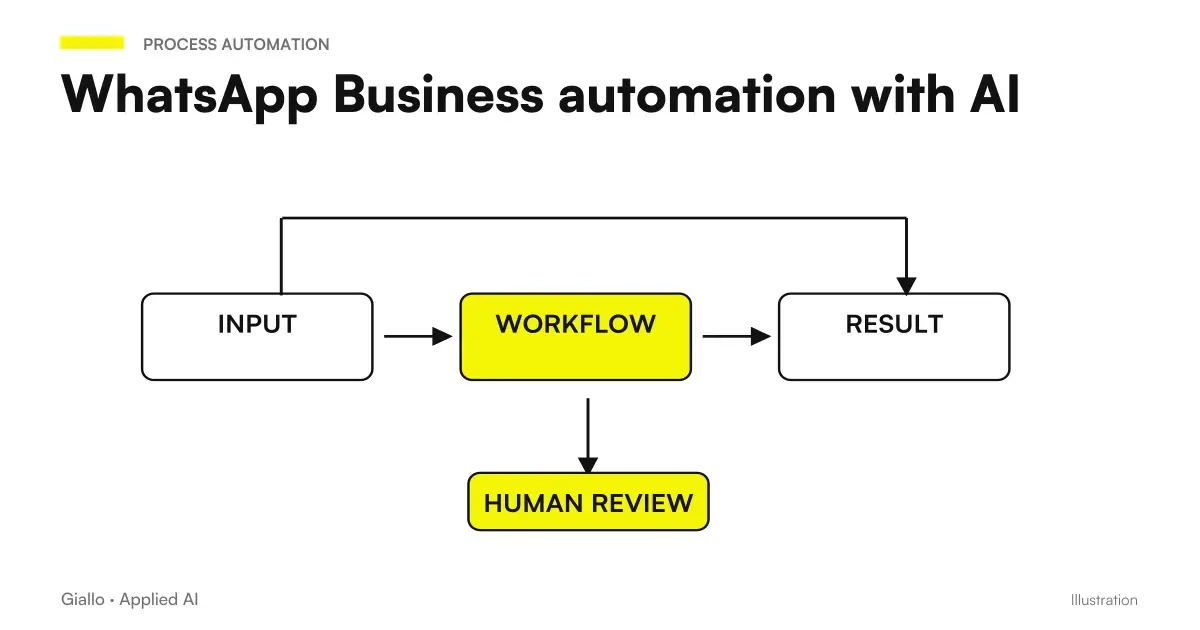 AI WhatsApp Business automation: replies without touching your phone
 AI Chatbots: What They Are and How They Work
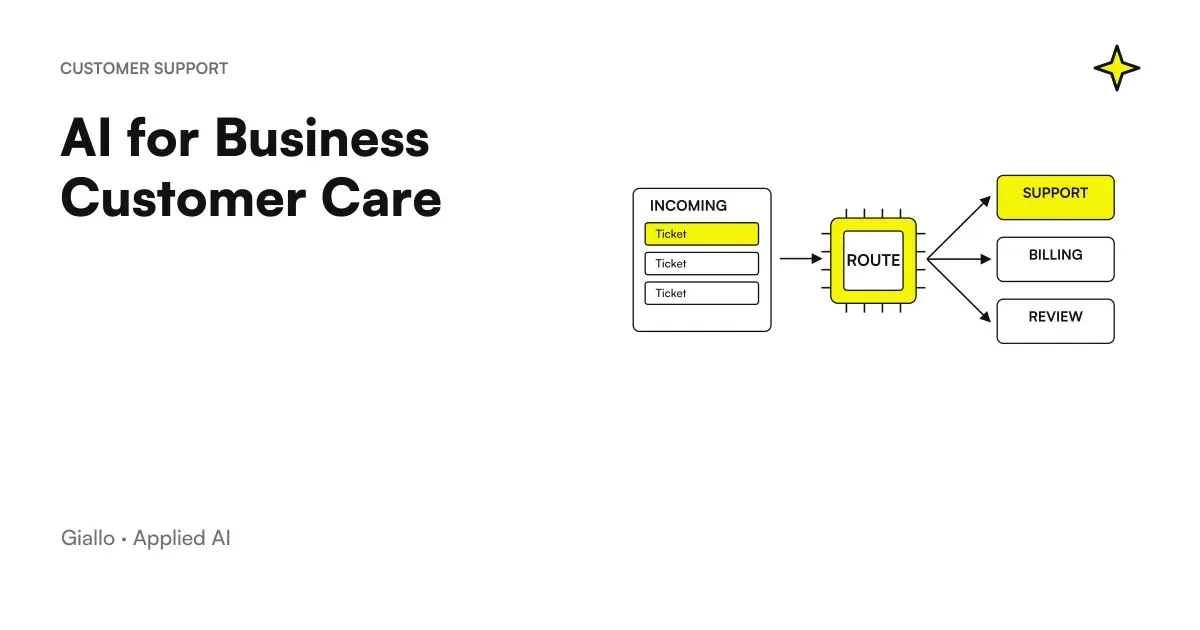 AI for Business Customer Care: How It Really Works
 AI agents: what they are and how they work
 AI assistant: difference between assistant, chatbot and agent
 WhatsApp agent for short-term rentals: the full case study
 How much does an AI chatbot cost for companies
 Voice AI for companies: what it is and when it is needed
FAQ
How much does a WhatsApp chatbot cost for businesses?
There are two parts to the cost. The first is the platform or chatbot development (a monthly subscription or a custom project). The second is WhatsApp's fee: Meta charges for each delivered message, with different prices by country and category (service, utility, marketing and authentication). In Italy, from 1 October 2026, the first 1,000 service messages per month per number are free, after which they cost €0.0248; utility templates cost €0.0248 and marketing templates €0.0658. Meta updates its price list at the beginning of each quarter: check it before setting a budget. For an SME, the platform is usually the largest cost component, rather than messages.
Do you need the WhatsApp Business API?
Yes, for a reliable automatic chatbot you need the WhatsApp Business API (now Meta's Cloud API), not just the free WhatsApp Business app. The free app has quick answers and absence messages, but does not allow a real automatic assistant connected to your systems. The API is activated via Meta or an authorized provider (BSP) and requires verification of the company; the number can be new or the one you already use on the app, which connects to the Cloud API without abandoning the app.
What is the difference between an AI chatbot and a basic auto responder?
A basic responder follows a fixed menu tree: “press 1 for opening hours, 2 for assistance”. It understands only the predefined options. An AI chatbot understands natural language, answers freely written questions, follows the thread of the conversation, and knows when to hand over to a person. The first is rigid but predictable; the second is flexible but needs instruction and supervision to avoid errors.
Is a WhatsApp chatbot compliant with privacy and the GDPR?
It can be, but compliance is not automatic. Conversations contain personal data, so you need a privacy notice, a legal basis for processing, and care over where data ends up (the platform and any AI model used). If the chatbot handles orders, bookings, or sensitive requests, retention, access, and data processors must be defined. It is better to consider the GDPR from the outset rather than chase compliance later.
Does a WhatsApp chatbot replace operators?
No, and that is not the goal. A good chatbot filters repetitive requests (opening hours, availability, order status, FAQs) and leaves operators the cases that require judgement, empathy, or decisions. The typical effect is that the team handles the same volume with less stress, or more volume without hiring. Routing complex cases to a person is a feature, rather than a fallback.
How long does it take to set up a business WhatsApp chatbot?
It depends on the complexity. A chatbot that answers FAQs and takes a contact request can be active within a few weeks, once the WhatsApp Business API has been approved. If it needs to connect to business management software, a booking calendar, or an e-commerce system, it takes longer because integration and testing are needed. The slow part is almost never the bot itself, but API access and integrations with your systems.