
ChatGPT for coding
Use ChatGPT for coding: prototypes, scripts, debugging and code explanations. Explore its strengths, limits and the tests needed before using output.
Reading time: 11 min
Use ChatGPT for coding it means getting help to write, understand and correct code starting from requests in natural language: "write me a script that renames these files", "why does this function give error?", "explain me what this code does". It is one of the most powerful uses of the tool, both for those who develop by trade and for those who have never written a line of code but want to automate a task.
The essential thing to understand right away is this: ChatGPT generates plausible code, not guaranteed code. It produces what statistically "looks like" a correct solution, based on huge amounts of code seen in training. It often works; sometimes it invents functions that don't exist, mistakes logic or introduces security problems — all in the same safe tone. That's why the golden rule is only one: no code generated goes into production without being read, tested and executed.
In this guide we see what ChatGPT really does well when you program, where it goes wrong, how to use it safely and when you need to stop and build real software instead.
In summary
- ChatGPT for coding helps to write scripts, prototypes, queries and to debug from requests in Italian: useful for both developers and non-technical.
- Generate Code plausible but not tested: can invent functions, err logically or introduce vulnerabilities with a safe tone.
- Its real strong points are rapid prototypes, code explanation and debugging; its limits are security, context of large projects and unverified correctness.
- Non-negotiable rule: each output must be read, run and tested before trusting them, especially on real data.
- For scripts and prototypes ChatGPT is enough; when you need a reliable and maintainable software, the right tool is the real development, not the chatbot.
What ChatGPT can do when you program
ChatGPT is a language model (a LLM) also trained on huge amounts of code. This allows him to translate a natural language request into lines of code in dozens of languages: Python, JavaScript, SQL, Bash, HTML, and many more. It does not "execute" or "understand" the program as a compiler: it predicts the most likely code sequence given your request.
In practice, here are the tasks where it is most solid:
- Writing small scripts and functions: automate a repetitive task (rename files, clean a CSV, send emails).
- Explain existing code: Paste a function and ask "what does it do, line by line".
- Debug: given an error and the code, propose the probable cause and a correction.
- Translate between languages: convert a script from one language to another, or adapt a syntax.
- Write Queries and Formulas: SQL, Excel/Google Sheets formulas, regular expressions.
- Generate prototype drafts: a first raw version of a page, API or script to be finished.
The common thread is that ChatGPT excels at low-risk and delimited tasks, where you can immediately check if the output is working. The greater the task, the more ambiguous or critical, the more the advantage thins and the need for human control grows. To get better results it matters a lot how you formulate the request: the guide on prompt engineering explains how to write instructions that reduce errors.
For those who program and for those who do not program
It is worth distinguishing the two profiles, because they use ChatGPT differently.
For Who Develops a Craft, ChatGPT is an accelerator: it writes the boring boilerplate, remembers a syntax that you don't use often, proposes an alternative approach, acts as a rubber duck in debugging. The programmer can read the output, recognize when it is wrong and integrate it. The risk is laziness: accepting code that "seems right" without testing it.
For Who doesn't program (an entrepreneur, a manager, a professional), ChatGPT lowers the barrier: you can create a script that saves you an hour a day without hiring a developer. But there is a serious blind spot — without bases it is difficult to tell whether the output is correct or dangerous. For small personal automatisms is fine; for something that touches customer data, money or business systems, you need someone who can validate.
Where ChatGPT is Wrong (and Why)
Understanding the limits is not to discourage use, but to use it well. Errors are not random: they derive from how the model works.
The three most frequent problems to keep in mind:
- Functions and libraries invented. ChatGPT can cite methods, parameters or packages that do not exist (it is a form of AI Hallucination), because they sound plausible. The code seems fair but it doesn't run.
- Subtly wrong logic. The code compiles and runs, but does something slightly different from what you wanted: an unhandled edge case, a
<instead of<=, an incorrect order of operations. They are the most insidious errors because they pass a superficial check. - Security issues. Having also learned from insecure code present online, ChatGPT can propose vulnerable patterns: queries built by concatenating user input (SQL injection), API keys written directly into the code, missing validation, too wide permissions. On code exposed to users or real data this is the most serious risk.
To these is added the context limit: ChatGPT works well on single files and functions, but struggles to keep the entire architecture of a large project in mind. Without seeing all the code connected, it proposes changes that work "in isolation" but break something else.
ChatGPT or Claude for programming?
They are the two most used tools for writing code via chat, and it is a legitimate question. Neither is "the best" ever: it depends on the task. In general, Claude tends to be preferred for projects with a lot of code to keep in context and for refactoring on long files, while ChatGPT shines on quick scripts, prototypes and explanations. The practical difference is often less than what is said about online: it is worth more trying them both on the same problem than trusting a benchmark.
| Criterion | ChatGPT | Claude |
|---|---|---|
| Scripts and Rapid Prototypes | Very strong | Strong |
| Projects with a lot of code in context | Good | Often preferred (Read more) |
| Explanation of code | Very strong | Very strong |
| Refactoring on long files | Good | Often preferred |
| Ecosystem and integrations | Very broad | Growing |
| Required verification on output | Always | Always |
The point of the final line is the most important: for both human verification remains mandatory. Changing tool does not eliminate the need to read and test code. If you want to understand the specific strengths of Claude in development, there is a dedicated guide on Claude by code; for the basics on what ChatGPT is as a product, start from ChatGPT: what is it.
How to use it well: the safe workflow
Programming with ChatGPT reliably is a matter of method, not luck. This stream drastically reduces errors.
- Describe the problem, not the solution. It explains what the code must do, with what inputs and outputs, and in which language/environment. The more context you give, the less guesses.
- Read the output before running it. Don't glue to a closed box. You understand what it does, at least in broad lines. If you don't understand, ask ChatGPT to explain it to you.
- Run in a safe environment. Test the script on test data, not in production. A command that deletes files should be tested on a fake folder.
- Test the limit cases. What happens with empty inputs, strange values, missing files? Ask explicitly "what limit cases are not handled?".
- Itera with real mistakes. When something is wrong, paste the exact error message. ChatGPT works much better with the verbatim error than with "it doesn't work".
A detail that changes quality: always paste the complete error and relevant code. The model does not see your screen; without the exact message and context, it guesses. This is especially true in debugging, the use in which ChatGPT yields more.
Practical examples
Three realistic scenarios, from non-technical to developer.
1. E-commerce owner — script without being able to program. Marco has an online store and every week he downloads a CSV of orders that he has to clean by hand: remove unnecessary columns, fix dates, calculate totals. It asks ChatGPT for a Python script that does it automatically. He can't program, but he follows the flow: he tests the script on a copy of the file, he checks that the numbers come back, he uses it only when the result is correct. One hour a week to two minutes. If tomorrow he wanted to turn it into a stable tool for the team, it would be time to move on to custom software.
2. Professional study — debugging of an error. The internal business software gives a cryptic error during export. A colleague with some technical knowledge pastes the error message and the relevant function into ChatGPT. ChatGPT explains the likely cause (an unhandled null field) and proposes a correction. The colleague tries it in a test environment: it works. Time saved compared with searching forums by trial and error: hours.
3. Developer — prototype to be finished. A developer must quickly create a draft of API for a client. He asks ChatGPT for the skeleton: routes, structure, basic validation. He receives a first version in thirty seconds, then rewrites it to handle security, errors, and actual project cases. ChatGPT took away her boring work from the start; the part that matters — robustness and safety. remains hers.
In all three cases, the same pattern applies: ChatGPT makes the first draft, the human valid and finishesIt only changes as much as the human can.
When ChatGPT is enough and when you need real software
ChatGPT is enough when
- You need a personal script or occasional automatism.
- You're prototyping an idea to validate, not put into production.
- You want to understand or correct an existing piece of code.
- The result is easy to verify and the error has no serious consequences.
You need real software when
- The tool must be used every day by several people.
- Tap customer data, payments, or critical systems.
- It must integrate with management software, CRM or business databases.
- It must be maintained, updated and made safe over time.
The difference is between "a script that helps me today" and "a system that the company relies on". ChatGPT is great for the first one. For the second, the generated code is only a starting point: architecture, testing, security and maintenance are needed that a chatbot alone does not guarantee. It is exactly the difference between an experiment and a product — and when a product is needed, the development of custom software is the right way, no longer prompt to ChatGPT.
Can I build a whole app only with ChatGPT?
Technically you can generate the parts, and for a prototype or personal project it works. For a real app, however, putting together dozens of pieces generated without a consistent architecture leads to a fragile system, difficult to maintain and often insecure. "vibe coding" is good for learning and experimenting; for something to build a business on it serves method of development, not just code generation.
Dots, Work and Codex have different roles
When the project combines documents and development, the guide to Dots, ChatGPT Work and Codex distinguishes coordination, deliverables, and code work. A delegation must be accompanied by completion criteria, verification of outputs, and separate control of tasks still running.
Mistakes to Avoid
- Running code without reading it. It's error number one. "Looks right" is not enough: a command can erase data or introduce a silent bug. Always read, at least in broad outline.
- Skipping the tests. ChatGPT does not run the code: it does not know if it works. Testing it on test data before really using it is mandatory, not optional.
- Trusting the security generated. The code may contain vulnerabilities that seem harmless. Anything that is exposed to real users or data must be passed on to a security review.
- Pasting sensitive data into a public tool. Proprietary code, API keys and customer data should not be entered into public accounts without verifying privacy and business plans. It is a risk of both security and GDPR.
- Asking "doesn't work" without context. Without the exact error message and relevant code, ChatGPT guesses. Always give the verbatim error and the piece of code involved.
How to apply it in the company
For an SME or a professional, ChatGPT as a programming tool opens two complementary avenues.
The first is give autonomy to those who are not technical: the marketing that you create yourself a complex formula, the administration that you write a script to clean the data, the holder that prototype an idea before calling a developer. Here the gain is speed and independence over small tasks, as long as you establish clear rules about what you can glue and what not.
The second is Accelerating those who already develop: Whether an internal collaborator or a supplier, ChatGPT reduces time on repetitive tasks and leaves more energy to the parts that matter. But it remains a productivity tool, not a substitute for the development process.
The limit to be recognized is where the "useful script" ends and the "business system" begins. When a chat-born automatism becomes something that work relies on every day, it needs to be transformed into something solid. Often the next step is no longer "ChatGPT", but connecting AI to real processes with AI agents or automations designed to last. To see concrete experiments in this direction, there The Lab.
If you want to go into detail about specific models, Claude Opus 5 vs Opus 4.8 and Best AI Model for Programming.
Conclusion
ChatGPT for coding is one of the most concrete uses of AI: it writes scripts, explains code, accelerates debugging and lowers the barrier for those who do not develop. But its output is a plausible draft, not a tested truth —it can invent functions, make logical mistakes, and introduce vulnerabilities with the same secure tone. The difference between those who really earn money and those who get hurt is all in one simple discipline: Read, run, and test everything before you trust it, especially on real data. For scripts and prototypes is perfect; when you need a reliable system, the right step is the custom software. From here you can continue with Claude by code to compare the other main instrument, or with AI API to understand how to integrate these models into your software.
Do you want to understand what processes in your company can be automated with AI? Giallo Studio can help you turn the problem into a real workflow — or take a look at the experiments of The Lab.
Giallo Studio guides: methodology and sources
How we apply it in the company
Related resources
 ChatGPT: what it is and how to use it
 Claude AI for code and development
 Prompt engineering: what it is and how to get started
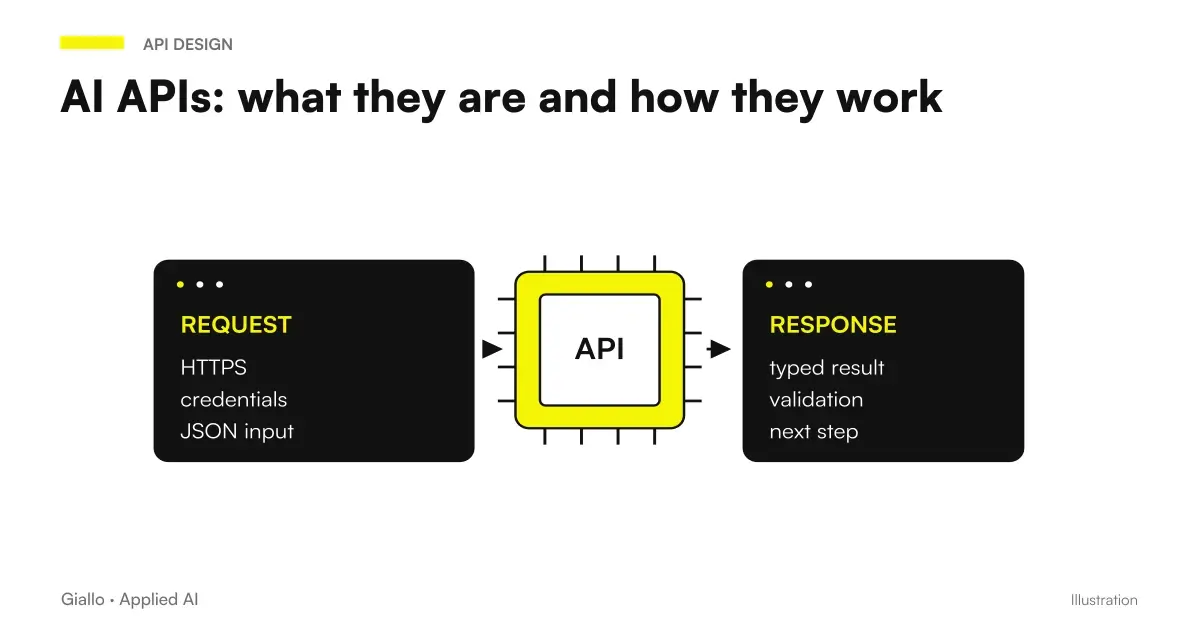 AI APIs: what they are and how they work
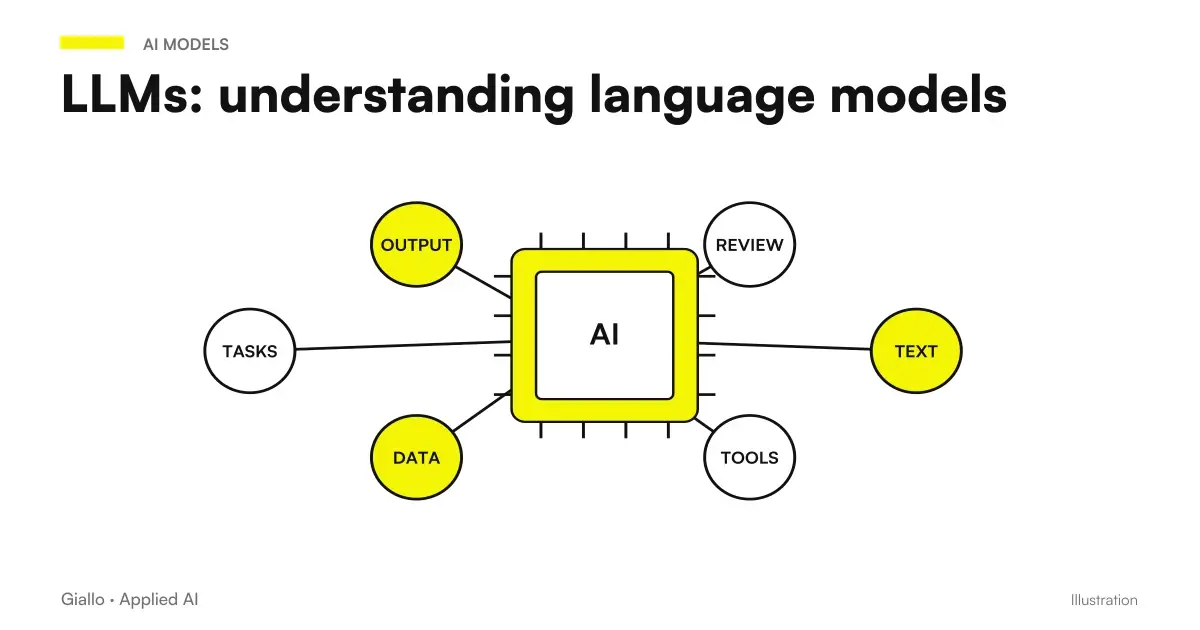 LLM: What Language Models Are
 Code review with Claude Opus 5.5: a prompt to find bugs before merging
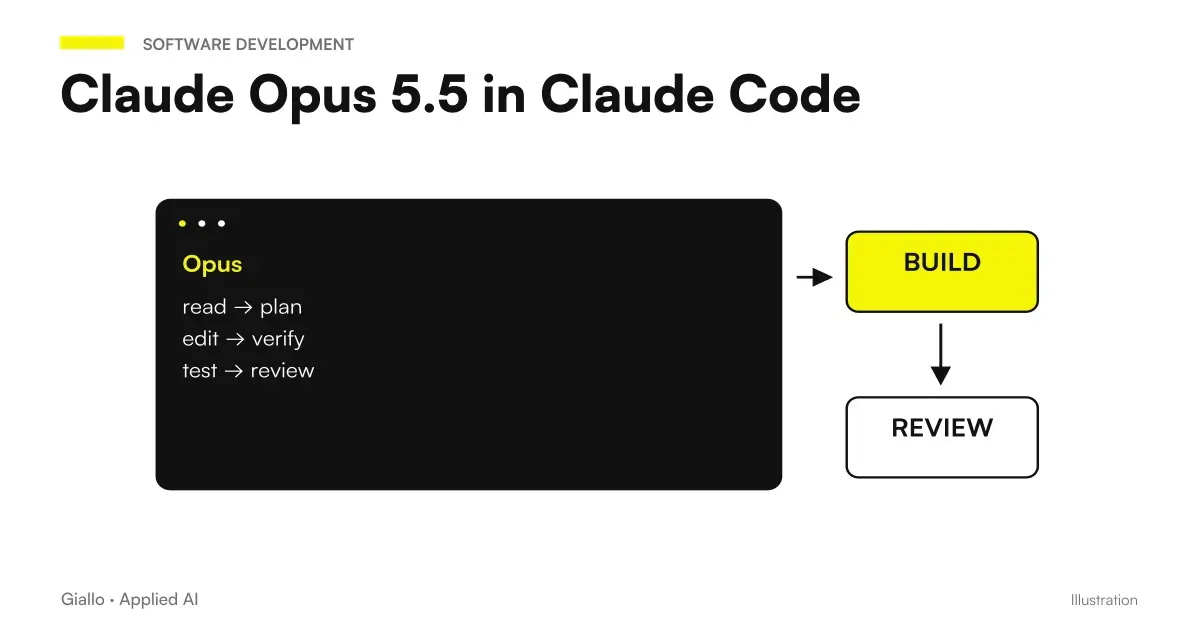 Claude Opus 5.5 in Claude Code: long runs, stop rules and subagents
 AI e-commerce prompts: product descriptions, email and support
FAQ
Can ChatGPT write code on its own?
Yes, ChatGPT writes code in many languages from a natural-language request. But it produces plausible code, with no guarantee of correctness: it may contain errors, nonexistent functions or vulnerabilities. It must always be read, tested and run before being considered valid.
Is ChatGPT suitable for those who can't program?
Partly. A non-programmer can use it for small scripts, formulas and prototypes and to get an explanation of what a piece of code does. But without the basics it's hard to tell if the output is correct or safe: for anything that goes into production you need someone who can read and test the code.
Can I use ChatGPT to debug?
Yes, and it is one of the best uses. You paste the error message and the relevant code and ChatGPT explains the probable cause and proposes a correction. It remains a guessing tool: the correction must be tried, because it sometimes indicates the wrong cause with confidence.
Is the code generated by ChatGPT secure?
Not automatically. ChatGPT can generate code with security issues (SQL injection, secrets written in the code, missing validation) because it mimics patterns seen online, including vulnerable ones. For code exposed to users or real data a human security review is needed.
ChatGPT or Claude for programming?
Both write code well. Claude is often preferred for projects with a lot of code to keep in context and for refactoring on long files; ChatGPT is great for scripts, rapid prototypes and explanations. The choice depends on the task: it is worth trying them both on the same problem.
Can I use ChatGPT to program without risk to my business data?
Only with clear rules. Don't paste proprietary code, API keys, or customer data into a public tool without checking privacy settings and business plans. For business uses, you need proper accounts, internal rules, and, where data is sensitive, solutions that don't expose it to the outside.