
Claude AI for long documents
Claude for long documents: use its large context window with contracts, manuals and reports, source citations and human review.
Reading time: 10 min
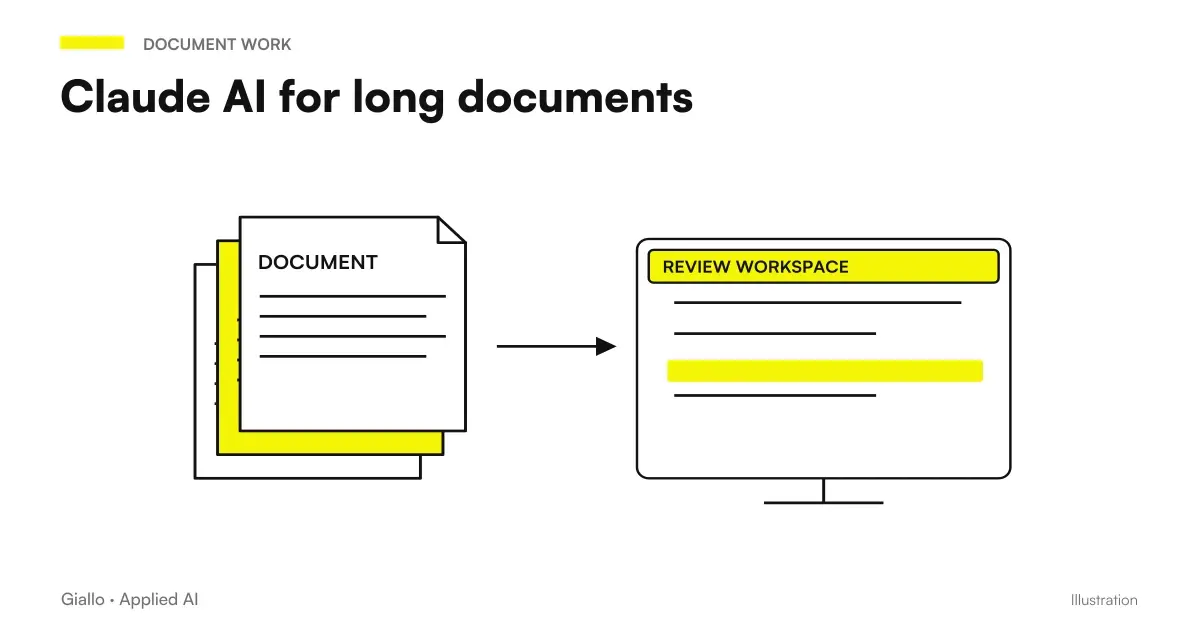
Claude is one of the strongest AI assistants when you have to work on long documents: contracts of dozens of pages, technical manuals, files, reports, specifications. The reason is his large context window, i.e. the amount of text that the model can keep "under the eyes" in a single conversation. The wider it is, the more Claude can reason about the entire document instead of fragments, keeping the thread between page 2 and page 40.
Strictly stated: Claude does not read like a lawyer or technician, but recognizes patterns in the text and produces the most likely answer. On a document along this is very useful to orient yourself quickly —summarise, find a clause, compare two versions —but it does not replace human control over the points that matter. The difference between a nagenve use and a professional use lies in the method: always ask for the citation from the source and review what is critical.
In this guide we see why Claude works well on long documents, how to use it step by step, how to compare with ChatGPT for this task and when instead it is better to stop pasting files by hand and build a system RAG.
In summary
- The strength of Claude on long documents is the large context window: can keep in mind entire contracts, manuals or multiple rows together.
- The context window is measured in Token: understanding how it works helps to estimate what goes into a single conversation and what needs to be broken.
- On critical documents always ask for the passage quote ("Where did you read it?") and keep one Human Review on points that have legal or economic consequences.
- To analyze documents, Claude and ChatGPT are both valid: the difference for an SME is less than the method by which you use them.
- When the same documents come back every month, stop pasting them by hand and switch to a system RAG which indexes and interrogates them in a repeatable manner.
Why Claude is strong on long documents
All Ai assistants based on Language Models have a limit: the context window, i.e. how much text they can simultaneously consider in a conversation. It's like working memory: outside that window, the model "no longer sees" anything. Claude, developed by Anthropic, was designed from the beginning by pointing at a context window particularly broad, and that's what makes it suitable for long documents.
What does it change in practice? With a large window you can:
- Load an entire contract instead of breaking it into pieces, so Claude can compare a clause at the beginning with a mid-text definition.
- Giving more documents together — for example a specifications and its offer — and ask for differences and inconsistencies.
- Keeping the conversation: ask later questions without the model "forgetting" what you had uploaded at the beginning.
Context and Token: The Measure That Matters
The context window is not measured in pages but in Token, the pieces of text (parts of words) the model works with. A practical rule for Italian: a few hundred words amount to a few hundred tokens, so a 30-page contract uses many tokens but generally fits comfortably within the context windows of models designed for long documents. Understanding this mechanism avoids two mistakes: assuming “it will all fit anyway” and, conversely, unnecessarily splitting files that would fit perfectly well. If you want the basics, read what AI tokens.
How to use Claude on a long document, step by step
The value is not in "load and hope", but in a small repeatable method. Here is the flow that works on contracts, manuals and reports.
- Load or paste the document. For long files it is better to upload the PDF or text; it maintains the structure and saves you tokens. For specific pieces, pasting gives more control.
- Give the role and the goal. Example: "You are an assistant who analyzes contracts. Objective: find the clauses on withdrawal, penalties and duration." A good prompt changes the result — see the basics of the prompt engineering.
- Ask for a structure, not a wall of text. "Return a table: clause, page, risk, my action." forces Claude to be precise and verifiable.
- Require a source citation. Always add: "For each point, quote the exact sentence of the document and indicate where it is." So you can check instead of trusting.
- Check for critical points. Open the document to the cited references and check by hand numbers, dates, binding clauses. The human review remains yours.
Point number 4 is what separates professionals from the curious. Ask "Where did you read it?"transform output from "believe me" to "verify you": reduces the hallucinations and makes the analysis controllable within minutes.
What can you ask Claude about a document
Once the text is loaded, the most useful tasks are few and recurring:
- Summary at Levels: first three lines, then half a page, then points per section. Useful to quickly understand if it is worth reading everything.
- Targeted Extraction: "List all mentioned deadlines and amounts, with the page." Turns a document into an operational table.
- Comparison of versions: from the two rows and ask for the differences. Precious on revised contracts or updated specifications.
- Punctual questions: "What exactly does the warranty document say? Quote the sentence." Instead of scrolling 40 pages.
- Faithful translation: translate a manual or a contract keeping the technical terms, always with review of who knows the domain.
On documents that also include images, schematics or scans, the ability to multimodal: newer models also read tables and graphs inside PDFs, but quality on low quality scans remains variable — check.
Claude or ChatGPT for documents?
It's the most frequent question. The honest answer: for many tasks are fine both, and the choice of method (citations + revision) weighs more than the choice of model. That said, there are useful trend differences to know.
| Criterion | Claude | ChatGPT |
|---|---|---|
| Very Long Documents | Often preferred for large context window | Good, depends on model and plan |
| Tone and synthesis on dense texts | Orderly, cautious, cipherable output | Flexible output, very versatile |
| Integration with other tools | Growing | Large and mature ecosystem |
| Quick analysis of a single file | Excellent | Excellent |
| Cost and Limits | Variano per piano — official verification | Variano per piano — official verification |
The table is a trend guide, not a fixed ranking: models, versions and prices change often. For the general comparison between the two, read What is Claude AI and the use of ChatGPT for document analysis. For an overview of the main ones, see the Guide to AI Models.
Which one do I choose if I have to decide today?
If your bottleneck is "I have huge documents and I have to hold onto them", start at Claude. If your bottleneck is "I want a tool already integrated with many tools and streams", ChatGPT is a natural choice. Either way: ask for citations, review the critical points and try the same document on both before choosing for your real case.
Practical examples
Three concrete scenarios of Italian SMEs and professionals.
1. Law Firm — preliminary reading of a contract. A 35-page supply contract arrives. The collaborator uploads it to Claude and asks for a table with clauses on recess, penalties, competent forum and duration, each with the exact phrase and page. In a few minutes he gets a map of the document and goes to check by hand only the four binding points, instead of reading everything blindly. The final opinion remains of the lawyer. For the industry context see AI for law firms.
2. Accounting firm — circular long regulation. A 20-page circular comes out. The accountant charges her and asks, "Summary what changes for the SRLs, cites the relevant passages." Gets a quoteable summary to turn to customers, after verifying the references. Save first reading, not control. In-depth: AI for accountants.
3. Manufacturing company — technical manual. A 120 page machine manual in English. The manager asks Claude to extract the routine maintenance procedure and safety specifications, translated and with reference to the original page. The technician checks the critical values on the manual before applying them. The document stops being a wall and becomes searchable.
In all three cases, the same pattern applies: Claude makes the first reading, the person decides.
Mistakes to Avoid
- Trusting the unquoted output. Without "where did you read it?", you have no way of distinguishing a real clause from an invented one. It's the number one error on critical documents.
- To think that "it's all there" is always. The context window is wide, not infinite. On huge files or on many documents together, some of the text can stay out: ask for confirmation of what he actually read.
- Uploading confidential data without criterion. Contracts and files contain personal data. Inserting them into a tool without an internal rule can violate the GDPR: use the business version where it is needed and define what can be loaded.
- Confusing summarized with opinion. A good summary is not legal or tax advice. Liability on binding points remains human, always.
- Continuing to manually paste recurring documents. If the same files return every month, manual use becomes slow and inconsistent: it is the signal to switch to a system RAG.
When to switch from Claude to a RAG system
Using Claude by pasting files is perfect for the occasional document. But when documents are recurring — the same basis of contracts, manuals, regulations questioned every week — manual use shows its limits: you reload the same files every time, the answers are not repeatable and no one keeps track.
Claude "by hand" is fine when
- The document is occasional or new each time.
- You need a one-time analysis (a contract, a report).
- You are exploring and want total flexibility.
- The volume is low: few files per week.
A RAG system is appropriate when
- The same documents come back and need to be questioned often.
- More people have to ask the same questions consistently.
- Answers always need to quote the internal source.
- You want to connect knowledge to your systems (CRM, management software).
In a system RAG (Retrieval-Augmented Generation) documents are indexed once by embedding and saved in a vector database; then the assistant retrieves only the relevant pieces and responds by quoting them. It is the transition from "glue every time" to "the system already knows where to look". To understand the mechanism, read What is RAG. When this becomes a business stream, it enters the field of AI agents and of the process automation.
How to apply it in the company
Putting Claude (or his equivalent) to work on documents is a short and measurable path.
- Find the document that costs the most time: contracts, specifications, circulars, manuals. Start from there.
- Define a standard prompt for that type of document (role, target, table format, mandatory citations).
- Establish the Review Rule: what points a person must always check before using them.
- Set the rules on confidential data: what you can load, on which version, what not.
- Measure before and after: minutes per document, errors found, hours saved. Without numbers you don't know if it's convenient.
- Whether the document is recurring, evaluate the jump to a RAG system to make it repeatable.
This is exactly the type of assessment of a AI Consulting: understand if a well-used assistant is enough or if it is better to build a custom document query system. If you want to see prototypes on this topic, take a look at the The Lab or depart from ours services.
If you need operational detail on individual models, Best AI Model for Long Documents and Context Window: How Much It Really Matters.
Conclusion
Claude for long documents is one of the most immediate and low-risk uses of AI in the company: the large context window allows it to keep in mind entire contracts, manuals and reports and to save you the effort of first reading. But speed only makes sense by one method: always ask for the citation from the source, keep the Human Review on critical points and remember that AI produces the most likely response, not a guaranteed opinion. When documents become recurring, the next step is a system RAG that indexes and interrogates them in a repeatable way. From here you can continue with What is Claude AI and with ChatGPT for documents to choose the right tool for your case.
AI becomes useful when it enters processes. Giallo Studio helps SMEs and teams to build concrete, measurable and sustainable automations.
Giallo Studio guides: methodology and sources
How we apply it in the company
Related resources
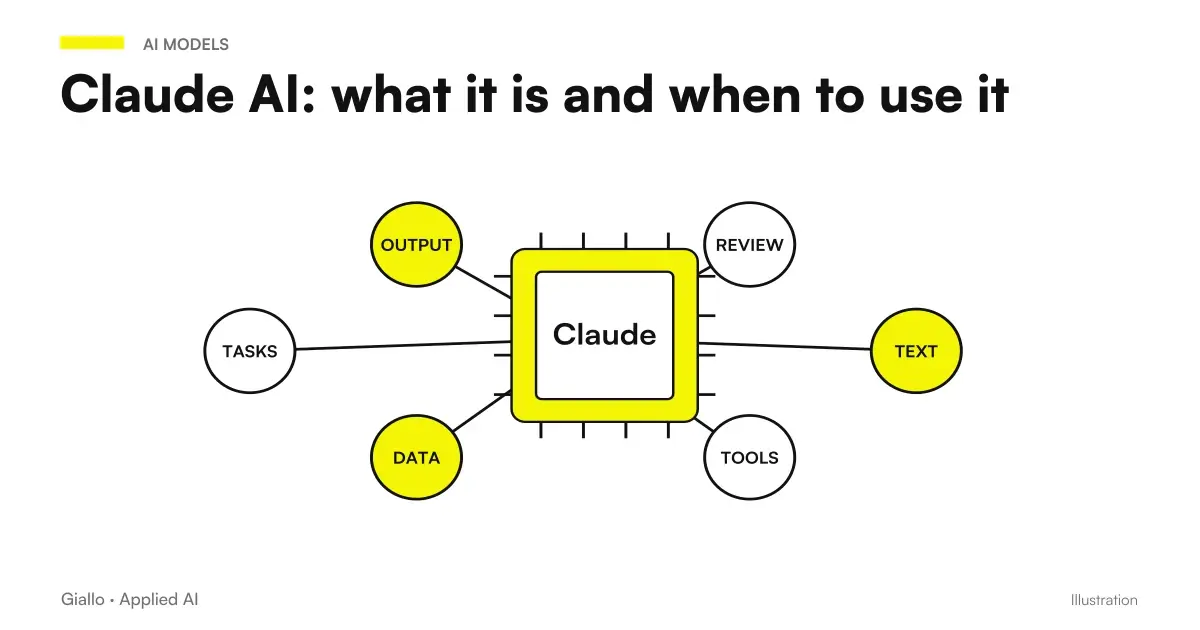 Claude AI: what it is and when to use it
 ChatGPT for document analysis
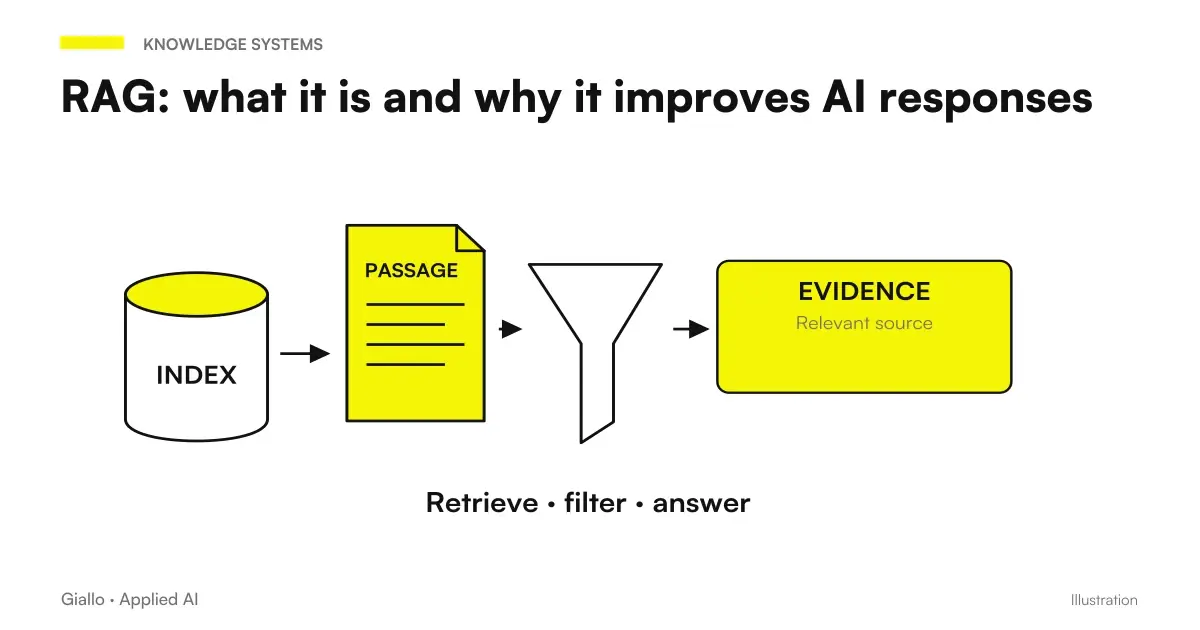 RAG: what it is and why it improves AI responses
 AI tokens: how they are counted and priced in October 2026
 Multimodal AI: what it is and how it works
 AI for business document analysis: a practical guide
 Document automation with AI: contracts, forms and PDFs automatically
 AI workflows: what they are and how to build them
FAQ
How long can a document be given to Claude?
Claude is designed to handle very long documents thanks to a large context window, which allows him to read contracts of dozens of pages, manuals or multiple files at once. The exact limits depend on the model and plan: always check the official Anthropic page, because they change often.
Can Claude make mistakes when reading a long contract?
Yes. Even with a large context window, Claude produces the most likely answer, rather than a guaranteed truth: it can misunderstand a clause, merge two passages, or invent a detail. For critical documents, always request a quotation of the exact passage and have a competent person review the result.
Is Claude or ChatGPT better for analysing documents?
It depends on the task. Claude is often preferred when the document is very long and needs to keep the thread on the whole text; ChatGPT remains a solid choice and integrated with many tools. The practical difference for an SME is less than the choice of the method: asking for citations and always reviewing the output counts more than the model.
Do I have to upload the document or paste the text?
Both work. Uploading the file (PDF, text) is convenient for long documents and maintains the structure; pasting the text gives more control over what enters the context. For confidential documents, evaluate the business version and read the conditions on data processing before uploading sensitive information.
Can I use Claude for documents that are repeated every month?
Yes, but if the same documents are used repeatedly (contracts, manuals, regulations), it is worth moving from manual use to a RAG system, which indexes the documents once and queries them repeatably. It is the shift from “I paste them every time” to “the system already knows where to look”.
Does Claude retain my documents after analysis?
It depends on the plan and settings. The conditions on data processing and retention vary between consumer version and business version and change over time: before uploading documents with personal or confidential data, always check the official page and privacy settings, and do not share sensitive data without a clear rule.