
How to use Kimi AI in Italian: a practical guide
Use Kimi AI in Italian: choose a task, upload files, write a verifiable prompt and check documents, spreadsheets and answers before using them.
Reading time: 11 min
For use Kimi AI in Italian, choose a precise task, prepare materials that you can share and ask for a result with control criteria. The first useful goal is to get a traceable answer in the sources, not to fill the chat with generic questions.
The app documents Italian between interface languages: the indicated path is Settings → General → Language. The same Official Capabilities Page describes multilingual support. However, the availability of the language does not measure the quality of each Italian text: names, technical terms and professional nuances remain to be verified.
This guide describes a documentation-based operating method that was consulted on October 9, 2026. It does not assume that all accounts have the same tools or quotas and does not present examples as executions already carried out.
In summary
- It starts with a circumscribed task and public or authorized materials.
- Specifies language, recipient, usable sources, and result format.
- Ask for references to sources and an explicit signal for missing data.
- Open the generated files and compare numbers, formulas and statements with the originals.
- A successful conversation is a starting point; repeatability must be tried.
Where to start using Kimi without wasting time?
Open the official service and look at the options actually available to your account. Registration, feature availability, and checkout may depend on the user's context; don't assume that a screen found online describes your access. To understand the product before choosing mode and subscription you can read What is Kimi AI.
The first test must have a controllable response. Choose, for example, a public product tab and ask for a table of features present, with a column for information absent. You already know where to check the result and you can distinguish a correct extraction from a plausible answer.
Also write what doesn't have to happen: no addition of features, no consultation of external sources when you're trying to read the file, no transformation of a hypothesis into certainty. An explicit boundary assignment allows you to figure out which parts of the output need correction.
Keep a copy of the instructions and material. If after a prompt change the result improves, you need to know which change it has engraved. Changing files, format, and target simultaneously prevents you from understanding the behavior of the system. The test becomes useful when you can repeat it and judge it with the same criteria.
Which model and mode to choose in the app?
The official guide to models and modes documents K2.6, K3 and K3 Cluster, with different intensity levels. It also describes the unification of Chat and Agent. A tutorial centered on the old Thinking switch could then indicate a path no longer corresponding to the current interface.
For a short rewrite parts from the mode suitable for the text. If you want an editable file, the same guide attributes to K3 the production of PPTX, DOCX, XLSX and PDF. Check both the model and the result available in the plan: writing "create an Excel" does not prove that the output is really a sheet with correct formulas.
When the task requires multiple steps, describe the sequence. You can ask for a plan first, then a draft and only after a file. This choice reduces the risk of having to correct a long artifact built on a wrong interpretation. To understand context and reasoning, the guide to Kimi K3 deepens the model without confusing it with the subscription.
Don't choose a more intense mode just because it looks superior. Look for the one that produces the required output with an acceptable revision level. Automatic tool selection can help, but the responsibility to define the job remains yours.
How to write a first prompt that can occur?
A useful prompt contains objective, sources, format and rules for uncertainty. The tone comes next: first make sure the output does the job. An elegant email built on undocumented information is a draft to discard, even when it seems convincing.
Here is a demonstration example for a comparison of non-confidential offers:
Compare offers attached for delivery, assistance and payment terms. Only use these documents. Produce a table with criterion, value for each offer and reference to the page or section. If a data does not appear, write "not indicated". If two passages contradict each other, report them both. Do not choose a supplier: prepare the information for the decision of the purchasing manager.
The request separates extraction and decision. The column with the reference allows you to open the document in the right place. The absent data rule prevents at least on the instruction plane that the table is completed by inventing conditions. The result has to be controlled anyway.
| Prompt element | Vague Request | Controllable request |
|---|---|---|
| Objective | "Analyze the file" | ‘Extract Withdrawal Conditions’ |
| Sources | No Borders | ‘Use only attachments’ |
| Recipient | Not specified | ‘Inner note for the purchasing office’ |
| Output | "Report me" | ‘Table with field, value and origin’ |
| Absences | The model decides | ‘Write not indicated, without inferring’ |
| Contradictions | Silent synthesis | ‘Report incompatible steps' |
For repeated document requests, the AI prompt for documents help to distinguish summary, comparison and extraction. No need for a ceremonious text: a delivery is needed that makes the errors visible.
How to upload files and not mix versions?
PDF, Word, Excel, PPT, images, TXT and video are documented in the app, up to 100 MB per file and 50 files at a time. The source is the help on Kimi capabilities. The limit indicates how much you can load, not how much material will be interpreted without omissions. Don't use it as an API limit.
Before loading from clear names to materials: topic, version and date. If you compare a previous version and a new one, explain it in the prompt. Two attachments called both ‘final contract’ make the task ambiguous before the AI even begins.
Ask for a preliminary inventory: what files have been considered, what type of content they contain, and what sections are difficult to interpret. If a document is a scan or contains complex tables, check for reading on a significant step. Do not assume that successful loading equals correct extraction.
The route on Kimi for PDFs and documents addresses internal citations; the one on Kimi for Excel deepens units of measurement, aggregations and formulas. For a presentation, keep the starting document instead and check that each message has a foundation before export.
How to ask for corrections without redoing everything?
When an answer is almost usable, correct the criterion that produced the error. "I don't like it" leaves too many interpretations open. «You have included the historical price list: only use the approved version and report the conditions not updated» indicates the problem and the source to be privileged.
If the flaw concerns a field, ask to review that field and keep the rest. If it's about the target, it starts from the delivery. Continuing to correct sentences within a wrong setting can produce a longer response without making it more useful.
For a document intended for the outside, it separates the fact review from the tone review. First approves data, names, conditions, and dates. Then ask for conciseness, clarity or adaptation to the recipient. In this way a stylistic rewrite does not become an opportunity to introduce new promises.
When you ask for an artifact, open it with the program that the recipient will use. A downloadable file is not yet a deliverable: it may contain inconsistent headers, static formulas where dynamic formulas or out-of-slide text were needed. The Guide to presentations with Kimi describes content control and layout.
How to tell if the answer is reliable?
Check first for statements that change a decision. For a commercial table can be price, validity of the offer and delivery conditions. For one sheet, totals, period and treatment of missing values. For a search, date and relevance of sources.
A cited source must support the precise phrase. Open the document, find the passage and check that it does not refer to another product or an old version. If the answer doesn't provide enough detail to make this comparison, ask for a more traceable output.
When you use the web, it distinguishes facts, interpretations, and information not found. The app can decide to search for itself according to the mode guide. If you want to verify an extraction from attachments, specify that external information must not fill missing fields. If you instead want to update the overview, ask for attachments and new sources to be kept separate.
The AI Hallucinations do not disappear with a well-written prompt. The prompt improves controllability; verification determines whether the result can be used. In processes with important consequences, you also establish who approves the output and where the validated version is stored.
The answer seems good: what to check before copying it?
Check that it responds to the task, use the right files, and leave the missing information visible. Open the references that support the conclusions. For a generated file verify structure and contents in the target program. If a contradiction remains, keep it in the note to be revised instead of deleting it to make the text cleaner.
How could an Italian technical office use it?
Hypothetical scenario: mechanical workshop in Modena. An employee must prepare a list of questions to clarify a request for a quote. He uses a specification purified of confidential data and asks Kimi to separate explicit requirements, missing elements and interpretations to be confirmed. Expected output is an internal note, not a definitive estimate.
Human control is primarily about tolerances, materials, and references to designs. If a detail is not present, the note must ask the customer for clarification instead of inventing a specification. The employee retains the reference to the original passage and prepares a draft to be approved before sending.
This task is suitable for a first test because the result can be compared with a delimited source. If it works on representative materials, the team can standardize delivery. If recurring ambiguities emerge, it corrects the information gathering process before increasing autonomy.
How could a small service agency use it?
Hypothetical scenario: event agency in Florence. The team must turn an approved brief into a presentation proposal. It first asks for a sequence of messages, distinguishing available facts from parts to develop. It prohibits adding unconfirmed venue availability, sponsors or financial estimates.
After approval of the structure may require an editable file, if the function is available. The final check checks consistency with the brief, readability of slides and correctness of names. The proposal remains a draft until the review of the referent.
In this scenario, the chat must not replace phone calls to suppliers or budget decisions. It serves to organise and communicate information that has already been authorised. The team measures its usefulness by observing the corrections needed and whether the method can be reused for other briefs, without promising unmeasured time savings.
How to reuse context without dragging old information?
The help on App Capability document memory and Project. They can help maintain materials and context, but you still have to distinguish what is still valid from what has been overcome. A more convenient archive does not solve version management.
For recurring jobs, separate stable instructions from individual assignment data. The tone of the note may remain the same; price list, period and attachments must be updated. At the beginning of a new task, indicate which source replaces the previous one and ask not to complete gaps using outdated information.
Before reusing a project with another person, check which materials it contains and which can be shared. The memory of the conversation serves to contextualize; the approved source continues to be the reference for numbers, conditions and decisions.
What habits make working with Kimi repeatable?
Avoid loading heterogeneous materials and ask for a unique synthesis without criteria. Avoid interpreting a long answer as a complete answer. Don't confuse interface language, model context, and plane quota. For confidential data consult Kimi and privacy before loading, not after.
Keep a small task sheet: materials allowed, instructions, format, verifications and approver. After each execution, write down the reason for the corrections. This makes it possible to decide whether the problem is in the prompt, in the starting documents or in the product capacity.
When the method holds up, you can choose whether to stay in the app or switch to a workflow. The first concrete step is to define the work that a person must approve. To prepare this card and a test on materials allowed, Giallo Studio supports the team with an AI consultancy oriented to verifiable and reusable outputs.
Giallo Studio guides: methodology and sources
How we apply it in the company
Related resources
 Kimi AI: what it is, what it does and when to use it
 Kimi K3: model, reasoning and practical limits
 Kimi AI for PDFs and documents: analysis to verify
 Kimi AI for Excel: Data Analysis and Controls
 Kimi AI for presentations: from sources to slides
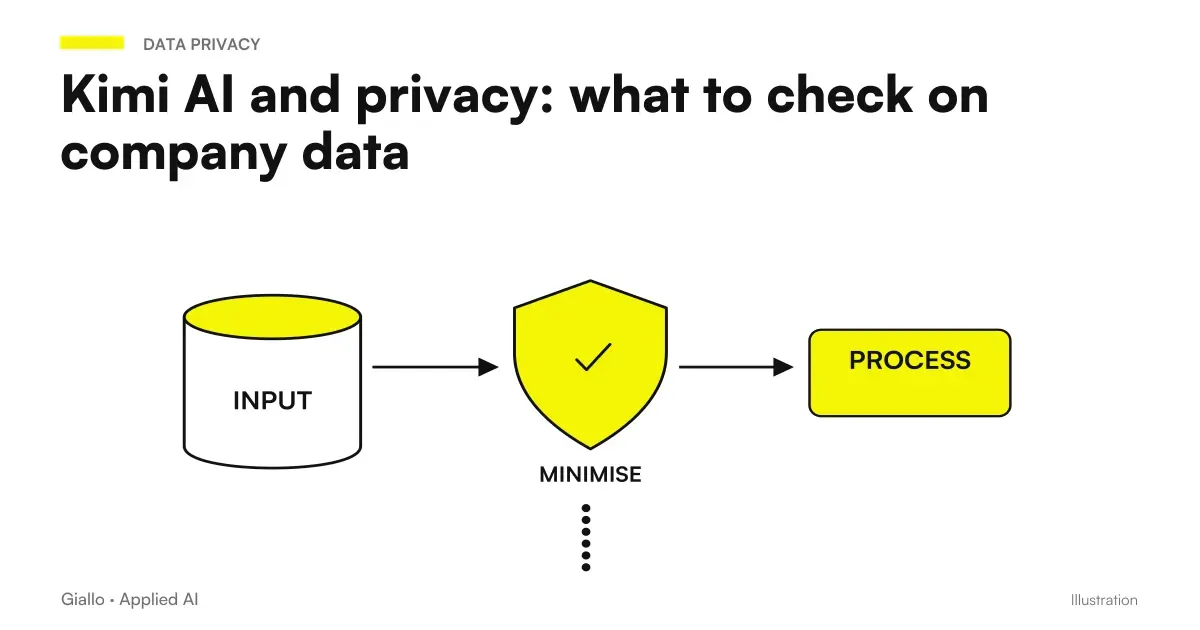 Kimi AI and privacy: what to check on company data
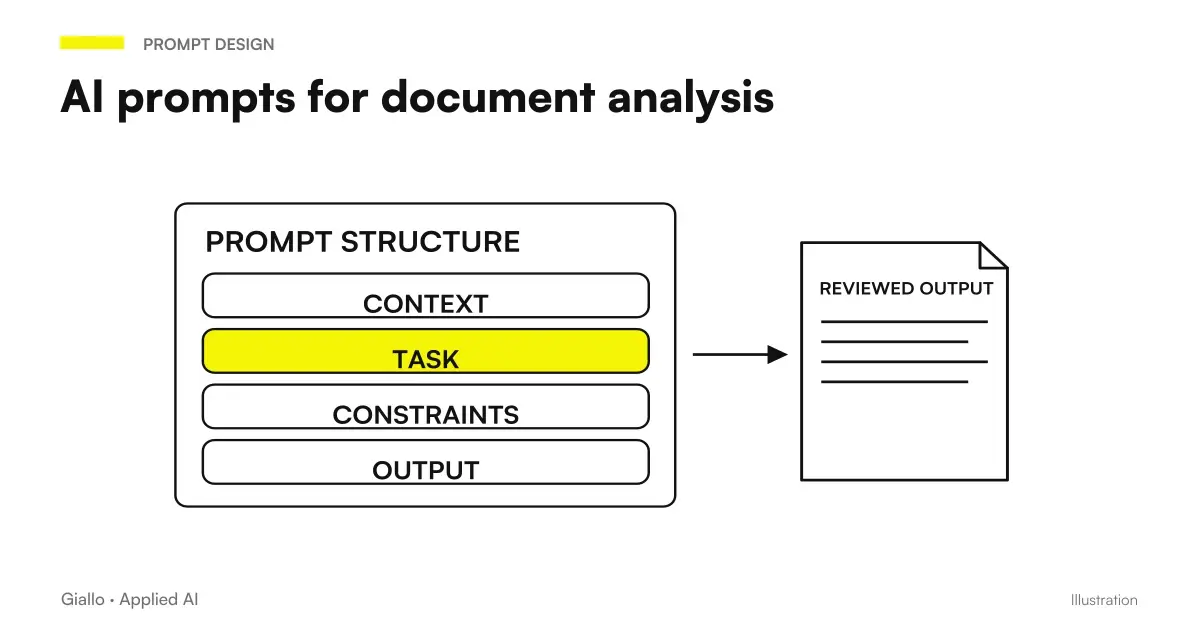 AI document analysis prompts: contracts, reports and PDFs
 SessionStart: restore context after compaction
FAQ
How do you set up Kimi AI in Italian?
The official guide indicates Settings, General, Language to select Italian from the interface languages. In the prompt you can also specify language, audience and output terminology. Interface labels can change with updates.
What should you ask when first using Kimi?
Start with a small task and a source you can verify, such as extracting conditions from a public document. Specify the expected result, format and how to flag missing information. Avoid requests so broad that evaluating the response becomes impossible.
What files can I upload to the Kimi app?
The official help documents PDF, Word, Excel, PPT, images, TXT and video. It specifies 100 MB per file and up to 50 files at a time in the app. These limits do not guarantee perfect reading and do not automatically apply to the APIs.
Do I always have to select K3?
The choice depends on the task and the options available to your account. The documentation describes K3's reasoning and editable-file production capabilities, while other modes have a different scope. Start with a mode sufficient for the result and check actual consumption.
How do I ask Kimi not to invent data?
Ask it to use only the supplied sources, cite the source passage and mark every missing item as unavailable. These instructions make errors easier to recognise but do not eliminate them. Still verify information that affects decisions or communications.
Can I turn a Kimi chat into an automation?
A successful prompt can become part of a workflow, but automation requires dedicated APIs, access and checks. Do not automate the app's interface as though it were an official API. First define inputs, outputs, errors and actions requiring approval.