
Claude AI for code and development
Claude for coding: refactoring, debugging, tests and documentation in large codebases. Comparison with ChatGPT, limitations and real business uses.
Reading time: 11 min
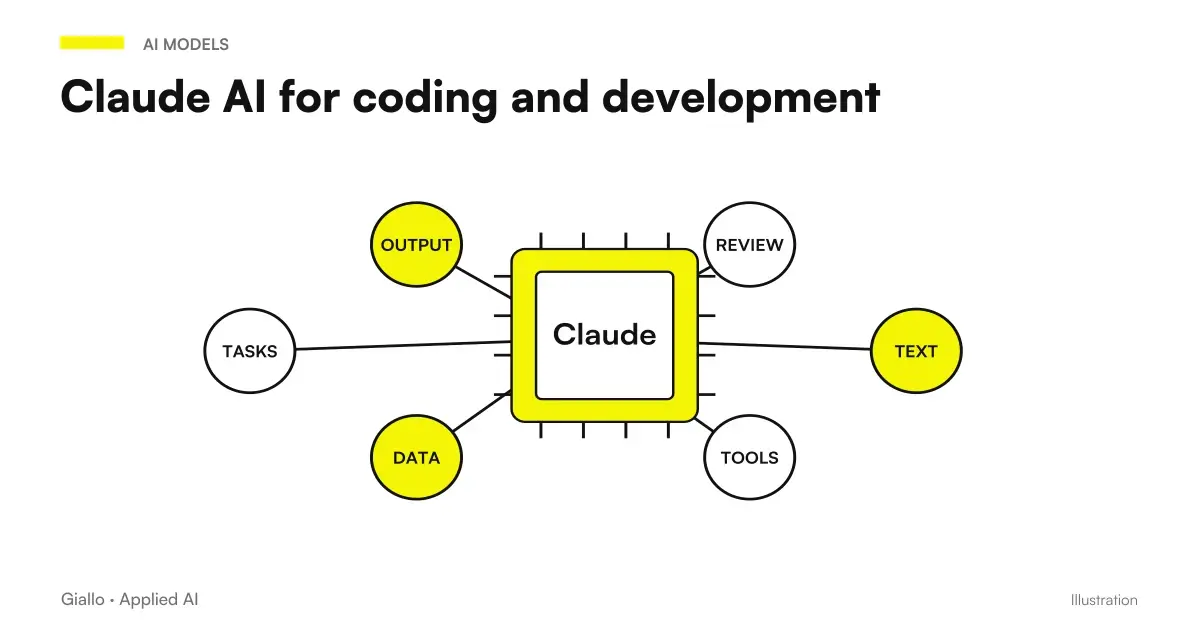
Claude is an artificial intelligence assistant who, in addition to writing texts, has become one of the most used tools for the software development: generates code, explains complicated functions, proposes refactoring, helps in debugging and writes tests and documentation. The difference that made it popular among developers is the ability to reason on many files together thanks to a large context window, useful when the problem lies not in a single function but in the way the pieces of the project connect.
The important thing to clarify immediately is this: Claude by code is a co-pilot, not a substitute for the developer. It produces great drafts and saves you hours of mechanical work, but can also generate subtle bugs, quote libraries that don't exist or suggest unsafe practices. That is why the rule that runs through the whole article is one: AI writes, the human valid logic, testing and security.
In this guide we see what Claude really needs in development, where he makes more, how he compares with ChatGPT to program, what are the limits not to be ignored and how an SME. even without a technical team. can derive value from it on its internal software.
In summary
- Claude by code helps to write functions, do refactoring, find bugs, generate tests and document, also working well on projects with many files.
- Its strong point is the large context window: you can give it multiple files and specifications together, so it understands how they connect instead of working on an isolated fragment.
- Compared to ChatGPT the differences are workflow, not absolute winner: both are excellent code assistants and the choice depends on your tests.
- Review, test and execution remain human: the generated code must always be read, executed and checked for logic and safety before production.
- Even an SME without developers can use it to understand your own software, make small automations and write clear requests to a supplier.
What Claude can do for the code
When it comes to Claude for development is not meant to "press a button and have the app ready". It means a set of concrete activities in which the model accelerates the work of those who already know, at least a little, what they are doing. Here are the most frequent.
- Write new code. From a natural language description, Claude generates functions, components, queries, or scripts in many languages. It is particularly useful for repetitive "contour code": forms, validations, parsings, API calls.
- Explain existing code. Paste a function you don't understand (perhaps written years ago by someone else) and ask what it does, line by line. It's one of the most underrated and most useful uses.
- Refactoring. Rewrite code to be more readable, simpler or faster, maintaining the same behavior. Here the large context window counts: you can show it multiple linked files.
- Debug. Paste the error, the stack trace and the code around; Claude proposes hypotheses about the cause and possible corrections. Not always guesses, but narrows the field very quickly.
- Test. Generate test cases (units, boundary, boundary cases) from a function, so cover scenarios that you would have jumped by hand.
- Documentation. Transforming code into comments, README, API descriptions. A tedious task that the model performs well starting from the real code.
The common thread is that Claude works best when you give him true context — code, errors, constraints — instead of vague questions. It is the same principle that governs all interaction with these models: it is worth taking a look at the basics of prompt engineering Also for the code.
Because the broad context is the real advantage
The context window is the amount of text (including code) that the model can take into account in a single conversation. When it is large, you can paste multiple files, specifications, error logs, and internal documentation all together. The model then does not work "blindly" on an isolated function: it understands how that function fits into the rest.
This changes the kind of problems you can face. A bug that depends on how three files interact is almost impossible to fix by showing one fragment at a time; it becomes tractable when the model sees the set. It is the main reason why Claude is appreciated on the big code bases. If you want to better understand the model in general, start from What is Claude AI.
Claude or ChatGPT to program?
If you want to include another alternative, Kimi Code should be evaluated on the same task and with a review of the result. The comparison Kimi AI vs Claude distinguishes work in chat, tools on the repository and service conditions.
It is the most frequent question, and the honest answer is that there is no absolute winner: they are both very good code assistants and they look more like each other than marketing suggests. The differences are in nuance and workflow.
| Criterion | Claude | ChatGPT |
|---|---|---|
| Code on many files | Often preferred for broad context and extended edits | Great, with very capacious context in turn |
| Explanation and refactoring | Appreciated for neat explanations and prudent rewrites | Equally valid, sometimes more synthetic style |
| Ecosystem and integrations | Growing, dedicated developer tools | Very wide, many third-party integrations |
| Terminal Tools | Claude Code (verifies the official page) | Equivalent tools available |
| How to choose | Try it on your real code and compare | Try it on the same task and compare |
The practical conclusion: choose based on your tests, not a generic benchmark. Take a real task from your codebase, have it done to both of you, and look at which one produces code that passes your tests with fewer fixes. For the opposite view you will find the guide dedicated to ChatGPT for coding. And remember that capacity, context limits and prices change quickly: always check the official pages Before you decide.
How do I make a serious comparison between Claude and ChatGPT?
Choose a real, repeatable task, such as "add validation to this form and write the tests". Give both exactly the same prompt, the same code and context. Then evaluate on measurable criteria: does the code compile? Do the tests pass? How many corrections did you have to make by hand? How readable is it? Repeat on two or three different tasks. In a half-day you will have an answer based on your work, not an opinion.
When to use Claude for code and when not
When it makes more
- Repetitive and standard code (form, parsing, query, boilerplate).
- Understand and document existing or inherited code.
- Refactoring driven, with tests verifying the result.
- First guess debugging an error with clear stack trace.
- Write tests and limit cases from a function.
When to Trust Less
- Critical code for security, payments or personal data, without review.
- Problems that depend on context not visible to the model (infrastructure, real data).
- Libraries or very recent or niche versions: risk of "inventions".
- Decisions of architecture, which require human judgment and responsibility.
- When you don't know if the product code is right or wrong.
Practice rule: The more the error costs, the more the human review must be tightened. On an internal script that rearranges a spreadsheet you can be fast; on code that touches payments or customer data, each line must be read, tested and — if necessary. passed to a dedicated security verification.
Practical examples
Three realistic scenarios, from the technical team to the PMI without developers.
1. Software house — refactoring of an inherited module. An agency inherits a customer’s poorly written, untested business management software. The developer pastes the related files and asks Claude to explain what the module does, then propose a gradual refactoring and generate tests that lock down the current behaviour. Claude prepares the map and drafts; the developer decides which changes to apply, runs the tests at every step and keeps everything under version control. Result: fewer weeks of “code archaeology”, but with a human always at the helm.
2. E-commerce with a single technician — automation of a report. The manager, who schedules "just enough", must merge order and warehouse data into a report each week. Describes the problem to Claude, who generates a script with the read, merge, and format steps. He runs it on test data, corrects two details with the help of the model and puts it into operation. For more solid integrations between different systems, however, a true automation is evaluated: it is the territory of the process automation and of API.
3. SMEs without developers — understand an internal software. A company has been using a script for years that no one understands anymore. The holder pastes it into Claude and asks, in Italian, what he does and what risks he runs if he modifies it. It gets a legible explanation and a list of precise questions to ask a provider. It does not solve the problem on its own, but arrives at the interview with the supplier knowing what to ask for — and spending better.
In the three cases the model changes role (rewrites, generates, explains), but the principle is identical: AI prepares, the person valid and decides.
When the application has to use a browser or desktop, the problem also includes the execution cycle of the tools. Claude SDK for browsers and computers use manages that cycle in libraries: the environment and permissions remain to be prepared in the project.
How to connect Claude to your code base
There are tools designed to use Claude directly next to the code, not just in a chat. The best known is Claude Code, which brings the model into the terminal connected to a project, so it can read and edit files with your permission. Names, functions and access modes of these tools often change: before adopting them check the official page for up-to-date capacities and conditions.
Regardless of the instrument, certain precautions apply that never expire:
- Always use the version control (Git): so any suggested modification is reversible.
- He works on a separate branch and open a code review before joining.
- Do not paste Secrets (API keys, passwords, customer data) in the prompt or exposed files.
- Run the test after every change, not just at the end.
- Keep the Human on Critical Code: Security and payments do not delegate to a model.
These tools remain designed for those who can read the code. If your company does not have technical skills and you need software that manages real data, the right way is not to "make it write to AI and hope": it is a development followed by professionals. For that type of work there is the service of custom software, where AI is a tool within a serious process, not a substitute for the process.
When an agent switches from prompts to executing commands, a verifiable operational boundary is needed. The Local sandbox announced for GitHub Copilot offers a comparison term to evaluate isolation, permissions, and code review even in a workflow that uses other assistants.
Customizing Claude Code with Mods
When the problem concerns the interface or a terminal function, a customization may be more suitable than a longer prompt. Mods live inside plugins and link events, tools, and UI. The choice starts with the need: to see the context, review a turn, add a command or distribute a function to the team. Here are the dedicated guides, with official limits and sources.
| Need | Path of deepening |
|---|---|
| Interface, events and tools | Mods by Claude |
| From marketplace to session | Installing a Mod |
| Three files, one precise function | The First Mod |
| Read the available context | Token Weather |
| Evaluate before performing | Blast Radius |
| Review the changes in the shift | Replay Theater |
| Two inputs to the Mods API | Commands and tools |
| Fixtures, time and interface | Testing a Mod |
| Diagnosis from Symptom to Cause | Mod doesn't work |
| Distribution and Confidence Boundaries | Mods for the team |
Orienting and diagnosing Hooks
To set the first rule choose event, matcher and handler with the Guide to the Claude Code Hooks. If a rule already present does not trigger, the path of Hooks debugging starts from loaded configuration, input and log: changing the prompt without verifying these items leaves the failure intact.
Mistakes to Avoid
- Treating the generated code as ready. It seems correct because it is well formatted, but "it seems correct" and "it is correct" are different things. Read, execute, head: always.
- Skipping the tests because "the AI wrote it." It's the exact opposite: the generated code should be tested more carefully, not with less. Instead, have the model write the tests and then check them.
- Pasting secrets and sensitive data. Keys, passwords and customer personal data should not be placed on prompts. It is a security risk and, on personal data, also a breach of the GDPR.
- Trusting "invented" libraries. Models sometimes cite packages or functions that do not exist. Always check that dependencies are real and maintained before installing them.
- Asking for architectural decisions as they were made. On how to structure a system AI gives plausible opinions, not truth. The responsibility of choice remains with those who know the context.
For those who maintain an open source project, Anthropic OSS Scanner introduces a dedicated application path. The report requires technical verification and does not replace a security review; the program should not be interpreted as a free audit for any corporate private repository.
How to apply it in the company
For an SME the point is not to "use Claude to program" in the abstract, but to insert it where it saves time without creating risks. A reasonable path is this.
- Start with low-risk tasks. Explanation of code, first drafts, tests, documentation: there the gain is high and the error costs little.
- Define rules about secrets and data. What you can paste and what you can't. Put it in writing before it becomes a bad habit.
- Keep the human review mandatory. No code in production without a competent person having read, executed and tested it.
- Measure the time saved. How many hours before, how many after. Without numbers you don't know if you're earning or just "doing things with AI".
- For real projects, involve those who develop. When software handles critical processes or data, AI speeds up a professional's work, not replaces it.
If you don't have a technical team in the company but you want to understand where AI can really lighten the work —and where you need software done right —it's exactly the kind of assessment we do in the AI Consulting. And if you are curious to see how these tools are used on concrete cases, you can take a look at the experiments of the The Lab.
The natural sequel to this article: Best AI Model for Programming, SWE-bench and coding benchmarks and Claude Opus 5 vs Fable 5.1.
Conclusion
Claude by code is a powerful development assistant: he writes functions, explains inherited code, proposes refactoring, helps in debugging and generates tests and documentation, giving the best when he has to reason on many files together. Compared to ChatGPT there is no absolute winner: they are both great and the choice depends on your real code tests. The point that never changes is the role: AI writes draft, valid developer logic, testing and security soprattutto especially on everything that touches payments, personal data or critical processes. From here you can continue with What is Claude AI and with the AI agents to see how these tools become real workflows.
If you want to go from testing with ChatGPT to an AI system integrated into business processes, Giallo Studio custom designed agents and automations.
Giallo Studio guides: methodology and sources
How we apply it in the company
Related resources
 Claude AI: what it is and when to use it
 ChatGPT for coding
 AI APIs: what they are and how they work
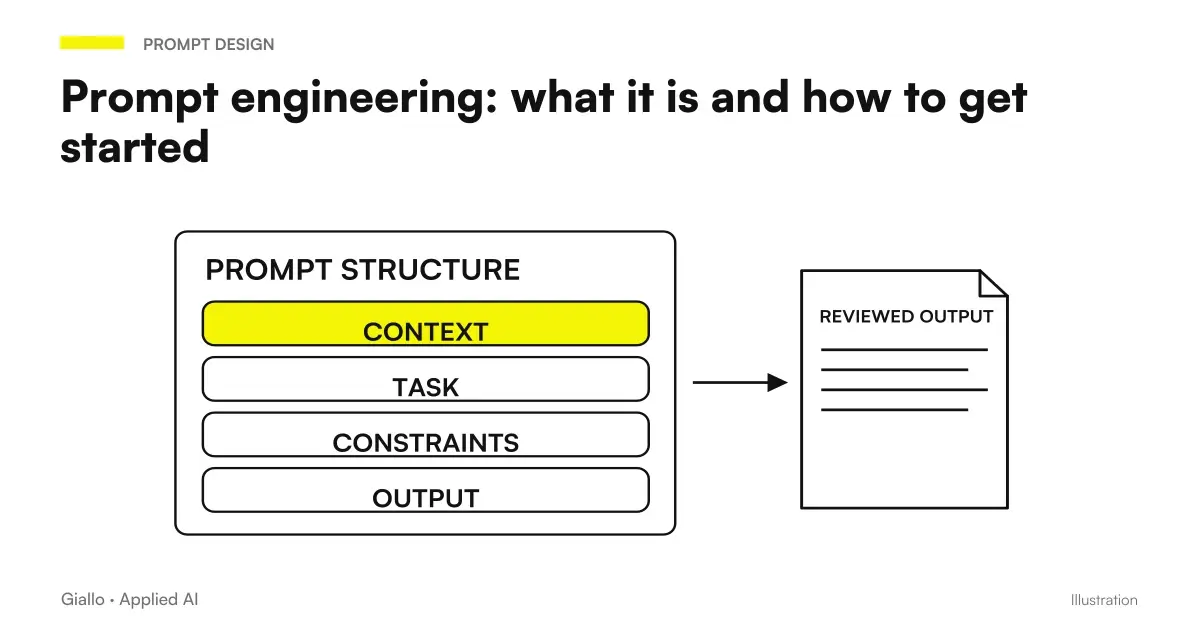 Prompt engineering: what it is and how to get started
 AI agents: what they are and how they work
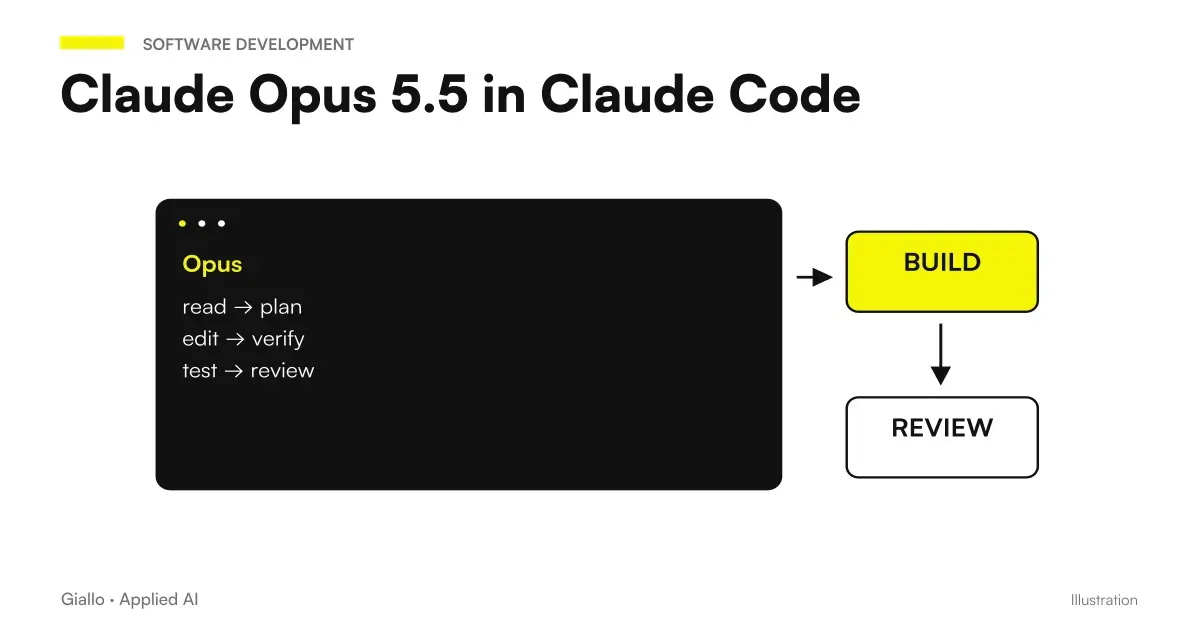 Claude Opus 5.5 in Claude Code: long runs, stop rules and subagents
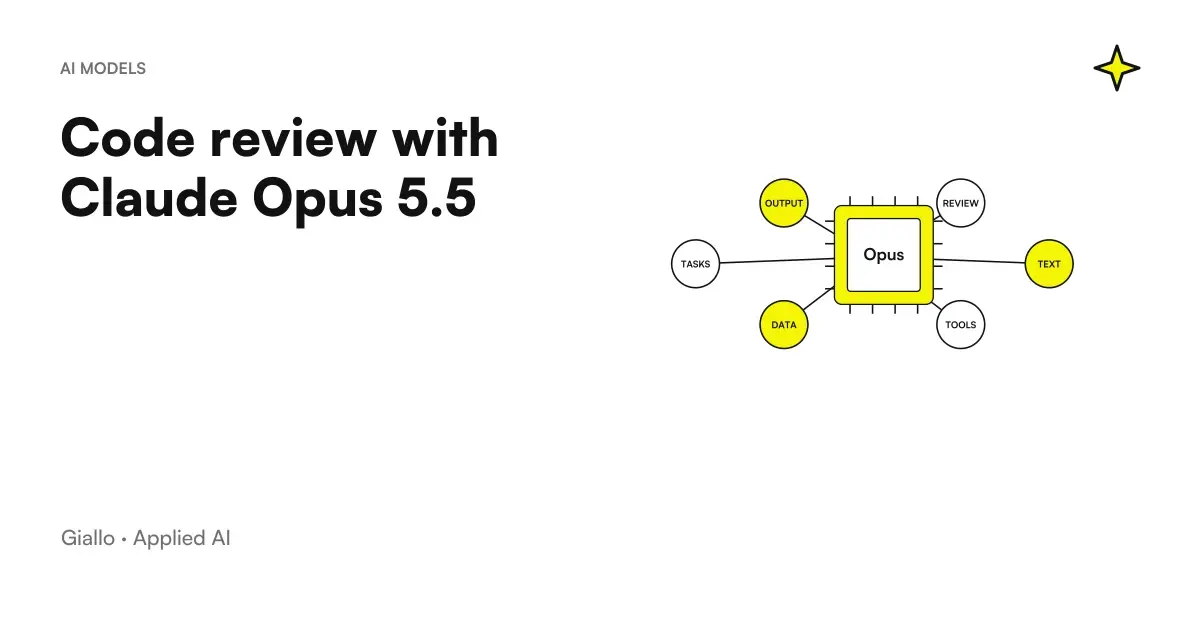 Code review with Claude Opus 5.5: a prompt to find bugs before merging
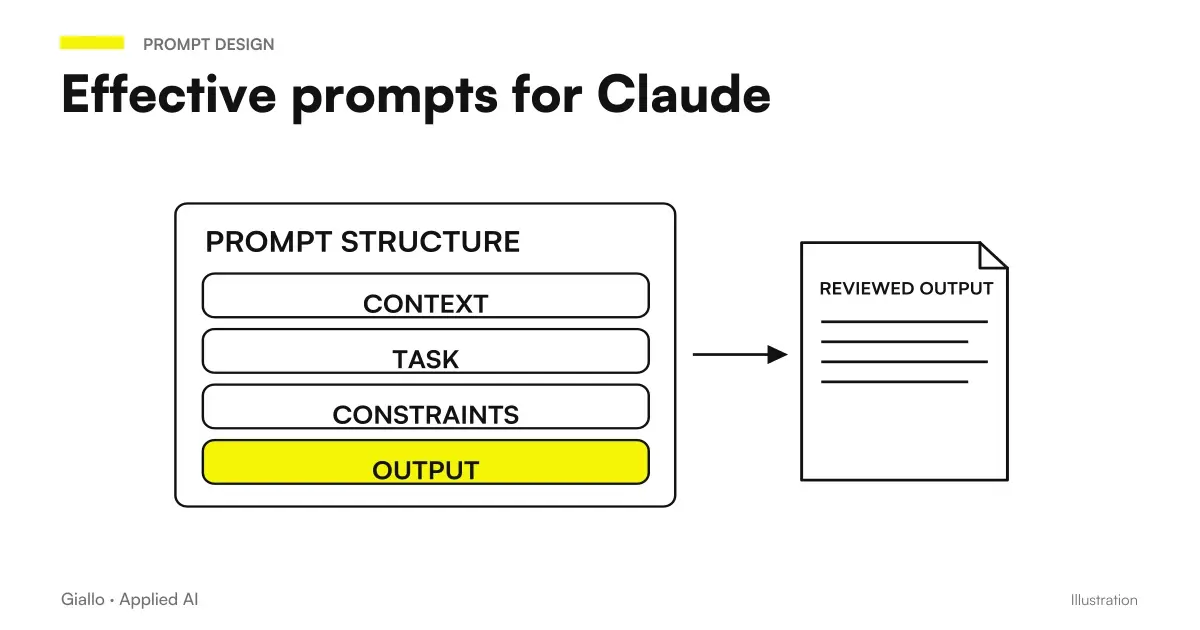 Claude prompts: examples for better answers
FAQ
Is Claude suitable for writing code?
Yes. Claude is one of the most used models for software development: it generates functions, explains existing code, proposes refactoring, helps in debugging and writes tests and documentation. It is particularly appreciated when it is necessary to reason on many files together, thanks to a large context window. It remains a support tool: review, test and security must always be validated by a developer.
What is the difference between Claude and ChatGPT for programming?
They're both great code assistants and they are very similar. In general Claude is chosen when working on large code bases and extended edits, because it tends to keep context on many files; ChatGPT is just as valid and is often preferred for variety of integrations and ecosystem of tools. The choice depends more on the workflow and the tests you do than on an absolute winner. Always check the official pages for updated capabilities and versions.
What is the context window, and why does it matter for code?
The context window is the amount of text that the model can take into account in a single conversation, including code. A large context allows you to paste multiple files, logs and specifications together, so the model understands how pieces connect instead of working blindly on a single function. It is one of the reasons Claude is appreciated on large projects.
Can I trust Claude's generated code without checking it?
No. The generated code should always be read, tested and executed before entering production. A model can produce code that looks correct but contains subtle bugs, invented dependencies or unsafe practices. The rule is simple: AI writes the draft, the developer validates logic, tests and security.
Can Claude work directly on my repository?
Tools such as Claude Code let you use Claude from a terminal connected to a codebase. Features and names change often, so check the official page before adopting them. They remain developer tools in any case: use them with version control, code review, and care to avoid exposing secrets or sensitive data.
My company has no developers: can Claude still help us with internal software?
Partly yes. Claude can explain what an existing script does, suggest small changes, generate simple queries or automations, and help you write a clear request for a vendor. For software that handles real data or critical processes, however, development overseen by professionals is needed: AI speeds up work, does not replace technical responsibility.