
Review documents with Claude Opus 5.5: inconsistencies, dates and numbers
Review quotes, contracts and presentations with Claude Opus 5.5: a prompt for inconsistencies in numbers, dates and names, and its limitations.
Reading time: 10 min
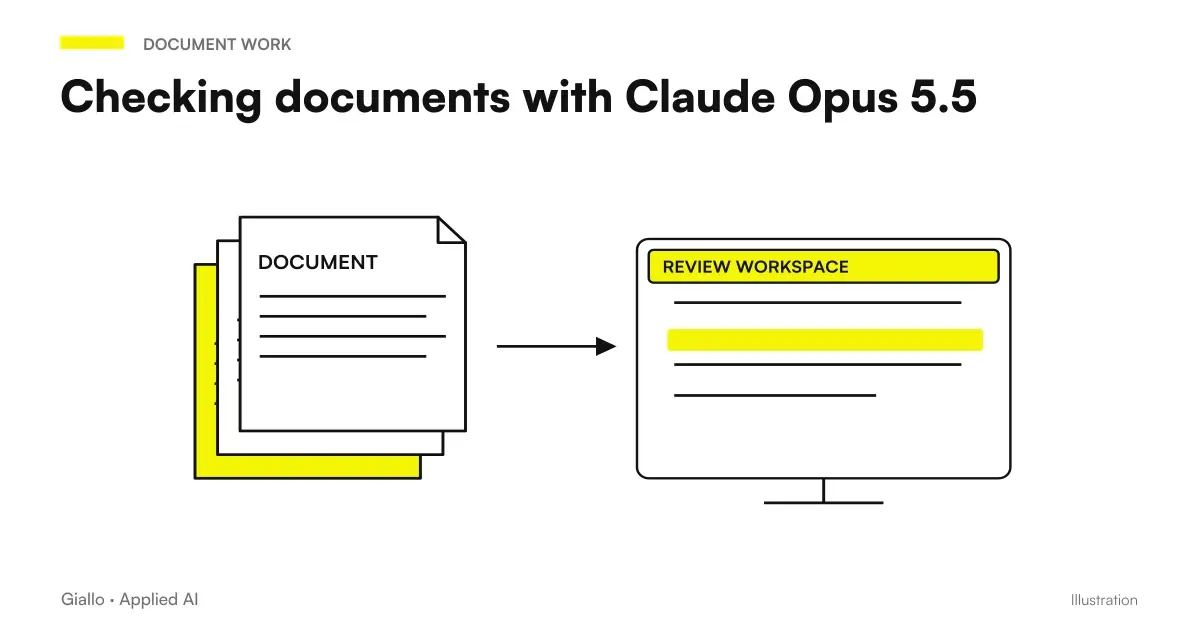
Have a document checked at Claude Opus 5.5 before sending is the task with the best relationship between effort and result that the new model has brought: a two-line prompt, two minutes of execution, and a list of internal contradictions A numbers, dates, names — with the exact location of each. Anthropic states that he verified it on long presentations and planning threads, where he found a date that fell on the wrong day of the week and a chart that did not match the numbers in the table.
This guide explains the prompt, what it finds and what it doesn't, and how to insert it into a workflow without it becoming a halfway habit. 23 September 2026.
In summary
- Find the internal contradictions: numbers, dates, inconsistent names between the parties.
- The prompt asks "Say every problem and tell me where it is": each entry is verifiable.
- He doesn't find the mistakes Consistent: a wrong price everywhere is not a contradiction.
- Here it is attached the whole document: inconsistencies lie between distant parts.
- Applies to quotes, contracts, presentations, reports.
- Human verification remains, but lasts minutes instead of hours.
The prompt and why it's written like this
From the official guide, translated:
"Check that this document doesn't contradict itself: numbers, dates and names. Quote every problem and tell me where it is."
| Part | Function |
|---|---|
| "do not contradict yourself" | Defines the type of error: internal inconsistency, not judgment of merit |
| "numbers, dates and names" | Narrow to three verifiable categories |
| "quote every problem" | He wants the textual quote, not a paraphrase |
| "tell me where it is" | Page, section, slide: the report is reachable |
The last two parts are the ones that make the control useful. Without, you get "there are some inconsistencies in the dates" and you have to reread all the same.
What he finds and what he doesn't find
Find
- A total that does not return with the rows of the table
- A date that falls on the wrong day of the week
- The same different amount in two pages
- A name written in two ways, or two names for the same part
- A graph that does not match the numbers in the text
- A deadline prior to the signing date
Can't find
- A wrong price but consistent throughout the document
- A missing clause compared to what you wanted
- A false data written only once
- An error of merit: the wrong technical choice, well written
The second column is not a limit of the model: it is the definition of the task. For "consistent" errors a reference document ufficiale your contract model, the official price list — and the prompt changes: "Compare this document with the attached model and list every difference, with the location." They are two different controls, and in many streams it is better to do both.
Which documents are worth more
| Document | What Controls | Why it makes sense |
|---|---|---|
| Quote | Totals, quantities, validity dates, customer name | The mistake the customer finds, and it costs trust |
| Contract | Party names, repeated amounts, dates, references to clauses | Inconsistencies between articles are hard to see |
| Presentation | Numbers between slides, charts vs tables, dates | Sixty slides doesn't read them all again |
| Technical report | Measurements, table references, units | Small Errors, Large Effects |
| Capitulate | Cross-references between sections | The point where inconsistencies lurk |
The longer the document, the more control it is worth — and that is why here, contrary to the general rule, it attaches the whole document: contradictions lie between distant parts, and an extract does not contain them.
When the control concerns two versions
In addition to internal inconsistencies, it may be useful to understand what has changed compared to a previous copy. compare versions of documents with AI it is necessary to fix the A/B pair and attachments, separate textual differences and interpretations and verify references. The report must also declare unreadable or excluded parts before the review.
The five-step method
- Attach the finished document, not the draft: the check should be done on the version that starts.
- Use the official prompt, possibly adding categories: "numbers, dates, names and references to sections".
- Check every report at the indicated point. Wrong reports exist: they are discarded in thirty seconds.
- Correct and repeat: a correction can create a new inconsistency elsewhere.
- If you have a reference model, do the second check: differences from the standard.
The total time, for a thirty-page document, is a few minutes. A complete hand read is hours, and it is not said that you find the date on the wrong day.
Prompt variants by document type
The base prompt covers numbers, dates and names. For some documents it is better to add a category, always with the same structure.
| Document | Adding to the prompt |
|---|---|
| Quote | "...and verify that each total corresponds to the sum of the lines and that the validity dates are subsequent to the date of the document" |
| Contract | "...and cross-references: every cited article must exist, every cited attachment must be present" |
| Presentation | "...and each chart must match the numbers written in the text of the same slide or the neighboring ones" |
| Technical report | "...and units of measurement: reports quantities expressed in different units in the same document" |
| Capitulate | "...and every section cited by another section must exist and deal with the topic indicated" |
Two rules apply to all variants. The first: one more category at a time. A prompt asking for ten checks together produces a long and inaccurate list; three prompts from three checks produce three short and verifiable lists. The second: Always ask for the location, even when it seems obvious. It's the only thing that makes reporting controllable in thirty seconds.
For prompts in general with this model —what to remove, the finish line, exclusions —see prompt for Claude Opus 5.5.
Practical examples
Commercial company, 25 employees, Padua. Systematic check of quotes above 10,000 euros before sending. In three weeks the model reported four real inconsistencies: two totals that did not return after changes to quantities, a validity date prior to the date of the quote, a customer name written in two ways. None of the four had been seen by human rereading, because no one read in full.
Law Firm, 6 people, Verona. Two sequential controls on outgoing contracts: first the internal contradictions, then the differences with respect to the study model. The former finds inconsistencies between articles —a different amount in Article 3 and Annexallegatothe latter missing clauses. The lawyer reads two short lists instead of the whole contract, and reads it anyway: control shifts attention, it does not replace it.
When the document is too long for a single step
For very long documents — specifications running to hundreds of pages, framework contracts with dozens of attachments — one check may not be enough, not because the model cannot handle the text, but because the list of findings becomes too long to review carefully.
The solution is not to break the document, which would lose the contradictions between distant parts: it is Break the control. A passage for numbers, one for dates, one for names and cross references, each with the same whole document attached. Three short lists occur; a list of forty entries does not.
For documents that come from outside una contract proposed by a supplier, a specifications by a client —it is worth an extra check before all the others: ask the model to report Everything he couldn't read scansiona badly scanned pages, cut tables, missing attachments — so you know which parts the check isn't worth. It's the same principle as Responses that state their limits: a check that doesn't say what it hasn't seen is not a check.
Mistakes to Avoid
- Asking for "find the mistakes". Too vague: you get style observations. The prompt asks for contradictions between numbers, dates and names.
- Not asking for the location. Without "tell me where it is" the report is not verifiable.
- Attaching an excerpt. Contradictions lie between distant parts.
- Trusting without checking. Reports can be verified in thirty seconds: verify them.
- Expecting him to find the mistakes consistent. Those need comparison with a reference.
- Correcting and don't repeat. A correction can create a new inconsistency.
How to apply it in the company
To make control a fixed step instead of an individual initiative:
- Define Threshold: which documents are always checked (by amount, by type, by recipient).
- The prompt in a shared place, with the list of categories to be checked for each type of document.
- He who sends, controls: the check is before sending, in the hands of the sender.
- Keep a record of the true reports for a month: it says what mistakes they make and where they come from, often from a modification by hand after generation.
For reading and analyzing documents in general —not just checking —see AI to Analyze Business Documents. For the rest of the tasks where Opus 5.5 renders in an SME, Opus 5.5 for an SME. And to prevent the model from filling in voids when it doesn't find a data, How to avoid hallucinations.
Conclusion
Checking documents with Opus 5.5 does not replace re-reading: change what rereads. Instead of thirty pages, a list of four reports with the location, verifiable within minutes. The prompt is two lines and the task is precisely defined —internal contradictions, numbers, dates, names.which is exactly why it works.
Do you want to understand what processes in your company can be automated with AI? Giallo Studio can help you turn the problem into a real workflow.
Giallo Studio guides: methodology and sources
How we apply it in the company
Related resources
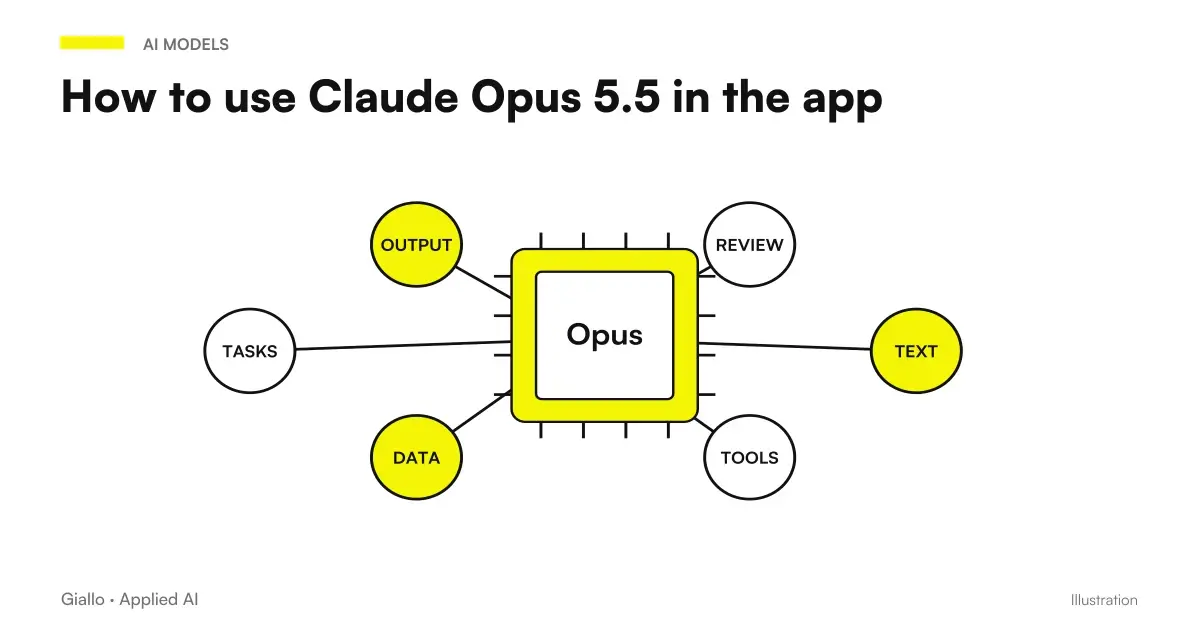 How to use Claude Opus 5.5 in the app: images, long documents, finished files
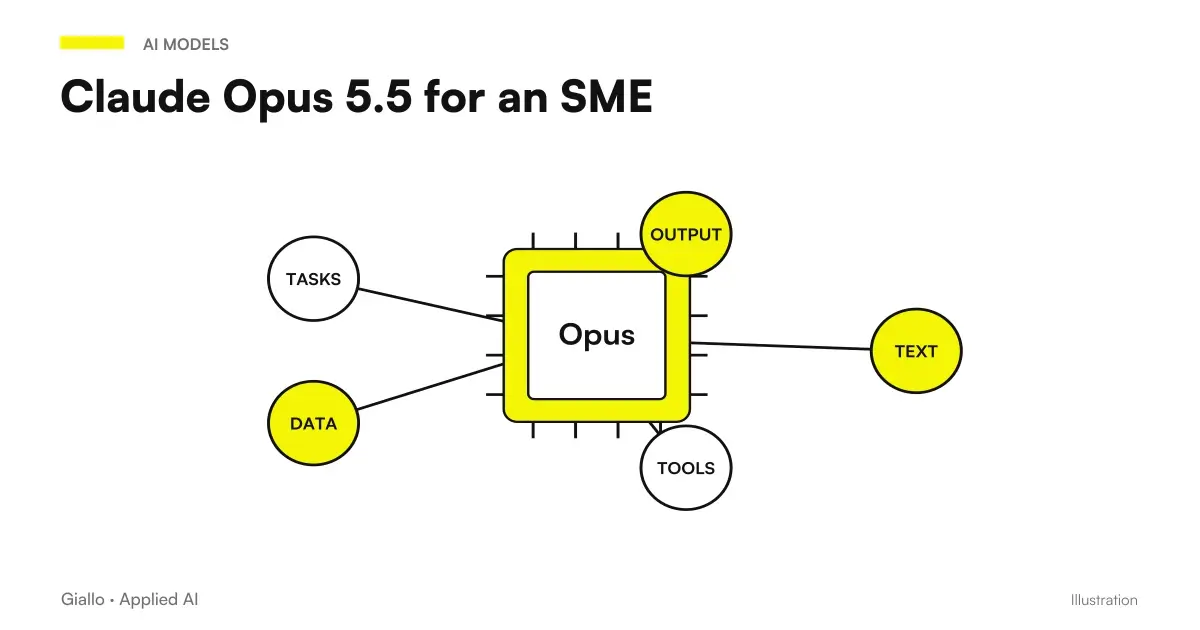 Claude Opus 5.5 for an SME: five concrete uses and when not needed
 AI for business document analysis: a practical guide
 AI Hallucinations: What They Are and How to Avoid Them
 Claude Opus 5.5: what it is, what it changes and who it suits
 How to use Kimi AI in Italian: a practical guide
 Kimi AI vs Claude: documents, code and costs
 PostToolUse: formatters and tests in Claude Code
FAQ
What is the prompt to have Opus 5.5 check a document?
That of the official guide: check that this document does not contradict itself, numbers, dates and names; quote every problem and tell me where it is. The important part is the last: every report must indicate the exact point.
What does Opus 5.5 find in a document?
The internal contradictions: a total that does not return with the table, a date that falls on the wrong day of the week, a name written in two ways, a different number in two pages. Anthropic states that he verified it on presentations and long planning threads.
What does it not find?
Errors that are not contradictions: a wrong price but consistent throughout the document, a missing clause, a false piece of data written only once. For those you need a reference template to compare with.
Does it work on quotes and contracts?
Yes, and it is one of the most useful applications: quotes with totals and dates, contracts with the parties’ names and repeated amounts, and presentations with figures across multiple slides. The longer the document, the more valuable the check.
Is it necessary to attach the entire document?
For the control of contradictions yes, because inconsistencies lie between distant parts. It is one of the few cases in which attaching the entire document is the right choice.
Can I trust the reports?
They must be verified one by one, but the prompt makes them verifiable: each problem has a position. The verification time is a few minutes, against the hours of a complete re-reading.