
Dots automations: reminders, recurring checks and monitoring
Define Dots automations with a time, time zone, end date and notifications. Recurring tasks, reminders and events compared, with SME examples.
Reading time: 11 min
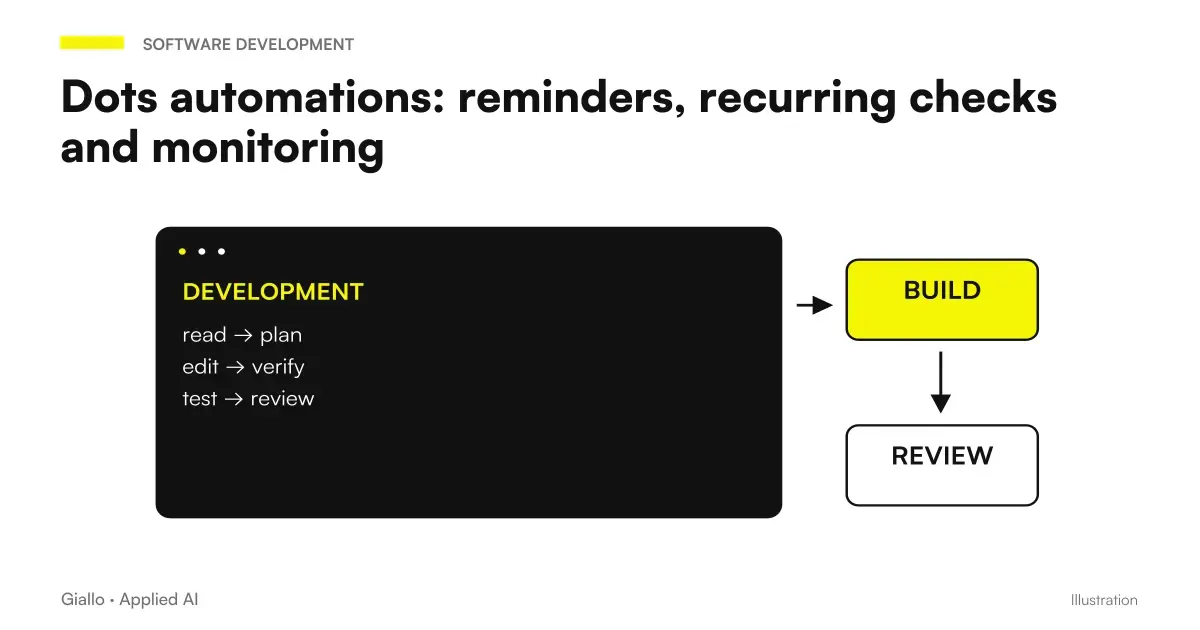
Dots automations require a saved assignment with clear timing, sources, and result. For a recurring task, define tasks, time, time zone, possible term, notification criteria, and destination; ask for confirmation and verification of scheduling in Scheduled. Event-based monitoring, on the other hand, depends on the support of the linked source. Tasks and official memory.
"Keep me updated" is not enough to understand when a source will be checked and what a notification deserves. An SME needs to distinguish a reminder, a periodic reading and a reaction to an event. The value of the process lies in making a useful change visible, without generating messages that no one reads.
This guide reflects verified documentation on 9 October 2026. For Italian eligibility read Dots in Italy, plans and costs; for the role of the agent in time starts from OpenAI Dots: What They Are. The times in the examples are editorial proposals, not tests run on an account.
In summary
- A reminder, a recurrence, and an event have different requirements.
- Programming must indicate spindle, term, and expected result.
- Connecting an app does not automatically create monitoring.
- A notification should signal a major change or operational obstacle.
- Main task, delegates and recurrences have distinct stop controls.
What's the difference between reminders, recurrence and event?
A reminder Reminds you to do something. A Recurring check requires you to examine a source at an agreed time and return a result. A Event Monitoring depends on a signal the source knows how to provide and integration support. They are three different projects, even when the final message looks similar. OpenAI describes occurrences and events in the Dots operational documentation.
| Mode | Hypothetical example | Prerequisite to check |
|---|---|---|
| Reminder | Remind me to review a checklist | Time, time zone and destination |
| Periodic Reading | Review the brief every Monday and report differences | Accessible source and defined comparison |
| Event Monitoring | Notify me when the supported event occurs | Source capacity and actual trigger |
| Updating material | Propose changes after a detected change | Review rules and permitted actions |
The choice depends on the consequence of the delay. If a weekly summary is sufficient, a periodic reading can be a readable starting point. If the process depends on an immediate reaction to each event, verification of integration becomes central. Do not describe a periodic check as instantaneous coverage: between two readings there may be an interval in which the change has not yet been observed.
Also consider the organizational cost of notification. A message that always says "no news" can become noise. A message only in case of important differences is easier to use, but it must distinguish "no change" from "uncontrollable source". This is a rule of flow design: it must be requested and verified, not presumed as universal product behavior.
How to write a scheduled task with spindle and term?
Write the request as a small operating contract. Indicates when to start, what to read, what to compare and when to finish. Specifies the spindle with a recognizable name, such as Europe/Rome, instead of relying on the word “morning.” If the project lasts a few weeks, enter a deadline. A recurrence without expiration can survive the necessity that created it.
Here is an editorial example: «Every Monday at 09:00, merged Europe/Rome, for four weeks starting next Monday, check the checklist indicated. It reports changed deadlines, entries become incomplete and contradictions with respect to the approved brief. Return references and open questions in the agreed conversation. If you can't read the source, alert me to the obstacle; if nothing relevant emerges, avoid a routine update."
The number of weeks and time are hypothetical choices, not product limits. After the request, ask to confirm saved task, merged, first run, term, and destination. Then check Scheduled. The documentation insists on controlling the programming: the sentence in the chat is not enough as proof that all the elements have been recorded correctly. Tasks and memory.
If a condition is not represented by the available programming, the dot must make it explicit. Don't accept a vague summary as "I'll keep you updated". You need to know which part is scheduled and which depends on a new request. The Guide to create the first dot helps prepare source and output before introducing this level of continuity.
Card to verify recurrence before entrusting her with a project
Check: activity, official source, merged, first run, frequency, term, destination and notification conditions. Indicates who revises the result. Define what needs to be communicated when the source is absent or access is not working. If the task only provides proposals, write that edit and submit require a separate step.
How to choose useful thresholds and notifications?
A useful threshold arises from work. For a salesperson it can be a moved deadline; for a launch, a promise no longer consistent with the catalog; for a report, an indispensable data absent. Don't use "important" as your sole criterion. It explains what difference a decision would change or would require revision by someone.
Also define the shape of the result. An effective summary can contain change, source, consequence, and open question. The notification must allow the recipient to understand whether to act, without immediately rereading the whole project. If the dot signals a new data, it should distinguish the data from its own interpretation. A verifiable reference makes the proposal useful even when the recipient was not present in the initial conversation.
The destination must be chosen with respect to the role. A personal note and message to a team have different recipients and controls. Talking to the dot from Slack does not imply that every result must be sent to the channel. Linking a channel does not create a schedule, as it clarifies Messaging. The guide to Gmail, Drive and Slack enter these access levels.
The notification rules must provide for obstacles. If the source is not reachable, you do not want a silence that looks like a positive verification. If the comparison requires an earlier version that has not been defined, you want a question before a conclusion. He designs a result that makes these states visible, then verifies the behavior with a representative task and material suitable for testing.
Can Dots run off-computer checks?
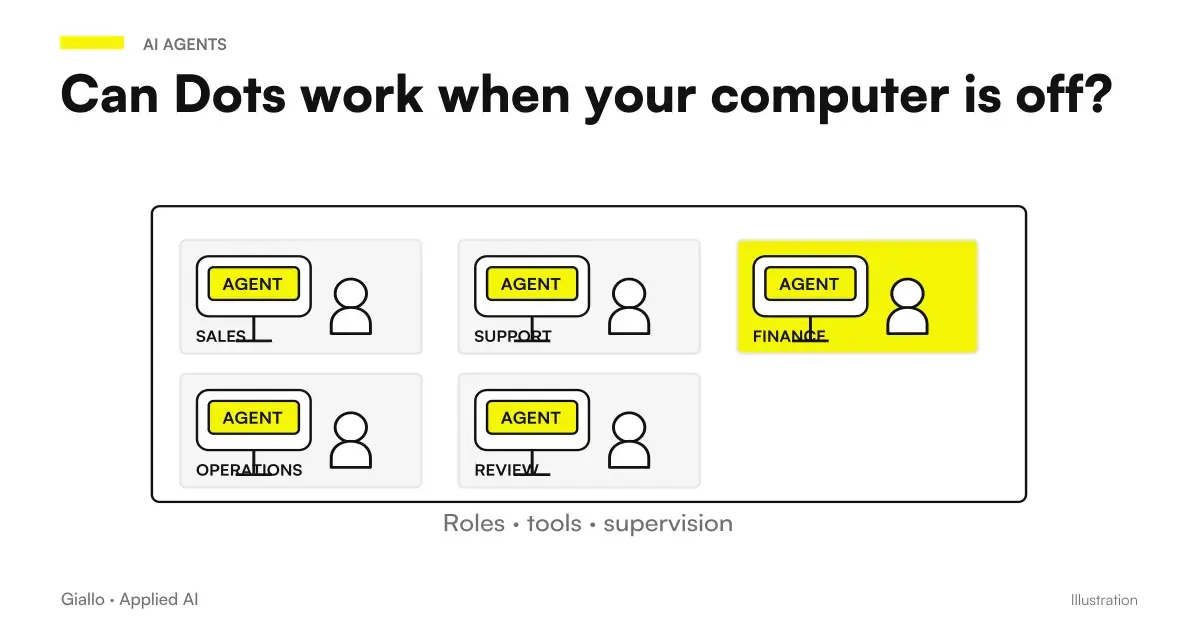
The dot has its own cloud environment that can continue to work without the personal computer on. Access to the local computer requires connection and an open ChatGPT app. Cloud files and sessions remain distinct from local resources. Computers and official app.
This difference must appear in the task tab. If the control uses only sources available in the cloud, turning off the laptop is not the same dependency as a task that requires a local folder. If the document lives only on the personal computer, the recurrence can be found without the necessary resource. Do not resolve this by promising that the dot will "find a way": identify where the source is and what access is needed.
The Guide on Computer Dots Off It also deepens separate logins. For a recurring process a stable and authorized source is useful, with a manager knowing how to restore access when it changes. The task should not depend on a personal session that no one can close or renew.
Two recurring checks for Italian companies
A cooperative follows an opening checklist
Imagine an Italian cooperative preparing for the opening of a new headquarters. The coordinator keeps an approved checklist and wishes a weekly personal summary. The dot must report changed entries, missing decisions, and inconsistent deadlines. He does not receive the assignment to contact suppliers or automatically update contractual commitments.
The coordinator defines Monday morning as a useful time and a term coinciding with the end of preparation. During the test, check that an item "to be confirmed" remains so and that the absence of a data is reported. If you cannot read the checklist, the result must show the obstacle. A novelty-free summary does not apply as a proof of correct access.
An e-commerce follows materials of a launch
Imagine an e-commerce home product that is preparing a launch. The marketing manager wants to periodically compare the approved catalog with the drafts of the cards. The task returns a proposal of differences: feature, affected text, and source. It does not change prices or publish pages.
Before saving the recurrence, the person in charge decides what changes deserve a report and what are simple stylistic suggestions. A different technical data must emerge immediately in the summary; a tone variant can remain among the proposals. After launch the recurrence is re-examined or stopped. The editorial work is deepened in Dots for marketing and content, without attributing economic results to this scenario.
How to stop or modify a Dots automation?
The main task pause is not a universal stop. Delegated activities should be checked in Activity and recurrences in Scheduled. Documentation distinguishes these paths; labels may depend on the surface used. Official Controls.
When finishing a project, check the whole of the work first: current responsibilities, delegates, recurrences and related sources. Stop what is no longer needed and verify the outcome in its path. If you change the brief, make sure that the recurrence still describes the desired activity. A new sentence in the conversation does not prove by itself that previous programming has been updated.
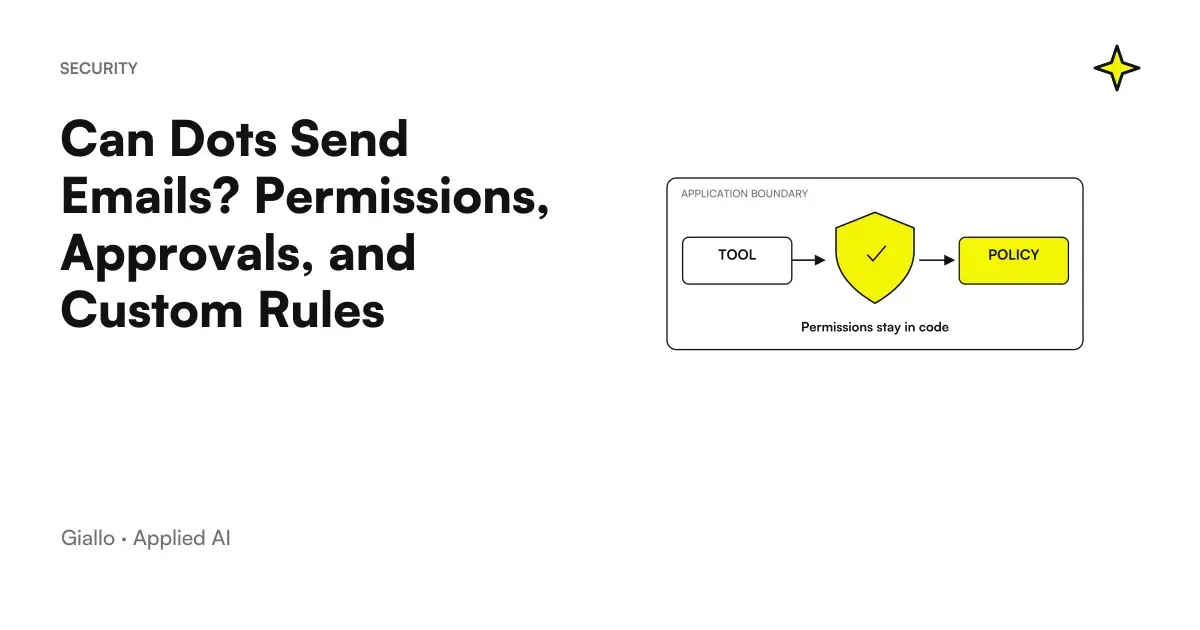
Keep out of the dot a note with purpose and responsible for the recurrence. It serves to prevent an automation from continuing because no one remembers who requested it. If the result is intended for other people, the change of recipient also deserves an explicit review. The Dots permissions and approvals remain relevant when the task moves from preparing a proposal to action.
What errors make monitoring fragile?
The first is to confuse the app link with an active trigger. The second is to omit the spindle and then discuss the time only after out-of-context notification. The third is not to foresee a term. All three arise from a vague request and can be reduced by making programming readable before the first run.
The fourth mistake is to use silence as a test of success. If you ask not to notify when nothing changes, you must also make a failed check visible. The fifth is to immediately widen the process to many sources: if the output is incorrect, it becomes difficult to understand which dependency introduced the problem. Start from a recognizable source and difference, then add complexity when the first path is clear.
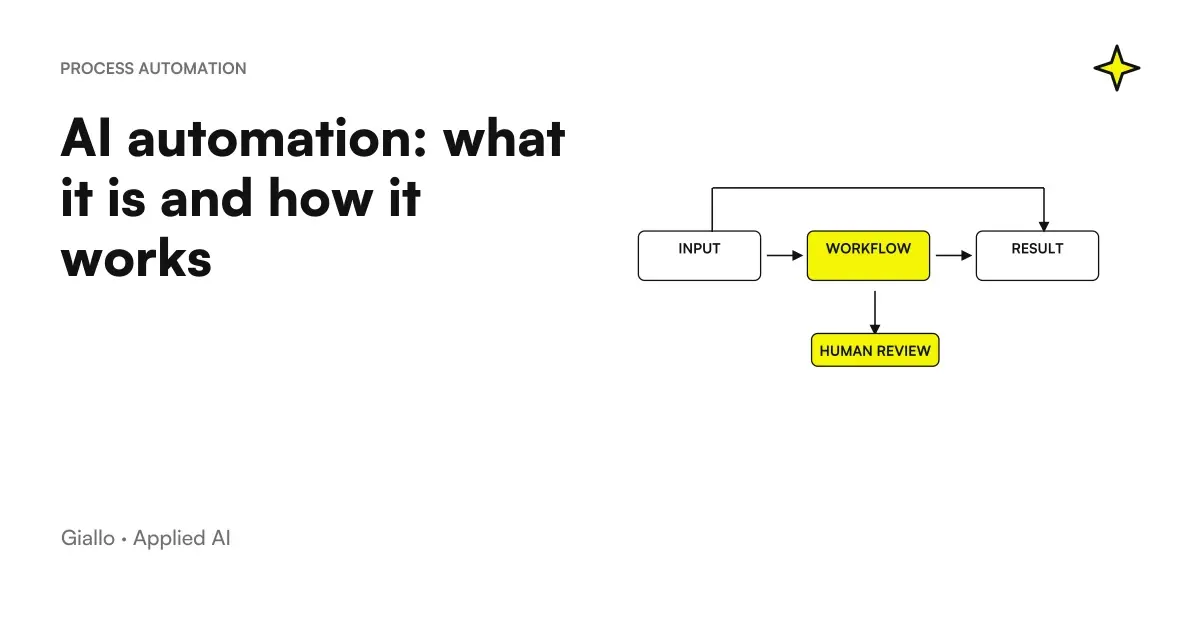
Another trap is turning a recurrence into a promise of complete surveillance. The documentation does not prove that each event of each app is available. If the process requires strict coverage, tracking, or strict rules, consider a separate design. The Guide to What is AI Automation distinguishes process principles from the abilities of a single personal agent.
How to verify the first scheduled run?
It prepares a small demonstration source with recognizable states: a confirmed entry, one to be clarified and a change that the control should report. It is a test method, not a result already obtained with Dots. First you read the material and write down the expected output. Then compare the scheduled summary with that expectation, verifying that the useful differences are visible and that the assumptions remain so.
Also check the delivery. The result must arrive at the agreed destination and refer to the correct project. If an item is absent, do not change all instructions immediately: identify whether it is about programming, access to the source, or interpretation. Correcting only one dependency makes the new verification easier to evaluate.
The first execution serves to know the path, not to declare any future monitoring reliable. A change of account, a new source, or a different notification condition may require additional control. Record what you have observed and what you have not verified. This way the team doesn't turn a successful proof on a simple document into a promise on the entire company archive or every event in the app.
How to apply programming to a real stream?
Choose a check that someone already performs today and knows how to evaluate. Describe source, useful difference, auditor, and term. Run the comparison on demand first, then save the recurrence with the same conditions. On the first scheduled result content verification and delivery, without attributing reliability to the entire process after a single well-written note.
The initial measurement can be simple: what information was found, which was correct and which was missing. To build a larger summary, read report automation with AI. If you want to turn a periodic check into a process with responsibility and clear obstacle management, Giallo can work on your Business Automation starting from a circumscribed and verifiable recurrence.
Giallo Studio guides: methodology and sources
How we apply it in the company
Related resources
 OpenAI Dots: ChatGPT's always-active agents explained
 How to create the first Dot in ChatGPT and assign it a project
 Connect Dots to Gmail, Drive and Slack: permissions and channels
 Can Dots Send Emails? Permissions, Approvals, and Custom Rules
 Do Dots work when your computer is off? Cloud, local access and login
 AI automation: what it is and how it works
 Report automation with AI: updated data without manual work
 ChatGPT vs Grok
FAQ
How do you schedule a task with Dots?
Define task, time, time zone, possible expiration, notification criteria, and destination. Ask the dot to confirm that the schedule has been saved and check it in the Scheduled section.
Does connecting Slack or Drive automatically create monitoring?
No. A connection makes authorized capabilities available, but monitoring requires explicit assignment; events depend on the support of the linked source.
What is the difference between reminder and recurring check?
A reminder prompts you to take an action at an agreed time. A recurring check must read a source, verify a condition, and produce the expected result: it has more prerequisites to verify.
Can Dots work when my computer is turned off?
Work in its cloud environment can continue without the personal computer on. If the task requires the local computer, that device must be online and ChatGPT must remain open.
Does pausing the dot stop all automations?
No, the main task pause should not be treated as a universal stop. Delegated tasks are checked in Activity and recurrences in Scheduled, where they are handled separately.
Can I promise that any changes will be notified?
Only after checking sources, access, scheduling, and verification criteria in the actual workflow. A connection does not prove complete event coverage or delivery of every notification.