
Claude Code hook not running: a debugging guide
Diagnose a Claude Code hook that does not run: loaded settings, matchers, JSON input, timeouts and policies. Local tests and reproducible errors.
Reading time: 11 min
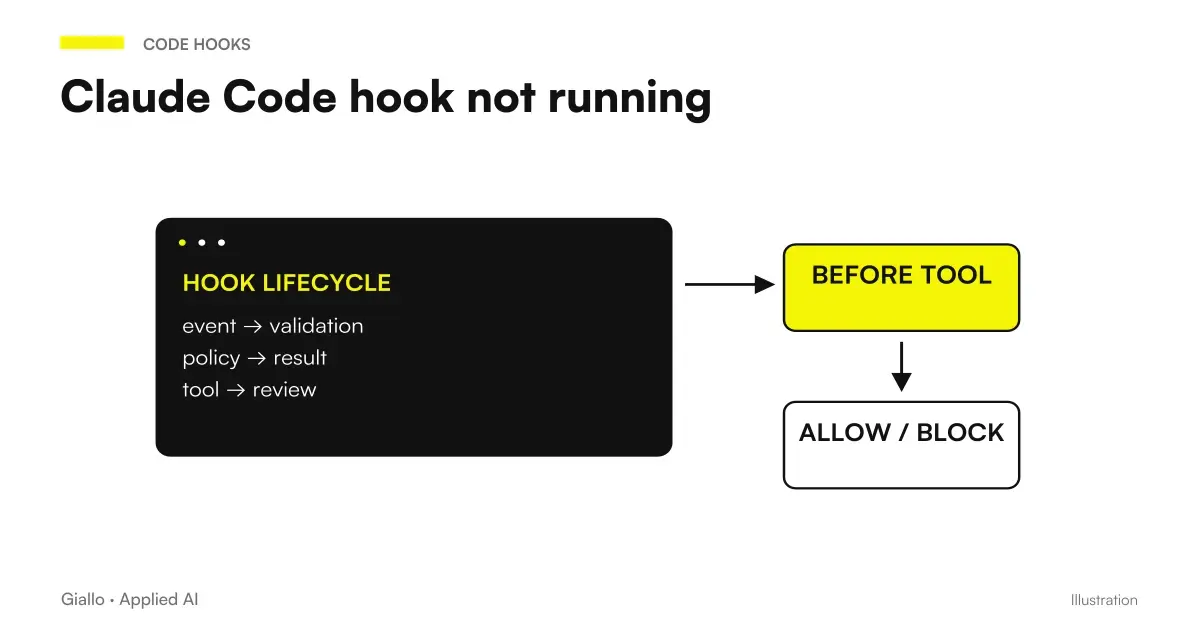
To make debugging a Claude Code hook that doesn't start, check in the loaded configuration order, event, matcher, start of handler, input and output. "I don't see the effect" can mean that the recording is missing, that the filter excludes the call or that the command starts but fails. Changing all these elements together prevents one from knowing what the problem was. Debug Hooks in the official reference.
The first tool is /hooks, which shows the controls available in the session. Then we need evidence with synthetic data for the single suspicious step. A message in the log and a tool call block are different tests; a technical error is not automatically a policy decision. If you still have to choose the mechanism, read the Guide to the Claude Code Hooks.
Sources were verified on 9 October 2026. The proposed fixtures are instructional examples not executed in this guide. The path does not require copying client transcripts, secrets or complete environment variables.
In summary
- First check if the recording is visible in the session.
- The matcher must be verified on the field of the correct event.
- Try the script directly with a synthetic JSON.
- Separate stdout, stderr and exit code during diagnosis.
- It also looks at the effect on the tool, not just the error message.
Is the hook loaded from the file you edited?
Settings can come from user, project, local and administrative scopes. The file opened in the editor is not necessarily the only source of the configuration. Some lists merge between layers, while scalar values follow a precedence. A copy of the hook in another broom can produce an effect that seems to come from the modification just made. Settings by Claude Code.
Open /hooks and check event, matcher and handler. If registration does not appear, read the parsing errors and check the file actually used. /status and claude doctor can help you locate discarded configurations or environment issues. Don't change the script until you have a reason to think it's called.
An invalid JSON is different from a valid JSON with wrong keys. The parser can read the file but Claude Code may not accept the structure. Keep the lock hooks in the intended container and keeps the other settings. Two equal properties in the same object make reading the file ambiguous and can hide the desired recording.
Is this the right event for the result you are looking for?
A formatter after an edit belongs to a path following the action. A rule that must prevent editing belongs to a previous check. The end of an answer is about Stop; a request for attention may be about Notification. Before looking for a code error, describe the fact that it should activate automation. Lifecycle by Hooks.
If the tool call fails, PostToolUse is not the same event as PostToolUseFailure. If a shell program modifies a file, the matcher Edit|Write does not automatically see that called Bash. These differences can explain a silent hook without a runtime failure.
Consult PostToolUse for formatting and testing for subsequent checks and PreToolUse for Protected Files for preventive checks. Diagnosis becomes more rapid when the requirement and time coincide.
Does the matcher include exactly the intended case?
The current reference distinguishes simple names, name lists, and regex. A value such as Edit|Write is a list of exact names; different metacharacters can lead to an unanchored JavaScript regex. A pattern such as Edit.* can include values that contain Edit without coinciding with that tool. If you want a full match, make the anchors explicit. Matcher patterns.
Check the filtered field. In tool events it is the name of the tool; for SessionStart it is the reason to start; for Notification it is the type of notification. Using a file name in the PreToolUse matcher is not a filter on the input path. Path control belongs to the next logic or supported condition fields.
Prepare a case including, one excluded and one with a similar name. Do not immediately widen the matcher to anything to show a result: the test could work and leave a configuration too wide. If you need to temporarily observe multiple events in a synthetic environment, then restore the intended perimeter and repeat the negative case.
How to try the script without Claude Code?
A handler command receives JSON on standard input. You can simulate this step with a local fixture that contains only the useful fields. The following script verifies that the input is an object, prints a diagnostic category on stderr and returns an empty JSON on stdout. It is an example not executed, not a security check. Input and output.
import json
import sys

try:
    event = json.load(sys.stdin)
    if not isinstance(event, dict):
        raise ValueError("oggetto richiesto")
    name = event.get("hook_event_name", "evento-assente")
    allowed = {"PreToolUse", "PostToolUse", "Stop", "Notification"}
    label = name if name in allowed else "evento-non-previsto"
    print("Diagnosi hook: " + label, file=sys.stderr)
    print("{}")
except (ValueError, TypeError):
    print("Diagnosi hook: input non valido", file=sys.stderr)
    sys.exit(1)
A minimum fixture can be saved as hook-input-demo.json in the test repository. Do not reuse a real input containing customer code or information just to save writing a few fields.
{
  "hook_event_name": "PreToolUse",
  "tool_name": "Write",
  "tool_input": {
    "file_path": "demo/example.txt"
  }
}
The direct call uses file redirection: python3 inspect_hook.py < hook-input-demo.json. If it fails here, the problem is not the Claude Code matcher. If it succeeds, you have only tried input and runtime; they remain recording, boot path and contract of the result in the session.
Why do stdout and stderr have to stay separate?
Stdout can be interpreted as a hook response. A log line before the JSON can break the format or change its meaning. Stderr is the right place for a short technical message, according to the documented behavior for the event and the exit code. The exit code remains a distinct third data. Exit code output.
Don't read "no printed errors" as proof of success. The script may have missed a case because the field was missing or because the path was not included. Define what each fixture must produce: JSON, no decision, negative outcome or technical error. The table of evidence also makes silent branches readable.
For preventive checks, look at the effect on the tool call. A valid JSON with the wrong key does not try a deny. For later checks, look at the feedback and the resulting file. PostToolUse can't undo a change already made just because its handler ends with error.
Routes, quotations and runtimes: where to look for a failed startup?
Check if the command exists in the hook environment, not just the personal terminal. A program available through an interactive profile may not be reachable in a different session. Paths with spaces require quotation; a relative path may depend on the current directory. Prefer a stated position in the project.
The input content must not become an executable shell string. If the script invokes a program with a received path, it passes separate arguments. Quoting errors can be either operation failures or an unexpected execution surface. A file name fixture containing spaces helps to verify the ordinary case without using confidential data.
| Symptom | Initial hypothesis | Minimum Test |
|---|---|---|
| Command not found | Runtime absent from PATH | Starting in the hook environment |
| Script found but does not start | Permissions or Interpreter | Declared direct invocation |
| Only works from a folder | Relative path | Running with different directory |
| Wrong file processed | Quoting or input | Fixtures with synthetic path |
| Unrecognized Output | JSON contaminated | Stdout distinct from log |
| Call excluded | Matcher or event | Case included and case negative |
Timeout: what proves an interrupted control?
A timeout shows that the control is not finished within the applied budget. It does not prove on its own that the tool call has been blocked. The current reference describes default of 600 seconds per command, HTTP and MCP, 30 per prompt and 60 per agent, with exceptions and specific budgets for some events. Do not use a historical value without checking the current event section. Timeouts.
The timeout may depend on a hidden input request, a slow process, or an unavailable dependency. Increasing it without understanding the cause can only make waiting longer. Test the same check directly first and see if it requires an interactive shell or a non-started service.
The release 2.1,295 of 8 October 2026 introduces onFailure: "block" for command and HTTP. In this verification the introduction is confirmed, but the complete scheme and interactions have not been verified for all events. No invented field is proposed to solve the problem. Official Release.
Is the HTTP or MCP service reachable from the right environment?
An endpoint on localhost may refer to an environment other than the reader's computer. An MCP server can be configured but not authenticated. Before modifying the decision's JSON, try connecting with synthetic data and identify where the client is running. If the transport is not completed, the policy has not yet produced an evaluation.
For HTTP, a response 500 is not a deny equivalent to a block exit code. The ordinary decision must come through the JSON contract. HTTP Hooks describes the different outcomes. For MCP check server scoped name, tool and input; Hooks and MCP separates interception and handler.
Do not fix a connection issue by automatically exposing the service on the network or copying credentials to the file. Diagnosis must preserve the perimeter of the project. If a prerequisite is missing, the report says “control unavailable,” without inventing the result of the scanner or service.
Does administrative policy prevent execution?
Organizations can narrow down hooks with managed settings and allowlists. A valid local file may be intentionally excluded from the policy. Check the actual sources and rejection message; do not try to circumvent the limit by distributing the same command under a different name. Administrative management of hooks.
For a plugin configuration, also check the actually loaded component and its version. An agent included in a plugin ignores the frontmatter field hooks, according to the component documentation. The control must then be registered in the supported layer. Frontmatter agent plugin.
Hooks for subagent and team deepens this border. Team and Security Mods helps if the distribution includes other customizations. An organizational policy and a script bug are different causes, with different correction paths.
Do I need to restart after every change?
Current behavior includes reloading mechanisms of settings. Do not copy as an absolute rule a historical tutorial that always requires restarting. Instead, it checks if the updated recording is visible in the session and if the component type has its own reload path. Official Troubleshooting.
Even a file in the official repository can be historical material. The skill plugin-dev retrieved contains different indications from the current reference on timeouts and prompt schemes. The main source for the operating contract remains the updated reference, compared with the installed version. Historical material plugin-dev.
For SessionStart, try the expected startup reason, without assuming that a change to the file has played automatically compact. The guide SessionStart and compaction explains how to verify the recovery without copying the whole context.
Two faults reproducible in Italian projects
Hypothetical, untested example: an agency in Lecce register a formatter on Edit|Write, but the changes occur through a Bash script. The hook appears in /hooks and the script works with direct fixture. The diagnosis shows an event not corresponding to the matcher, without requiring a rewriting of the formatter. The team decides which edit path to adopt and retains a negative proof for the excluded call.
Hypothetical example, untested: an SME in Udine configures a local HTTP service to control a synthetic operation. In a remote session the service is not reachable, while on the laptop it responds. The team identifies the machine that localhost runs on, then tests the intended link without indiscriminately opening the door. It does not treat the connection error as a policy rejection.
Both failures have an observable cause and a circumscribed correction. The useful report indicates which step was verified and which failed, instead of summarizing everything with "the Hooks don't work".
How to close the diagnosis with a useful test?
Repeat the case that failed and at least one case excluded from the rule. Controls output, exit code, and effect in the session. Keep a synthetic fixture and write down the version: it will serve when the runtime, plugin or service changes. Avoid permanent logs of the entire input just to remember the failure.
The hook works but keeps asking for work
Checks if the problem is about Stop and managing stop_hook_active. An impossible condition or never-updated test can produce repeated continuations even when the script starts correctly. The diagnosis must be about the completion criterion, not just about starting the command.
Stop hook without loop describes that specific case. For customizations that draw the interface, Mods by Claude distinguishes another level of extension: not all the problems of a mod belong to the hook settings.
If the controls are part of an internal application, the service of custom software may include fixture, observability, and workflow maintenance. A diagnosis is concluded when the fault passage is identified, the correction is proven and the original perimeter of the control remains verifiable.
Giallo Studio guides: methodology and sources
How we apply it in the company
Related resources
 Claude Code Hooks: a practical guide in Italian
 PreToolUse: Protect files in Claude Code
 PostToolUse: formatters and tests in Claude Code
 Claude Code Notifications: local hooks and permissions
 SessionStart: restore context after compaction
 Mods by Claude: what they are and when they are needed in Claude Code
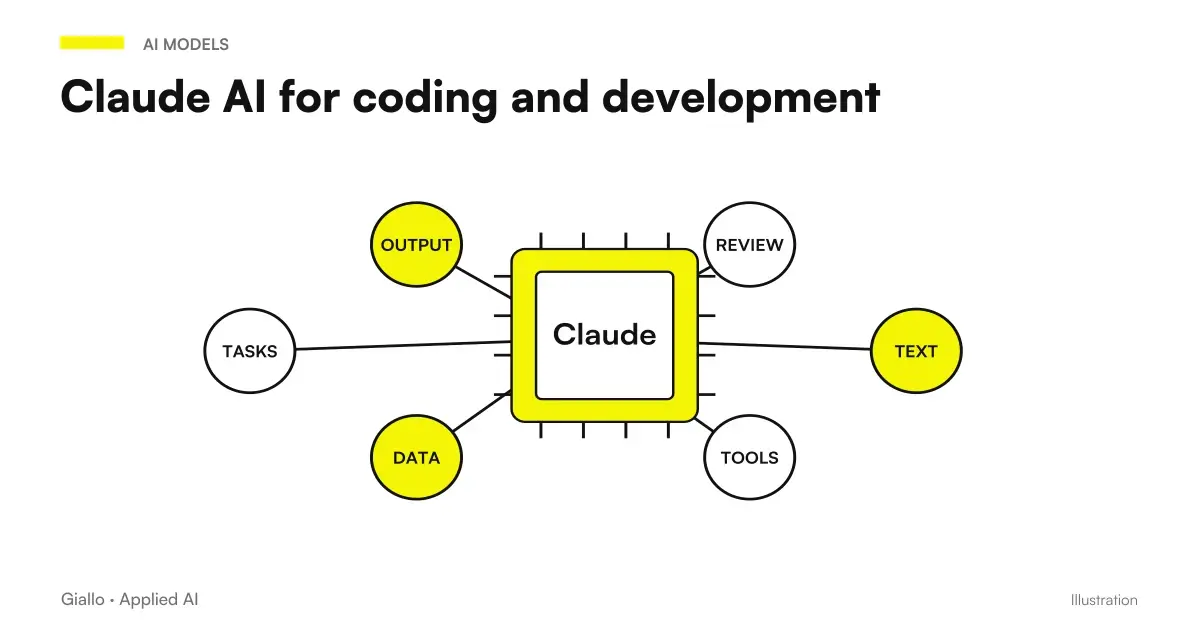 Claude AI for code and development
 Copilot in Teams: meetings, minutes and actions to be confirmed
FAQ
Where to start if a hook doesn't start?
Check in /hooks whether the registration is visible. Then verify the event, matcher, and configuration actually loaded before editing the script.
Do I always have to restart Claude Code?
Current versions have mechanisms for reloading settings. Check the registration in the session and the rules for the version you are using rather than copying historical instructions.
Why doesn't an Edit matcher intercept Bash?
The tool event matcher looks at the tool name, not the effect on the file. A shell script editing a file remains a Bash call.
How can I validate the script's JSON?
Use a locally saved synthetic input and check stdout, stderr, and exit code separately. The response JSON must be valid and consistent with the event.
Does a timeout prove that the tool has been blocked?
No. You must also observe the decision and behavior of the event. Ordinary errors and explicit deny are different outcomes.
Can I use an old tutorial from the official repo?
Compare it to the current reference. Even official historical material can describe timeouts, response schemas or procedures no longer corresponding to the installed version.