
Claude AI: what it is and when to use it
Claude AI by Anthropic: strengths in long documents, writing and code, comparison with ChatGPT and Gemini, privacy and limitations.
Reading time: 13 min
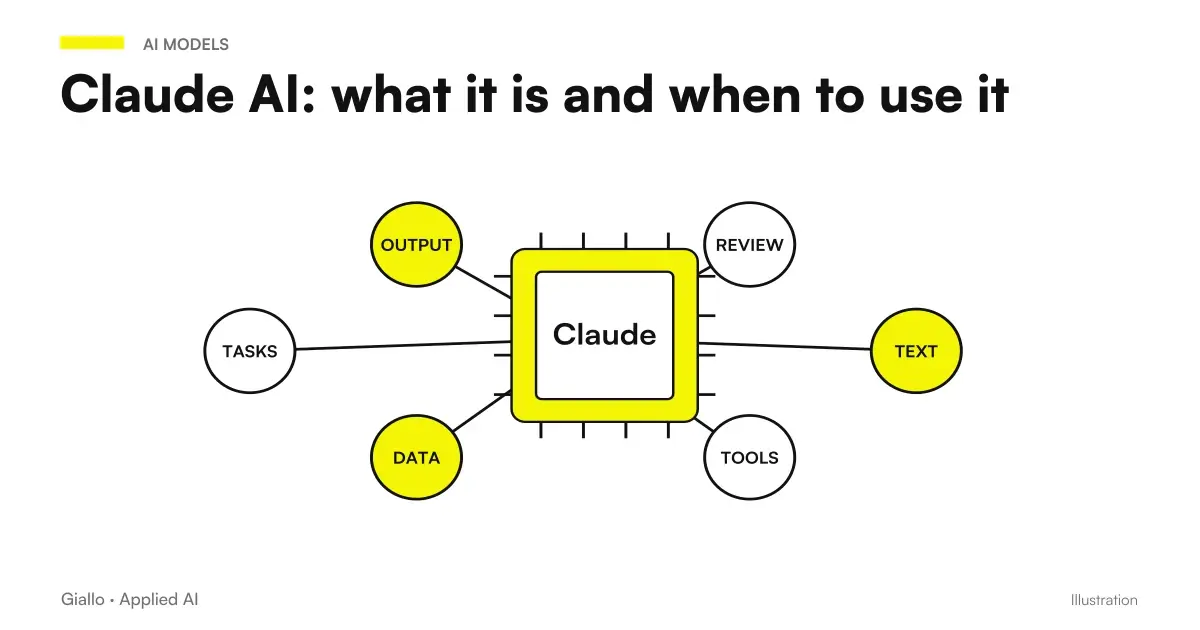
Claude AI is an artificial intelligence assistant developed by the company Anthropic and based on large linguistic models (LLM). It basically works like other conversational assistants: you write him a request in natural language — summarize this contract, rewrite this email, analyze this report, correct this code — and he generates a response in text. It belongs to the same family of instruments as ChatGPT and Gemini, but it has personality and strengths of its own.
What distinguishes Claude, in everyday practice, are three things: the quality of writing (ordered texts, natural tone, few puffy sentences), the ability to work on very long documents in one stroke, and a way of reasoning orderly and prudent, with a tendency to say "I don't know" instead of inventing at all costs. It is not "better" than ChatGPT or Gemini at all: it is simply better suited to some tasks and less so to others.
In this guide we see what Claude really is, where he comes from, what he excels at, when it is best to prefer him to the other assistants, how he handles privacy and data and what his real limits are. No absolutisms and no invented version numbers: for those we will always send back to the official Anthropic page, because they change quickly.
Among the recent releases is Claude Haiku 5.5, announced on October 7, 2026. The in-depth deals with API tariffs, migration and evidence on repetitive tasks: the cost per token must be compared accurately, corrections and the cost of the completed work.
In summary
- Claude is the AI assistant of Anthropic, based on large linguistic models: generates text, summaries, analysis of documents and code from a request in natural language.
- Its most recognized strengths are Curated Writing, management of long documents and an orderly reasoning with measured tone.
- It is offered as a family of models of different sizes (more powerful for complex tasks, lighter for high volumes); names and versions often change, so they should be verified on the official website.
- Compared to ChatGPT and Gemini there is no absolute winner: depends on the task and the tools you already use.
- How Every LLM Can Making mistakes and inventing: Needs human review on critical points and attention to confidential data.
What Claude AI is and where it comes from
Claude is the name given by Anthropic to his family of conversational AI assistants. Under the hood there is a Great Language Model: a model trained on huge amounts of text that, given a request, provides word after word the most likely answer. If you want to understand this basic mechanism well, the guide on LLM, what are they He explains it without technicality.
Anthropic is an American artificial intelligence research company, born in 2021. One trait that characterizes it is the explicit attention to safety and reliability of models: the stated idea is to build an AI that is useful, honest and that avoids harmful behavior. This orientation is also felt in the daily use of Claude, who tends to be cautious: he rejects blatantly problematic requests, signals when an information is uncertain and, in general, "invents" a little less than the average. while not immune to it.
You can use Claude in three main ways, depending on who you are:
- Web and mobile apps: the chat interface, for those who want to use it as a daily tool of writing and analysis.
- Business and Enterprise Plans: versions for teams and companies, with controls on users, data and privacy conditions more suitable for professional use.
- Developer API: to integrate Claude into software, automations and AI agents, paying on consumption based on use.
For an SME it is useful to know from the start that Claude is not just "a chat to talk to": it is also an engine that can stay inside your processes, connected to emails, documents and management software via the API and tools of AI Automation.
What are Claude's models
Claude is not a single model, but a family of models of different sizes and capacities. The logic, also common to other suppliers, is to offer a compromise between three variables: capacity (how good he is on difficult tasks), speed (how fast he responds) and cost (how much you spend on each use, especially via API).
Historically Anthropic has used names that recall typologies of poetry to indicate the different "cuts" of the family — typically a more powerful model and reasoner for complex tasks, a balanced intermediate and a smaller and faster one for low-cost high volumes. The conceptual structure is this; the precise names and version numbers often change, so we don't report them as if they were fixed.
In practice, how to choose? The rule is simple: for a task complex and occasional (analyzing a contract, reasoning on a strategy) agrees the most capable model, even if it costs more; for a task simple and repeated thousands of times (classify email, extract a data from a card) the lightest and fastest model, which saves money. Choosing the right model, on a real automation, is one of the levers that impact costs the most.
What Claude is good at: strengths
All modern AI assistants do more or less the same things. The difference is seen in detail and constancy. That's where Claude gets noticed most often.
Writing quality and natural tone
It is the area where Claude gathers the most support. The texts he produces tend to be ordered, sliding and with a few empty sentences: less inflated adjectives, less repetition, less that "robotic" tone from AI. For those who write professional emails, articles, product descriptions or documents, this means starting from a draft closer to the final result, with less cleaning work. He is also good at maintain a consistent tone if you describe it well. On this aspect we have a dedicated guide: Claude to write better.
Long documents in one go
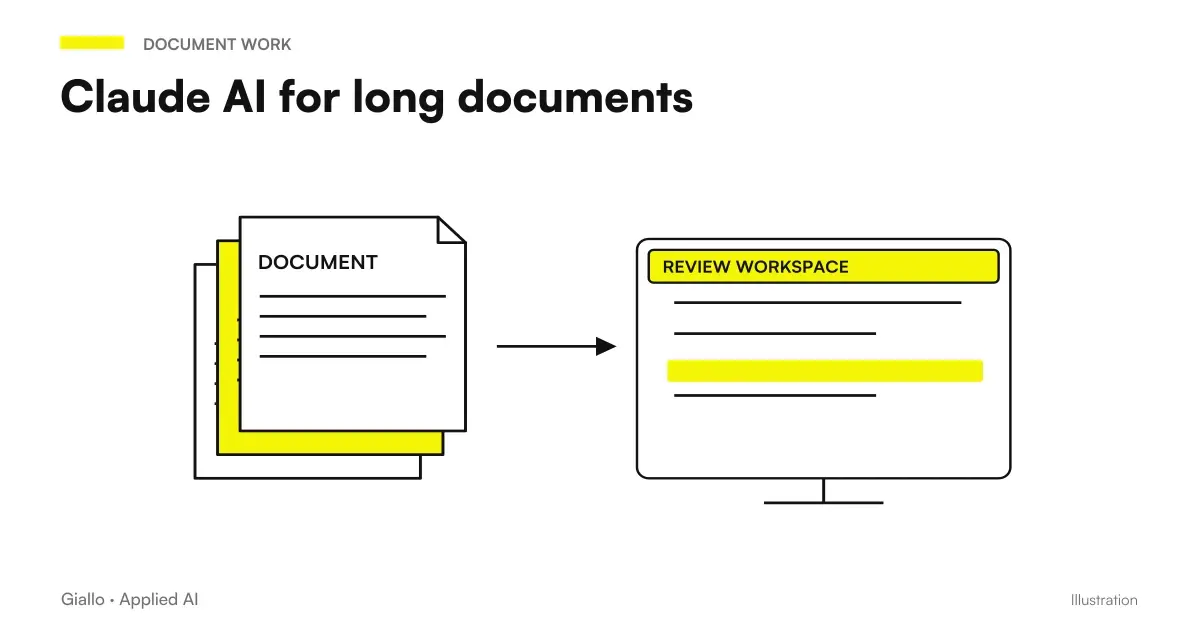
Claude is often chosen to work on Very Long Texts: contracts of dozens of pages, reports, transcripts, manuals, email collections. You can paste (or upload) a full-bodied document and ask for a summary, the extraction of clauses, a comparison between versions or an answer based only on that text. It is such a frequent use case that it deserves further study apart: Claude for long documents.
Orderly Reasoning and Caution
On problems that require follow more steps analizzare analyze, compare, infer Claude tends to proceed in a structured way and to "show the work" if you ask him. He is also more willing than average to say "I don't know this information" or "I'm not sure here", instead of filling the void with a self-assured invention. It does not eliminate hallucinations — no model does — but the perceived risk is often lower.
Code and Development
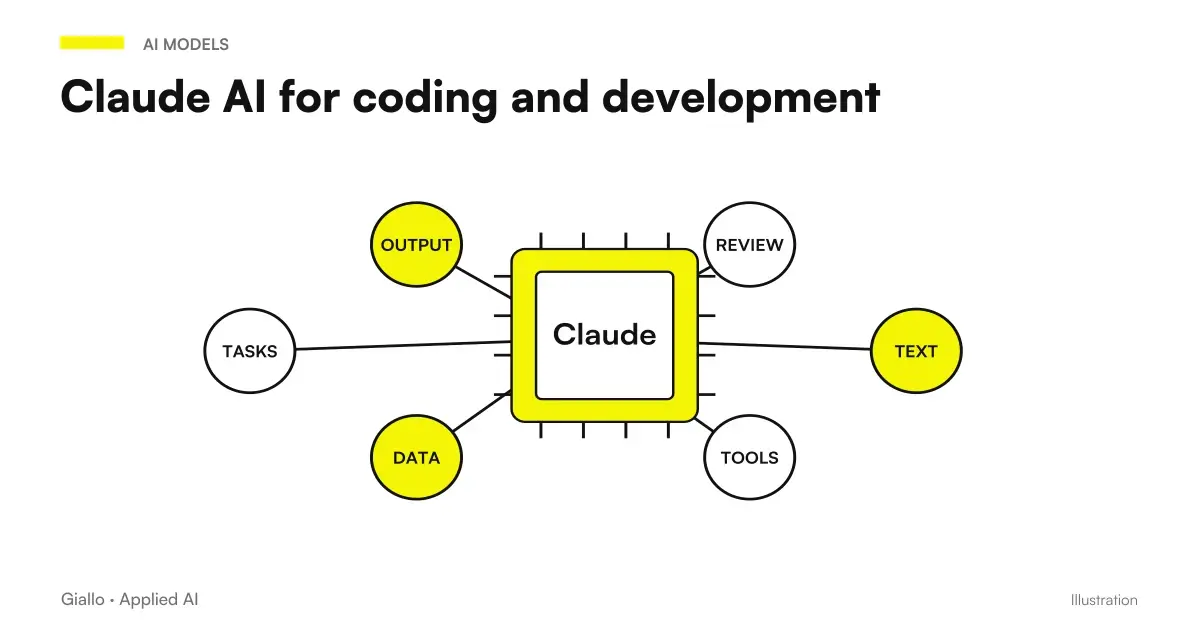
Claude is also widely used for write, explain and correct code: generate functions, understand an error, review a script, document. For those who develop software or automations is a tool of daily work. We talk about it in detail in Claude for the code.
When to Choose Claude
Here is the concrete question: between Claude, ChatGPT and Gemini, which to use? The honest answer is depends on the task and context, not from a ranking. The table below summarizes the cases in which Claude tends to be the most natural choice — without claiming that he is always "the best".
| When Claude agrees more | Why | Alternative to be evaluated |
|---|---|---|
| You must write or rewrite edited texts (emails, articles, documents) | Natural tone, clean lyrics, a few puffy sentences | ChatGPT if you need to also generate images in the same stream |
| You must analyze or summarize long documents | Manages large amounts of text well in a single request | Gemini if documents are already inside Google Drive/Workspace |
| You want an assistant prudent, which admits the doubts | It tends to invent less and signal uncertainty | Any, but with explicit instructions not to invent |
| You work a lot on code and technical review | Good quality on writing and explaining code | ChatGPT, also strong in this area |
| You want to integrate AI into your software via API | Solid API, suitable for custom agents and automations | ChatGPT/Gemini, rates based on cost and ecosystem |
| You're already in the ecosystem Google (Gmail, Documents, Sheets) | — | It is often convenient here Gemini, native in Workspace |
A practical way to choose is this: instead of asking yourself "which is the best one ever", start with the task and the tools you already use. If you live inside Google Workspace, Gemini takes advantage for integration. If you need a huge ecosystem of ready-to-use features, ChatGPT has a lot of them. If your work is made of texts, documents and analyses and you want a curated result, Claude is often the choice that saves more revisions.
Don't know where to start? A quick test in 10 minutes
Take a real task that you often do (e.g. summarizing a report, rewriting an offer, classifying requests) and give the same exact request to Claude and another assistant you already use. Compare three things: how usable the draft is as it is, how much time you save compared to doing it by hand, how many errors you need to correct. Repeat on two or three different tasks. The "winner" emerges from your real tasks, not from a generic benchmark.
Privacy and data: what to know before using it in the company
It is the most delicate point for those who work with customer data. It is as valid for Claude as for any AI assistant: Where do the things you write in the chat end up?
The fundamental distinction is between Consumer Plans (the app for personal use) and business/enterprise plans + API. In general, on professional plans and the API, Anthropic declares to don't use user content to train models by default; on plans for personal use the conditions may be different and in some cases configurable in the settings. Since these conditions are updated over time, the golden rule is only one: read the current conditions before entering confidential data.
In practice, for an SME or a professional firm, there are three minimum moves:
- Pick the right plan. For professional use with sensitive data, start with business/enterprise plans or the API, not the free personal app.
- Verify and archive the DPA. Download the data processing agreement from the provider and keep it in your data processing log, along with those of the other tools you use.
- Define an internal policy. Establish in writing which data can be entered and which cannot (e.g. never tax codes or medical records), and train the team. Technology alone is not enough.
This is even more true for regulated sectors: if you manage customer data such as accountant or in one Law Firm, the privacy and compliance part is not a detail, it is the starting point.
Practical examples
Three realistic scenarios of Italian SMEs and professionals, to make concrete where Claude gives value.
1. Law Firm — summary and comparison of contracts. A lawyer needs to analyze a 40-page contract and compare it to the previous version. He uploads both texts and asks Claude to list the changed clauses, highlight the potentially disadvantageous ones and produce a summary for the customer. Claude prepares the first analysis; the lawyer verifies the critical points and maintains all responsibility for judgment. The initial reading time collapses, the decision remains human.
2. Manufacturing SMEs — commercial communication. The commercial office must rewrite offers and emails in a consistent and professional tone, starting with hasty drafts. Claude rewords the texts keeping the correct technical data, cuts the swollen sentences and adapts the register to the customer. The salesman revises and sends, instead of writing from scratch. The result: more curated communications, in less time.
3. Service Agency — Internal knowledge base. The agency has dozens of documents (procedures, FAQs, type contracts). Using Claude's API inside a system of Type RAG, builds an assistant who answers the team's questions by citing internal documents, instead of forcing people to search by hand or disturb a colleague. Responses remain anchored in business documents, not generic model knowledge.
In all three cases, the same principle of well-made AI applies: Claude prepares, the person decides.
Mistakes to Avoid
- Treating output as truth. Although it is prudent, Claude remains a statistical model: he can invent clauses, numbers or quotations. On data, norms and figures always needs a check. See the AI Hallucinations.
- Pasting sensitive data into the wrong plan. Using the free personal app for documents with customer data is a GDPR risk. Adequate plan, DPA and internal rules are needed for the company.
- Fixing yourself on only one instrument per party taken. "I only use Claude" or "I only use ChatGPT" is a fan choice, not a professional one. The task decides the instrument; two or three often live together.
- Chasing the last version as if it were everything. Version numbers and benchmarks change all the time. For your real tasks, the concrete result counts, not the highest number in a ranking.
- Expecting me to know your company. Claude doesn't know anything about your processes until you give it to him: he needs to be guided with context, clear instructions and, where needed, your documents.
For open source project maintainers, Anthropic OSS Scanner opens a selective scanning path. Reports require technical confirmation: the program does not amount to a certification or a free audit for all private repositories.
How to apply it in the company
Bringing Claude (or any AI assistant) into a company doesn't mean "give everyone a subscription and hope". It's a short and repeatable path.
- Start with the task, not the instrument. It detects a repetitive activity made of text and documents (offers, synthesis, sorting): that's where Claude makes the most.
- Take a real test and compare. Give the same task to Claude and the assistant you already use. Measure saved time, draft quality, and errors to correct.
- Fix privacy before scaling. Adequate plan, archived DPA, internal policy on what can be entered. No sensitive data in consumer plans.
- Keep the human in control. Claude prepares the draft, the person approves. Especially on contracts, numbers and communications to customers.
- When the case is solid, it integrates via API. From manual use in chat to automatic flow inside your software: here you go from "try AI" to AI in the processes.
The last step is what distinguishes an experiment from a stable result: connecting Claude to your tools via AI agents and Customized Automations, so that the work takes place on its own instead of by hand. If you want to see how these bricks mount in real cases, the AI Guide for Companies collects processes, costs and priorities, while in The Lab Find practical experiments.
Claude agrees when
- The work is made of texts, documents and analysis.
- You need edited writing with little revision.
- You have to handle long documents in one go.
- You want an assistant who admits doubts instead of inventing.
Evaluate an alternative when
- Live inside Google Workspace: often better Gemini.
- You need to generate images or a vast ecosystem of functions.
- You already have a consolidated integration with another provider.
- The task is trivial and any assistant solves it the same.
On this topic we have more recent insights: Claude models in comparison: which to choose, Which Claude model to choose for your case and Prices of Claude models by comparison.
Conclusion
Claude AI is Anthropic's assistant: a great linguistic model that shines above all on writing, long documents, orderly reasoning and code, with a prudent attitude that leads him to invent a little less than average. It is not "the best" ever compared to ChatGPT and Gemini: is the right choice for certain tasks and contexts, to be decided on a real test and not on a ranking. To use it well in the company, three things count: starting with the right process, fixing privacy and data before scaling, and keeping the person where judgment and responsibility are needed. From here you can continue with the insights on Claude for long documents and Claude for Companies.
If you want to go from testing with ChatGPT to an AI system integrated into business processes, Giallo Studio custom designed agents and automations.
Giallo Studio guides: methodology and sources
How we apply it in the company
Related resources
 Claude AI for long documents
 Claude AI to write better
 Claude AI for code and development
 Claude AI for companies
 ChatGPT: what it is and how to use it
 Gemini AI: what it is and how it works
 LLM: What Language Models Are
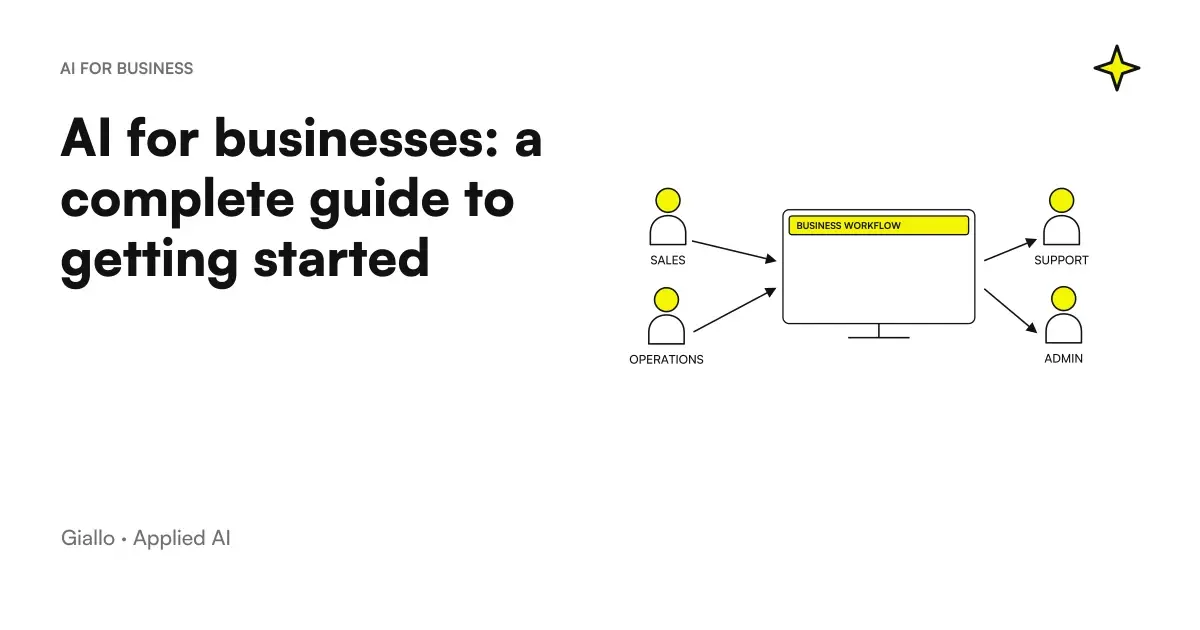 AI for businesses: a complete guide to getting started
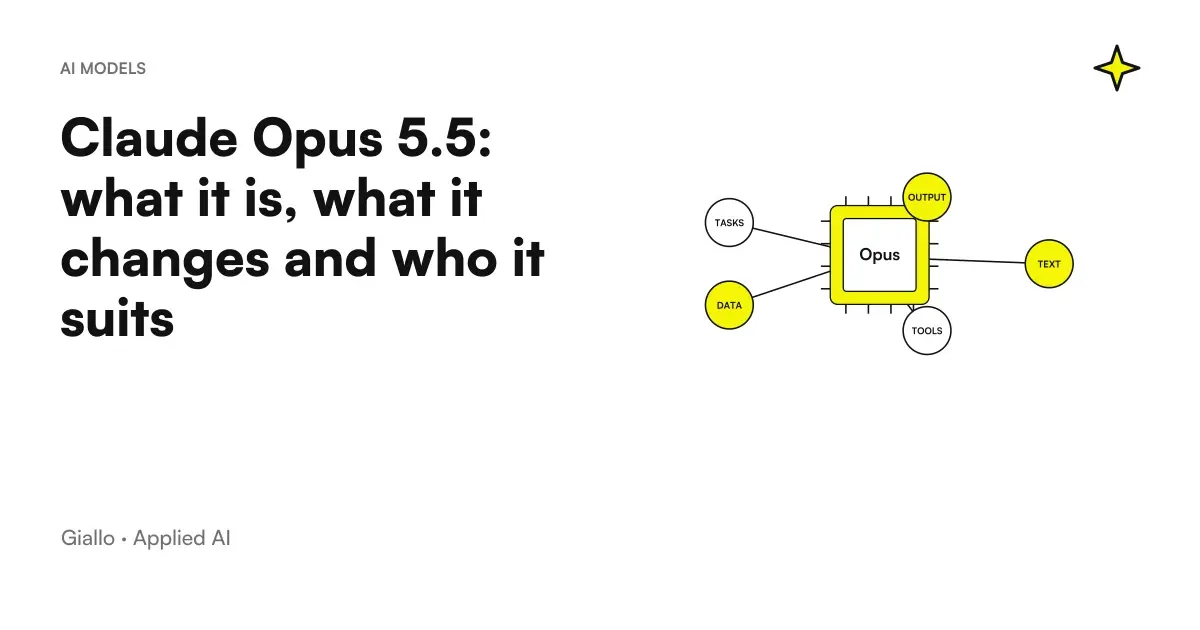 Claude Opus 5.5: what it is, what it changes and who it suits
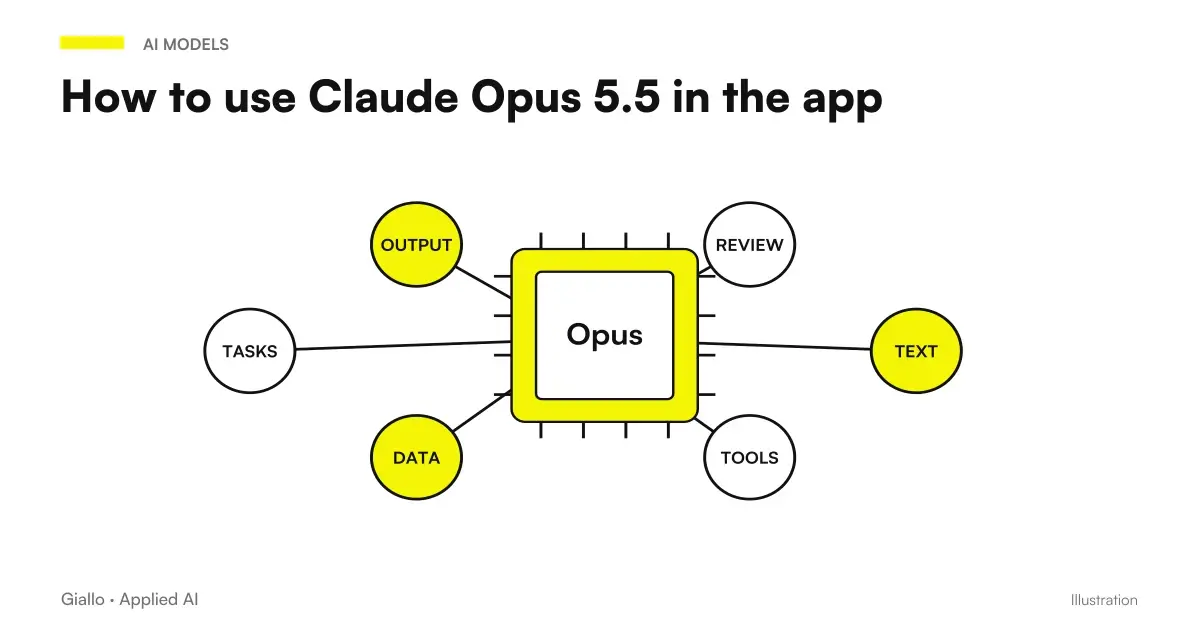 How to use Claude Opus 5.5 in the app: images, long documents, finished files
FAQ
What is Claude AI in simple terms?
Claude is an AI assistant developed by Anthropic, based on large language models. It works like ChatGPT or Gemini: you write a request in natural language, and it generates text, summaries, document analysis or code. It is especially known for the quality of its writing, its ability to handle very long documents and its measured tone in responses.
Who created Claude AI?
Claude is created by Anthropic, a US AI research company founded in 2021 by a group of former researchers in the field. Anthropic places a strong emphasis on model safety and on a development approach aimed at making models helpful, honest and controllable. The name “Claude” identifies the family of assistants, available in multiple versions and sizes.
Is Claude AI free?
There is a free plan with usage limits and paid plans for individuals and companies with access to the most capable models and higher limits. There is also an API for developers, with pay-as-you-go pricing. Plans, prices and limits change often: always check the official Anthropic page before choosing.
What is the difference between Claude and ChatGPT?
They are both assistants based on language models and in many tasks the results are similar. Claude (Anthropic) is often chosen for polished writing, analysis of long documents and orderly reasoning; ChatGPT (OpenAI) has a very wide ecosystem of features and integrations. There is no absolute winner: it depends on the task and the tools you already use.
Is Claude AI secure for business data?
It depends on the plan. On business and enterprise plans and the API, Anthropic states that it does not use user content to train models by default; on consumer plans conditions may differ. For personal or confidential data always check the current conditions, privacy terms and, where necessary, the presence of a data processing agreement (DPA).
What versions of Claude exist?
Claude is offered as a family of models of different sizes, designed to balance capacity, speed and cost: typically a more powerful model for complex tasks and a lighter and faster one for high-volume ones. Version names and numbers change over time: to know which models are available today see the official Anthropic page.
Can Claude be wrong?
Yes. Like any language model, Claude produces the most likely answer, not a verified truth: it can invent information (hallucinations), cite inaccurate sources or make mistakes on very recent or niche data. In business processes, a human review on critical points is always needed, especially on numbers, regulations and customer data.