
Dots Memory and Privacy: What Data Remains and How to Delete It
Dots privacy: ChatGPT memory, dot context, training and data after access is revoked. What deleting a dot removes and what remains in files and conversations.
Reading time: 11 min
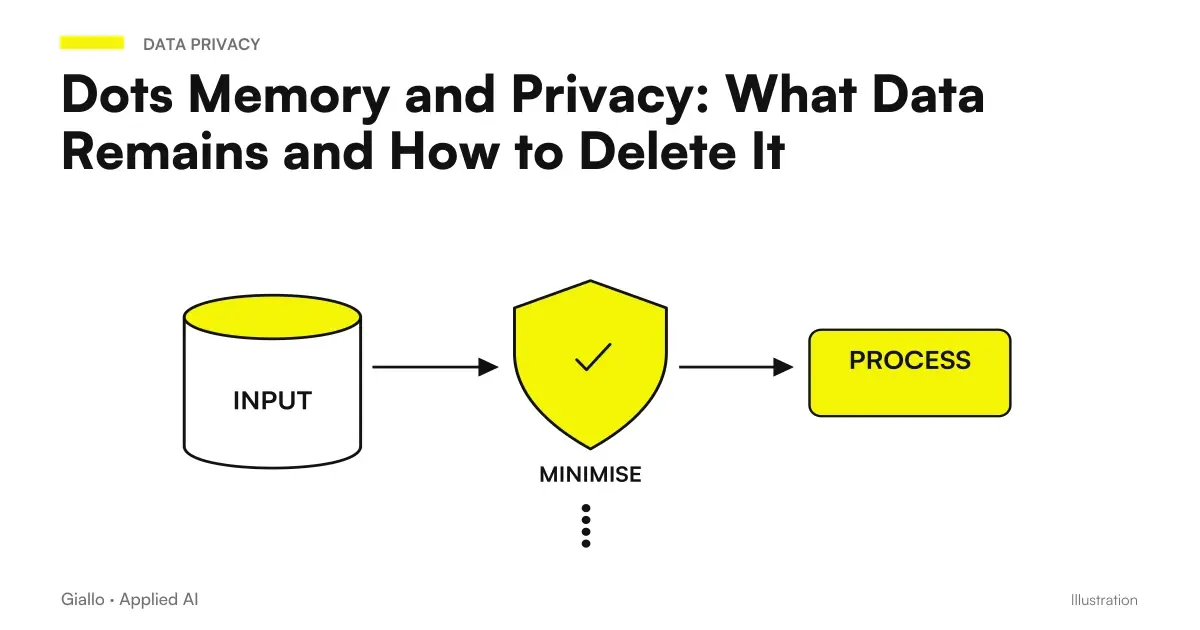
Dots privacy requires distinguishing ChatGPT memory, dot context, access to sources, and artifacts produced. Disconnecting an app stops new logins but does not delete what the dot has already received. Deactivate the ChatGPT memory stops future sharing, without deleting the past context. They are boundaries described in the Official FAQ on privacy, security and Dots.
For an SME the useful question is not just ‘do you remember my data?' You need to know where they come from, why they need them, what results they contain and what happens at the end of the project. A revoked source may have already contributed to a draft. A draft can remain in a separate file. The data path does not coincide with a single button.
The indications are verified at 9 October 2026 and describe the product, not a legal assessment of your case. For the general picture read what are Dots OpenAI; for Italian access check plans and availability. Examples use hypothetical situations and not real customer documents.
In summary
- Revoking an access does not delete the previously acquired context.
- ChatGPT memory and the context of the dot are distinct elements.
- No checks are documented to modify individual dot memories.
- Deleting the dot does not automatically erase separate files, threads, and ChatGPT memory.
- Training, human review and access to sources are different issues.
- A data map makes the project more readable before the first link.
What data comes into the context of a dot?
A dot receives the information you provide it and the information obtained through the authorized work. ChatGPT memory can contribute according to the expected settings. The product maintains context to support ongoing responsibilities, but does not currently offer controls to see, edit or delete individual dot memories. Official Privacy FAQ.
Operationally, it separates four categories: instructions, sources, extractions, and outputs. The instructions describe the work. Sources can be authorized documents or messages. Extractions are information derived from sources, such as a deadline or a preference. Outputs are drafts, summaries, and other materials that may contain that information. This map helps you understand why removing a source does not automatically remove all subsequent copies or transformations.
Before the project ask yourself what information is indispensable. An editorial consistency check can use approved product features without customer names. A demonstrative checklist can verify comprehension without confidential documents. It is not necessary to turn every first test into extended access to archives. The Guide on how to create the first dot proposes a small assignment of its own to make this path readable.
Make the official source recognizable as well. If you deliver two incompatible versions, the dot can receive both information. A later fix helps orient the work, but should not be described as a technical deletion of the previous version. It therefore preserves the decisions approved in a document with owner and version, without entrusting them only to the persistent context of the agent.
What changes if I disable memory or links?
Each action has a specific effect. Turning off the ChatGPT memory stops future sharing to the dot, without erasing the information already received. Disconnecting a plugin stops new logins, but retains the context already obtained. Delete the dot intervenes on its context, leaving separate ChatGPT files, threads, and memories. FAQ Dots.
| Action | Documented effect | Check that remains to be done |
|---|---|---|
| Disable sharing of ChatGPT memory | Stop future sharing | Background already received from the dot |
| Unplugging a plugin | Stop new accesses to that connection | Collected information and separate output |
| Revocation of access to personal computer | Remove local access | Other connections and tasks |
| Pause the main task | Stop that task according to the expected control | Delegates and separate recurrences |
| Delete the dot | Delete its context | Separate ChatGPT files, threads, and memory |
For the personal computer, the Offline status does not amount to revocation. Documentation distinguishes the two conditions: an unavailable device is not the same as a removed access. Computers and Dots apps. The guide on cloud and local access explains this difference in the context of off-device work.
The practical consequence is that the end of a project requires a review of resources, not just a temporary stop. You may want to stop a recurrence, revoke a connection, and keep an approved deliverable. They are different decisions. Define first which materials should stay and where, so as not to confuse a desired deletion with a useful file that continues to live in the project.
How do human training and review work?
The FAQ indicates that Business, Enterprise, and Edu data are not used for training by default. In personal plans, the settings of Improve the model for everyone. Proactive search and notes do not train directly, but information merged into eligible conversations or tasks can be treated according to the applicable settings. A limited human review may also be possible with training disabled. Dots Privacy FAQ.
To read these conditions correctly, do not use "not used for training" as a synonym for "no one will ever see a content" or "nothing is kept". These are different statements. The access of a plugin is also another issue: it concerns the source and the authorized capabilities. The Guide on AI and corporate privacy helps formulate distinct questions about the tools used.
A business assessment should collect the actual plan, relevant settings, and conditions applicable to the workspace. Do not derive this information from the ChatGPT name alone. If you use multiple environments, make sure you know which one you're working in. The data manager must be able to reconstruct the choice without depending on an informal conversation.
In this article we do not set a universal time of context preservation nor do we promise a complete audit of each event. The sources consulted do not make it possible to turn these issues into a general guarantee for any configuration. When the process requires particular evidence, define the requirement and verify the coverage in the relevant product and contract before assigning that function to it.
How to manage confidential credentials and documents?
Do not put passwords, keys or secrets into prompts or documents entrusted to the dot. OpenAI describes private login flows that keep credentials out of the model, while a secret written in a conversation or a file can be read. Operations such as password changes and financial transfers are handed over to the user according to the safety boundaries. Official Security Explanation Dots.
For company materials, make a selection for purposes. If the task is to reorder a procedure, you can remove unnecessary personal data before the test. If the task requires real information, the responsible person must decide which sources are appropriate and which permissions are needed. A dot cannot solve a choice of governance that the firm has not yet made.
The preparation of the document matters as much as the link. Removing a column from the output does not mean that the original source has not been read. If the information is not useful to the assignment, consider not including it from the beginning. The Guide to Business Data and Privacy AI enters the input mapping, while Gmail, Drive and Slack with Dots distinguishes accounts and channels.
Minimum data map before first assignment
For each source it indicates: owner, purpose, indispensable information, necessary access, expected output and place where it will be stored. Add the reviewer and what will have to happen at the end of the project. Do not write down credentials. Distinguish work interruption, connection revocation, context deletion, and separate artifact management.
This map is useful even if the first test does not use sensitive data. It shows you the dependencies of the process and allows you to discuss an enlargement of the perimeter with concrete information. If a source has no recognizable owner or clear purpose, resolve that point before linking it. Adding a generic rule to the dot does not automatically make the source choice correct.
Two scenarios to manage context without losing sources
A service company prepares materials for new colleagues
Imagine an Italian SME wanting to turn an internal procedure into an onboarding checklist. The first test uses unnamed demonstrative text. The dot distinguishes mandatory steps, explanations, and incomplete points. The manager compares the result with the approved procedure and decides which items to keep.
When the project switches to real materials, the company selects the necessary information and keeps the approved version out of the dot. If the procedure changes, it clearly indicates which source prevails. In the end it decides which outputs remain useful and which connections are no longer needed. It does not use revoking the plugin as proof that the previous context is gone.
A consulting firm rearranges a report model
Imagine a Milanese study that wants to improve the structure of a recurring report. For starters it provides a model without customer data and asks to highlight duplicate or unclear sections. The dot prepares proposals; the professional verifies that no substantial unsourced assessments are added.
If the study later evaluates actual documents, it compiles the data map and decides the appropriate workspace. A deletion request must separately consider context, files, and conversations. Professionals do not assume they can open a panel with every single memory of the dot, because that control is not documented. The Guide to corporate policy on the use of AI helps to give an owner to these decisions.
What mistakes to avoid talking about Dots memory?
The first error is saying "I disconnected the app, so there is no data anymore". The second is to present a fix in chat as a technical modification of a single memory. The third is to promise that eliminating the dot will also erase all the materials generated. Documentation distinguishes levels; a business explanation must retain its distinction.
The fourth mistake is using the Business plan as an answer to any privacy questions. The default training is just a theme. The choice of sources, accesses, recipients and files produced remain. The fifth is to confuse the pause with data management: interrupting a task does not imply revocation or deletion. For action and stop controls switch to Dots permits and approvals.
It also avoids promising identical behavior in every workspace. Administrative rules and connections affect the concrete path. If you need to demonstrate a specific audit coverage or a particular requirement, ask for proof about the requirement. Do not replace a missing verification with a formula such as ‘privacy guaranteed’. A precisely described boundary is more useful than a generic reassurance.
What to see again when a collaboration ends?
The end of a collaboration is a useful time to re-read the data map. Lists the sources used, connections, tasks, and separate results. Distinguish what is still needed by the project from what was needed only by the test. The referent can thus decide the appropriate path without assuming that the content lives all in the same place.
For each artifact ask where it is and who manages it. A draft can be in the conversation, a file in the project and a ChatGPT memory in its context. Do not assign to “delete the dot” the meaning of deleting any element. The decision on the materials to be stored must use the actual structure of the work and the applicable conditions, without inventing removal times.
It also reviews assignments that remain active. A recurrence with no relevant source can produce unnecessary results or access requests. A delegated task may have its own path to control. Manage these items separately from the connection revocation, documenting the outcome you can verify.
This revision does not require you to know every piece of information in the context of the dot, a check that is not documented. It requires an honest description of the sources provided and the artifacts produced. If a part is not rebuildable, pointing to it as a limit helps the person in charge to decide the next step without unfounded reassurance.
How to prepare for sustainable business use?
Before assigning a responsibility, complete the data map and choose an internal output. Have the result reviewed by whoever knows the source. It retains official decisions at the location provided for by the project. When the job ends or changes, you review connections, tasks, and artifacts without treating a single command as a solution for everything.
For business continuity also controls the Dots scheduled tasks: a recurrence may require a source you no longer want to make available. If you want to set up Dots on your team with explicit sources and responsibilities, the AI consulting of Giallo can help build this map before connecting actual documents, leaving competent referents to make decisions on the specific case.
Giallo Studio guides: methodology and sources
How we apply it in the company
Related resources
 OpenAI Dots: ChatGPT's always-active agents explained
 Connect Dots to Gmail, Drive and Slack: permissions and channels
 Can Dots Send Emails? Permissions, Approvals, and Custom Rules
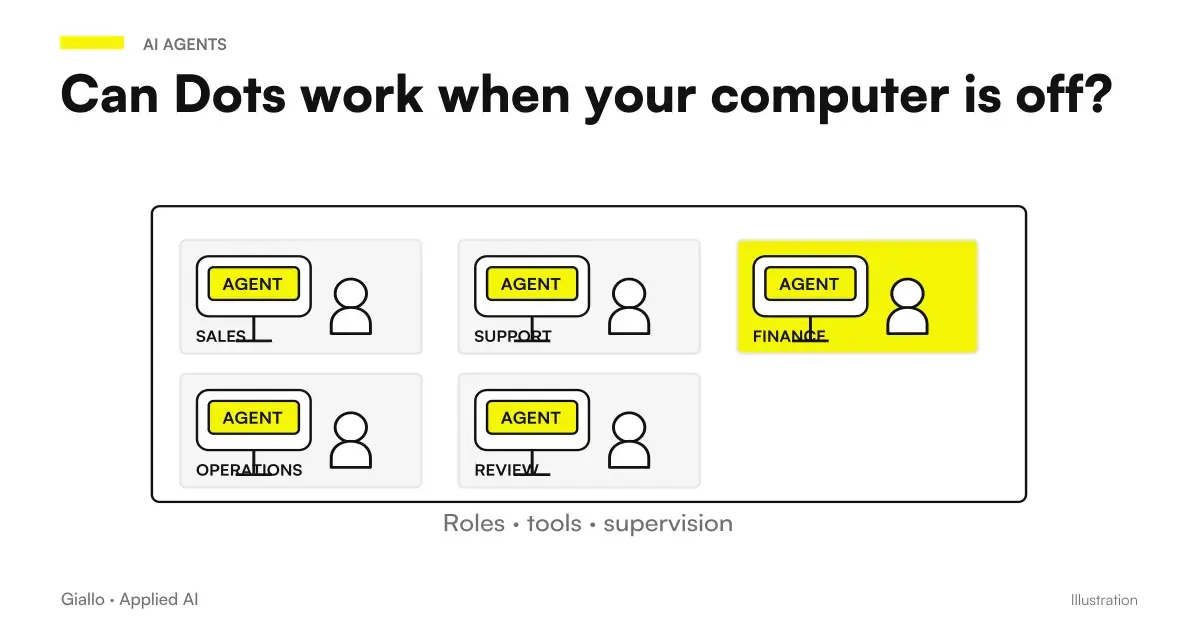 Do Dots work when your computer is off? Cloud, local access and login
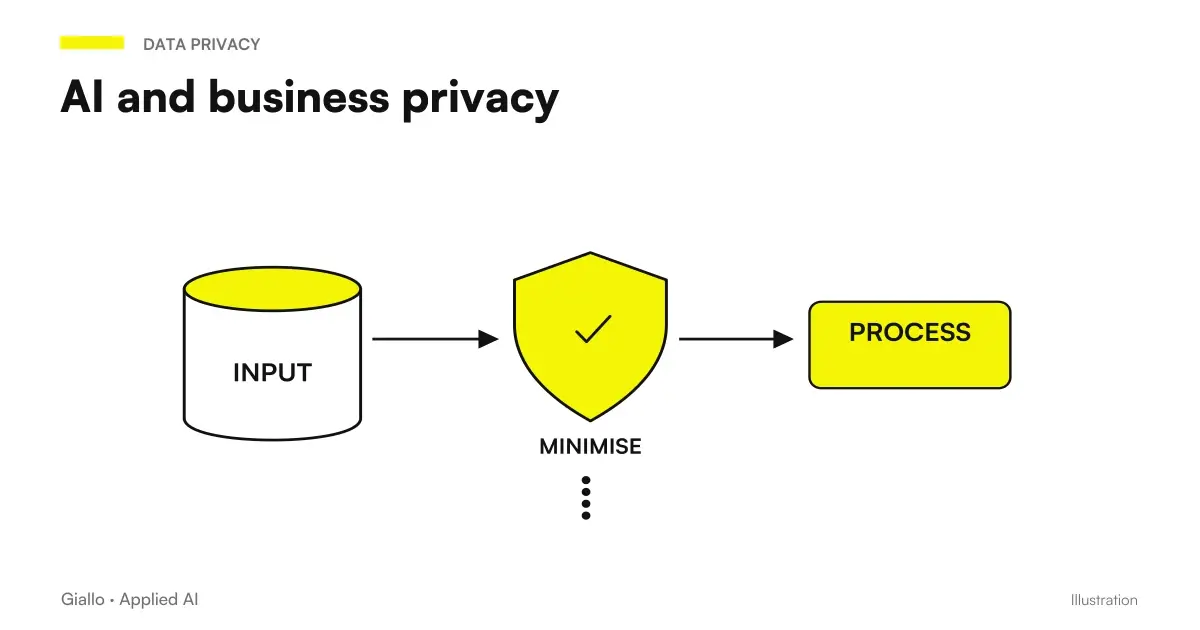 AI and corporate privacy: what happens to your data in AI tools
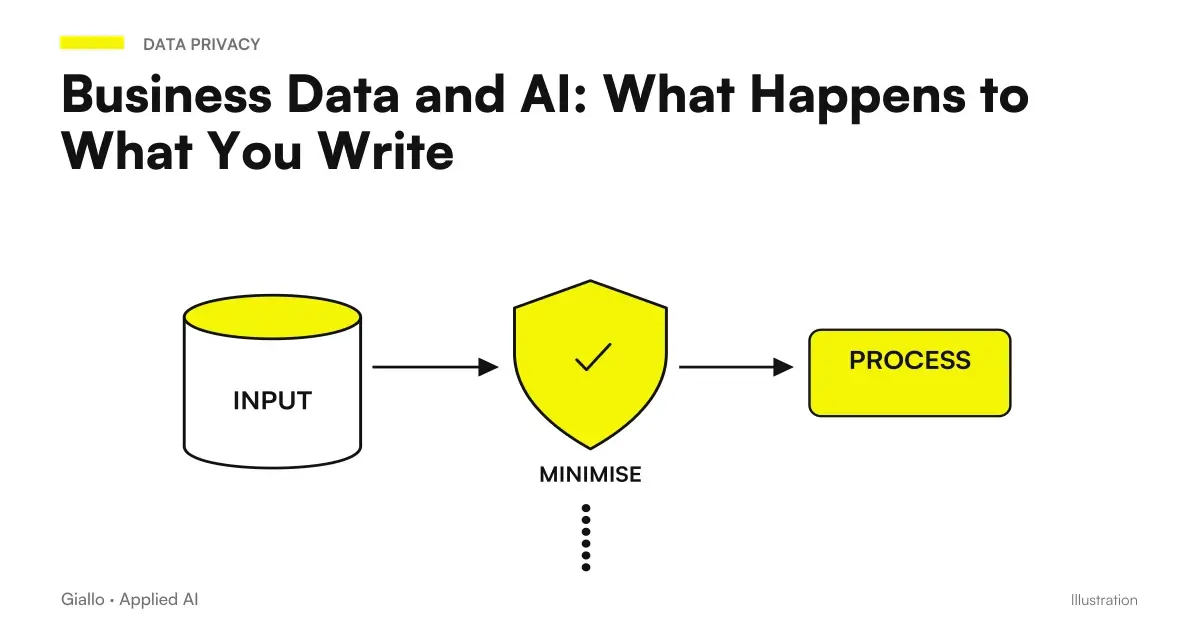 Business Data and AI: What Happens to What You Write
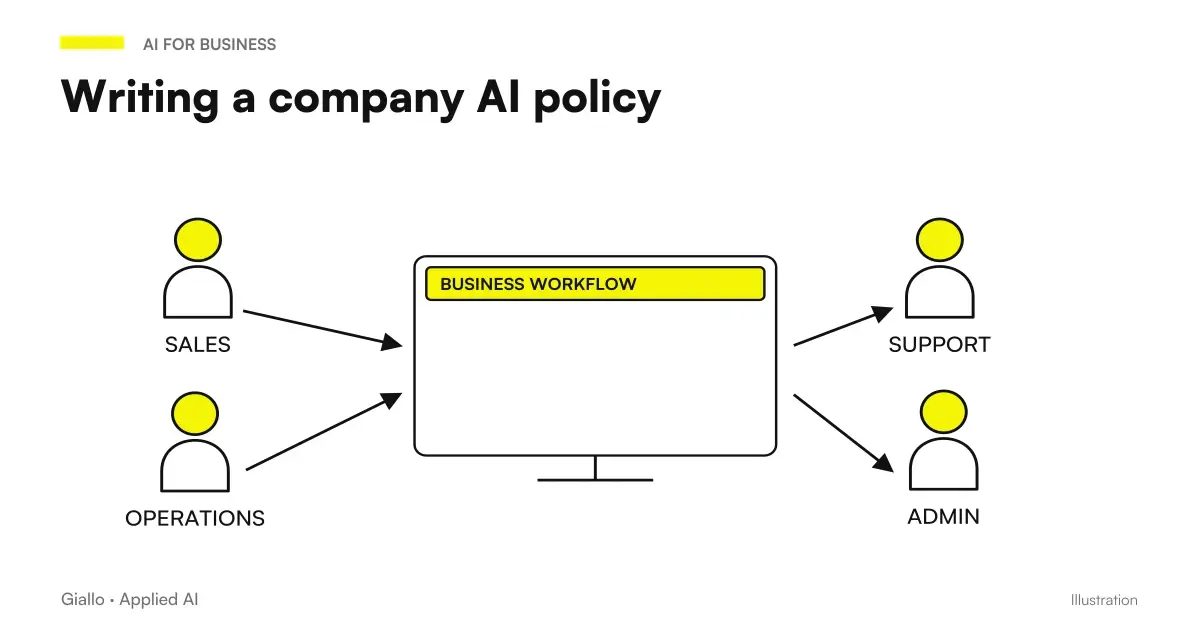 Corporate policy on the use of AI: how to write it
 Microsoft Copilot and Business Data: Privacy and Permissions
FAQ
What information can a dot remember?
The dot retains relevant context received in conversations and authorized work; it can also receive information from ChatGPT memory according to the settings. It should not be treated as an archive of official decisions replacing business documents.
Does disabling ChatGPT Memory erase the dot's memory?
No, it interrupts future sharing but does not erase the context already received. ChatGPT memory and the context of the dot have distinct controls.
Can I edit a single Dots memory?
As of October 9, 2026, no controls are available to view, edit, or delete individual dot memories. Correcting a piece of information in the conversation should not be presented as a technical deletion of the previous memory.
Does disconnecting an app delete data read by the dot?
No, disconnection stops new accesses but leaves the context already obtained. To manage the removal you need to distinguish accesses, dot context and separate files or conversations.
Does deleting the dot also delete ChatGPT files and threads?
Documentation indicates the deletion of the context of the dot, while ChatGPT files, threads and memories remain separate. It is therefore not a universal deletion of all artifacts connected to the work.
Are Business data used to train models?
For Business, Enterprise and Edu, data is not used for training by default. On personal plans, the Improve the model for everyone settings apply; disabling training does not rule out all possible limited human review.