
Copilot in Teams: meetings, minutes and actions to be confirmed
Copilot in Teams for meeting summaries and minutes: transcription, use during and after meetings, actions to confirm and a practical team method.
Reading time: 12 min
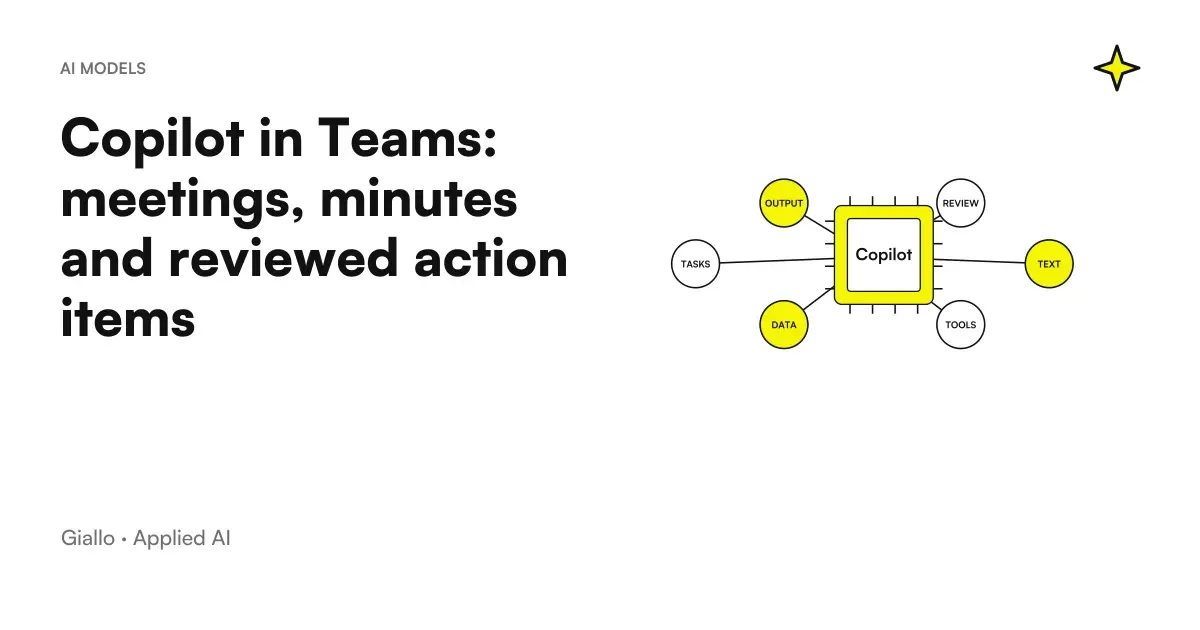
Copilot in Teams can help rebuild a meeting and prepare a report, but decisions and actions need to be confirmed by the team. The useful result is not just a readable summary: it is to understand what has been decided, what remains to be assessed and who takes the next step.
Microsoft distinguishes the use during the meeting from the next consultation: a transcript is not always necessary to start, while recovery after the meeting requires the documented path with live transcription. Hosts, settings, and organization criteria matter. Microsoft Guide to Copilot in Teams Meetings.
Here we propose an operational method of moving from discussion to a controlled record. Examples are hypothetical and do not represent a test of your company's tenant. For accesses, consult the distinction between Copilot Chat and Microsoft 365 Copilot; for overall adoption, guidance Copilot for companies.
The record must distinguish four types of content
In a meeting, you describe facts, make proposals, make decisions, and assign actions. A single list of key points can mix these categories. The problem arises when the summary is used to start work: someone interprets a proposal as authorization, or a generic availability as ultimate responsibility.
You can define the structure of the minutes before the meeting. ‘Discussion’ collects the elements useful to understand the problem; ‘decision’ reports an explicit choice; ‘action’ contains a confirmed task; ‘open point’ indicates that a choice or information is missing. A synthesis must respect this separation, even when the oral speech is less orderly.
A useful action has an expected outcome, a manager and a confirmed deadline, or a condition to define it. If one of these elements is missing, make it visible. The verb "verify" does not automatically authorize you to modify the project; "preparing a proposal" does not mean approving the budget. Accuracy depends on the meaning of the work, not the number of lines.
The minutes may include reference to the relevant discussion part, when available. That link helps review attributions but does not solve an ambiguous formulation on its own. If two people understand the commitment differently, the meeting manager must clarify it before considering the point closed.
Choose before use during or after the meeting
If the team just wants to orient themselves during the conversation, they can evaluate the documented temporary experience. If you need to reconstruct the spoken content later, you need to arrange the transcript in the intended path. Starting the process without deciding this point is likely to leave the verbalizer without the material he expected to find.
The documentation specifies that use without saved transcript does not imply absence of administrative retention: prompts and responses may fall under Purview policies. Material not available after in the normal meeting experience should not be described as permanently non-existent in any system. Copilot without registration or transcription Teams.
For the team the practical choice must include who organizes the meeting, how the materials are handled and where the approved minutes will be kept. Rules can change between an internal meeting and one with external subjects. Do not introduce registration or transcription just because they seem comfortable: use the mode that the organization has evaluated for that type of content.
The Guide privacy and permissions Microsoft Copilot deepens the treatment perimeter. Here the question to be solved before the meeting is concrete: what material will be accessible to the verbalizer after the end, and who can read it? This response makes the working method consistent without promising automatic compliance.
| Team objective | Preparation before the meeting | Checking after |
|---|---|---|
| Retrieve the thread during the discussion | Verifying the Permitted Experience | Correct immediately dubious interpretations |
| Prepare a report after | Prepare the necessary material in the authorized path | Controlling decisions and attributions on sources |
| Assign Tasks | Define what makes a task confirmed | Responsible, deadline and expected result |
| Inform those who were absent | Establish recipients and level of detail | Distinguish approved status and open points |
| Share with a customer | Select content intended for the outside | No internal notes or added promises |
An example of a meeting containing a decision and two proposals
Hypothetical scenario: an SME discusses the review of the customer portal. The team approves the collection of requirements, proposes a new booking function and assumes a release date. The function has yet to be technically evaluated; the date depends on that assessment. The example serves to show a verbal criterion, without attributing results to a customer.
An inaccurate summary could show: «The portal will be issued with reservation by the proposed date». The text seems useful because it is short and resolute, but it unites three different states. The decision concerns the collection of requirements; reservation and release remain proposed. Control must therefore seek exactly that change of state.
Prepare a draft minutes distinguishing explicit decisions, proposals to be evaluated, confirmed actions and open questions. Do not turn an assumed date into an approved deadline. For each action, indicate the person responsible only if the attribution is clear; otherwise, write ‘to be confirmed’. Point out the points where a condition changes the meaning of commitment.
The auditor then verifies the collection of requirements, the possible assignment and the technical constraint. If there is no confirmed deadline, the minutes declare it. A document with an open field can be more reliable than a list entirely compiled with inferred information.
The Guide to Copilot prompt for office proposes this separation between objective and acceptance criterion. For the minutes the criterion is particularly concrete: each decision must correspond to an explicit choice, and each action must retain correct conditions and attribution.
During the meeting: ask questions that help the discussion
An assistant may be helpful in recovering the wire, but the meeting must maintain its own discipline. You can ask which questions have been addressed and which ones remain open; then use the answer to check with the participants that the interpretation is correct. Do not leave the clarification at the last moment, when everyone has already come out.
A question such as ‘what alternatives have we discussed and what criteria have we not yet decided?’ favors a more readable choice. «What have we concluded?» can instead push towards an over-definitive synthesis if the meeting contains many hypotheses. The request must match the actual state of the conversation.
If a sentence does not clarify the person in charge, ask for confirmation directly from the team. The assistant can organize the text, but does not have the authority to assign the work. A person who says ‘I can help’ could offer support without accepting ownership of the business. The minutes must reflect the confirmed responsibility, not infer it from participation in the speech.
He who leads can close every point by rereading decision, dependencies and next action. This practice also produces a better source for subsequent synthesis. The value is not just derived from the model: a more explicit meeting reduces the work needed to interpret the verbal.
Next: Review the draft with the correct handler
The revision must be simple enough to actually be performed. You can entrust the control of the general summary to the one who leads and that of the actions to the individual responsible. It is not necessary to have everyone correct every sentence; it is necessary to know who can confirm the content of each commitment.
For economic or technical decisions, use the appropriate source. The meeting may have discussed a budget without approving it, or cited an availability without verifying it in the system. The minutes should refer back to the required check, avoiding the automatic promotion of oral information to final date.
Prepare a draft with recognizable status. After confirmation, publish the operational version at the location planned by the team. If a fix changes the task or date, make the change visible to who is to perform the job. A second silent version can leave different people with incompatible instructions.
To layout and refine the document you can follow Copilot Word for Business Documents. Keep substantive review separate from stylistic review: more readable meeting minutes must not remove the constraint explaining why the action cannot yet start.
Control an action before turning it into a task
What is the required result? Who has confirmed the responsibility? Is the date approved or proposed? What condition must occur before starting? Where will the necessary material be found?
If an answer is missing, register the open point. When the manager confirms, he updates the activity in the shared system and communicates the reference. The list suggested by the assistant remains a draft until this verification.
The approved record and the external message have different recipients
Not all internal material must be shared with a customer. A team can discuss costs, alternatives, and organizational risks that do not belong in the external summary. It then prepares a version intended for the correct reader, retaining relevant decisions and questions without automatically transferring the entire content of the meeting.
The message may state that a date is under evaluation instead of presenting it as a commitment. You can ask the recipient to confirm a request without stating that the project already includes it. To prepare that draft, the guide Copilot Outlook for Business Emails connect synthesis, response and control before sending.
If the summary becomes a presentation, use Copilot PowerPoint keeping the points open visible. A very synthetic slide can lose the conditions that the record has preserved. Control must follow the meaning of the decision even in the transition to a different format.
Transforming actions into workflows requires a verifiable state
A task list does not automatically update the management system or project system. When the team wants that step, they must specify fields, managers, and permissions. It is useful to distinguish a proposed activity, a confirmed one, a created one in the system and a completed one: each state requires different evidence.
The Guide Copilot Studio and Power Automate face this connection. A workflow should include the time of approval and a response if the system does not accept the action. The record remains the source of the agreed work; confirmation of the system proves that the task has actually been recorded.
A manual process can also be well defined. The manager checks the summary, creates the tasks and adds the reference in the report. If that step is frequent and repeatable, the pilot can measure its cost before deciding whether to automate it. There is no need to promise complete autonomy to improve coordination.
Testing attributions with a deliberately ambiguous case
To verify the method you can build a short demonstration discussion with a task that is not assigned. One person proposes to prepare a draft, another says it can help and the lead postpones the choice of the person responsible. The correct result of the record is an action to be confirmed, not a definitive assignment to those who have spoken the longest.
Add an initial date and a later condition: «we could leave on Monday», then «we must first confirm the availability of the materials». The record must retain the constraint, without presenting Monday as an authorized start. This hypothetical case verifies an error distinct from the omission of a sentence: it assesses the change in state that the summary attributes to the decision.
You can compare the draft with a card written before the test. The card indicates which points are confirmed and which must remain open. If the result diverges, the team decides whether to better clarify the discussion, change the request, or increase control over that type of meeting. You don't need a complex score to recognize an invented assignment.
Also try a case with two similar activities attributed to different people. Synthesis must keep separate result and responsibility, without uniting tasks to make the text shorter. If the speaker's audio or attribution does not allow reliable verification, ask the participant for confirmation instead of interpreting the text as certainty.
The evidence does not prove that any future meeting will be correct. It creates a representative control of a risk that the team considers important. Keeping these examples makes it easier to verify a new verbal format or product experience, without relying solely on a linear demo.
Measure the transition from meeting to work performed
Counts time of preparation, drafting, verification and publication of the minutes. It records omitted decisions, incorrect attributions, and deadlines to correct. You can also assess how long it takes an absentee to understand their task from the approved version. A long text is not automatically better, and a short text is not automatically more useful.
Comparison should be made on similar meetings by structure and objective. An information meeting and a technical decision-making session have different criteria. Keep the examples difficult: they help to understand which meeting discipline or additional source is needed to use the assistant with less ambiguity.
The Copilot pilot for SMEs links these measures to costs and adoption. With the AI consulting of Giallo we can define the type of initial meeting, the format of the minutes and the confirmation path, to make the summary a reliable starting point of the team's work.
Giallo Studio guides: methodology and sources
How we apply it in the company
Related resources
 Copilot Chat and Microsoft 365 Copilot: What Changes
 Copilot in Word: documents and proposals from sources
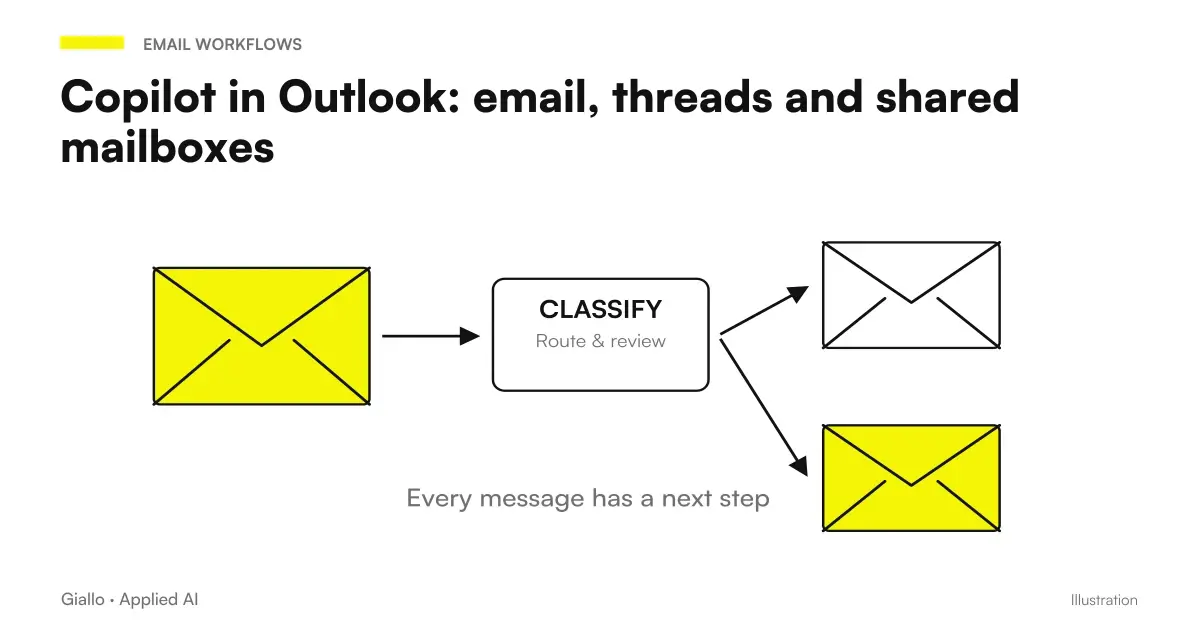 Copilot in Outlook: email, threads and shared mailboxes
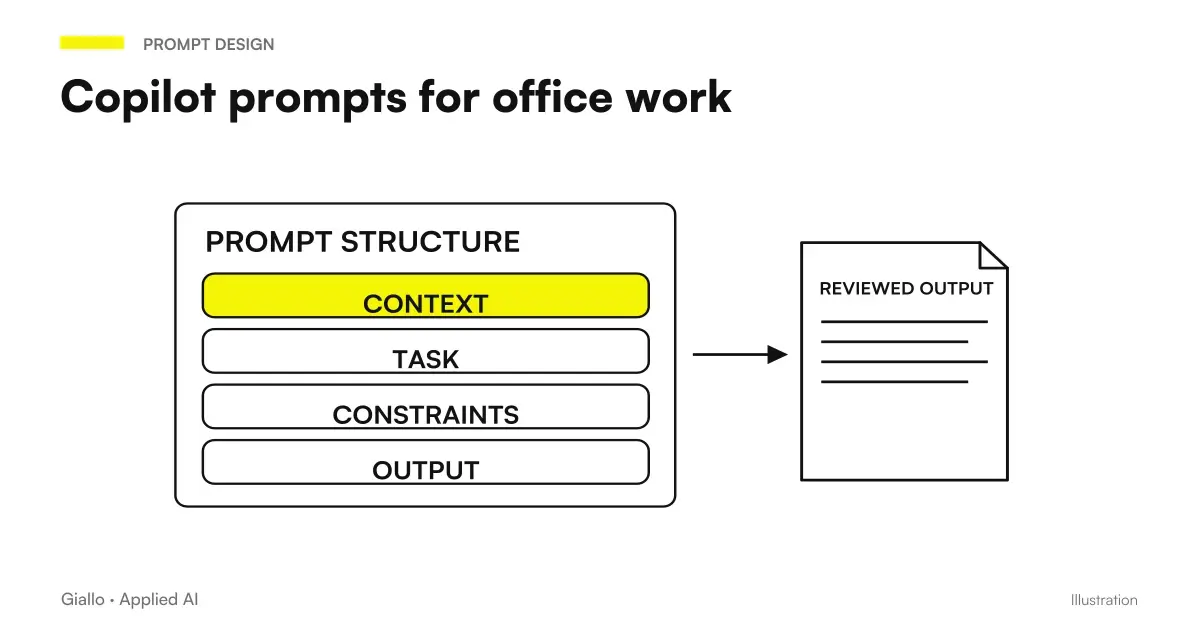 Copilot prompts: examples for office work
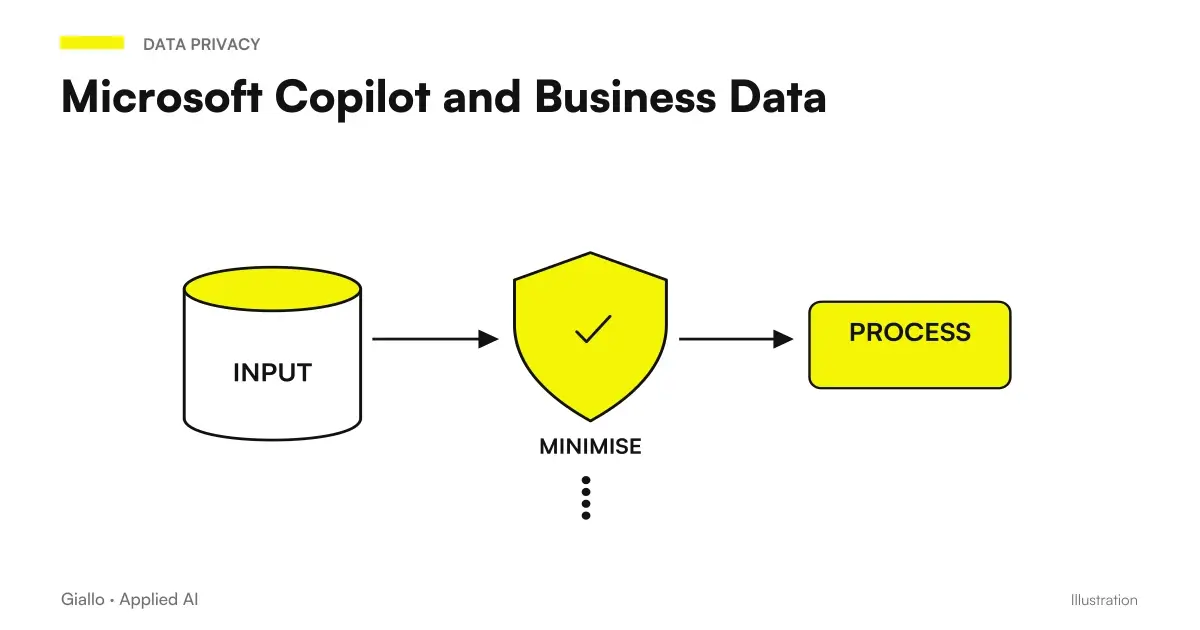 Microsoft Copilot and Business Data: Privacy and Permissions
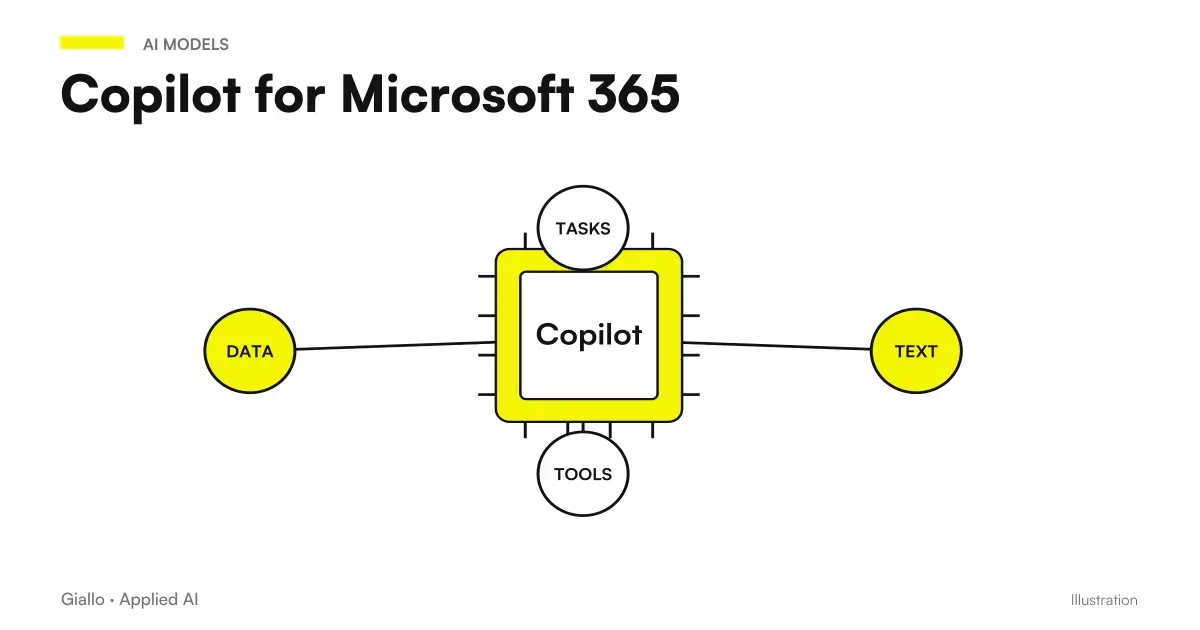 Copilot for Microsoft 365
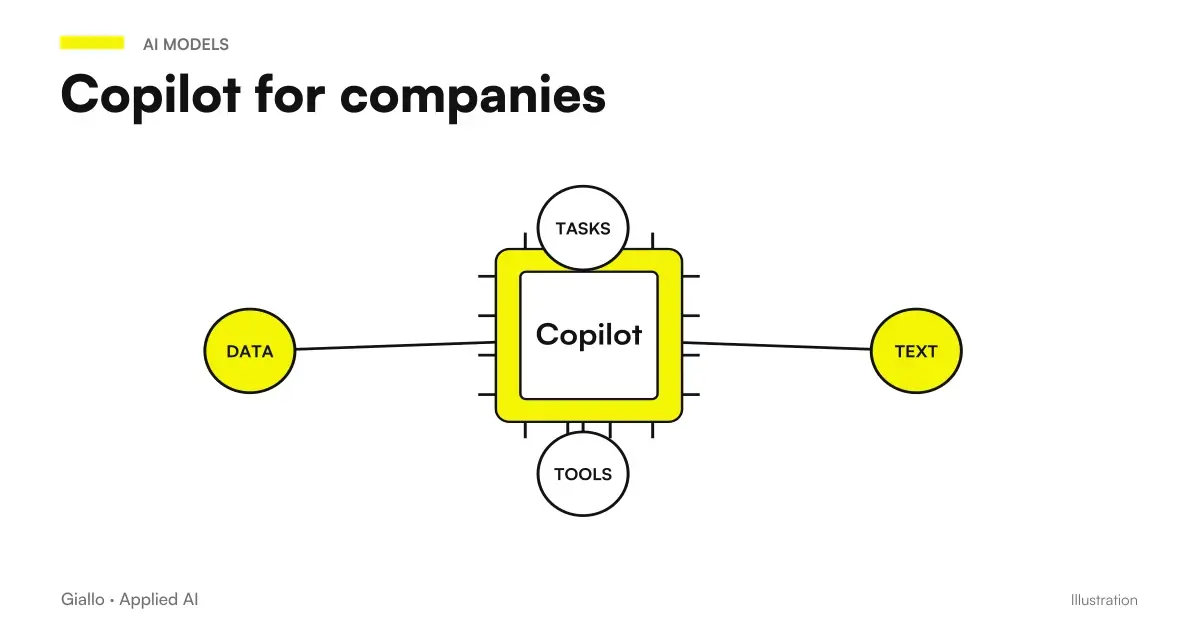 Copilot for companies
 ChatGPT vs Copilot: which to use in business?
FAQ
What does Copilot do in Teams during a meeting?
It can help reconstruct the points discussed and propose actions. The result is a summary to be verified: a proposal that emerged at the meeting is not automatically an approved decision.
Is transcription mandatory to use Copilot Teams?
No: Microsoft documents a use only during the meeting without saved recording or transcription. To later query spoken content and review interactions requires live transcription according to the documented path.
Does the summary remain available after the meeting without transcript?
Untranscribed spoken content and related interactions do not remain available in the meeting experience after the end. It does not amount to a promise of no retention: Purview policies may apply.
Can Copilot create official meeting minutes without review?
Operational meeting minutes must be confirmed by the people responsible. Check decisions, attribution, deadlines and conditions; mark anything that has not been approved as open.
Does a meeting hosted by another company have the same support?
The Microsoft guide consulted indicates that Copilot does not work in meetings hosted outside of the participant's organization. Check host and settings before basing the process on an external meeting.
How do I measure Copilot's value for minutes?
Count preparation, drafting, verification and corrections of the minutes, along with omitted decisions or misattributed actions. The advantage should be assessed on the complete transition from discussion to assigned work.