
ChatGPT for document analysis
How to use ChatGPT to analyze documents: upload PDF, Word and Excel, summarize, extract data and ask questions. With limits and privacy explained.
Reading time: 10 min
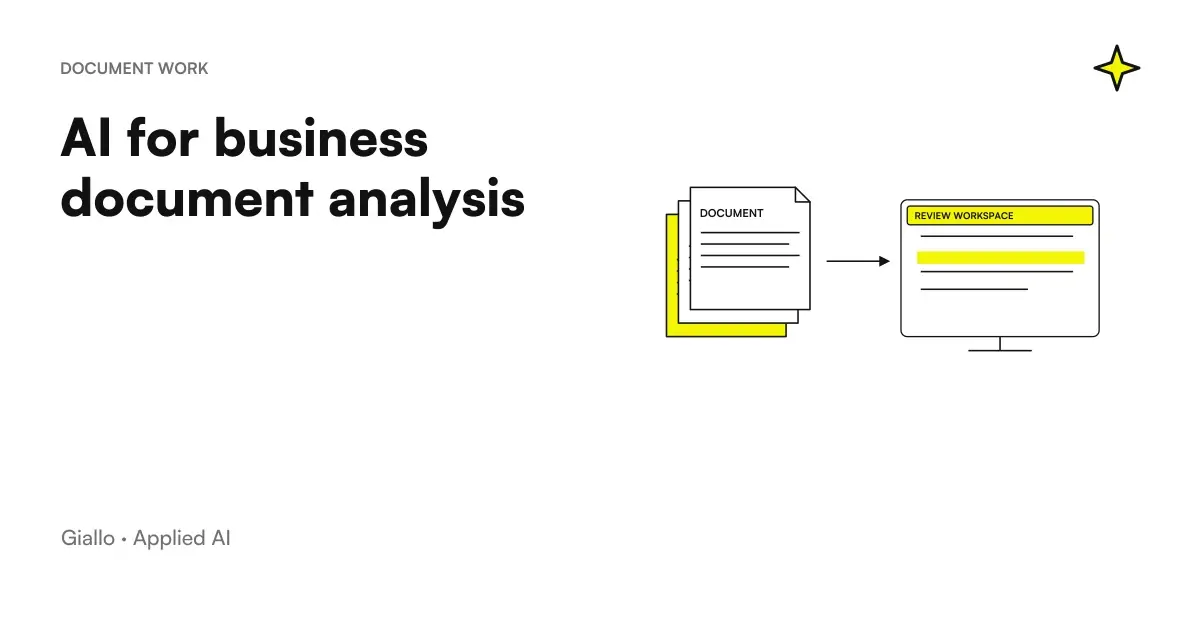
ChatGPT for documents It means uploading a file (PDF, Word, Excel) to the chat and then asking the model to summarize it, extract data from it or answer questions about the content, writing in natural language. You basically turn a document to read line by line into something you can "talk to": what is the deadline? what are the withdrawal clauses? how much does this customer invoice in the sheet?. It is one of the most concrete and immediate uses of ChatGPT in the company.
The important premise is only one: ChatGPT does not "law" as a human reviewer, predicts the most likely response. It works great for orienting yourself in a long text, making a first synthesis or looking for information, but it can also mistake a number or invent a detail with a safe tone. This is why it is a tool of speed, not of truth: great for the first pass, to check on critical data.
In this guide we see what can really be done with documents, how to do it in an orderly way, what are the honest limits (length, hallucinations, privacy), when it is better to move to a more structured system and how does ChatGPT place itself compared to Claude for Long Documents.
In summary
- With ChatGPT for documents upload a file (PDF, Word, Excel, CSV) and then ask to summarize, extract data or answer questions about the content.
- Works well for the first summary and to orient oneself in long texts, but it remains an instrument of speed: the final decision is human.
- The real limits are three: length and context (the "forget" model if the document is too long), hallucinations about numbers and privacy of the uploaded data.
- A fixed rule applies to amounts, maturities, clauses and customer data: always check the critical data at the source before using it.
- When the documents are many or recurring, it is convenient to knowledge base with RAG system instead of loading files by hand each time.
- For very long documents, Claude is often preferred thanks to a larger context window: it depends on the case.
What you can do with ChatGPT on documents
Uploading a file and querying it opens a handful of recurring actions. They are not "tricks": they are the tasks that, repeated every day, save hours. Here are the most solid.
- Summarize: a summary of a 40-page contract, report or report, with the key points in the list.
- Extracting data: pull out amounts, dates, names, deadlines, codes from a document or table and put them in an ordered format.
- Asking targeted questions: What is the cancellation fee? is the payment at 30 or 60 days? does this annex quote clause X?
- Compare: two versions of a contract, two supplier offers, two invoices, highlighting the differences.
- Rewrite and translate: turn a technical text into a simpler version, or translate a document keeping sense.
- Analyzing an Excel: ask for totals, averages, anomalies or a summary of a data sheet, describing what it contains.
The common thread is that ChatGPT works well when you give it a concrete document and a precise question. The more vague the request ("tell me what you think"), the more generic the answer will be. If this is the first time you put your hand in it, start from the guide to what ChatGPT is to understand how the chat works.
How to upload and analyze a document, step by step
The flow is always the same, whatever the format. The difference between a useful result and a disappointing one is almost all in the question, not the file.
- Upload the file. Attach the PDF, Word, Excel or CSV in the conversation. A "clean" text document works better than a photo scan.
- Give the context. Explain in one line what the document is and what you need it for: "This is a supply contract. I need to understand deadlines and penalties."
- Ask a specific question. Instead of "summarize it", ask "list the three most risky clauses for the customer, with the page number".
- Ask for sources. Question "where in the document is this information?" in order to verify, instead of trusting a closed box.
- Check the critic. Amounts, dates, clauses and customer data should be double-checked on the original document before using them in a decision.
A Useful Shortcut: Instead of a huge question, ask more short questions on the same file. The pattern stays more precise and you check step by step. To refine the way you ask, it can help the logic of the prompt engineering.
PDF, Word, Excel: what changes
PDF — the most common case (and one with multiple traps)
A PDF born from text (exported from Word, from a management software) is read well. A PDF that is actually a scan, i.e. an image, requires OCR: text recognition can introduce errors, especially on numbers and tables. If the PDF is scanned incorrectly, check the extracted data more carefully.
Word (.docx) — Text Structured
Word documents lend themselves well to summaries, rewrites, and comparisons between versions. Beware of complex tables and comments/reviews: explicitly ask if you want them to be considered.
Excel and CSV — data, not prose
On a sheet you can ask for summaries, totals and anomalies, but here the number risk is higher: the model can "read" the table in an approximate way. For calculations that count, have the sheet re-count itself or sample verification. To use ChatGPT as a help on formulas and sheets, see the guide dedicated to ChatGPT and uses it on data.
The Honest Limits to Know
Here lies the difference between using ChatGPT methodically and getting hurt. Three limits must always be kept in mind.
1. Length and context. Each model has a context window: the amount of text he can keep in mind at once. If the document (or set of documents) exceeds this threshold, the model ignores some of it or loses links between the beginning and the end. A summary can thus "forget" page 30. On very long documents this is the main constraint, and often the reason why you prefer Claude for Long Documents.
2. Hallucinations, especially on numbers. ChatGPT produces the most likely output, not a verified calculation. It can swap two rows of a table, read 1,500 instead of 15,000, or cite a clause that “sounds right” but is not there. The more specific the data (amounts, percentages, dates), the more carefully it must be checked. This topic is covered in more depth in the guide to AI Hallucinations.
3. Document Privacy. Uploading a document means sending its content to an external service. If it contains personal, health, contractual or confidential data, this may violate the GDPR and company policies. Accounts with guarantees on data processing should be used, anonymizing where possible, and clear rules on what can and cannot be uploaded. It is the same principle of caution as driving ChatGPT for companies.
ChatGPT, Claude or a RAG system: how to choose
There is no single answer: it depends on the length of documents and how many times you have to consult them. This table helps you decide.
| Need | ChatGPT (Chatload) | Claude (long papers) | RAG system (knowledge base) |
|---|---|---|---|
| Occasional analysis of a file | Excellent, immediate | Good | Excessive |
| Very Long Documents | Context Limit | Often favorite | Ideal if recurring |
| So many recurring documents | Tough, to be repeated by hand | Fatigue | Right solution |
| Consultation by multiple people | No, it's a single chat | No | Yes, with answers and sources |
| Answers with source citations | Only if you ask | Only if you ask | Native: cite the passage |
| Boot Time | Zero | Zero | Requires setup |
The practical rule: for sporadic analyses upload the chat file (ChatGPT or Claude depending on the length); when the documents become many, recurring and shared, it is better to build a knowledge base with a RAG System, which searches for relevant steps in your documents and passes them to the model citing the source. So you stop reloading the same PDFs each time and get traceable answers.
Practical examples
Three realistic scenarios of Italian SMEs and professionals.
1. Law Firm — preliminary reading of a contract. There comes a 50-page contract to be revised. The lawyer uploads it to ChatGPT and asks for a map of the risks: withdrawal clauses, penalties, competent forum, automatic renewal, with the page reference. In a few minutes he has a track to focus on the real revision, which remains human. The model makes the first pass, the professional decides. It is exactly the type of support useful to one Law Firm, provided that each clause quoted on the original is verified.
2. Accountant — extracting data from PDF. Dozens of documents (invoices, F24, visures) from which few fields are needed: amounts, deadlines, titleholders. ChatGPT extracts the data in an ordered format that the professional then checks and reports back to the management software. On numbers control is mandatory, because a read error propagates. For those who manage these volumes every day, it makes sense to switch from manual chat to a structured stream, as seen in the guide for accountants.
3. Manufacturing SMEs — comparison of suppliers. The purchasing department receives three quotes in PDF with different structures. Load the three files and ask ChatGPT for a comparative table: price, delivery time, payment terms, guarantees. He gets at once a confrontation that would take half a day by hand, to be reviewed before deciding. When these comparisons become weekly, it is the signal to think of a process automation.
Mistakes to Avoid
- Trusting numbers without checking. It is the most expensive error. An amount or deadline misread by ChatGPT, copied into a quote or fulfillment, becomes a real problem. Always check the critical data at the source.
- Loading light-hearted sensitive data. Documents with personal or confidential data on public tools, without adequate account and without rules, expose you to GDPR risks. Anonymize and define an internal policy.
- Feeding a huge document all at once. Beyond the context window, the model loses pieces. Better break the document or use a tool designed for long text.
- Asking vague questions. "Tell me what you think of this file" produces genericity. "List clauses with penalties above X, with page" produces something useful.
- Treating chat as an archive. Loading the same PDFs every time it doesn't scale. When documents are recurring, you need a knowledge base, not a use-and-throw conversation.
How to apply it in the company
To turn "I tried to upload a PDF" into a use that really saves time, it's worth an orderly and repeatable path.
- Find the documents that cost the most time. Contracts, invoices, reports, offers: which ones steal the most hours in manual reading and extraction?
- Define the data policy. What you can upload, what needs to be anonymized, what accounts you use. Before people, before files.
- Standardize questions. Create reusable instructions ("extract these 6 fields", "map the risks like this") instead of improvising each time.
- Keep the human on the critic. ChatGPT prepares and synthesizes; the person verifies numbers and clauses and decides.
- When it becomes recurrent, structure. If the same documents return each week, evaluate a knowledge base with RAG or custom-made automation.
This is the passage in which a Consultancy makes the difference: understand when to use ChatGPT well and when to build an integrated document system. If you want to see concrete applications to business documents, the experiments of The Lab show how these bricks become real flows.
Related insights, with verified data on official documentation: Best AI Model for Long Documents and Best AI model for extracting data from documents.
Conclusion
ChatGPT for documents is one of the most useful and immediate uses of AI: upload a PDF, Word or Excel and get a summary, extracted data or the answer to a precise question in a few minutes. But it is a tool of speed, not truth: context limits, hallucinations about numbers and privacy of documents must always be kept in mind, and critical data must be verified at the source. For occasional analysis the chat is enough; when the documents are many and recurring it agrees a knowledge base with RAG, and for very long texts it is worth comparing Claude for Long Documents.
Do you want to understand what processes in your company can be automated with AI? Giallo Studio can help you turn the problem into a real workflow.
Giallo Studio guides: methodology and sources
How we apply it in the company
Related resources
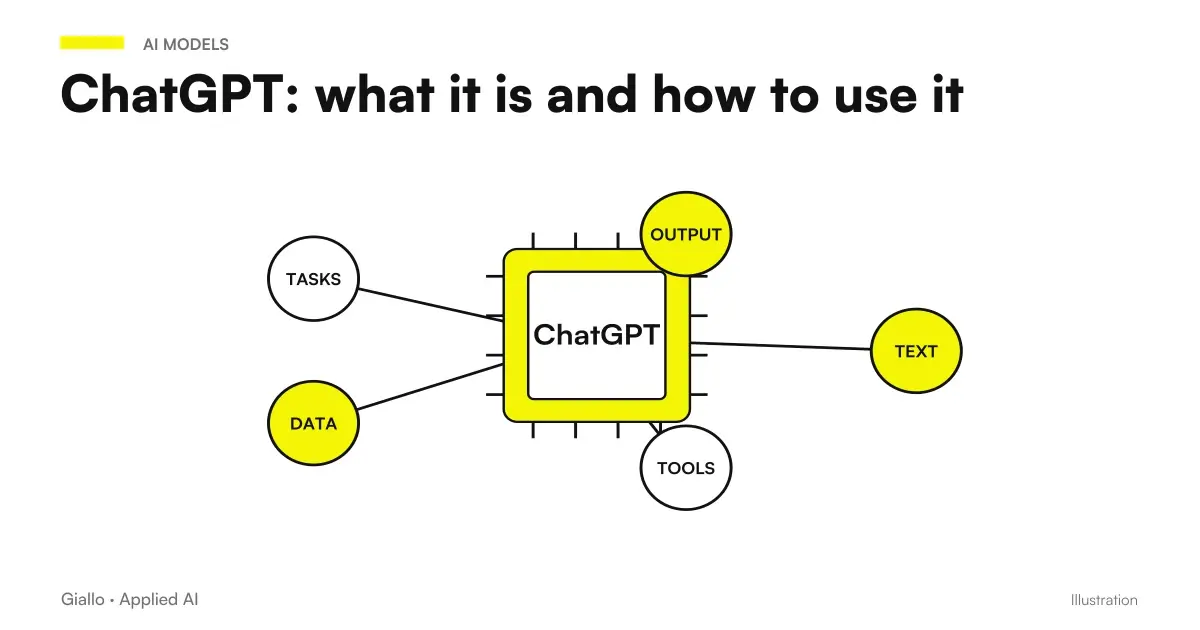 ChatGPT: what it is and how to use it
 Claude AI for long documents
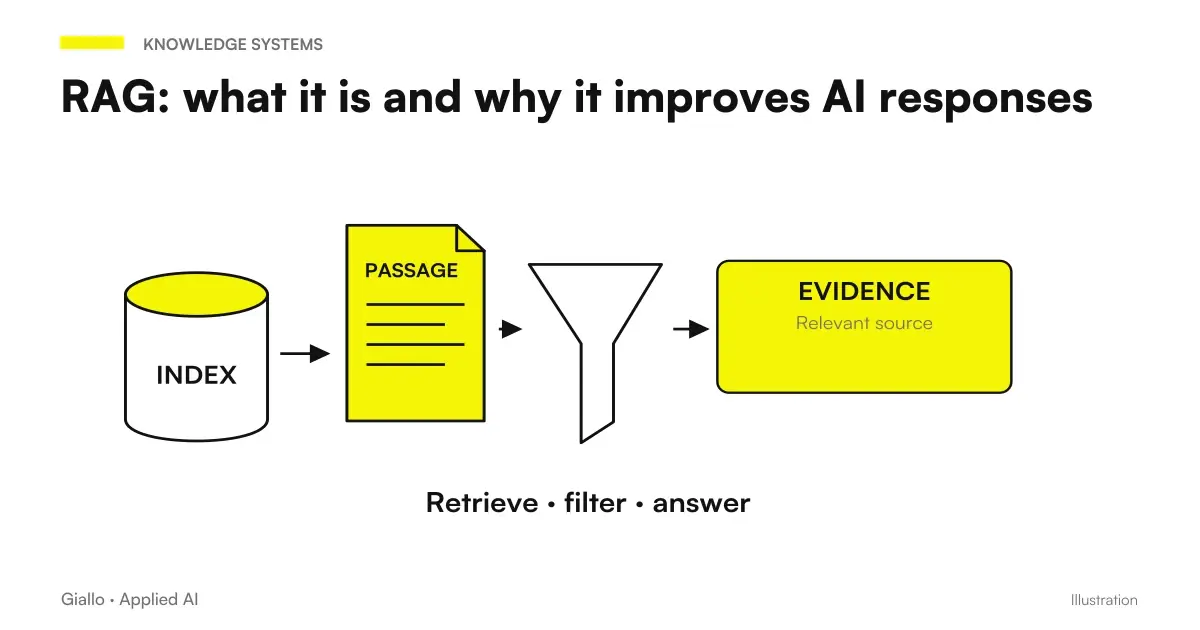 RAG: what it is and why it improves AI responses
 AI Hallucinations: What They Are and How to Avoid Them
 ChatGPT for companies
 AI for business document analysis: a practical guide
 Report automation with AI: updated data without manual work
 AI prompts for accountants: ready-made examples for documents, analytics and clients
FAQ
Can ChatGPT read a PDF?
Yes. You can upload a PDF file to the chat and then ask ChatGPT to summarize it, extract data from it or answer questions about the content. It works well with text PDFs; on scanned PDFs (images) the result depends on the quality of the scan and the OCR. The ability to upload files depends on the plan and the version: always check the official page.
What document formats does ChatGPT accept?
Typically PDFs, Word (.docx), text files, Excel spreadsheets (.xlsx) and CSV files, as well as images. Supported formats change with updates: before setting up a workflow, check which formats your version accepts on the official OpenAI page.
Can ChatGPT get the numbers in a document wrong?
Yes. ChatGPT generates the most likely answer, not a verified calculation: it can misread a figure, confuse two rows in a table or invent a plausible-looking piece of data (a hallucination). For amounts, deadlines, clauses and customer data, always check the source before using them.
Is it safe to upload business documents to ChatGPT?
It depends on the plan and settings. Uploading documents with personal or confidential data on a public tool can violate the GDPR and internal policies. Use business accounts with data processing guarantees, anonymize where possible and define clear rules about what can and cannot be uploaded.
What is the difference between ChatGPT and Claude for documents?
Both analyze documents, but their context limits differ, i.e. how much text they can keep in mind at once. Claude is often preferred for very long documents thanks to a large context window. The right choice depends on the length of the files and the plan: always compare the updated official pages.
When is a RAG system better than uploading files manually?
When there are many documents, they are used repeatedly or several people need to consult them. Uploading a PDF in chat is fine for occasional analysis; for a knowledge base that can be queried reliably, a RAG system is a better option: it finds relevant passages in your documents and passes them to the model with their source.
Can ChatGPT analyse multiple documents together?
In many versions, yes, you can upload multiple files in the same conversation and compare them. However, the context limits remain: with too many long documents the model can ignore parts of them or lose details. For systematic comparisons on many files, a structured workflow or a RAG system gives more reliable results.