
How to create the first Dot in ChatGPT and assign it a project
Create a Dot on desktop, prepare sources and a brief, choose access permissions and verify the first result. A guide for eligible accounts.
Reading time: 11 min
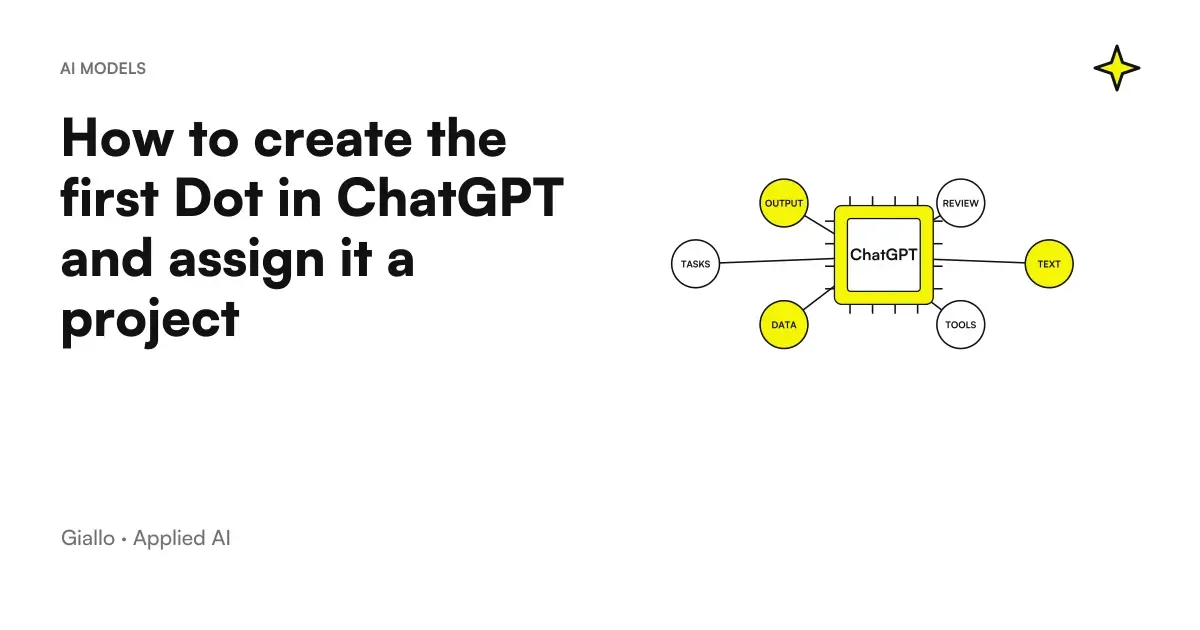
To create a dot in ChatGPT you need to start from an eligible account and use the desktop app or desktop web. The configuration includes the connections you choose and any access to your personal computer. No need to immediately connect each tool: the first project works best when it has a small perimeter and an easy to control result. Official Onboarding Dots.
As of 9 October 2026, an Italian Pro subscription is not enough for Dots access at launch, because the EEA is excluded from that path. Business Premium is in worldwide rollout. Before following the steps, check availability, plans and costs of Dots in Italy: This guide does not prove that the feature is already active in your account.
The goal of the first project is to get a proof of understanding: the dot must recognize the sources, prepare the required output and make the open points visible. It is only after that that that the position should be enlarged. If you want to understand the role of the product before the setup, find the map in OpenAI Dots: What They Are.
In summary
- Check eligibility and workspace before creating from desktop.
- It prepares an official source, target, and controllable internal output.
- Only link the necessary tools to the first assignment.
- Ask for a rereading of the brief before proceeding on the project.
- It controls sources, omissions, and boundaries in the first result.
- Continued responsibility and a scheduled recurrence require separate instructions.
What to prepare before creating the dot?
Prepare a project page with five elements: goal, source, output, auditor, and boundaries. It doesn't have to be a long document. It must allow another person to understand what you want to achieve and how you will evaluate the result. If the description is not understandable to a colleague, the dot could also interpret it in different ways.
The goal describes the concrete work. "Help me follow a salesperson's checklist" is more useful than "organize the company better". The source identifies the material that prevails in the event of a conflict. The output can be a table of variations or a list of open questions. The auditor is the person who knows the project and decides whether the proposal is correct. The boundaries indicate what the dot can prepare and the steps that require a new decision.
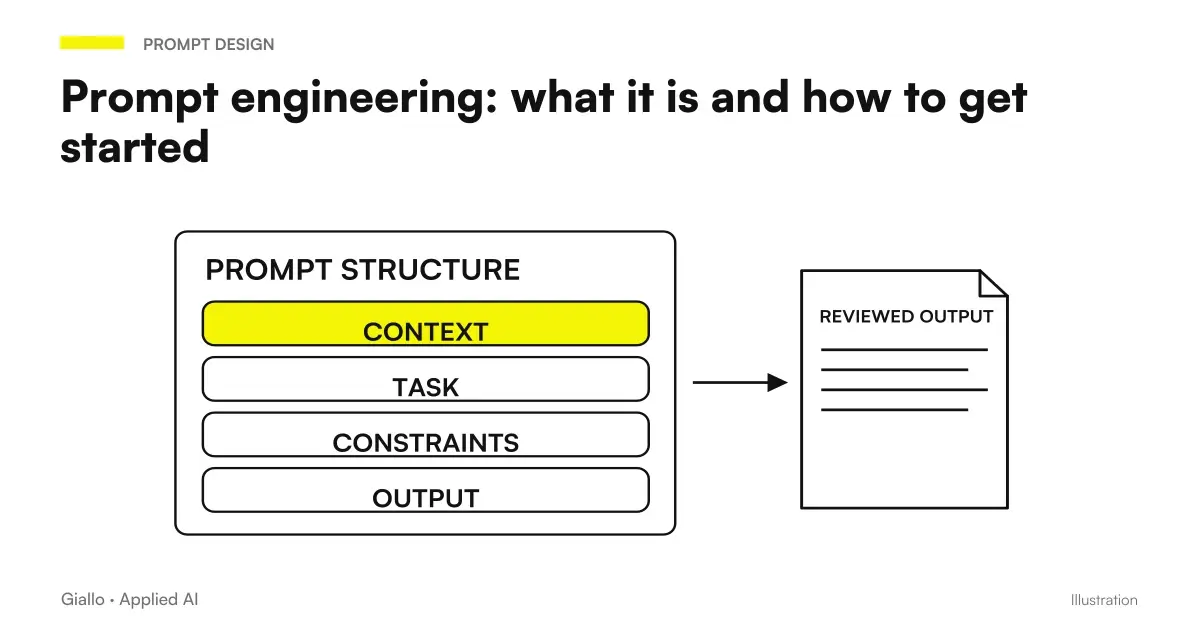
Collect an ordered version of the material first. An approved file and draft should be distinguishable from the name and content, without relying on the upload date alone. If a note contains hypotheses, it signals that they are hypotheses. Do not leave the dot the implicit choice between two prices or two deadlines. The prompt engineering to get started is useful here as a discipline of clarity, not as a search for the perfect formula.
For a first test use demonstration or internal material with strictly necessary information. A brief of a few sections allows you to compare all the output with the source. A messy archive makes it difficult to tell whether an error depends on the instructions, the search or the interpretation of the documents. The initial purpose is to isolate these differences, before increasing the volume.
How to start configuration from desktop?
Enter the ChatGPT context where you want to use the dot and verify that the creation is available. Follow the configuration path proposed by the surface: the documentation includes desktop and web desktop apps, while the compatible mobile app can be used after setup. Labels can change with updates; do not look for commands from the old ChatGPT agent as if they were Dots instructions. Official guide.
During setup, evaluate each connection against your brief. If you have already provided a sufficient document, accessing the entire mail does not necessarily solve a need. If the result requires material in an app, identify the right account and what you need to authorize. For the personal computer, check if the task really needs it: a local source and an accessible source in the cloud have different prerequisites.
The Guide to Gmail, Drive and Slack with Dots distinguishes communication channel, app access and actions. The guide on cloud and local computer clarifies why a login on your personal browser does not automatically become a login in your cloud browser. These choices must be made before you expect the dot to find the material.
After creation, assign the first responsibility in a complete message. Avoid a scattered instruction sequence where the important boundary only comes to an end. Immediately include the fact that the output is an internal proposal. When the source is missing or not accessible, ask the dot to report it: an explicit obstacle is more useful than an answer obtained by filling in the blanks.
How to write the first brief without ambiguity?
Start with the expected result and add the constraints that allow you to recognize it. For a project checklist you can use a similar text: "Help me keep the checklist aligned with the approved brief. For this first step, compare the indicated materials and return confirmed decisions, differences and open questions. He cites the section of origin. Prepare an internal proposal; do not modify the source and do not send messages".
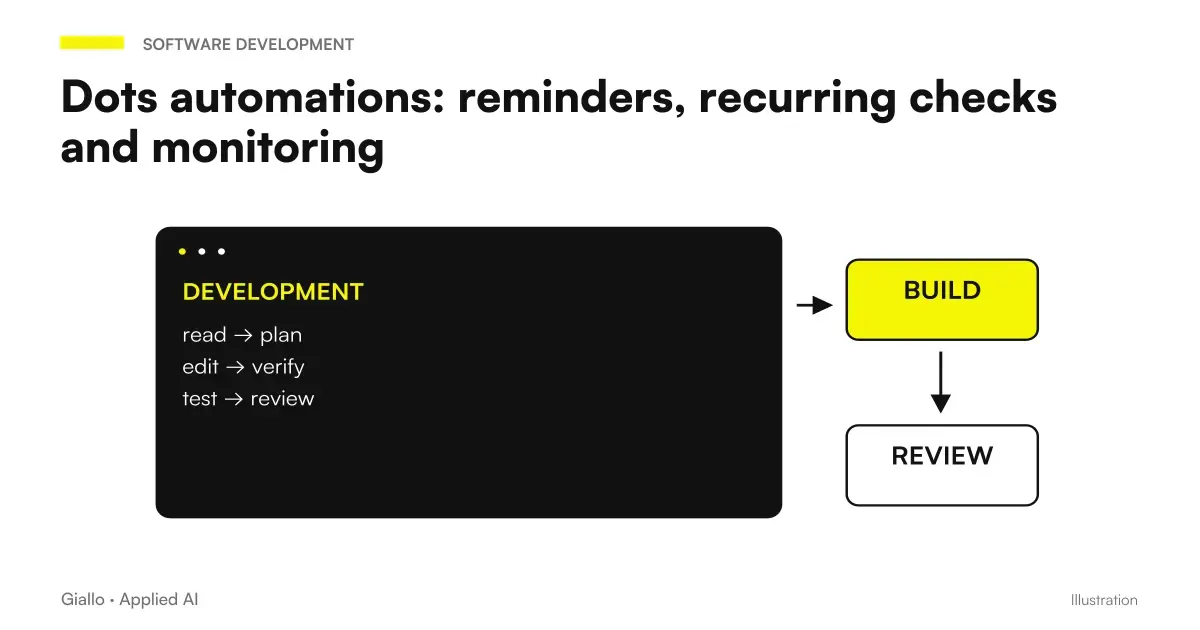
This is an editorial example, to be adapted to the connections actually available. The word "continuative" does not program a one-hour check by itself. If you want a periodic task, define it separately with time, time zone, term, and notifications. OpenAI describes the rescue and control of occurrences in Tasks and memory; our guide to Dots scheduled tasks shows how to formulate this part.
Then ask for a re-reading of the brief: «Summary what you will follow, the official source, the output and when you will ask me for a decision». It's an understanding check, not a certification. If the reply introduces a publication or change that you did not request, correct the assignment immediately. If it uses the draft as its main source, it indicates which document prevails before it produces new materials.
Brief for a first reviewable checklist
Project: preparation of an internal material. Official Source: The Approved Brief I Provide You. First output: table with requirement, status, source reference and doubt to be clarified. If an entry does not appear in the brief, write that it is missing. Don't treat assumptions as decisions. Prepare the proposal in the conversation; ask me for a new statement before using other accounts, editing the source or communicating out of the project.
A good re-reading leaves the uncertainties visible. If the dot says it will follow "all business deadlines", the perimeter has become wider than the project. If it says "the deadlines present in the indicated materials", you can verify the result. The short time spent correcting the perimeter avoids a later revision on an output born of a wrong premise.
How to check the first result and the delegated task?
The review must look at the content and the path. On the content, verify that each entry is true to the source. It mainly controls omissions, names, dates, attributions and phrases that turn a possibility into certainty. On the path, look at what tasks have been started and what results are returned. The documentation indicates the possibility of following delegated tasks; the fact that an activity ends does not alone prove the correctness of the deliverable. Onboarding Dots.
| Control | Question to ask | Useful signal |
|---|---|---|
| Source | From what material does this voice come? | Recognisable and Relevant Reference |
| Completeness | What points of the brief are missing? | Declared or correctable omissions |
| Certainty | Is it a decision or a hypothesis? | Preserved state with respect to source |
| Boundaries | Was only what I asked for prepared? | No implicit extension of assignment |
| Review | Who has to validate this passage? | Responsible and next step clear |
Do not just correct a sentence in the result. When you find an error, identify the rule that should prevent it in the next cycle. If the dot used an old price list, clarify which source takes precedence. If it treated an action that is still open as completed, define how to represent the status. Keep the approved version in an identifiable document, so the review does not depend solely on remembering the conversation.
If the responsibility requires software, distinguish the coordination of the dot from the technical task. The dedicated product is Codex; testing and revision of the code must remain legible in its work. The comparison Dots, Work and Codex enter this step. Do not add technical delegations to a first document assignment just because the function exists.
Two first possible projects for Italian companies
A small workshop prepares an internal procedure
Imagine a workshop wanting to order a vehicle acceptance procedure. Provides demonstrative text with steps and roles, without customer data. The first assignment is to separate what the document requires, the unclear points and missing materials. The holder checks that the dot does not add services, obligations or promises absent from the text.
The useful result is a reviewable checklist. If the dot proposes an additional field, it must present it as a proposal, explaining its reason. The holder can accept it, reject it or ask to consult a specific source. Only after the procedure is adapted to real use. The example verifies understanding and distinction between requirement and advice, before any link to management software.
An architectural firm follows the materials of a presentation
Imagine a Venetian studio preparing a presentation for a saleswoman. The coordinator delivers briefs, list of tables and some approved notes. The dot must prepare a map of the necessary materials and report the information yet to be confirmed. He is not in charge of contacting the client or distributing files to professionals.
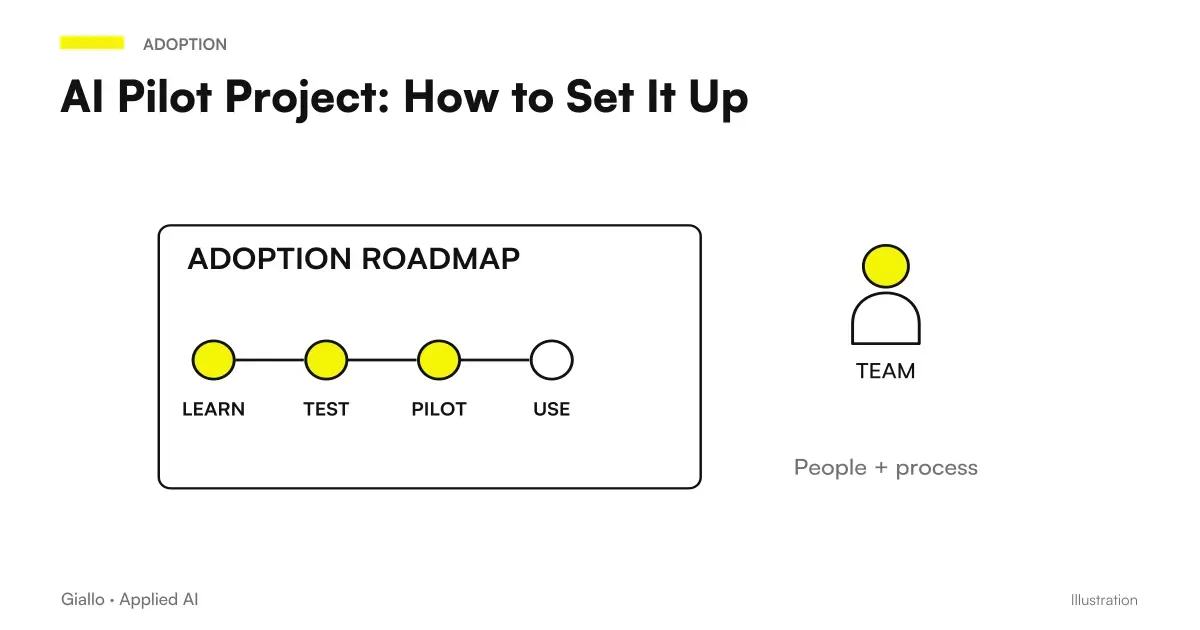
The first review looks at whether each brief request finds a matching material. If a board is missing, the dot must indicate absence; do not declare it ready because it is mentioned in the notes. When the coordinator updates the list, he asks for a new comparison. Responsibility can only grow after seeing that the source and states are respected, following the logic of a AI Pilot Project.
What errors to avoid during setup?
The first mistake is to link each account and then look for a use case. Turns the path upside down: accesses should serve an already defined assignment. The second is to use material full of contradictions without declaring them. The dot can make text more fluid without solving the underlying business choice. Conflicts between sources must become questions, not occasions to invent a synthesis.
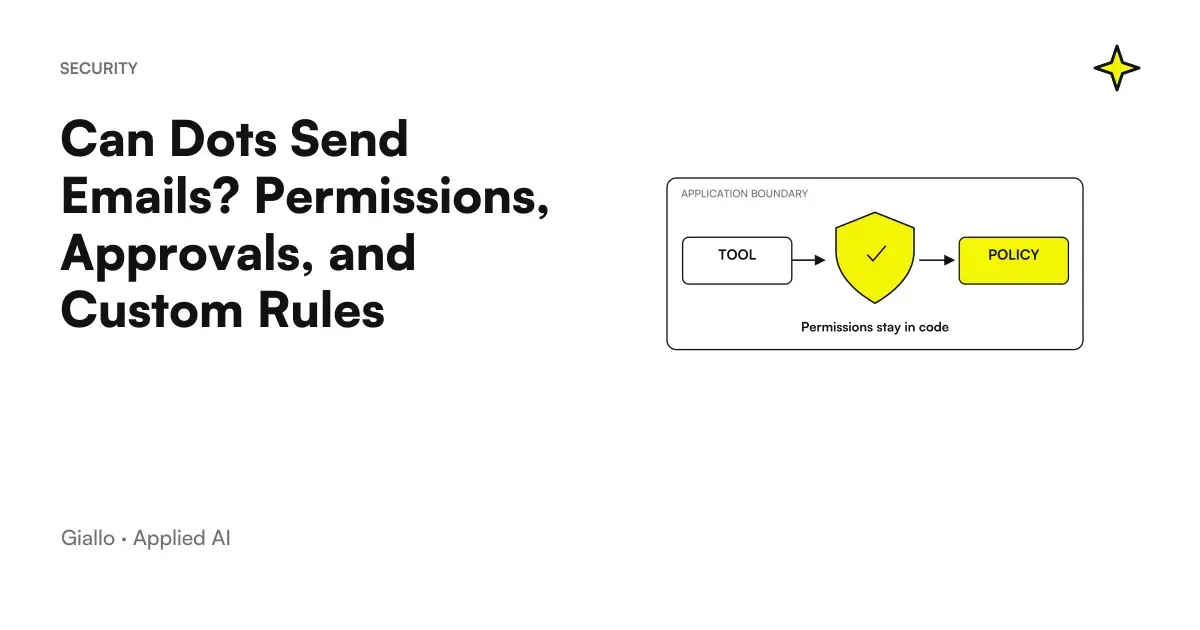
The third error is describing an output without its use. An internal checklist and a presentation to be sent have different review criteria. The guide to Dots permits and approvals explains why preparing a draft does not authorize sending. The fourth is to ignore the persistent context: an important correction must be clearly formulated and the official version must remain recognizable outside the dot.
Finally, do not consider unplugging an app a complete deletion of the acquired data. Before linking real sources, read Memory and Privacy Dots. The setup is not just a sequence of buttons: it decides where the information comes from and what activities you can expect. A missing connection must be resolved as a prerequisite, not covered with increasingly insistent instructions.
How to correct the brief after an unhelpful response?
Before adding new instructions, identify the type of error. If the dot has not found a source, verify access. If you have read the right document but used a draft as the final decision, clarify the hierarchy of materials. If the result is faithful but difficult to use, change the format of the output. They are three different fixes: a list of generic prohibitions could hide the cause instead of solving it.
Make a short, concrete correction: indicate the wrong voice, the relevant source, and the expected behavior. Then ask for a new proposal on the same perimeter. This comparison allows the auditor to understand whether the change has solved the problem, without simultaneously introducing another source or a new proxy.
If the brief contains a choice that no one has made, stop on that point. The dot may present alternatives with consequences and questions, but it must not invent the project decision. It keeps the version of the brief approved after correction. This way the next assignment starts from a recognizable document, rather than a sequence of difficult-to-rebuild clarifications.
When to expand the first assignment?
Expand the assignment when you can explain why the first result was accepted. «It seems good» is less useful than «he found all the differences, cited the sources and kept open doubts». Add one variable at a time: another source, a more articulated output, or a recurrence. So you can understand what introduces a difficulty and correct the process without rewriting it entirely.
If the first project remains a collection of documents without a clear result, go back to the brief. If the dot helps to make the next step visible, you can evaluate a more continuous responsibility. To choose the degree of autonomy call the guide to AI Agents for Companies. A route of AI consulting with Giallo can help turn the first assignment into a test with already defined sources, criteria and auditors.
Giallo Studio guides: methodology and sources
How we apply it in the company
Related resources
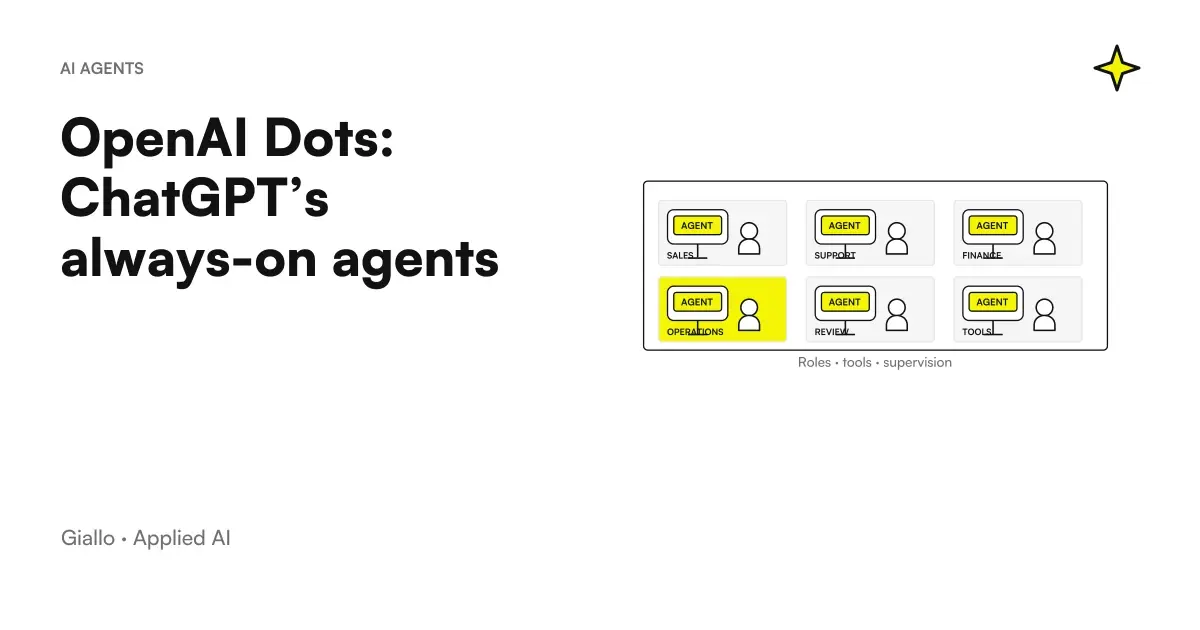 OpenAI Dots: ChatGPT's always-active agents explained
 Dots in Italy: updated availability, plans and costs
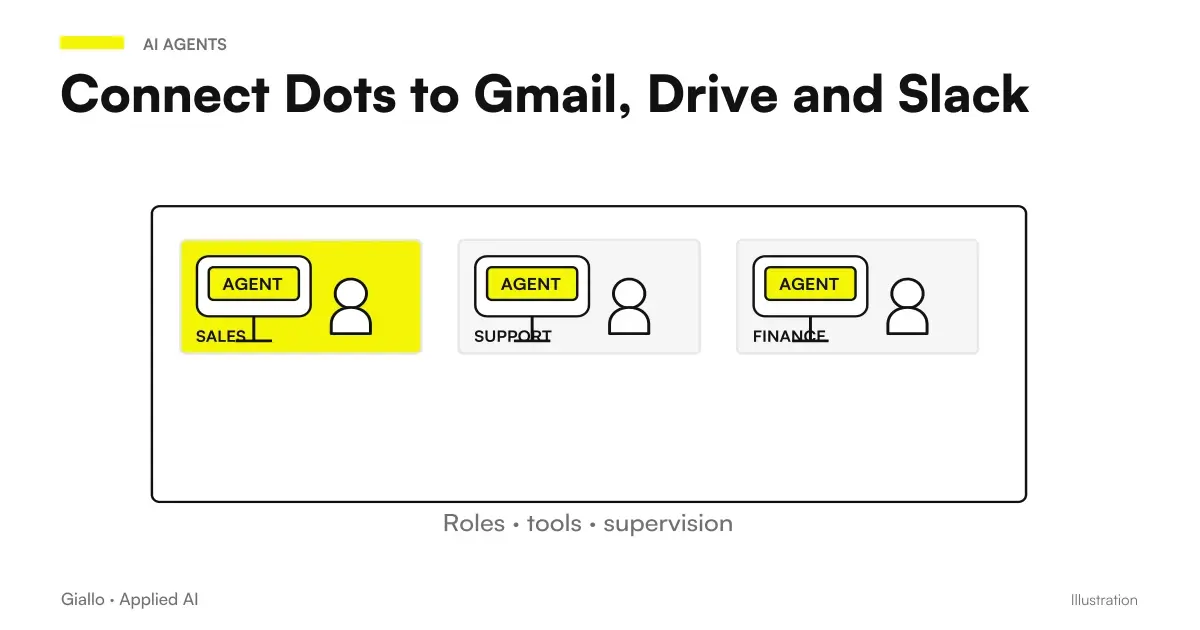 Connect Dots to Gmail, Drive and Slack: permissions and channels
 Can Dots Send Emails? Permissions, Approvals, and Custom Rules
 Dots automations: reminders, recurring checks and monitoring
 Prompt engineering: what it is and how to get started
 AI Pilot Project: How to Set It Up
 Superintelligence: the technologies of OpenAI, Claude and Google
FAQ
Where do I create my first dot?
The documented setup starts from the ChatGPT desktop app or the desktop web, for an eligible account. After creation you can use the compatible mobile app; the mobile web is not the initial supported path.
Do I need to connect Gmail and the computer right away?
No, connections and local access are optional in the configuration path. To get started, choose only the essential sources on the first assignment and check separately the actions allowed.
What's a good first assignment for Dots?
A limited assignment with a recognizable source and verifiable internal output. For example, extract decisions and open issues from an approved brief, without sending messages or modifying the source.
How do I verify that the dot has understood the project?
Ask it to summarise the goal, official source, expected result, and assignment boundaries. Then check the first output against the original document, including omissions and uncertain information.
Does the first request also create a recurring task?
It should not be taken for granted. If you want a recurrence, define tasks, time, time zone, duration and notifications, ask for confirmation and check the schedule in Scheduled.
Can I create a dot in Italy with Pro?
As of October 9, 2026, Pro access at launch excludes the EEA, so also Italy. Business Premium is in worldwide rollout: eligibility and presence of the function in the workspace must be confirmed before the setup.