
Claude AI to write better
How to write better with Claude: tone, editing, rewriting, structure and summaries. Prompting best practices and an honest comparison with ChatGPT.
Reading time: 10 min
Use Claude to write means having an assistant who is good at giving structure, rhythm and clarity to a text: a first draft starting from notes, an editing that cuts the superfluous, a rewrite in the right tone, a synthesis of a long document. Claude is one of the models of Generative AI considered more careful precisely on writing, but the point to be fixed immediately is another: write with you, not in your place.
The distinction matters. Claude doesn't know what's true about your company, he doesn't know your data, and he doesn't have your voice until you show him. Produces the most likely text given the instructions: great for the form (order, tone, readability), unreliable on facts He who writes best with AI is not the one who delegates everything to her, but the one who delegates the right parts to her and keeps judgment, verification and voice to himself.
In this guide we see what Claude is really useful for in writing, how to give him instructions that work, how he differs from ChatGPT without absolutism, and how to bring him into the real work of an SME or a professional.
In summary
- Claude to write is strong on four tasks: first draft, editing, rewrite in the right tone and synthesis of long texts.
- The quality depends on instructions: voice, recipient, constraints and a real example of your style matter more than an elegant prompt.
- The Voice and Facts Remain Human: Claude cures the form, but you decide what to say and verify that it is true.
- Compared to ChatGPT there is no absolute winner: the right choice is the one that, on your case, requires fewer revisions.
- How any generative AI can inventing data and quotes (hallucinations): numbers, names, and norms should always be checked.
What Claude is really for in writing
The most common mistake is to ask Claude to "write me an article about X" and judge him by the result. In doing so you are also delegating to him the decisions that should remain yours: what to say, what facts, what angle. Claude does more when you entrust him with a precise writing task, within a perimeter that you have defined.
The four uses in which it gives the best are these.
- First draft notes. You give him raw points, examples, real data, and he turns them into an ordered text. You start from an already mounted structure instead of the blank sheet.
- Editing. Paste a text that you have already written and ask it to shorten it, make it clearer, remove repetitions and turns of words. Often this is where you see the most difference.
- Rewrite in the right tone. Same content, different register: from formal to direct, from technical to informative, from long to essential. Useful to adapt a text to a different channel or audience.
- Summary. From a long document (a contract, a report, a transcript) to a point summary or an email of a few lines. On this Claude is particularly comfortable with the Long Texts.
The common thread: Claude works well on transformation of a text (shape, length, tone, structure), much less well when it must inventing the substance. The more you give him real material, the less he has to guess, the less risks you're wrong.
Because "writes better" doesn't mean "writes alone"
When an AI-produced text sounds flat or fake, it's usually not the model's fault: it's that they've been asked to fill in a blank. Without your facts, Claude puts adjectives in place of information; without your voice, he uses a medium brochure tone. The way to get texts that seem to be written by you is to give them enough material and constraints that you don't have to invent anything. To understand why this works, it helps to know What is Claude and how he reasons for a generative model.
How to give Claude instructions that work
Writing with AI lives or dies on the instructions. You don't need a "magic prompt": you need a few clear elements. This is the basis of prompt engineering applied to writing.
- Role and recipient. Say who is writing and to whom. "Write like the owner of a firm to an SME client" produces a different text than a generic request.
- Aim of the text. Inform, convince, reassure, sell? Purpose changes structure and tone. State it.
- Concrete constraints. Length ("maximum 150 words"), format (mail, post, bulleted list), what to avoid ("no superlatives, no 'revolutionary'").
- An example of your tone. Paste two or three of your already published texts and say "write with this entry". A real example is worth more than ten adjectives.
- The facts, explicit. Data, numbers, names, real details, you put them in. If you don't give them to her, Claude invents them to fill in.
There's a rule that makes a difference: show, do not describe. "Professional but friendly tone" is vague and everyone interprets it in their own way, including Claude. A concrete example of a text you like communicates at once rhythm, lexicon, level of formality and length of sentences. It is the single trick that raises the quality the most.
Writing Objective → approach with Claude
Depending on what you need to achieve, it changes the way you set the request. This table links the goal to the most effective approach.
| Writing Objective | Approach with Claude | What You Provide |
|---|---|---|
| Winning the blank sheet | Ask for a draft from clipboard, not a finished text | Key Points, Real Data, Recipient |
| Shorten without losing sense | "Reduce to N words by holding the concepts X and Y" | The text to cut and what not to sacrifice |
| Change Tone | "Rewrite this text in the tone of [example]" | The original text + an example of the desired tone |
| Make it clearer | "Explain this to those who are not from the industry, short sentences" | The technical text and target audience |
| Finding Weaknesses | "Don't rewrite: list what doesn't work and why" | The text + the criterion (clarity, persuasion...) |
| Synthesizing a document | "Summary in 5 points / in a 4-line mail" | The complete document and who needs the summary |
The last line of the central column is the most underrated: ask Claude only the diagnosis ("tell me what's wrong, don't rewrite") leaves you in control of your voice and teaches you to write better, instead of passively accepting a version of it.
Claude or ChatGPT to write? A practical difference, without absolutisms
It's the question everyone asks, and the honest answer is: depends on the task, the version and your ear. There is no "best for writing" model at all, and it is good to be wary of those who say it. That said, some practical trends recur.
Where many prefer Claude
- Editing and rewriting: tends to a more edited and less swollen text.
- Long texts and documents: handles extended context and consistency well.
- Tone and Shades: Often more natural in imitating a given voice.
- When you want fewer revision steps on the shape.
Where Many Prefer ChatGPT
- Versatility and integrations with other tools and functions.
- Quick content and high-volume brainstorming.
- Ecosystem rich in plugins, images and connected streams.
- When the text is just a piece of a larger task.
The right choice criterion is not "which won a benchmark", but only one: which, on your real case, requires fewer revisions. Take a text typical of your work, from the same prompt to both and count how many interventions it takes to get to "publishable". The one that makes you work the least is the best for you today. If you are interested in using ChatGPT to produce texts, there is a dedicated guide on ChatGPT for content.
What about the versions and prices? Why don't I quote them
Models, functions, context limits and paid plans of Claude and ChatGPT change very quickly. Citing a version or price as fact means writing something that will be wrong within months. For up-to-date and reliable data, always check the official pages of the two tools before choosing a plan or comparing capabilities.
Practical examples
Two realistic scenarios of who uses Claude to write better, not to write for him.
1. Professional study — communications to customers. An accountant must explain a tax deadline to non-technical clients. He casts the points (what, when, what it serves), pasting them into Claude with the instruction "transform them into a clear, courteous and direct email, maximum 120 words, no jargon". Attaches an example of his previous email for tone. Claude produces the draft, he checks that dates and amounts are correct (the facts remain his) and sends. Communication time: from fifteen minutes to three.
2. E-commerce — consistent product descriptions. For a catalog, the problem is not the first description but keeping the same tone on hundreds of tabs. The holder prepares an example of a "perfect" description and uses it as a reference: for each product he pastes the real data sheet and asks Claude to write "with this style, starting only from this data, without adding features not present". AI gives rhythm and consistency; the data remains the true ones. The team reviews and publishes, instead of writing from scratch each time.
In both cases the same pattern applies: AI does the drafting on the form, the human provides the facts and gives the ok. It is the model that produces good and reliable texts.
Mistakes to Avoid
- Delegating the facts as well. If you don't give it real data, numbers and details, Claude invents them to fill the text: wrong dates, non-existent quotes, fake product features are born. AI Hallucinations to understand why it happens.
- Describing the tone instead of showing it. "Professional but friendly" is not enough: everyone interprets it in their own way. Paste a real example of your style.
- Accepting the first version. The first answer is a base, not the result. Ask for a second focused turn ("shorter", "less adjectives", "more direct tone") instead of holding an average text.
- Make your voice disappear. If you publish everything as it comes out, the lyrics will sound as generic as anyone else's using AI. You take back control over attack, examples, and closure.
- Pasting confidential data without criterion. Texts with customer data should be managed with clear rules and verification of the provider's conditions, so as not to incur privacy problems.
How to apply it in the company
In an SME or studio, Claude for writing renders when he stops being "a site where I occasionally ask for a text" and becomes a definite step in the process. Here's how to make it repeatable.
- Identify recurring texts: type mail, frequent replies, descriptions, periodic reports. There the savings accumulate.
- Create a "voice kit": two or three exemplary texts of the company tone, to be pasted each time as a reference.
- Define what AI can and cannot write: the form yes, the facts and numbers always provided and verified by a person.
- Set a rule on data: what is forbidden to paste (customer data, confidential information) until the conditions are clarified.
- Measure the "before and after": minutes by text and number of revisions. If they drop, extend; if not, change approach.
When the texts are so many and recurring, the next step is to stop copying and pasting by hand: you connect the model to the tools you already use (management software, CRM, mail) so that the drafts are born inside the workflow. It is the soil of the AI agents and of the automation of business processes: not only write a text better, but make the right text arrive at the right time without manual intervention. If you want to figure out where to start in your case, a AI Consulting which starts with the processes, not the tool. To see how these bricks combine into real flows you can also take a look at the experiments of the The Lab.
If you want to go into detail about specific models, Best AI Model for Italian and Claude Fable 5.1 vs Sonnet 5.
Conclusion
Claude to write is an excellent tool to give shape, order and tone to texts: first draft, editing, rewriting, synthesis. But its value is unlocked only when you understand the division of labor: AI cures the form, you bring the facts and the voice. Clear instructions and a real example of your style matter more than any elaborate prompt; comparison with ChatGPT is decided on your concrete case, not absolute rankings; and on numbers, names and norms human verification is not optional. From here you can continue with Claude AI: what it is and when to use it and with prompt engineering to refine the way you ask.
Do you want to understand what processes in your company can be automated with AI? Giallo Studio can help you turn the problem into a real workflow — or take a look at the experiments of The Lab.
Giallo Studio guides: methodology and sources
How we apply it in the company
Related resources
 Claude AI: what it is and when to use it
 Prompt engineering: what it is and how to get started
 ChatGPT to create content
 Generative AI: What It Is and Why It Matters
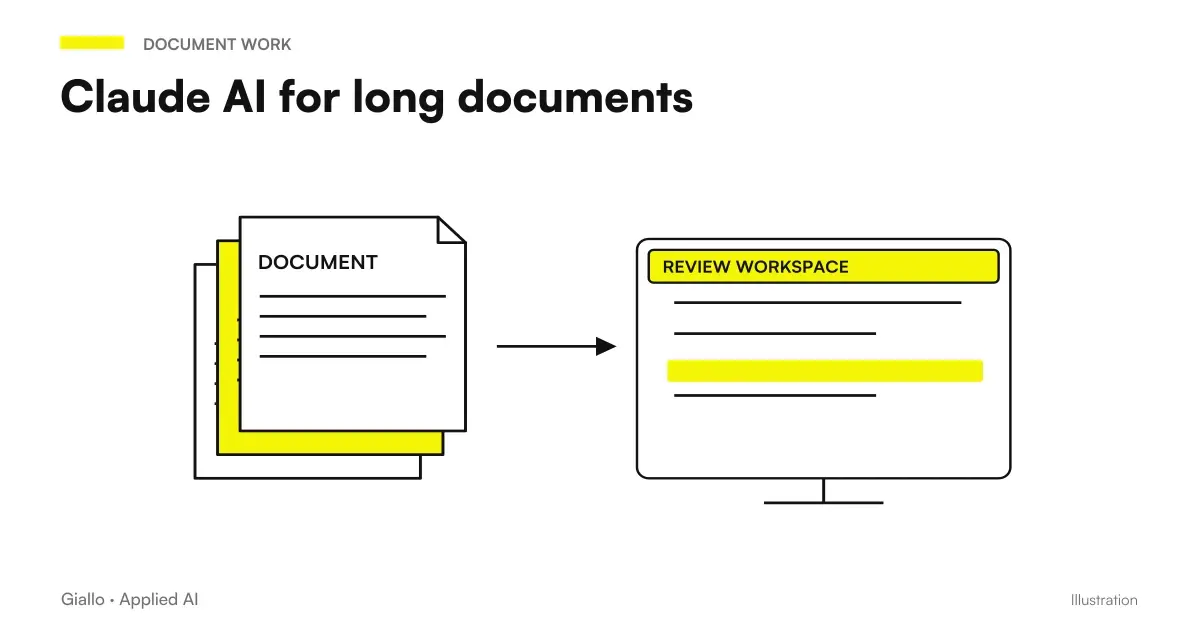 Claude AI for long documents
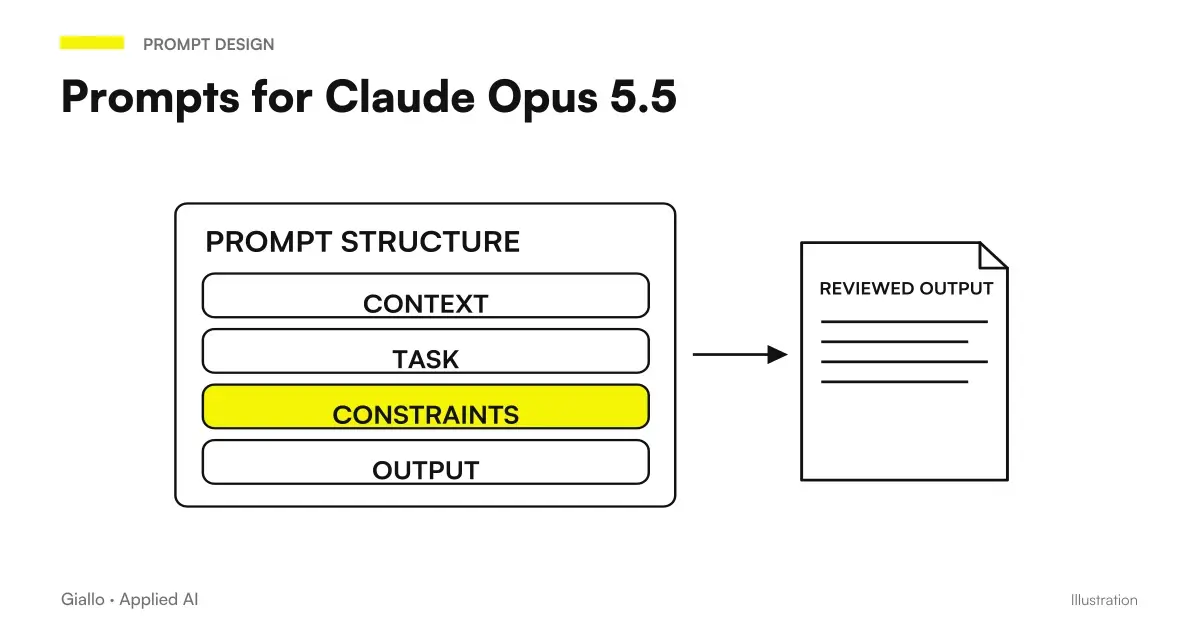 Claude Opus 5.5 prompts: what to remove, what to add and examples
 How to use Claude Opus 5.5 in the app: images, long documents, finished files
 Best AI for Marketing: Tools and Platforms
FAQ
Does Claude help me write better, or does it write for me?
It serves to write better, not in your place. Claude is good at structuring, rewording, lightening and correcting a text, but the voice and facts remain yours: you decide what to say and verify that it is true. It works like a fast editor, not like an author replacing you.
How do I get Claude to write in the tone of my company?
Give it a real example of your tone (two or three published texts you like) and explicit instructions: who you are addressing, what to avoid, and how formal to be. Claude imitates a concrete example better than an abstract description such as “a professional but friendly tone”.
Does Claude write better than ChatGPT?
It depends on the task and version; there is no absolute winner. Many find Claude more polished for editing, tone, and long texts, and ChatGPT more versatile for integrations and quick content. The right choice is whichever requires fewer revisions in your actual case. Always check the official pages for current features and versions.
Can I use Claude to rewrite an existing text?
Yes, and it is one of the best uses. Paste the text, explain what you want to achieve (shorter, clearer, a different tone, no repetition), and Claude returns a revised version. You can also ask only for the weak points and leave the rewriting to yourself.
Can Claude invent information when writing?
Yes. Like any generative AI, it can produce plausible but false details, data or citations (hallucinations). That is why you must always supply the facts, numbers and names yourself or check them manually: Claude handles the wording and does not guarantee that the content is true.
Do my texts and the data I paste remain private?
It depends on the plan and settings of the provider, which change over time. For texts with customer data or confidential information, check on the official page the conditions on the use of data and, in the company, define rules on what you can paste and what not.