
ChatGPT for companies
ChatGPT for business: real use cases, difference between consumer and Enterprise version, GDPR rules on data and when custom automation is needed.
Reading time: 10 min
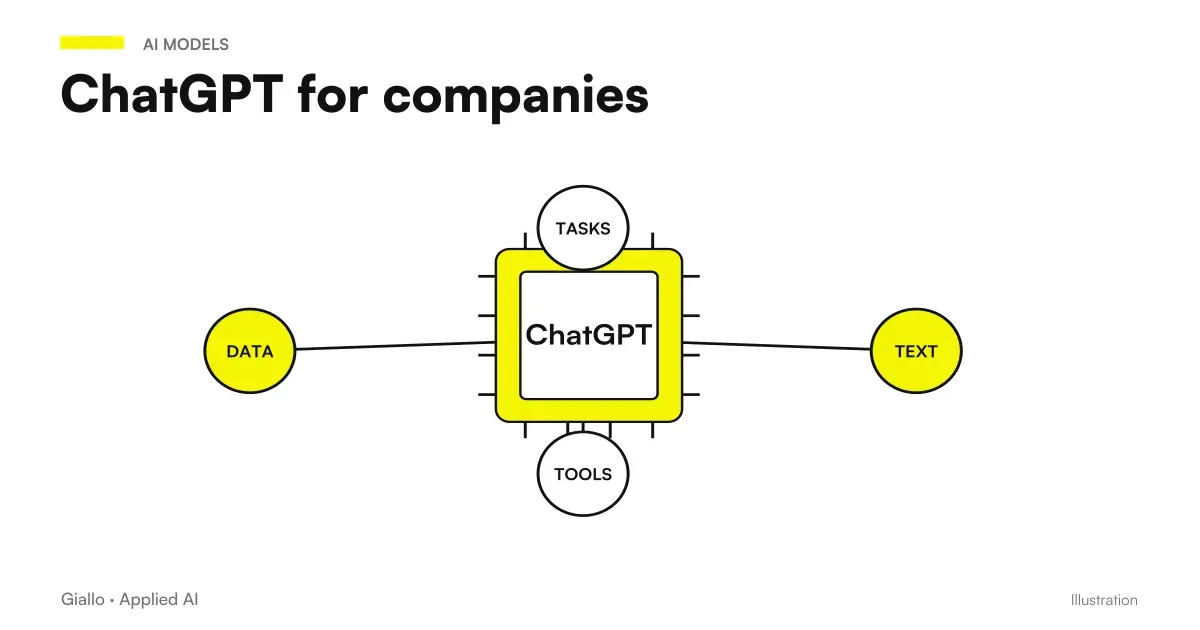
ChatGPT for Business is a generative AI tool that speeds up repetitive text tasks: writing emails, producing first drafts, synthesizing documents, preparing responses for customer support. Used well saves hours every week; used without rules can create quality problems and, above all, of Data Privacy. The difference between the two outcomes lies not in the tool, but in the method by which it is introduced.
The point to be made immediately is this: ChatGPT is not a single thing. There is the consumer version (free or Plus), designed for personal use, and there are business plans (Team and Enterprise), designed for organizations, where the data entered is not used to train models. Confusing the two worlds is the most expensive mistake: it means, in practice, pasting customer data into a personal account believing that everything is okay.
In this guide we see the use cases that really work in the company, the concrete difference between ChatGPT consumer and Enterprise, the rules GDPR to be respected on company data, the limits of the tool and the time when it is best to switch from a manual chat to a Custom Automation.
In summary
- ChatGPT in the company serves to remove repetitive text work: emails, drafts, summaries, customer care responses, rewordings and translations.
- The version consumer (free/Plus) is for personal use and data can contribute to training; Team and Enterprise exclude data from training and offer checks and contract.
- Never paste customer data into a personal account: without an agreement on data processing and exclusion from training is a concrete GDPR risk.
- ChatGPT prepares the material, but the person controls and approves: produces the most likely answer, not the certainly correct one.
- When the process has to run on its own and integrate with your software, chat is not enough: you need a agent or an automation connected to business systems.
What ChatGPT is used for in the company
ChatGPT is an interface on a large language model: you write it a request in natural language and it responds with a text. In the company this results in a few solid and recurring use cases, all of which share the same pattern: AI makes the first draft, the person finishes and decides. If you have not yet clear the basic operation of the tool, start from the guide ChatGPT: what it is and how to use it.
The four areas where it yields the most are these.
- Email: respond to recurring requests, write follow-up, rephrase a message in a more suitable tone, summarize a long thread. ChatGPT to write emails.
- Drafts and contents: product descriptions starting from the actual data sheet, first versions of articles, posts, cards, starting from facts and not from invented adjectives. ChatGPT to create content.
- Summary: summarize minutes, contracts, reports or long documents in a few places, extract key information, prepare a playlist from a confused text.
- Customer care: drafts of answers to frequently asked questions, rewording of technical answers in clear language, translation of messages for foreign customers.
The common thread is that it's always about tasks textual, repetitive and low-risk, where an error is intercepted by a human review before arriving at the customer. On these, ChatGPT really takes away hours of work. To frame the theme more broadly, the guide AI for businesses It collects processes, costs and priorities.
What is NOT a good use case
It is also worth saying the opposite. ChatGPT alone not is the right tool when you need exact numbers without verification (calculations, budget data), when the output has to be legally correct without a professional's control, or when the task has to repeat over hundreds of cases automatically. The last point is the one that leads to the transition from manual use to AI Automation, which we see later.
ChatGPT consumer vs Enterprise: the difference that matters
This is the most important section for those who decide. The versions of ChatGPT do not differ only in functions or speed: they differ in what happens to your data. It is a distinction of substance, not price.
In the version consumer (free and Plus), designed for individual use, the content you enter can be used to improve models, unless you disable this option in the settings. It also lacks the contract that the GDPR requires when you entrust a provider with the processing of personal data.
In the plans Business (Team and Enterprise), designed for organizations, the opposite principle holds true: entered data is not used to train models, there are administrative controls (user management, permissions, logs) and an agreement is available on the processing of data to be signed. It is this, and not the personal account, that is the right tool to get ChatGPT into real processes.
| Criterion | Consumer ChatGPT (Free/Plus) | ChatGPT business (Team/Enterprise) |
|---|---|---|
| Designed for | Personal use, individual user | Organizations and Teams |
| Data used for training | Yes, except manual opt-out | No, excluded by setting |
| Data Processing Agreement | Not Expected | Available and Signable |
| Administrative controls | Absent | User management, permissions, audits |
| Suitable for customer data | No | Yes, with internal rules and DPA |
| Suitable for a GDPR-compliant use | Non-personal data only | Yes, if properly configured |
ChatGPT and GDPR: the corporate data rules
Here you play the part that many companies ignore until it is a problem. The most important practice rule is one, and it must be said in full without nuances.
The point is that the company is the the Data Controller: the responsibility for how personal data is processed remains yours, even when the tool is from a provider. To use ChatGPT in a compliant way you need some concrete measures.
- Use a business plan. Only Team and Enterprise offer data exclusion from training and a data processing agreement (DPA) that can be signed with the provider.
- Sign the DPA. The agreement on data processing must be requested, signed and archived. Without it, the contractual basis required by Article 28 of the GDPR is missing.
- Apply minimization. Enter only the data needed for the task. When you can, anonymize or use placeholders instead of the actual customer data.
- Write an internal policy. Clear rules about what can and cannot be inserted, shared with the whole team. Most risks arise from naive, not malevolent use.
- Verify data transfers. The provider is US: check the guarantees on international transfers and keep track of them in the treatment register.
For a company that operates in regulated sectors this is not a formal detail. Studies and professionals dealing with particularly sensitive data find more targeted indications in the dedicated pages, for example AI for accountants and AI for law firms.
Practical examples
Three realistic scenarios of SMEs and Italian professionals, to see the boundary between correct use and at-risk use.
1. Service Agency — Trade Responses. The team uses ChatGPT (Team plan) to turn a raw customer request into a well-structured response draft. It works well because the data remains excluded from training and because the person always rereads before sending. The internal rule is clear: generic references are used in drafts, not the full customer registry when not needed.
2. E-commerce — product and service cards. For a catalog of hundreds of articles, ChatGPT writes a first draft description from the actual data sheet. In parallel, the team prepares with AI the standard answers to questions about shipments and returns. No personal data of buyers enters the chat: you work on product texts and response models, not on real orders.
3. Professional study — summary of documents. A co-worker would like to paste a customer contract to summarize it. Here is the limit: the document contains personal data and confidential clauses. The correct solution is not to "prohibit AI", but to use a business plan with signed DPA and, where possible, to obscure the identification data before pasting. If the need is recurring on many documents, the study evaluates a dedicated system instead of manual chat use.
In all three cases the principle is the same: the tool is useful, but data rules come first.
When ChatGPT is enough and when custom automation is needed
ChatGPT, used by chat, is perfect for the job assisted: a person writes, the AI responds, the person uses the result. The limit comes when the process has to turn alone, on many cases, integrated with your software. At that point the manual chat becomes the bottleneck.
When enough ChatGPT
- A person uses AI interactively, on a case-by-case basis.
- The volume is low or medium and the work is varied.
- You need a draft, summary or rewording to be finished by hand.
- No need to connect to other business systems.
When automation is needed
- The same task is repeated on hundreds of cases.
- The flow must integrate with email, CRM or management software.
- It serves execution without a person copying and pasting.
- We need traceability, access control and data audit.
In the second case the right tool is not the chat but a AI Agent or a automation of business processes: a system that uses the same language model, but connected to your software, with rules, controls and logs. The difference, in concrete, is between "a person uses ChatGPT" and "ChatGPT works within the process". To understand where the assistant ends and the agent begins, the guide is useful AI Agents: What They Are.
ChatGPT, Claude or Gemini for the company?
ChatGPT is not the only model suitable for work. Alternatives such as Claude and Gemini have different strengths (e.g. long document management or integration with the Google suite). The choice depends on your use cases and the software you already use. For a comparison on the corporate world you can read Claude AI for companies. In any case, the same privacy and data rules apply to everyone.
When to Evaluate a Dot in Business Work
Dots introduces a persistent assistant with project, memory, tools, and tasks. Availability depends on plan and country: Business Premium rollout should not be confused with Pro access in the EEA. Before connecting business data, choose a circumscribed task and verify accesses, approvals, and ways to stop work.
| Need | Path of deepening |
|---|---|
| An assistant with a project | Dots of OpenAI |
| Plans, access and availability | Dots in Italy |
| A Brief Before Actions | Creating the first Dot |
| Apps, Channels and Computers | The tools of the Dot |
| Recurrences and activities to stop | The Scheduled Work |
| Memories, data and deletion | The memory of the Dot |
| Permissions and Approvals | Before sending |
| Where the Dot can work | Cloud or local computer |
| Sources, drafts and revision | A Dot for Marketing |
| Three roles in the same project | Dot, Work and Codex |
Mistakes to Avoid
- Using your personal account with business data. It is the most frequent and most expensive error: no DPA, data used for training, no guarantee. For third party data you need a business plan.
- Treating output as truth. ChatGPT produces the most likely response, not the verified one. On numbers, norms and factual statements, human control is always needed. See the AI Hallucinations.
- Starting with the tool and not the problem. "We buy ChatGPT" is not a strategy. It starts with the time-consuming process, then you decide whether chat is enough or you need automation.
- Not writing usage rules. Without a clear internal policy, each employee decides for himself what to paste. Most GDPR risks arise from here, not from external attacks.
- Relying on versions and prices heard say. Plans, limits and costs change all the time: before deciding, always check the official page instead of trusting dated information.
How to apply it in the company
Introducing ChatGPT in a sensible way is a short path, not a big project. The goal is not to "adopt AI", but to lighten a precise process by measuring the result.
- Choose the first use case. Start from a repetitive, low-risk textual task: recurring emails, drafts, summaries. Not from the most complex case.
- Activate a business plan. If customer data comes into play, start right away from Team or Enterprise with signed DPA. Avoid "let's try it for free" on real data.
- Write the policy on a page. What can be inserted, what not, who approves. Shared and signed by those who use the tool.
- Form the team. It only takes a few hours to teach useful prompts and the limits of the instrument. The difference between good and mediocre results is almost all here.
- Measure and decide the next step. If the use case works and is repetitive, consider turning it into an automation connected to your systems.
This is exactly the kind of work for which there is a AI Consulting: understand where ChatGPT really is enough, where you need a tailored system and how to keep your data safe throughout the process. If you want to see concrete experiments on similar cases, take a look at the The Lab.
Related insights, with verified data on official documentation: Claude, GPT and Gemini in comparison and GPT-5.6 Sol vs Terra: which makes sense?.
Conclusion
ChatGPT for Business is a powerful tool on repetitive text tasks —emails, drafts, summaries, customer care —but its real value depends on two choices: using the right plan (business, not personal, when there are customer data) and comply with the Data Rules without shortcuts. Chat is perfect for assisted work; when the process has to run on its own and integrate with your software, the next step is a AI Automation or an agent built on your systems.
If you want to go from testing with ChatGPT to an AI system integrated into business processes, Giallo Studio custom designed agents and automations.
Giallo Studio guides: methodology and sources
How we apply it in the company
Related resources
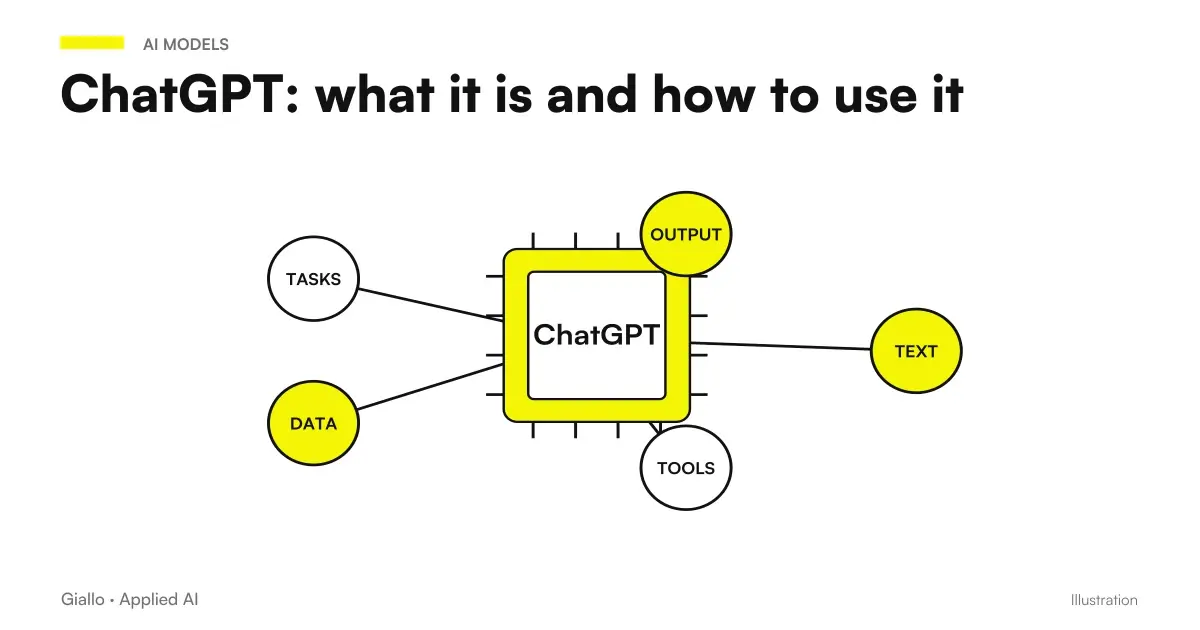 ChatGPT: what it is and how to use it
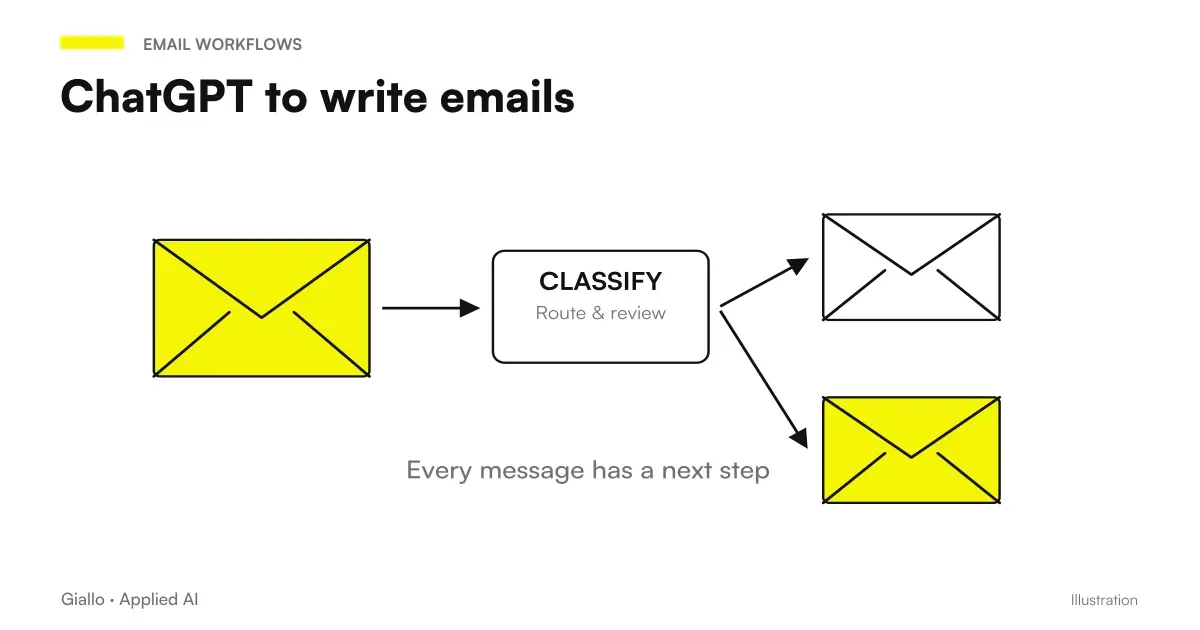 ChatGPT to write emails
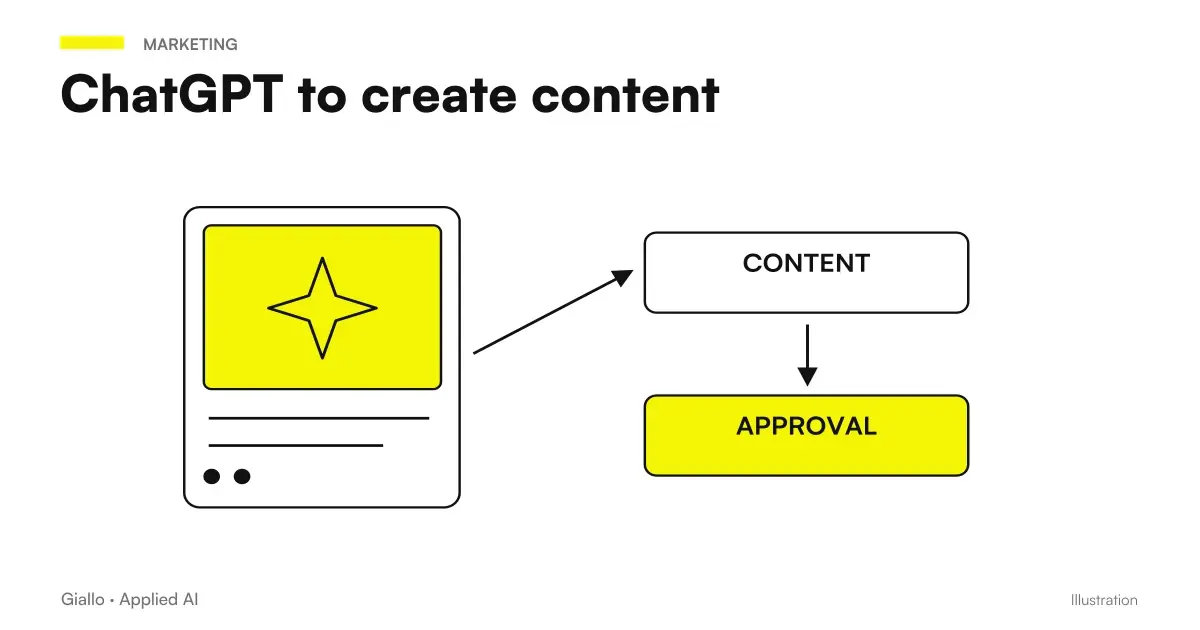 ChatGPT to create content
 AI agents: what they are and how they work
 AI automation: what it is and how it works
 AI for businesses: a complete guide to getting started
 Claude AI for companies
 AI prompts for accountants: ready-made examples for documents, analytics and clients
FAQ
What is ChatGPT used for in a business?
It is used to speed up repetitive text tasks: writing and replying to emails, producing first drafts of content, summarising long documents, preparing responses for customer care, rewording and translating texts. It does not replace the judgment of the person: it prepares the material, the person checks and approves.
Can I enter customer data in ChatGPT?
Not in the free personal account or Plus: there the contents can be used to improve the models and the contractual guarantees required by the GDPR are missing. To process business or personal data you need a business plan (Team or Enterprise) with data excluded from training and a data processing agreement signed with the provider.
What is the difference between free ChatGPT and Enterprise?
The free or Plus version is designed for individual use and data can contribute to model training unless you opt out. ChatGPT Team and Enterprise are designed for organizations: data is not used for training, there are administrative controls and a data processing agreement. Always check the official page for updated details of each plan.
Is ChatGPT GDPR compliant?
It depends on the plan and how you use it. With a business plan and signed data processing agreement you can use it in a compliant manner for many cases, applying data minimization and internal rules. With a personal account, entering customer data is a potential breach. The responsibility for processing always remains with the company acting as the data controller.
When is ChatGPT not enough, and when do you need custom automation?
When the process has to run on its own, without a person copying and pasting in the chat: integration with email, CRM or business management software, repeated execution on many cases, access control and traceability. In that case an AI agent or automation connected to your systems, not the manual use of chat, is worthwhile.
How much does ChatGPT cost for a company?
Business plans have a cost per user per month that changes frequently: check the official OpenAI page for updated figures. However, the cost of licensing is only one part: the real value depends on training, rules of use and process integration, which is where AI really starts to save time.