
ChatGPT: what it is and how to use it
What ChatGPT is and how to use it: accounts, interface and apps, free versus Plus, business data privacy, useful capabilities and real limitations.
Reading time: 13 min
ChatGPT is an artificial intelligence assistant created by OpenAI with which you dialogue by writing in natural language, exactly like in a chat. You make him a request — "write me an email", "summarize this document", "explain this concept" — and he generates a response in text. He has become the best known face of generative AI because he has made a technology that was previously reserved for specialists accessible to anyone who can write a sentence.
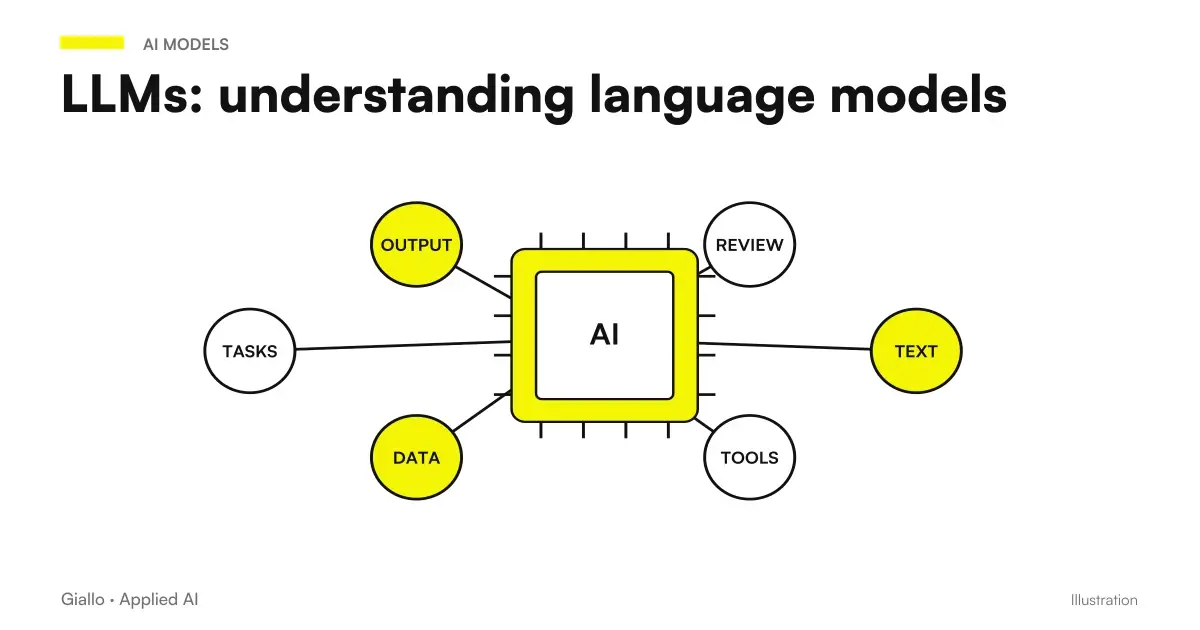
Under the hood, ChatGPT is based on a Large Language Model (LLM): a system that, given a text, predicts the next most likely words. This is the point to keep in mind from the beginning: ChatGPT does not "know" things and does not consult an archive of truth, builds the most plausible answer word by word. It works very well for a lot of practical tasks, but precisely for this reason it can also make mistakes with great confidence.
In this guide we see what ChatGPT really is, who does it, how it is used in the concrete (account, interface, app), what it knows how to do well and what not, the difference between free and paid version, how to manage privacy and business data and what its real limits are.
For the October 7, 2026 update read GPT-6 and Intelligent UI in ChatGPT: interactive responses in the Chat tab, progressive rollout and boundaries with respect to Work and Codex. The guide separates the experience in chat from an application to be integrated into business processes.
In summary
- ChatGPT is an OpenAI AI assistant with whom you dialogue in words: write him a request (a prompt) and he generates an answer in text.
- It is based on a Language Model (LLM) which predicts the most likely words: it does not seek truth, it builds the most plausible answer.
- There is one free version and paid plans (Plus, team, business) with more capable models and more functions: versions and prices change, check the official OpenAI page.
- He can write, summarize, translate, explain and help with programming; not guarantees correct facts nor is it always updated: the hallucinations They exist.
- For the business and personal data Use caution: clear internal rules and, for professional use, business plans with guarantees on treatment.
- The stable value for an SME comes when its capabilities enter a process, not when it remains a tool to be used by hand.
What ChatGPT is and who created it
The name ChatGPT combines two things: "Chat" (the conversational interface) and "GPT", the signature of Generative Pre-trained Transformer, the model architecture on which it is based. In practice it is a program that you talk to by writing, and that responds to you by generating new text.
To create it is OpenAI, an American company that develops artificial intelligence models and products. ChatGPT was launched publicly at the end of 2022 and had a very rapid adoption, becoming for many people the first direct contact with the Generative AI. Since then OpenAI has released later versions of the model, gradually more capable, and added functions such as image understanding, file analysis and image generation.
It is important to distinguish two levels. ChatGPT is the product (the app, the site, the assistant with whom you dialogue). The GPT models are the engines that power it and that OpenAI also makes available via API, so that other companies can build software and automations on it. When we talk about "integrating ChatGPT", we almost always intend to use OpenAI models through APIs, not the consumer site.
How ChatGPT Works (in short)
You do not need to understand the underlying mathematics to use it well, but understanding the mechanism helps you avoid trusting it too much. ChatGPT was trained on huge amounts of text, learning the statistical regularities of the language. When you write something to it, it breaks down your text into called units Token and, one piece at a time, predicts the most likely continuation, thus building the answer.
This explains two typical things about ChatGPT. The first: it is very good with the form (grammar, structure, tone), because language is exactly what he has learned. The second: does not single out the true from the likely, because it optimizes plausibility, not the exactness of the facts. If you want the detail of the mechanism, there is a guide dedicated to How ChatGPT Works and a wider one on the Language Models (LLM).
How to use ChatGPT, step by step
Getting started is simple and free. Here is the minimum path to go from the idea to the first useful answer.
- Create an account. Go to the official OpenAI website and sign up with email or a Google/Microsoft/Apple account. There is a free version: you don't need to pay to try it.
- Open the interface. You are in front of a chat: at the bottom a field to write, in the middle the conversation, to the side the history of past chats. It is deliberately essential.
- Write the first prompt. The prompt is your request. The clearer and more contextualized, the better the answer. "Write" is little; "write a prompt payment email, courteous but firm tone, 6 lines" is much better.
- Itera in conversation. Do not start from scratch: reply in the same chat ("shorter", "more formal tone", "add an invoice reference"). ChatGPT keeps the context of the conversation.
- Verify and use. Always reread the output, especially on numbers, names and facts. ChatGPT prepares the draft, you remain responsible for what comes out.
Where to use: website, desktop and mobile app
ChatGPT is accessible in three ways, with the same conversational logic:
- From browser, on the official website: no installation, just login.
- Mobile App for smartphones (iOS and Android): convenient for voice dictation and use on the fly. Download only from the official app store to avoid fraud clones.
- Desktop Apps for computers: Integrate ChatGPT into your daily workflow, with quick shortcuts.
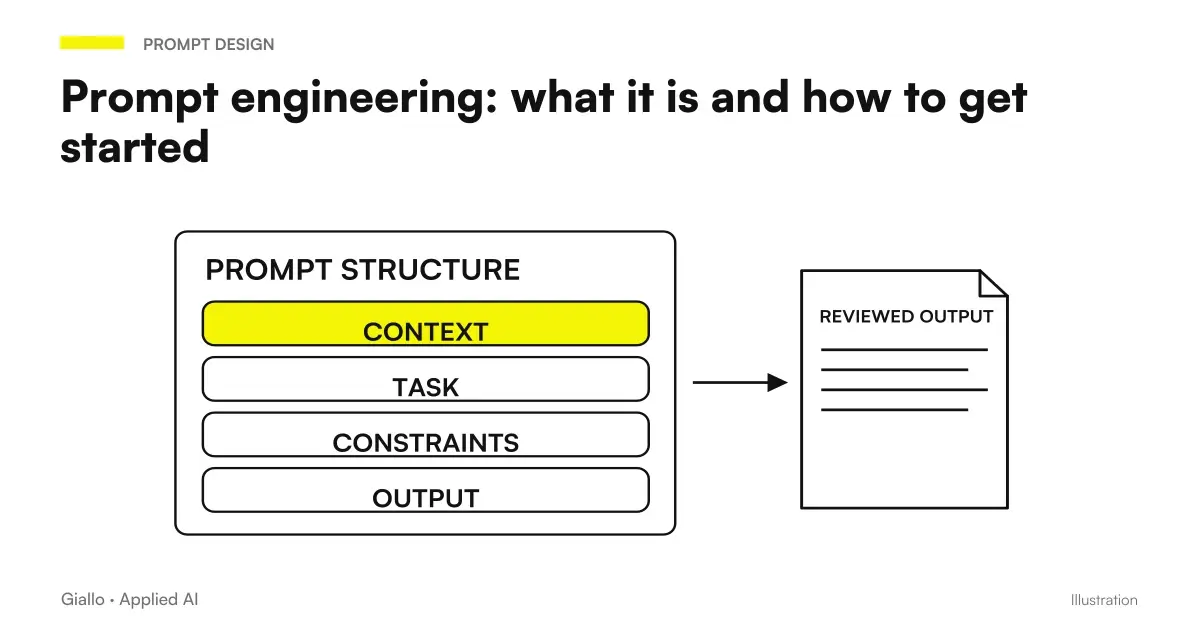
In all cases, conversations stay synced to your account, so you can start on mobile and continue on desktop. To get really useful answers, however, the real leap in quality is not the tool but the way you ask: it is worth learning the basics of prompt engineering.
What ChatGPT can do and what not to do
To use it with method it is better to have the perimeter clear. ChatGPT is excellent on some tasks and unreliable on others: the difference almost always lies in the fact that the task concerns the language or require Verified Truths.
Where ChatGPT is strong
- Writing and rewriting texts: emails, drafts, descriptions, summaries.
- Translate and adapt the tone of a text.
- Explain concepts and act as a "tutor" on a topic.
- Reorganize information you provide to him (synthesis, lists, schemas).
- Help with programming: drafts of code, explanation of errors.
- Brainstorming and generating options from which to start.
Where ChatGPT is weak
- Ensure exact facts, numbers, quotes and norms.
- Learn about recent events or real-time data.
- Precise calculations and long reasoning without errors.
- Know the yours company (data, price lists, procedures) if you don't give them to them.
- Make decisions that require accountability or ethical judgment.
- Maintain confidentiality if you paste sensitive data.
The practical rule is simple: use it to produce, not to decide; for form, not for facts. If you ask him to write well something you already know, fly. If you ask him a truth you can't verify, you risk it.
Free ChatGPT or ChatGPT Plus: which one to choose
OpenAI offers a version free and plans to payment. The difference mainly concerns: which models you can use, how much you can use them (message limits) and what extra functions you have available (advanced file analysis, image generation, additional tools). Business plans also add guarantees on data processing and user management.
| Appearance | Free version | Paid plans (Plus / business) |
|---|---|---|
| Cost | Free | Monthly subscription (check the official price) |
| Models | Basic Models | Access to the most capable and recent models |
| Limits of use | More stringent | Higher, with priority in traffic moments |
| Extra functions | Essentials | File analysis, image generation, advanced tools |
| Advertising | Ads below some answers, including on the Go plan (how they work) | No ads on Plus, Pro and business plans |
| Business Data | Not recommended | Business plans with guarantees on treatment |
| Who it is for | Testing, occasional use, study | Intensive use, daily work, team |
Practical Indication: for Find out if you need it, start with the free version. If you find yourself using it every day for work, bumping into limits or needing advanced features, then a paid plan pays off quickly. Don't subscribe "for safety" until you understand your actual use.
Privacy and business data: what to know
This is the most overlooked and most risky point, especially for those working with customer data. When you use the consumer version of ChatGPT, the content you enter may — depending on your account settings — be used to improve the models. This means that Pasting personal data, trade secrets, or confidential information into a consumer account is a concrete risk, also from the point of view of GDPR.
- Do not paste personal customer data (names, emails, tax codes, health or financial data) into consumer accounts.
- Check your account settings: You can often limit the use of conversations for training and manage your history.
- For business use, it evaluates business plans, which offer contractual guarantees on data processing.
- Define written internal rules: what you can paste and what not, who can use it, for what tasks.
- Before adopting it in a structured way, check the official privacy policy and, if necessary, make an assessment with your advisor.
The principle is the same as for any cloud tool: sensitive data comes out of your perimeter the moment you glue it. For those who process customer data continuously — for example one firm of accountants or one Law Firm — the rule is not to "avoid AI", but to use it with the right plan and with processes that keep data under control.
Practical examples
Three realistic scenarios of Italian SMEs and professionals, to make the use concrete.
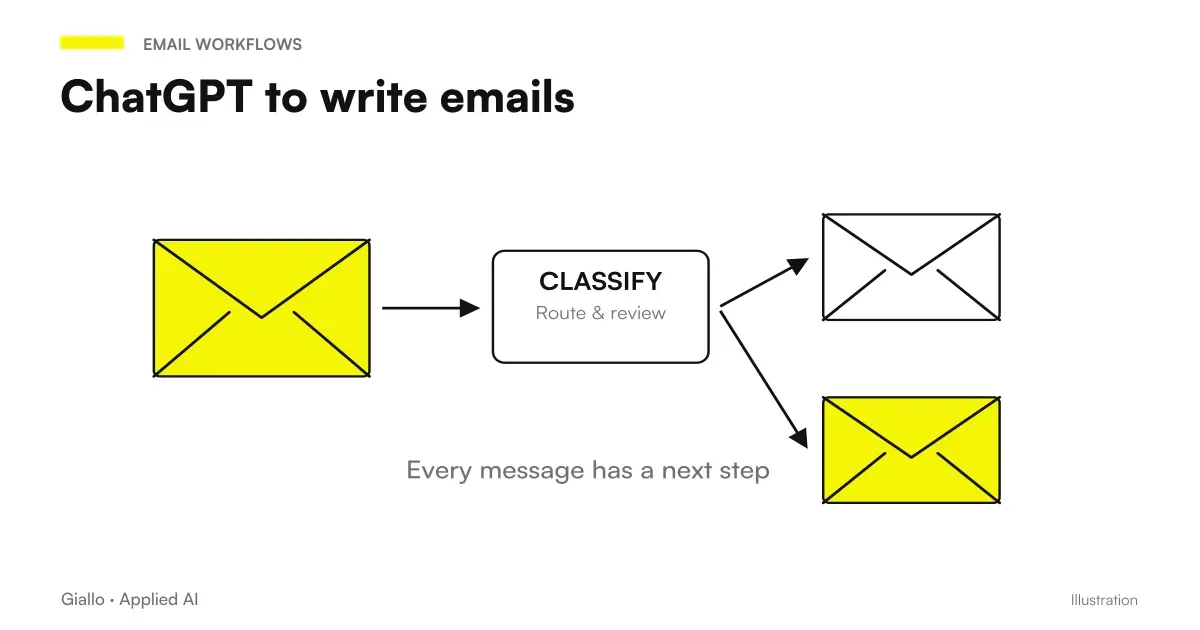
1. Consulting firm — drafts of emails and documents. A professional uses ChatGPT to turn messy notes into a clear email or the first version of a document. It does not paste confidential customer data: it works on structure and language, then manually inserts sensitive details into the final text. Result: less time on form, more time on content. It's the same approach as driving ChatGPT to write emails.
2. E-commerce — product descriptions. For a large catalog, the team pastes the actual data sheet and asks for a first draft description, to be reviewed before publishing. ChatGPT does not invent features: it rewords the true ones into a sellable text. The advantage is to start with a draft instead of the blank sheet.
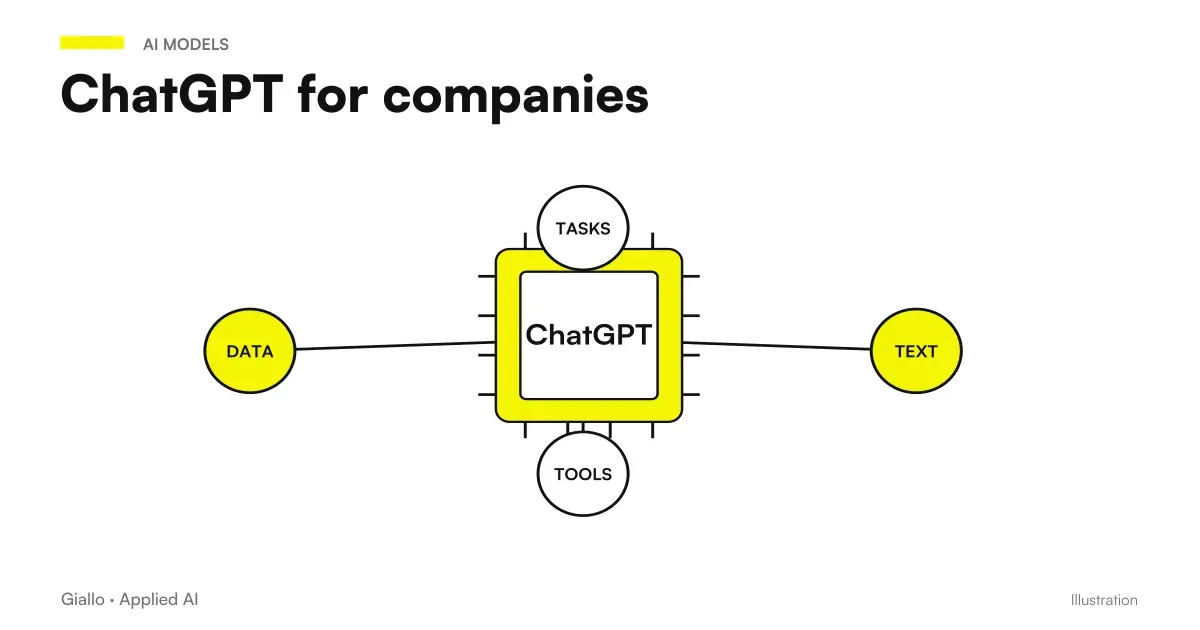
3. Administrative office sintesi summary and explanations. An employee pastes a long text (a circular, an internal procedure without personal data) and asks for a summary in points or a simplified explanation to run to colleagues. ChatGPT excels right here: reorganizing information you provide it. For more structured uses, there is guidance ChatGPT for companies.
In all cases the model that works is the same: ChatGPT prepares, the person controls and decides.
When to use ChatGPT by hand and when you need a system
Is ChatGPT what it's like?
Yes, if the use is personal or occasional: write drafts, summarize, brainstorm, learn. In this case the site or app is fine and the value is immediate. The golden rule remains to verify the output and not paste sensitive data.
When ChatGPT "by hand" is no longer enough?
When the same task is repeated dozens of times a day, or when it has to connect to your tools (email, CRM, management software, documents). Copying and pasting by hand does not scale: at that point you need to build an automation or agent over the model APIs, which does the work inside the process and not in a separate window.
This is the jump that many companies don't see: ChatGPT is perfect for explore and figure out what AI can do, but the stable return comes when those capabilities enter a stream. Transforming "I use ChatGPT every now and then" into "the process runs on its own" is exactly the job of a AI Agent or of a process automation.
From conversation to a persistent project
To understand the difference compared to a chat, start from OpenAI Dots: What They Are. Access should be checked in the guide to Dots in Italy, plans and costs. If the account is eligible, creating the first Dot It means first defining goal, sources and boundaries, then connecting the necessary tools.
Mistakes to Avoid
- Treating output as truth. ChatGPT produces the most likely response, not the verified one. On numbers, rules, names and customer data always needs a check. It is the theme of AI Hallucinations.
- Pasting sensitive data without criterion. Personal data of customers in a consumer account can violate the GDPR. We need rules about what you can share and with what plan.
- Giving a vague prompt and expect miracles. "Write me something" produces generic responses. Context, role, tone and format make the difference: it's the sense of prompt engineering.
- Trusting dates and sources. ChatGPT may not be up to date and may invent citations and links. Always check from the original source before using them.
- Confusing the tool with the process. Using ChatGPT by hand is exploration; the business value comes when the task enters measurable automation, not when a manual copy-paste remains.
How to apply it in the company
Introducing ChatGPT in a sensible way is a short path, not a big project. The goal is not to "adopt ChatGPT", but to lighten a process that costs time today.
- Start with a real, repetitive task. Standard emails, summaries, first drafts: choose something concrete and low risk, not the coolest case.
- Define data rules. What you can paste and what not, on which plane. Before you even write the first prompt.
- Create reusable prompts. Write prompt templates that work and share them with the team, so everyone starts from a good base.
- Keep the human in control. ChatGPT prepares, the person approves. Especially in the first few months and on everything that comes out to customers.
- Measure and decide whether to integrate it. If the task repeats and works, consider bringing it in an automation or agent attached to your tools.
The point of arrival of this path is almost always the same: what you have tested by hand with ChatGPT becomes more useful when it stops being a separate window and becomes part of the workflow. For those who want an overview on processes, costs and priorities, the guide AI for businesses Collect the complete picture.
On this topic we have more recent insights: Claude Fable 5.1 vs GPT-6 Astra and GPT-5.6 Sol vs Terra: which makes sense?.
Conclusion
ChatGPT It is not magic or threat: it is a very capable AI assistant with language, built by OpenAI on a model that predicts the most likely words. It is the perfect tool for writing, summarizing, translating, explaining and making drafts — as long as you remember two things: it does not guarantee correct facts and it should not be fed with sensitive data without rules. For a person, the free version is enough to understand what he can do; for a company, the real advantage is not in using it by hand, but in bringing those capabilities into a measurable process. From here you can continue with ChatGPT for companies and with the comparison Free vs Plus.
If you want to go from testing with ChatGPT to an AI system integrated into business processes, Giallo Studio design custom-made agents and automations — or take a look at the experiments of The Lab.
Giallo Studio guides: methodology and sources
How we apply it in the company
Related resources
 How ChatGPT Works
 Free ChatGPT vs ChatGPT Plus
 ChatGPT for companies
 ChatGPT to write emails
 LLM: What Language Models Are
 Prompt engineering: what it is and how to get started
 Claude AI: what it is and when to use it
 Gemini AI: what it is and how it works
 AI for businesses: a complete guide to getting started
FAQ
What is ChatGPT in simple terms?
ChatGPT is an AI assistant from OpenAI that you interact with by writing in natural language, as in a chat. It understands your request and generates a text response: it can write emails, summarise documents, translate, explain concepts, or help you code. Underneath is a language model (LLM) that predicts the most likely words: it does not search a database of truths; it constructs the most plausible answer.
Is ChatGPT free?
Yes, there is a free version accessible by creating an account on OpenAI. There are also paid plans (such as ChatGPT Plus and plans for teams and companies) that give access to more capable models, higher usage limits and additional features. Versions and prices change often: always check the official OpenAI page.
Who created ChatGPT?
ChatGPT is developed by OpenAI, an American artificial intelligence research and products company. The product was publicly launched in late 2022 and has since been updated several times with progressively more capable language models.
Does ChatGPT always tell the truth?
No. ChatGPT generates the statistically most likely response, not a verified one. It can confidently invent information, citations or data: this is the phenomenon of hallucinations. Numbers, regulations, names and facts must always be checked against a reliable source, particularly in a business context.
Is ChatGPT up to date with today's news?
The basic knowledge of a model stops at the date it was trained, so as a rule it does not know the most recent events. Some versions can search the web in real time, but it is not a guarantee: for recent information always check the original source and do not take for granted that the answer is updated.
Can I enter business or personal data in ChatGPT?
With caution. In the consumer version, content can, depending on the settings, be used to improve models: avoid pasting personal data of customers, trade secrets or information covered by confidentiality. For business uses, business plans are needed with guarantees on data processing and clear internal rules. Always check privacy policy and official settings.
Does ChatGPT replace a business site or software?
No. ChatGPT is a general-purpose assistant that you interact with manually. Integrating it into business processes (email, CRM, business management software) requires automations and agents built on the model’s APIs. ChatGPT is excellent for exploring ideas and drafting; lasting value comes when those capabilities become part of a measurable workflow.