
How to use Claude Opus 5.5 in the app: images, long documents, finished files
Use Claude Opus 5.5 in the app: attach images, review long documents, request finished files and manage extended projects, with practical prompts.
Reading time: 11 min
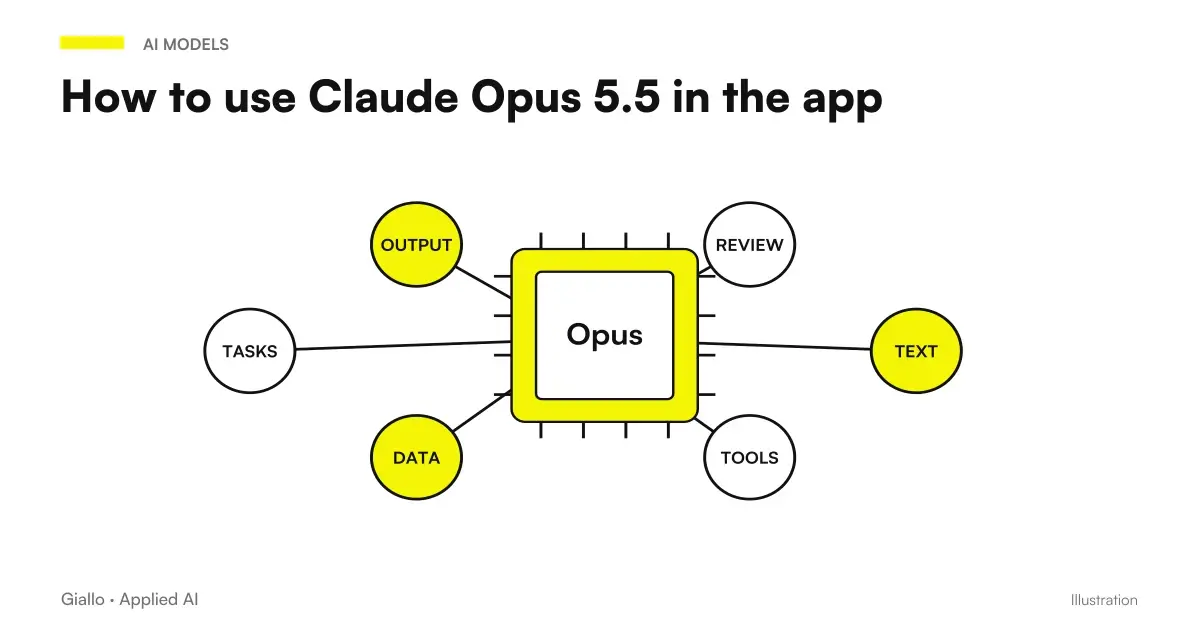
If you use Claude from the app — in your browser, on your phone, on your computer — Claude Opus 5.5 changes above all four things: it reads images better, finds contradictions in long documents, produces finished files that require less correction, and holds up long projects better if you tell it how to behave. None of these require technical expertise.
This guide is for those who work with Claude in chat, not for those who program. It follows the advice of the official guide published by Anthropic at the launch, with the prompts translated faithfully. Verified data on 23 September 2026.
In summary
- Attach Images instead of describing them: charts, schematics, slides, screenshots.
- Do them. check long documents: dates, numbers and inconsistent names.
- Ask finished files, not playlists: sheets, tables, ready documents.
- In long projects, tell him to consider closed answers already given.
- Remove lines from messages "think carefully": no longer needed.
- If the notice of model change, read it: answers a different model.
Where it is located and how it activates
Opus 5.5 is available in plans Pro, Max, Team and Enterprise, from the model selector at the top of the conversation. The free plan is not indicated among those with access: check on the official page, because availability changes.
One thing to know immediately: Opus 5.5 has stricter security filters than previous models, and when a message is reported the app switches itself to an earlier model, with a warning. If you do not read it, from that moment answers another model. What to do in that case is in Claude moved on to an earlier model.
Attach images instead of describing them
It is the most underrated change. With previous models it was often convenient to describe in words a graph or a pattern, because the reading of the image was inaccurate. Opus 5.5 reads charts, diagrams, screenshots and slides with more accuracy, and above all understand the meaning that depends on where Here's the deal.
The example of the official guide is an architecture scheme: "Which of these services directly call the billing API?" The model responds by reading arrows, not labels.
| What to attach | What to Ask |
|---|---|
| A chart from the business management software | "Which month has the lowest margin, and how much above average?" |
| A Process Scheme | "What steps don't have a designated handler?" |
| The screenshot of a table | "Write lines with amount above 5,000 euros" |
| A slide with numbers | "Do these numbers return with the total indicated at the bottom?" |
| The photo of a paper document | "Extract date, amount and protocol number" |
It's the usual rule about data: just attach what you need, and nothing you wouldn't want in an external system. The picture is in Business Data and AI.
Check long documents
Opus 5.5 finds the internal contradictions in a document: a date that falls on the wrong day of the week, a chart that does not match the table numbers, a name written in two ways. Anthropic states that it has been verified on long presentations and planning threads.
The guide prompt, translated:
"Check that this presentation doesn't contradict itself: numbers, dates and names. Quote every problem and tell me where it is."
It works on quotes, contracts, reports, specifications. The value is not that you find mistakes that you wouldn't find: it's that you find them in two minutes on eighty pages, before sending. The complete method, with cases where it is not enough, is in have Opus 5.5 check a document.
Asking for finished files
A habit to change: ask for "a playlist" or "a draft" when what you need is the file. Opus 5.5 produces spreadsheets and ready-made documents that require fewer fixes than before. The example of the guide:
"Transform this into a spreadsheet that I can share: one line per provider, with columns for cost, contract end date, and referent."
Three things that make the file really usable:
- Declares the structure: a line for what, which columns, in what order.
- Declare what to do with missing data: empty cell, "n.d.", or a note.
- Declare who reads it: a sheet for the accountant is different from one for the holder.
Manage long projects
In a long conversation —a project that goes on for days —the model tends to Reconsidering Previous Answers to each new question, and the short answers become slow. The official guide recommends adding this line to the project instructions:
"Once you have answered something, consider it closed. Focus on what I ask you now and do not return to earlier answers unless I ask you to or point out a problem."
There is an important exception: do not use it in long analyses where a previous error might emerge later. There you really want me to review what he said.
Use the "consider closed" line when
- The project is a sequence of independent tasks
- Previous answers have already been verified by you
- Do you want quick answers on short questions
Don't use it when
- You're doing an analysis that builds on previous steps
- A half-error would change all conclusions
- You want the model to contradict you if it finds anything
What to Remove from Messages
With Opus 5.5 the lines "reason carefully", "think step by step" and the like do not need: the model always thinks before answering and decides for himself how much. Removing them makes responses faster without losing quality. If you want a dry answer, write "answer directly." The complete review of the prompts is in prompt for Claude Opus 5.5.
Six prompts ready for the app
To save and reuse. Replace the parts in square brackets.
| Situation | Prompt |
|---|---|
| Read an attached chart | "From this chart: what is the highest and lowest value, and in what period? If a value is not readable, say so." |
| Extracting data from a photo | "Extract from this document [fields]. Put a question mark where you're not sure about the reading." |
| Checking a document | "Check that this document doesn't contradict itself: numbers, dates and names. Quote every problem and tell me where it is." |
| Getting a finished file | "Transform these notes into a spreadsheet: a line for [what], columns [list]. Empty cells where the data is missing." |
| Dry response | "Reply directly: [question]." |
| Long Project | "Once you've answered something, consider it closed. Focus on what I ask of you now." |
Two things apply to all six. The first: tell what to do with missing data punto the question mark, the empty cell — because otherwise the model fills in the blanks, and from there errors arise. The second: if the answer must be verifiable, ask "tell me where it is", so any reporting leads to the exact point of the document instead of remaining an opinion.
Practical examples
Owner of a construction company, Brescia. It received PDF price lists from suppliers with photographed tables. First he copied them; now he attaches the photo and asks "draw code, description and price in a table, he marks with a question mark the lines that are not readable". The question mark is the important part: it tells the model what to do when it is not sure, instead of letting it invent.
Administrative manager, company of 40 people, Treviso. Before each board of directors asks Opus 5.5 to check the presentation: "numbers, dates and names that contradict each other, quote every problem and tell me where it is". In a 60-slide presentation he found a total that did not match the sum of the table two slides before. It's not magic: it's a control that no one had time to do.
Mistakes to Avoid
- Describing a chart in words that you could attach. You lose precision and time.
- Asking for a draft when the finished file is needed.
- Attaching whole documents when a section is needed: it costs, slows down, and increases filter reports.
- Not saying what to do with missing data. The model fills in the blanks, and that's how mistakes come about.
- Ignoring the model change notice. From there on, a different model responds.
How to apply it in the company
For those who don't program, the easiest way to get value from Opus 5.5 is to choose three recurring tasks and give each a fixed, saved prompt where everyone finds it:
- A check before sending: quotes, contracts, presentations.
- An extraction from documents or photos: price lists, bubbles, forms.
- A finished file recurring: the weekly summary, the supplier table, the deadlines calendar.
When one of these tasks becomes everyday and no one reads every output anymore, it is time to turn it into a real automation, as explained in Claude for Companies. Until then, chat is enough.
Conclusion
Opus 5.5 in the app does not ask to learn anything new: asks to Stop Doing Three Things — describing images, asking for drafts, writing “reason carefully” — and to start doing one: stating what finished means. The model does the rest, and does it better than before with images, long documents and files.
Do you want to understand what processes in your company can be automated with AI? Giallo Studio can help you turn the problem into a real workflow.
Giallo Studio guides: methodology and sources
How we apply it in the company
Related resources
 Claude Opus 5.5: what it is, what it changes and who it suits
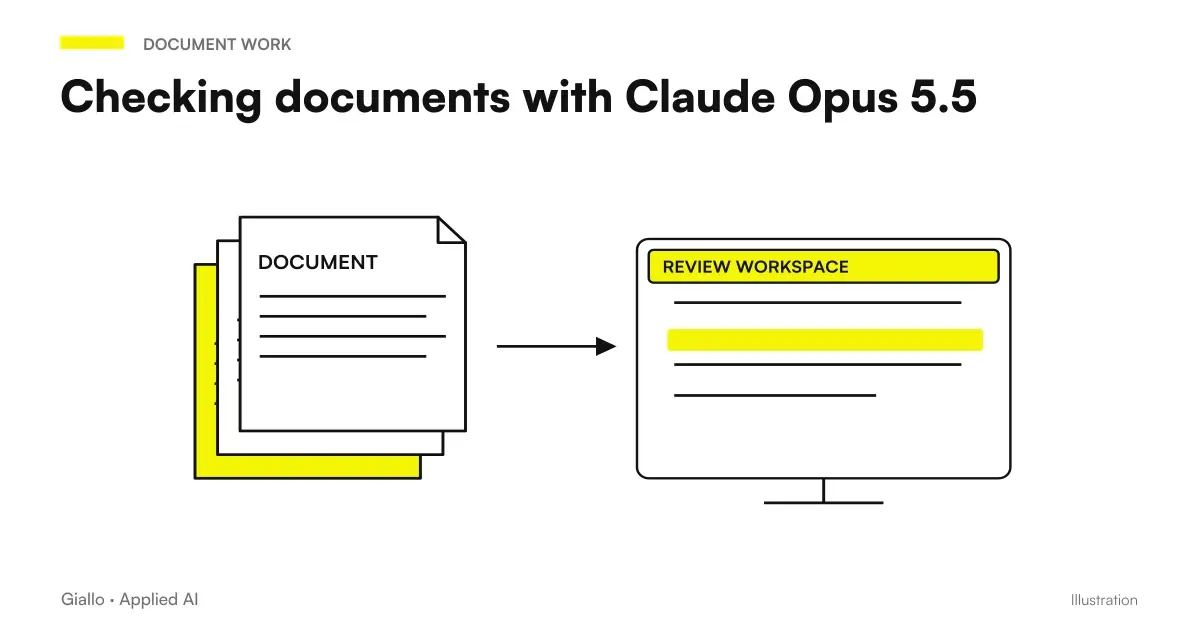 Review documents with Claude Opus 5.5: inconsistencies, dates and numbers
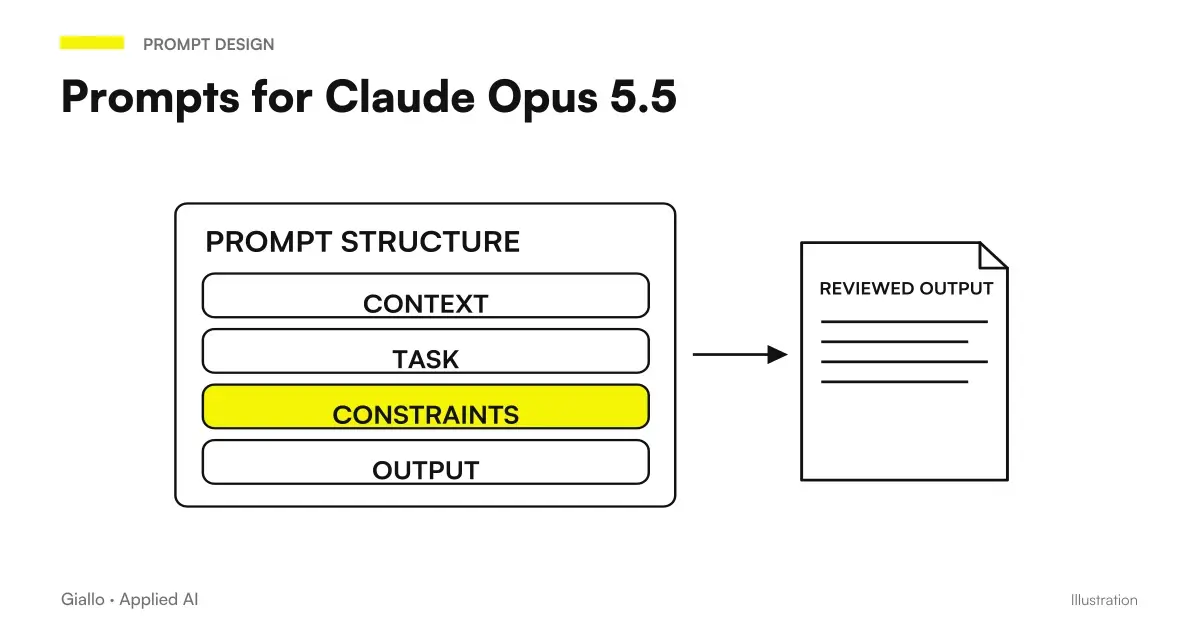 Claude Opus 5.5 prompts: what to remove, what to add and examples
 Claude AI for companies
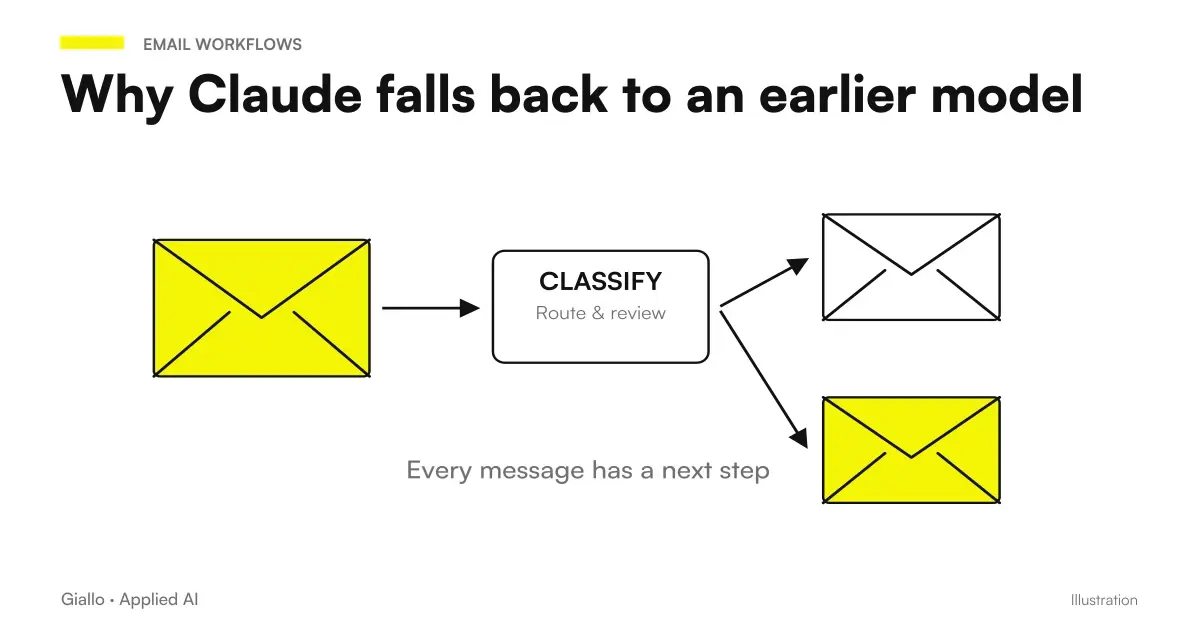 Claude switched to an earlier model: why it happens and what to do
 HTTP Hooks: controls for Claude Code
 PostToolUse: formatters and tests in Claude Code
 PreToolUse: Protect files in Claude Code
FAQ
How do you choose Opus 5.5 in the Claude app?
Use the model selector at the top of the conversation, available on Pro, Max, Team and Enterprise plans. If a warning appears during a conversation saying that it has switched to an earlier model, return to Opus 5.5 using the same selector.
Should you attach an image or describe it in words?
Attach it. Opus 5.5 reads graphs, schematics, screenshots, and slides more accurately than Opus 5, and understands the meaning that depends on the location of the elements, for example which services in a diagram directly call another.
Can Opus 5.5 check a long document?
Yes, it is one of the stated improvements: it finds contradictions between numbers, dates and names. The recommended prompt is: check that this document does not contradict itself; quote every problem and tell me where it is.
Can I directly ask for an Excel file?
Yes. Instead of an outline, ask for the finished file: one row per supplier, with the columns you need. The model produces a spreadsheet ready to share, requiring fewer corrections than Opus 5.
Why do responses slow down in a long conversation?
Because the model tends to reconsider previous answers. The official guide recommends telling it: treat the things you have already answered as settled and focus on what I am asking now. Do not use this instruction if you want it to revisit earlier errors.
Do you need to write long prompts?
No. With Opus 5.5 what matters is stating what you want to achieve and what it means to be finished. The instructions on reasoning are no longer needed and must be removed.