
ChatGPT to write emails
ChatGPT for email: ready-to-use prompts for replies, reminders and follow-ups, a tone-and-goal table and a workflow to halve writing time.
Reading time: 10 min
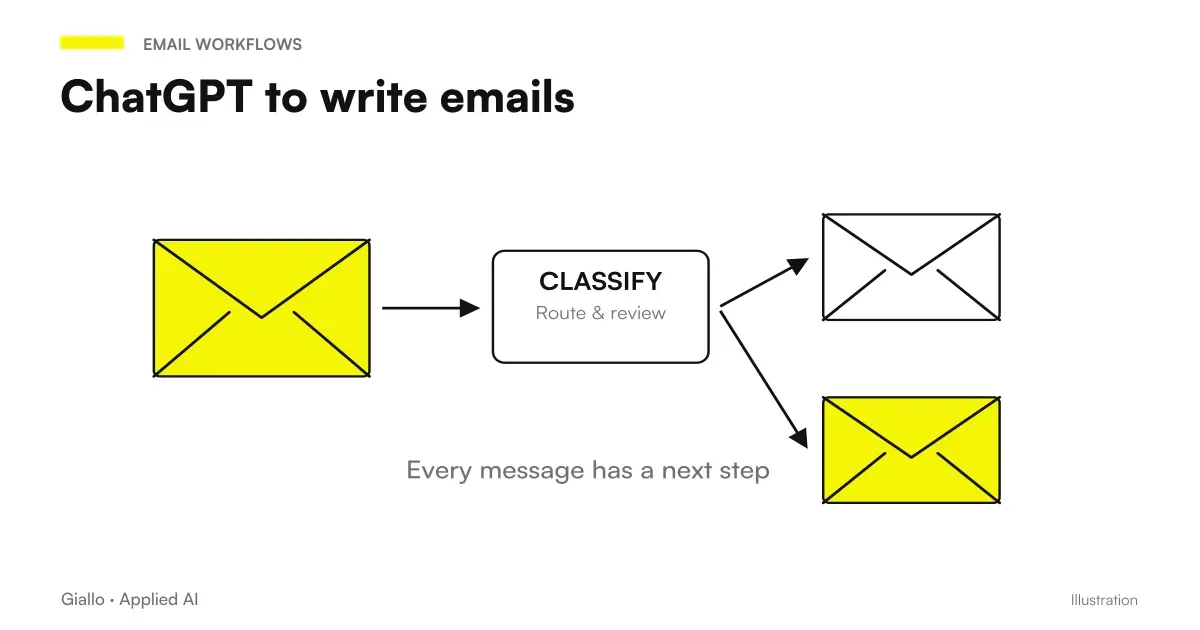
Use ChatGPT to write emails It means getting you to help produce the first draft of a message —a response to a customer, a payment reminder, a business proposal, a follow-up — based on little information you provide to them. You give the context and the goal, ChatGPT returns an ordered text in the right tone; you reread, correct and send. In practice you go from "white sheet" to "draft to file", which is the point where most of the time you lose.
The advantage is not to write "perfect" emails automatically, but remove the initial friction and reduce the time for repetitive emails. The rule that matters is only one: ChatGPT writes the first draft, the person decides. The more precise you are in the prompt (to whom, why, with what tone, with what constraints), the less you will have to correct later. And when the same type of email comes back every day, the manual copy-paste stops making sense: there you go to the Automation.
In this practical guide you will find ready-to-copy prompts for the most common cases, a table that connects tone and lens to the right prompt, a five-step workflow and errors that make the text sound "fake". If you want to first understand what the tool is, start from ChatGPT: what it is and how to use it.
In summary
- ChatGPT by email serves to produce the first draft: you from context, goal and tone, he writes; you reread and send.
- A good prompt always contains four ingredients: who is the recipient, what is the goal, what tone to use and what constraints to comply with (length, language, what not to say).
- The most useful cases are repetitive: customer responses, prompts, commercial emails, follow-up. There the time saving is real.
- The Human Review is mandatory: check data, prices, names and tone before sending. Never paste and send blindly.
- When the same email repeats itself every day, you stop doing it by hand and switch to the Automation: ChatGPT by hand is the first step, not the finish line.
Why use ChatGPT for emails
Most of the time spent on an email is not typing: it is decide how to get started. Finding the right tone for an angry customer, softening a reminder without looking aggressive, saying no while being courteous. ChatGPT is good at just that: you tell it the point and it gives you a structure to work on, instead of the blank sheet.
The second reason is the repetitive volume. Those who manage assistance, sales or administration write dozens of similar emails every day: same logic, different details. ChatGPT generates the skeleton in seconds and you only customize the parts that really change.
Be careful not to confuse "fast" with "good". A rough draft pasted without rereading is almost always generic, too long and full of formulas. The value comes from the combination: ChatGPT for speed, you for judgment. Without the second part, send emails that look like they were written by a robot — and you notice.
How to write the right prompt for an email
A prompt is simply the instruction you give to ChatGPT. For emails, a prompt that works almost always contains the same four ingredients. If you skip one, the draft comes out unbalanced.
- Recipient and context: who receives the email and what happened before (a customer complaining, a lead asking for a quote, a supplier late).
- Objective: what the email must get. Reassure, sell, solicit, fix a call, decline. One, clear.
- Tone: friendly, formal, direct, empathetic. The wrong tone is the first reason an email sounds fake.
- Constraint: maximum length, language, what to include and what to include not say (e.g. do not promise dates, do not quote prices).
The more specific you are, the less corrections later. If you want to become good at building effective instructions even beyond emails, the guide on prompt engineering: how to get started goes into the details of the method. Another quick trick: paste to ChatGPT 2-3 emails you wrote and ask him to imitate that tone. He will learn your style much better than with a thousand adjectives.
What tone to use for each target
Not all emails want the same log. A response to a complaint is not written as a business proposal. This table links the objective to tone and to a start prompt that you can adapt.
| Purpose of the email | Tone recommended | Starting prompt (fits details) |
|---|---|---|
| Responding to a dissatisfied customer | Empathetic, calm, responsible | "Reply to this complaint. Recognize the problem, apologize without exaggerating, propose a concrete solution. Max 120 words, human tone." |
| Relieving a Late Payment | Friendly but firm | "Write a first payment reminder. Kind and professional tone, remember the deadline, ask for confirmation. No threatening tones." |
| Propose a service (commercial email) | Direct, concrete, benefit-oriented | "Write a cold commercial email. Open with customer issue, one sentence on benefit, one call to action. Max 100 words." |
| Hang up a contact (follow-up) | Light, not insistent | "Write a follow-up after 5 days of silence. Light tone, remember the context, propose a simple step. Very short." |
| Decline a request | Courtly, clear, definitive | "Write an email to decline this request. Nice tone but without leaving any glimmers, briefly explain why." |
| Confirm an appointment | Essential, reassuring | "Confirm this appointment. Repeat date, time and place, add a contact for changes. Max 60 words." |
The logic is always the same: clear objective plus tone fair equals useful draft. Change details in parentheses and have your own prompt. For wider uses of ChatGPT in work context, take a look at ChatGPT for companies.
Ready-to-copy prompts
Below are four complete prompts for the most frequent cases. They are meant to be copied, filled and used. Expand what you need.
Prompt 1 — Reply to a customer
Copy this prompt and paste the received email at the bottom. Replace the parts in parentheses.
"You're the assistant to [COMPANY NAME]. Reply to this email from a customer. Objective: [reassure/solve a doubt/propose a solution]. Friendly and professional tone, in Italian, maximum 130 words. Recognize the customer's point in the first sentence, give a concrete answer, close with an invitation to move on. Don't promise times I can't guarantee. Here's the email I got: [INCOLLA EMAIL]."
Tip: After the first draft, write "shorter and warmer" or "More formal" to adjust the tone in a second step.
Prompt 2 — Payment reminder
For a first gentle reminder, before the situation stiffens.
“Write a first payment reminder for invoice [NUMERO] dated [DATA], amount [IMPORTO], overdue by [N] days. Use a friendly, professional tone, never threatening: assume it was an oversight. Restate the details, ask for payment confirmation or an expected payment date, and offer to clarify anything. Italian, maximum 110 words.”
For a second firmer reminder, add: "It's the second reminder, it slightly raises firmness but remains professional".
Prompt 3 — Cold Commercial Email
To propose a service to a contact who does not know you yet.
"Write a cold commercial email to [DESTINATARY TYPE, e.g. workshop owner]. My service is [DESCRIPT IN A FRANK]. Open with a concrete problem that lives the recipient, not with the presentation of my company. A single call to action: [e.g. a 15-minute call]. Direct tone, no superlatives, maximum 90 words. Propose 3 variations of the object."
Ask 3 object variants It makes you choose the one you open the most.
Prompt 4 — Follow-up after silence
To hang up a contact who didn't respond, without looking petulant.
"Write a short follow-up for [NAME / ROLE] that hasn't responded to my last email since [N] days. Context: [what we discussed]. Light and not insistent tone, remember in a sentence the value for him, propose a simple step (a yes/no answer, a date). Maximum 60 words, no guilt."
Follow-ups win when they are short and easy to answer: a closed question converts more than one paragraph.
Cross Note: These prompts remain generic models. ChatGPT does not know your company, so always check names, amounts, deadlines and promises before sending. To understand why it can "invent" plausible but fake details, read the AI Hallucinations.
Practical examples
Two concrete scenarios of Italian SMEs, to see how it really is used.
1. Studio accountant — recurring responses to customers. During the tax return, dozens of emails arrive with the same questions: missing documents, deadlines, amounts to be paid. The answering machine pastes the email received in ChatGPT with Prompt 1, gets a clear and courteous draft, corrects customer-specific data and sends. The time per email drops, the tone remains uniform even when different people respond. When a question is always the same, however, copying by hand stops making sense: one switches to an automation that prepares the answer for itself. It is the principle of the model described in AI automation: what it is and how it works.
2. E-commerce — prompts and after-sales service. An online store needs to handle payment reminders for orders by advance wire transfer and responses on shipments and returns. With the Prompt 2 the holder prepares the reminders keeping a kind tone (important: the customer may simply have forgotten), and with variants of the Prompt 1 responds to the most common doubts. The jump in quality comes when these messages, always the same in the structure, are generated and sent automatically, leaving the operator only the particular cases.
In both cases the logic is identical: ChatGPT by hand to start, automation when volume grows. They are no alternative, they are two steps of the same scale.
The workflow in 5 steps
Here is the sequence that makes emails written with ChatGPT fast and use it as a mental checklist.
- Gather the context. Paste the received email or write the situation in two lines. Without context, the draft is generic.
- State goal and tone. One sentence: what the email has to get and with what I register. It's the ingredient that people skip most often.
- Add constraints. Length, language, what not to say (dates, prices, promises). Less space left to invention, less corrections.
- Generates and refines. Read the draft and ask for a targeted correction: "shorter", "more formal", "remove the first sentence". One or two rounds are enough.
- Review and send. Hand-check data, names, amounts, and tone. Customize a real detail. Then Never skip this step.
Step 5 is not negotiable: it is what separates a professional email from one that makes your company seem distracted. ChatGPT speeds up steps 1-4; the judgment on 5 remains yours.
Connected mail and authorized sending
Connecting a box does not allow every action possible. With Dots, the guide to Gmail, Drive and Slack app distinguishes tools and channels of conversation; the one at permissions, approvals and emails separates the preparation of a draft from the permission to send it. The text remains to be reviewed in the context of the client.
Mistakes to Avoid
- Pasting and send without rereading. It's error number one. It comes out a generic text, long and with possibly wrong data. The draft is a starting point, not the final message.
- Not specifying the tone. Without indication, ChatGPT uses a neutral and somewhat bureaucratic register. Always specify whether you want warm, direct or formal.
- Leaving emails too long. AI tends to fill. Set a word limit in the prompt and, if needed, ask "halve the length".
- Entering sensitive customer data. Names, IBANs, personal data in a public tool is a GDPR risk. Use placeholders and re-enter real data only in your box.
- Use it by hand for emails that are repeated every day. If you copy-paste the same type of message dozens of times, you are doing a job by hand to automate. There the real savings is elsewhere.
How to apply it in the company
For an SME or a professional, the sensible way to start is small and measurable, we do not "put AI on emails" in the abstract.
When ChatGPT by hand is enough
- Miscellaneous emails, each time different (treatments, particular cases).
- Low or medium volume: few similar emails per day.
- We need human tone and judgment on every message.
- You're still figuring out what emails are really repeating.
When it is best to automate
- The same type of email comes back every day (confirmations, reminders, standard responses).
- The script is predictable: similar input, similar output.
- The volume is high and it steals hours a week.
- You want consistent answers no matter who is in the office.
The practical path is this: for two weeks use ChatGPT by hand and mark which emails you write most often. The recurring ones are the perfect candidates to automate. At that point you no longer talk about "copying prompts", but about a system that reads the mail, prepares the answer and sends it with a human check on doubtful cases — the territory of the automation of business processes. If you want to go beyond the single email to more structured texts (newsletters, descriptions, articles), the starting point is ChatGPT to create content.
Related insights, with verified data on official documentation: Claude Haiku 4.5 vs GPT-5.6 Luna and Claude Sonnet 5 vs Haiku 4.5.
Conclusion
Use ChatGPT for emails It doesn't mean delegating communication to software: it means eliminating the friction of the first draft and writing repetitive emails faster, keeping the part that matters — tone, data, final decision for you. Everything is played on two things: a prompt that says who-why-tone-bonds, and a human review before pressing send. The moment you stop copying hand prompts and the same message comes back every day is the signal that it's time to Automate and to build something more solid, perhaps starting from ChatGPT for companies.
AI becomes useful when it enters processes. Giallo Studio helps SMEs and teams build concrete, measurable and sustainable automations — or take a look at the experiments of The Lab.
Giallo Studio guides: methodology and sources
How we apply it in the company
Related resources
 ChatGPT: what it is and how to use it
 Prompt engineering: what it is and how to get started
 ChatGPT for companies
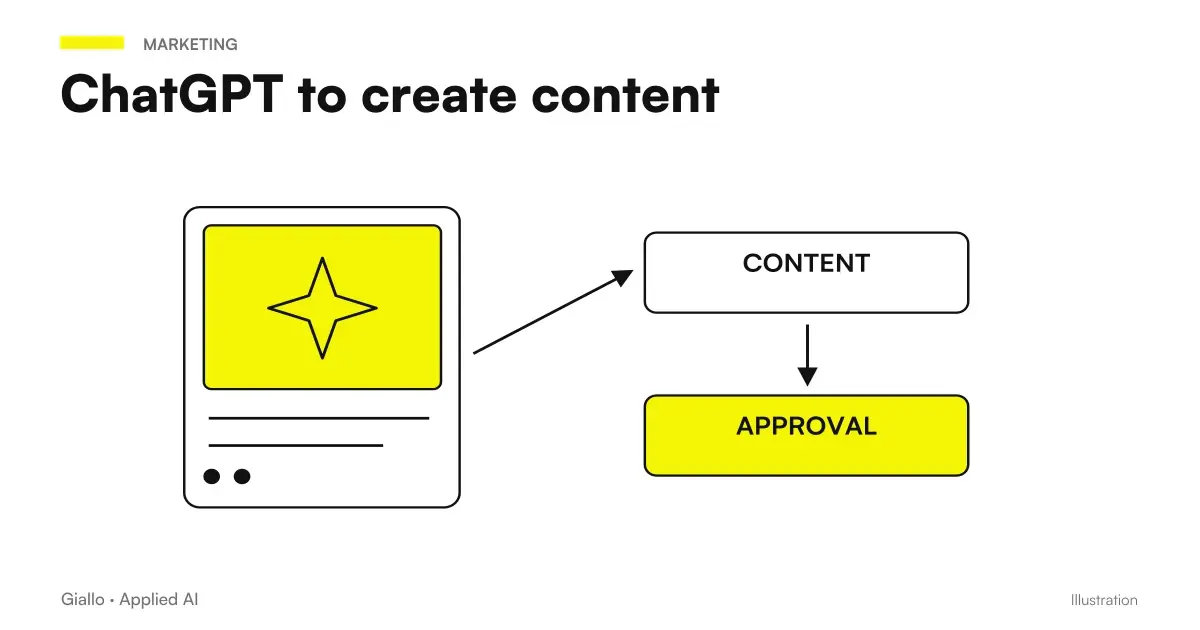 ChatGPT to create content
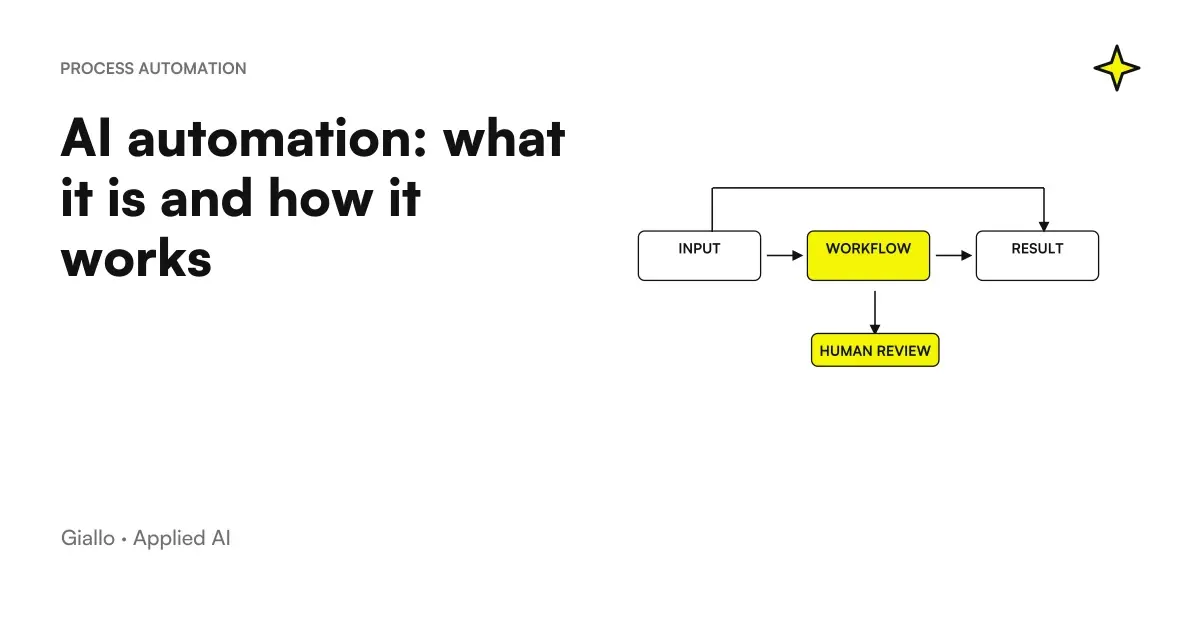 AI automation: what it is and how it works
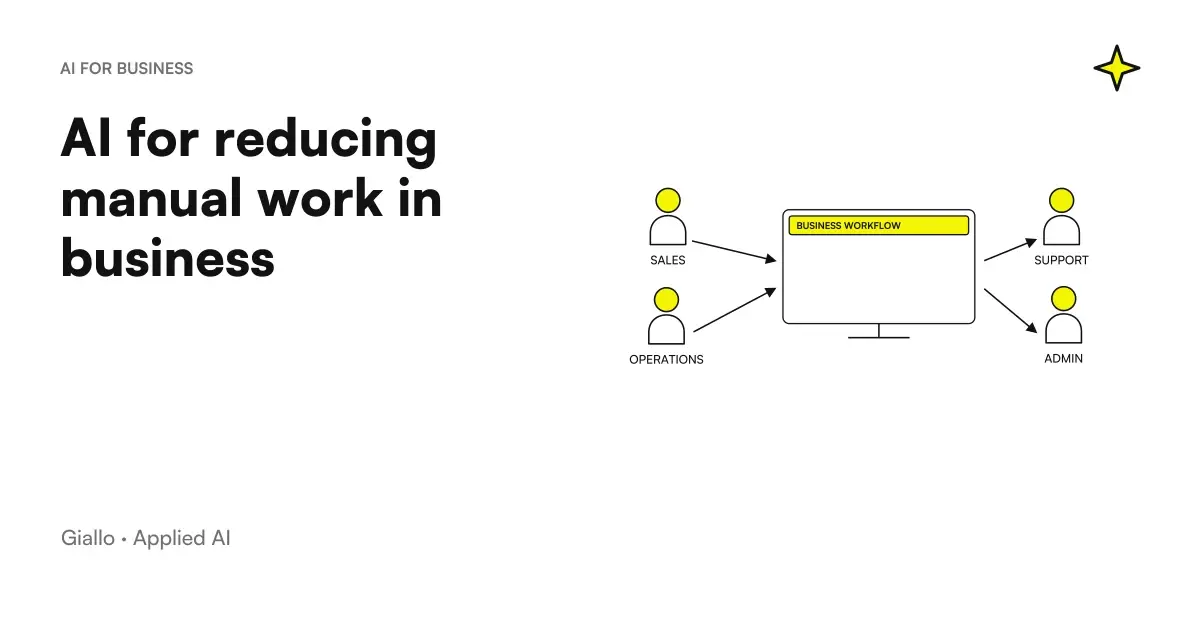 AI to reduce manual work in the company
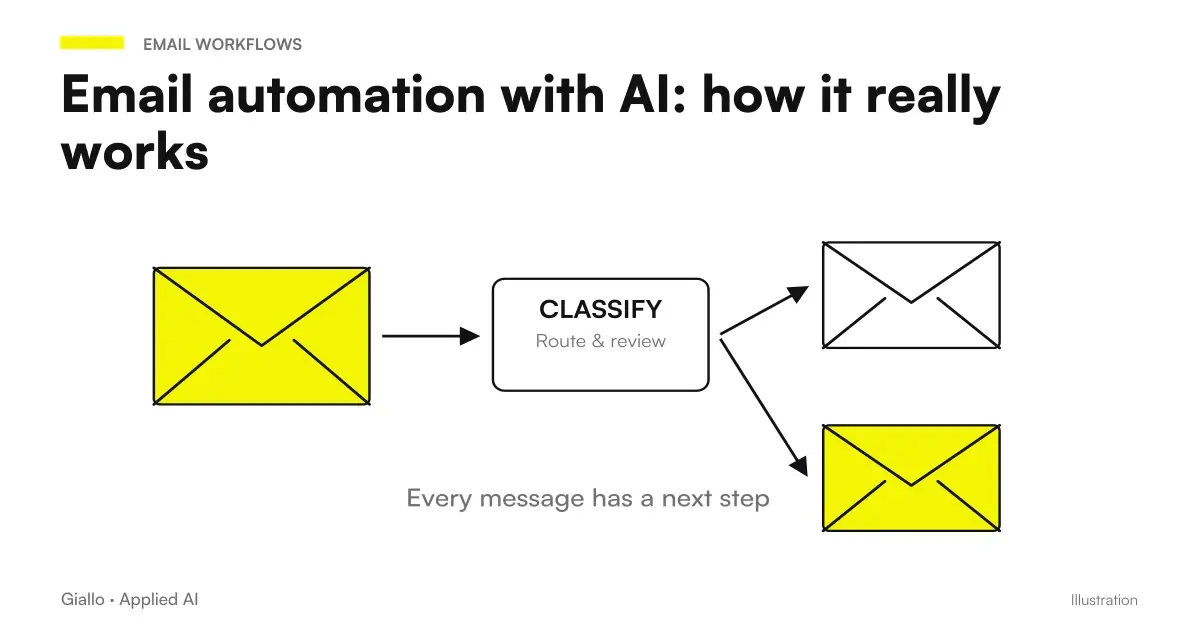 Email automation with AI: how it really works
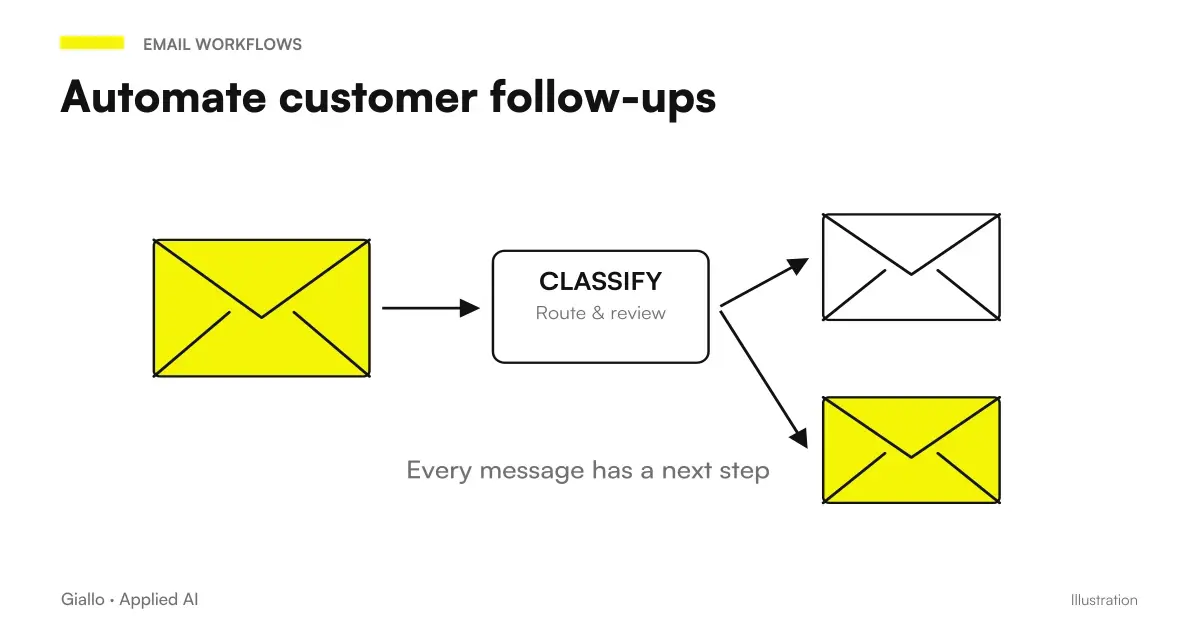 Automate customer follow-ups: fewer missed contacts, more closed deals
FAQ
How do I use ChatGPT to write an email?
Give ChatGPT three things: the context (to whom you write and why), the point to communicate and the tone you want. The more specific you are, the better the draft. Then reread, correct sensitive data and send: ChatGPT writes the first draft, the decision remains yours.
Can ChatGPT respond to emails instead of me?
It can draft a reply if you paste the email you received into the chat and explain what you want to achieve. On its own, within the chat interface, it does not read your inbox or send anything. Automatic replies require an integration or automation connected to your email.
Can people tell that emails written with ChatGPT are AI-generated?
If you leave the text unedited, often yes: it sounds generic, too long and full of stock phrases. If you specify a tone, give examples of your style and shorten it afterwards, the result is indistinguishable from an email written manually. Human review makes the difference.
Is it safe to put customer data in ChatGPT to write emails?
Proceed with caution. Entering names, addresses, payment details or sensitive information in a public tool may violate the GDPR. Anonymize data or use business versions with data processing guarantees. Always check the official terms of the plan you use.
What is a good prompt for a response to a customer?
An effective prompt contains: the email received, your goal (reassuring, selling, declining), tone and constraints (length, language, what not to say). Example: 'Reply to this email from a customer. Friendly and professional tone, max 120 words, propose a call. Here is the email: [...]'.
When is it better to automate emails instead of using ChatGPT by hand?
When the same type of email recurs every day (confirmations, reminders, standard replies) and follows a predictable script. There is no need to copy and paste manually: automation that generates and sends emails on its own, with human review of uncertain cases, is a better option.