
PostToolUse: formatters and tests in Claude Code
Use PostToolUse for formatting and test feedback. Handle paths, async tasks and concurrency while distinguishing validation from rollback.
Reading time: 11 min
PostToolUse allows you to react after a successful call to a Claude Code tool. It can start a formatter on modified files, check a condition, and provide useful feedback on the next action. The fundamental distinction is temporal: the change has already taken place. A negative result of the control does not automatically restore the previous content. PostToolUse in the official reference.
For a team developing business management software or a website, the value is relevant feedback: formatting the right file, running the appropriate check and knowing which project state the result belongs to. Starting everything after every edit can create concurrent execution and outdated results. The Guide to the Claude Code Hooks presents the general mechanism; here we design the work following the modification.
Sources were verified on 9 October 2026. Examples and snippets are didactic and have not been performed for this guide. A suite declared positive still requires an actual result collected in the reader's project.
In summary
- PostToolUse is about a successful tool call; failures have a dedicated event.
- The formatter must receive a valid and supported path.
- Distinct handlers do not offer an implicit sequential order.
- Async allows work in the background and not a retroactive decision.
- The test result must refer to the files that will be delivered.
What does the checkup have to do after an edit?
The first choice is to define the unit of work. A formatter often operates on the newly edited file. A typecheck can be about the project. A test may affect a precise module or a larger suite. These units have different durations and dependencies; putting them in the same list of hooks does not explain how they should coordinate.
Write a short contract: extensions included, folders excluded, command used and result expected. "Format the TS and TSX files of the project with the configuration already present" is verifiable. “System the code” invites implicit actions, such as installing a tool or rewriting multiple files. A hook should recall a project decision, not decide the stack at each event.
For those who use Claude as a development assistant, Claude by code helps to place the formatter between generation, revision and testing. Formatting can make a diff readable, but does not prove the correctness of logic or compliance with software requirements.
What calls does the Edit and Write matcher intercept?
A matcher Edit|Write select those tool names. It does not select every operation that edits files. If Claude runs a script through Bash and that program writes a file, the event tool remains a Bash call. If an external editor saves a change, the PostToolUse recording proposed here cannot be used as proof of coverage of that action. Matcher rules.
The filter serves to reduce unnecessary work, but must be accompanied by an interpretation of the input. A binary file, a folder, a location outside the repository, and an unsupported extension must be explicitly managed. The tool name alone does not authorize you to invoke a program on any received value.
Don't add a generic matcher just to reach "all changes". If the project uses other channels, document them and choose a suitable event or control point. To understand the difference between edit attempts and repository status can be useful Replay Theater, with its display limits.
A local formatter with path treated as given
The following example uses Python 3 to read the event and launch pnpm exec prettier with separate arguments. It assumes a project that already has Prettier as an addiction, a valid configuration and pnpm available. It does not install dependencies and does not look for an alternative formatter. It is an unexecuted instructional snippet. Official example of formatting.
import json
import os
import subprocess
import sys
from pathlib import Path

try:
    event = json.load(sys.stdin)
    if event.get("tool_name") not in {"Edit", "Write"}:
        sys.exit(0)
    root = Path(os.environ["CLAUDE_PROJECT_DIR"]).resolve()
    raw = event.get("tool_input", {}).get("file_path")
    if not isinstance(raw, str):
        sys.exit(0)
    target = Path(raw)
    if not target.is_absolute():
        target = root / target
    target = target.resolve()
    if root not in target.parents or not target.is_file():
        sys.exit(0)
    if target.suffix not in {".ts", ".tsx", ".js", ".jsx"}:
        sys.exit(0)
    result = subprocess.run(
        ["pnpm", "exec", "prettier", "--write", str(target)],
        cwd=root,
        capture_output=True,
        text=True,
        timeout=30
    )
    if result.returncode != 0:
        print("Formatter non riuscito: verifica il file.", file=sys.stderr)
        sys.exit(1)
except (ValueError, KeyError, OSError, AttributeError, subprocess.TimeoutExpired):
    print("Formatter non disponibile: controllo da ripetere.", file=sys.stderr)
    sys.exit(1)
Script timeout is an illustrative choice, not a universal benchmark or recommendation. The result distinguishes the failed control from the completed formatting; the error text avoids automatically pouring the entire contents of the files or the program output into the logs.
How to link the script to PostToolUse?
The following recording can live in the settings of the project. The script file, prerequisites, and formatter configuration must be shared with the team. Integrate the block into the JSON already present and control the result in /hooks. Configuration of settings hook.
{
  "hooks": {
    "PostToolUse": [
      {
        "matcher": "Edit|Write",
        "hooks": [
          {
            "type": "command",
            "command": "python3 \"$CLAUDE_PROJECT_DIR/.claude/hooks/format_file.py\""
          }
        ]
      }
    ]
  }
}
This configuration does not declare async because the example is about a formatter editing the file. The choice does not certify the correct ordering of each project activity: it must be tried in the real workflow. If a suite depends on the formatted content, a single script can run the formatter first and then the control, making the dependency visible.
For a recording or input error, Hooks debugging offers a progressive diagnosis. The first check is not to change Prettier: it is to know if the correct event has actually called the script.
When do the tests have to wait for the formatter?
Handlers corresponding to an event can be executed in parallel. Writing a formatter and a suite in two consecutive entries does not guarantee that the suite will read files after formatting. If the formatter rewrites the content while the test loads it, the result may be an intermediate state. Execution and lifecycle of Hooks.
| Tasks | Edit file? | Do you need sorting? | Test Request |
|---|---|---|---|
| Formatter on file | Yes | Before the controls reading the output | Final Diff |
| Lint without fix | No | After the possible formatter | Outcome has been verified |
| Module Testing | Usually not | After the relevant edits | Command and result |
| Project Build | Can create artifacts | After changes and configuration | Synthetic build log |
| Review of the diff | No | On the state intended for delivery | Diff actually read |
If a chain is needed, write it in a project script or use a pipeline that defines its order. The hook becomes the trigger, while the verification process remains explicit. So you can also run the same check out of Claude Code and compare the outcomes.
When to use async for a long verification?
Only handlers command support async in the described configuration. The command runs in the background; the result can be available later and cannot apply a decision that blocks the previous action. The project must then manage the period in which the verification is in progress. Run hooks in the background.
Async is useful when the next task does not immediately depend on the result. It can make sense for a suite that controls an already stabilized module while the developer reads documentation. It is less suitable for a formatter who will continue to rewrite a file while the agent edits it again.
The result must at least indicate which control was performed and which state. It is not necessary to publish every line of the log: it is necessary to prevent a result of a previous version from being mistaken for that of the current files. Upon delivery, an ongoing check must be called "ongoing", not "overcome".
How to avoid duplicate verifications and outdated results?
After a series of edits several processes can start. Even if each one works, the team can receive messy output: a first test ends after the most recent one or a formatter works on the file that has changed in the meantime. This is a coordination problem, not model quality.
One strategy is to reduce triggers, perform quick checks on the file, and reserve complete verifications at a defined point. Another is serializing the command with a project lock mechanism, explicitly handling the occupied case. Any mechanism must prevent "already running" from being interpreted as a positive outcome.
The final stage can use Stop hook without loop to verify a delivery condition, but not to pursue a suite indefinitely that requires unavailable service. The project pipeline remains the place to validate the result intended for publication.
What feedback should Claude receive after a failure?
Useful feedback is short and operational: control failed, category of the problem, reference to the local result. Avoid printing whole files, environment dumps, or outputs that include credentials. If a detailed diagnosis is needed, keep the log according to the project policy and read only the relevant part.
A formatter failure does not automatically require a large rewrite. It may depend on unsupported syntax, absent configuration, or incorrect path. Before asking for new changes, distinguish code error and control process error. This distinction prevents cycles where the agent “corrects” files that did not cause the problem.
A card for a readable test result
Indicates command name, module or controlled revision, status concluded or in progress and outcome. If the control hasn't started, write down the technical cause. The full log can remain in the project: the answer must report the necessary evidence to understand if the current change has been verified.
The evaluation of a result is different from prevention. To prevent a change before it takes place, you need the path dedicated to PreToolUse and protected files.
Two Italian workflows with a proportionate verification
Hypothetical, untested example: an e-commerce of Bologna maintains a React component for selection of variants. After Edit, the team wants to format the file and check the component tests. First prepare a test file with a name containing spaces, verify that the formatter receives the path as a single argument, and observe the produced diff. Then it links the relevant test, without ascribing a positive result to a suite never performed.
Hypothetical, untested example: a logistics company in Parma works on an importer of synthetic CSV lines. Edits happen in a few files, but full tests also require a local service. The project can immediately run lint and unit tests, reserving the integrated verification to a time when the service is available. The report must distinguish "past units" and "unexecuted integration", instead of condensing them into "everything works".
In both cases the choice of control comes from the change. An edit to a text does not necessarily require the same suite as a change to the payment logic. The hook must not flatten these responsibilities into a universal command.
What mistakes to avoid in a formatting and testing hook?
The first is to use a command that downloads tools automatically when they are missing. The second is to invoke the formatter over the entire repository for each individual edit, generating irrelevant diffs. The third is to assume that the JSON order coordinates the processes. The fourth is ignoring exit codes. The fifth is to declare "verified" before the result has arrived.
For a delegate team, also check who can edit the same file. Hooks for subagent and team explains how to separate the end of the answer, the end of the task and the responsibility of the tests. Local Notifications may signal attention, but their arrival does not certify passing the tests.
The Official Guide Security guidance shows a multi-moment approach to the workflow. It is a reference to be read with prerequisites and limits: an additional control does not replace the CI nor the revision of the delivered software.
What check to repeat after a correction?
A code correction requires repeating verifications that may depend on that change. You don't have to mechanically start every available command, but you need a motivation: testing the module involved, checking types when an interface changes, and building when configuration or dependencies require it.
If the fix only affects the hook script, try the fixes and path in the session again. If it concerns the processed content, it also observes the final diff. The report must clarify which level was correct: control automation or application software. This distinction prevents a finally initiated formatter from being presented as proof of the correctness of the product.
How to decide that the flow is ready for the team?
The flow is ready when the team is able to repeat the check, observe the errors and know which state has been verified. Preserves a synthetic fixture for the included path, one for the excluded path, and one for a failed command. Compare the direct proof of the script with execution through Claude Code.
To distribute larger customizations, Mods by Claude helps to choose between a hook in settings and a function inside a plugin. Do not introduce a mod just to recall a command already clearly manageable by the project script.
If the workflow is about a business application, the path of custom software may include a chain of verification appropriate to its risk and dependencies. The result to look for is simple: readable edits, completed checks and proofs relating to the version actually ready for delivery.
Giallo Studio guides: methodology and sources
How we apply it in the company
Related resources
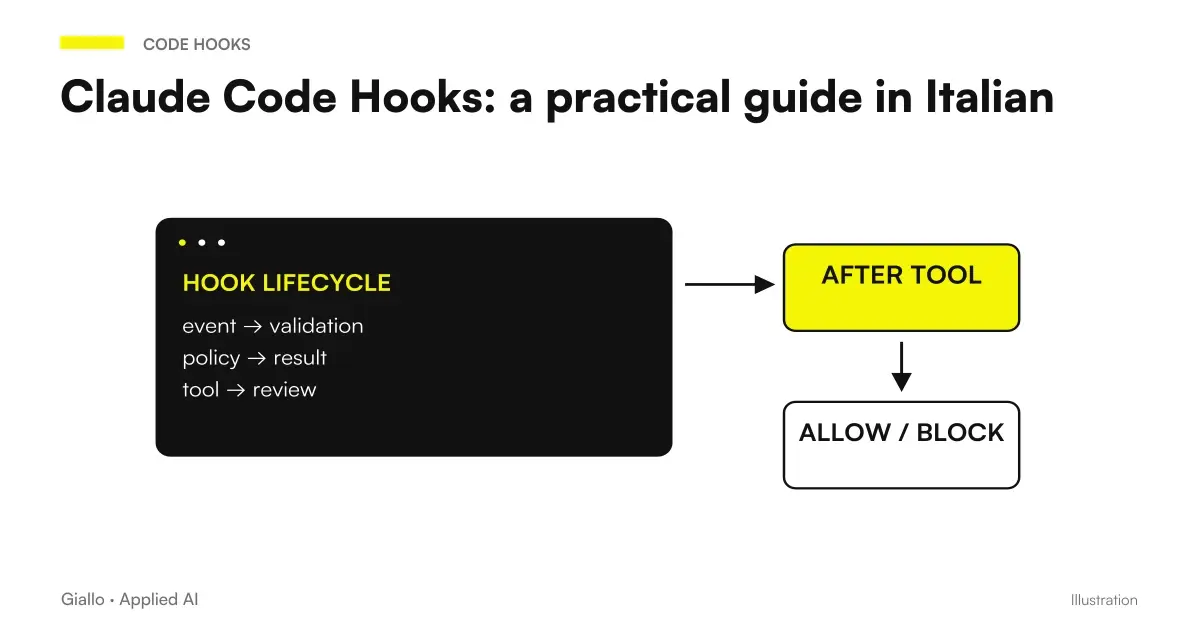 Claude Code Hooks: a practical guide in Italian
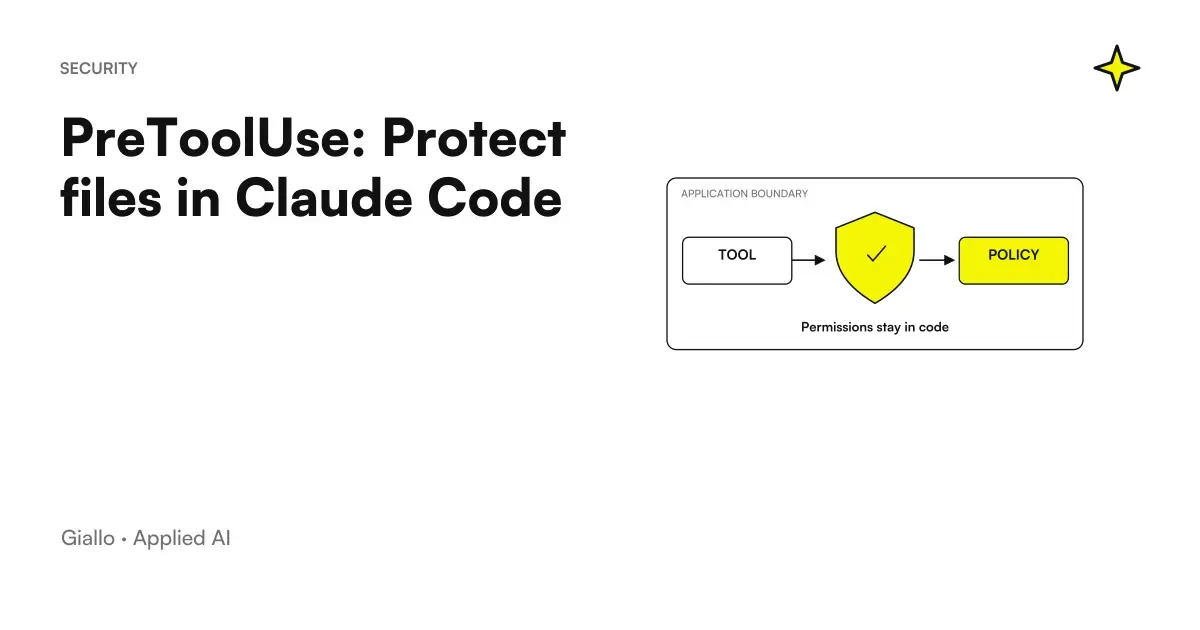 PreToolUse: Protect files in Claude Code
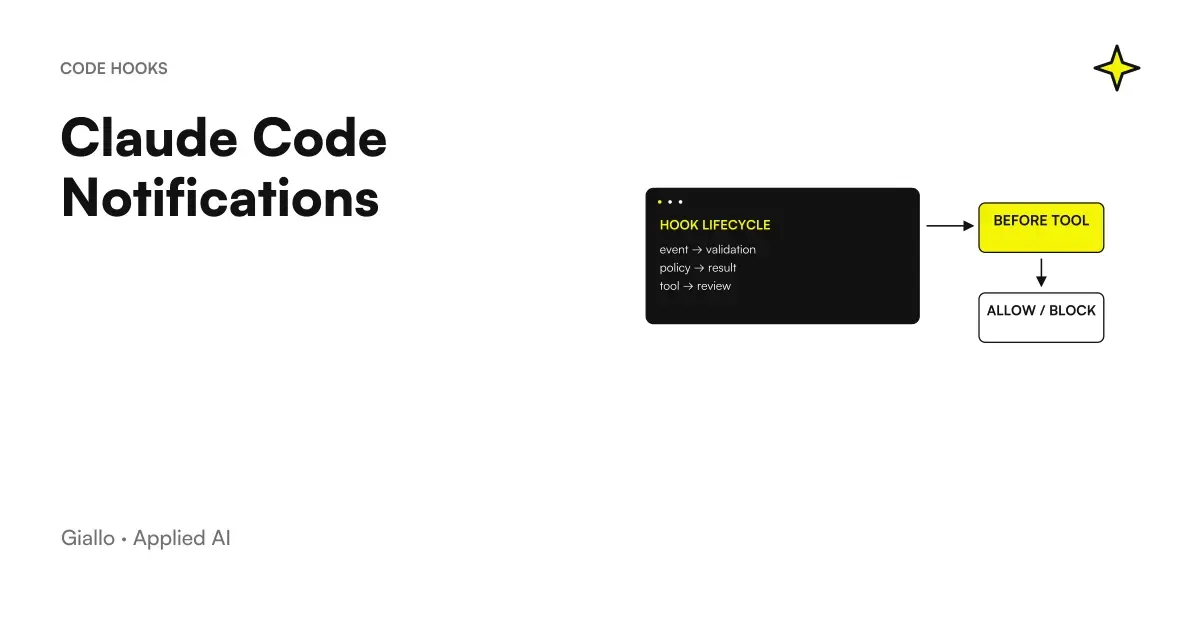 Claude Code Notifications: local hooks and permissions
 SessionStart: restore context after compaction
 Stop hook: loopless checks in Claude Code
 Mods by Claude: what they are and when they are needed in Claude Code
 Claude AI for code and development
 ChatGPT Plus vs Claude Pro: which subscription to choose
FAQ
Does PostToolUse activate after a tool error?
PostToolUse is about a successful tool call. For failed calls, PostToolUseFailure exists, with a dedicated contract.
Can the formatter run after Edit and Write?
Yes, a matcher can select these tools. The script must check the received path and use a formatter already provided by the project.
When should I use an async hook?
When the check can continue in the background without deciding whether to authorize the action. The outcome comes later and cannot retroactively block the call.
Do async tests immediately certify the final response?
No. The result must have arrived and referred to the correct revision of the files. A still running check is not a positive result.
Does PostToolUse undo invalid code?
No. Writing has already happened. It can provide feedback to be handled with a later fix and a new verification.
Why can formatters and tests interfere?
Matching handlers can be executed in parallel. If one rewrites files while another verifies them, the result may refer to a different state.