
Gemini for Companies
Gemini for businesses: Google Workspace, privacy, business licences, APIs and Vertex AI. Learn how to integrate AI and when custom software is needed.
Reading time: 11 min
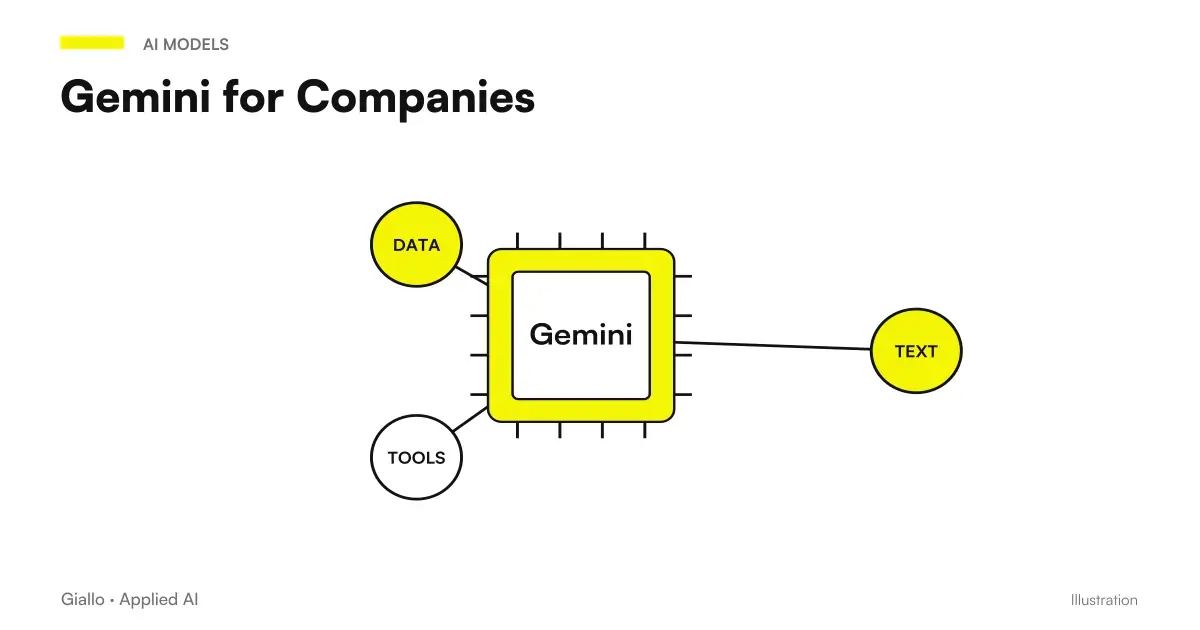
Gemini for Companies is Google's generative AI built into Google Workspace: it works within Gmail, Documents, Sheets, Drive and Meet to take away repetitive text work, and in business plans it treats data with guarantees designed for organizations. Its main advantage is not "being smarter" than other models, but Staying where you work: if your company uses the Google suite, Gemini eliminates the continuous copy-paste between the chat and the real tools.
The point to be clarified immediately is the same as with any AI tool: Gemini isn't one thing.. There is the Gemini app with a personal Google account, designed for individual use, and there is Gemini included in plans Google Workspace business and Enterprise, where the entered data is not used to train the models and there is a contract on data processing. Confusing the two worlds — pasting customer data into a personal account believing it's all right — is the most expensive mistake.
In this guide we see the use cases that really work in the company, the rules on privacy and business licenses, the role of Gemini API and Vertex AI for integrations, a synthetic comparison with ChatGPT and Claude and the time when it is best to switch from an assisted instrument to a tailor-made system.
In summary
- Gemini in the company lives inside Google Workspace: writes and summarizes in Gmail, Documents, Sheets, Drive and Meet, reducing manual steps between chat and tools.
- In the plans Business and Enterprise, according to official Google documentation, customer data are not used to train models without permission and prompts are treated as customer data.
- The Gemini app with personal account follows different rules: for customer data, the business version is needed, not the consumer version.
- In order to integrate Gemini into processes, the Gemini API and Vertex AI: connect the model to your software and run repeated tasks automatically.
- Between Gemini, ChatGPT and Claude there is no absolute winner: you choose based on the stack you already use and the actual use cases.
What Gemini is used for in the company
Gemini is the interface on Google's generative AI: you write it a request in natural language and it responds with a text, a formula or a summary. The difference from a separate chat is that Gemini is embedded in the tools you use every day, then work on your real files and messages instead of requesting a continuous copy-paste. If you still don't understand the basic operation, start from the guide Gemini AI: what it is and how it works.
The pattern is always the same as the other AI tools: AI makes the first draft, the person finishes and decides. Inside Workspace this results in a few solid use cases.
- Gmail: write and rephrase emails, synthesize a long thread, prepare drafts of response to recurring requests. Dedicated in-depth: Gemini for Gmail.
- Documents: first drafts of texts, minutes, proposals and procedures starting from raw notes, reformulations and synthesis of long documents.
- Sheets: generate formulas, organize data, create tables and analysis from a request in natural language. See Gemini for Google Sheets.
- Drive and Meet: summarize files and folders, extract key points from a document, take notes and generate the summary of meetings.
The common thread is that these are tasks textual, repetitive and low-risk, where an error is intercepted by a human review before arriving at the customer. For the complete overview of the use inside the suite, the guide Gemini for Google Workspace goes into detail app by app. To frame the theme more broadly, instead, the guide AI for businesses It collects processes, costs and priorities.
What is NOT a good use case
It's also worth saying backwards. Gemini, used by the interface, not is the right tool when you need exact numbers without verification, when the output has to be legally correct without a professional's control, or when the same task has to be repeated on hundreds of cases automatically. This last point is what leads from individual productivity to the AI Automation, which we see later.
Privacy and business licenses: the difference that matters
This is the most important section for those who decide. Gemini versions do not differ only by functions: they differ by what happens to your data. It is a distinction of substance, not price.
The Gemini app with personal Google account is designed for individual use and follows data processing rules designed for the consumer. Gemini included in plans Google Workspace business and Enterprise, on the other hand, operates within the company perimeter. According to official Google documentation, in Workspace customer data is not used to train AI models without the customer's permission or instruction, prompts are classified as customer data and do not come out of trust boundary of the organization. Added to this are administrative controls (user management, permissions, logs), Data Loss Prevention tools and certifications such as ISO 42001 and SOC 1/2/3.
| Criterion | Gemini App (Personal Account) | Gemini in Business/Enterprise Workspace |
|---|---|---|
| Designed for | Personal use, individual user | Organizations and Teams |
| Data used for training | Consumer rules, to be verified | No, excluded without customer's permission |
| Data Processing Agreement | Not Expected | Included in business terms |
| Administrative controls | Absent | User management, permissions, DLP, audit |
| Integration with Workspace | Limited | Native (Gmail, Documents, Sheets, Drive, Meet) |
| Suitable for customer data | No | Yes, with internal rules and contract |
Gemini and GDPR: Business Data Rules
Google's technical guarantees are a good starting point, but they are not enough on their own. The responsibility for how personal data is processed remains with the company, which is the the Data Controller: even when the tool is from a provider, it is your company that responds before the GDPR.
In order to use Gemini in a compliant way in the company, some concrete measures are needed.
- Use the business version. Only Gemini in Workspace Business and Enterprise plans offers the exclusion of data from training and the terms on data processing suitable for an organization.
- Check the contract on data processing. Check that the Processing Agreement (DPA) and the Workspace terms cover AI use cases, and file it: it is the basis required by Article 28 of the GDPR.
- Apply minimization. Enter only the data needed for the task. When you can, use placeholders or generic references instead of the actual customer data.
- Configure admin controls. Use permissions, restrictions, and DLP tools to restrict access to sensitive data and keep track of usage.
- Write an internal policy. Clear rules about what can and cannot be inserted, shared with the whole team. Most risks arise from naive, not malevolent use.
For those operating in regulated sectors this is not a formal detail. Studies and professionals dealing with particularly sensitive data find more targeted indications in the dedicated pages, for example AI for accountants and AI for law firms.
Gemini API and Vertex AI: when AI enters processes
So far we've talked about Gemini as Assisted Instrument: a person writes in the suite, the AI responds, the person uses the result. But there is a second level, what makes the difference for companies that want to go beyond individual productivity.
Google also exposes Gemini models via the Gemini API and the platform Vertex AI. In practice, instead of using the model from the interface, you connect it to your own software: a management software, a CRM, a site, an internal flow. This allows the same task to run on many cases in automatic, without a person copying and pasting, with access control and traceability. It is the basis on which they build AI agents and automations. If you want to understand how this link works at a technical level, the guide AI APIs: What They Are He explains it without jargon.
Gemini inside Workspace (assisted)
- A person uses AI interactively, on a case-by-case basis.
- The work is varied and at low or medium volume.
- You need a draft, a summary or an analysis to be finished by hand.
- Everything happens inside Gmail, Documents, Sheets or Drives.
Gemini via API / Vertex AI (integrated)
- The same task is repeated on hundreds of cases.
- The flow must integrate with business software other than Workspace.
- It serves execution without a person copying and pasting.
- We need traceability, access control and data audit.
The difference, in concrete, is between "a person uses Gemini" and "Gemini works within the process". The second case is not configured with some prompt: it requires design, and it is the ground of a automation of business processes or of a Custom AI Agent.
The announcement of Gemini Agent for Business Work expands the theme from single assistant to persistent context, tools and coordination. Before inserting it into a project you need to check availability in your account, plan conditions and limits of authorized actions.
Gemini, ChatGPT or Claude for the company?
Inevitable question, honest answer: depends on the stack you already use. There is no absolute winner, and be wary of those who present it to you as such. The most useful criterion is not "which model is better", but "which fits best in the software and processes I already have".
How to navigate between Gemini, ChatGPT and Claude
Gemini is the most natural choice if the company lives within Google Workspace: it is already integrated into Gmail, Documents and Sheets and reduces manual steps. ChatGPT is a widespread general tool, with a broad ecosystem; deepening in ChatGPT for companies. Claude is often preferred for long documents and edited writing; see Claude AI for companies. In all cases, the same rules on privacy, data and business version apply to each provider: change the tool, not the method.
A practical note: many companies do not choose "one". They use Gemini for work in Workspace and another model for specific cases. The choice becomes really important when switching to integrations via API, because that's where costs, latency and the technical strengths of each model come in. and it's a decision to make about the actual use case, not the name.
Practical examples
Three realistic scenarios of Italian SMEs and professionals working in Google Workspace.
1. Consultancy study — proposals and minutes. The team uses Gemini in Documents to turn the raw notes of a meeting into a structured proposal draft, and in Meet to generate the summary of the meeting with the actions to be done. It works because the data stays in the Workspace business perimeter and because the person always rereads before sending. In drafts, generic references are used when the full customer registry is not needed.
2. Commercial SMEs — email management and Sheets. The commercial office uses Gemini in Gmail to dispose of recurring requests with ready-to-finish response drafts, and in Sheets to generate the formulas of a sales report by describing them in words instead of searching online. No sensitive data comes out of the suite: you work on response templates and internal sheets, not on buyers' personal data.
3. E-commerce — from manual to automation. An online store starts by using Gemini in Documents for the first drafts of product cards. When products become hundreds, manual use no longer holds: the same task is moved to a stream that uses the Gemini API to generate descriptions automatically from the catalog, with human review to sample. It is the leap from assisted to integrated.
In all three cases the principle is the same: the tool is useful, but the data rules and the choice between manual and automatic come first.
Mistakes to Avoid
- Using your personal account with business data. It is the most frequent and most expensive error: the Gemini consumer app does not have the contractual guarantees of the business version. For third party data you need a Workspace business or Enterprise plan.
- Treating output as truth. Gemini produces the most likely response, not the verified one. On numbers, norms, and factual statements, human control is always needed. See the AI Hallucinations.
- Starting with the tool and not the problem. "Activating Gemini" is not a strategy. It starts with the time-consuming process, then decides whether it's enough to use in Workspace or needs API integration.
- Choosing the model for fashion. Gemini, ChatGPT or Claude: the choice depends on the stack and use cases, not the most heard name. First the processes, then the tool.
- Relying on versions and prices heard say. Plans, limits, and costs change all the time: before you decide, always check the official Google page instead of trusting dated information.
How to apply it in the company
Introducing Gemini in a sensible way is a short path, not a big project. The goal is not to "adopt AI", but to lighten a precise process by measuring the result.
- Choose the first use case. Start with a repetitive, low-risk text task within Workspace: recurring emails in Gmail, drafts in Documents, formulas in Sheets.
- Use the business version. If customer data comes into play, start with the Business or Enterprise Workspace plans with the terms on data processing in place. Avoid "trying with your personal account" on real data.
- Configure controls and policies. Set permissions and DLP rules, and write on a page what you can and can't enter. Shared and signed by those who use the tool.
- Form the team. It only takes a few hours to teach useful prompts and the limits of the instrument. The difference between good and mediocre results is almost all here.
- Measure and decide the next step. If the use case works and is repetitive, consider turning it into an automation connected to your systems via API.
This is exactly the kind of work for which there is a AI Consulting: understand where Gemini inside Workspace is really enough, where you need a custom system via API and how to keep your data safe throughout the process. If you want to see concrete experiments on similar cases, check out the The Lab.
For the precise comparison between the models in circulation, Gemini 3.6 Flash vs 3.5 Flash and Claude Sonnet 5 vs Gemini 3.5 Flash.
Conclusion
Gemini for Companies gives the best when the organization already lives inside Google Workspace: integrated into Gmail, Documents, Sheets and Drive, removes repetitive text work and, in business plans, treats data with guarantees suitable for a company. Its real value depends on two choices: use the right version (business, not personal, when there are customer data) and comply with the Data Rules without shortcuts. For individual productivity just use in Workspace; when the process has to run on its own and integrate with your software, the next step is to Gemini API or Vertex AI inside an AI Automation built on your systems.
If you want to go from testing with Gemini to an AI system integrated into business processes, Giallo Studio custom designed agents and automations.
Giallo Studio guides: methodology and sources
How we apply it in the company
Related resources
 Gemini AI: what it is and how it works
 Gemini for Google Workspace
 ChatGPT for companies
 Claude AI for companies
 AI for businesses: a complete guide to getting started
 AI agents: what they are and how they work
 AI consulting for companies: what it is and when it is needed
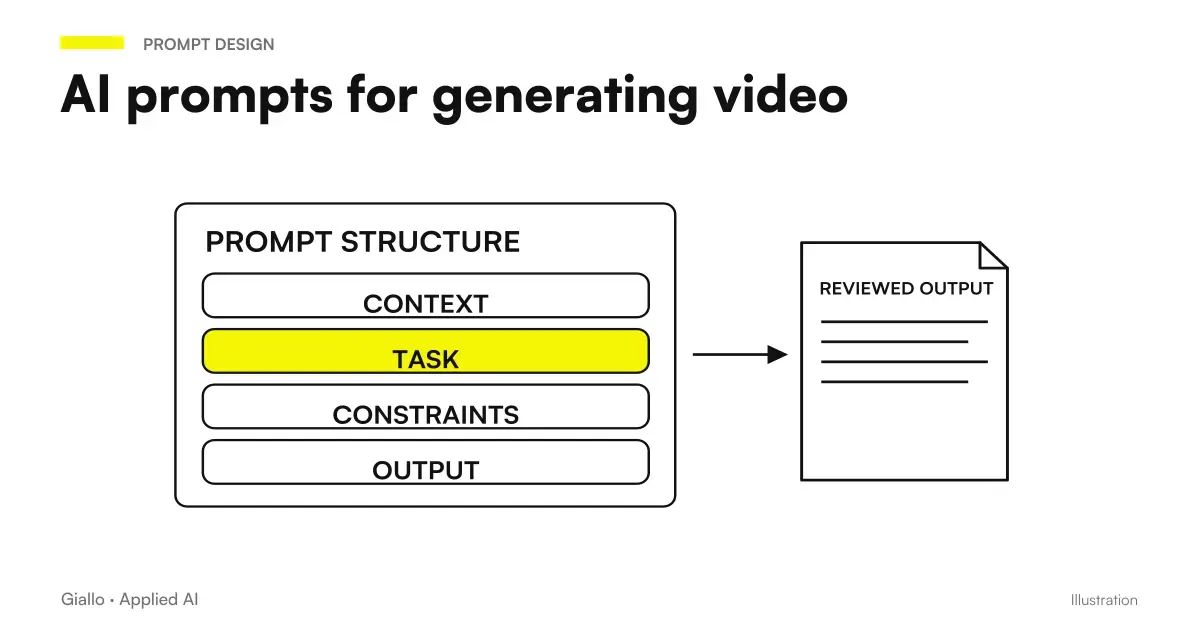 AI video prompts: Runway, Kling and Gemini alternatives to Sora
FAQ
What is Gemini used for in a business?
It speeds up work within Google Workspace: writing and summarizing emails in Gmail, producing drafts in Docs, generating formulas and analysis in Sheets, summarizing files in Drive, and taking notes in Meet meetings. It prepares the material, but a person checks and approves it. The Gemini API through Vertex AI is also available for integration into processes.
Does Google use Gemini business data to train models?
Not on Google Workspace business and Enterprise plans: according to Google’s official documentation, customer data is not used to train models without the customer’s permission or instruction, and prompts are treated as customer data. Always check the official Workspace Privacy Hub page, because terms and plans change over time.
What is the difference between free Gemini and Gemini business?
The Gemini app with a personal Google account is designed for individual use and follows different data processing rules. Gemini included in Google Workspace business and Enterprise plans operates within the business environment, with data excluded from training, administrative controls and a data processing agreement. Customer data requires the business version.
Which is better for a business: Gemini, ChatGPT or Claude?
It depends on the stack you already use. If your business works within Google Workspace, Gemini has the closest integration and reduces manual steps. ChatGPT and Claude remain strong general-purpose tools or options for specific cases. There is no overall winner: choose based on existing software and real use cases.
How do you integrate Gemini into business processes?
In addition to use within Workspace, Google offers the Gemini API via Vertex AI: it allows you to connect the model to your software, run repeated tasks automatically and build agents and automations. It is the transition from assisted manual use to a system that works within the process, with controls and traceability.
How much does Gemini cost for a company?
Gemini features are included in various Google Workspace business and Enterprise plans, with a monthly per-user price that changes frequently: check Google’s official page for current figures. The license is only part of the cost; the real value depends on training, usage rules and integration into processes.