
PreToolUse: Protect files in Claude Code
Configure PreToolUse in Claude Code: deny, ask, protected paths and control limits. A small rule to check before use.
Reading time: 11 min
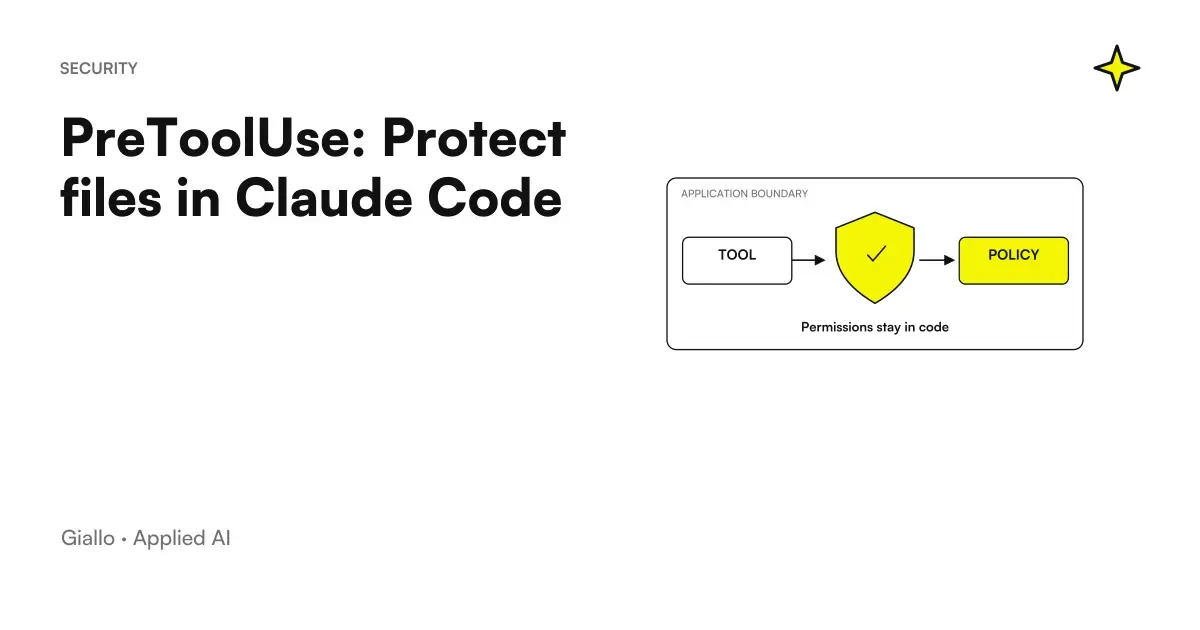
PreToolUse is the Claude Code event to be used when a check must intervene before a tool call is executed. The handler reads the tool's name and input and can return a decision, including ask or deny. It is suitable for circumscribed rules, such as preventing edits to a protected folder; however, its coverage depends on the intercepted tools and the rule actually applied. PreToolUse in the official reference.
Protecting a file means first defining from which operations and with which boundary. The same path can be modified with an editor, shell script, or external tool. A rule that only sees Edit and Write does not automatically check other channels. To introduce the mechanism consult the Guide to the Claude Code Hooks; here the focus is on building a small and verifiable preventive control.
Verified documentation on 9 October 2026. The code is an instructional example with synthetic paths, not executed in this guide. It should not be presented as a complete protection of secrets or business data.
In summary
- PreToolUse checks a tool call before the action.
- The matcher selects the tool; the script interprets its input.
- A path should be normalized before comparing it with a rule.
- Shell and other writing channels require separate controls.
- An error in the hook and an explicit deny turned out different.
Which file rule should be defined first?
A good first rule is strict: “Edit and Write tools must not edit files inside the folder config/protected of this repository". The folder must be chosen because the project knows its responsibility, not because its name seems sensitive. The rule must be documented next to the script: who can edit those files, which alternate path to use and which operation is excluded from the control.
It avoids an endless list of vague names as “important,” “production,” or “private.” An understandable criterion is easier to test: internal project path, specific directory, and edit action. If your system is to prevent reading and writing credentials, you also need to work on filesystem permissions, data availability in the environment, and allowed tools.
A policy should state its operational incompleteness: the hook proposed on this page checks only the selected calls. The broader discussion on AI and Data Security helps to separate control in the workflow from actual access to information. An honest notation of the perimeter is useful to those who maintain the project.
How do the tool name and file path arrive?
For a handler command, Claude Code sends a JSON object to the standard input. In the case of a modification call they are relevant tool_name and the route in tool_input. The script must treat this object as data: do not concatenate it inside a shell command and do not run the contents of the file to "understand" it. Input and output of hooks.
The first step is to verify that the JSON is readable. The second is to check the intended tool. The third is to extract a valid path. There is no point in silently applying the same rule when the field is absent: that condition deserves an explicit decision and a dedicated test. For a demonstrative snippet it may be reasonable to ask for attention instead of inventing a default path.
Do not print the entire object for debugging. It may contain unnecessary information at diagnosis. All you need is the name of the event, the category of the outcome and a non-sensitive identifier of the test. To investigate a problem use the path of Hooks debugging, keeping separate technical logs and decision output.
An example of a check on a protected folder
The following Python script interprets a synthetic input, normalizes the path and negates the changes in config/protected. Requires Python 3 and CLAUDE_PROJECT_DIR. Use a decision ask when the necessary input is missing. It was not executed in this guide and does not cover Bash, modified links during execution or external processes. The contract of the decision is described in the reference. Decision control.
import json
import os
import sys
from pathlib import Path


def decide(value, reason):
    print(json.dumps({
        "hookSpecificOutput": {
            "hookEventName": "PreToolUse",
            "permissionDecision": value,
            "permissionDecisionReason": reason
        }
    }))


try:
    event = json.load(sys.stdin)
    root = Path(os.environ["CLAUDE_PROJECT_DIR"]).resolve()
    name = event.get("tool_name")
    raw = event.get("tool_input", {}).get("file_path")
    if name not in {"Edit", "Write"}:
        sys.exit(0)
    if not isinstance(raw, str) or not raw:
        decide("ask", "Percorso assente: verifica la chiamata.")
        sys.exit(0)
    target = Path(raw)
    if not target.is_absolute():
        target = root / target
    target = target.resolve()
    protected = (root / "config" / "protected").resolve()
    if target == protected or protected in target.parents:
        decide("deny", "Cartella protetta: usa il percorso di review.")
except (ValueError, KeyError, OSError, TypeError, AttributeError):
    decide("ask", "Controllo non disponibile: verifica prima di procedere.")
The absence of a decision in the normal case leaves the ordinary flow of permits to continue. It does not mean that the script is authorizing any operation in the repository. Maintain this intentional behavior: a dedicated gate to a folder must not become an indiscriminate generator of allow.
How to record the script without losing other settings?
The file .claude/settings.json may contain a recording such as the following. The command invokes a local script to the project; the path contains quotation marks because a checkout may include spaces. Integrate the field into the existing JSON instead of replacing the entire file. Hooks Configuration.
{
  "hooks": {
    "PreToolUse": [
      {
        "matcher": "Edit|Write",
        "hooks": [
          {
            "type": "command",
            "command": "python3 \"$CLAUDE_PROJECT_DIR/.claude/hooks/protect_files.py\""
          }
        ]
      }
    ]
  }
}
A project rule must also be readable by the colleague who clones the repository tomorrow. Keep the script, the Python requirement, and the list of cases to try. Do not include in the shared file author's home paths or information extracted from a customer. Open /hooks in the session and check that the recording appears under the right event.
A plugin has its own distribution path. If the team wants to package the policy along with other customizations, see Team and Security Mods. The packaging does not eliminate the need to read the code executed on the developer's computer.
Ask, deny and allow: what behavior to choose?
deny is appropriate when a precise rule rejects that tool call. ask leads the operation to a permit decision. allow expresses an authorization of control, but in settings hook does not override the permissions rules deny and ask. The relationship between hook and permissions must be verified in the current documentation. Permission evaluation.
| Observed condition | Proposed answer | Why |
|---|---|---|
| Path inside protected folder | deny |
Violates the stated rule |
| Path needed absent | ask |
Control doesn't have the data to decide |
| Tool other than Edit or Write | No decision | Out of the script scope |
| Ordinary file outside folder | No decision | Workflow permissions remain |
| Command not bootable | Technical Outcome to Check | It is not a deny of the policy |
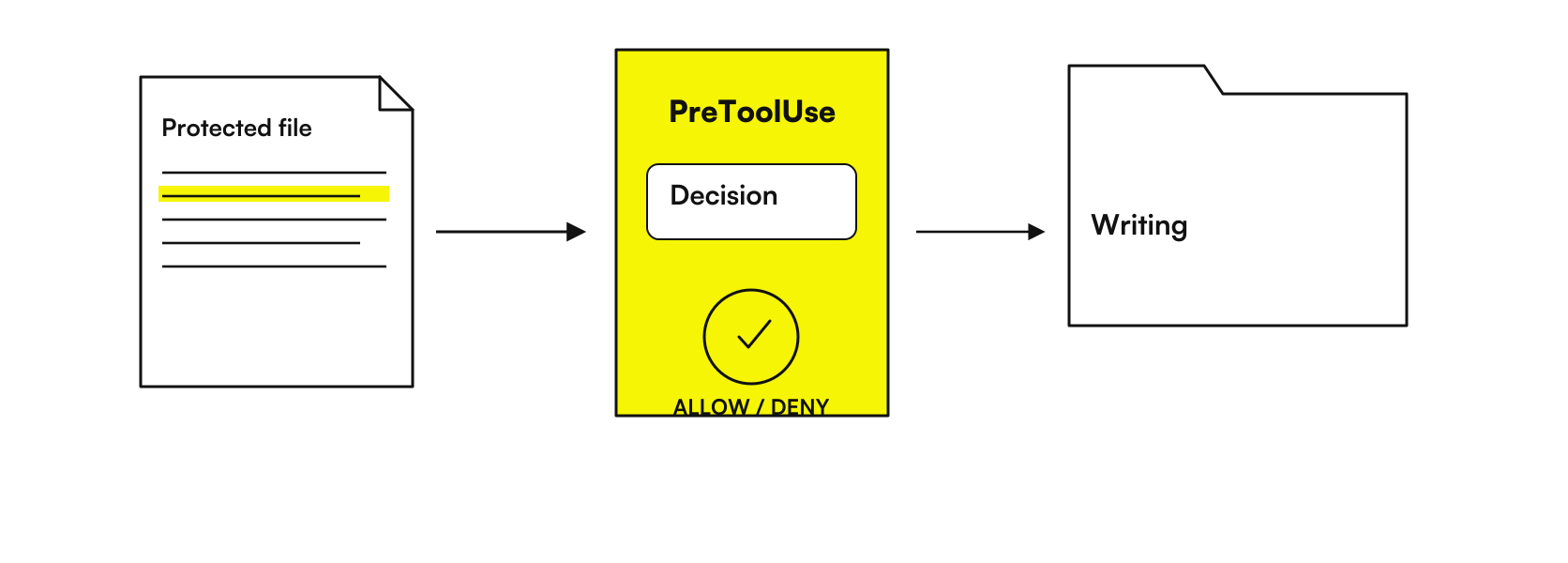
The motivation must be usable: "Protected folder, passes from the review" allows you to correct the path of the work. “Dangerous Operation” is more vague and can induce random attempts. When you ask for a decision don't attach the sensitive content you're trying to protect; explain the risk category and policy reference.
Why is path comparison a critical part?
A relative name may include ..; an absolute path can pass out of the repository; a symbolic link can point elsewhere. Comparing only the initial text produces false positives and false negatives: config/protected-copy is not the same directory as config/protected. Normalization makes the comparison more sensible, but does not convert the script to a sandbox.
The real system can change between control and action. A file can be renamed by another process; a link can be replaced; a program can interpret the path differently. That is why filesystem boundary and account permissions matter when data is critical. The snippet demonstrates the logic of a rule, not a guarantee against all conditions of competition.
Prepare tests with a directory with a similar name, a relative path, an absolute path, and a synthetic link. Record the expected outcome before executing. If a test fails, correct the rule and also repeat the tests that were passed before: a change to the matching can change the coverage in both directions.
How to check shell commands without a false warranty?
A shell can combine programs, redirections, and subcommands. Checking that the command starts with a forbidden word does not describe every possible effect. Even ordinary tools can edit files through options or scripts. Permission rules have their own interpretation of commands; the hook matcher, on the other hand, selects the tool first. Bash Rules and Subcommands.
For an SME, it is preferable to reduce the authorised tools and give the process a test environment containing only the necessary data. A hook can flag a command category or request attention, but it should not be sold as a complete shell parser. If the requirement is to prevent database writes, also use an account with appropriate privileges.
Blast Radius can make the impact of some calls visible through a mod. Its preview value does not prove the coverage of each command handwriting. When the call is about an external server tool, Hooks and MCP deepens canonical names and control of integration.
What happens if control fails?
A process that ends with error, an invalid JSON, and a decision deny are three different outcomes. Don't assume that "the hook hasn't responded" means "the tool call can't proceed". The release 2.1,295 of 8 October 2026 introduces onFailure: "block" by command and HTTP. Here the introduction is verified, not the complete schema for each event: therefore no invented configuration field is proposed. Release Anthropic.
For binding control, try the absence of runtime, malformed input, and timeout in a expendable environment. Observe what happens to the call in addition to the message shown. If the rule must always prevent a class of operations, the project cannot depend on unverified error behavior on the version actually installed.
What evidence to document for a preventive gate?
Describe a permitted call, a rejected call, and a control failure. For each preserves synthetic input, runtime version, hook result and observed effect on the tool. Do not report confidential file content or complete environment variables.
Two Italian applications with explicit boundaries
Hypothetical, untested example: a consulting firm in Milan develops a document generator using only dummy templates. It wants to avoid unintended edits to the approved contract template. It can move that template into an identifiable directory and apply a check to editing tools. A separate review of the template remains necessary; the hook does not certify the legal content or prevent every program from changing it.
Hypothetical, untested example: a workshop in Verona tests an appointment importer in a separate environment. The business management software’s configuration files are excluded from the task. The team defines a protected folder and checks that a synthetic edit is rejected while a script in the working folder remains available. Before connecting real data, it also checks process privileges and alternative write channels.
In both cases the protection produces a more useful result if it indicates the authorized path of the change: a review branch, a test configuration or a maintenance responsibility. Blocking without giving an alternative can generate repeated attempts that make work less understandable.
How to handle an intentional modification to protected files?
A protected folder may require legitimate maintenance. Define a review path that identifies who proposes the change, where it is prepared and who verifies the diff. Do not add a generic exception based on a prompt phrase in the script: it would make the control dependent on arbitrary text instead of the stated policy.
The rule must explain how to treat an authorized update without turning into an opaque obstacle. The team can prepare the change in a separate environment and apply their approval process. A rejection of the hook remains a decision on the observed call; it is not a judgment on the general legitimacy of the requested work.
It also retains the motivation for protection. If the directory no longer has that responsibility, the policy should be updated and tested, rather than circumvented with each change. A rule maintained by inertia creates undocumented exceptions; an updated rule retains a verifiable boundary and path for necessary changes.
How to keep the rule as the project changes?
The directory can be moved; a new tool can enter the workflow; a subagent can use Bash where the author used Write. Policy review must accompany these changes. In Hooks for subagent and team the central point is to apply the control in the right level and identify its role.
Errors to avoid are using vague filenames, ignoring normalizations, printing full input in logs, always returning allow and confuse a subsequent test with preventive blocking. PostToolUse for formatting and testing serves another responsibility: it reports a problem after the change and does not cancel it.
For an application that manages business information, the design of custom software may include access boundaries, test environments, and hooks verified together. It starts from a folder and a class of operations, then expands only after observing a real need and defined upgradable evidence.
Giallo Studio guides: methodology and sources
How we apply it in the company
Related resources
 Claude Code Hooks: a practical guide in Italian
 PostToolUse: formatters and tests in Claude Code
 Claude Code Notifications: local hooks and permissions
 SessionStart: restore context after compaction
 Stop hook: loopless checks in Claude Code
 Mods by Claude: what they are and when they are needed in Claude Code
 Claude AI for code and development
 ChatGPT Plus vs Claude Pro: which subscription to choose
FAQ
When does PreToolUse run?
Before the tool call is executed. The check can read the tool's name and input and return a decision supported by the event.
How do I prevent changes to protected files?
Intercept editing tools and check the normalised path against the chosen rule. You must also cover other channels that can write to the filesystem.
What is the difference between ask and deny?
Ask requests a permission decision; deny rejects that call. The reason must explain what condition caused the decision.
Can a regex protect all shell commands?
No. Compound shell commands, redirections, subcommands and different programs make a prefix verification insufficient. Consistent system permissions and boundaries are needed.
Does allow override permission rules?
For PreToolUse hook settings the deny and ask rules of permissions continue to be evaluated. Do not use allow as a general project permission.
Does a timeout hook always block?
It should not be presumed. Release 2.1.295 introduces onFailure block for command and HTTP; the complete schema and interactions should be verified on the installed version.