
Connect Dots to Gmail, Drive and Slack: permissions and channels
Connect Dots to Gmail, Drive and Slack: plugins, accounts and channels, access permissions to check, Teams limitations and data control.
Reading time: 11 min
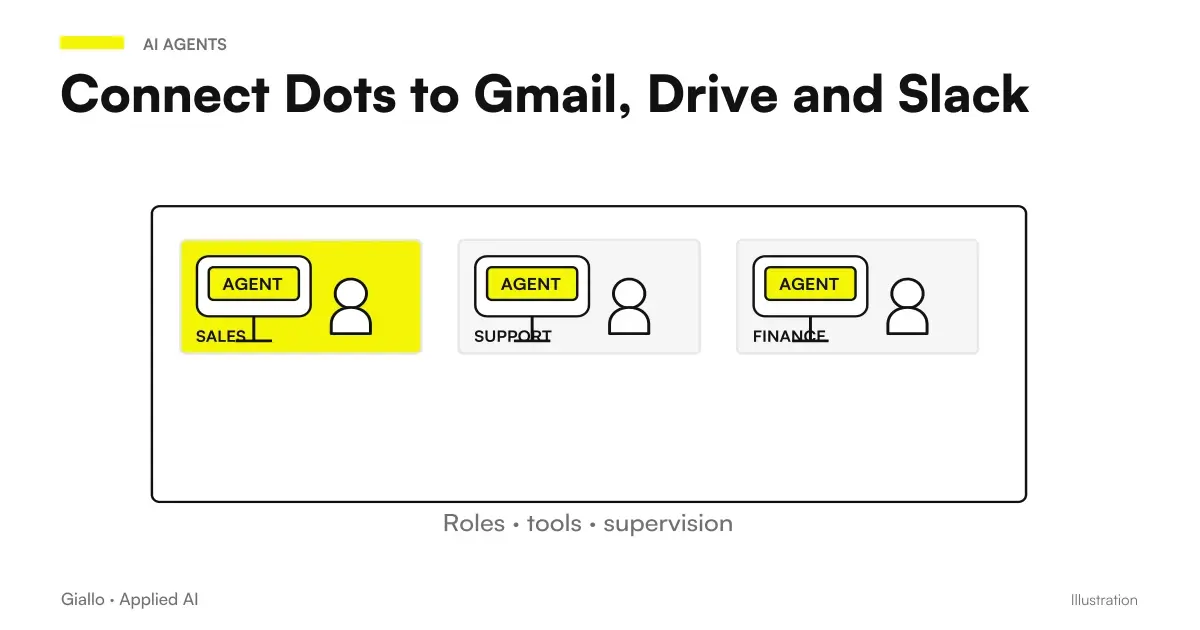
Connecting Dots to Gmail, Drive, or Slack requires distinguishing data access, actions, and communication channel. A plugin links authorized services and accounts; a channel is used to talk to the dot; access to your personal computer is another connection. None of these elements automatically grants everyone else. Official documentation on computers and apps.
The distinction avoids a frequent misunderstanding: "I wrote it to him in Slack, so he sees all the work" or "I connected Gmail, so he can send any answer". For an SME the useful link is the one that solves a precise assignment, with recognizable accounts and actions. First describe the work, then add the necessary source.
The indications are verified at 9 October 2026. Access to the product and availability of connections should be checked in the workspace; for the Italian plan we refer to Dots in Italy, plans and costs. The general guide to Dots OpenAI instead explains how these connections enter into a continuous responsibility.
In summary
- Channels, plugins, and personal computers are distinct links.
- Each account must be chosen with respect to the source and the action requested.
- Talking to the dot in Slack does not automatically create monitoring or recurrences.
- Teams is alpha by invitation; SMS is not a documented channel for Italy.
- Disconnecting a plugin interrupts new logins, without erasing the context already obtained.
What is the difference between plugin, account and channel?
The plugin provides capabilities related to a service. The account determines what information and actions the link applies to. The channel determines where you communicate with the dot. They are different levels, even when the app name matches. The documentation features Gmail, Drive and GitHub among the examples of connections, while messaging describes separately how to reach the dot. Computers and Apps and Dots Channels.
| Item | What it is used for | What Doesn't Prove Alone |
|---|---|---|
| Plugins | Making Service Capabilities Available | That each function exists for each account |
| Linked account | Access the authorized context | That the entire corporate archive is necessary |
| Channel | Communicating with the dot | Let every conversation be copied elsewhere |
| Task Instruction | Define the required work | That there is already a saved recurrence |
| Personal Computer | Use authorized local resources | That local logins move to the cloud |
In practice, prepare a line for each connection: necessary source, account, purpose and expected result. If the job is to summarize an approved brief in Drive, the link to the mail might be superfluous. If you need to prepare a response to a received request, identify the message and context to use. The number of connected apps is not an indicator of project maturity.
Account clarity is especially important in teams that alternate personal and business profiles. Before connecting, ask yourself who owns the materials, which workspace should host the assignment, and who will be able to manage the connection in the future. Do not transfer documents for convenience without deciding on this facility. The route on how to create the first dot starts right from sources and boundaries, before accesses.
How to use Gmail without confusing draft and send?
An email assignment can have different levels: read the indicated message, extract questions, prepare a draft and take an action on the account. These levels should be written in the brief. Requesting a draft does not authorize sending, even if the service is linked. Actions are evaluated against permissions, instructions and controls, as explained by the official page Controls.
A first manageable assignment could be: «From the given message, prepare a response proposal using the approved list. Highlight missing information and show intended recipient, text, and attachments. The proposal remains to be revised." The auditor compares demand, response, and trade source. If a price is missing, the dot must leave the question open, without deriving it from an old message.
Separating these steps also improves quality. The draft may be correct in form but wrong in the recipient, attachments or promises. A control that only looks at text leaves out part of the action. The Guide to permissions, approvals and emails Dots deals with the boundary between preparation and action, while email automation with AI broadens the reasoning on the business process.
Avoid pasting passwords and secrets into the brief. Private login streams documented by the product keep credentials out of the model; a secret written in the conversation or in a document can instead be read. The distinction is described in Official Dots Security Blog. Authentication must be completed in the intended path, with the person authorized when necessary.
How to prepare sources in Drive?
Before connecting Drive, choose the material you really need. A project folder should make the approved brief, drafts, and historical archives distinguishable. The dot should not have to infer from the tone of the text which file represents the final decision. Enter the prevailing source in the brief and ask for references to the sections from which the information is obtained.
Do not assume that the connection exposes every file or function present in the human interface. Actual access, account permissions, and plugin capabilities must be verified in the available surface. The documentation describes linking apps and accounts, but the concrete assignment requires proof on a recognizable source. Official guide.
The first test can be a table of requirements extracted from a single document. Check if the references are correct and if missing information is indicated. Then add a second file, clarifying which one prevails in case of contrast. This way you can see if the problem is access to the source or interpretation of its content. They are different obstacles and require different corrections.
When a document changes, you determine how it will fit into the dot's work. An on-demand reading, a scheduled check, and a source-supported event are different modes. Simply linking Drive does not prove that any changes trigger an update. To design that part moves to the Dots automations and scheduled tasks.
How does the conversation change using Slack?
The documentation describes the same dot reachable from ChatGPT and compatible channels, with relevant context. It does not mean that all messages are duplicated between conversations. In Slack the owner can use direct messages and mentions according to the supported modes. Inviting the dot into a channel does not create a schedule and should not be treated as an authorization to automatically follow each event. Official Messaging.
Decide first where the result is to be delivered. A personal note may remain in the conversation with the owner; a material intended for the team requires an appropriate recipient and review criterion. The fact that a request comes from Slack does not solve this choice alone. In the brief it specifies whether the result is for you, for a given channel or just to prepare a draft.
For teams using Microsoft Teams, the administrative guide indicates alpha by invitation. Availability must be verified and cannot be promised to every SME. SMS pages have limited or future indications: it is not a documented option for Italy at the time of verification. Administrative Guide and Dots Channels.
Brief to use a channel without creating noise
Use the channel indicated only as the destination of the authorized results. For this assignment, prepare an internal summary of the differences in the approved source. It only reports relevant changes and issues that require a decision. If a recurring check is needed, propose explicit programming with a merge and term; do not assume that the invite in the channel has already created it.
A short and significant result helps the team more frequent notifications without new information. Define, then, what deserves attention: a changed deadline, a contradiction in the sources or an indispensable fact absent. This criterion concerns the project, not a guaranteed function of each integration. It must be verified in the really available stream.
Two possible flows between documents, emails and messages
A component manufacturer prepares a commercial response
Imagine a Brescian SME receiving a commercial request and keeping approved cards in Drive. The person responsible shall link only the sources necessary for the assignment and shall request a draft reply. The dot must distinguish customer requests, data in the cards and points to be clarified. The result includes references to materials and open questions.
The commercial verifies component compatibility, conditions, and attachments before using the draft. If the request concerns an undocumented variant, the dot must not present it as available. The connection between mail and documents facilitates the journey, but the decision remains based on the technical source. The example does not imply that the link is already available in each workspace nor that the send is authorized.
A small agency coordinates drafts in Slack
Imagine a Roman agency arguing in Slack and keeping an approved brief in Drive. The owner of the dot asks for a summary proposal of the parts to be reviewed for a campaign. The result must cite the source and distinguish necessary corrections from creative suggestions. The channel hosts the conversation, without becoming the official archive of the project.
If the brief changes, the manager decides how to request a new check or how to schedule it. It does not rely on the mere presence of the dot in the channel. Before distributing the material to the client, an auditor checks the messages, promises and consistency of the project. For a comparison on document work in Google ecosystem, the guide to Gemini for Google Workspace can help ask similar questions about sources and accesses, without confusing products.
What happens when I disconnect a connection?
Disconnecting a plugin stops new logins, but does not automatically delete the context already received from the dot. It is a fundamental boundary for corporate sources: revocation of access and deletion of information do not coincide. The Dots Privacy FAQ describes this distinction. The guide to Dots Memory and Data addresses the available controls and what remains separate.
When changing a responsible person or terminating a project, you review connections, assignments, and schedules. It is not enough to disconnect an app if there are tasks that require it. A recurrence can become useless or unexecutable; a delegated task can have its own path. Control must therefore look at the responsibility as a whole and the sources actually needed at the next stage.
Keep a short access map out of the conversation: account, project, purpose and responsible. No need to write down credentials. You need to know why the connection exists and when to review it. This prevents a link made for a test from becoming permanent without a decision. The same principle applies to the personal computer, covered in the guide on cloud and local access.
How to manage connections that change with the project?
A connection should have a current reason. When the project changes phase, it reviews account, source, and expected result. Mail may be necessary to prepare an answer and unnecessary when work shifts to reviewing a catalog. A test folder can be replaced by an approved source. Don't keep the old perimeter just because the link already exists.
It also controls the passage of responsibility between people. The access map should explain who knows the source and who can make the decisions about the project. If the account owner changes their role, check the organization's intended path before assigning the dot an automatic continuity. This article does not presume transfers of accounts or accesses between users: these are conditions to be verified in the concrete case.
For review, keep a short list of relevant connections and the reasons why they are needed. When an output is unexpected, the list helps distinguish a data from the source predicted by an unrelevant reference. No need to store secrets or personal details: just make the relationship between account, source and assignment readable. If a connection no longer has a purpose, the manager can evaluate its revocation separately from the management of the already acquired context.
What mistakes to avoid and how to start with a useful link?
The most common errors are choosing the wrong account, linking an archive without a prevalent source, confusing a draft with an action and expecting tracking without instructions. Another mistake is to write the boundary only after the work has begun. The essential conditions must be present in the first brief, then corrected when the revision shows a real problem.
Start with an internal source and output. Confirm that the dot can access the material, then evaluate the fidelity of the result. Add a second connection only if the task needs it. The process must remain explainable to those who review it: what data enters, what proposal comes out and what action has been authorized.
If your team wants to link mail, documents, and communication in a stable stream, the path of Giallo business process automation can start from this access map. For the first experiment go back to dot setup and verify the boundaries of approvals before entrusting external passages.
Giallo Studio guides: methodology and sources
How we apply it in the company
Related resources
 OpenAI Dots: ChatGPT's always-active agents explained
 How to create the first Dot in ChatGPT and assign it a project
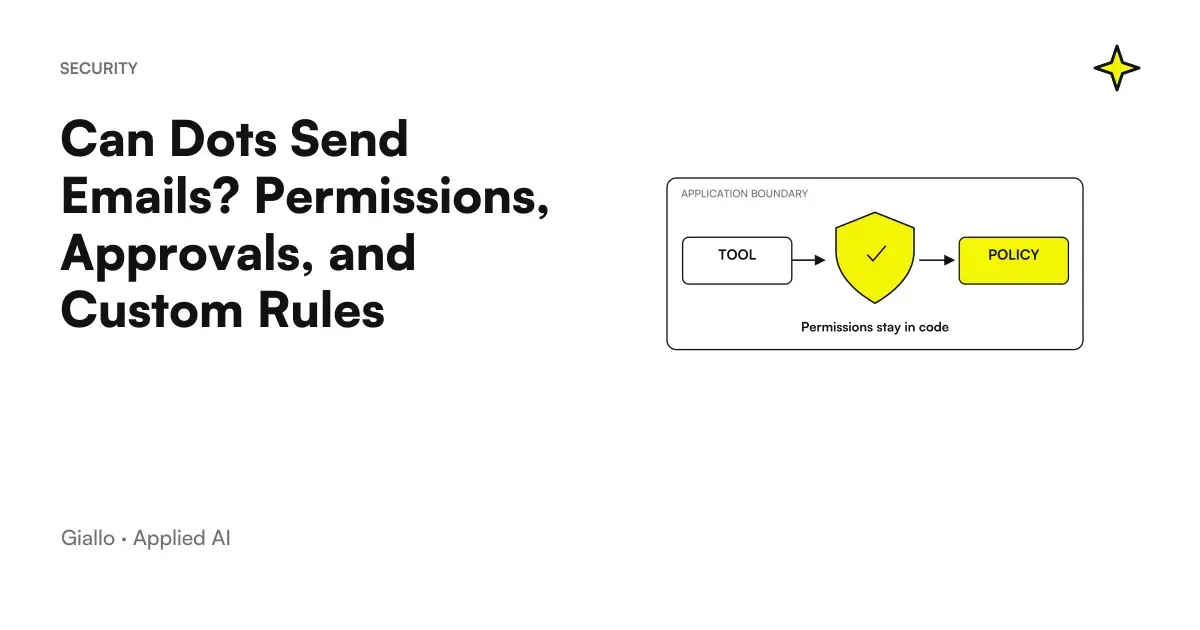 Can Dots Send Emails? Permissions, Approvals, and Custom Rules
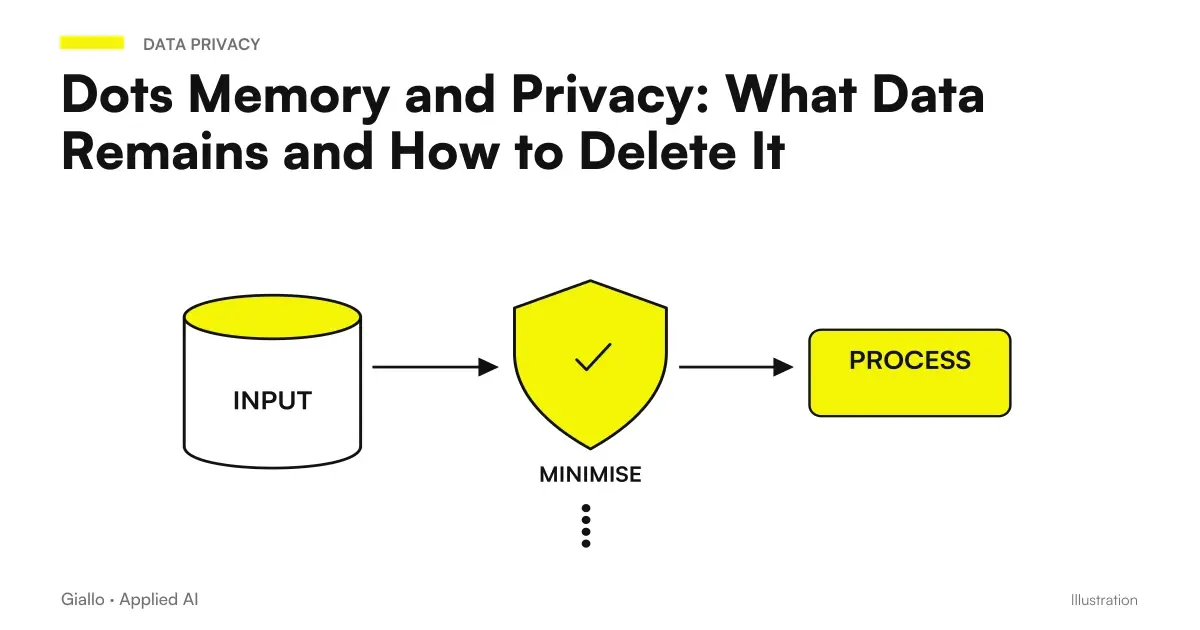 Dots Memory and Privacy: What Data Remains and How to Delete It
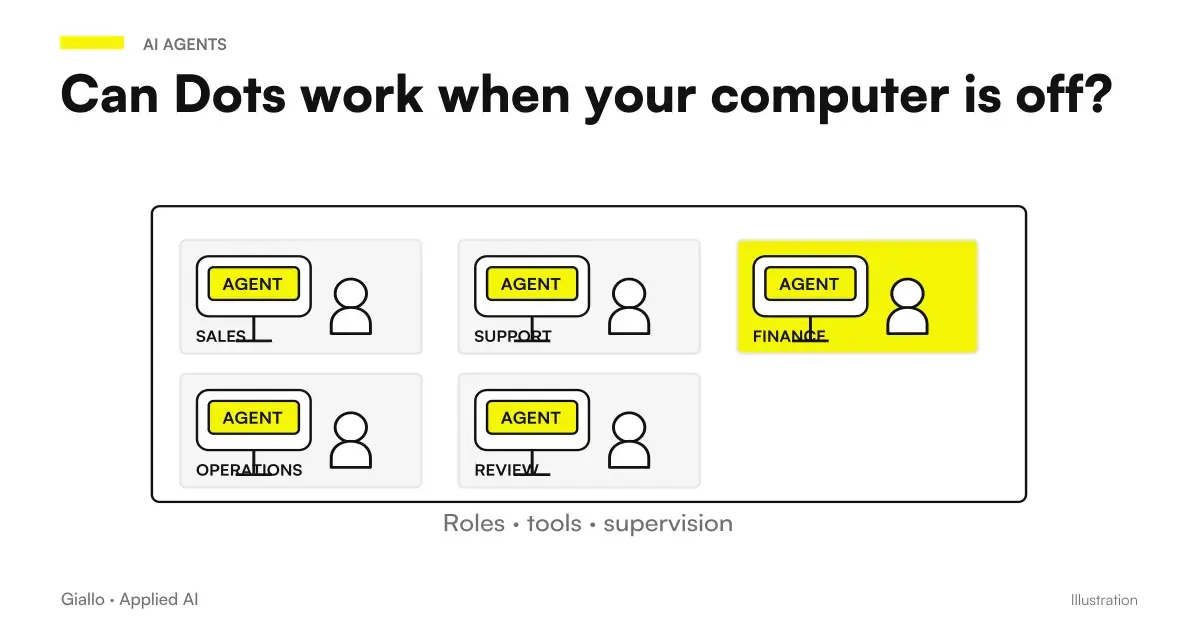 Do Dots work when your computer is off? Cloud, local access and login
 Gemini for Google Workspace
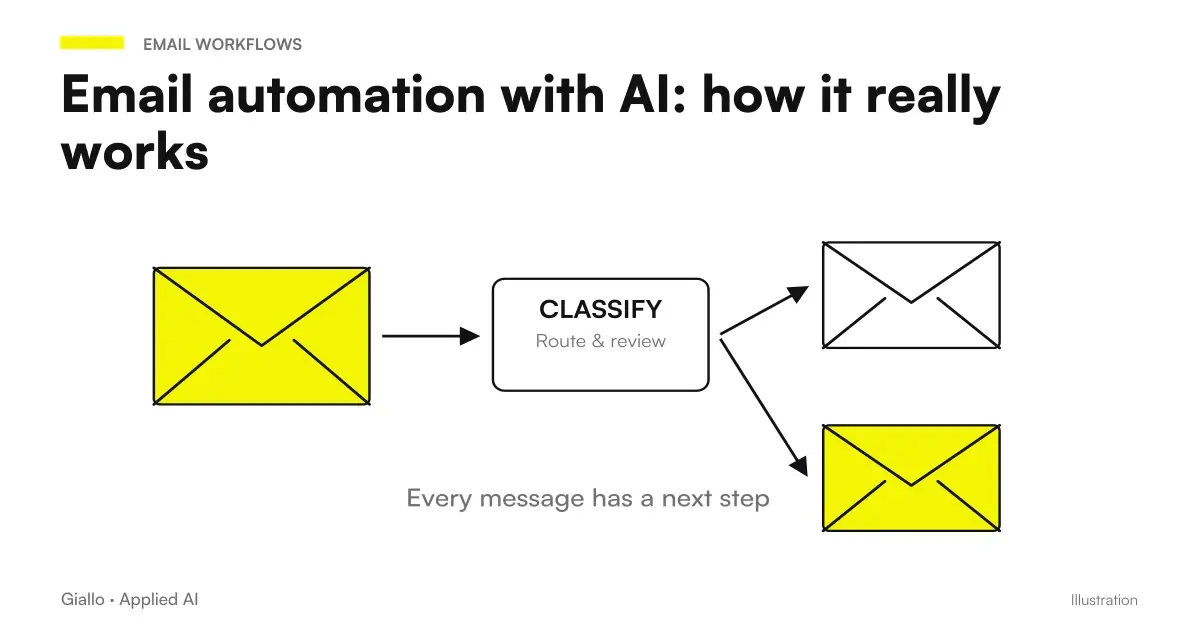 Email automation with AI: how it really works
FAQ
Does linking Gmail authorize Dots to send emails?
The link enables the available accesses and actions according to the permissions granted, but does not replace the authorization for a specific action. Asking for a draft does not authorize its sending.
Can I talk to the same dot from Slack and ChatGPT?
The documentation describes the same dot that can be reached through multiple channels, with relevant context. It does not mean that all messages are copied from one conversation to another or between channels.
Does inviting the dot to a Slack channel set up monitoring?
No, the invitation in the channel does not automatically create a schedule. Monitoring must have explicit instructions and depends on the capabilities of the linked source.
Does Dots work in Microsoft Teams for all SMEs?
As of October 9, 2026, the administrative guide indicates Teams as alpha by invitation. It must be verified in the workspace and not presented as an integration available to each account.
Does disconnecting Drive delete information read by the dot?
Disconnecting the plugin stops new access, but does not delete context already obtained. The data lifecycle and any deletion of the dot are separate issues from the app connection.
Are logins on my computer valid in the dot's cloud browser?
No, the cloud browser has its own sessions. Access to your personal computer is distinct from linking an app and does not automatically transfer logins to the cloud.