
Do Dots work when your computer is off? Cloud, local access and login
Dots with your computer off: cloud tasks versus local file access, which needs a connection and ChatGPT open. Logins, revocation and recurring tasks.
Reading time: 11 min
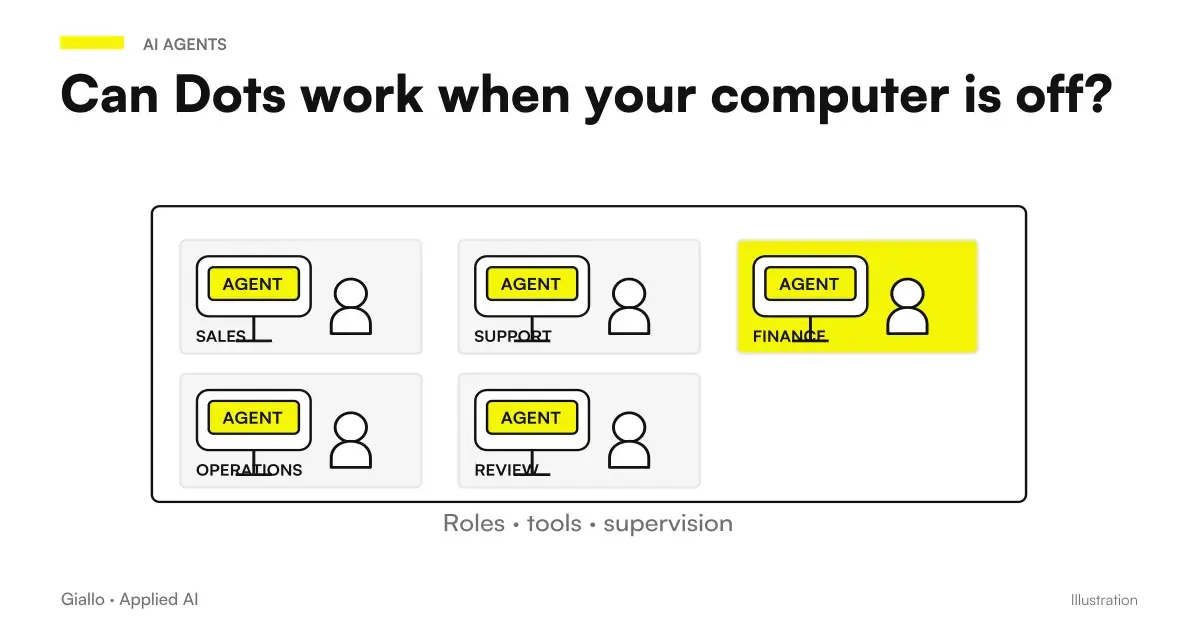
Dots can continue to work in their cloud environment when your computer is turned off. To use your connected personal computer you need an open ChatGPT network and app instead. The answer then depends on where files, sessions, and tools are needed for the task. Official documentation on computers and Dots apps.
"Always active" does not mean that every resource of the laptop is always reachable. A document that is only available on the local device remains a different dependency to a source that is accessible in the cloud. The same applies to logins: a session opened on your browser is not automatically transferred to the dot browser.
The information is verified at 9 October 2026. For product eligibility in Italy read Dots, plans and availability; for general operation back to driving on what are Dots OpenAI. Here we see how to choose the right environment without attributing accesses that have not been verified.
In summary
- The dot cloud and personal computer are distinct environments.
- Cloud work can continue without your device on.
- Local access requires open ChatGPT network and app.
- Local files and logins do not automatically switch to the cloud.
- Offline does not amount to revocation of access.
- A recurrence must have sources available in the environment it will use.
Where does the dot work?
The dot has a cloud computer with its own files and sessions. You can also use your personal computer if the link is available and authorized. They are two environments, not a single synchronized copy of everything you use. The documentation also distinguishes the Dots connection from the Codex and Work Sync configurations. Computers and official app.
| Appearance | Dot cloud environment | Connected Personal Computer |
|---|---|---|
| Dependency on your device on | Can work without personal device | Requires online device and ChatGPT open |
| File | It has its own files and sources available in the stream | Use authorized local resources |
| Browser Sessions | It has its own sessions | Doesn't automatically transfer login to the cloud |
| Link | Product Environment | Local access to be granted separately |
| Local access stop | It doesn't equal the cloud stop | Revocation distinct from Offline status |
To decide which one to use, start with the material. If the task is to compare two documents provided to the dot, the question is how to make them accessible in the chosen path. If the task requires an app that is only present on the corporate computer, the application includes the local link and its actual compatibility. Don't choose the environment because it seems more powerful: choose the one where the task has recognizable sources and controls.
The place of execution also affects the passage of deliveries. A file prepared in the cloud must be found in the path of work. A proposed change on a local resource requires appropriate review. Ask the dot where the result is and what source was used. A "completed" message is less useful than a deliverable that the manager knows how to open and compare.
When do I need to connect my personal computer?
Local access is used when the task is dependent on device resources and the link supports the required work. It is not a requirement to be activated for each assignment. The initial configuration allows you to choose the relevant connections, as described in the Onboarding Dots. For a first document project, an appropriately provided source may be sufficient without adding local access.
The documentation allows only one personal computer connected at a time. The device must be online and ChatGPT must remain open. These requirements must be considered in the process, especially if you work on a laptop that is closed or moved. Computers and Apps. Do not promise that a local session will remain available in any energy or network condition.
Before connecting the computer, identify necessary folders and applications. Also ask yourself who can authorize that access in the workspace and who manages the device. In an organization, administrative controls can limit local use. The Dots administrative guide distinguishes these permissions; a general availability does not replace the permission provided by the role.
The Guide on how to create the first dot can help verify that the task needs this dependency. If you don't know how to point to a concrete local resource, avoid adding the link just to see what happens. A small project makes it easier to tell if the limit is the access, the content of the source or the result required.
Why don't files and logins automatically switch to the cloud?
The cloud browser has its own sessions. Being authenticated in your personal browser does not prove that the dot is authenticated in the cloud. Local files do not automatically become cloud files: the source must be available through an authorized path. This separation is a fact of the product, described in computer and app documentation.
When a task requires a website, specify the service and the outcome, then verify actual access. If login is needed, complete that step through the intended flow. Do not write the password in the prompt to “solve it faster”. OpenAI describes private login flows that keep credentials out of the model, whereas secrets pasted into text can be read. Dots Security Blog.
Successful access also does not prove that any action on the site is supported or appropriate. The task may encounter permissions, interface behaviors, or page conditions that require verification. Do not attribute to the cloud the ability to circumvent restrictions. If a pass is not available, the useful result is an explanation of the obstacle and a proposal compatible with the allowed flow.
For documents, also clarify which copy is official. If a file is provided for proof, that copy must not implicitly become the final archive of the project. When you change the material, indicate the new version and ask for the relevant comparison. The Guide to Gmail, Drive and Slack enters the use of linked sources, which remains distinct from computer access.
What does Offline mean and how does it revoke access?
Offline indicates that your personal computer is not available. It does not amount to a revocation. The check Revoke access removes local access according to the intended path. Documentation invites you to distinguish these conditions. Computers and Dots apps.
If your intent is to close the link, use the revocation control and verify the outcome. Turning off the device may stop immediate availability, but it does not represent the same decision. This difference matters when a project ends or the person responsible for the computer changes. Access should have a purpose and a person who knows when to review it.
Revoking the computer also doesn't mean stopping every activity in the cloud. Main task, delegated tasks and recurrences have their own controls. The main pause should not be treated as a universal stop, as explained by Controls. For the stop path read Dots permits and approvals, where these levels are dealt with along with the consequences of the actions.
Control at the end of an assignment with local resources
Check where the result is and the official source. Review local access and use revocation if the link is no longer needed. Separately check the main task, any delegates and recurrences. Decide which files to keep in the project. Do not use Offline status as evidence of context revocation or deletion.
Data management remains a separate issue: disconnecting a source does not automatically delete the context acquired. The result can live in a separate file or conversation. The Guide to Memory and Privacy Dots It clarifies what happens at different levels, without turning the revocation into a promise of universal deletion.
How to design a recurrence that does not depend on the laptop?
Indicates in the brief where the source lives and what conditions allow it to be read. If you want a control while your laptop is turned off, the process must be able to use resources available in the cloud as needed. It is not enough to program the time: programming does not create the source that is missing.
First try the on-demand check. Ask for an output with reference to the source and an explicit indication if the access fails. Then it saves the recurrence with spindle, term, destination and notification conditions. OpenAI describes these elements on the page Tasks and memory. Our article on Dots Automations shows how to distinguish periodic control and supported event.
If the source is to remain local, build the process knowing that the device is an addiction. Define who keeps it available and what needs to be communicated in case of unavailability. Do not design a silent summary that appears to confirm no changes when the document could not be read. An operating obstacle must be distinguishable from a check without novelty.
Two possible choices for Italian professionals and companies
A consultant prepares a draft during a trip
Imagine an Italian consultant who provided the dot with approved materials to prepare an internal draft. The expected work uses sources available in the cloud, without depending on the laptop it carries. The dot can continue in its environment; the consultant then controls the deliverable and the references through the available surface.
The draft is not considered approved just because it was completed while the computer was off. The professional verifies numbers, names and promises before use. If the necessary material was left alone in an unaccessible local folder, the project would have a different dependency. The example serves to choose the environment, not to promise continuity for any personal file.
A small company uses a local application
Imagine an Emilian company with work materials in an application present on the manager's computer. Before entrusting a task to the dot, check whether the local link and app allow the required path. The first test concerns an internal output, with recognizable sources and no irreversible action. It does not assume that compatibility is guaranteed for the software used.
If the task depends on the device, the company takes into account network and open ChatGPT. If you are looking for a stable shared process, you may need to integrate sources into a different system or design a dedicated automation. The Guide to AI Agents for Companies helps to separate a personal capacity from an operational flow that the team must govern.
What mistakes to avoid by choosing cloud or local?
The first mistake is to say "the dot is always active, so it sees my computer also turned off". The second is to expect local logins in the cloud. The third is to confuse Offline with revocation. The fourth is to assume that the Dots link automatically configures Codex or Work Sync. They are documented differences and must enter the task description.
Another mistake is confusing access to a personal computer with running an entirely local model. Dots remains the product described by OpenAI; connecting the device does not turn it into a model installed on the computer. The Guide to Local AI Models It faces a different choice, linked to where the model is run and the system that hosts it.
For the software, the dedicated product must also be identified correctly. The dot can coordinate work with Codex, but its environment and technical checks remain specific. The guide Dots, ChatGPT Work and Codex helps prevent a local connection from becoming a generic statement on any development task.
How to read an access barrier without changing everything?
If the task stops, identify the necessary resource first. Is it an unprovided file, an unaccessible linked source, or a session that requires a human pass? The answer orients the correction. Adding more insistent instructions does not create a login or connection and can push work to irrelevant sources.
Ask the dot to separate what he could verify from what is missing. If it has prepared a portion of the deliverable, the auditor may use it as a partial proposal, knowing which data has not been checked. Do not turn the completed part into a confirmation of the overall result. An explicit limit is useful information for the project.
Before moving the source between environments, evaluate the authorized path and who needs to decide. A material transfer can change the context of the data; it is not just a technical solution. When access is available, regain control over the same requirement and verify the result. This sequence helps to understand if the obstacle was environmental or if there remains a problem in the content of the assignment.
How to choose the path for your project?
Write source, environment, result and reviewer. If the source is only reachable from the personal computer, consider the availability of the device part of the process. If the work can use authorized cloud resources, verify that they are actually accessible and that the result can be found. In both cases an internal test must precede a promise of business continuity.
To switch from a personal test to a reliable system, the path of Tailor-made software and integrations of Giallo can start from the map of these dependencies. The question to be solved is concrete: what resource is needed, where does it live and how to make an obstacle visible. From there you can choose between a Dots assignment, a technical task or a separately designed business process.
Giallo Studio guides: methodology and sources
How we apply it in the company
Related resources
 OpenAI Dots: ChatGPT's always-active agents explained
 Connect Dots to Gmail, Drive and Slack: permissions and channels
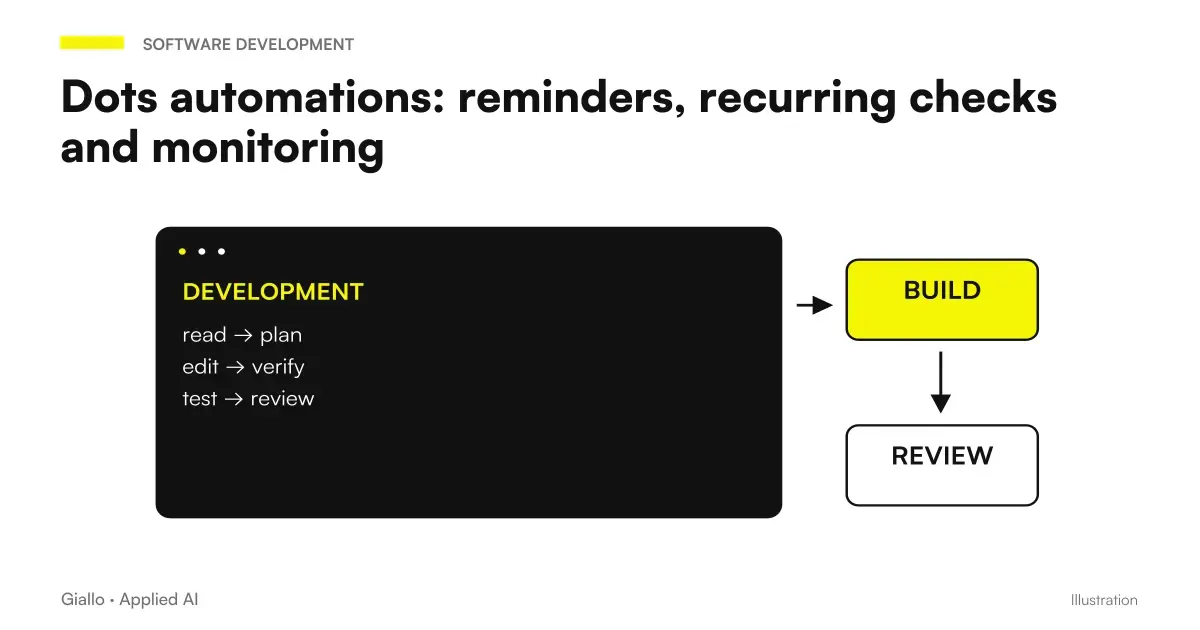 Dots automations: reminders, recurring checks and monitoring
 Dots Memory and Privacy: What Data Remains and How to Delete It
 Dots, ChatGPT Work and Codex: how to delegate a software job
 AI agents for business: when they are useful and how to adopt them
 Local AI models: when they make sense
 ChatGPT vs Grok
FAQ
Does Dots keep working when I turn off my computer?
Work in its cloud environment can continue without the personal computer on. A task that requires a local-only resource depends on the connected device and its access requirements instead.
What requirements does personal computer access have?
The device must be online and the ChatGPT app must remain open. Documentation allows you to connect only one personal computer at a time; availability and permissions must be verified in the workspace.
Does the dot automatically use my browser logins?
No, local logins are not automatically transferred to the cloud browser. The cloud has its own sessions and access to your personal computer is a distinct path.
Does offline mean I've revoked access?
No. Offline indicates unavailability of the device, while Revoke access removes local access according to the intended control. To close the link you have to verify the revocation.
Is the Dots local connection the same as Codex or Work Sync?
No, the documentation treats the Dots link as separate from Codex and Work Sync. Activating one connection does not allow one to assume that all others are already configured.
Can a dot access any site from the cloud?
This is not a documented promise. Sessions, authentication, permissions and site behaviour must be verified for the specific task; you must not guarantee that blocks or incompatibilities can be bypassed.