
AI for SMEs: a practical guide to really getting started
AI for SMEs with 5 to 50 people and no IT specialist: roles, business accounts, owner's budget, funded training and a plan for the first three months.
Reading time: 14 min
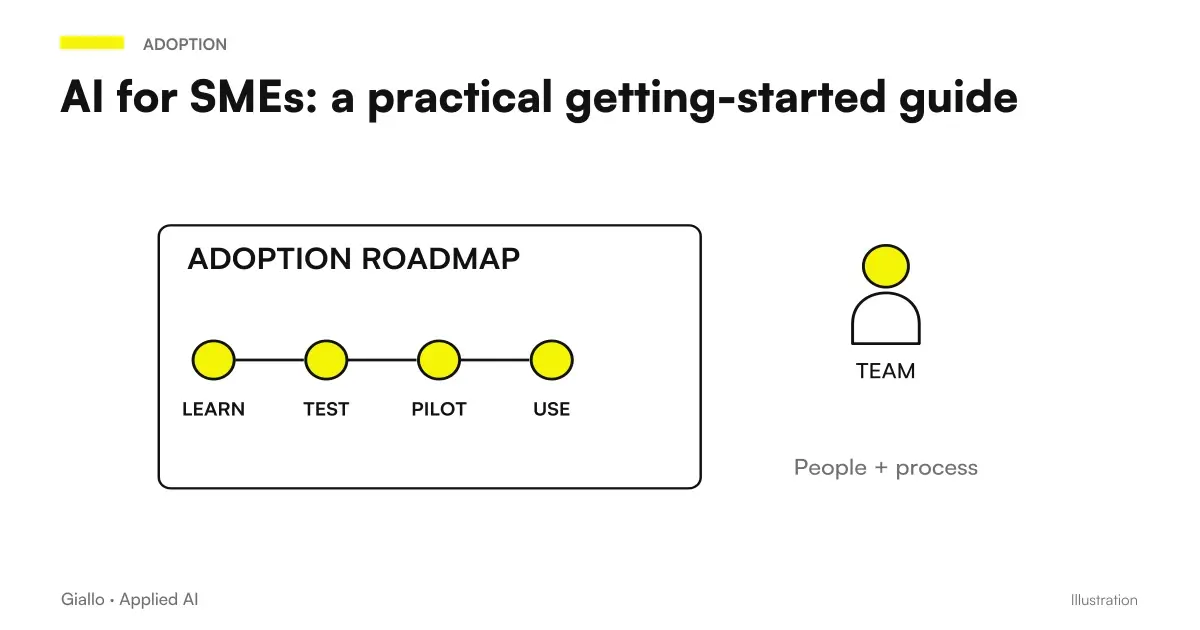
For a small business, really start with the AI for SMEs it means deciding three things that the owner can close in an afternoon: which repetitive job to remove first, who in the company follows the project, with which accounts and which data to work with. The rest (configurations, links with mail, management software and shared sheets) can be entrusted to an external supplier, as long as you know what to ask him and what to let him leave in hand at the end.
This guide is written for businesses of 5 to 50 people without an in-house computer scientist, where the owner decides almost everything and time is the scarcest resource. For the general framework on adoption in a company of any size, with the ISTAT data and the standards table, the basis is the Complete AI Guide for Companies.
In summary
- Between 5 and 50 people a company goes from micro to small in the European definition: thresholds and bans change, the way to start remains the same.
- Without internal IT, three clear roles are enough: the holder decides, an internal contact person follows the work, an external supplier connects the tools and leaves instructions.
- The first technical choice is to abandon free personal accounts for the job: they serve business accounts, administered by the business and covered by a data contract.
- The AI built into Microsoft 365 or Google Workspace sees what each person can already open: before activating it, shares and permissions are arranged.
- AI training can fall under plans funded by inter-branch funds, if the firm adheres to one of them.
- The budget is derived from Today's Cost of the chosen process, not from the supplier's price list.
5 to 50 people: what changes when a small business starts
The European definition of SMEs, established by the Recommendation 2003/361/EC, divides just this band in two. It is a micro-enterprise that employs fewer than 10 people and has annual turnover or budget total up to 2 million euros; it is a small enterprise that employs fewer than 50 people, with turnover or budget up to 10 million. People count themselves in work-year units, so a part-time is worth a fraction. The difference weighs when you read a ban, much less when you choose the first trial.
There is another practical difference. The ISTAT survey on the use of digital technologies, the one that measures the adoption of AI, covers only companies with at least 10 employees: for a micro-enterprise those percentages are not valid and it is advisable to reason on their own numbers. In the 10 to 49 employee group, 52.7% of businesses use at least one ERP, CRM, and business intelligence management software, according to the ISTAT report Enterprises and ICT 2025. In about half of small businesses the data on customers, orders and invoices are already in a system, and that's where it's best to look first.
| Appearance | Business from 5 to 9 people | Enterprise from 10 to 49 people |
|---|---|---|
| Who follows the project | Almost always the owner, with a collaborator | A referent for the chosen process, with the holder deciding |
| First Sensible Tool | Assistant with business accounts, or the office suite AI | Automation between mail, shared sheets and management software, in addition to company accounts |
| Data to be protected first | Customer records and documents | Also employee data, price lists, conditions with suppliers |
| When to Call a Supplier | To connect different instruments or for the contractual party | When the flow touches the management software or multiple departments |
Who does what when there is no computer scientist in the company
In a small business the AI project rarely freezes for technology. It stops because no one has the task of following it, and the holder takes it back in his hand only in the time clippings. Three roles are enough, even if two fill the same person.
| Role | Who it is, usually | What it does | What he doesn't have to do |
|---|---|---|---|
| Website operator | Who signs and responds to customers and employees | Choose the process, approve the budget, sign contracts and data agreements, decide the rules | Configure the tools yourself in the evening |
| Internal contact person | The most orderly person in the chosen process, not necessarily the most technological | Collect real cases, test the tool, write down errors, explain to colleagues | Become the only one who knows how everything works |
| External Supplier | Consultant or technician who knows software automations and contracts | Create accounts, automations and links, write instructions, form referent | Keep credentials and documentation to yourself |
| Consultants you already have | Accountant, job consultant, privacy consultant | Costs and facilities, use of AI on employee data, contracts on data | Choose the tool for you |
The most concrete risk in a small business is dependence on one person. Write down where your credentials are, who is an account administrator, how you turn off an automation, and who to write to if something crashes. If AI enters personnel processes, involve the job consultant before you leave: the Law 132/2025 provides in some cases the obligation to inform workers. To decide how much of the work to entrust out there is the comparison DIY AI or agency.
Business accounts, permissions and data: the first technical choices
In small businesses, AI often comes through the wrong door: a collaborator opens a free account with his personal email and pastes a quote, a contract, a customer's email. There is usually no lightness, there is no alternative. The first decision of the holder is to offer it.
Managed Business Account
- It is registered to the enterprise, which adds and removes users.
- It has conditions designed for business customers and an agreement on the processing of data to be verified.
- It is decided which functions to activate and with which data.
- When a person leaves the company, the job stays with the company.
Free personal account
- He is tied to the person: if he leaves, conversations and files remain with him.
- The conditions on the use of data are those written for private individuals.
- No one in the company knows what has been uploaded to us.
- There is no contract on data processing with the company.
If the enterprise already uses a subscription office suite, the easiest AI to introduce is often the integrated one. Microsoft states that for Copilot in Microsoft 365 apps prompts, responses and data read through Microsoft Graph are not used to train basic models (Microsoft Learn page on data, privacy, and security). Google writes that Workspace content is not reviewed by human reviewers nor used to train generative AI models outside your domain without permission (Center for Generative AI Privacy in Google Workspace). Plan names and conditions often change: check the official page before activating.
The same pages say something even more important for a small business: the assistant works on content that every user already has permission to open. If over the years the folder with paychecks, contracts or reserved price lists has been shared with everyone, the AI will use it to answer anyone who questions it. Before activation, you need a spin on Drive, OneDrive, or SharePoint shares, better if you and who manages the suite. The operation of the two instruments is explained in Copilot for Microsoft 365 and Gemini for Google Workspace.
- Accounts are registered to the enterprise and an administrator can add or remove users.
- Access is protected by two-step verification.
- You have read in the conditions of the plan whether the entered data is used to train the models and where they are processed.
- There is an agreement on the processing of personal data with the provider, as requested by the Art. 28 GDPR.
- Reserved folders are only shared with those who need them.
- There is a written rule about what should never be entered: health data, identity documents, credentials.
What happens to data once it is inserted into the tools is explained in AI and corporate privacy.
Training and rules in small business format
The AI Act asks those who use AI systems in the company to deal with the skills of the people who use them. With the Digital Omnibus on AI, in force since the end of July 2026, Article 4 has been rewritten: providers and deployers take measures to support AI literacy of staff, without the obligation to ensure a specific level. The same article commits the Commission and Member States to support SMEs in particular and provides for the Commission to publish practical examples on how to fulfil them. For a small business the sensible measure is concrete: a few sessions on real office cases and a one-page written rule.
The one-page rule says which tools are allowed, which accounts, which data are never entered, who reads the texts that go out to customers, and who reports an error. A complete model is in corporate policy on the use of AI, the obligations in detail in AI Act: what obligations does an SME really have. If you put on the site or WhatsApp an assistant who answers to customers, remember that since August 2, 2026 people must know that they are talking to an AI, unless it is evident from the context.
Training does not necessarily have to strain the budget. The Interprofessional Joint Funds they finance the continuous training of workers in participating companies: 0.30% of the supplementary contribution against involuntary unemployment, which the employer still pays to INPS, is turned to the chosen fund net of administrative costs. Ask the job advisor if the firm adheres to a fund and if a path on AI falls under the fundable plans. For the contents of the route there is the guide on how training the team on AI.
To measure from where parts exist free tools of the Chambers of Commerce. The Digital Enterprise Points propose the online Selfi4.0 test on digital maturity and Digital Skill Voyager on the skills of the staff, and report the chamber vouchers: the notices publish them the individual Chambers, then check those of your province.
The owner's budget: starting with today's cost
The most reliable way to decide how much to spend is by starting from how much the process you want to lighten up today. It takes three numbers you already have: how many times a month it happens, how long it lasts each time, how much it costs an hour of the person doing it. It counts the company cost, not the net salary: the job consultant gives it to you.
In one example: if an employee spends about an hour a day copying in the management software of orders arrived by email, in a working month it is about twenty hours. If a stream with revision takes away half, the monthly value is about ten hours of that person, to be compared with licenses, model consumption and maintenance. The calculation promises nothing: it says how much you can spend for the project to make sense.
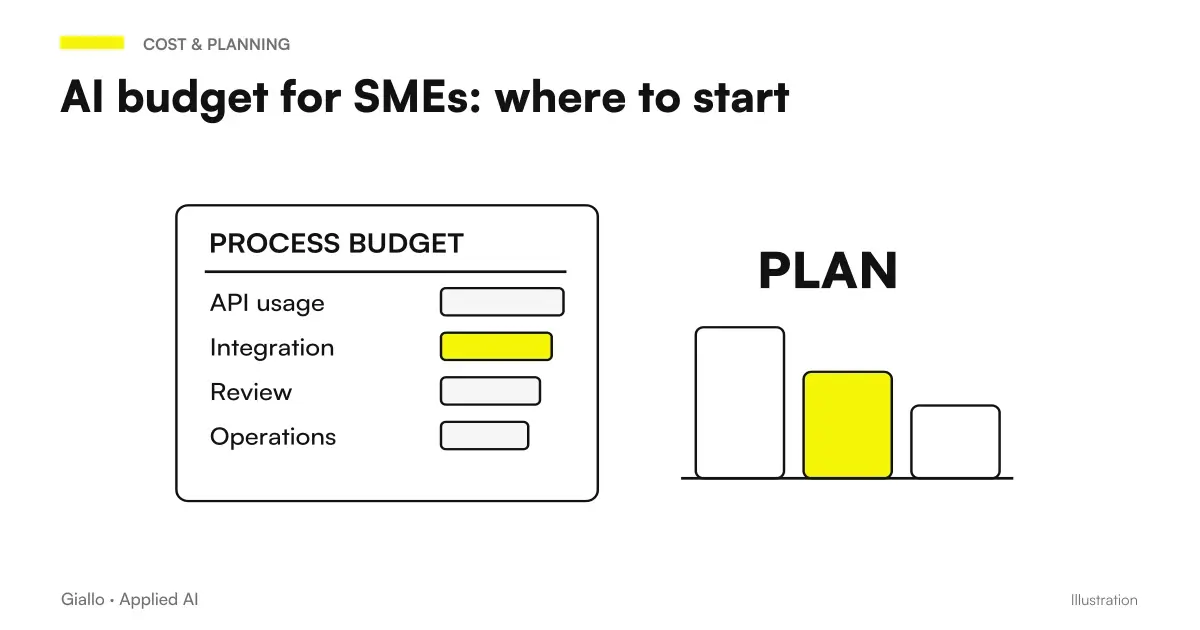
- Licenses per user. Assistants and AI of the suite are paid per person: active for those who will use them on the chosen process, not for everyone.
- Model consumption. When an automation calls a model via API it pays based on the processed text; it should be estimated on the actual volume, as the guide to the cost of AI API.
- Configuration. The provider's work for accounts, automations, and links.
- Maintenance. Updates when changing models, connected software, or the process itself.
- Time of the referent. In the first few weeks it is the most underrated voice.
Two rules help not to go wrong with small budgets. The first: we start from the lightest form, i.e. business accounts and at most an automation, before any custom software; the comparison between the tools to connect the apps is in Make, Zapier or n8n. The second: during the trial better monthly contracts, even if they cost a little more, because the annual commitment only makes sense after the comparison between before and after. To set the total digit there is AI budget for SMEs.
The first three months, week by week
A realistic timetable for a small business takes into account the fact that ordinary work does not stop. The following is an example to be adapted: the holder decides at the beginning and at the end, the bulk of the work lies with the referent.
| Period | Website operator | Contact | What Exists at the End |
|---|---|---|---|
| First and Second Weeks | Choose process and referent, decide what never fits into the tools | Collects about twenty real cases and measures today's times and errors | The chosen process and its starting number |
| Third and Fourth Weeks | Activate corporate accounts, sign data agreement | Try the tool on collected cases, with the provider if needed | Instructions and examples that give acceptable results |
| Second Month | Look at the results at the weekend, for a few minutes | Use real workflow, reread each result, write down corrections | A record of errors and corrections |
| Third month | Decides whether the flow becomes ordinary and what process comes after | Compare before and after, train colleagues, update instructions | A Written Decision and a Documented Flow |
If in the third month the comparison does not hold, the calendar has still produced something useful: you know how much that process costs, where it goes wrong and what it would take to improve it. To translate the comparison into a number to be presented to the member or bank there is the guide to ROI of an AI project.
Three small businesses, three first flows
Examples are scenarios built to show choices, not real customers.
A condominium administration study with 6 people. Emails and certified PEC messages arrive daily from condominium owners: fault reports, document requests and questions about instalments. The first workflow classifies the messages, identifies the condominium, drafts a reply and assigns the case to the right person; the person signing it reviews and sends it. The business accounts in the suite already in use and lightweight automation are enough, without new software. The personal records of condominium owners need protection, so the data agreement with the model provider is signed before starting.
A print shop with 9 people. Requests for quotations come by email with incomplete specifications: format, paper, circulation, finishes. The AI extracts the specifications, reports the missing ones with a ready question to send to the customer and fills out the calculation card with the price list; the holder checks the price and delivery date. The measure is simple: time between request and quote sent, and how many times a second round of questions is needed. A working version of this scheme is in the demo Automatic quotes with AI.
A window company with 35 employees. Sales staff and installers record site visit notes however they can: voice messages, photos and written notes. The first workflow turns the voice message into a standard site visit record (measurements, type and critical issues), which the technical office checks before preparing the quote, and measurements must always be checked again against the original. When several people are involved, there must be a designated contact person and a rule for photos showing people or the interiors of customers' homes.
The typical mistakes of small businesses with AI
- Customer data in free accounts. It's the most common and easiest mistake to avoid: business accounts for those who need them and a clear rule about what doesn't fit in.
- Everything in a person's head. Credentials, automations and instructions must be written in a place that the holder knows and can open.
- Annual contract before the test. As long as the comparison between before and after does not exist, it is better to pay month by month.
- Tailored software as a first step. With the volumes of a small business you start from ready tools; dedicated development makes sense when a central process finds no alternative, as explained by AI by subscription or customized.
- Permissions never reviewed. Activating the AI of the suite without fixing the shares makes it easier to find what needed to remain confidential.
- Texts coming out without rereading. Offers, responses to customers and communications with prices or conditions are always reread: a model writes the most plausible text, not the right one, and the AI Hallucinations are more frequent right on numbers and references.
Where the starter starts Monday morning
The first step costs nothing. Choose the process that steals the most time from someone each week, identify who knows them best and ask them to collect next month's cases; in the meantime check which accounts your collaborators use today and if the office suite you pay for already includes AI features. With these elements in hand, the interview with any supplier becomes shorter and more concrete.
To find the candidates there is the reasoned list of what to automate in an SME; the page AI for SMEs collects the typical use cases of small businesses, and the demo AI audit of business processes shows how priorities are ordered.
If you prefer the first flow to configure someone who then leaves the instructions to your referent to handle it alone, let's talk about it starting from the service of automation of business processes.
Giallo Studio guides: methodology and sources
How we apply it in the company
Related resources
 AI for businesses: a complete guide to getting started
 AI budget for SMEs: where to start
 Training the team on AI: what works
 DIY AI or agency: how to decide
 What to automate in an SME: the list of the right activities
 AI and corporate privacy: what happens to your data in AI tools
 AI for travel agencies: quotes, packages and assistance to travellers
 AI for craftspeople: custom quotes, job orders and electronic invoicing
AI by sector
The same reasoning, applied to the other areas we follow.
- AI for hairdressers and beauty salons: bookings and fewer schedule gaps
- AI for phone bookings
- AI for gyms and sports centres: class bookings, medical certificates and memberships
- AI for cleaning companies: specifications, shifts, DUVRI and safety data sheets
- AI for opticians: prescriptions, collections, contact lenses and recalls
- AI for customer callbacks
- AI for customer onboarding: automate the first moment that matters
- AI for recruiting and staff selection
- AI for car workshops: quotes, appointments and customers
- AI for business reporting: fewer hours, the same data
- AI for notaries and notarial firms: case files, documents and clients
- AI for human resources: concrete uses
FAQ
Can a small business without an IT department use AI?
Yes. Three clear roles are needed: the owner who chooses the process and signs the contracts, an internal contact person who collects cases and checks the results, an external provider who creates accounts and links and leaves written instructions. Technical expertise can be bought, knowledge of the process remains in the company.
How much time must the owner devote to the first AI project?
Little, but at the right times: at the beginning to choose process, internal lead and data rules, then at the end of the week to look at the results. The operational work of case collection and testing is up to the internal lead. If the owner is also the internal lead, it is better to choose a very small process.
Is the AI built into our existing suite better, or should we use a separate assistant?
If you already work with Microsoft 365 or Google Workspace, the built-in AI starts with your documents and the contract you already have, and Microsoft and Google state in the official pages that corporate content is not used to train their models, under the conditions indicated by each. Before activating it, organise sharing settings and permissions, because the assistant sees what each person can already open. A separate assistant makes sense when the job is about documents that are not in the suite.
Is my business a micro business or a small business?
Under European Recommendation 2003/361/EC, a microenterprise employs fewer than 10 people and has annual turnover or a balance sheet total not exceeding 2 million euros; a small enterprise employs fewer than 50 people with a threshold of 10 million. People are counted in annual work units. The distinction matters particularly for funding calls and incentives.
Can employee training on AI be funded?
If the business belongs to a joint interprofessional training fund, part of the contribution it already pays to INPS for involuntary unemployment goes to the fund and finances continuing training plans. Ask your employment adviser which fund you belong to and whether AI training falls within current funding calls. Chambers of Commerce, through Punti Impresa Digitale, also offer free assessments of digital maturity and staff skills.
What does the AI Act ask of a small business using AI assistants?
Article 4, rewritten by the Digital Omnibus of 2026, calls for measures to be taken that support the AI competencies of those who use the systems on behalf of the enterprise, without setting a level to be guaranteed, and commits the Commission and Member States to support in particular SMEs. If you put an assistant speaking with customers, from 2 August 2026 it must be clear that this is an AI. For cases touching on staff or sensitive data check with your consultant.