
AI for customer onboarding: automate the first moment that matters
Which client onboarding steps work well with AI automation, which need people, and the legal basis for data collected on the first day.
Reading time: 10 min
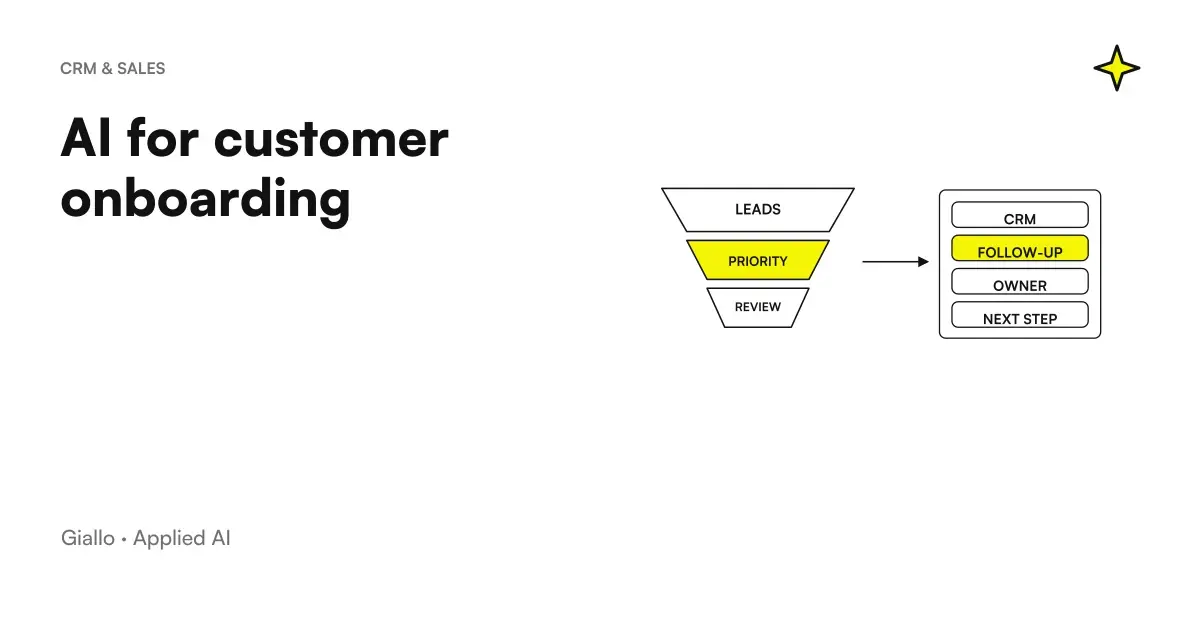
The first few weeks after signing are the time when a customer understands, often before even using the product or service, if he has made the right choice. Automated onboarding with AI links welcome, collection of missing information, and tab opening in CRM in one stream, so that each new customer gets the same attention regardless of how busy the team is that week.
Not everything in this path lends itself to automating in the same way. Some stages have predictable input and output, and there the AI takes away mechanical work without losing quality. Others require reading a particular situation, and there the person remains irreplaceable: the task of automation, in that case, is to prepare the ground for it.
In summary
- Not all phases of onboarding are automated in the same way: it depends on how predictable the input is.
- The value is not just the speed, it is the same quality for each new customer, regardless of the team load.
- An inaccurate initial form produces an inaccurate onboarding: it is the first place worth investing time.
- The data collected on the first day almost always has a precise legal basis, linked to the execution of the contract.
- For clients with complex contracts, AI prepares the job but the first contact remains human.
The phases of onboarding, and which lend themselves to being automated
Before automating anything, it is best to map the real stages of your process and figure out where the input is predictable enough to be managed by a system.
| Phase | Predictable input? | What AI does |
|---|---|---|
| Confirmation and Welcome | Yes | Send the message with the first useful references, as soon as the contract is signed |
| Collection of information | Yes, with a well-made form | Adapt the next questions based on the answers already given |
| Creating the customer card | Yes | Populates CRM without manual re-entry of data already collected |
| Service Configuration | Only in part | Prepare standard parameters, one person verify and complete |
| Materials and initial training | Yes, if segmented by customer type | Select and send the right content for that profile |
| Verification of completed steps | Yes | Report to the contact person who has not completed within the scheduled time |
| First customer review | No | Prepare summary, contact remains human |
The lines with "yes" are the ones to be automated first: they produce an immediate benefit without requiring human judgment every time. For a broader picture of this type of automation in business processes, read what is meant by AI automation.
The initial module decides the quality of everything that follows
A poorly written onboarding form produces generic communications, regardless of how sophisticated the system that sends them after. If the form only asks for the name and email address, the AI has nothing from which to build a specific communication.
A useful form collects little information but targeted: the type of service chosen, the sector of the customer, an internal contact person, any constraints known immediately. With this data, the system can choose which sequence of materials to send, which referent to assign, which in-depth questions to ask in the next step. Without it, it produces the same message for anyone, and the word "personalized" becomes just a label.
A frequent mistake is the opposite excess: a form with too many questions at first contact discourages before it even starts. The essential information is collected immediately, the complementary information at a later stage, when the customer has already had a first positive response. It is also worth testing the form on some colleague before sending it to the first real customer: a question that seems clear to those who wrote it often is not for those who read it without the internal context of the company.
When it is best to leave first contact to a person
It automates well
- Order confirmation and first useful references
- Guided collection of standard information
- Creating the customer card in CRM
- Reminder for those who don't complete a pass
Better a person
- High Value or Tailored Contracts
- Configurations outside the standard perimeter
- Questions the system can't classify
- Customers who do not complete the planned steps after the most prompt
The practical criterion is simple: automate frees up time, does not eliminate it. The time freed from the left phases must be reinvested precisely in the right situations, those in which the personal relationship makes the difference between a customer who feels followed and one who feels tried.
The legal basis for the data you collect on the first day
The onboarding form collects personal data, often more than it really needs: referent name, role, sometimes customer company information. In most cases the legal basis is that provided for by the Article 6 of the GDPR for the performance of a contract of which the data subject is a party, independent of the consent to marketing that follows different rules.
If onboarding includes signing a contract in digital format, it is worth knowing that not all documents require the same type of signature. The Article 21 of the Digital Administration Code provides that for the acts listed in Article 1350 of the Civil Code (including some real estate transfers) a qualified or digital electronic signature is required, under penalty of nullity. For most of the service contracts that an SME signs with a new customer, which do not fall under that list, a simple electronic signature traced by a digital signature tool is sufficient: when in doubt about a specific contract, verification is up to your consultant.
One last point not to skip: If the onboarding flow also goes through an external CRM, email platform or signature tool, those providers process data on your behalf. You need an agreement to regulate it, not just an active subscription.
A software house: from signature to first access without hand steps
Think of a company that sells a subscription management software to small businesses, with an acquisition flow that almost always goes through the same steps: signature, account creation, initial configuration, training materials. Before automating, each step depended on the completion of the previous one, and each small delay accumulated on the next one.
With the form filled out at the time of signing, the system immediately creates the profile in the CRM, generates the credentials and sends the first message with the login instructions. The training materials arrive in the following days, chosen according to the plan purchased. The technician receives an already prepared configuration to verify, instead of starting from an empty module. In such an example, the benefit is not only the time saved by the team: it is that a customer who waits too long between signing and the first real use begins to doubt the choice made, even before he has seen the product work.
An energy supplier that acquires customers through agents in the territory
A different but equally concrete case concerns those who acquire customers through a network of physical agents, as is often the case in the supply of electricity or gas. The contract is signed on the territory, often on a mobile device, and from there starts the whole activation part: data verification, communication to the outgoing manager, first bill.
In an automated stream, the signature collected by the agent immediately generates the opening of the practice in the internal system, with a message to the customer confirming what was signed and what are the next steps planned. If documents or data are missing to complete the activation, the system requests them with a targeted reminder instead of leaving the practice stationary waiting for someone to notice. The client, for his part, always knows where his practice is without having to call back to ask for it.
This type of onboarding has a peculiarity compared to a pure digital service: a good part of the practice depends on a third party, the outgoing manager, with times that the company does not completely control. A well-designed system makes it visible instead of hiding it: the customer sees that its activation is waiting for an external passage, he does not simply think that no one is taking care of his practice.
The document checklist that follows the practice
In the first contact it is not enough to receive an attachment: it is necessary to know which requirement meets and who has to verify it. customer document collection with AI deepens checklists for service, unreadable copies and integration requests. The stream distinguishes received, readable and approved files, preventing two channels from generating independent prompts for the same practice.
Where a good onboarding flow breaks
Automate a process that no one has yet put in order. An automatic flow replicates what already happens: if the current process is confusing, automation performs it faster, not system it.
A form designed to collect data, not to customize anything. If the answers don't really feed the next sequence, the onboarding remains generic even if the first message arrives in minutes.
No triggers for out-of-standard cases. A client with a particular request that the system cannot classify must arrive at a person with a summary, not disappear in a sequence designed for cases other than his own.
Treat onboarding as a marketing campaign. If the tone and frequency of the messages resemble a newsletter, the customer perceives it, and the effect is opposite to that of making those who have just signed up feel followed.
Where to start if every new customer starts from scratch today
The first step is to write, step by step, what really happens today when a new customer arrives, including handwritten emails and spreadsheets kept from memory. From that map are separated the steps that are repeated identical for each customer from those that change each time: the first are the natural candidates for the first automation.
The next step is almost always the form, because that's where it depends how specific each automatic communication that follows will be. It only makes sense to connect the CRM and define reminders for those who do not complete the steps. To understand how this phase connects to the immediately preceding one, read AI for automatic follow-up and AI for CRM and Sales; for communication with customers after activation, AI for corporate customer care covers the next phase. The processing of data collected in all these phases is deepened in GDPR and artificial intelligence in the company, while for the writing of the communications themselves worth reading AI to Respond to Business Emails.
Do you need software dedicated to customer onboarding?
Often not. In most SMEs onboarding is based on three pieces that already exist: the CRM, where the customer card is born, a module to collect the data at the signature and an automation tool that connects the two and sends the messages at the right time. A dedicated software makes sense when the steps are many and involve multiple departments, and it is best to choose it after writing the process map, not before.
A separate speech applies to training platforms, the LMS. They serve if the customer needs to learn how to use a complex product with paths, videos and verifications. If a few instructions are enough, a sequence of well-written emails or a guide page do the same job with less maintenance.
Onboarding remains the first test ground of a business relationship: what the customer lives in the first weeks weighs more than any promise made before signing. If you want to understand where to start in your specific process, the AI agents of Giallo Studio are born precisely to connect the passages that today remain separate.
Giallo Studio guides: methodology and sources
How we apply it in the company
Related resources
 AI for Business Customer Care: How It Really Works
 AI follow-ups: keep track of every contact
 AI for CRM and sales: automate the sales process
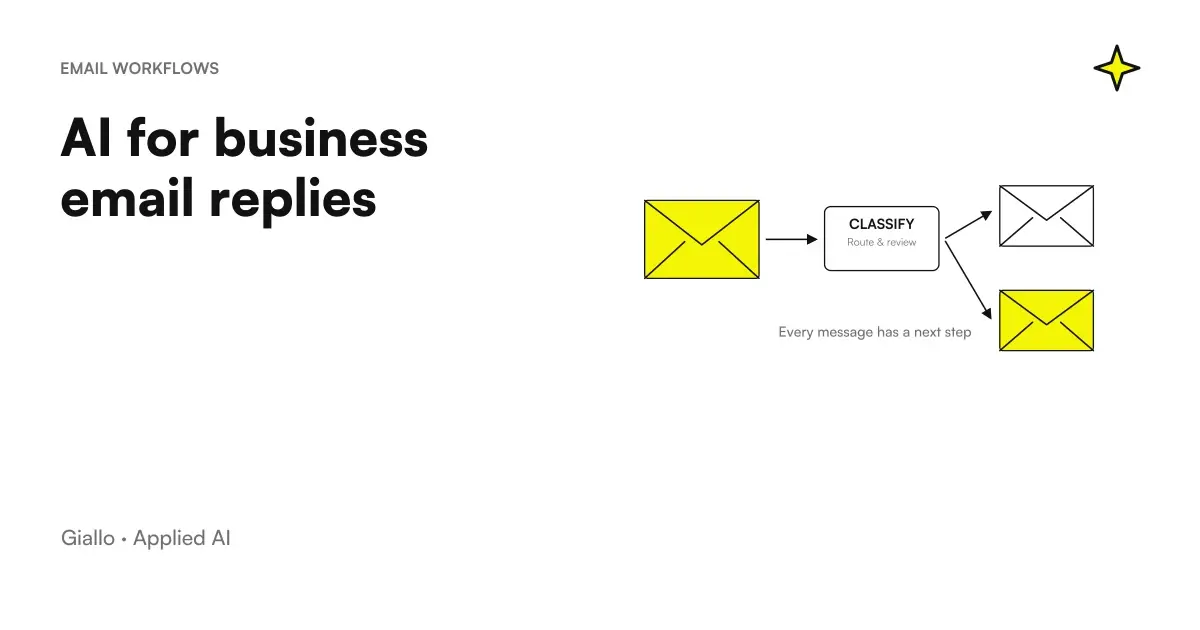 AI to Respond to Business Emails: How It Works
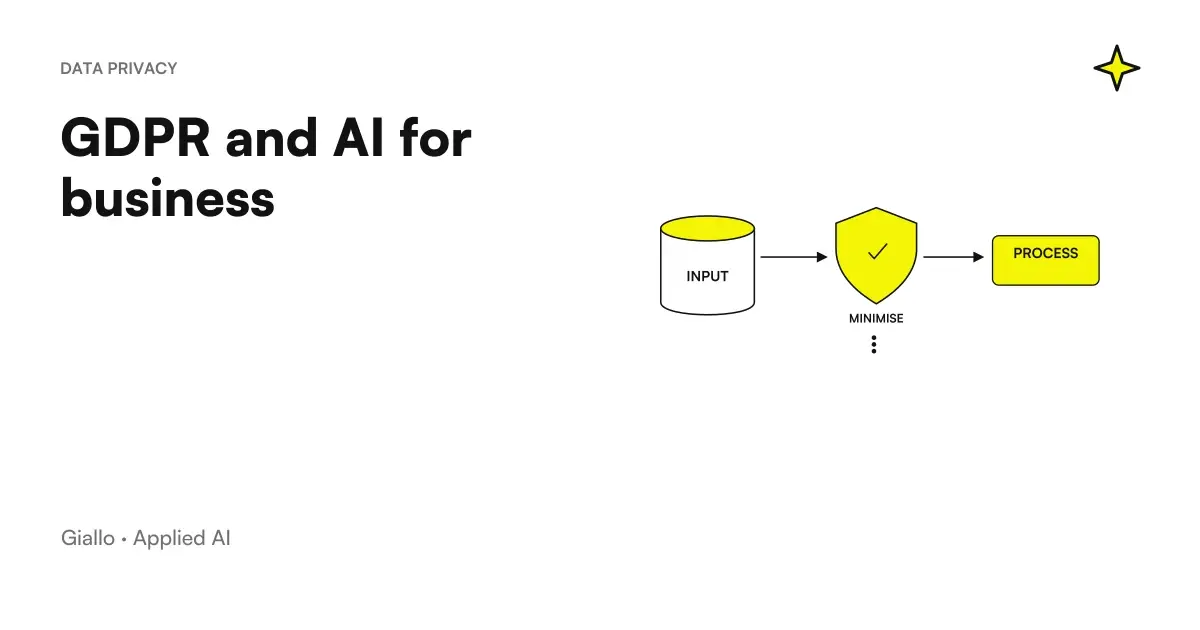 GDPR and artificial intelligence in the company
 AI for gyms and sports centres: class bookings, medical certificates and memberships
 AI for electricians: wallboxes, solar power and installation deadlines
 AI for opticians: prescriptions, collections, contact lenses and recalls
AI by sector
The same reasoning, applied to the other areas we follow.
- AI for car workshops: quotes, appointments and customers
- AI for opticians: prescriptions, collections, contact lenses and recalls
- AI for notaries and notarial firms: case files, documents and clients
- AI for gyms and sports centres: class bookings, medical certificates and memberships
- AI for shops: customer messages, stock by size, returns and loyalty cards
- AI for hairdressers and beauty salons: bookings and fewer schedule gaps
- AI for stock and inventory management
- AI for SMEs: a practical guide to really getting started
- AI for Logistics and Shipping
- AI for phone bookings
- AI for business knowledge bases: find the information you need
- AI for cleaning companies: specifications, shifts, DUVRI and safety data sheets
FAQ
What distinguishes automated onboarding from a simple welcome email sequence?
The email sequence is a piece of the onboarding, not the whole process. Automated onboarding links that first contact to the profile creation in the CRM, the missing data collection wizard, and reminders for those who don't complete the steps, so that each step unlocks the next one without manual intervention.
Which parts of onboarding should we automate first?
Those with predictable inputs and outputs: the confirmation email, the creation of the customer card, the sending of the right materials for that type of contract. Parts that require you to interpret an out-of-standard request remain manual for longer, and that's okay.
Is a digital signature required for the onboarding contract, or is a simple electronic signature enough?
It depends on the type of act. For most service contracts a simple electronic signature, recorded by a reliable tool, is sufficient. For acts listed in Article 1350 of the Civil Code, such as some real estate transfers, you need a qualified or digital signature instead: in case of doubt, check with your advisor.
Can AI handle the onboarding of a customer with non-standard needs?
It collects and structures the available information, but when the request leaves the perimeter provided by the form, the system must recognize it and pass the case to a person with a summary of what has already been collected. Forcing a non-standard case inside an automatic stream produces more correction work after, not less before.
What happens if a new customer does not complete the required steps?
A good system signals it to the human point of contact after a period of inactivity defined in advance, instead of continuing to send reminders indefinitely. Silence may depend on a technical problem or unexpressed doubt, not necessarily disinterest.
On what legal basis is the data collected during onboarding processed?
In most cases it is the execution of a contract of which the customer is a party, one of the bases provided for in Article 6 of the GDPR, independent of consent to marketing. If then that data also passes to external providers such as CRM or the email platform, it must be verified that there is an agreement regulating that processing.