
AI for business reporting: fewer hours, the same data
AI for business reporting: which steps are automated, which ones remain a human judgment, and what to check on data and privacy before you start.
Reading time: 10 min
Every periodic report your company produces is almost always born in the same way: open the management software, export the data, paste them in the right place, write two lines of comment, save and send. AI for business reporting does not promise to read numbers for you: it automates the mechanical part, collection, calculation, first draft of the text, distribution, and leave to you the reading that matters.
The data remains exactly the same as you collect today, from the same sources as ever. It changes the time it takes to turn them into a ready-to-read document, and most importantly it changes who has to remember to do it on time every week or every month, without skipping a lap when the day gets complicated.
In summary
- AI automates collection, calculation and first draft; Interpretation remains a human work.
- Numerical calculations should be entrusted to deterministic code, never to the linguistic model alone.
- Works well on reports recurring, with stable structure and already digital data sources.
- A report that touches on customer data or individual turnover deals personal data In all respects.
- Human review remains necessary especially in the first few weeks, to validate calculations and narrative.
What software does on its own, what remains a human judgment
Not all phases of a report are the same. Some are mechanical and lend themselves well to automation, others require business context that only one person has today.
| Report Phase | It automates | Stay Human |
|---|---|---|
| Collecting data from multiple sources | Yes, once the sources are linked | Define which sources matter |
| Calculation of KPIs | Yes, if formulas are defined | Define formulas the first time |
| Comparison with the previous period | Yes | No intervention needed |
| Reporting abnormal variations | Yes, at the threshold level | Understanding Why It Happened |
| Narrative summary | Auto Draft | Strategic review and comment |
| Distribution to recipients | Yes | No intervention needed |
| Decision taken on data | No | Always |
The center column shows where you take off work today, not in theory. The right column shows where the judgment of those who know the company remains irreplaceable, and it is likely that it will remain so much longer.
How to set up an automatic reporting cycle
- Link the sources you already use. Management software, CRM, spreadsheets, databases: data stays where it is, you don't need to move it anywhere else.
- Normalize formats. Dates, currencies, and names written differently across different systems must be standardized before calculating any KPI.
- Calculate metrics with code, not with the language model. Formulas must be executed by scripts or queries, always in the same way.
- Generates the narrative draft. A linguistic model reads the numbers already calculated and writes a summary in Italian, citing the most relevant variations.
- Distribute and review. The report gets to the recipients in the format you already use; who is responsible reads it, corrects it and adds the comment that AI cannot give.
The third point is the one that separates a solid project from a risky one. A linguistic model can miscalculate complex data while still being sure of itself in the text it writes: for this reason the number must come from a verifiable formula, and the model must limit itself to telling it.
The text of the fourth point is, for all intents and purposes, a textual content generated by an AI system.Article 50 of Regulation (EU) 2024/1689, the AI Act, asks those who provide systems that generate synthetic text to make that output recognizable as artificially generated. Before adopting an automatic reporting tool, it is worth checking that it clearly signals which sentences in the document are written by the model and which are a data or comment entered by a person.
What data you can link without preparation work
The condition for AI to read a source smoothly is that the data is structured, i.e. organized into fields that are consistent over time.
Ready to Connect
- Spreadsheets with stable tabular structure
- Database with defined schema
- Regular exports from management software, including manual
- Accesses via CRM API or platforms already in use
We Need Work First
- PDF of invoices or reports, from which to extract fields
- Sheets with merged cells or presentation layout
- On-screen data only, with no export possible
- Information that exists only by voice today
If your main sources are in the first column, the project starts almost immediately. If they are in the second, the cleaning work must be done once, not at every report: it is an initial investment, not a cost that is repeated.
Not all reports deserve the same level of automation. A weekly operational report, with identical structure each time and no strategic analysis required, is the ideal candidate for complete automation. A management report with margins, costs, and budget comparison requires multiple initial setups to link accounting, but once set it runs the same way. A custom update for each customer has a stable template but different contents on a case-by-case basis: the AI compiles the common part, the specific comment remains written by those who follow that customer.
What happens to customer and revenue data that ends up in the report
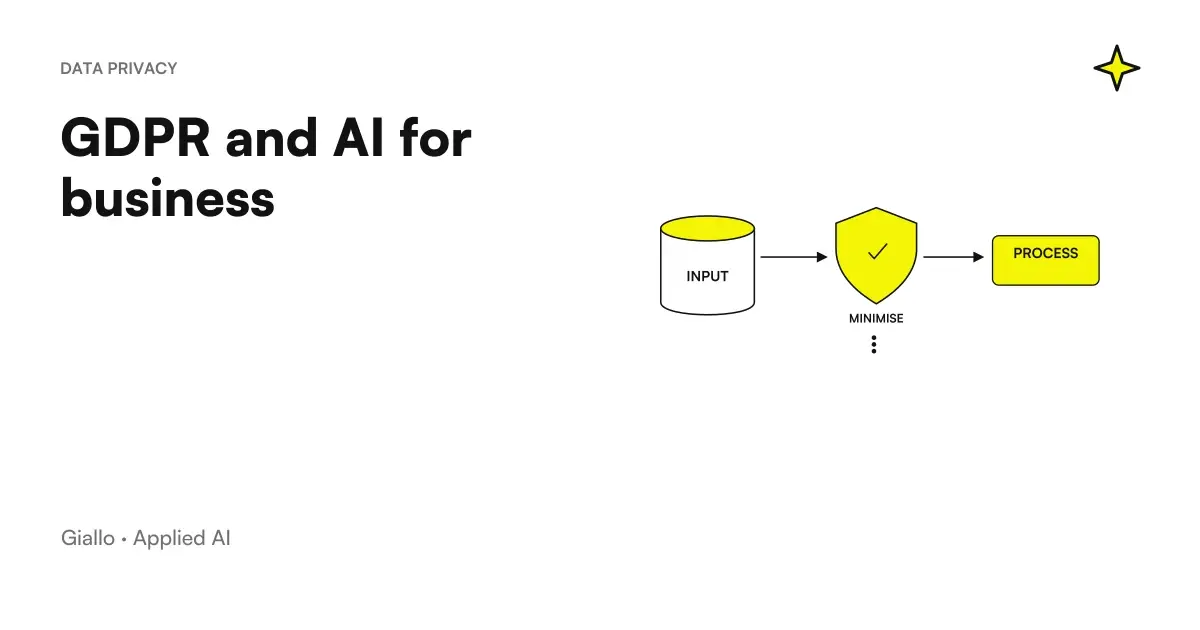
A weekly sales report or customer update almost always contains names, contacts or amounts related to identifiable people. Since then, the same rules apply as any other processing of personal data.
Then there is a contractual aspect to close before connecting a cloud tool to your data sources: if that tool processes personal data on your behalf, it is a data processor according to the Art. 28 GDPR, and we need a contract that governs its methods, purposes and guarantees. It is a verification to be done when choosing the instrument, not after having already uploaded months of commercial data.
Two reporting cycles, told as examples
Imagine a small consulting firm preparing an update for each active client every weekend: hours worked, activities completed and next steps. Someone currently gathers data from the time tracker, pastes it into templates and reviews each one, often close to the deadline. With the sources connected, the system drafts an update for each client with the data already entered; the person responsible for the client relationship reads it, adds their commentary and approves sending it, rather than building the document from scratch every time.
Think now of a regional distributor who wants a report every Monday morning with turnover per agent, the best-selling products and customers who haven't ordered in a long time. Today someone downloads a file from the management software and processes it by hand before morning meetings. With a script that reads the file as soon as it is available, calculates the KPIs and compiles the template, the report can be ready in the mail before the start of the day, without anyone having to remember to prepare it.
In both cases the advantage is not only time: it is that the report always comes out, even in the full week, because it no longer depends on the availability of a specific person. The same principle, applied to reports that update as new data arrives instead of at a fixed rate, is described in report automation with AI.
What AI can't do in a report yet
Being clear about limits avoids building expectations that then disappoint.
- It does not explain the context on its own. If sales drop because the company has closed for vacation, the system signals the drop but does not know the reason: you write that.
- It doesn't repair dirty data. Duplicates, empty fields, poorly entered dates end up amplified in the report, not corrected on their own.
- He doesn't decide. It can signal that a margin has fallen below a threshold, not tell you whether to lower a price or cut a cost.
- Not convenient on a single report. Automation pays off on recurring processes, not on a document built just once.
How to get started without doing it all over again
Choose the most mechanical report you produce every week or every month, not the most important ever: it is the first candidate because the relationship between configuration effort and benefit obtained is the most favorable among all those you have today. It then maps the sources that feed it and checks their quality before automating anything: duplicates and missing values in a source file multiply instead of disappearing when the process becomes automatic.
Define in writing the metrics, formulas, and alert thresholds: it's a job you still need, regardless of the tool, and that automation just makes permanent. Valid for a period by comparing each automatic report with what you would have produced by hand, correcting the configuration and not the single finished document. Only after this stage can the report run on its own, with a periodic check instead of a line-by-line review.
Finally, keep a way to notice when something breaks upstream: a data source that stops responding, an export format that changes after a management software update. A report that doesn't arrive is a visible problem and you notice it right away. A report that comes with wrong data because a source has changed silently is much worse, because it seems normal until someone notices a number that doesn't come back.
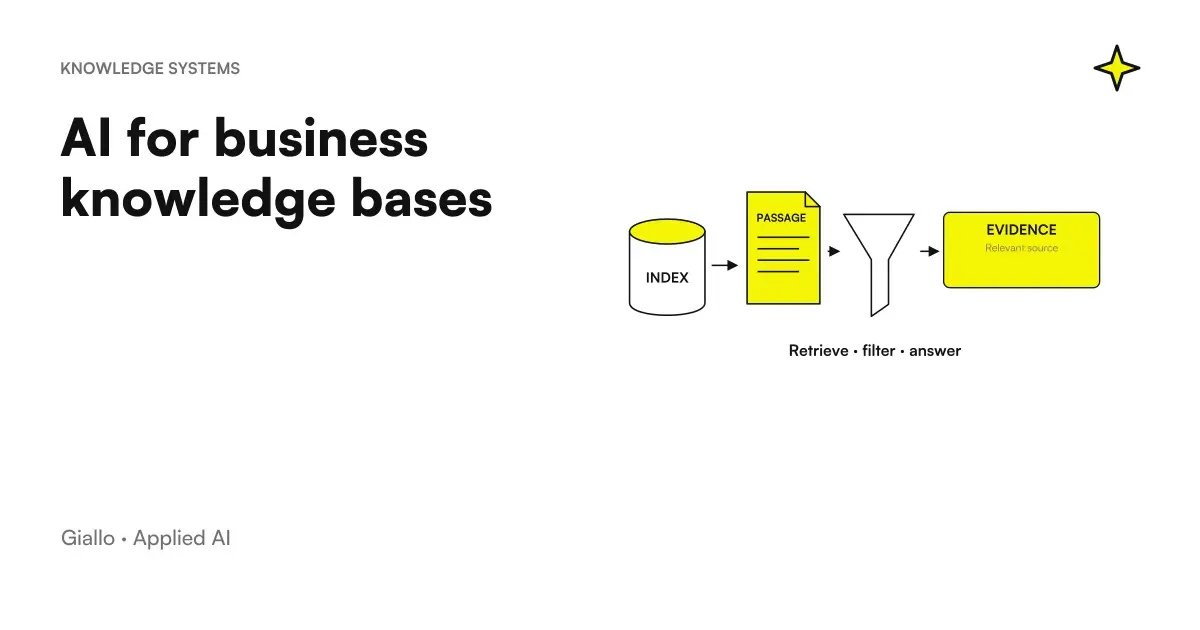
If the problem upstream of the reporting is still the manual copying of the data, it is also worth looking at how to delete data entry with AI: often the two problems are solved with the same intervention. The commercial data source that feeds many reports is covered in AI for CRM and Sales, while a similar plant applied to the search for information, instead of numbers, is described in AI for business base knowledge. To figure out if your case is worth the investment before you start, the guide on how to calculate the ROI of an AI project offers a method that can also be applied to a single report.
If you want to start from just one real report instead of a full platform, a tailored automation intervention can be built around what you already use, without replacing the management software you have today.
Giallo Studio guides: methodology and sources
How we apply it in the company
Related resources
 How to Calculate the ROI of an AI Project
 AI to eliminate manual data entry and copying in business
 AI for CRM and sales: automate the sales process
 Report automation with AI: updated data without manual work
 AI for business knowledge bases: find the information you need
 GDPR and artificial intelligence in the company
 AI for pharmacies: customers, service bookings and loyalty
 AI for cleaning companies: specifications, shifts, DUVRI and safety data sheets
AI by sector
The same reasoning, applied to the other areas we follow.
- AI for recruiting and staff selection
- AI for human resources: concrete uses
- AI for customer callbacks
- AI for restaurants: reservations, allergens and responses to reviews
- AI for cleaning companies: specifications, shifts, DUVRI and safety data sheets
- AI for renovation firms: changes, SAL progress reports and site documents
- AI for phone bookings
- AI for wellness centres and spas: admissions, gift vouchers and packages
- AI for SMEs: a practical guide to really getting started
- AI for medical practices: reception, appointments and reminders
- AI for hairdressers and beauty salons: bookings and fewer schedule gaps
- AI for technical firms: surveyors, architects and engineers
FAQ
What stages of business reporting can AI handle on its own?
Data collection from linked sources, calculation of already defined KPIs, comparison with the previous period, first draft of narrative synthesis and distribution to recipients. The interpretation of why, the initial definition of metrics and any decision made on numbers remain human.
Do you need technical expertise to introduce AI in the reporting of an SME?
For recurring reporting and with already digital sources, no: there are tools that connect to existing sources without requiring programming. For messy sources, non-standard formats or more complex analysis, a configuration made by those who understand both the data and the tool is almost always needed.
Can AI explain why a figure has changed, rather than just flagging it?
It flags the change with good reliability. Explaining its real cause, such as a holiday closure or the loss of an important customer, requires a context that AI does not have on its own: that part of the report remains written by those who know the company.
Which data should not be entrusted to an automatically generated report?
Data that comes from a single unverified source, complex calculations made directly from the language model instead of deterministic code, and any number that would end up in an important decision without anyone checking it before acting.
Does an automated customer report process personal data?
Almost always yes, as soon as customer names, contacts or individual billing data appear. The same principles as for any other processing apply: accurate and up-to-date data, access restricted to those who need it, and a compliant contract with the tool provider.
Is it better to automate a report that is done only once?
Almost never. Automation makes sense on recurring processes with stable structure: configuring it for a single report, built for a specific situation, costs more time than it saves.