
Mandatory 2FA for business software: why and how to implement it
Why business software holding customer data needs a second factor, how to move beyond an open demo, and what a security test finds.
Reading time: 10 min
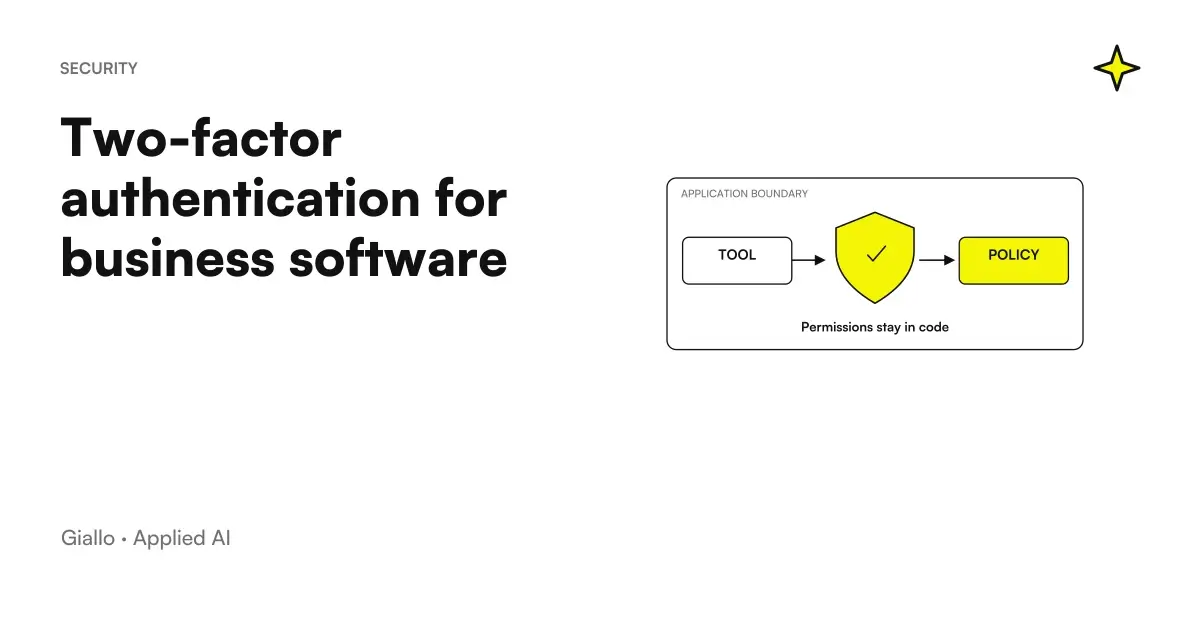
The second mandatory factor on a business management software It's not a bureaucratic fulfillment: it's what separates an application that you can use with real data from one that you can only show.
This article describes a concrete transition: how business management software that started as a demo — with test accounts and credentials visible in the login screen — became a system with which to manage real customer data. And what did the security test do in the end.
The project is the CRM for car rental made for Rial Rent, which contains personal data, documents and contracts of more than seventy customers.
In summary
- Demo and production are two different products: you need an explicit moment when you switch from one to the other.
- Passwords are never kept clear: only as hash with an algorithm designed for passwords.
- The second factor makes a stolen password useless, which is the most likely scenario.
- The login must reply in constant time: otherwise times reveal what emails exist.
- The Safety Tests It must be done by those who have not written the code: those who build do not see their blind spots.
The starting point: a demo that worked too well
The first version had test accounts and related credentials printed on the login screen. It is a reasonable choice to have a product tested: whoever receives the link enters, looks, understands.
It becomes a problem at the exact moment when real data enters the system. From that moment, anyone with the address of the application — found in a chat, in a forwarded email, in a browser history. can enter and see personal details, documents and contracts.
What's in the serious version
- Password only as hash. Never plain, never reversible, with an algorithm designed for passwords —so deliberately slow —and not with a generic hash function.
- Sessions with signed tokens. A single accepted signature algorithm, explicitly declared server-side.
- Second mandatory factor. TOTP code from the app on your phone, with activation wizard on first access. Not optional: required for all roles.
- Limit of attempts. By IP address and email, so that trying passwords sequentially stops being workable.
- Constant time response. The login takes as long as the email exists or not.
- Governed Users. Creation reserved for administrators, with invitation via email and temporary password to change.
Why TOTP and not SMS
| Method | Pro | Against |
|---|---|---|
| TOTP from app | No cost, no external service, not interceptable on the telephone network | If the user loses the phone a recovery procedure is needed |
| SMS | Familiar for all | Cost per message, vendor dependency, vulnerable to SIM replacement |
| No cost | If the email is compromised the second factor adds nothing |
For an internal management software with a closed number of users, TOTP is almost always the right choice: zero recurring costs and no external dependencies.
Why Constant Time Counts
It is the least intuitive detail and needs to be explained, because it seems paranoid.
If the system, received an email that does not exist, immediately responds "incorrect credentials", while for an existing email it takes a moment more to verify the password, that time difference is an information. By measuring it on many attempts you build up the list of recorded emails — and from there you move on to a targeted attack.
The correction is simple conceptually: the verification path must cost the same in both cases.
What the safety test found
After the strengthening was done a safety test on the result, conducted separately by those who had written the code. He found and shut down four problem categories. We tell them as categories, with no reproducible details.
- Escaping the second factor. There was a way to use the token issued during the 2FA activation phase as if it were a complete session token. A token must be linked to the purpose for which it was issued, not just to the user.
- Confusion of signature algorithm. The server accepted multiple signature algorithms for tokens: a known attack category, which closes by accepting only one algorithm declared server-side and rejecting what is indicated in the token itself.
- User enumeration since time. Despite the intention, some paths responded at different times and revealed the existence of emails.
- Document accessible to a wrong role. A reserved file was found to be downloadable from a role that didn't have to see it: control was on the interface, not on the endpoint that the file needed.
The last is the most instructive. Hiding a button is not an access control. If the address that the document needs does not verify the role, those who know it download it anyway. It is the most common error in applications with multiple roles, and it is invisible until someone searches for it.
Activation: Where Errors Hide
Making the second factor mandatory means that every user, on the first access, must configure it. It is a delicate moment for two reasons.
The first is experience: those who have never used an authentication app must be accompanied, otherwise they call and have the 2FA — deactivated and at that point the measure is nullified by the organization instead of by the technique.
The second is safety, and is more subtle. During activation the user is in an intermediate state: he has passed the password but does not yet have a second factor. You need a token to complete that step, and that token doesn't have to count as a full session.
It is exactly the problem found by the security test on the project: the activation phase token could be used to access normal functions. The correction is conceptually simple — tie each token to the purpose for which it was issued, not just to the user — and should be expected at the project stage.
- A token issued to complete the activation is only valid for that path.
- A complete session token is issued only after verification of the second factor.
- The server verifies the stated purpose, not just the validity of the signature.
- The recovery procedure, for those who lose their phone, passes by an administrator.
How much does it cost to do things right
It is worth being explicit about this, because security is often put off with the subject of cost.
The measures described in this article — password hashes, purpose tokens, TOTPs, retries limits, constant time, verified roles on endpoints — do not require additional infrastructure or paid services. They are development work, and most are cheaper if done at the beginning than added after.
What has a separate cost is the Safety Tests, and it is the voice that is cut first. It's also the only one who finds what the team can't see: whoever wrote the code knows their intentions, and checks the system against them. An external eye checks it against what it really does.
The framework on data processing is in AI and GDPR.
Practical examples
A reused password. A user uses the same password as the management software on their email, and that service suffers a breach. Without second factor, whoever has the list comes in. With the second factor, the stolen password is not enough.
A link shared by mistake. The address of the application ends up in a group chat. With the credentials on the home page it is an accident; with governed access it is a link that leads nowhere.
A co-worker leaving. With users created and revoked by an administrator, the login closes in a minute. With a shared account, you have to change your password to everyone — and someone forgets about it.
An industry with sensitive data. If the management software contains identity documents or health data the reasoning stiffens further: it is worth reading AI and Data Security and AI and corporate privacy.
Mistakes to Avoid
Leaving the test credentials when real data enters. It's the mistake that makes everything else useless.
Making the second factor optional. If it is optional, it activates it by those who are already careful — that is, those who need it least.
Checking permissions only in the interface. Control is on the endpoint, not the button.
Accepting multiple signature algorithms. It is a convenience that opens up a known attack category.
Considering the safety test an extra. It's the step that finds the things the team can't see, and it needs to be planned from the start.
How to apply it in the company
- Declares the transition from demo to production. Write down what changes that day: credentials, data, backups, logins.
- Make the second factor mandatory for all, with activation guided on first access.
- Move permission controls to endpoints, not on the interface. Then verify them by calling them directly.
- Governing Users: creation and revocation in the hands of administrators, no shared accounts.
- Plan a safety test made by someone who did not write the code, and budget the time to close what he will find.
The setting of roles, which is the assumption of all this, is described in CRM Case Study.
Conclusion
The second mandatory factor is not the interesting part of a management software, and is the one without which the rest cannot be used. The difference between a demo and a production system is not the amount of functions: it is that in the second there are data of real people, and this changes all the rules.
The two things to do: explicitly state the moment the demo ends, and have someone verify the result who didn't build it.
Do you want to understand what processes in your company can be automated with AI? Giallo Studio can help you turn the problem into a real workflow. The full service is in custom software, the form installable in PWA and web app.
Giallo Studio guides: methodology and sources
How we apply it in the company
Related resources
FAQ
Why should an internal business management system require a second authentication factor?
Because it contains clients’ personal data, documents and contracts, and is accessible from the internet. A password alone can be compromised through reuse on other services or a phishing campaign: the second factor makes the stolen password useless.
What is a TOTP code?
It is a numeric code that changes every few seconds, generated by an app on your phone from a secret shared with the server. It is not sent by SMS, so it is not exposed to attacks on the telephone network, and it does not require a paid external service.
Are demo credentials on the homepage a problem?
Not for a demo: they are a sales tool. They become a problem the moment real client data enters the system, because anyone with the address can then log in. There needs to be an explicit transition declaring that the demo has ended.
Why does the login have to respond in constant time?
Because if responding to an email address that does not exist takes less time than checking an incorrect password, response times reveal which email addresses are registered. This provides a discreet way to build a list of valid users to attack.
Do you really need an external security test?
It finds things the person who wrote the code cannot see, because they know their intentions but not their blind spots. In the project described, it found four categories of problem, all in areas that seemed covered.
Who should be allowed to create users?
Only administrators, using an email invitation and a temporary password that must be changed on first login. Self-registration makes no sense for an internal business management system: its users are a defined, controlled list.