
What to automate in an SME: the list of the right activities
Which SME processes should you automate? Identify suitable tasks and prioritise them with a practical guide and real Italian examples.
Reading time: 9 min
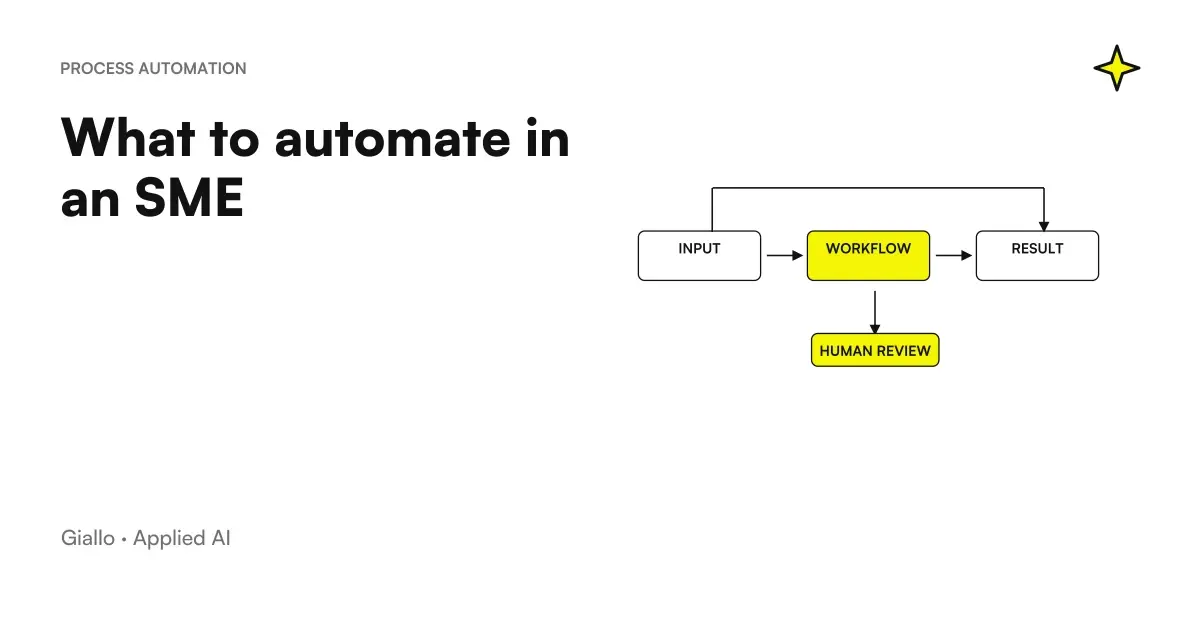
What to automate in the company is the practical question that almost always follows the first: "where do I start with AI?". The answer depends on where you waste the most time, not which technology is most fashionable. An SME with ten people has precise processes that are repeated every day —emails, quotes, invoices, tickets, reports.and a substantial part of that work is structured enough to be delegated to an automatic system.
The key point is this: not all processes are automated in the same way, and automating the wrong thing costs more than automating nothing. This guide gives you a concrete list of the right tasks, criteria for sorting them by priority and typical mistakes not to be repeated.
In summary
- The most suitable tasks for automation are those repetitive, high volume and with predictable input/output: data entry, standard email, periodic reports, document storage.
- The priority criterion is simple: wasted time × frequency ÷ Critical error risk. It starts from the activity with the highest score.
- Automate a process already working It makes sense; automating chaos amplifies it.
- For processes that process personal data, the Articles 5, 6 and 25 of the GDPR: needs a legal basis and an evaluation of the data flow.
- The break-even of a well-done automation is typically between 2 and 6 months, but it varies a lot: calculate your baseline before investing.
What process to automate: the criterion that works
Before looking at the list, you need a filter. It is not enough for a task to be "boring" to automate it: it must meet at least three conditions.
1. Repeats with frequency. At least weekly, best daily. A rare monthly activity rarely justifies the investment.
2. It has predictable input and output. "Receive an email with a quote request → generate draft estimate → send" is automatable. "Manage complex negotiation with the key customer" is not.
3. Tolerates a controlled margin of error. Automation is less wrong than a tired human, but it is wrong. If a mistake has serious and irreversible consequences (a banking transaction, a signed legal document), a human review is always needed.
A practical method: for each candidate activity, assign it a score of 1 to 5 on each of the three dimensions. Activities with total score ≥10 are the first to be automated.
The list of automatable tasks in an SME
Below are the main categories with real examples by sector. This list is valid as a starting point: each company has specific variants.
| Category | Tasks | Typical sectors | Indicative priority |
|---|---|---|---|
| Communication | Reply to standard emails and messages (FAQ, order status, appointment confirmations) | All | High |
| Communication | Automatic follow-up after quote or meeting | Agencies, consultants, B2B sales | High |
| Back-office | Data entry from documents (invoices, orders, delivery notes) into business management software | Trade, production, logistics | High |
| Back-office | Archiving and renaming received documents | Professional studies, administration | Medium |
| Sales | Compilation first draft quote from customer card | Artisans, agencies, technical studies | High |
| Sales | Lead qualification from contact form or email | E-commerce, SaaS, B2B | Medium |
| Customer care | Sorting ticket by priority/type | E-commerce, software, services | High |
| Customer care | Answering frequently asked questions via chat or email | All | High |
| Reporting | Generate weekly/monthly reports from already structured data sources | All | Medium |
| HR / Onboarding | Sending welcome materials, activity checklists, access to new customers or employees | Structured SMEs, agencies | Medium |
| Accounting | Account Statement Reconciliation, Reporting Anomalies | SMEs with medium to high transaction volume | Medium |
| Contents | First draft of product descriptions, social posts, newsletters | E-commerce, retail, agencies | Low-Media |
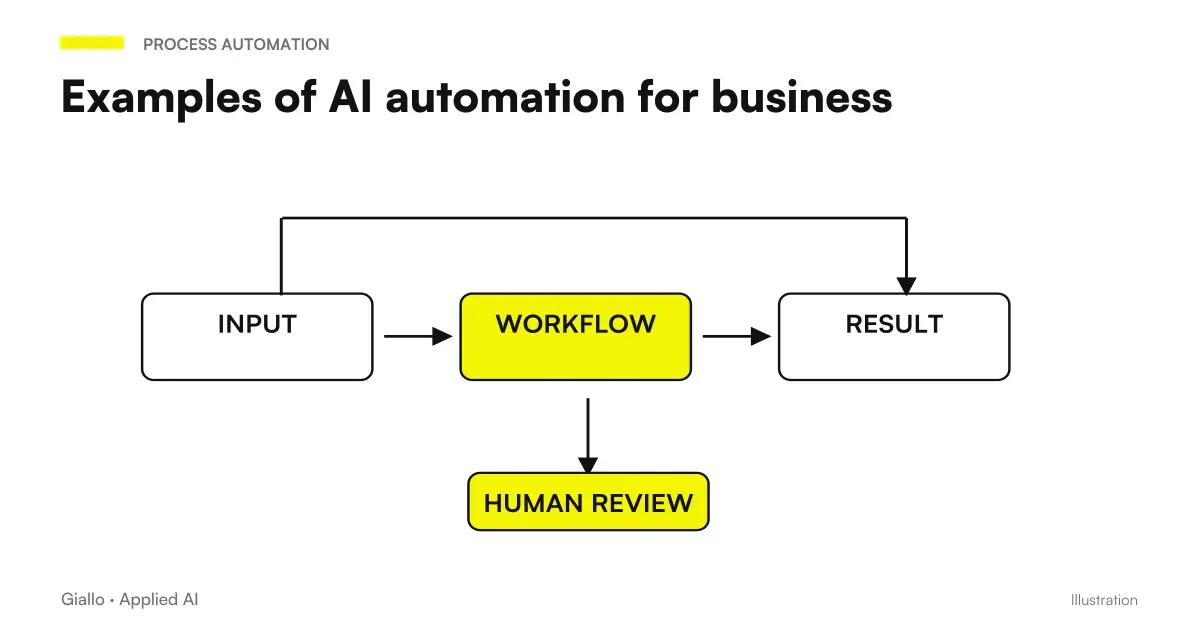
For an overview of how these activities translate into concrete workflows, the article on AI automation in the company shows real cases with before and after.
The 7 activities with the fastest ROI
Some automations pay faster because they combine high frequency, low complexity and direct impact on person-hours.
- Standard email response. A company with 20+ similar emails per day (order status, FAQ, confirmations) saves weekly hours already with a filter + semi-automatic response. email automation with AI.
- Data entry from documents. Supplier invoices, delivery notes, forms: AI extracts the fields and enters them into the business management software. The operator checks and approves. See AI to delete data entry.
- Commercial follow-ups. 60-70% of quotes never receive a follow-up because you forget. An automatic workflow sends the reminder at the right time. See customer follow-up automation.
- Draft estimate. The AI reads the request, crosses the historical similar customers and prepares the budget structure. The commercial reviews and adjusts prices. See AI quote automation.
- Sorting assistance ticket. An AI classifier automatically assigns priority and category. Critical tickets get to the right operator right away. See AI for ticket management.
- Periodic reports. If the data is already in a sheet or in a CRM, generating the weekly report can be completely automatic. report automation with AI.
- Archiving documents. Rename, rank and store incoming files (invoices, contracts, F24) in the right customer folder. Without touching anything by hand.
When to automate / When to avoid it
When to automate
- The process is repeated at least 5 times a week.
- The input is structured or semi-structured (email, form, standard file).
- Expected output is defined: you know exactly what the system must produce.
- An error is correctable before impacting the customer or official data.
- The process is already documented or otherwise stable.
When to Avoid It
- The process changes each time or depends on subjective judgment.
- The input data is unstructured and very variable (complex conversations, negotiations).
- A mistake has serious legal, economic, or reputational consequences.
- The process is not yet defined: first it stabilizes, then it automates.
- Nobody can describe exactly what they do today: you can't automate what you don't understand.
Practical examples by sector
Accountancy firm. Every morning emails arrive with attachments (F24, bank statements, invoices to be accounted for). A workflow reads the attachment, recognizes the document type, renames the file with customer and date, stores it in the correct folder, and updates the daily log. The operator already opens everything in order. Combined with AI to analyze documents, you can also automatically extract key data.
E-commerce with 500+ orders per month. Customer support handles the same 8 questions every day (where is my parcel, how do I return it, is it in stock). An AI agent answers standard questions 24 hours a day and escalates only cases that require exceptions to a human operator. Ticket handling drops from 3 hours to 40 minutes a day. For more detail: AI for customer care.
Communication Agency. Each new customer requires an onboarding: sending materials, requesting access, initial briefing, setting up shared folder. With an automatic workflow these 12 actions are activated at the time of signing the contract, without anyone remembering to do so. See also AI for customer onboarding.
Mechanical workshop. Each quote takes 15-20 minutes to search for spare parts prices, do the calculations and format the document. The AI reads the request, retrieves the prices from the historian and compiles the draft in the company template. The mechanic corrects and sends. Time dropped to 4-5 minutes. See AI to create quotes.
GDPR and automation: what to consider
Whether the automated workflow treats personal data (emails of customers, personal data, documents with sensitive data), certain precise rules apply.
The Art. 5 of the GDPR requires that the data be processed lawfully, fairly and transparently, and only for the stated purposes. The Art. 6 requires a legal basis for each processing: contract, legitimate interest or consent. The Art. 25 (privacy by design) requires you to design workflows by collecting only the strictly necessary data.
To learn more: AI and GDPR and AI and corporate privacy.
Mistakes to Avoid
- Automating without having a defined process. "First we map how it works today, then we automate" is the right order. Automation speeds up what exists, it doesn't fix what is confusing.
- Choosing the tool before the problem. "We want to use Make" or "we want an AI agent" are arrival points, not starting points. It starts with the process that costs the most.
- Not measuring the baseline. If you don't know how many hours that process takes today, you'll never know if the automation worked.
- Automating everything at once. A complex workflow that integrates 5 systems is fragile and difficult to correct. Better to automate one step at a time, verify, then extend.
- Forgetting maintenance. Automations break when they change file formats, APIs, templates. Someone needs to monitor and update them.
How to apply it in the company
- Take inventory of repetitive processes. Ask each person on the team: what is the activity that you do most often and that you find most mechanical? Collect the answers in a list.
- Measure the time today. For each candidate: how many hours per month does it take? Calculate it crudely but honestly. It's your baseline.
- Filter with the three criteria. High frequency, predictable input, tolerable error. Keep only those who pass the filter.
- Choose the first process. The one with the highest score. Not the three most interesting: one at a time.
- Map the process step by step. Input → steps → output. If you can't describe it in 5-7 clear steps, it's not yet ready for automation.
- Choose the minimum instrument. Often a no-code tool such as Make or n8n connected to existing tools. See also Make vs Zapier vs n8n to choose.
- Test with real cases before activating. At least 20-30 examples of the actual process. Check each output manually in the first week.
- Measure again after 30 days. Hours saved, errors, team satisfaction. If the numbers hold up, move on to the next process.
To decide which automation tool to use, the article on AI workflow and the guide to AI agents They help you understand when a simple workflow is enough and when you need something smarter.
Conclusion
Know what to automate in the company It's half the job. The other half is doing it in the right order: starting with the already defined high-volume processes, measuring before and after, and not expecting AI to fix what was already disorganized. SMEs that achieve concrete results do not automate mostly scelgono they choose two or three precise processes, automate them well and measure the result.
Do you want to understand what processes in your company can be automated with AI? Giallo Studio can help you turn the problem into a real workflow.
Giallo Studio guides: methodology and sources
How we apply it in the company
Related resources
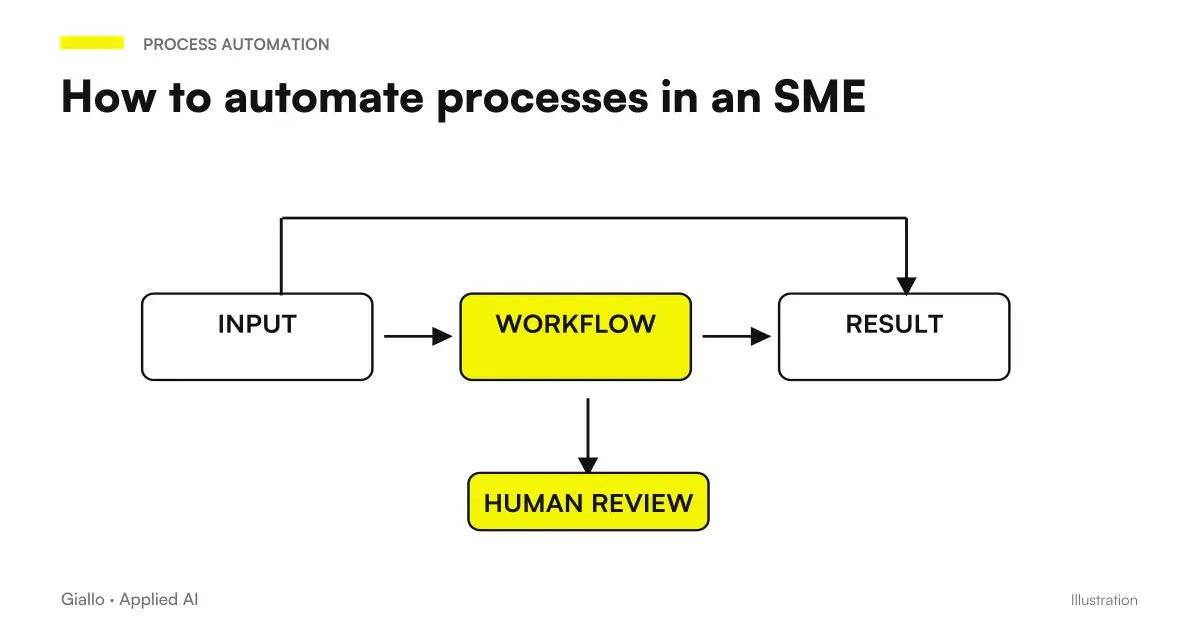 How to automate processes in an SME: the practical guide
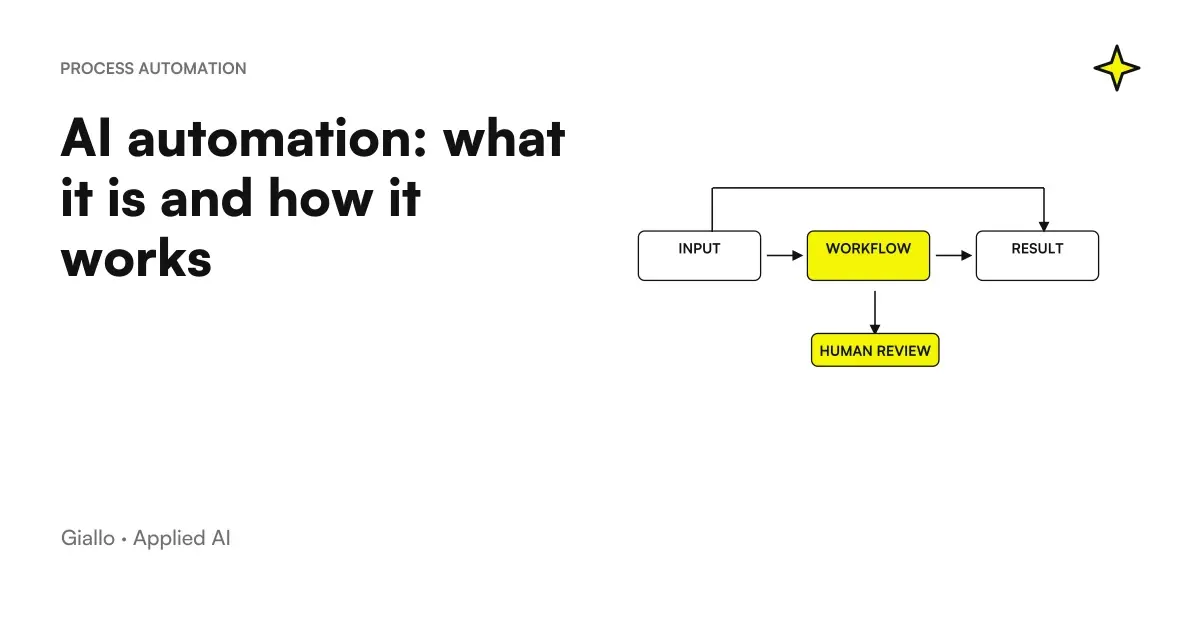 AI automation: what it is and how it works
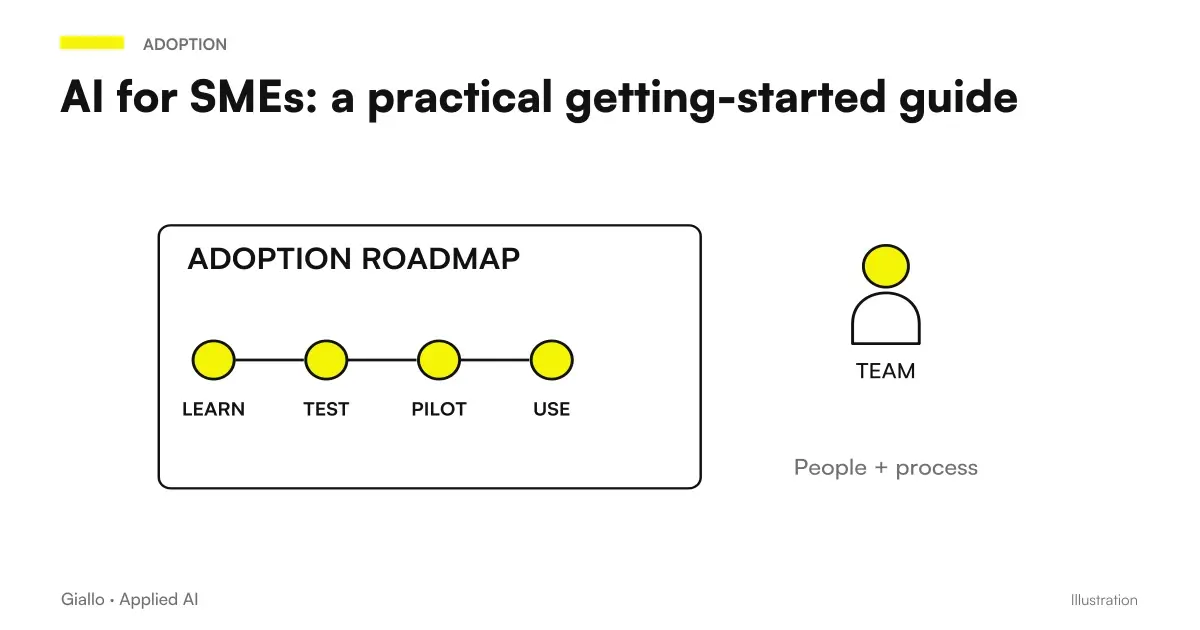 AI for SMEs: a practical guide to really getting started
 How to Calculate the ROI of an AI Project
 Examples of AI automation in the company: real cases for SMEs
 How to Assess the Risks of an AI System
 How much does AI cost in the company: a guide to real prices
 Make Event subscriptions: receive alerts when an automation fails
FAQ
What can be automated in a small company?
The most automatable tasks in SMEs are repetitive and high-volume ones: data entry, email sorting, quote compilation, customer FAQ response, periodic report generation and document archiving. It starts with the activity that steals the most hours each week, not the one that seems most technological.
Which business processes should you automate first?
The best criterion is the relationship between wasted time and risk of error. The first candidates are: data entry (high volume, frequent error), standard response email (repetitive, low value), periodic reporting (manual, scheduleable) and commercial follow-up (forgotten or late). It automates first what has an already defined process.
Can all processes be automated with AI?
No. Processes suitable for automation have predictable inputs and outputs, they are often repeated and do not require human judgment on each case. Processes that are ambiguous, relational or with direct legal responsibility should be left to people, at least in the final decision.
How much does it cost to automate a process in an SME?
It depends on the case. Light automations on existing tools (Zapier, Make, AI plugins) start from a few tens of euros per month of licenses plus a few hours of configuration. Tailored workflows with AI agents or business management software integrations cost more but are evaluated on the saving of hours: the break-even is usually between 2 and 6 months. There are no certain numbers without analyzing the specific process.
Do you need a technician to automate business processes?
For simple automations (connecting two apps, answering standard emails), no-code tools are available to people who do not write code. Complex workflows, integrations with business management software or AI agents working with business data require technical expertise or specialist consultancy.
How do you measure the return of an automation?
We start from the baseline: how many human hours that process takes today each month, at what hourly cost. After automation we measure reduction. Secondary indicators: error rate, response time, backlog. An automated process that is not measured cannot be improved or justified.
Does AI automation comply with the GDPR?
It depends on how it is designed. If the workflow processes personal data (customer emails, contact records, health records), Articles 5, 6, and 25 of the GDPR apply: legal basis, data minimisation, privacy by design. Data must not be sent to third-party AI services without assessing the transfer and DPA. Consult a legal expert before automating processes involving personal data.