
AI agents: what they are and how they work
What AI agents are, how they reason, use tools and act. Learn how they differ from chatbots, where businesses use them and why human review matters.
Reading time: 13 min

A AI Agent is a software based on a linguistic model that, given a objective, decides for himself what steps to take to reach it: read the information available, reason on what to do, use external tools (email, CRM, database, API) and acts, verifying the result at every step. The difference with a chatbot is clear: a chatbot answers a question and stops; an AI agent completes a task.
Directly said: the chatbot speak, the agent does. When you ask an assistant "what is the status of order 4821?", a chatbot gives you an answer by voice; an agent opens the management system, checks the order, checks the courier's tracking and.if you gave him permission.sends the customer the update email. The same language model below, but with the ability to Acting in the World through connected tools.
In this guide we see what an AI agent really is, how its perceiving cicloreasoning–acting cycle works, what it's done inside, what it stands out from chatbots and classic automation, where it makes sense to use it in the company and —most importantly.how to keep it under control. Because a powerful agent with wrong permissions is a problem, not a solution.
In summary
- A AI Agent receives a goal and achieves it on his own: he perceives the context, reasons, uses tools and acts, repeating the cycle until he is finished.
- The key difference with a chatbot is the action: the chatbot responds inside the conversation, the agent performs real tasks on your software.
- The anatomy of an agent is: Language Model (the brain) + memory + tools/tools + orchestration (the loop that coordinates the steps).
- Compared to the classic automation with fixed rules, the agent handles variable and ambiguous cases; the two things often combine.
- The Human control over critical points is not optional: minimum permissions, reversible actions by default and approval on risk transactions.
- For an SME the value is not "having an agent", but choosing a process with repeatable steps and giving it clear tools and limits.
What "Agent AI" means
The term Agent is not new: in computer science it has been for decades a software that perceives an environment and acts on it to achieve a goal. The novelty of recent years is the "engine" behind the agent: a great linguistic model (a LLM) able to understand instructions in natural language, reason on a problem and decide which tool to use.
Four capabilities define an AI agent, and they all go together:
- It senses. It receives an input from the context: a request, an email, the status of a database, the result of a search. It does not operate in the dark.
- Reason. It breaks the target down into steps, decides what to do first and what to do next, chooses which tool it needs. This is where the language model makes the difference to a script.
- Use tools. It doesn't just generate text: it calls external functions — query a CRM, read a PDF, send a request to a API, run a query — and receive the result.
- It acts towards a goal. It performs actions that change something (writes a draft, updates a field, sends a message) and repeats the cycle until the goal is achieved or human intervention is needed.
The useful distinction is this: a "pure" linguistic model produces text; a Agent use that text to decide and to do. If you take away his instruments, the agent returns to being a chatbot. If you take away his target and orchestration, it returns to being a simple call to the model. It is the combination that creates the agent.
How an AI agent works: the perceiving loreasoning–acting loop
Almost all agents follow the same basic cycle, repeated several times until the result. Understanding this loop is what separates those who design reliable agents from those who hope they will work.
- Goal. The agent receives a task expressed in natural language: "prepare the response to the customer's complaint X" or "qualify this lead and update the CRM". The target must be clear and delimited.
- Perception. Collects the necessary context: reads the email, retrieves the customer's history, consults the relevant documents. Without context, every next step is a bet.
- Reasoning and planning. The model breaks the target down into steps and decides the next one: "I first verify the order, then check the policy returned, then write the draft". Choose which tool to use for each step.
- Action (use of the tool). It calls the chosen tool — a query to the business management software, reading a file, calling an API — and waits for the result. This is the actual action, the one that touches real systems.
- Observation. It reads the result of the tool and compares it with the goal: did it get what it needed? Does the order exist? Does the policy allow the return?
- Iteration or stop. If the goal is not achieved, go back to the reasoning and take the next step. If it is achieved — or if human approval is needed — it stops and delivers.
The interesting part is point 6: the agent Decide for yourself how many steps you need. One task may require two, another ten. This flexibility is his strength (he handles cases you didn't anticipate) and it's also his risk (he can loop, miss a step and continue convinced). That's why a well-made agent always has a maximum limit of steps and the points where he stops and asks for confirmation.
An example of the loop, step by step
Objective: "A customer writes that they did not receive the order. Manage the request."
- It perceives the email and understands that it is a non-delivery.
- Reason: the order number is needed → it finds it in the text or asks for it.
- It acts: query the management software for the status of the order.
- Observe: the order is shipped but stopped for 6 days.
- Reason: check courier tracking via API.
- It acts: gets "in storage".
- Reason: the policy is to notify the customer and open a reminder to the courier.
- Act (with approval): prepares the draft response and reminder, and queues them for an operator's approval.
No step is "smart" on its own. It is the sequence decided on the fly based on the results that makes the agent different from a rigid script.
What an AI agent is made of: anatomy
An example in the Microsoft ecosystem is a corporate agent created with Copilot Studio: knowledge, tools, channel and evaluation must have a precise task.
Under the bonnet, an agent is the composition of four components. Removing one changes the nature of the instrument.
| Component | What it is used for | Concrete example |
|---|---|---|
| Language Model (LLM) | It's the "brain": understands the instructions, reasons, decides the next step | The model that interprets the customer email and chooses what to do |
| Memory | Keeps the context of the conversation and the steps already taken; can draw on business knowledge | Remember the order already verified; consult the documents via RAG |
| Tools (tool) | The actions the agent can perform in the real world | CRM Query, Email Sending, PDF Reading, Call to a API |
| Orchestration | The "conductor": manages the loop, limits, controls and when to stop | The system that decides max steps, when to ask for approval, what to log in |
The point to understand is that the model alone is not enough. An LLM without instruments is a chatbot; with instruments but without orchestration it is a spark without guidance. The value of a reliable agent lies as much in the instruments you give it as in limits that imposes on him through orchestration: how many steps to the maximum, what actions require confirmation, what data he can see.
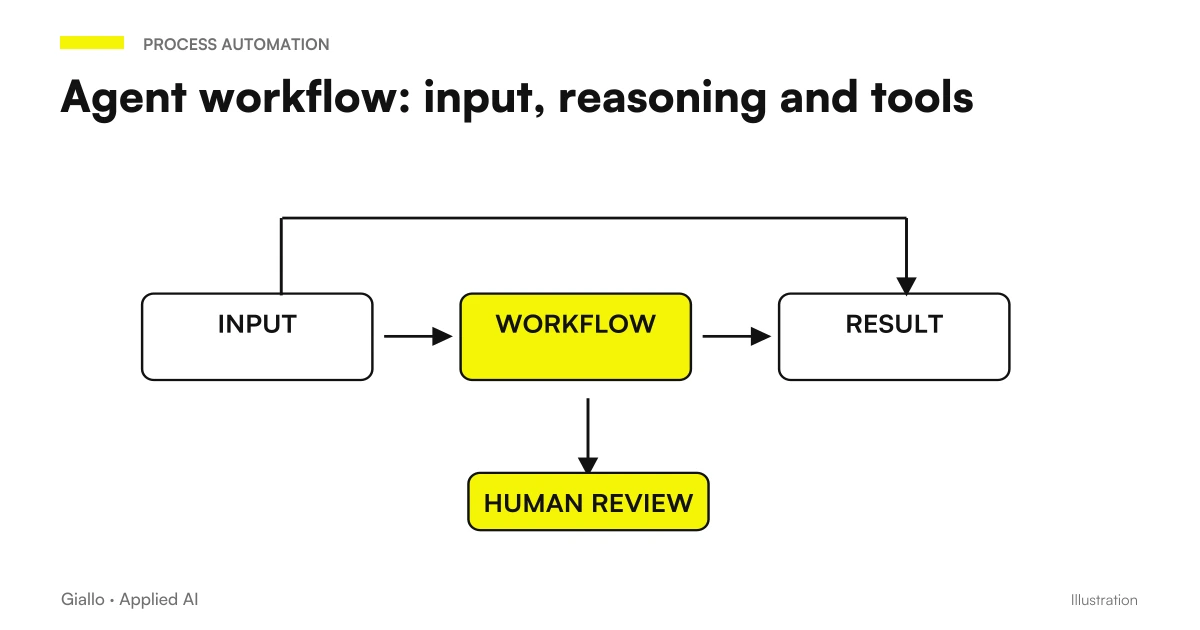
Memory:What an Agent Really Remembers
A common misconception is to think that the agent "knows" your company. That's not the case: a generic model knows how to talk, but it doesn't know anything about your customers, prices or procedures. Specific knowledge comes from memory, two types:
- Short-term memory: the context of the single session, i.e. the steps already taken in this task. It serves to not repeat itself and to use the results obtained.
- Long-term memory / knowledge: access to company documents (price lists, policies, manuals) through techniques such as RAG, which retrieves the relevant pieces at the right time.
Without a good memory, even the most capable agent responds with generic or invented information. With it, he reasons about yours data.
AI Agent, Chatbot and Classic Automation: The Differences
These three terms are often confused, but they do different things and you choose them for different reasons. Here's the comparison.
| Criterion | Classical automation | Chatbot | AI agent |
|---|---|---|---|
| What it does | Performs fixed rules decided by a person | Answering questions in conversation | Reaches a goal by deciding the steps |
| How he decides | Logic "if X then Y", no interpretation | Generates the most likely answer, then stops | Reason, choose tools, itera |
| Use external tools | Yes, but in fixed sequence | Rarely / in a limited way | Yes, and choose them on the fly |
| Manage unexpected cases | No: outside the rule locks | In words only, it does not act | Yes, within data limits |
| When it makes sense | Rigid flow, identical each time | Frequently Asked Questions | Variable tasks with steps to decide |
| Main risk | Breaks on out-of-pattern input | Invent answers (hallucinations) | Performs wrong actions if poorly controlled |
Translated into practice: the classic automation is perfect when the process is predictable and always the same — export a report every Monday, move a file when it arrives. The chatbot is perfect for respond, not to do. The Agent enters when the task requires interpret something (a text, a situation) and then act accordingly, choosing the steps on the moment.
If you want to deepen the nuances between the three, there is a guide dedicated to differences between assistant, chatbot and agent. The spannometric rule: if you know how to write all the rules by hand, use classic automation; if you need words, use the chatbot; if you need someone decide and face, rate the agent.
When an agent agrees
- The task has steps that vary according to the situation.
- You need to interpret a text or context before you act.
- There are tools (CRM, management software, API) to connect to.
- At-risk actions may pass for human approval.
When to Avoid It (For Now)
- The process is rigid and identical every time: classic automation is enough.
- Every mistake has serious consequences and you cannot enter controls.
- You have no linkable tools: the agent would have no levers to act on.
- The process is not yet defined: first it must be mapped, then automated.
What an AI agent is used for in the company
To design the transition from dialogue to action, read Copilot Studio with Power Automate and Copilot integration with CRM and management software. Project estimation must also include Copilot Studio credits and consumption, distinct from the user's license only.
The value of an agent in an SME is not "doing futuristic things", but take away coordination work quei those tasks where a person jumps between software, copies data, checks, decides and forwards. Here are the company functions where agents give the most concrete return.
- Customer support: the agent reads the request, retrieves order and history, prepares the answer and — on simple cases — sends it, leaving the operator with the delicate cases.
- Sales: Qualifies an incoming lead, enriches it with public data, updates the CRM and prepares the first custom follow-up.
- Back-office and administration: reads a document, extracts the data, inserts them into the management software and reports the anomalies to be checked.
- Purchases and Operations: monitors stocks and deadlines, prepares replenishment orders and queues them for approval.
- Internal knowledge: answers questions from colleagues by drawing on company documents, citing the source, instead of interrupting those who know.
The common thread is always the same: the agent manages the part repetitive coordination and low risk, the person maintains judgment on the points that matter. When this balance is clear, the return is measured in freed hours and avoided errors. For a complete map of processes, costs and priorities, the guide AI for businesses is the starting point.
Practical examples
Three realistic scenarios of SMEs and Italian professional studies.
1. Studio accountant — onboarding of a new client. Here comes the documentation of a new customer via email. An agent reads the documents, extracts the VAT number, the tax code and the accounting regime, creates the file in the management software, prepares the letter of appointment in the format of the study and puts everything in a queue "to be verified". The accountant checks the extracted data and approves. Data-entry work, which previously stole half an hour from practice, is reduced to a review of a few minutes. (Dedicated in-depth: AI for accountants.)
2. E-commerce — return management and tracking. A customer writes for an order that has not arrived. The agent identifies the order, checks the shipping status via courier API, applies the return policy and prepares the correct response. If the case is standard (jacket, known delay), it sends directly; if it is abnormal (lost package, high amount), it passes it on to an operator with already all the context ready. First response times that go down from hours to minutes, without multiplying staff.
3. B2B service company — lead qualification. Each form filled in on the site generates a lead. The agent enriches it (sector, company size from public data), evaluates if it falls within the target profile, updates the CRM with an e punteggio score for hot leads — prepares a custom email draft that the commercial reviews and sends. The sales team works the right leads first, instead of hand sorting a full box.
In all three cases, the same rule of well-made AI applies: The agent prepares and executes reversible steps, the human approves those at risk. It's not "the agent does everything on his own": it's "the agent does the coordinating work, the person decides".
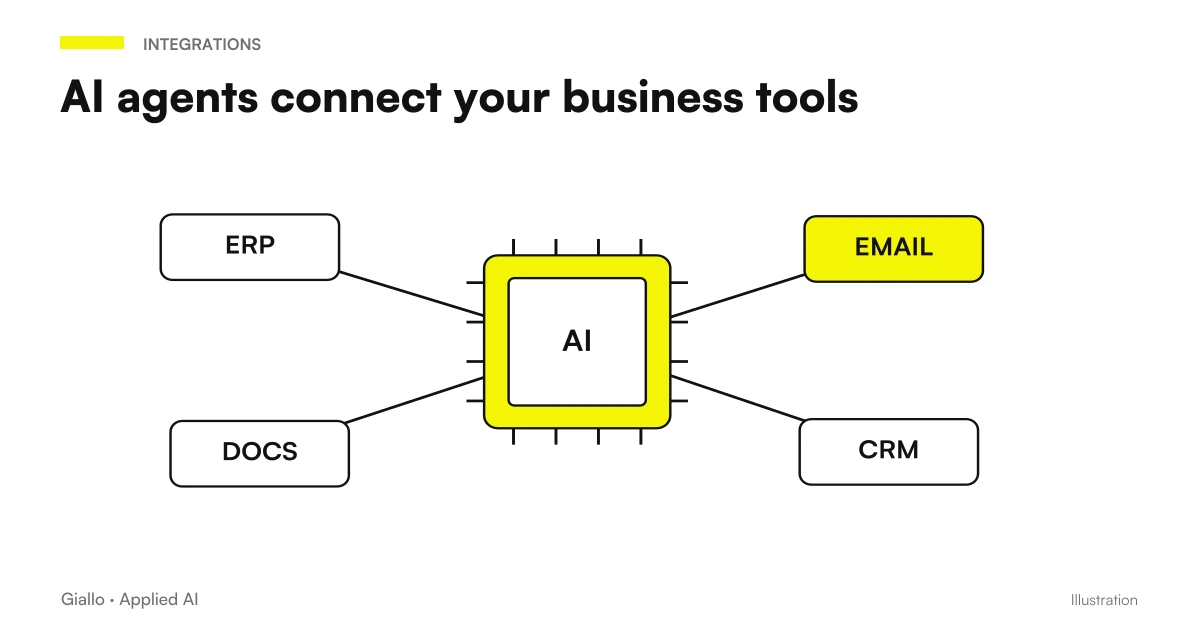
How to Control an AI Agent
Here lies the part that marketing skips and instead decides whether an agent is useful or dangerous. An agent has the ability to act on your systems: the wider this capacity, the more checks are needed. The guiding principle is one: Give the agent the least power necessary to do his job, and nothing more.
Minimum permissions: give only the indispensable accesses
An agent who has to prepare answers does not need to be able to cancel orders. Limit the tools and accesses to the task perimeter only. If an agent can do a lot, he can also make a lot of mistakes: restricting permissions reduces the damage possible before a check is even needed.
Reversible actions by default, approval on critical ones
Let the agent freely perform only what can be undone (prepare a draft, add a note). Anything that is irreversible or visible on the outside — sending money, writing to a customer, deleting data — must pass for human approval (the so-called human-in-the-loop).
Traceability: each step must leave a log
A reliable agent records what he perceived, what he decided and what he did at every step. Without log you can't understand why it was wrong or prove what happened. It's also a practical requirement for compliance: you need to be able to reconstruct decisions that have touched customer data.
Operating limits: max steps, timeout, budget
Sets a maximum number of steps and a time or cost limit. It serves to prevent an agent from looping, continuing to call empty tools, or accumulating costs. When he reaches the limit, he stops and asks for help instead of insisting.
Human control over critical points is not a lack of confidence in technology: it is the way an agent becomes can be used for real In a company where mistakes have consequences. The right question is not "how autonomous is the agent?" but "what actions do I trust to leave him alone, and which do I want to decide?".
Where a Cloud Assistant Works
An agent who continues to work in the cloud does not automatically have access to your company's computer. In case Dots, cloud, local computer and off device require different conditions. Before assigning a task, check where the files are and which sessions must remain available.
Mistakes to Avoid
- Giving the agent too many "for convenience" permits. It is the number one cause of the problems: an agent with wide accesses can perform unwanted actions. Start from the minimum and widen only if needed.
- Skipping approval for risky actions. Letting an agent send emails to customers or touch payments without control means accepting that a mistake of his becomes a real damage. Irreversible actions always pass for a person.
- Expecting it to know your company on its own. A generic model knows nothing about your processes: it must be equipped with memory, documents (via RAG) and clear instructions. Without context, invents.
- Building an agent on an undefined process. If the flow changes each time and is only in people's heads, the agent has no structure to reason on. First you map the process, then you automate.
- Not measuring anything. Without a "before" and a "after" (hours, errors, response times) you will not know if the agent is giving value or just the impression of modernity. Every agent in production must be measured.
How to apply it in the company
Introducing an agent in a sensible way is a repeatable path, not a large project from the IT department. The same method as any automation is worth it: small parts, measure, extend.
- Choose a process with repeatable steps. Look for an activity where a person jumps between software, copies data and decides based on almost always the same rules. It is the ideal terrain for an agent.
- Define goal and boundaries. What the agent must get, and what not A tight perimeter at the beginning is a guarantee, not a limit.
- Connect the minimum tools. Give access only to the systems that are needed for that task: the email box, a part of the CRM, a specific API. Nothing more.
- Put human control on the critical points. Decide in advance what actions the agent can do alone and which ones require approval. Especially in the first few months, hold tight.
- Measure, correct, extend. Compare numbers before/after. If the agent saves hours without serious errors, widen the perimeter one step at a time; if not, review target or tools.
This is exactly the kind of work for which there is advice: understanding where an agent brings real value, designing their target, tools and controls, and connecting it to the systems you already use without creating risks. An agent is not a product to be turned on: it is a well-designed business process to which an engine is given.
If you need operational detail on individual models, Best AI Model for Agents, Frontier-Bench: what it is and what it measures and Mixed model strategy: light and powerful.
Conclusion
A AI Agent is not a more powerful chatbot nor magic: it is a software that, given a goal, perceives, reasons, uses tools and acts, repeating the cycle until it is finished. Its strength — deciding steps on its own based on the situation — is also the reason why it should be governed with minimum permits, reversible default actions, and human control over risky operations. For an SME the advantage does not come from "having an agent", but from choosing a process with repeatable steps, giving it clear tools and limits, and measuring the result. From here you can continue with the differences between assistant, chatbot and agent and with AI Automation to see how these bricks become real flows.
If you want to go from testing with ChatGPT to an AI system integrated into business processes, Giallo Studio designs custom-made agents and automations — and in The Lab find the experiments that feed them. To understand which process to start from, also the automation of business processes It's a good first step.
Giallo Studio guides: methodology and sources
How we apply it in the company
Related resources
 AI Chatbots: What They Are and How They Work
 AI assistant: difference between assistant, chatbot and agent
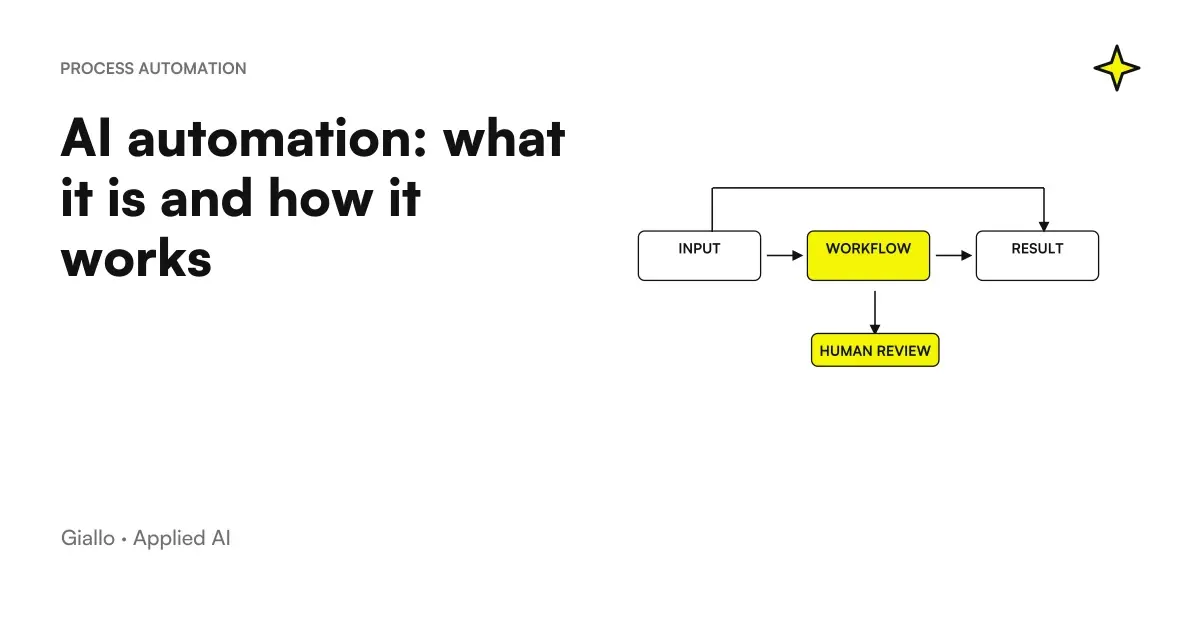 AI automation: what it is and how it works
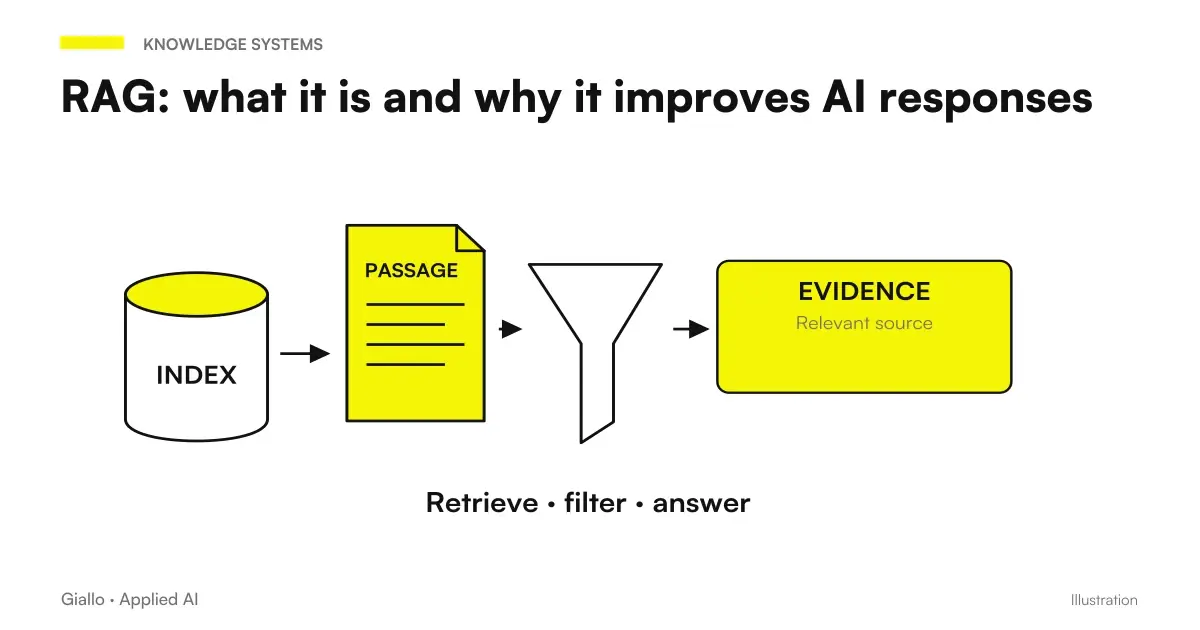 RAG: what it is and why it improves AI responses
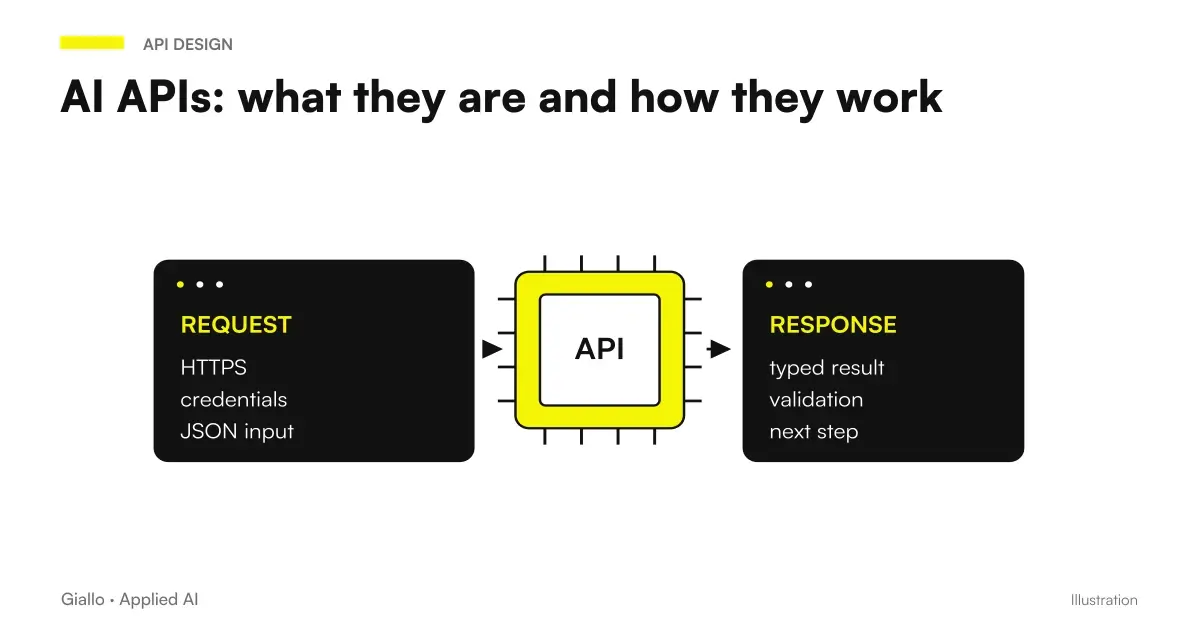 AI APIs: what they are and how they work
 Artificial intelligence: what it is and how it works
 AI for businesses: a complete guide to getting started
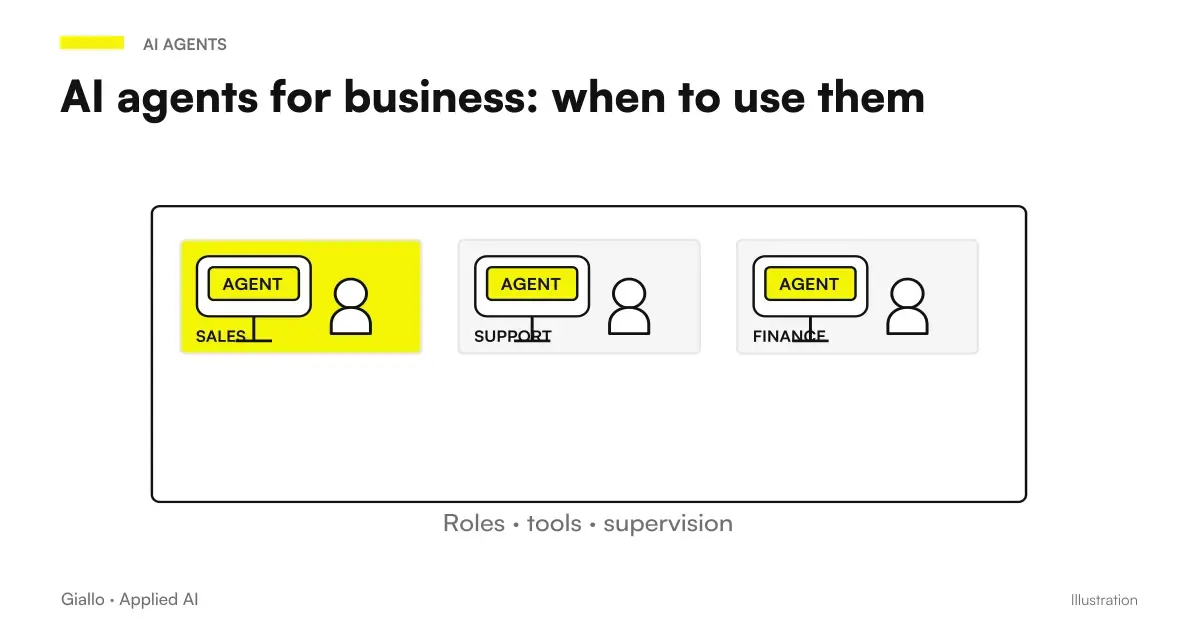 AI agents for business: when they are useful and how to adopt them
 Claude Opus 5.5 in Claude Code: long runs, stop rules and subagents
FAQ
What are AI agents in plain words?
An AI agent is software based on a language model that, given a goal, independently decides which steps to take: it reads the available information, reasons about what to do, uses external tools (email, CRM, databases, and APIs), and acts, checking the result at every step. Unlike a chatbot, it does not merely answer: it completes a task.
What is the difference between an AI agent and a chatbot?
A chatbot answers one question at a time within the conversation and stops there. An AI agent receives a goal, breaks it into steps, uses tools to carry them out — searching, writing to business management software or sending an email — and repeats the cycle until the goal is achieved. The chatbot talks; the agent acts.
Do AI agents replace traditional automation?
No, they complement it. Traditional automation follows fixed rules defined by a person and is ideal for predictable workflows that are identical every time. An AI agent handles variable or ambiguous cases, or ones requiring text interpretation. Often, the best solution combines both: rules where the process is fixed, an agent where judgement is needed.
Can an AI agent act without human control?
Technically yes, but allowing risky steps without human oversight in business processes is almost always discouraged. A sound practice is human control at critical points, or human-in-the-loop: the agent prepares, proposes or performs only reversible actions, while money transfers, client communications and deletions require approval. The higher the risk, the tighter the control must be.
Do you need technical skills to use an AI agent in the company?
Not to use them: many ready-made agents can be configured by connecting tools you already use, such as email, calendars and CRM. Building a reliable agent for a real process does require design: defining the goal, tools, limits and checks. This is more about process analysis than pure programming, and it is where consulting makes a difference.
What are the risks of AI agents?
There are three main risks: an agent can make a mistake at one step and propagate it to later actions; perform an unwanted action if it has too many permissions; or expose sensitive data to the tools it uses. These risks are mitigated with minimal permissions, reversible actions by default, logs for every step and human approval for critical operations.
How much does it cost to introduce an AI agent?
It depends on the use case. An agent based on ready-made tools connected to your software can start at a few hundred euros per month in licences, plus configuration. A custom agent integrated with business management systems and dedicated controls costs more, but is assessed through its return: hours saved, errors avoided and shorter response times.