
Email automation with AI: how it really works
AI email automation for SMEs: replies, routing and inbox management. Learn how it works through practical examples and common mistakes to avoid.
Reading time: 8 min
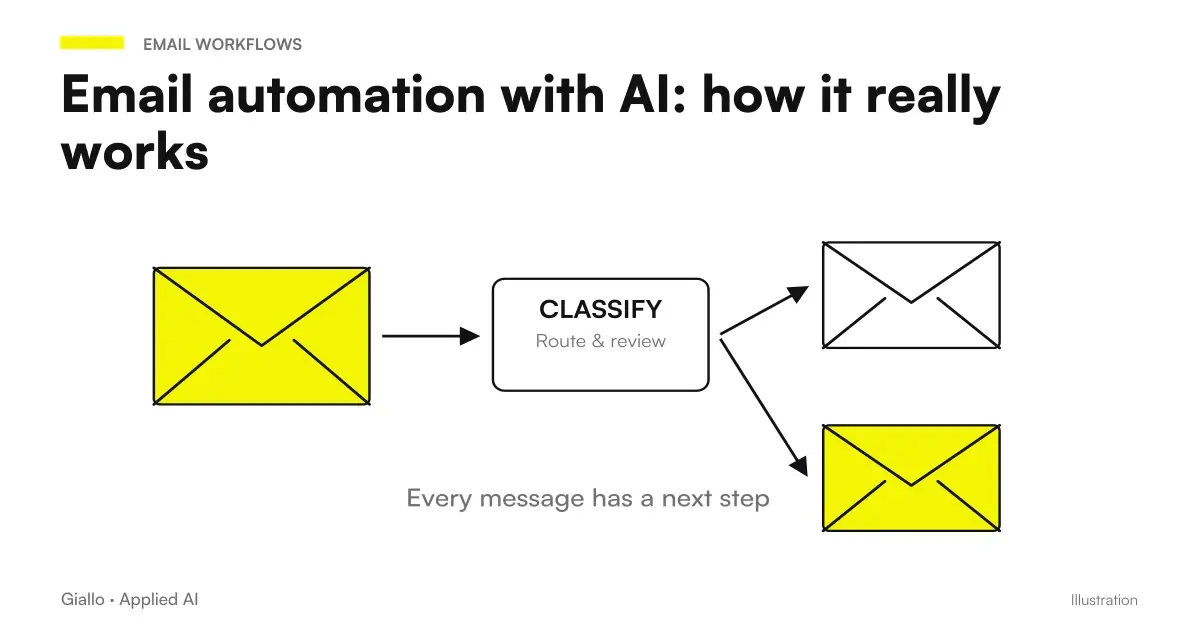
Email automation with AI is the ability of a software system to read, classify, and manage emails automatically, using language models to understand the context of the message —not just search for keywords. In practice: the AI reads the email, understands if it is a request for a quote, a complaint or an order confirmation, and acts accordingly: the sorter, generates a draft reply, updates the CRM, or opens a ticket.
The difference from the old automatic filters is substantial. A classic filter works with strict rules ("if the object contains 'invoice', move to the X folder"). An AI system with Business Process Automation understands the meaning of the sentence even if written in an unusual way, recognizes the tone (urgent, angry, informal), extracts the key information and uses it to make a decision or generate an appropriate response.
This article explains how it really works, what tools exist, when to use it, and how to introduce it to a risk-free company.
In summary
- The email automation with AI rank, sort and respond to emails by understanding context, not just keywords.
- The most solid use cases: sorting by department, response drafts, automatic follow-ups, charged with personalized receipts.
- You can start with existing tools (Gemini for Gmail, Copilot, Make + OpenAI) without custom development.
- For flows on customer data a mandatory Signed DPA with the AI provider (Art. 28 GDPR).
- The model that works: AI Prepares, Human Approves. Full-automatic only for very low-risk emails.
How email automation works with AI
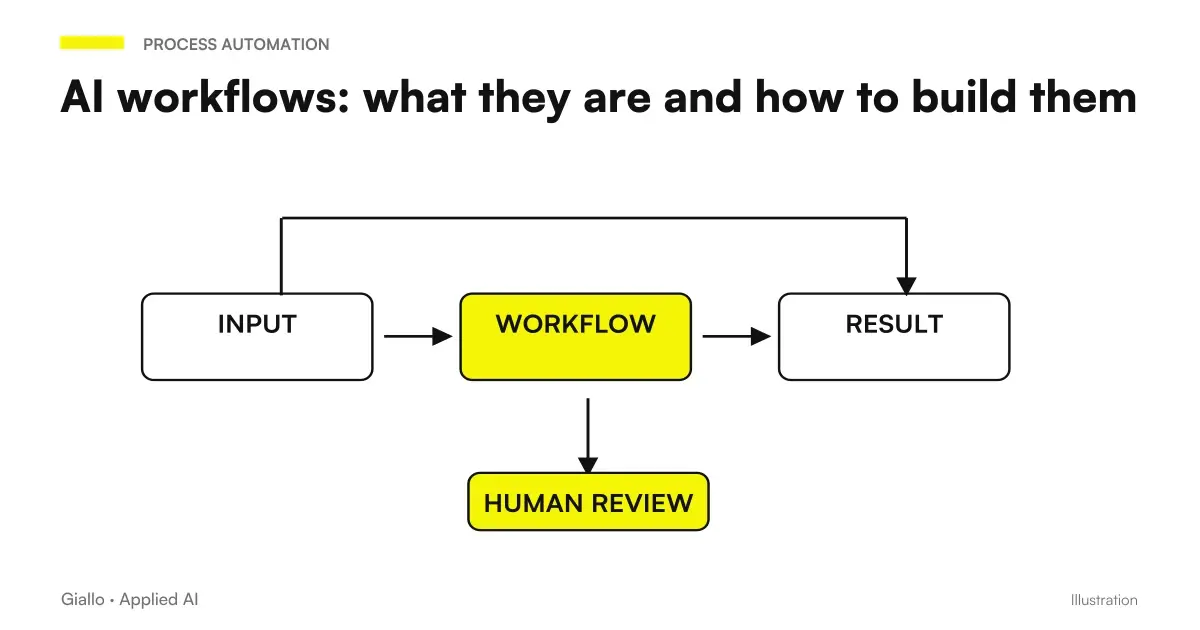
The heart of the system is a language model (LLM) connected to your inbox via an integration. When a new email arrives, the stream processes it in sequence.
- Reception and reading. The system intercepts the newly arrived email (via Gmail/Outlook API or via webhook from an automation tool such as Make or n8n).
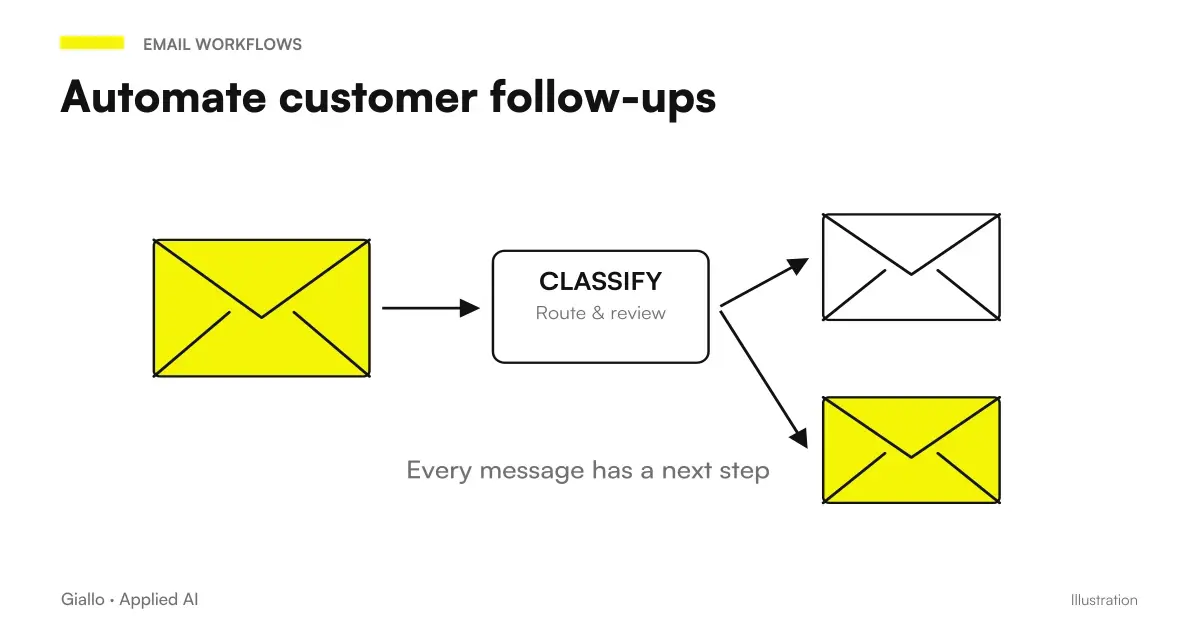
- Classification. The LLM reads object and body and assigns a category: commercial request, support, complaint, administrative, spam, other. This classification can have multiple levels of accuracy depending on the instructions (prompt) you give to the model.
- Routing. Depending on the category, the workflow performs the configured action: forwards to the right department, creates a ticket in the management software, updates the CRM, or enters the response phase.
- Draft generation. If the email requires an answer, the AI generates a draft based on the context of the request and the company instructions (tone, information to include, template). The prompt engineering here makes the difference between an acceptable draft and one to be rewritten.
- Human review (or automatic submission). The draft appears in the recipient's review queue, which approves or modifies it in seconds. For very low risk emails (accused of receipt, appointment confirmation) you can configure automatic sending with sample supervision.
- Log and measurement. The system records every action to allow review and measure performance (response time, rate of approved drafts without modification, misclassified emails).
This scheme is the same whether you use an integrated tool (Gemini for Gmail, Copilot for Outlook) or you build a AI workflow custom on Make or n8n.
Available tools: from now to customized
There is no single right tool. The choice depends on the email client you use, the volume, and the degree of customization you need.
| Scenario | Recommended Tool | Configuration Level |
|---|---|---|
| Gmail + Google Workspace | Gemini for Gmail | Low (already integrated) |
| Outlook + Microsoft 365 | Copilot for Microsoft 365 | Low (already integrated) |
| Any client, custom stream | Make o n8n + OpenAI/Claude | Medium (no-code/low-code) |
| Integration with CRM/management software | Custom AI agent | High (dedicated development) |
| Very high volume + complex rules | RPA + AI Hybrid | High |
Integrated tools like Gemini or Copilot are the natural starting point if your company is already on Google or Microsoft: zero infrastructure to build, features ready in a few minutes. The limit is customization: advanced classification and routing logics still require external integration.
Make and n8n are the right choice for custom streams without writing code: connect your inbox, define workflow steps and integrate AI in the middle. For a comparison between these platforms, look make vs zapier vs n8n.
For companies with high volumes or the need for deep integration with management software and CRM, the solution is a AI Agent customized: more robust, but requires dedicated development.
Concrete use cases for Italian SMEs
1. Study of accountants — sorting and first response
A study with 5 employees receives 60-80 emails every day: customers asking for deadlines, sending documents, requests for urgent advice. Before automation, sorting these emails and giving an initial response took 1-2 hours a day of administrative work.
With a Make + OpenAI workflow linked to Gmail: each email is classified into 4 categories (documents received, tax questions, urgency, other), the system sends a personalized receipt charge with the expected response times, and urgent cases immediately end up in the queue of the responsible accountant. Result: The sorting time dropped to 10-15 minutes of review per day.
2. E-commerce — handling after-sales requests
An e-commerce with 200-300 orders per month receives dozens of emails about shipments, returns and defective products. With an AI agent connected to the inbox and order system: the system reads the email, retrieves the status of the order from the management software, generates a personalized response with the real information (tracking, expected date, procedure rendered) and puts it in the queue of approval. The operator reviews in 10 seconds instead of hand-searching the status of the order. For similar flows applied to customer support, see AI for customer care companies.
3. Agency — quote follow-up
A communications agency sends 30-40 quotes a month. Following each with follow-up emails is manual work that is often not done. With an n8n workflow: 3 days after sending the quote, the system generates a custom follow-up with the customer name and a reference to the proposed project, and puts it in the send queue. The commercial approves it or modifies it in 30 seconds. This type of automation is described in detail in customer follow-up automation.
When to use it and when to avoid it
When it makes sense
- High volume of emails of the same type (requests, orders, FAQs, confirmations).
- Slow response times that cause frustration in customers.
- Manual sorting per department takes too long.
- Follow-ups are not done due to lack of time.
- The response process is already defined: you know what to answer, it just takes time to do it.
When to Avoid It (For Now)
- Emails require complex judgment or customer knowledge in detail.
- The volume is low and the configuration time does not pay off.
- The data in the emails is sensitive and you don't have a DPA with the AI provider yet.
- The response process is not defined: first it standardizes, then it automates.
GDPR and privacy: what you need to know before you leave
This is the point that many guides skip, but it is crucial for those who manage emails of Italian customers.
When you pass the content of an email to an AI cloud service (OpenAI, Google, Anthropic, Microsoft), you are sending data to a external processing manager. According to Article 28 of the GDPR, this requires a DPA (Data Processing Agreement) signed with the provider. Most enterprise services (OpenAI API, Google Workspace, Microsoft Azure) provide them on demand or included in the business plan.
Some practical points:
- Don't use free consumer plans to process customer emails: data is often used for model training.
- Verify that the supplier guarantees residence of data in EU or have valid SCCs (standard contractual clauses) if processing in the USA.
- In automatically processed emails that contain personal data, consider the minimization: switches to AI only the parts necessary for classification, not the entire email if not needed.
- Consult a legal expert before putting into production flows on customer data — the correct technical configuration is not enough if the legal basis is missing.
For an in-depth look at AI and GDPR in the company, see AI and GDPR.
Mistakes to Avoid
- Automating without first defining the process. If emails are handled in a disorganized way today, automating that chaos amplifies it. First you define who responds to what and with what tone, then you automate.
- Full-automatic on commercial or sensitive emails. An email automatically sent without review to an important customer with incorrect information may cost more than saved. The AI + human review model is more secure.
- Generic prompts. A prompt like "respond to this email" produces generic drafts. It needs context: who you are, what company, what tone, what information to include, what NOT to say.
- Not measuring quality. How many drafts are sent without modification? How many emails are misclassified? Without this data you don't know if the system works or creates more work than it saves.
- Ignoring border emails. Every AI system makes mistakes in some cases. Define an "unclassified" or "low confidence" queue that always goes to a human.
How to apply it in the company: operational steps
Before choosing the tool, it clarifies the problem:
- What types of emails do you receive most often? (categorize them by hand for a week)
- How long does it take to manage them today? (measured in hours/person week)
- Which ones already have a standard answer that only changes in small details?
- What do personal data of customers contain? (GDPR implications)
- Do you already have a CRM or management software to update automatically?
Once you have this map, the choice of tool becomes easier. If you use Gmail and emails do not require integration with external systems, parts with Gemini for Gmail or with ChatGPT by email: accessible tools without technical configuration.
If the flow requires routing to different systems (CRM, management software, Slack, ticketing), a Make/n8n workflow with AI is the most flexible choice. If the volume is high and the integration is deep, it is worth evaluating a custom agent — look examples of AI automation in the company to understand what is realistic.
To orient yourself on the best tools available today, you can start from Best AI for Email.
The natural sequel to this article: Claude Haiku 4.5 vs GPT-5.6 Luna and When a low-cost AI model is enough.
Also sort the contents of the attachments
When an email contains multiple documents, the message label is not enough: you need a practice, a handler, and a queue for uncertain attachments. sorting emails and attachments with AI shows how to separate classification, extraction and assignment, preserving the source and measuring bounces between offices before expanding the flow.
Treating PEC as a documentary practice
For a PEC box, the triage must distinguish original message, receipts and documents of the practice. A receipt is not a new request to be assigned and delivery to the box does not prove reading. In the guide to PEC management with AI find a stream of classification and correlation with visible anomalies and decisions entrusted to the person in charge.
Conclusion
Email automation with AI It's not a button to press: it's a workflow to design. The starting point is not the tool, but the process: which emails arrive, who handles them, what is the standard response. Once this is defined, AI reduces the running time from minutes to seconds — sorting, generating drafts, sending follow-ups — while the person retains control over the cases that require it.
The model that works in almost all cases is the same: AI Prepares, Human Approves. Full-automatic only makes sense for very low-risk emails (accused, confirmed, simple FAQs), with sample supervision and quality metrics.
If you want to go from testing with ChatGPT to an AI system integrated into business processes, Giallo Studio custom designed agents and automations.
Giallo Studio guides: methodology and sources
How we apply it in the company
Related resources
 AI to Respond to Business Emails: How It Works
 Best AI for email: tools to write and manage mail
 How to automate processes in an SME: the practical guide
 AI workflows: what they are and how to build them
 Automate customer follow-ups: fewer missed contacts, more closed deals
 How much does it cost to maintain an AI system
 AgentCore Gateway: connect AI agents to business software and private APIs with TLS
 Google Docs now modifies Markdown files: what changes for AI workflows
FAQ
What is email automation with AI?
Email automation with AI is a system that uses language models to read, classify, sort, and respond to emails automatically or semi-automatically. Unlike old keyword-based filters, AI understands the context and tone of the message, not just the exact words.
Can I get AI to respond to emails instead of me?
Yes, but with precision: AI can generate a draft response in seconds, which the person reviews and sends. In some cases (FAQ, appointment confirmations, acknowledgements of receipt) you can automate completely with sample review. For commercial or customer management emails human supervision is always recommended.
What tool do I use to automate emails with AI?
It depends on your stack. If you use Gmail you can start with Gemini for Workspace or Make/n8n with OpenAI. If you use Outlook, Copilot for Microsoft 365 is already integrated. For custom streams you use AI agents connected to the inbox via API.
Does email automation comply with the GDPR?
Depends on how it is configured. If you process email with third-party personal data via a cloud service (OpenAI, Google, Microsoft), you must have a signed DPA with the provider (Art. 28 GDPR) and ensure that the data is not used to train models without consent. Consult a legal expert before putting streams on customer data into production.
How much does it cost to automate emails with AI?
A basic workflow on Make or n8n with an AI model can start at a few tens of euros per month in licence fees, plus the cost of API tokens (which varies with volume). A custom system integrated into business management software has different costs and is assessed on its return. The exact figures depend on the case: a preliminary analysis clarifies the order of magnitude.
How many emails does a company need to receive to justify automation?
There is no fixed threshold. Already with 20-30 repetitive emails a day (quote requests, order confirmations, frequent questions) automation pays off in a few weeks. The relevant parameter is how many hours it takes to manage them today and how much that time is worth.
Can AI sort emails to different departments?
Yes. An AI workflow reads the subject and body, classifies the request (support, sales, administration, or complaint), and forwards it to the correct recipient or queue. It is one of the simplest use cases, with one of the fastest ROIs.