
Automate customer follow-ups: fewer missed contacts, more closed deals
Automate client follow-up with AI: fewer forgotten contacts, more replies and more closed deals. A practical SME guide with real examples and useful tools.
Reading time: 8 min
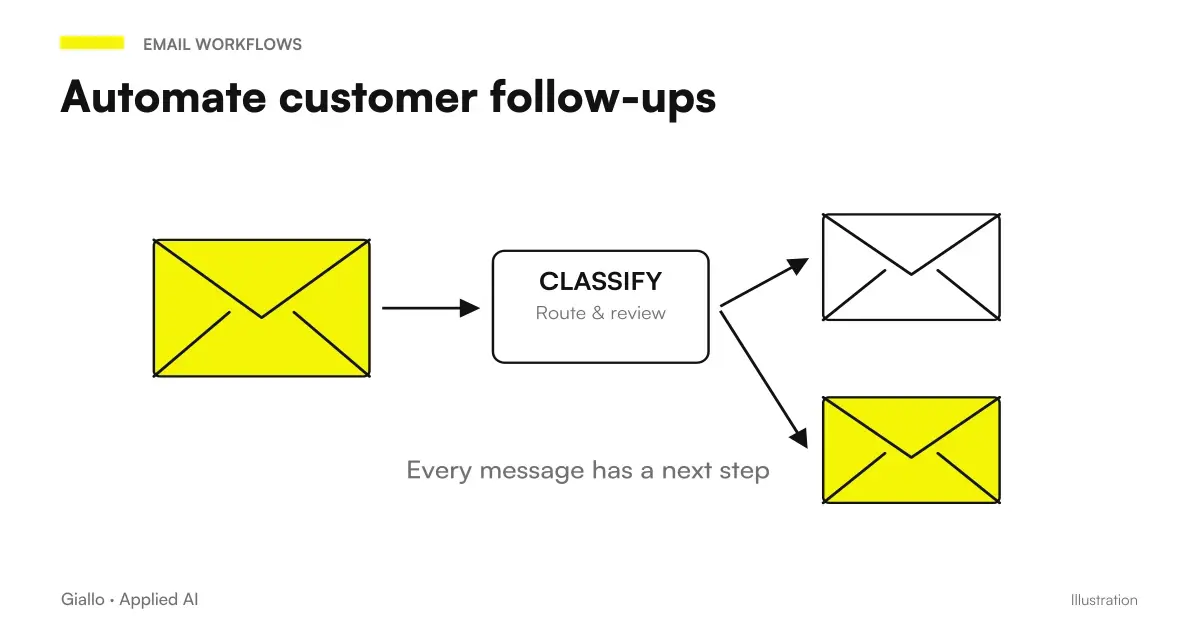
Customer follow-up automation It means automatically starting contact messages —email, WhatsApp, CRM notifiche notifications at the right time, without anyone having to remember it. Has the estimate been unanswered for three days? The system detects it and sends a message. Has the customer completed a purchase? It automatically starts a 7-day follow-up to ask if it is satisfied.
The problem with manual follow-up is not laziness: it is volume and noise. A salesperson with twenty open quotes, an agency with fifty leads in progress, a firm with a hundred active case files — no one remembers everything. And sales that are lost by silence do not end in CRM, they remain invisible.
The good news is that this is one of the easiest processes to automate, with a measurable return in weeks.
In summary
- The Follow-up automation starts recontact messages based on triggers (unanswered quote, completed purchase, deadline), without manual intervention.
- The critical point is not the tool, but define triggers and texts before building the flow.
- The instruments range from CRM with native sequences (HubSpot, Pipedrive, Brevo) to no-code platforms like Make, Zapier or n8n.
- Generative AI Adds Dynamic Customization: the message includes customer-specific details instead of a fixed text.
- GDPR: follow-up on contacts who have already requested a quote is lawful for legitimate interest; for cold contacts, consent is required (Art. 6). Consult a legal expert.
Why manual follow-up always fails
It's not a discipline problem, it's a system problem. When open negotiations become more than five or six, the human mind cannot keep track. Add interruptions, changing priorities, out-of-date CRM —, and follow-up skips.
The consequences are concrete: Industry studies (indicative, not absolute values) show that most B2B sales require more than one contact to close, but most sellers stop at the first attempt. Not by choice: by forgetfulness.
An automatic system solves exactly this: it does not replace the relationship, it eliminates forgetfulness.
How a follow-up automation flow works
The basic mechanism is simple: trigger → condition → action.
- Trigger: an event starts the flow. Example: quote created in the CRM, form filled in on the site, email received but not replied within X hours.
- Condition: the system checks whether follow-up is already due or whether it should wait. Example: "Has more than one day passed since the quote was sent, while the status is still ‘pending’?"
- Action: sending the message (email, WhatsApp, SMS, Slack notification to the commercial) with the contact's custom data.
- Update: the system marks in the CRM or sheet that the follow-up has been sent, so as not to duplicate it.
- Output branch: if the customer answers or buys, the flow stops. No unnecessary messages after closing.
This scheme applies to any tool: a CRM with native sequences, Make, Zapier, n8n, or a AI Agent more complex.
Tools to automate follow-up
The choice depends on what you already have and how complex your process is.
| Tool | Suitable for | Customizing AI | Main Limit |
|---|---|---|---|
| HubSpot Sequences | Sales team with CRM HubSpot | Yes (with integration) | Cost if you don't already have HubSpot |
| Pipedrive + automations | SMEs with simple pipeline | Native Limited | Less flexible on complex triggers |
| Brevo (formerly Sendinblue) | Email and SMS, contact lists | Dynamic Templates | Less suitable for multi-step flows |
| Make | No-code multi-app streams | Yes, with AI node | Initial Learning Curve |
| Zapier | Quick connections between apps | Yes, with AI step | Cost goes up with volume of operations |
| n8n | Complex flows, self-hosted | Yes, native | Requires more technical configuration |
| Custom AI Agent | High Customization Processes | Maximum | Requires development or advice |
To deepen the comparison between the no-code platforms see Make vs Zapier vs n8n.
The role of AI in automatic follow-up
An AI-free stream sends the same text to everyone. It works, but it feels automatic. Generative AI adds a step: before sending the message, dynamically customize it with contact information.
Concrete example: an agent receives contact data (name, quote product, date of last contact), generates a message that incorporates them naturally, and sends it. The recipient receives something that looks like it was written by a person who remembers the conversation.
To do so, you need:
- A node that retrieves contact data from the CRM or sheet.
- A call to a language model with a structured prompt.
- The generated text that is injected into the final message.
Tools like Make and n8n already have native nodes to call AI model APIs. For prompts to use, you can take cues from AI prompt for sales and AI prompt by email.
Practical examples
Mechanical workshop, Brescia. Each repair quote is placed in a Google sheet. Make checks every morning if there are quotes sent from more than 48 hours without response. If yes, send a WhatsApp to the customer number with the name of the mechanic in charge and the reference to the quote. The response rate rose sharply after the first two months. The holder no longer needs to check the list manually.
Communication Agency, Milan. After each commercial call, the commercial puts the notes in Notion. An AI agent reads the notes, extracts the key points of the conversation, and builds a custom follow-up email. The commercial will review it in thirty seconds and send it with a click. The time to produce the follow-up fell from twenty minutes to less than two.
E-commerce clothing, Turin. Those who leave the cart receive a sequence of three automatic emails: first email after one hour (objects left in the cart), second email after 24 hours (small incentive), third email after 72 hours (incentive expiration). The flow is on Brevo, does not require AI, but has recovered a significant percentage of lost orders.
Tax consultancy firm, Naples. Each customer with an open case receives an automatic update whenever its status changes in the business management software. This is not a sales follow-up, but the principle is identical: nobody needs to remember to notify the customer. The CRM Automation It also covers these internal cases.
When to use it
- You have more than 10-15 negotiations or open contacts at the same time.
- Manual follow-up is often forgotten.
- The sales process has clear stages (quote → waiting → response).
- Your customers are used to communicating via email or WhatsApp.
- You want to measure the response rate and optimize it over time.
When to Avoid It (For Now)
- Negotiations are very few and very high value: better personalized direct contact.
- CRM or customer sheet is messy: automating chaos produces noise.
- You have not defined what to write in messages: the system does not invent texts for you.
- The product or service is very complex: automatic follow-up can simplify too.
GDPR and privacy in automatic follow-up
Automatic follow-up touches on personal data, so GDPR compliance is not optional.
Legal basis: for contacts who have already requested a quote or are active customers, the legitimate interest (Art. 6.1.f GDPR) is often applicable, as long as the follow-up is relevant and expected. For cold contacts or purchased lists, the explicit consent (Art. 6.1.a).
Practical points:
- Each automated message must include an easy way to unsubscribe or request deletion (Art. 17 — right to be forgotten).
- Data should not be sent to non-EU tools (e.g. some automation platforms with US servers) without verifying contractual guarantees (SCC, Art. 46).
- The logs of messages sent with personal data should be treated as personal data: do not keep them more than necessary.
To learn more see AI and GDPR and AI and corporate privacy. Always consult a legal expert before sending into production a system that processes contact data.
Mistakes to Avoid
- Generic text. "Hi, I wanted to resume our speech" sent to everyone is worse than nothing: it signals that you are using a template. Just adding the name and the reference to the product changes everything.
- Wrong timing. A follow-up sent two hours after the quote is intrusive. One sent three weeks apart is irrelevant. Test the window that works for your industry (often 24-72 hours for the first touch).
- No exit branch. If the customer responds or purchases and the messages continue, the figure is bad. The flow must intercept the response and stop.
- Automating without measuring. How many follow-ups are opened? How many get answered? Without these numbers you don't know if the system is working or wasting time.
- Skipping the human review on AI texts. If you use generative AI to personalise messages, check a sample every week: language models can produce odd or out-of-context sentences. AI output must always be supervised, at least until the workflow has been properly tested in use.
How to apply it in the company
- Map touch points. Where is follow-up forgotten most often today? Quotes, post-purchase, renewals, reactivation of dormant customers? Just choose one to get started.
- Define triggers and texts. For each step: when the message (trigger) starts, what it says (text), what happens if the customer replies (exit branch). Do this on a sheet before touching the instrument.
- Choose the minimum instrument. If you already have a CRM, check if it has native sequences. If not, Make or Zapier on a Google sheet is enough for a first flow.
- Build and head with fake data. Send messages to yourself before activating the stream on real contacts.
- Measure for 30 days. Open rate, response rate, conversions attributable to automatic follow-up. Then optimize text or timing if the numbers don't meet.
For a broader analysis of what is worth automating in your SME, the starting point is what to automate in an SME and the guide on Business Process Automation. If you want to figure out how to connect the follow-up to an existing CRM, see AI for CRM and Sales.
Conclusion
The customer follow-up automation It is not a luxury from large companies: it is one of the fastest returns available to an SME. It takes hours, not months, for the first stream. The difficult thing is not the technology —it's having the clear triggers, the ready texts and the updated CRM (or sheet).
AI comes in usefully as the volume grows: it adds customization without adding work. But even an AI-free flow, well built on the right triggers, far exceeds the forgotten manual follow-up.
AI becomes useful when it enters processes. Giallo Studio helps SMEs and teams to build concrete, measurable and sustainable automations.
Giallo Studio guides: methodology and sources
How we apply it in the company
Related resources
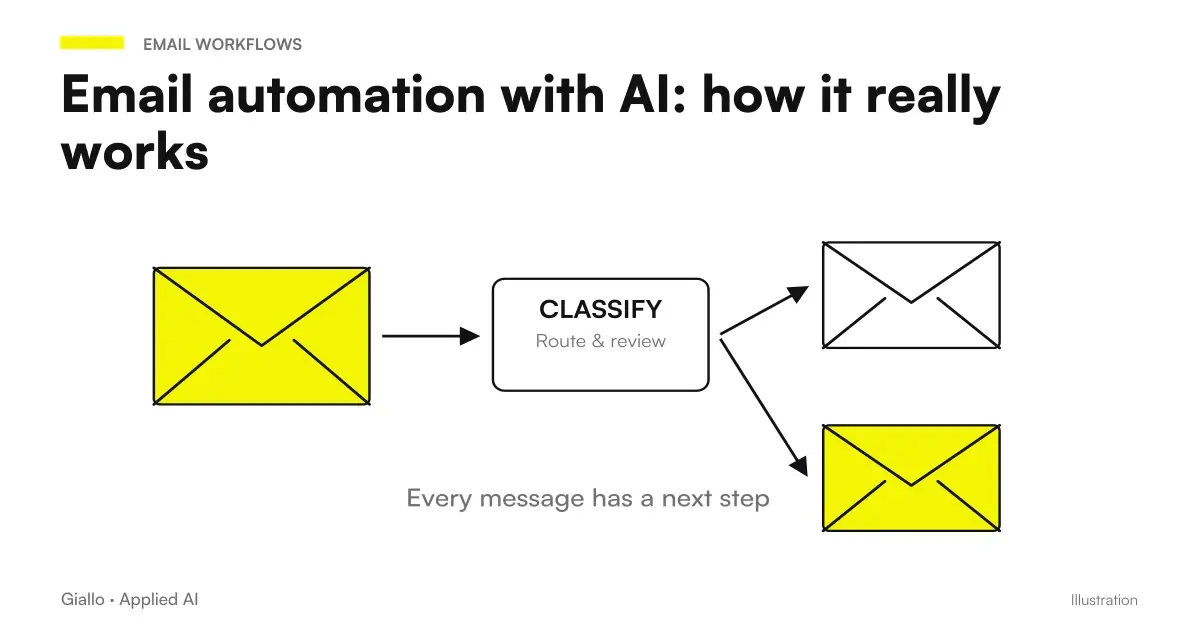 Email automation with AI: how it really works
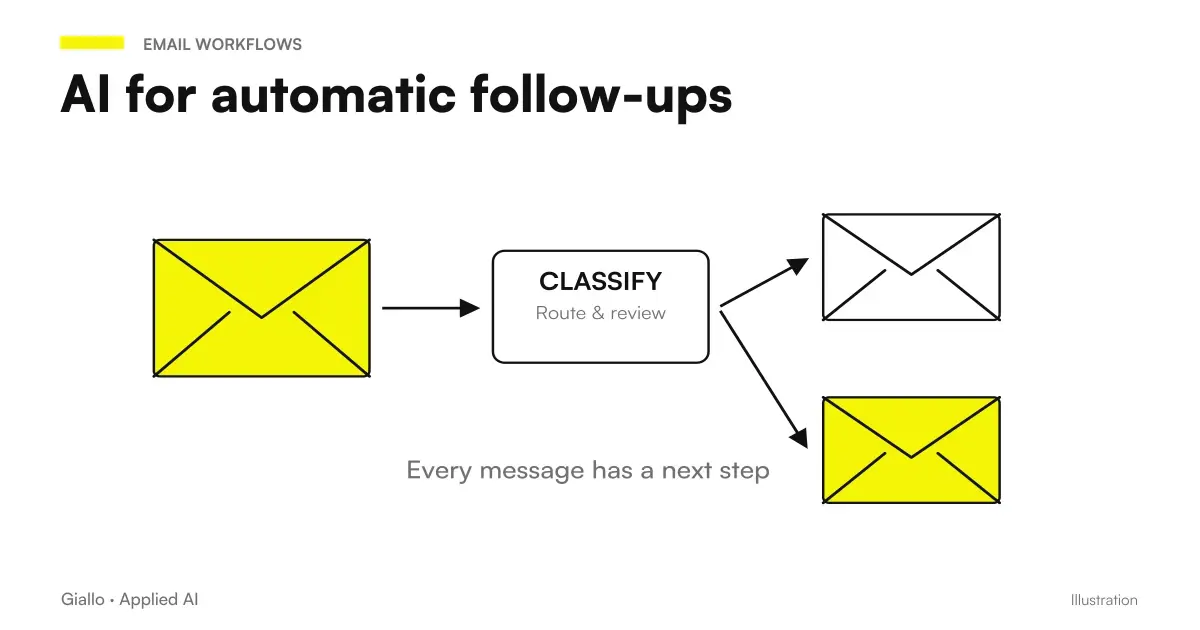 AI follow-ups: keep track of every contact
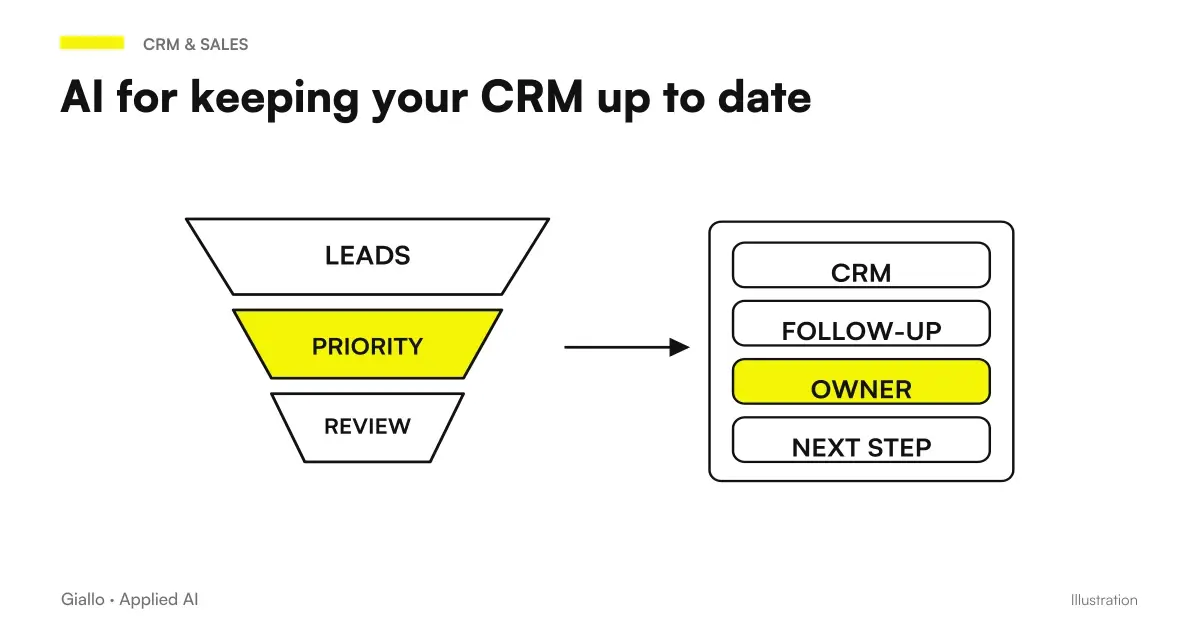 CRM automation with AI: keep your business system up to date
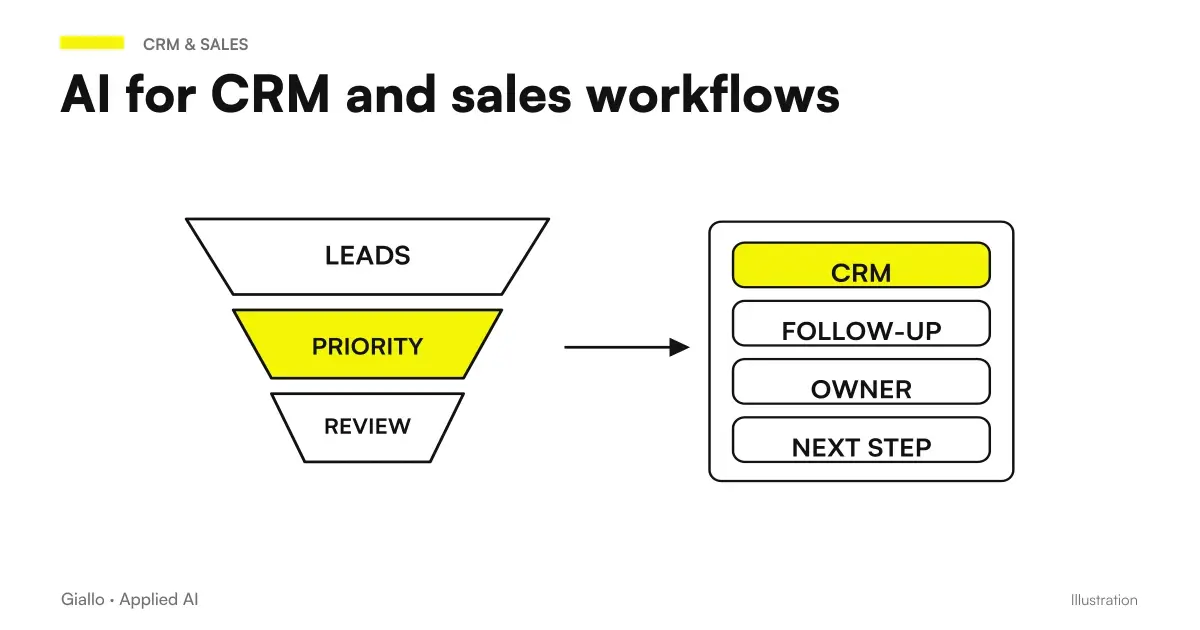 AI for CRM and sales: automate the sales process
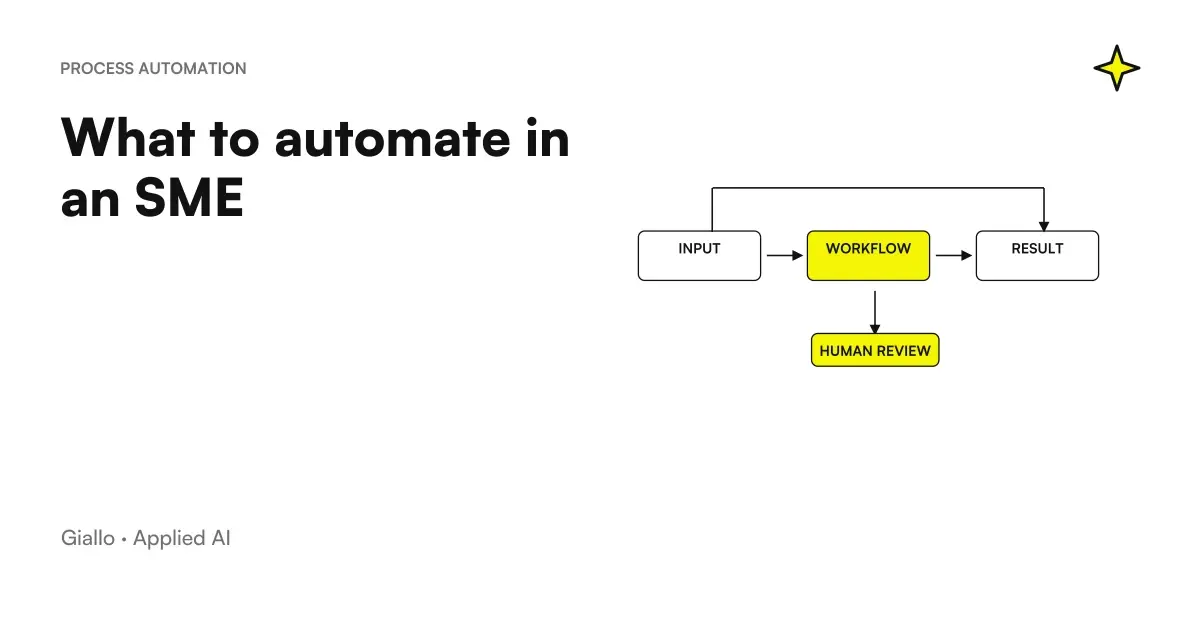 What to automate in an SME: the list of the right activities
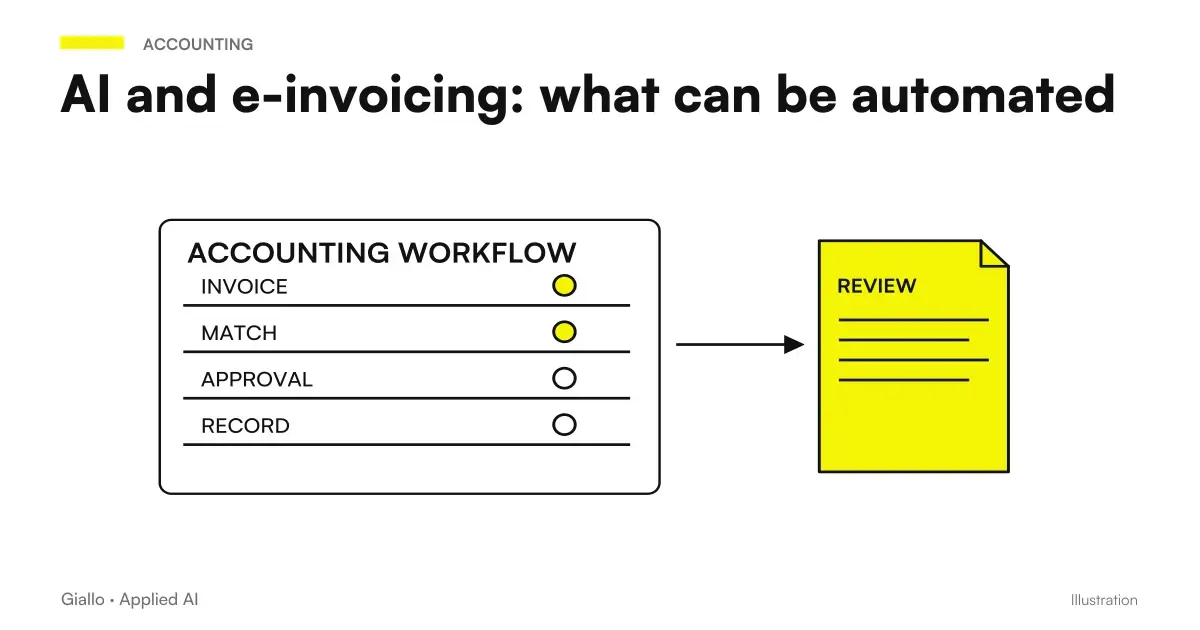 AI and e-invoicing: what can be automated
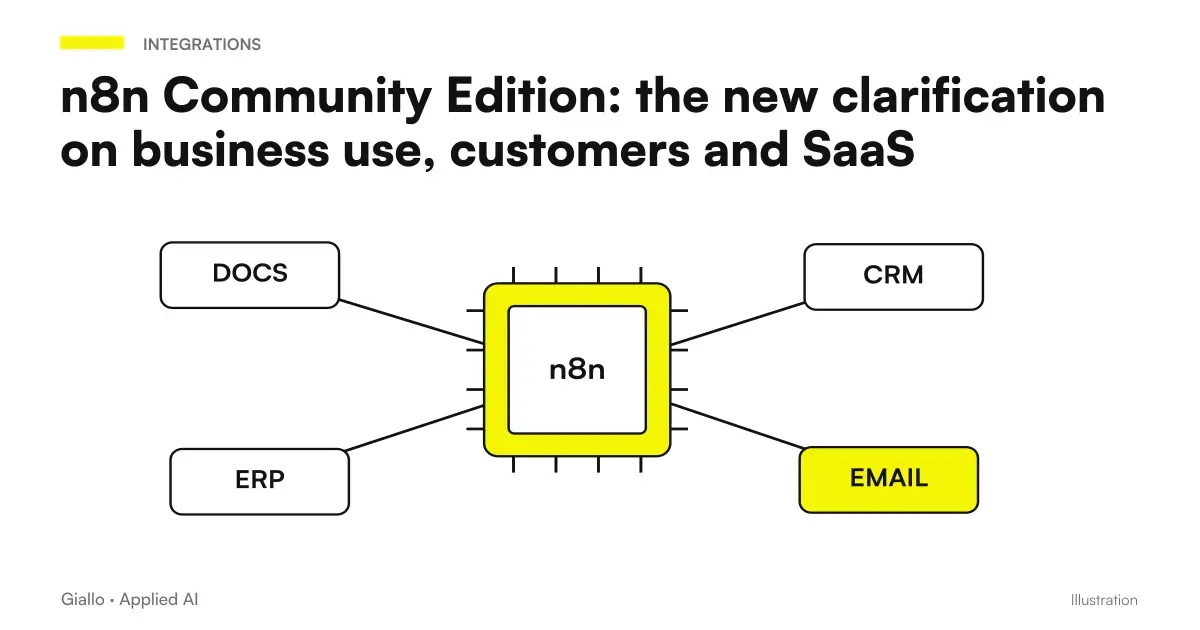 n8n Community Edition: the new clarification on business use, customers and SaaS
 Perplexity Decider 1.1: sorting tickets with controllable probabilities and thresholds
FAQ
What is customer follow-up automation?
It is a system that sends recontact messages (email, WhatsApp, CRM notifications) automatically, based on defined triggers: quote sent but not answered, purchase completed, appointment set. The message starts without anyone having to remember it manually.
What tool to use to automate follow-up?
It depends on what you already have. If you use a CRM, it often has built-in follow-up sequences (HubSpot, Pipedrive, Brevo). If you don't have a CRM, you can use Make, Zapier or n8n to connect emails and spreadsheets. For custom messages with generative AI you can add a node that calls a language model.
Is automatic follow-up cold or robotic?
Only if it is poorly designed. A message that uses the recipient's name, refers to the specific quote and arrives at the right time is not perceived as automatic. The problem is not automation: it is a generic text sent at the wrong time.
How much does it cost to automate the follow-up?
It depends on the complexity. A simple workflow with Make or Zapier starts at a few tens of euros per month in licence fees. If you already have a CRM with sequences included, the additional cost is zero. More complex projects (more channels, AI personalisation, integration with business management software) vary considerably: always assess ROI rather than the fixed cost.
Is follow-up automation GDPR compliant?
Follow-up on existing contacts that have already expressed interest (e.g. a quote request) is lawful based on legitimate interest or the current contract. For cold contacts, explicit consent is required (Art. 6 GDPR). Automatic messages must include opt-out and data should not be transferred to non-EU tools without adequate guarantees. Always consult a legal expert for your specific case.
How many follow-ups should be sent before stopping?
In most cases three or four well spaced messages cover 90% of possible responses. The first within 24-48 hours, the second after 3-5 days, a third after a week, possibly a fourth closing message. Continuing beyond rarely leads to conversions and can irritate contact.
Does automatic follow-up also work on WhatsApp?
Yes, via WhatsApp Business API. It allows you to send structured messages (templates approved by Meta) automatically. It is more effective than email for many Italian SMEs, but requires template approval and compliance with Meta policies. Make and n8n support WhatsApp Business API as a node.