
AI quote automation: save hours on every offer
AI quote automation for SMEs: queue enquiries, draft in business software or CRM, approve, send and follow up until the customer accepts.
Reading time: 11 min
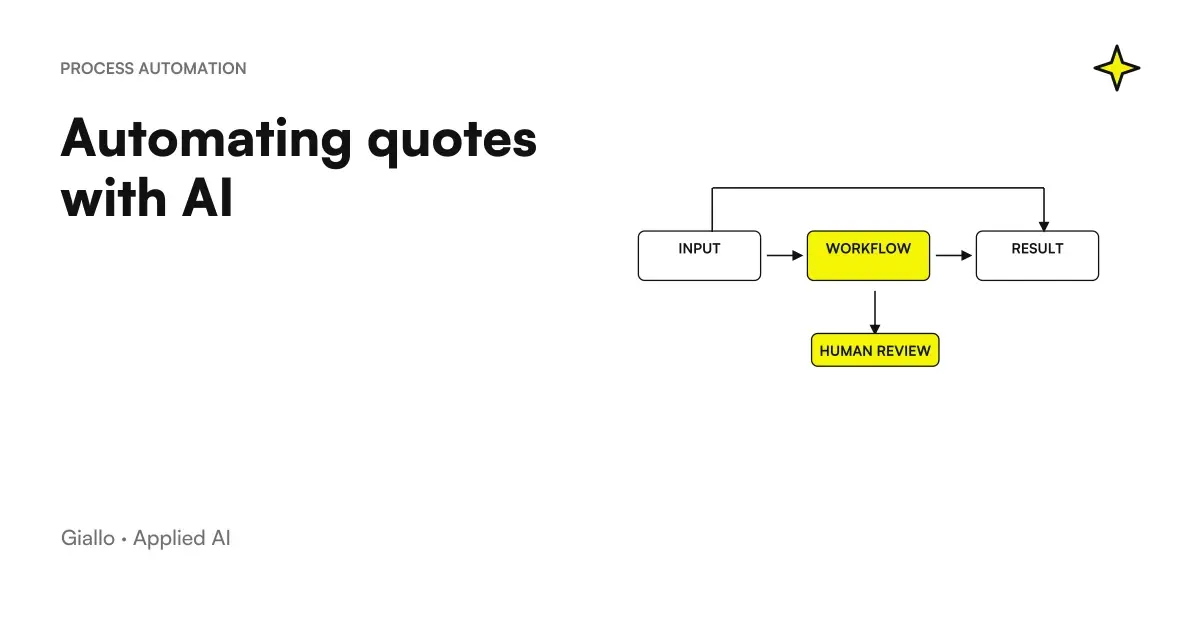
The AI quote automation covers the entire path of an offer, not just writing it: the request arriving by email, form or WhatsApp, the data needed to answer, the document created in the business management software or CRM, approval, sending and reminders until the customer says yes or no. AI works where reading and writing are needed. The rest consists of rules you decide once: who approves, when the offer expires, when to contact the customer again.
Hours are recovered mainly in the handovers between one stage and the next. A request stuck in the inbox of a colleague on holiday, a price list to copy by hand, a PDF saved in a folder without anyone knowing whether the customer has opened it: that is where an offer arrives late or is lost altogether.
If you are interested in how AI composes the text of a quote starting from a brief, the topic is covered in AI to create quotes. Here we follow the whole flow and the systems that revolve around us.
In summary
- A flow of AI quote automation has seven stages: collection, reading, data, draft, approval, sending, prompts.
- AI reads the request and compiles the draft; prices, discounts and deadlines They come from the price list and written rules, not the model.
- The budget must live in the management software or in CRM as a document with number, status, and expiration, not as a PDF in a folder.
- For the Civil Code an accepted offer concludes the contract: for this reason the approval before sending remains to one person.
- The reminders start automatically and They stop by themselves when the customer responds, accepts or refuses.
Where you jam the round of a quote in an SME
Before choosing a tool it is better to draw the current turn, from the first message of the customer to the invoice. In small businesses the steps are almost always the same, and each has its own weak spot.
| Phase | Where it usually jams | What can be automated | Who Decides |
|---|---|---|---|
| Request | It arrives on personal boxes, on the holder's WhatsApp, on the phone | Collected in a single queue, with a practice number | None: it's a rule |
| Reading | Missing data is discovered after days | AI extracts the fields and prepares the questions to ask the customer | The person confirms the doubtful fields |
| Data | Price list in a file, discounts in the salesperson’s memory | Reading the price list and customer terms from the source | Who manages the price list |
| Draft | Copy and paste from an old quote | Document created in management software or CRM | AI compiles, person reviews |
| Approval | The holder sees the offer when it has already left | Rules that only send out-of-the-box cases for approval | Owner or commercial manager |
| Sending | PDF attached by hand, no trace | Email with PDF or link and status updated | The person gives the ok |
| Payment reminders | Rely on Memory | Scheduled reminders with stop conditions | Rules, with manual exceptions |
The right column is the one that counts. An automatic flow moves each decision to a precise point and makes it visible to those who have to make it.
The seven stages of an automatic flow, from request to yes
- A single queue for requests. Dedicated email, site forms and WhatsApp Business all come together in one place, where each request receives a number and a manager. Without this stage the others do not start.
- Reading the request. AI extracts products or services, quantity, location, time and customer data, and reports what is missing. Missing information becomes a quick question to the customer instead of a wrong quote.
- Data recovery. Prices from the price list, special conditions from the registry, availability from the warehouse when needed. Each number of the quote has a source that you can indicate.
- Draft in the system you already use. The quote starts as a document in the business management software or CRM, with a sequential number, rows, expiry date and draft status.
- Approval. The rules decide who has to watch it: standard offers pass with a quick read, those with discounts off the threshold or new entries go to the holder.
- Sending. At the ok start accompanying email, PDF or link. The text of the email can write it the AI on the tone of the company, and the status switches to sent.
- Tightening and closing. If the customer is silent, the reminders start; on the yes the quote becomes order or invoice, on the no the reason is recorded.
Looking at the list you can see where AI works: in the stages of reading, draft and sending, where there is text to understand or to write. Data, approval and solicitations are rules, and it agrees that they remain so. A price read from the price list occurs in a moment, a price "reasoned" by a model no. If you want to see the reading and draft part about a simulated case, try the automatic quote demo of our Lab.
Where the estimate must live: management software, CRM or shared sheet
An automatic estimate only makes sense if it becomes a document with a state: draft, in approval, sent, accepted, rejected, expired. As long as a PDF remains in a folder, no system can know whether to solicit it and no one can count how many bids go through.
Some business software widely used by Italian SMEs exposes quotes to integrations. The Fatture in Cloud APIs, for example, manage documents of the quote type and allow you to convert them to order, proforma or invoice: to the customer's yes the next document starts from the already approved data, without recopying them. On the CRM front, HubSpot creates quotes from the negotiation and can also generate them from a workflow, in the plans indicated in the official guide to quotes.
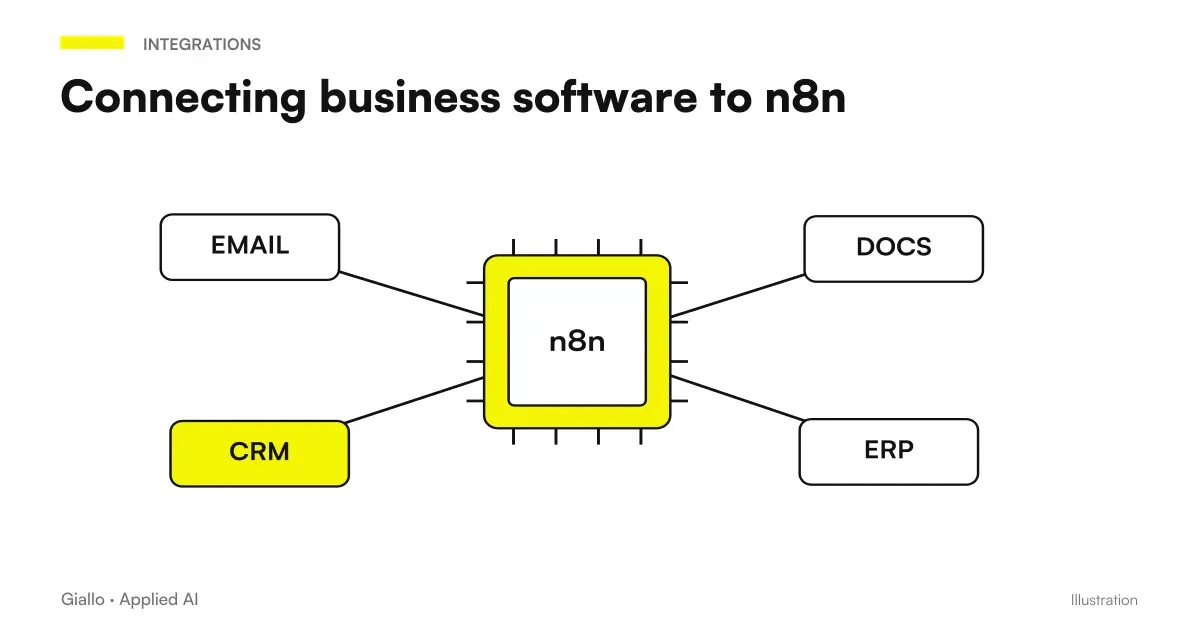
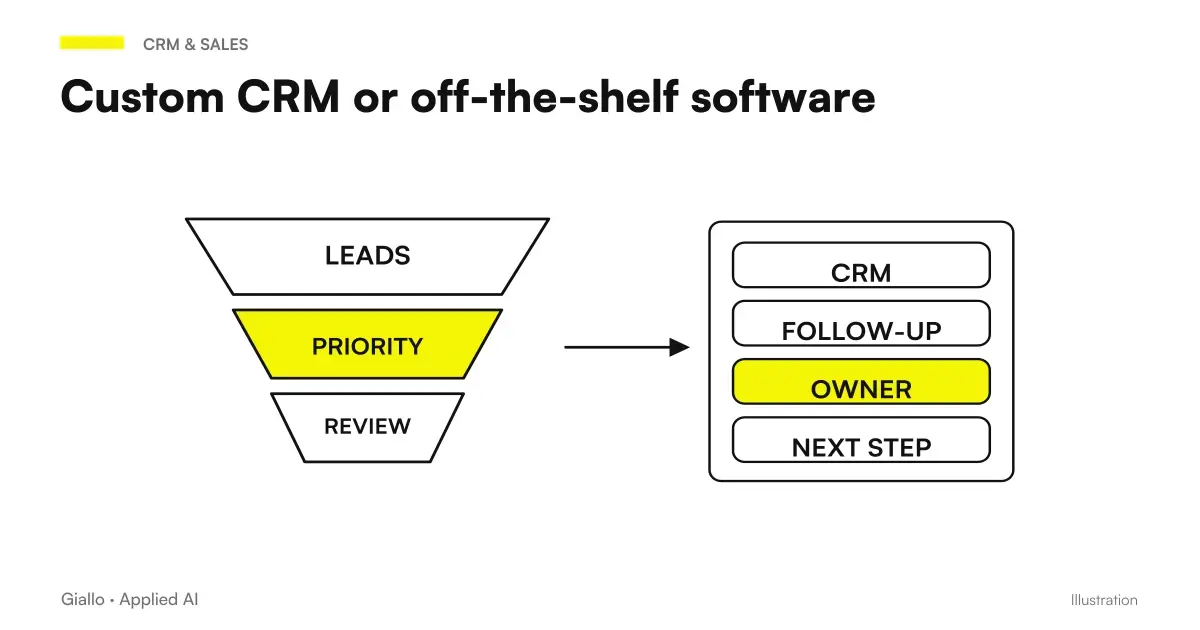
If your management software doesn't have APIs you don't need to change it to start: you work with periodic exports or a shared sheet that acts as a bridge, knowing that it's a temporary step. How you connect a management software to an automation engine, with webhook and call signing, is explained in integrate business management software with n8n. If instead you are deciding whether to develop or buy, read Custom CRM or off-the-shelf business management software.
Do you need a new management system to automate quotes?
Almost never. You start where the data already is: the price list wherever it is stored, customer records in the CRM or business management software already in use, and add the missing piece of automation. Changing business management software is a separate project, to consider for other reasons. Before promising an integration, check what the system actually exposes: APIs, exports, webhooks.
Who approves what before sending
Approval makes the workflow reliable, but must not become a bottleneck. The practical rule is to send only exceptions for approval: discounts beyond a threshold you set, items outside the price list, new customers, payment terms different from the usual ones, amounts above a certain value. The rest goes through after a quick read by the person who prepared the offer.
The most common CRMs already have this mechanism. In HubSpot, for example, the rules of approval of estimates can click on the discount, amount or single lines, in the plans indicated by the page. In a custom-built flow the logic does not change: a written rule, a manager, a notification.
The same article states that acceptance must come within the time limit set by the proposer. It is the reason why each quote in the stream carries an expiration date, and why the expired quote state must take off on its own instead of waiting for someone to notice.
Urges that start on their own and stop at the right time
The most neglected part is the one after the sending. An automatic prompt builds up quickly: a reminder at some distance from the send, a second just before the deadline, then a signal to the commercial why you phone. In n8n, for example, the node Wait suspends the flow for an interval of time or until a precise date, and then resumes it.
The delicate part is the Stop conditions. The reminder must not start if the customer has already responded, if he has accepted, if he has refused or if the quote has been replaced by a new version. For this they need the states: before each send the stream checks the status of the document, he does not trust the calendar. Other contact schemes, even outside the quotes, are in customer follow-up automation.
On the channel it is better to decide first. Email does not place any special technical constraints. On WhatsApp Business, however, after the conversation window opened by the customer you can only send template messages approved by Meta, so the reminder should be prepared as template to get approved.
Privacy remains. Using the data of those who have asked you for an offer to prepare it and contact him back is part of the pre-contractual measures taken at his request (Art. 6 (1) (b) GDPR); then inserting it into newsletters or campaigns is another treatment, to be evaluated separately. If the requests are read by an external AI provider, that provider normally processes the data on your behalf, and Article 28 of the same regulation requires a contract to regulate it. Points to be checked are collected in AI and GDPR.
Two flows in comparison: B2B distributor and window and window
Think of a distributor of electrical equipment that receives daily requests from installers: item codes, quantity, delivery site. Reading is almost mechanical and AI does it well, even when the installer writes "the same boxes as the last order" and the system has to find the previous order. The prices come from the price list reserved for that customer, the stocks from the warehouse. The salesperson opens the draft list and approves the standard ones en masse; it only stops on the ones reported, such as a sold-out item or a discount required above threshold. On the yes, the quote becomes order without rewriting anything.
A window installer, by contrast, works in two stages. The first request arrives with approximate measurements, often through a form: AI prepares a rough quote using price list items and marks it as indicative. After the site visit, the technician uploads the actual measurements and the system generates the final quote, replacing the first. Reminders are linked to the final quote, and those for the rough quote stop: without this detail, the customer receives a reminder about the wrong offer.
The two companies use the same pattern with different weights. The distributor gains on read speed and block approval, the window maker on version management. A real case of extraction from messy messages, in high-end car rental, is told in automatic quotations from free text.
Where these flows break
- Automatically send without approval. It saves a click and costs the first wrong quote accepted by an important customer.
- Price list in two places. If the prices are in the management software and in an Excel "most updated", sooner or later the flow reads the old one. The source of the prices must be only one.
- States that no one updates. If the acceptance arrives on the phone and no one registers it, the customer receives a reminder after having already said yes.
- Versions that overlap. A revised estimate must close the previous one, along with its reminders.
- Estimated prices from the model. When a given is missing, the system leaves the line empty and reports it. A plausible invented number is worse than an empty field, because no one checks it again.
- No measures. With no average response time and quota of accepted offers you do not know if the flow is working, nor where to intervene.
Where to start without redoing the whole process
- It counts how many requests you receive per month, from which channels, and how much passes between request and sending today.
- Choose the unique source of prices and bring the price list in a readable format: code, description, unit of measurement, price.
- Decide where the estimate lives (management software, CRM or bridge sheet) and which states it must have.
- Write the approval rules: discount thresholds, items outside the price list, new customers.
- Set the standard deadline and reminder schedule, with the stop conditions.
- Start with one channel and one type of request, then widen.
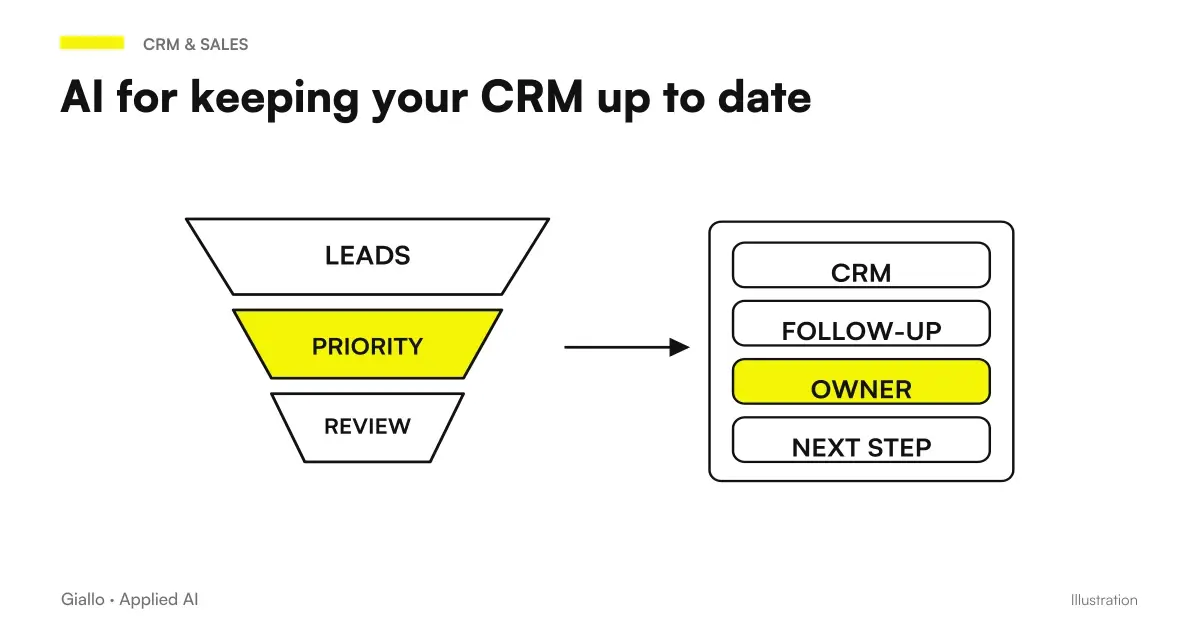
To choose the flow engine, compare Make vs Zapier vs n8n helps to understand which holds your volumes and where the data remains. The connection with registry and negotiations is treated in CRM Automation; the step that comes after the yes, i.e. contract and signature, in contracts and digital signature in app.
The first result to look for is not a perfect offer written by AI. It is a quote that starts on the same day as the request, with prices taken from the right source, and that no one forgets to contact again. If you want to map your round of quotes and figure out which steps to link first, Giallo Studio builds these flows on the management software and CRM that you already use.
Giallo Studio guides: methodology and sources
How we apply it in the company
Related resources
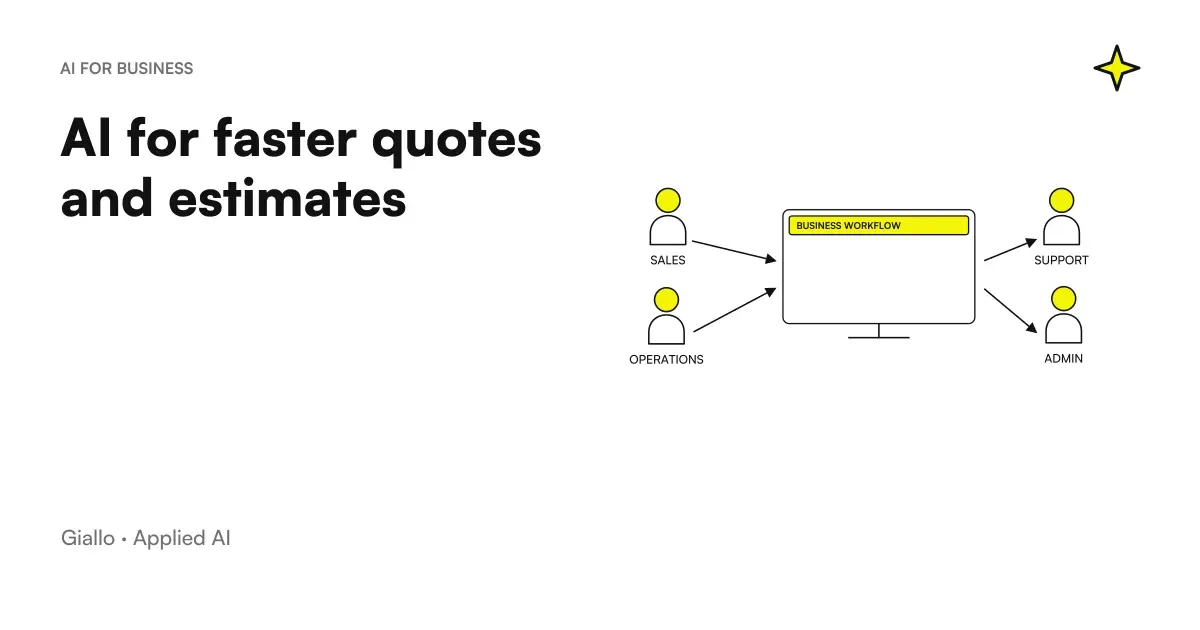 Creating quotes with AI: how to speed up the process
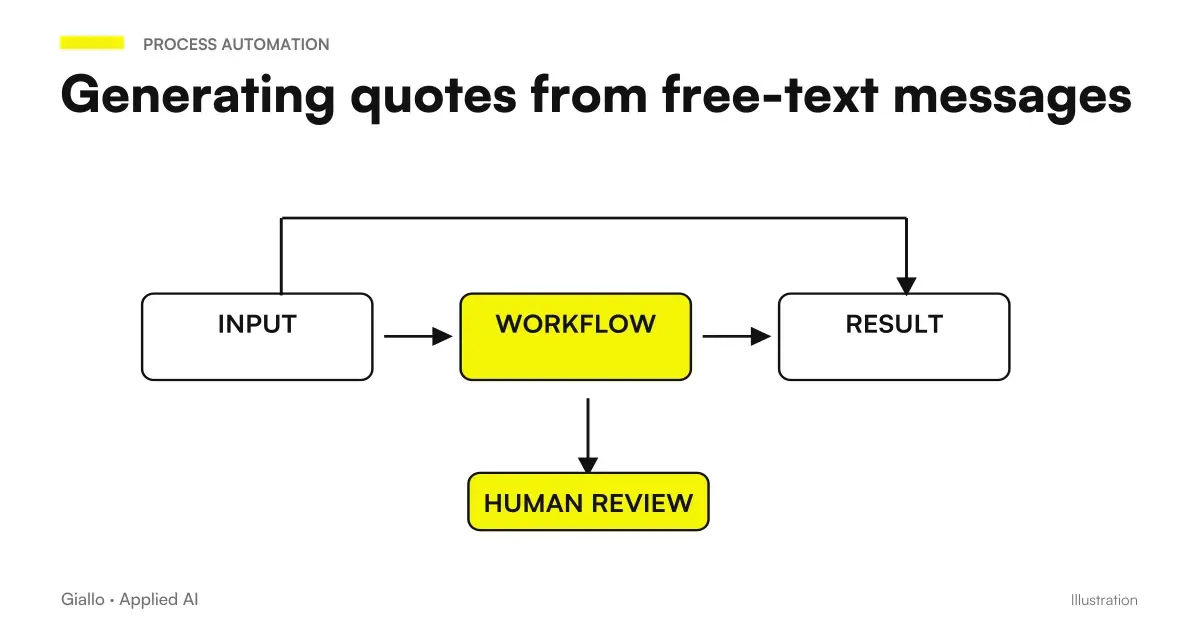 Automatic quotes from a free text message
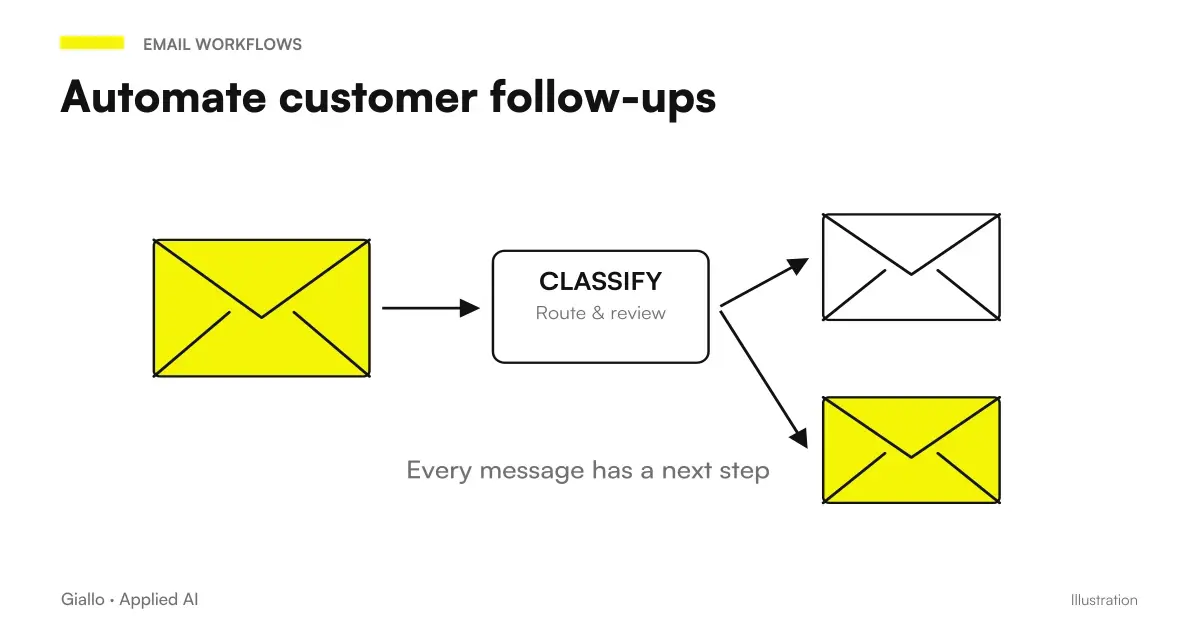 Automate customer follow-ups: fewer missed contacts, more closed deals
 Integrate business software with n8n: APIs, webhooks and HMAC signing
 CRM automation with AI: keep your business system up to date
 Contracts and digital signature in the app: how it really works
 Custom CRM or off-the-shelf business software: how to choose
 Zapier Agents becomes AI by Zapier: migration, approvals and sources still missing
FAQ
What is AI quote automation?
It is a workflow that takes a request for a quote from the client’s first message to the response: collection, reading, drafting in the business management system or CRM, approval, sending, and follow-ups. AI reads the request and fills in the draft; prices, approvals, and deadlines follow rules set by the business.
Does AI decide prices on its own?
No. Prices come from the price list, customer record, or business management system, which the system reads as its source. If data is missing, such as work outside the price list or a site inspection still to take place, the line remains blank and is flagged to the approver.
Do I have to check every quote before sending it?
Yes, but not all with the same attention. Standard offers pass with a fast reading; discounts over threshold, new entries and new customers go to those who decide. An accepted quote can conclude the contract, for this the final ok remains to one person.
What happens if the customer does not respond to the quote?
A scheduled reminder is sent, for example a few days after the quote and shortly before expiry, followed by an alert to the salesperson. Before every send, the workflow checks the quote’s status: if the client has replied, accepted, or rejected it, reminders stop.
Do you need dedicated software or just ChatGPT?
To test reading a request and drafting a response, an assistant such as ChatGPT or Claude is enough, used without clients’ personal data. A stable workflow needs an inbox, price list, business management system or CRM, and an automation engine such as n8n or Make connected together: it is an integration into your process, rather than new software to learn.
Can I send reminders on WhatsApp?
Yes, with the WhatsApp Business platform, but outside the conversation window opened by the customer you can only send template messages approved by Meta. The text of the reminder should then be prepared and approved first, as a template.
With what legal basis do I use the data of those who request a quote?
Preparing the offer and contacting those who have requested it is part of the pre-contractual measures taken at the request of the data subject, provided for in Article 6 of the GDPR. Using the same contacts for newsletters or promotions is a different processing activity, to be evaluated separately with your privacy consultant.