
AI to eliminate manual data entry and copying in business
Eliminate manual data entry and copying with AI: tools, workflows and a practical approach for SMEs looking to save hours.
Reading time: 8 min
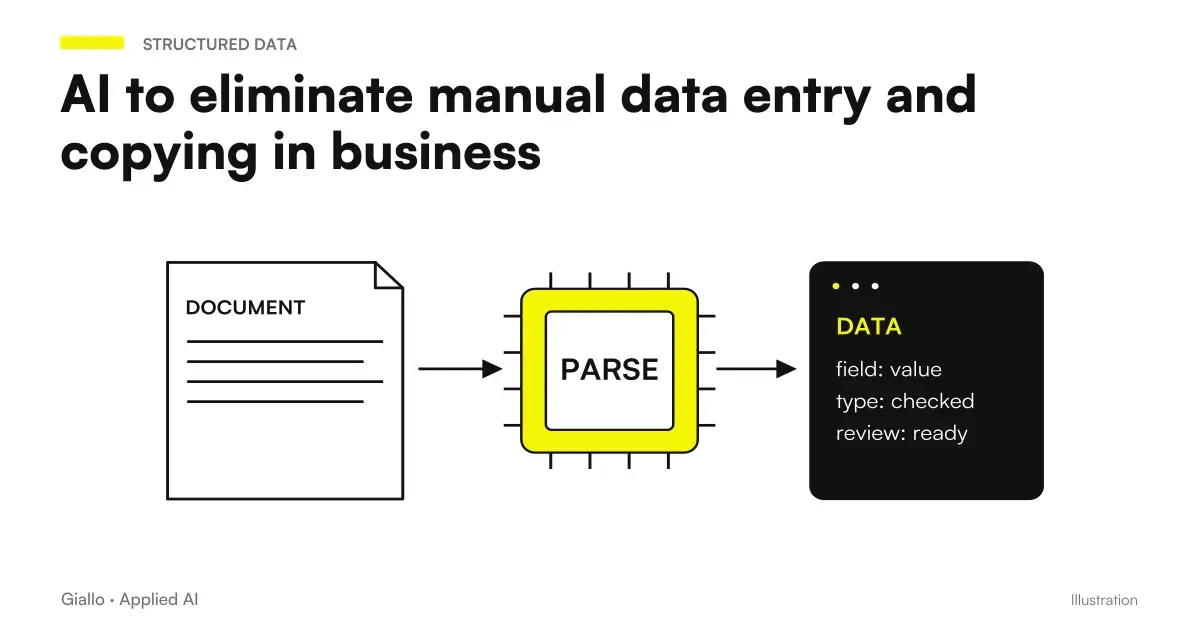
In many Italian SMEs, there is one person — or half of a person’s time — whose job is to look at a document on one screen and re-enter the same data into another system. Invoice arrives by email → open the PDF → read the amount, date and supplier code → open the business management system → enter the data field by field. Three hundred times a month.
It's not a size issue. It's a structure problem: two systems that don't talk to each other, a document that comes in a format that no software reads automatically, and a person in between that acts as a bridge. Manual data entry is the ghost work of SMEs: invisible in reports, expensive in hours, full of errors.
AI can act as a bridge instead of people. Not because it's "smart" — but because it can read a document, understand what's written in it, and write the data where it's needed. This guide explains how it works, what processes are automatable, and how it is implemented without changing existing systems. For a broader picture on the AI automation and what it really means, start from there.
- Data entry is among the top three hours wasted in SMEs — and among the easiest to automate because it is repetitive, structured and measurable.
- AI does not require changing management software. It hooks up to existing systems via API, email, or shared folders.
- OCR + AI exceeds traditional OCR. It also reads scanned PDFs, photos of receipts and poor quality documents, extracting relevant fields without manual rules.
- Human control remains mandatory. At first you supervise everything, then you reduce to sample. Never "zero control" over financial data.
- Savings are measurable in weeks. You don't need a project for six months: an extraction flow on 50 invoices/month is configured in days.
How AI works for data entry
The flow is always the same, regardless of document type or target system:
- Acquisition of the document. The document arrives — via email, shared folder, portal upload, scan. The AI intercepts it at the point of entry without anyone having to do anything.
- Extracting data. The AI model reads the document (even if it is a scanned PDF or an image) and identifies the relevant fields: amount, date, company name, product code, VAT number, quantity — based on what it is used to extract. It is not based on fixed positions on the page (as traditional OCRs did): it understands the context.
- Structuring and validation. The extracted data is organized into a structure (JSON, CSV, form fields) and subjected to a first automatic validation: is the amount a number? Is the date in the expected format? Does the vendor code exist in the database? Abnormal fields are reported for human review.
- Insertion into target system. Validated data is written in the management software, CRM, worksheet or database — via API, no-code connector or custom automation. Like a human operator would, but without typos.
- Human review of dubious cases. Anything that does not pass automatic validation is queued for a human control. It does not lock the entire process — it separates the certain flow from the one to be verified.
The practical result: the operator who previously entered 50 invoices per month goes on to review 4-5 abnormal cases. The other 45 enter the system automatically.
What documents and processes can be automated
Not all data entry is the same. These are the most suitable cases for AI automation, with the related level of implementation difficulty:
| Document Type | Extracted data | Typical Destination | Difficulty |
|---|---|---|---|
| Supplier Invoices (PDF) | Amount, date, supplier, VAT number, lines of detail | Management software, accounting | Low |
| Customer orders via email | Products, quantity, shipping data, notes | ERP, warehouse management | Low-Media |
| Transport Documents / DDT | Product Codes, Quantity, Sender, Recipient | Management software, warehouse | Low |
| Scanned modules (papers) | Personal data, responses to predefined fields | CRM, database | Medium |
| Contracts and tenders received | Deadlines, amounts, contracting parties, key conditions | CRM, Contract Management | Medium-High |
| Receipts and expense notes (photos) | Amount, date, category, supplier | Software expense notes, accounting | Low |
| Customer Update Email | Order status, requests, changes | CRM, ticket system | Medium |
| Report from suppliers (Excel/CSV) | KPIs, volumes, aggregate data | Dashboard, internal database | Low |
The most suitable processes are those for high volume (at least 20-30 documents per month), with defined fields (not free text) and with a Clear Destination in the existing system. To understand how AI handles more complex documents, such as contracts or unstructured reports, read AI to analyze business documents.
Available tools: three categories
There is no single type of tool to automate data entry. It starts with ready-made solutions and increases in complexity according to the use case.
Traditional OCR + rules: classic OCR systems read text from images and PDFs using positional rules — "the invoice number is always in the top right corner". They work well on standardized documents (always the same layout), poorly on variable documents. They are the least expensive but the least flexible.
IDP — Intelligent Document Processing: combine OCR with AI models. They don't use positional rules: they understand context, they adapt to different layouts, they handle documents in different languages. Products such as Azure Document Intelligence, Google Document AI, or AWS Textract fall into this category. They require configuration but not custom development.
Customized AI Agents: for more complex processes — highly variable documents, specific validation logics, multiple integrations — are built AI agents which combine reading documents, contextual reasoning and writing in target systems. More flexible, more powerful, require dedicated implementation. If you want to understand what they can do in practice, read the examples of AI automation in the company.
For most Italian SMEs, the right starting point is the IDP — category flexible enough to manage the actual variability of documents, without requiring development from scratch. It starts from a consolidated provider, configures the extraction of the necessary fields, connects to the target system via API or no-code tool such as Make or Zapier.
Copy-paste between systems: how AI acts as a bridge
The problem is not always a document to read. Often manual data entry arises from two systems that do not exchange data: CRM does not talk to management software, the supplier portal does not integrate with accounting, the online form does not update the database.
In these cases the person acts as a "human connector": opens system A, copies the data, opens system B, pastes them. For every record, every day.
AI can bridge in two ways. The first is the direct integration between systems via API: if both systems have an API, you build an automatic stream that reads from one and writes into the other without manual steps. No-code tools like Make, Zapier or n8n handle the simplest cases without writing code. The second way is the AI as an intelligent reader: when one of the systems does not have API or only export PDF/CSV, AI reads the output of the A system, extracts the data and writes it into the B — system replicating exactly what a human operator would do. To learn more how AI reduces manual work in the company in a more general way, the linked article also covers cases that go beyond the data entry.
In the AI Automation more structured, the two approaches combine: an agent monitors the incoming emails, reads the attached documents, extracts the data, validates them with respect to existing systems and writes them where they are needed — sequentially, without human intervention on standard cases.
Accuracy and Control: How to Handle AI Errors
AI is wrong. It is not wrong as a tired human operator (copy the wrong number because it is distracted) — it is wrong on abnormal cases, poor quality documents or situations out of the distribution on which it has been configured. It's a different kind of error, it's not zero.
The model that works in SMEs is this:
Phase 1 — full supervision: for the first few weeks, every document processed by AI is reviewed by an operator. Not to correct everything — to understand where the system is wrong, how often and on what types of document.
Phase 2 campi sample review: when the error rate falls below an acceptable threshold (typically below 2-3% on critical fields), it is passed to review on a sample — for example 10% of the documents extracted each week.
Phase 3 revisione Review of Abnormal Cases: the system automatically reports documents out of the norm (missing fields, statistically abnormal values, unrecognised layout). Human review only focuses on these.
You never get to "zero control" over financial, contractual, or payment systems. The practical rule: the more expensive a mistake is to be corrected downstream, the more human control must remain in the stream.
Practical examples: two Italian SME scenarios
Scenario 1 — Professional studio with 50 supplier invoices per month
A small accounting practice receives about 50 supplier invoices a month, as PDFs by email. A staff member takes an average of 5–6 minutes per invoice: opening the attachment, reading the fields, opening the business management software, entering the data, and checking that the total matches.
Total: About 4-5 hours per month of pure data entry work, in addition to transcription errors that emerge during reconciliation.
The automated workflow: emails with PDF attachments arrive in a dedicated inbox → a connector intercepts them and passes the PDFs to the IDP system → the AI extracts the amount, date, supplier, VAT number, invoice number and line items → the data is validated (does the supplier exist in the master data? Does the amount make sense compared with historical records?) → valid records enter the business management system automatically → anomalous records enter the review queue.
Result: Contributor reviews 3-4 cases per month instead of 50. The 4-5 hours of data entry becomes 20-30 minutes of control. The transcription error rate drops to zero on correctly extracted fields.
Scenario 2 — Distributor receiving orders via email from retailers
A distribution company receives orders from retailers via email, in non-standardized formats: who sends an Excel, who writes the text in the email itself, who attaches a PDF with their order form. A salesperson manually transcribes every order in the management software.
The automated workflow: incoming emails are processed by an AI agent that recognises the document type (email text, Excel attachment or PDF) → extracts products, quantities, reseller code and requested delivery dates → checks stock availability through an API → creates the order in the business management system → sends the reseller an automatic confirmation with the order details.
Cases requiring human intervention — non-catalogue products, abnormal quantities, uncensored retailers — are reported separately. The rest enters the system without manual steps.
Manual vs automated data entry with AI
| Appearance | Manual data entry | Data entry with AI |
|---|---|---|
| Time per document | 3-8 minutes (standard invoice) | Seconds (+ minutes for anomalous case review) |
| Transcription Errors | 1-3% on numeric fields | Below 1% with automatic validation |
| Scalability | Linear with volume (more documents = more hours) | Sub-linear (marginal cost per document drops) |
| Availability | Working hours | Continue (even after hours) |
| Adaptability to new layouts | Immediate (the operator understands immediately) | Requires additional configuration or examples |
| Cost on schedule | Proportional to operator hours | Fixed or variable on volume, independent of hours |
| Systems integration | Operator acts as manual connector | Systems connected directly via API or automation |
Mistakes to Avoid
Starting with the most difficult document. The test case you choose at the beginning must be the simplest and most repetitive, not the most complex. Those who start with free format contracts or multilingual documents are immediately faced with the limitations of the system. Those who start with standardized PDF invoices see results in weeks.
Not measuring the starting point. If you don't know how many hours it takes the operator today to enter 50 invoices, you can't prove that the automation worked. Measure before: hours, errors, average time per document.
Eliminating human review too soon. The fact that the system works well for three weeks does not mean that it will always work. The documents change, the layouts change, new suppliers come in with different formats. Sample control should also be maintained at full capacity.
Expecting 100% accuracy. No way. The goal is to reduce manual labor to the exception, not zero it. Those who enter the project expecting zero errors find themselves disappointed; those who enter expecting to handle 5-10% of cases manually and automate the rest have realistic expectations.
Not involving the people doing data entry today. People who do this work know the exceptions, the strange formats, the borderline cases that don't appear in any document. They are the most valuable source of knowledge to configure the system properly.
How to apply it in the company
The practical path for an SME that wants to eliminate manual data entry:
Map current data entry processes. Where do you spend time copying from a document to a system? How many times a month? Who does? How long does it take?
Identify the simplest candidate. High volume, document with defined structure, clear destination in existing system. Invoices in PDF is almost always the right starting point.
Measure the baseline. Hours per month, errors found in the reconciliation phase, average time per document.
Configure an IDP or AI agent on the specific case. Do not buy a general platform hoping it will fit: define the fields to be extracted, the destination system, the validation rules. If you do not have internal skills, it is time to Evaluate specialized advice.
Start with full supervision for 2-4 weeks. Monitor the error rate, refine the configuration, collect the abnormal cases.
Progressively reduce manual review. First a full review → then sampling → then only flagged cases. Always retain review for critical fields (amounts, deadlines and VAT numbers).
Extend to other processes. Once the first stream runs on its own, apply the same approach to the second candidate you had on the list.
For a more complete framework on how to introduce AI in the company step by step, the AI Guide for SMEs It covers the entire route, not just the data entry.
Taking PDF orders through to a draft in the business management software
An order does not reduce to extracting some field from a document: article codes, units of measurement and revisions must match the management software. The guide on how import PDF orders into management software follows this specific case, from the source to the proposed lines, with checks on ambiguity and duplicate registration.
Conclusion
Manual data entry is one of the easiest pockets of inefficiency to attack with AI. Not because the technology is simple — but because the problem is well-defined: an input document, fields to extract, a target system. No free text, no ambiguity, no complex decisions. AI is exactly the right kind of tool for this kind of work.
The frequent mistake is waiting for the right time, the perfect project, the complete solution. The right time is now, the perfect project is the easiest you have on the list, the complete solution does not exist — you build iterating.
Do you want to know where to start in your specific case? Contact our team for a first process analysis: in one hour we identify the two or three candidates best suited for automation and estimate the real savings.
Related Insights:
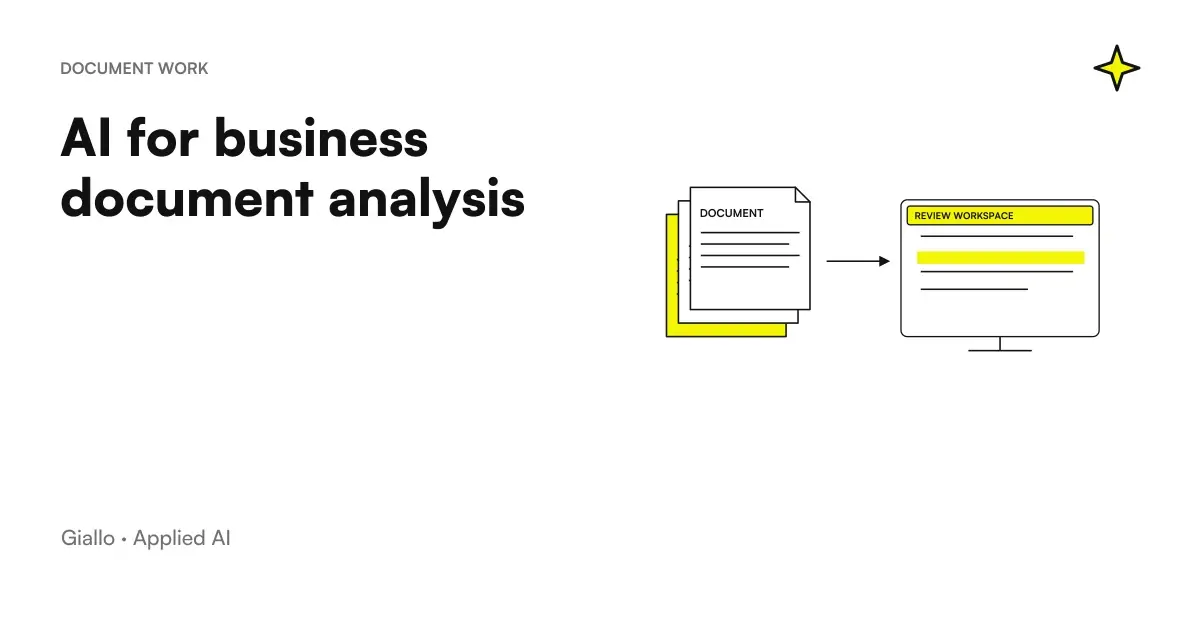
- AI to analyze business documents — when the document is not only to be read but to be interpreted
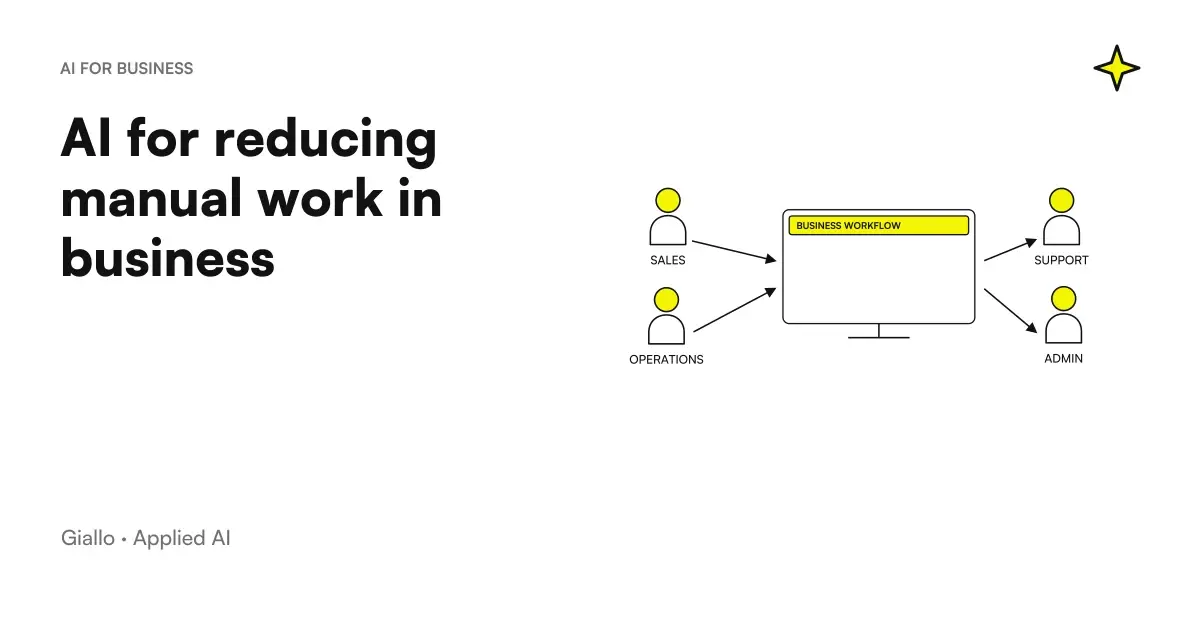
- AI to reduce manual work in the company — beyond data entry: all repetitive processes that can be automated
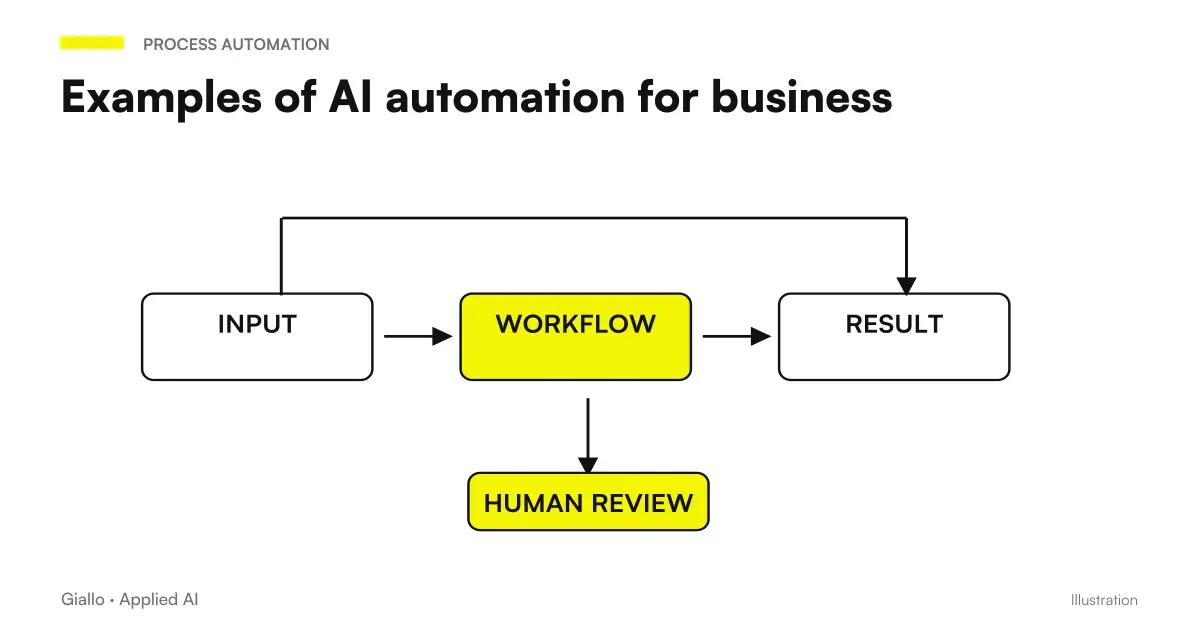
- Examples of AI automation in the enterprise — real cases with measured results
- AI Automation: What It Really Is — the conceptual framework before choosing the tools
- RAG: what it is and when it is needed — for cases where AI must also search for information in business documents
- Automation solutions for SMEs — available services
Giallo Studio guides: methodology and sources
How we apply it in the company
Related resources
 AI to reduce manual work in the company
 AI for business document analysis: a practical guide
 Examples of AI automation in the company: real cases for SMEs
 AI for SMEs: a practical guide to really getting startedAI to eliminate manual data entry and copying in business
 AI for hotels: booking, guest requests and automated reviews
 AI for driving schools: enrolment, lessons and exam reminders
 AI for estate agencies: leads, viewings, listings and documents
FAQ
How can AI eliminate manual data entry?
AI reads incoming documents (PDFs, emails, and images of invoices), extracts the relevant fields (amount, date, supplier, and product code), and automatically enters them into the business management system or spreadsheet. A process that previously required manual entry field by field becomes automated, with a human check for uncertain cases.
What types of data entry can be automated with AI?
The most common types are entering data from supplier invoices, reading orders from customer emails, transferring data between two systems that do not communicate, filling in forms from scanned documents, updating the CRM from reply emails, and entering data from online forms into the business management system.
Can AI read scanned or photographed documents?
Yes, through advanced OCR combined with AI models. Modern systems also extract data from PDFs without selectable text or from photos of receipts, with much better accuracy than traditional OCR. Human checks remain important for low-quality documents.
Do I need to change my business management software to automate data entry?
Not necessarily. Many solutions connect to existing systems through APIs, email, or shared folders. Often, the business management system is left untouched: AI reads the document, fills in the fields, and uploads them to the existing system just as a human operator would.
How can you check that AI has extracted the data correctly?
At the initial stage, human review is configured for every batch and the error rate is monitored. Once the rate falls below an acceptable threshold, you can switch to reviewing samples or only the most critical fields. Financial or contractual data must never be left with no checks at all.