
AI workflows: what they are and how to build them
What an AI workflow is, how it works and how to build one in business: Italian SME examples, tools, mistakes to avoid and when it makes sense.
Reading time: 9 min
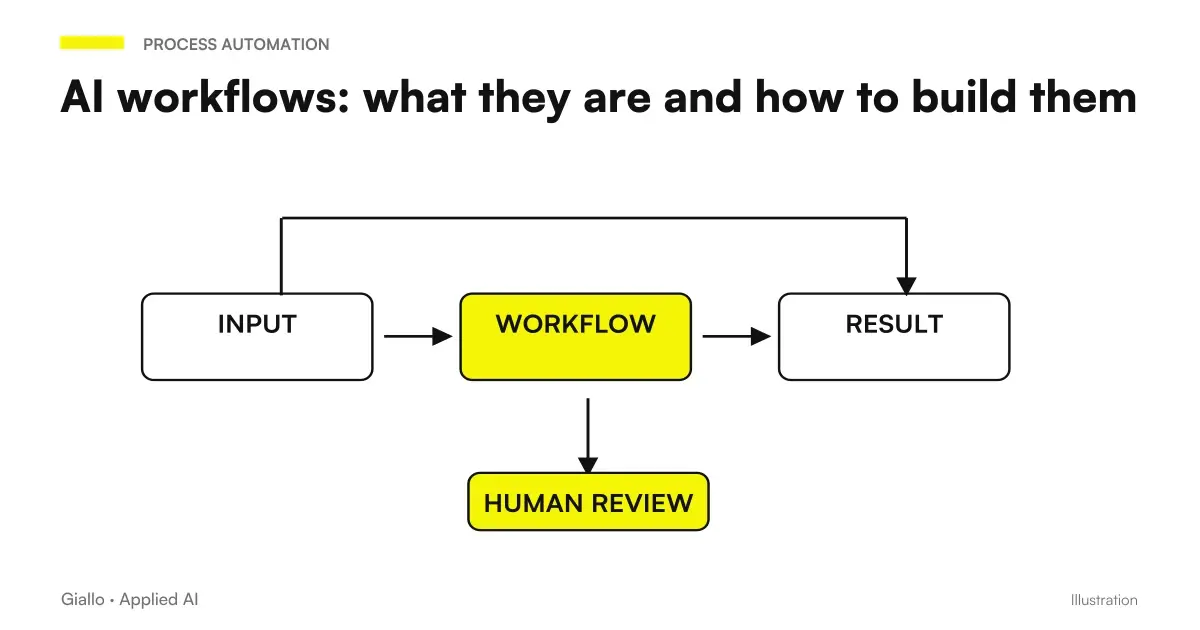
A AI workflow is a structured sequence of automated steps in which at least one step is managed by an artificial intelligence system. It's not a chatbot, it's not a script, it's not manually used ChatGPT: it's a workflow that runs on its own, in which the AI reads, classifies, writes or decides, while the rest of the system deals with routing, notifying and recording.
The difference from traditional automation is precise: classical automation follows strict rules (if X then Y), while an AI workflow also handles ambiguity — natural language text, unstructured documents, unpredictable variants. A craftsman who receives 80 requests a day via email cannot write a rule for each case; an AI workflow reads them all, understands what the customer wants and sorts or responds accordingly.
In this guide we see exactly what an AI workflow is, how to build step by step, with what tools, concrete examples of Italian SMEs and what not to do.
In summary
- A AI workflow is an automated sequence in which at least one step uses artificial intelligence to handle natural language, documents, or unstructured decisions.
- It stands out from classical automation because it manages the ambiguity: cases that the if/else rules do not cover.
- It is built with visual instruments (Make, n8n) or with code, depending on the complexity.
- The critical point is define well trigger, input and expected output before touching any instrument.
- The GDPR applies as soon as the flow touches on personal data: DPAs are needed with AI providers and, for sensitive data, self-hosted or EU models are evaluated.
- An AI workflow does not replace human judgment on critical points: it reduces it to cases that really matter.
What is an AI workflow and how it works
An AI workflow consists of three basic elements: a trigger (the event that initiates it), a series of step (actions performed sequentially, some of which use AI), and a output (the expected result). Everything else. notifications, saves, conditions, errors — is logic of orchestration around these three elements.
Concrete example: a mechanical workshop receives quotation requests via email. The AI workflow:
- Detect incoming email (trigger).
- Use a language model to extract vehicle type, described problem, and urgency (AI step).
- Check the internal price list (classic step: search in a database).
- Generate a draft quote with the extracted data (generative AI step).
- Save the draft in the CRM and notify the manager (classic step: write and notify).
The mechanic didn't even write a rule: the model handles the variety of customer language. He finds the draft ready and approves or corrects it in seconds.
AI workflow vs classic automation vs AI agent
Understanding where an AI workflow sits relative to alternatives helps you choose the right approach.
| Approach | How it works | When it makes sense |
|---|---|---|
| Classical automation (Zapier/Make without AI) | If/else rules on structured data | Fixedly formatted emails, notifications, syncs |
| Workflow AI | Default sequence with AI steps for unstructured data | Free texts, documents, variable classifications |
| AI agent | AI plans steps on its own and uses tools on its own | Complex, exploratory tasks, where steps are not known in advance |
| RPA (robotic process automation) | Simulate clicks and inputs on graphical interfaces | Legacy systems without APIs |
In practice, most useful business projects combine classical automation for orchestration and AI workflow for steps that require language understanding or text generation. AI agents enter when the sequence of steps is not definable in advance — to deepen the distinction laws AI automation: what it is and how it works.
How to Build an AI Workflow
Building an AI workflow doesn't necessarily require a technical team, but it does require clarity about the process before touching any tool. The most common problem is not technological: it is starting to configure before you understand what the flow must do.
- Define the process to be automated. Choose a repetitive stream with variable input (free text, documents) and defined output (one answer, one record, one draft). Write by hand: what comes, who runs it today, what has to come out. If you can't describe it in 5 lines, the process is not clear enough to be automated.
- Identify the trigger. What starts the stream? Incoming email, compiled form, uploaded file, message on WhatsApp Business, scheduled time. The trigger determines which orchestration tool to use.
- Map the steps and separate the AI ones from the classic ones. What steps require language understanding or text generation? They use AI. The others (rescue, notification, condition, search in DB) are classical logic. Draw the flow on paper or a blackboard before opening any tool.
- Write the prompt for each AI step. The prompt is the instruction you give to the model. For each step AI define: what it receives in input, what it must return in output, in what format (JSON, free text, list). A vague prompt produces unpredictable outputs that break the downstream stream. The prompt engineering It makes a difference here.
- Choose the orchestration instrument. For codeless visual streams: Make or n8n. For complex streams or with sensitive data to keep on-premises: n8n self-hosted. For deep integrations with existing management software: probably custom code. See the tools section below.
- Build the flow in steps, not all together. Start with the trigger and the first AI step. Test it with 10-20 real cases. Then add the second step. A block-built stream is easier to debug than one built all at once.
- Define error management and the human review point. What happens if the model returns a malformed output? Where does the flow stop for a human review? Every AI workflow needs at least one point where the person can check before the output goes into production.
- Measure before and after. How many hours did the process take manually? How many errors? After automation, it checks both numbers. Without measure there is no ROI, there is only impression.
Tools to build AI workflows
The choice of the tool depends on the technical level available, the amount of data, the necessary integrations and the sensitivity of the managed data.
| Tool | Type | Hosting | Suitable for |
|---|---|---|---|
| Make (formerly Integromat) | Visual No-Code | Cloud | PMI without tech team, fast flows to build |
| n8n | Visual low-code | Cloud or self-hosted | Who wants data control, self-hosted GDPR-friendly |
| Zapier | Visual No-Code | Cloud | Simple integrations between common apps |
| LangChain / LlamaIndex | Python SDK | Custom | Developers, streams with RAG or complex logic |
| Make + OpenAI node | No-code + AI | Cloud | First AI workflow without code, rapid prototyping |
| n8n + self-hosted model | Low-code + local AI | Self-hosted | Sensitive data, no data to third parties cloud |
For comparison of the three main no-code/low-code instruments, read Make vs Zapier vs n8n.
Practical examples of AI workflow for Italian SMEs
Law Firm — Sorting Customer Requests
A small law firm receives 40-60 emails a day: new requests, practical updates, urgent requests. First: an assistant read everything, ranked and assigned to lawyers. Time: 1.5-2 hours a day.
With an AI workflow on n8n: every incoming email is read by a language model that extracts sender, type of practice, perceived urgency and required action. The flow updates the CRM, assigns the practice to the competent lawyer and sends an automatic take charge response. The assistant intervenes only on cases classified as "ambiguous" or "urgent not manageable".
E-commerce clothing — returns and refunds management
An e-commerce with 200-300 orders per month received return requests via email in a free format ("I'd like to make the jacket, the size is not good"). First: Each email was read manually, checked the order on Shopify, started the return procedure.
With an AI workflow on Make: the email is analyzed to extract the order number (if any) or search for it by name/product, the eligibility to return (purchase date, order status) is verified, and the return label is automatically sent with personalized instructions. Non-standard requests (defective product, courier fault delays) are escalated to human assistance. Estimated savings: 2-3 hours a day on a low-value process.
Communication Agency bri briefings and quotes
An agency receives quote requests from forms or emails with free descriptions of the project. First: an account would read, ask questions for clarification, fill out an internal brief, pass to the team.
With an AI workflow: the request is analyzed to extract objectives, channels, indicated budget, times. The stream generates a structured brief in the internal format, identifies missing questions and prepares a draft follow-up email with customer-specific questions. The account revises, adds context, and sends. The processing time per brief drops from 30-45 minutes to 5-10 minutes.
When to use an AI workflow and when to avoid it
When it makes sense
- The process receives natural language input (emails, free forms, messages).
- The volume is high and the time per unit is low (sorting, classification, drafts).
- Rules vary too much to be manually encoded.
- The process is already defined: you know what comes in and what has to come out, even if the content is variable.
- There is a human review before the output enters a critical system.
When to Avoid It
- The process is already fully structured: classic, simpler and more reliable automation is all it takes.
- The output has irreversible effects without review (sending payments, deletion of data).
- The data in play is so sensitive that it cannot be sent to any cloud service.
- The process has changed every week: first it needs to be stabilized, then automated.
- There's no way to measure whether it works: without metrics, you don't know if you're getting better or worse.
Recurrences with a persistent assistant
If you evaluate a Dot for a recurring activity, define calendar, spindle, and last result check in the guide to Scheduled dot and tasks. Pause on the main task does not automatically stop all delegated tasks or recurrences: the way to interrupt the flow is part of the project.
Mistakes to Avoid
Starting with the tool instead of the process. "Let's try Make with GPT" is not a strategy. It starts with the process: which activity, which input, which output expected. The tool comes next.
Vague prompts that produce unpredictable outputs. "Analyze this email and answer me" is not enough. A prompt for an AI workflow specifies the output format (JSON with defined fields), exceptions (what to do if the order number is missing), tone (formal/informal), and limits (don't invent information that isn't there). Unstructured outputs break the downstream flow.
No human review points. An AI workflow that runs completely unsupervised is only good for low-risk output. For everything else —communications to customers, data entered into critical systems, decisions with economic impact.you need at least one point of approval.
Ignoring the GDPR to the end. Compliance is not an issue to be addressed after the workflow is in production. If the flow touches on personal data of customers, the verification of DPAs, the minimization of the data sent to the model and the legal basis of the processing must be designed from the outset. For a broader analysis read AI and GDPR.
Not measuring the starting point. If you don't know how many hours the process took before, you can't prove that the workflow works. Always measure: time per unit, errors, volume, backlog.
An approval related to the version of the request
A human pass must refer to the data that the manager has seen. If amount or conditions change, the workflow must recognize the new proposal. In the approval of purchases with AI This boundary becomes concrete: request, decision and registration have been distinct, with a path for waste, emergencies and cancellations.
How to apply it in the company
Introducing a first AI workflow in an SME does not require a project for 6 months. It requires choosing the right process and building it incrementally.
- Start with a process with high volume and low impact by mistake. Email sorting, required classification, first response draft: if the workflow is wrong, a human corrects before impact. Don't start with critical processes.
- Build the minimum working flow (trigger → AI step → output saved). Don't build it all at once. Add complexity only after the base block works reliably on real cases.
- Head with real cases, not made up. Use the last 50 real emails/requests to verify that the model classifies or generates correctly. Tests on synthetic cases are unreliable.
- Document workflow instructions how you would do with a manual process: who does what, in what order, what happens if something goes wrong. The document serves when the workflow stops working or needs to be updated.
- Evaluate tools for Automation with Make or automation with n8n based on the technical level of the team and the sensitivity of the data. There is no better tool than ever.
Which tool to choose: Make, n8n or custom code?
Make is the starting point for those who do not have internal developers: visual interface, hundreds of prebuilt connectors, AI nodes for the main APIs. Limit: cloud-only, data pass through Make servers.
n8n can be self-hosted (a Docker container on its own server or on Hetzner): same visual approach, but with complete control over the data. It requires a minimum of technical expertise for installation. Preferred choice when the GDPR is a concrete constraint.
Custom Code (Python with LangChain, LlamaIndex or direct calls to APIs) enters when the logic is too complex for a visual tool, integrates with legacy systems without API, or you want total control over flow behavior. It requires a developer.
Conclusion
A AI workflow It's not a product you buy: it's a redesigned business process with AI instead of repetitive manual labor. The value lies not in the model used, but in the quality with which the process was defined before — triggers, steps, outputs, review points, metrics. The flows that last are those built on a process already understood, not those built to impress.
Italian SMEs that get concrete results start small: an email sorting, a draft estimate, a weekly report generated automatically. Then iterate. There is no leap: there is one step after another, measured.
If you want to go from testing with ChatGPT to an AI system integrated into business processes, Giallo Studio custom designed agents and automations.
To deepen the individual components: AI Automation, AI agents, AI API and the practical guide on automation of business processes.
Giallo Studio guides: methodology and sources
How we apply it in the company
Related resources
 AI automation: what it is and how it works
 AI agents: what they are and how they work
 How to automate processes in an SME: the practical guide
 Automation with Make: what it is and how it is used for SMEs
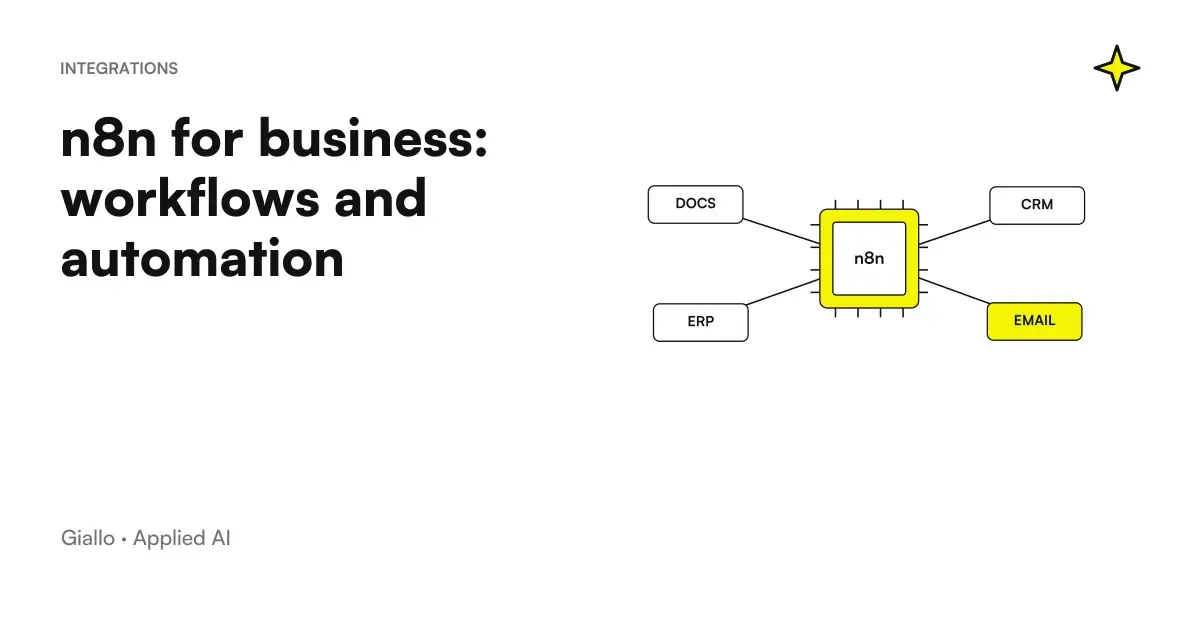 n8n explained: how it works and how to use it in business
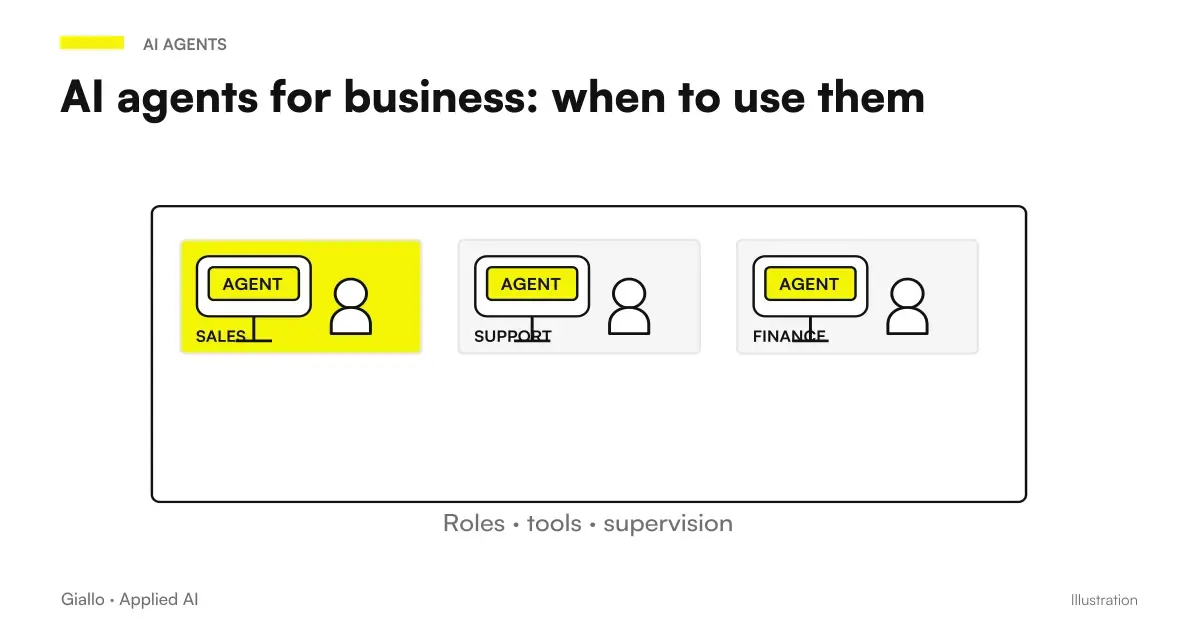 AI agents for business: when they are useful and how to adopt them
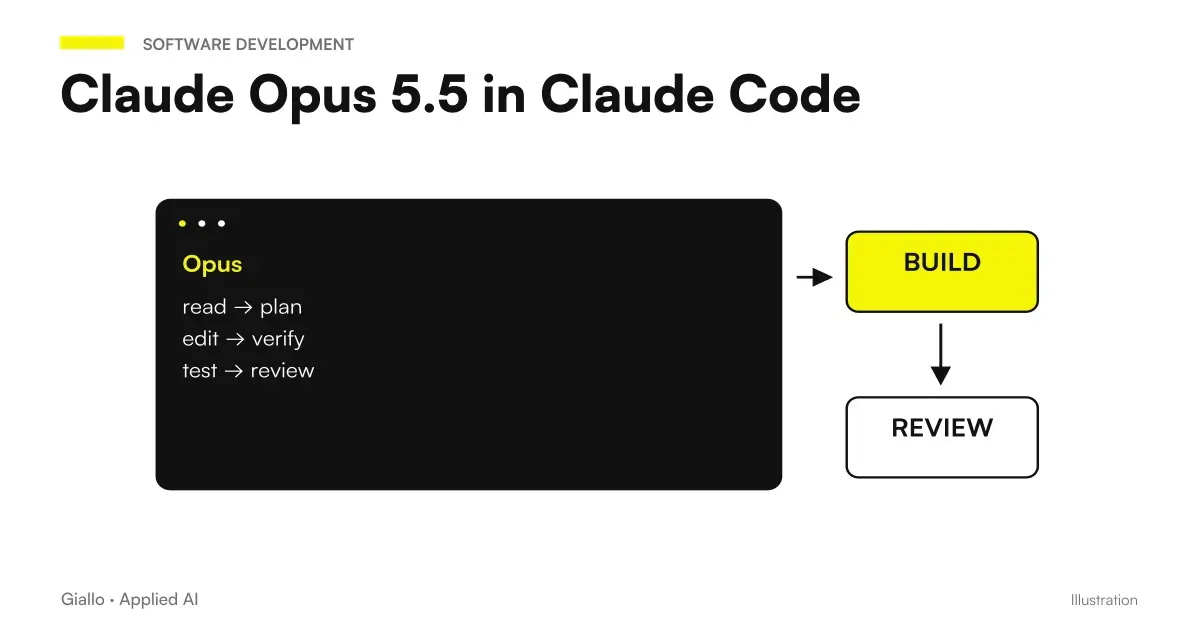 Claude Opus 5.5 in Claude Code: long runs, stop rules and subagents
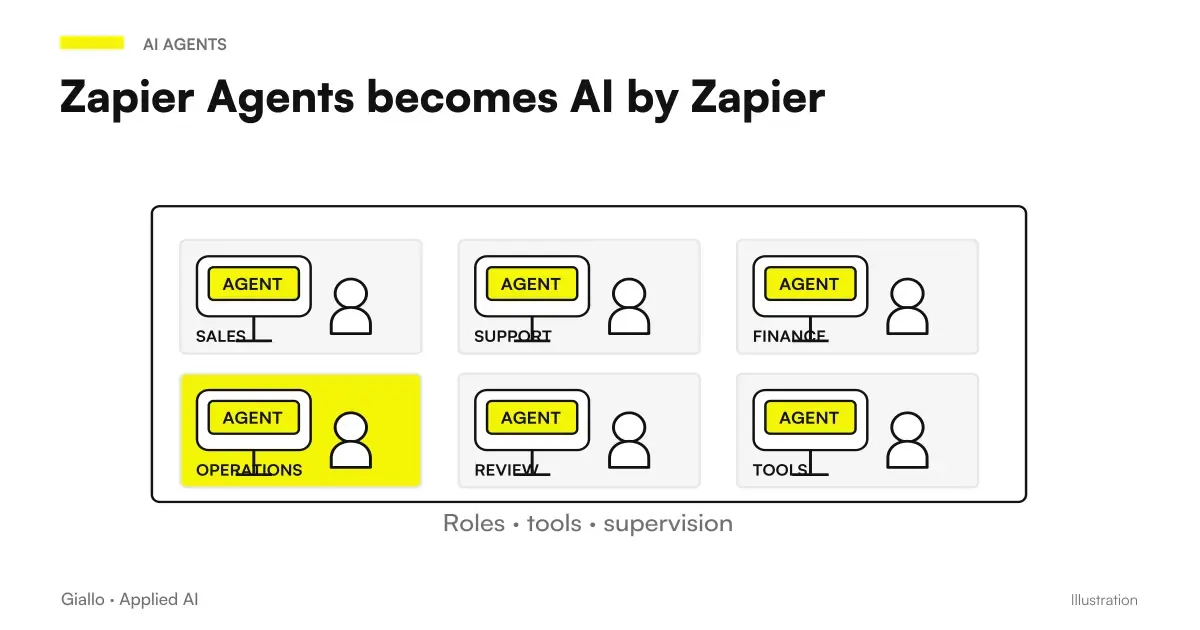 Zapier Agents becomes AI by Zapier: migration, approvals and sources still missing
FAQ
What is an AI workflow in plain words?
An AI workflow is a sequence of automated steps where at least one step is handled by an artificial intelligence system —for example, reading a document, classifying a request, or writing a draft. The rest of the flow can be traditional (if/else logic, API calls, notifications) or entirely AI-driven.
What is the difference between classic automation and AI workflow?
Traditional automation follows fixed, manually written rules: if an email arrives with "invoice" in the subject, move it to this folder. An AI workflow uses language models or other models to handle ambiguous cases, understand natural-language content, generate text or make decisions about unstructured data. The two approaches work together: AI workflows often have traditional steps before and after the AI stage.
What tools are used to build AI workflows?
The most widely used tools among SMEs are Make (formerly Integromat), n8n and Zapier for visual orchestration, with AI nodes calling models through APIs. For more complex or custom workflows, self-hosted n8n is used, or workflows are built directly with Python SDKs (LangChain and LlamaIndex). The choice depends on available technical expertise and whether the data requires self-hosting.
How much does it cost to build an AI workflow?
It depends on complexity. A simple Make or n8n workflow calling existing models through APIs can start at €50–200/month for licences and API costs, plus a few hours of configuration. Custom workflows with complex logic or management-system integrations cost more to develop, but are evaluated by the hours saved. There is no fixed price: estimate it case by case.
Is an AI workflow good for non-tech companies as well?
Yes, this is one of the contexts where it provides the most value. Non-tech SMEs often have manual, repetitive processes (emails, quotes, filing and reports) that nobody has automated because they seemed 'too difficult'. With no-code/low-code tools such as Make or n8n, many workflows can be built without writing code.
Do AI workflows comply with the GDPR?
It depends on how they are built. If the workflow passes personal data to third-party cloud models (OpenAI, Anthropic, Google), you must check that there are lawful bases (Art. 6 GDPR), that DPAs have been signed with the providers (Art. 28) and that the data does not leave the EU without adequate safeguards (SCC). For sensitive data, assess the use of self-hosted models or models in an EU cloud. Always consult a legal expert about your specific case.
What is the difference between an AI workflow and an AI agent?
An AI workflow is a predefined flow with sequential steps and logic known in advance. An AI agent is more autonomous: it plans its own steps, decides which tools to use and can iterate. In practice, an AI agent is often the component executing a step within a wider workflow.