
AI for business document analysis: a practical guide
Use AI to analyse contracts, invoices, reports and business documents: data extraction, summarisation and intelligent search for SMEs.
Reading time: 9 min
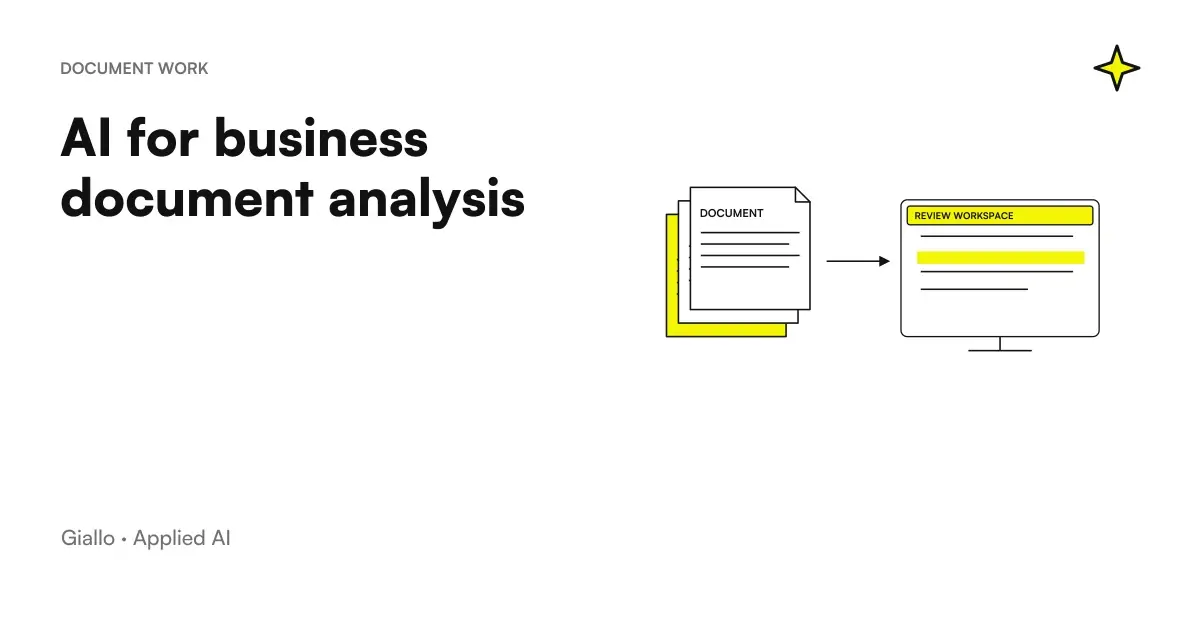
Each company accumulates documents: contracts, invoices, reports, minutes, offers, emails with attachments. The problem isn't having them — it's finding something inside when you need it, without wasting an hour scrolling PDFs or searching through disorganized shared folders.
The AI to analyze business documents addresses exactly this issue. Not in a magical way: reading the text, extracting the data you have indicated, answering precise questions, classifying documents by type or priority. The result is concrete: less time on repetitive operations, more speed in the first analysis, less risk of losing important information.
This guide explains how it works in practice, what types of documents it makes sense to apply, what to consider before uploading confidential files and when a more structured system is needed. If you are looking for a specific tool like ChatGPT, there is the guide dedicated to ChatGPT for document analysis. Here we talk about the topic more generally: what AI can do about business documents and how to set up an approach that works.
In summary
- AI can extract data, summarize, answer questions and classify business documents in a systematic, not just occasional way.
- It works on PDF, Word, Excel, email and document images, with quality that depends on the readability of the source file.
- Before uploading confidential documents to external tools, DPA verification and data residency: is not optional if there is personal data.
- For occasional analysis, a well-written prompt is sufficient. For large document bases, the RAG: different architectures, different problems.
- AI accelerates the first analysis, not replaces it: on legal clauses, critical amounts and high impact decisions, Human verification remains mandatory.
What AI Can Do About a Document
Not all AI operations on documents are equivalent. This table shows the most common, with a practical description and file types where they apply best.
| Operation | Description | Typical Documents |
|---|---|---|
| Extracting Fields | Recover structured data: amounts, dates, names, tax codes, IBANs, deadlines | Invoices, contracts, forms |
| Summary | Produce a summary of the document with key points | Reports, minutes, offers, contracts |
| Answering Questions | Responds to specific questions about the content of the document | Any textual document |
| Classification | Assign categories or tags to the document (type, priority, customer) | Mixed archives, emails, attachments |
| Comparison | Compare two documents and report differences | Contracts, versions, offers |
| Anomaly Detection | Report values out of range, unusual clauses, missing data | Invoices, contracts, reports |
| Translation | Translate document while maintaining structure | Foreign contracts, technical documents |
The common denominator is that all these operations start from the text of the document. The more readable and structured the text, the more reliable the results. A clean text PDF is the best scenario; a photo of a paper document is the worst scenario, where the OCR introduces errors that downstream AI cannot correct.
How AI Analysis Works
To apply this setting to a specific product, the guide Kimi AI for PDFs and documents follows the path from file to verifiable data. If you are starting, how to use Kimi AI It also covers the preparation of the request and the checks on the result.
The flow is always composed of four phases, regardless of the instrument used.
1. Ingestion — the document enters the system. The file is uploaded (or sent via API) and converted to text. For textual PDFs it is direct. For scanned PDFs or images the OCR intervenes. The quality of the OCR is crucial: errors of recognition here propagate in all subsequent stages.
2. Processing — the model reads the text. The language model receives the text and instructions (the prompt): what to extract, how to classify, what question to answer. The quality of the instructions is as important as the quality of the document. A vague prompt produces a vague output.
3. Output — the result is returned. It depends on the objective: a JSON with the extracted fields, a summary text, a natural language response, a line in a sheet. In an automated system the output goes directly into the next process (database, management software, notification). In a manual use you read it.
4. Verification — human control. No AI system eliminates verification on critical data. AI can misunderstand a number, misinterpret an ambiguous clause, not recognize unusual formatting. Human verification is proportional to risk: high on amounts, legal clauses and data that fuel decisions; low on non-critical summaries and classifications.
Understanding these four steps helps set a realistic flow, without expecting AI to do "everything" or give up because "it's not 100% accurate".
Compare a new copy with the one already received
A summary of the most recent copy does not show all the variations from the previous one. The guide for compare versions of documents with AI proposes an A/B report with original passages, numbers, units and attachments. The possible effect of the change remains distinct from the decision of the manager, with coverage and visible uncertainties.
Recommended Document Types and Approaches
Each type of document has different characteristics. Applying the same approach to everyone is the quickest way to be disappointed by the results. Before extracting each field, it may be enough to recognize the type of practice and the destination; the guide to classification of documents with JEV delimits this first decision.
Invoices They are the most mature use case. The structure is predictable: header, date, amounts, VAT, IBAN, maturity. Automatic extraction of these fields works well on well formatted XML or PDF electronic invoices. The main risk is on invoices with very creative layouts or on PDFs generated by old management software with unselectable text. For bulky invoice archives, AI can eliminate almost all manual data entry: we discuss this in detail in the guide on how to delete data entry with AI.
Contracts They are the most complex documents to analyze automatically. The structure varies greatly between types (location, provision, services, NDA) and the legal terminology is dense. AI is useful for synthesis, extracting main clauses, and reporting terms that deviate from a standard template. It does not replace the review of a lawyer, but it can drastically reduce the time of the first screening. For law firms that manage large volumes of contracts, the section on practical examples shows a concrete scenario.
Reports and reports Synthesis and answer to questions are the most natural uses. A 50-page report can be compressed into an executive summary in seconds, or you can directly ask "what are the three main risks highlighted?" without reading it in full. The quality of the result depends on the structure of the report: those with clear titles, defined sections and data in the table give better results than continuous narrative texts.
Emails and Attachments Email analysis is less obvious but very practical. Automatically classifying incoming emails by type (quote request, complaint, order, information request) and priority is an AI Automation concrete that reduces the sorting time. Attachments in emails (PDF, Word) are treated like ordinary documents.
Minutes and Notes Variable structure, often unformal. AI is useful for extracting decisions made, actions assigned, and deadlines. The result is better if the minutes have a minimum structure (items on the agenda, names of participants, decisions) than free notes without structure.
Privacy and security: what to consider before uploading documents
This is the point that is skipped most often and that can have the most serious consequences.
Uploading a document to an external AI tool means sending it to a third-party server. If the document contains personal data —names, addresses, tax codes, health data, financial data. the GDPR applies. Not in theory: in the concrete practice of your company.
Before setting up any flow involving business documents on AI tools, verify three things:
- DPA signed. The AI tool provider must have signed a GDPR compliant Data Processing Agreement. Without DPA, you are transferring personal data without legal basis.
- Data residency. Data is processed and stored in EU? In the USA without adequate guarantees (SCC + TIA) the situation is more complex.
- Use of data for training. Some free or consumer tools use uploaded content to improve models. Check the terms of service, not the titles of press releases.
For the most sensitive documents (medical data, customer financial data, industrial secrets) evaluate solutions with local or private cloud processing EU. The complete guide on AI and corporate privacy and the one on AI and GDPR They cover these aspects in detail.
When many documents are similar, metadata can help select the correct source. The new proof of concept Foundry IQ for SharePoint shows filters and priority on the retrieval; should not be exchanged for an automatic release nor for a guarantee on the permissions of the custom index.
For PDFs where images and layout contain information, the new Perplexity multimodal embedding with late interaction offer an approach to compare. The index may require multiple vectors per document: relevance, occupied space and permissions must be measured together.
When RAG is needed and when a prompt is enough
The practical question is, do I have to set up a structured system or can I use a tool like ChatGPT by uploading files by hand?
The answer depends on three variables: volume, frequency and number of users.
A direct prompt is enough when:
- Analyse documents occasionally (sometimes per week)
- Each session is about one or a few files
- Analysis is done by a single person
- You don't need to connect the output to other systems
In this case, manually used tools like ChatGPT, Claude or Copilot work well. The guide on how to use prompts for AI documents helps to structure requests effectively.
It serves the RAG when:
- You have a large document base (tens or hundreds of files)
- Documents are updated and must remain available over time
- More people have to question the same archives
- You want answers to quote the exact source in the document
The RAG (Retrieval-Augmented Generation) is the architecture that allows AI to search for relevant passages in a large archive and then respond by citing the source. It is the technical basis of AI business knowledge bases. If you don't know the concept, guide RAG What is it explains the operation without assuming technical knowledge. For building a business knowledge base, the specific guide is AI for business base knowledge.
Practical examples: two SME scenarios
Scenario 1 legale Law Firm analyzing supply contracts
A small law firm operates supply contracts for about ten SME clients. Every month, between twenty and thirty new contracts arrive to be reviewed, often drafted by the counterpart with non-standard clauses.
Before AI: each contract required a full reading to identify the clauses to be discussed, about 45-60 minutes per document.
With AI: the contract is loaded with a structured prompt that asks to extract the main clauses (duration, payments, penalties, withdrawal, limitations of liability) and to report those that deviate from the standard templates of the study. The output is a 1-2 page board with the points to be reviewed. The lawyer reads the card, verifies the points reported on the original text and adds his professional judgment.
Practical result: the first screening time goes from 45-60 minutes to 10-15 minutes per contract. The work of the lawyer focuses on the points that really require his expertise, not the reading of the entire text. Due to the specificities of the sector, the page AI for law firms It delves into use cases.
Scenario 2 — Manufacturing company processing supplier invoices
A company with about forty suppliers receives between one hundred and one hundred and fifty invoices in PDF format every month. The passive cycle includes: receipt, verification of data, pairing with the purchase order, registration in accounting.
Before AI: each invoice required manual data entry in the management software (about 5-8 minutes), with periodic typos and a person dedicated part-time only to this activity.
With AI: an AI agent processes each incoming invoice (email with PDF attachment), extracts the structured fields (supplier, invoice number, date, amount, VAT, deadline, IBAN), matches them to the corresponding purchase order and pre-populates the registration in the management software. An operator checks and confirms in 30-60 seconds instead of entering data from scratch.
Practical result: the time per invoice goes from 5-8 minutes to less than 1 minute. Typing errors drop to zero. The asset that used to manage the passive cycle is reassigned to higher-value assets. This is a classic example of how the AI automation reduces repetitive manual work.
Manual vs AI-assisted analysis
| Appearance | Manual analysis | AI-assisted |
|---|---|---|
| Time per document | 30–60 min (contract), 5–8 min (invoice) | 10–15 min (contract), <1 min (invoice) |
| Scalability | Proportional to available hours | Manage 10x volumes without adding resources |
| Transcription Errors | Present, depending on the operator | Almost deleted on structured data |
| Night / weekend coverage | No | Yes, if the system is automated |
| Opinion on ambiguous data | Human, contextualized | Limited: requires human verification |
| Setup cost | Zero (already in use) | Medium-low for simple flows; medium-high for RAG systems |
What happens to your documents when you upload them to an AI tool?
The answer depends on the chosen tool and plan, but the basic flow is this: the file is sent to the provider's servers, converted to text, passed to the language model along with your prompt, and the result is returned. The document may be stored temporarily on the provider's servers for the duration of the session or longer, depending on the terms of service.
The points to check before loading anything:
- Does the supplier sign a DPA? If you process personal data of third parties (customers, employees, suppliers), it is mandatory to have a signed data processing agreement. Without DPA you are operating out of the GDPR.
- Is the data used for training? Many free or consumer plans provide that uploaded content can be used to improve models. Business or enterprise plans usually exclude this use: read the terms, do not rely on the name of the plan.
- Where is the data processed? Servers in the EU or countries with adequacy decisions (such as the US post-DPF, with the related uncertainties) make a difference to GDPR compliance. Hetzner in Germany, for example, is an easier choice to justify than servers in Asia without SCC.
- How long are they stored? Some tools delete data immediately after the session; others store it for days or weeks. Check the retention policy.
The practical rule: internal documents without personal data (procedures, templates, anonymous reports) have a low risk. Documents with names, tax codes, financial data of customers or employees require verification before uploading them to any external tool.
Mistakes to Avoid
Trusting output without verification on critical data. AI can misspell a number, reverse two lines of a table, misinterpret an ambiguous clause. It is not a limit that can be overcome with a better model: it is intrinsic to the way language models work. On amounts, deadlines and clauses that fuel decisions, verification at source is mandatory, not optional.
Using vague prompts on complex documents. "Analyze this contract" produces generic output. "List the withdrawal clauses, duration and penalties for delay, with the page number for each" produces something usable. The time invested in a precise prompt is recovered ten times on the result.
Uploading confidential documents without checking the supplier's terms. The most serious and most common mistake. Before using a new tool with business documents, ten minutes on terms of service can avoid serious problems. The previous point on privacy explains this in detail.
Expecting AI to replace professional judgment. On contracts, balance sheets, tax or legal issues, AI accelerates the phase of gathering and first synthesis of information. Professional judgment —the one that takes into account context, customer history, practical implications —remains human. Those who use AI as the first filter and then apply its judgment get the best of both approaches.
Not having a feedback process. If the AI extracts a field incorrectly systematically (for example, it always confuses the invoice date with the due date), the system must be corrected: in the prompt, template or configuration. An AI stream on the documents should be calibrated in the first few weeks, not installed and forgotten.
How to apply it in the company
The starting point is not the tool: it is the process you want to improve.
1. Identifies the document bottleneck. What is the repetitive activity on documents that consumes the most hours? Invoices to register, contracts to skim, reports to summarize, emails to classify. Only one, the most onerous. The Real cases of AI automation in the company They can help you recognize it.
2. Quantify the volume and frequency. How many documents per month? How often do they arrive? How many people are handled? This determines whether a manual tool is enough or an automated system is needed.
3. Define expected output. What does the system have to produce? A JSON with the fields extracted? A summary text? A classification into categories? A notification email? The clearer the output, the easier it is to build the prompt and evaluate the quality of the result.
4. Verify compliance. Before processing documents with personal data, check DPA, data residency and internal policy on the use of AI tools. If there is no policy, it is time to write it. The guide AI and corporate privacy is the starting point.
5. Start small and fit. Test the flow on a sample of real documents. Measure time saved, errors detected, satisfaction of the user. Only after scaling. The AI solutions for SMEs that we offer follow this logic: no complex system without a measurable pilot phase.
If you want to deepen the possibilities of AI agents to manage more complex document flows, the guide on What are AI Agents explains how they work and when they make sense over simpler tools.
From extraction to the bidding matrix
When documents are supplier quotes, summarizing each PDF separately does not clarify which lines are really comparable. comparison of supplier quotes with AI shows how to maintain the reference to the source, normalize quantities and conditions and submit to the purchasing office the questions to be clarified before the decision.
Conclusion
AI to analyze business documents is one of the most concrete and fast-returning uses that exists today for an SME. It does not require major technological investments to start: a well-identified process, a precise prompt and a human verification on critical data are sufficient to have real results in the first few weeks.
The two main obstacles are not technical: they are the choice of the wrong process (too complex to start with) and the lack of attention to data privacy (which turns an advantage into a risk). Solved these two points, the rest follows.
If your goal is to delete the data entry on invoices and forms, the next reading is AI to delete data entry. If instead you want to build a document archive that can be questioned by the whole team, the starting point is AI for business base knowledge.
To understand how to apply all of this to your specific case, you can also explore the AI solutions for companies and SMEs or industry specializations such as AI for law firms and AI for accountants.
Giallo Studio guides: methodology and sources
How we apply it in the company
Related resources
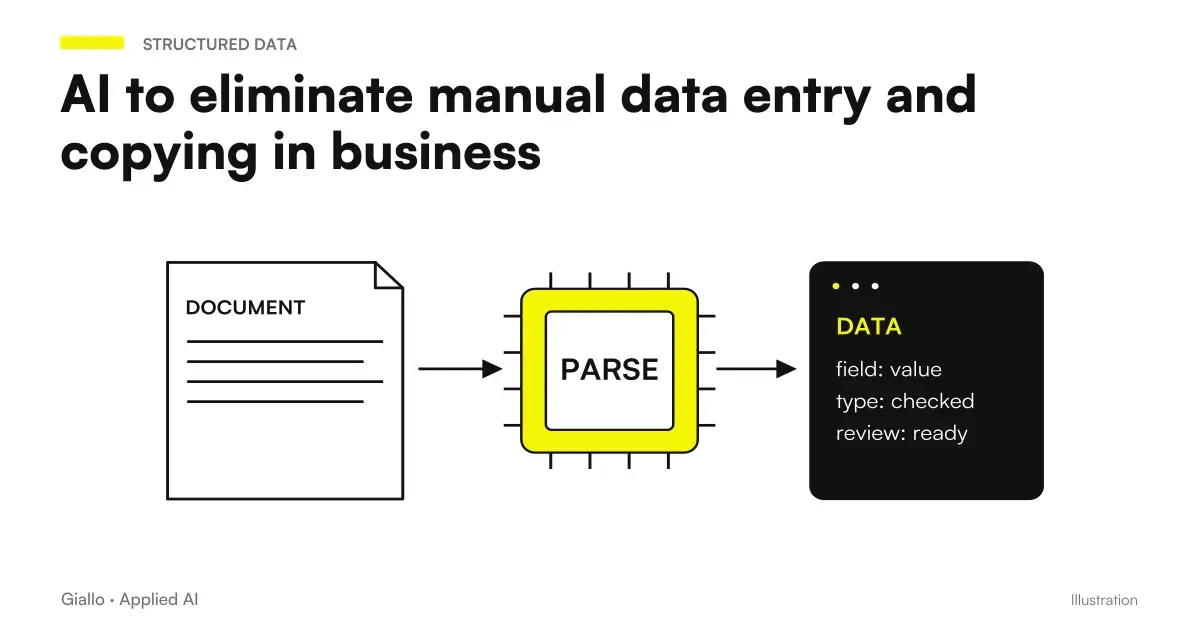 AI to eliminate manual data entry and copying in business
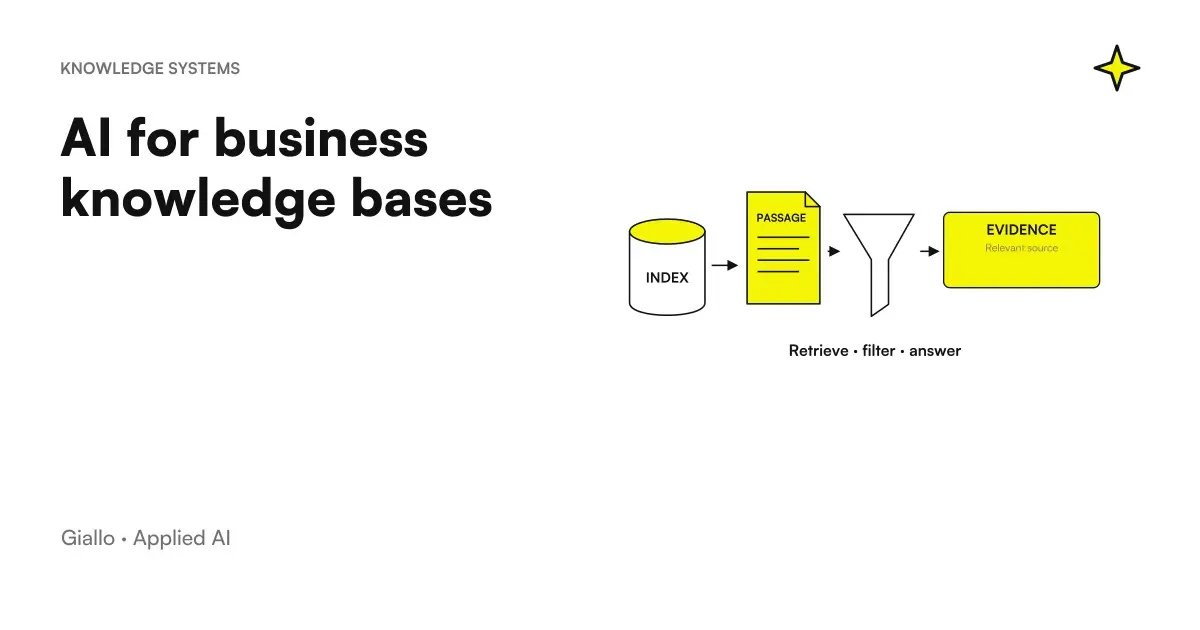 AI for business knowledge bases: find the information you need
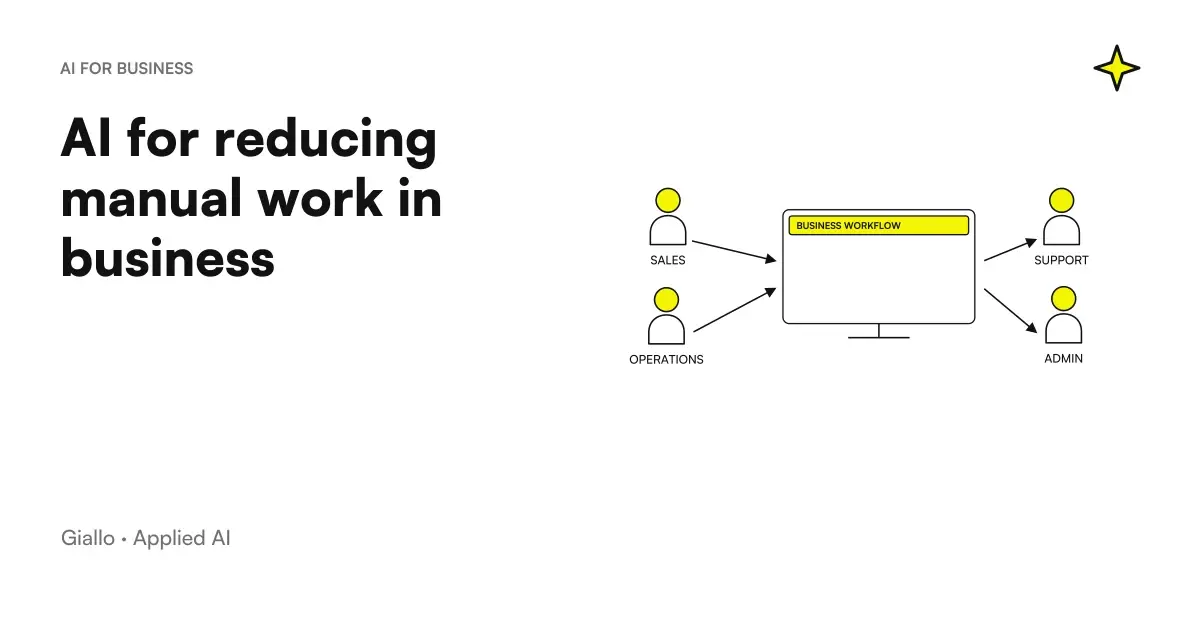 AI to reduce manual work in the company
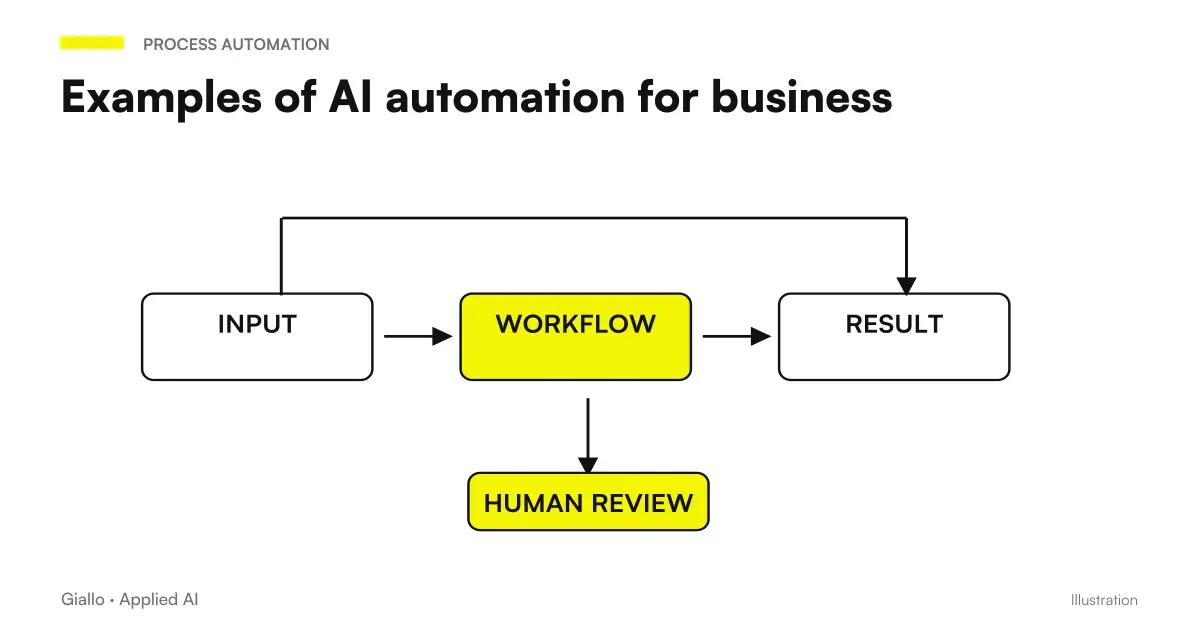 Examples of AI automation in the company: real cases for SMEs
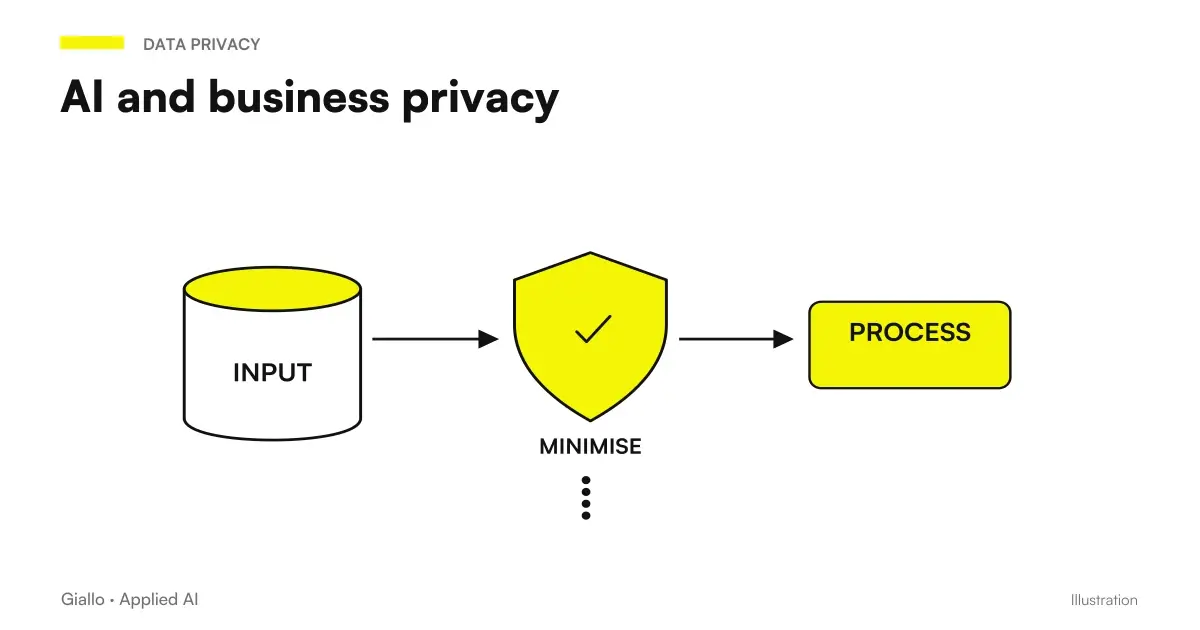 AI and corporate privacy: what happens to your data in AI tools
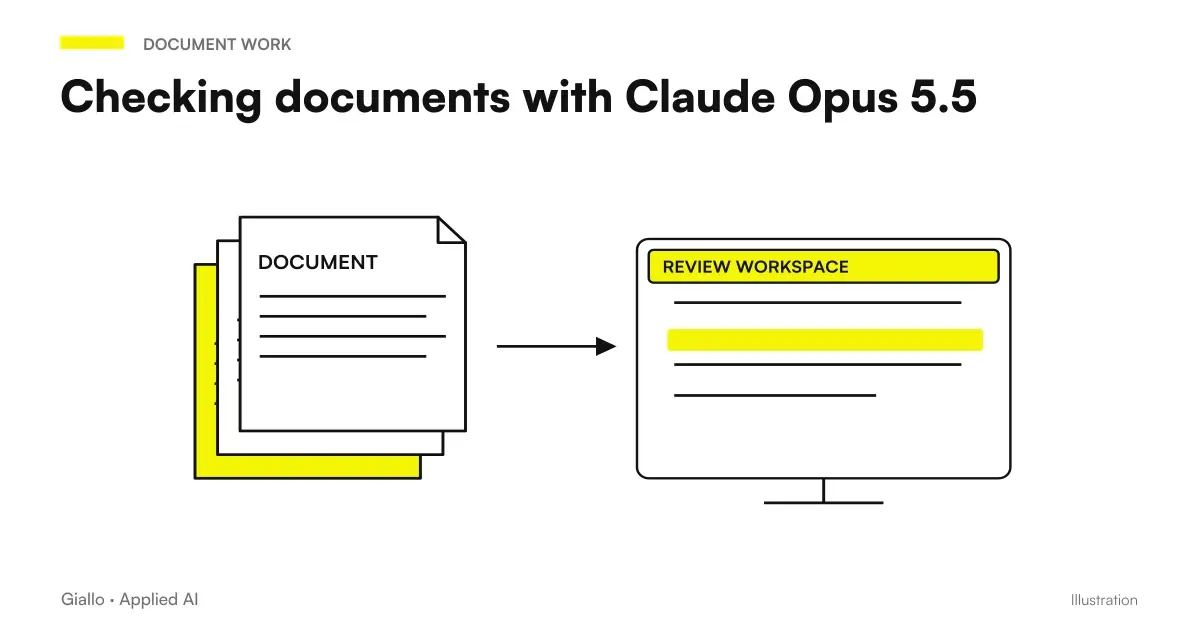 Review documents with Claude Opus 5.5: inconsistencies, dates and numbers
 AI for medical practices: reception, appointments and reminders
 AI for gardeners and grounds maintenance: quotes and customers
FAQ
What can AI do with a business document?
It depends on the type of document and the goal. AI can extract specific fields (amounts, dates, names, codes), summarize the content, answer questions about the document, classify it by type or priority, compare it with other documents, identify clauses or anomalies to report.
Can AI read contracts and report risky clauses?
Yes, with appropriate limitations. Well-configured language models can identify unusual clauses compared with standard templates or flag terms that differ from those normally used. They do not replace legal review, but they reduce the time needed for initial screening.
What document formats does AI support?
Modern AI systems can read PDFs (including those without selectable text, using OCR), Word documents, Excel files, emails, images of documents, and pasted text. Extraction quality depends on document quality: a structured PDF gives better results than a blurred photo.
How do you handle document confidentiality when using AI?
Before uploading any document to an external AI tool, it is critical to verify the provider's terms of service, data residency, and the presence of a Data Processing Agreement (DPA) compliant with the GDPR. For confidential documents or personal data, prefer solutions with local or EU processing.
Is RAG useful for analysing business documents?
RAG (Retrieval-Augmented Generation) is particularly useful when you want to query a large document collection: instead of analysing a single document, it allows AI to search across hundreds of files and answer questions about them. It is the technical foundation of AI-powered business knowledge bases.