
Report automation with AI: updated data without manual work
How AI report automation eliminates hours of manual data collection. Tools, processes, costs and how to apply it in an Italian SME.
Reading time: 9 min
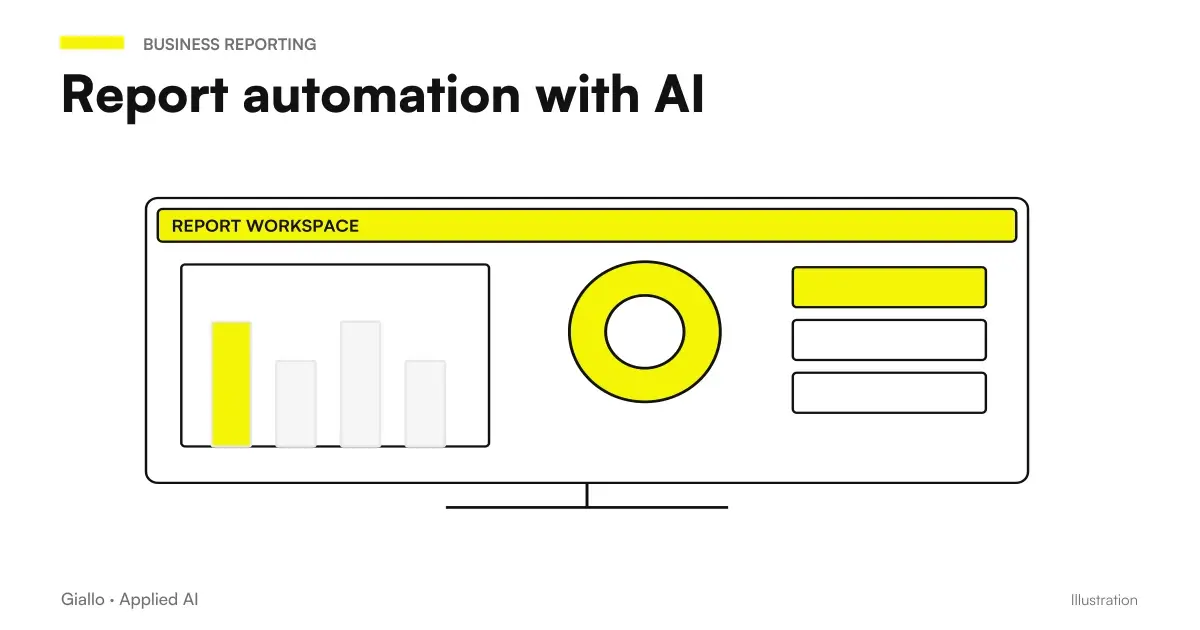
Every Monday morning, in thousands of Italian SMEs, someone opens Excel, copies data from four different sheets, updates formulas, pastes graphs into a presentation and sends the report to the holder. AI report automation eliminates this routine: the system collects data, processes it and produces the report ready to be read, without touching a single copy-paste key.
It's not about magic: it's a once-configured flow, which runs autonomously. AI comes into play for the part that goes beyond simple aggregation — comment on numbers, highlight anomalies, answer questions about data in natural language. The result is a report that arrives already worked, not just compiled.
In this guide we see how AI reporting automation works, what tools to use, how it applies in a real SME, and when it makes sense to actually do it.
In summary
- The AI report automation It connects corporate data sources and produces updated reports automatically, without manual collection.
- AI is not limited to aggregating: comments on trends, reports anomalies and answers questions on data in natural language.
- It works on structured data (CRM, management software, sheets) and on unstructured data (email, PDF, documents).
- Costs start with free or cheap tools; tailor-made projects are evaluated on the time saved.
- Before automating you need a already defined reporting process: if the report changes each time, first it should be standardized.
- GDPR: if the data contains personal information and passes through an external AI, a DPA with the provider is mandatory (Art. 28 GDPR).
Why Manual Reporting Is a Concrete Problem
The manual report has three hidden costs that are rarely measured: collection time, copying errors and information delay.
An accountant who prepares the monthly summary of active customers, an agency that updates campaign metrics, a workshop that monitors the progress of jobs: all devote hours to repetitive operations and high risk of error. A cell copied to the wrong sheet, a forgotten filter, a formula that does not update: the report arrives correct in form but wrong in content.
The second problem is the delay: a weekly report shows the situation seven days ago. With an automatic system, the data is updated in real time or with the frequency that you decide. The decision comes when it's useful, not when someone has found time to fill out the sheet.
The automation of business processes with AI is more effective precisely on high volume and low variability activities — and reporting is a perfect case.
How AI report automation works
The standard flow consists of four blocks. Each can be automated separately or integrated into a single system.
- Connection to data sources. The system connects to the software already in use: CRM, management software, Google Analytics, spreadsheets, databases, emails. The connection is via API, ready connectors (Make, n8n, Zapier) or queries directed to the database. There is no need to move data: the system reads it where it is.
- Extraction and normalization. Data is extracted, cleaned and brought to a common format. This phase eliminates inconsistencies between different sources (e.g. dates in different formats, non-uniform customer names) that make manual reports unreliable.
- AI processing. AI analyzes aggregated data: it calculates variations from the previous period, identifies anomalies (a customer who does not buy from more than usual, a cost that grows out of trend), generates text that comments on numbers. For unstructured data — emails, contracts, notes — techniques such as RAG to extract the relevant information.
- Distribution. The report is emailed, posted to a dashboard, saved to a shared folder, or inserted into a Slack/Teams channel. The format depends on who needs to read it and how they prefer to receive it.
Tools to generate reports automatically
The choice of tool depends on where your business data lives and how much complexity you are willing to handle.
| Tool | Use Case | Indicative cost | Tecnicity |
|---|---|---|---|
| Make / n8n | Multi-source data collection + email/Slack sending | Make free for low volumes; n8n self-hosted free | Medium |
| Gemini on Google Sheets | Report on data already in Google Workspace | Included in Google Workspace | Low |
| Copilot on Power BI | Interactive dashboard with AI comments | Power BI Pro + Copilot add-on | Medium |
| Looker Studio + AI | Free dashboard linked to Google Analytics/Sheets | Free | Low-Media |
| Custom AI agent | Reports from heterogeneous sources + unstructured data | One-time project + maintenance | High |
For those who use Google Workspace, Gemini for Google Sheets is often the fastest starting point: it allows you to query data in natural language and generate summaries without leaving the spreadsheet. For those working on Microsoft 365, Copilot for Microsoft 365 offers similar functionality on Excel and Power BI.
For more detailed cases — reports that combine data from CRM, management software and customer emails — the road is the AI agents custom configured, or tools like Make or n8n with an AI built into the flow.
Practical examples in Italian SMEs
Tax consultancy firm. Every month, the accountant manually prepared a summary for each customer: turnover, upcoming deadlines, missing documents. The automated workflow reads data from the business management software, generates a text record for each customer with the month’s critical points and sends it by email. The accountant receives prepared reports and reviews in 10 minutes what previously took an hour. The automatic analysis of company documents complete the framework for unstructured documents.
Sportswear e-commerce. Every morning, the owner wanted to know which products were running low, which were not moving, and the margin over the last 48 hours. Previously, they collected the data manually from three different panels. Now, a Make-based system queries the management software and Google Analytics every night, calculates changes and emails a summary with two or three automatic alerts (“Product X below stock threshold”). Time spent: zero, apart from reading.
Digital Marketing Agency. Every Monday he prepared campaign reports for 12 customers: data from Meta Ads, Google Ads, Analytics. Two days' work. After automation, the system collects data, normalizes it, generates a text for each customer with the main KPIs and changes from the previous week. The account manager reviews, adjusts the tone, and sends. Two days to two hours.
When to use AI report automation and when not
When to use it
- The report is produced on a regular basis (daily, weekly, monthly).
- The data sources are always the same and accessible via API or exportable files.
- The structure of the report is stable: same format, same indicators.
- The manufacturer devotes more than 1-2 hours per cycle to manual data collection.
- Copying errors have already cost concrete problems.
When to Avoid It (For Now)
- The report changes structure each time: first it needs to be standardized.
- The data is fragmented on non-connectible systems (e.g. paper-only or unstructured PDFs).
- The process is not yet defined: automating disorder produces automatic disorder.
- The report has a low value and is rarely read: the cost of setup does not pay off.
Costs and ROI: What to Expect
Costs depend on the complexity of the system, not the technology itself.
- Simple Flow on Make/n8n (a data source, email reports): from zero to a few tens of euros/month of licenses, plus configuration time (from a few hours to a few days).
- Dashboard Looker Studio or Power BI: low cost tool side, but requires setup time for data connection and configuration of views.
- Custom AI agent (more sources, unstructured data, custom logic): one-time project in the order of a few thousand euros, with annual maintenance. It is justified on processes that today cost tens of hours per month.
ROI is simply calculated: saved monthly hours × hourly cost of time freed. If a process weighs 10 hours per month and the hourly cost is 30 €, they are 300 €/month in value. A €2,000 system pays off in about 7 months. For a concrete estimate of your company's AI project you can read the guide on ROI of an AI project.
Mistakes to Avoid
Automating an ill-defined report. If today the report is done differently each time, automating it does not solve anything: it consolidates inconsistencies. First you need to decide what to measure, with what metric, with what frequency.
Blindly trusting automatic numbers. An automatic system can be wrong if the data source changes structure (e.g. a CSV export with renamed columns). A periodic check is needed, at least monthly, to verify that the data is still correct.
Ignoring access permissions. Connecting an AI system to business data requires understanding who accesses what. An agent who reads the CRM must have limited access to the data strictly necessary (minimization principle, Art. 5 GDPR).
Underestimating maintenance. Automatic systems break down when changing supplier APIs, data formats, or software structure. Taking into account a small maintenance budget avoids surprises.
To think the prompt is enough. Asking ChatGPT "tell me how sales are going" without giving it structured and up-to-date data produces generic or invented responses. AI for reporting only works if the data is properly connected upstream.
How to apply it in the company
This is the process we suggest to SMEs who want to start without starting from a big project.
- Choose A Report to Automate. The ideal candidate is the one produced most often, which requires the most collection time and which has a stable structure. Do not start from the more complex one.
- Map data sources. Where do the data that makes up that report live? Are they accessible via API, CSV export, or just manually? This determines whether automation is feasible with existing tools or requires development.
- Check the data quality. Before automating, check that the sources are clean and consistent. Dirty input data produces wrong output reports.
- Choose the minimum instrument. Start with Make, n8n or the AI tool already in use (Gemini on Sheets, Copilot on Excel). Avoid over-engineering on the first cycle.
- Configure the flow and test on real data. Check that the automatic report matches the manual one. Identify the limit cases (e.g. month with missing data, supplier that did not respond).
- Put in production and measurement. Keep track of the time saved in the first 4-8 weeks. This figure is your real ROI and serves to decide whether to extend the system to other reports.
For the data collection and normalization part from different sources, tools such as Make and n8n are often the most practical choice for SMEs. To understand which best suits your context, you can read the comparison Make vs Zapier vs n8n.
For the precise comparison between the models in circulation, Best AI model for data analysis and Best AI model for customer care.
Conclusion
AI report automation is not a project for large companies with IT teams: it is a process that many Italian SMEs can activate in weeks, starting from a single critical report. The value lies not in technology but in free time from repetitive data collection and move it to reading numbers and decisions.
The starting point is simple: locate the report that costs more hours, verify that the data sources are accessible, and choose the minimum tool to connect everything. To deepen the entire perimeter of the AI for Business Reporting and to see more examples of similar processes, you can start from examples of AI automation in the company.
Do you want to understand what processes in your company can be automated with AI? Giallo Studio can help you turn the problem into a real workflow.
Giallo Studio guides: methodology and sources
How we apply it in the company
Related resources
 AI for business reporting: fewer hours, the same data
 How to automate processes in an SME: the practical guide
 Best AI for Data Analytics: Tools and Platforms
 AI to reduce manual work in the company
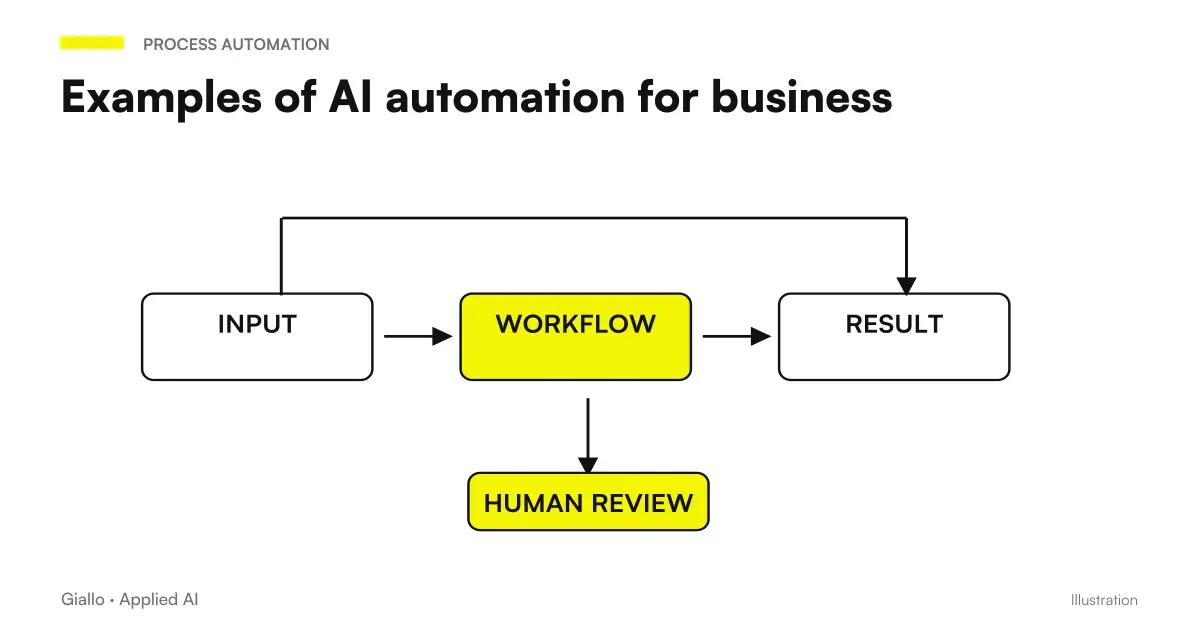 Examples of AI automation in the company: real cases for SMEs
 How much does it cost to automate a business process
 AWS MCP Server in New European Regions: Connect Agents to the Cloud with Clear Permissions
 Make Event subscriptions: receive alerts when an automation fails
FAQ
What is AI report automation?
AI report automation is a system that collects data from multiple sources (CRM, business management software, spreadsheets, analytics), processes it and produces automatically updated reports or dashboards, without a person having to manually copy the data. AI adds the ability to comment on data, highlight anomalies and answer questions in natural language.
What tools do you need to automate reports with AI?
It depends on the starting point. Many SMEs start with automations on Make or n8n that read data and send summaries via email. Those who already use Google Workspace can start from Gemini on Google Sheets. Those who want an interactive dashboard consider Looker Studio (free) or Power BI with Copilot. For more complex cases there are custom AI agents.
How much time does an automated reporting system save?
Depends on the frequency and complexity of the report. A weekly report that today requires 2-3 hours of data collection can drop to 15-20 minutes of review. The savings accumulate: over 50 working weeks are over 80-100 hours per year. The numbers vary a lot according to the specific process.
Does AI report automation also work for unstructured data (emails, documents)?
Yes. Systems based on RAG or AI agents can read emails, PDFs, contracts, and notes, extract the relevant data from them, and include it in the report. This is more complex to configure than structured data, but it is one of the most useful use cases for professional firms and service companies.
Does the report automation comply with the GDPR?
Depends on where the data is processed. If you use an external AI (e.g. ChatGPT API, Gemini) and the reports contain personal data, you must verify the provider's data processing terms (Art. 28 GDPR), sign the DPA and assess whether the data is leaving the EU. For sensitive data, consider self-hosted solutions or local models. Always consult a legal expert.
Can I automate reports without being able to program?
Partly, yes. Tools such as Make, Zapier, or Gemini in Google Sheets let you create workflows without code. More robust integrations with company CRMs, business management software, or multiple data sources do, however, need technical configuration. No-code covers simple cases; complex cases require at least a developer or consultancy support.