
Token Weather in Claude Code: read the context window
Read Claude Code's context usage, history and compaction threshold with Token Weather. Understand what the demo measures and why figures differ.
Reading time: 11 min
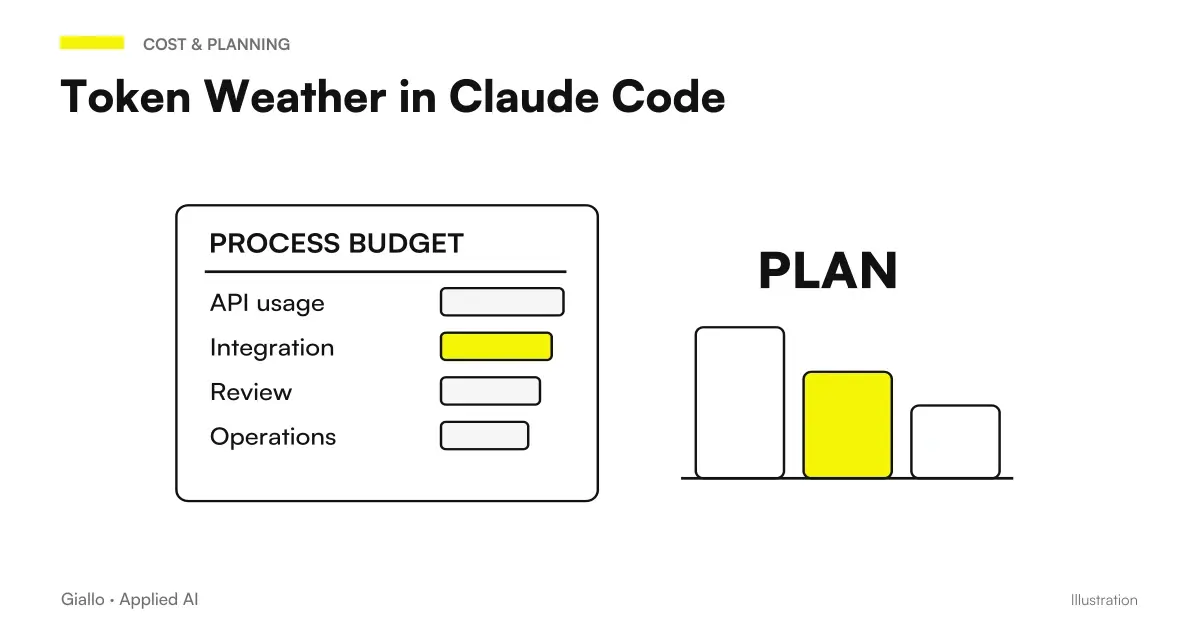
Token Weather is an official demo of Claude Code Mods that makes context window occupation visible. Draw a band over the prompt with percentage, used tokens, and a turn pattern. To understand the query «Claude Code Token Weather context window» the essential distinction is this: it measures the context, not the total cost nor the correctness of what Claude remembers. Official README Token Weather.
Sources are verified on 9 October 2026. Here you will find a guide to interpreting the demo, without attributing Anthropic screenshots or experiments to Giallo. If you do not yet know the relationship between model and context, start with what are AI tokens and from the comparison on context window.
In summary
- The percentage of Token Weather refers to the full model window.
- The auto-compaction message can use a different denominator.
- The graph tells a relative trend; the percentage describes absolute employment.
- The band updates per turn and is not a continuous monitor of each operation.
- Temporary history does not replace a labor register or an economic measure.
What problem solves a context indicator?
During a long session it is easy to lose sense of how much material has been accumulated. The team reads files, discusses alternatives, and adds output. An indicator helps link these steps to an observable data. However, it must not become an automatic diagnosis: a broad context may be relevant, while a small one may already contain confusing information.
The useful decision is what material is needed for the next activity. If you're finishing a circumscribed review, you don't necessarily have to change sessions just because the band grows. If you have completed a phase and are opening a different theme, it is best to prepare a verified summary and choose the appropriate path. The graph informs this choice, but does not take it instead of the person in charge.
That's a good reason to know What are Mods: Token Weather adds a representation to a given environment. It does not train the model, does not change the available window, and does not guarantee that all information is used with the same weight. Good use remains linked to clear objectives and relevant material.
Percentage of window and threshold of compaction: why do they differ?
Two percentages can both be consistent if they have different denominators. The README specifies that Token Weather considers the full window, while the internal notice of Claude Code may refer to the point of self-compaction. It is not correct to define one of the two measures wrong just because the number is different. Declared demo limits.
A purely arithmetic example clarifies the principle. Imagine 60 units of material: compared to a 100 container they are 60%; compared to an operating threshold of 80 they are 75%. They are not real values measured on Claude Code and do not describe its actual threshold. They only show why a number without a denominator is not enough to compare two indicators.
When you write down a data for the team, then write "percentage of the window" or "percentage of the threshold shown by the product", avoiding the word "use" alone. The same discipline applies in cost conversations: input, output, cache, and context occupancy are not a single size. A readable chart does not eliminate these differences.
How to read shift history bars?
The relative graph is used to make a variation visible even when absolute values are still low. In README the bars are scaled against the fullest turn among those represented. The highest bar can then appear large without indicating a nearly full window. To understand the occupation use the percentage, to understand the trend look at the sequence.
| Item | Question he answers | Reading to Avoid |
|---|---|---|
| Percentage | How much does the data weigh compared to the window? | Compare it to a different threshold without specifying it |
| Token/window ratio | What is the numerator and what is the reference limit? | Treat it as an invoice |
| Relative Bars | How does employment vary in the shifts shown? | Read the height as an absolute percentage |
| Last Round Change | What difference appears in the last survey? | Attribute it to a file without verifying the turn |
| Weather Appearance | Which visual band does the indicator represent? | Exchange it for a definite prediction of behavior |
If a bar grows after reading a file, you can make a guess about the contribution of that material. To prove it, however, you must know the other operations of the shift. A shift may include messages, results, and other readings. The aggregate data does not automatically separate each cause. This caution is useful to avoid accusing a document or function without observing the rest of the work.
Furthermore, a variation is not necessarily a problem. It can represent just the material needed for the task. The quality criterion is relevance: which parts will be used to produce or verify the result? A reduction in the number obtained by eliminating essential requirements makes the process worse, even if the chart appears quieter.
When is the data updated?
The demo documents a reading at the start and after the rounds of the main cycle, skipping the rounds of the subagents. The band does not update continuously during the shift. Before the first answer the data may be zero because the reported use is not yet available. The API Mods describes the access to session data used by these customizations.
For the user this means recognizing the cadence. During a long operation do not assume that the number has just been updated. Wait for the predicted point, then compare equivalent readings. A screen taken in the middle of the shift and one at the end can describe different moments; they are not a correct basis for a productivity comparison.
If you make an indicator of your own, consider explaining when the data was read. The question "is it up to date?" often counts more than the apparent accuracy of a figure. The Guide to the first TypeScript mod helps turn this need into a small requirement, with explicit reload status and behavior.
Where does Token Weather appear and what to check before the test?
README requires terminal for bandwidth AbovePrompt and indicates Claude Code 2.1,287 or later as a path of use. Evidence on previous builds reported by the author remains evidence of that README, not a recommended requirement for a new adoption. The Gallery Mods offers components of UI, but its fragments are not automatically complete plugins.
Controls which band other customizations occupy. A shared space can produce competition between indicators: if the component is missing, there may not be a problem in the data. The path of Diagnosis of Mods distinguishes unloaded code, unsupported UI, and presentation conflicts.
Before uploading a demo it examines the source and validates the package. Then follow a test for a session with controlled material, without using sensitive business documents just to get the chart up. The Guide to installation and update explains broom and active copy. You don't need to install all the demos in the playground to evaluate one.
Why is the graph not a memory of the project?
The history of the demo is temporary: the README documents the reset on startup or reload. It is not a phase archive or a proof of the stored content. If after a reload the sequence has disappeared, do not infer that the model has lost all the instructions in the same way. Mod status, model context and project files are distinct levels.
The summary of a phase should contain decisions, files involved, checks and work yet to be completed. The gang can't replace him because he doesn't know that meaning. For documentary projects, the guide to Claude for long documents helps set sections and questions; development requires a track that is consistent with the repository.
The chart disappeared after the reload: what really changed?
Check first if only the temporary status of the demo has been reset. Then verify session, project instructions and material needed by the task through their respective tools. Do not use the absence of visual history to declare context lost or to reconstruct a history that has not been recorded.
How to write down a comparable detection?
If you want to discuss the progress with the team, accompany the data with a note: observed session, model or reference window, turn point and relevant activity. There is no need to retain all read content. It is necessary to be able to distinguish a change of denominator, a reset of history and an increase that occurred after a different job. Two screenshots without this context may seem like a comparison even when describing incompatible conditions.
Also keep the observation point consistent. One note after shift and one during work should not be used as if they were two equivalent readings. The stated cadence of the demo must accompany the comparison.
Also define the reason for detection. If you are looking for redundancy, check the repeated material. If you're looking for a phase to separate, check what requirements you need to move on to the next task. Don't turn the percentage into a vote to your colleague or model. The data is about a workflow resource and should be read along with the goal. A minimum note makes it possible to discuss it without attributing to the indicator precisions that it does not offer, keeping the useful evidence and the collection of the data proportionate.
Two hypothetical scenarios for reading data without forcing it
Hypothetical example: a technical study in Bergamo prepares a function to read chapters. Developers use synthetic documents and a circumscribed question. After each phase they look at the detection to understand how much material they have introduced. They do not point to a minimum percentage: they verify that the necessary clauses are present and that the result calls back the correct source.
A marked growth leads them to re-examine the method. Did they upload the entire file when a section was enough? Did they add repeated output? The answer must come from the observed passages, not from the meteorological symbol. If they choose a smaller selection, they double-check that an important condition is not missing. The chart helps to ask the question, while the document confirms the choice.
Hypothetical example: an e-commerce in Brescia modifies an integration of management software. A developer reads files, verifies dependencies and then opens a different problem. The indicator shows that the session is accumulating material. Before continuing, prepare a note with branches, decisions, and controls already executed. It then decides whether to continue or open a separate phase.
A colleague resumes work after a reload and does not find the history of the chart. He uses the note and diff, without interpreting absence as evidence that nothing has been done. If you want to know the sequence of edits, evaluate Replay Theater, knowing that that component also has its own boundaries. Each representation answers a different question.
What interpretations are wrong?
A high percentage does not prove a pattern error. It can indicate useful or redundant material: you must examine it. A high bar does not mean exhaustion. The scale is relative. A low value does not guarantee perfect memory. The data does not certify understanding and recall of each requirement. The disappearance of the chart does not delete the repository. It is an event of the state of the demo.
Another mistake is promising savings. The README explains that the mod does not call a model and that its read without a breakdown does not generate a token count request; this does not describe the price of the job in the session. To discuss consumption it is necessary to distinguish operations and use the Official Cost Guide, without deriving euros from a meteorological indicator.
How to use Token Weather in the team workflow?
You only decide one operational question: recognize when you are accumulating unrelevant material, compare task steps, or make the data reference visible. Explains to colleagues denominator, cadence and reset. A short legend next to the adoption path prevents different people from using the same percentage with incompatible meanings.
When evaluating the test, see if the indicator helps a real decision. If everyone looks at it but no one changes a passage or clarifies a doubt, perhaps it takes up space without a definite benefit. You can turn it off and keep the context selection method. The proof remains useful if it produces a reasoned choice, even when it does not lead to the adoption of the demo.
To design tools that show understandable data in your workflow, the AI consulting of Giallo can start from team decisions and the necessary information. The guides to Claude Code and a Mods help to choose whether the official indicator is sufficient or a different customization is needed.
Giallo Studio guides: methodology and sources
How we apply it in the company
Related resources
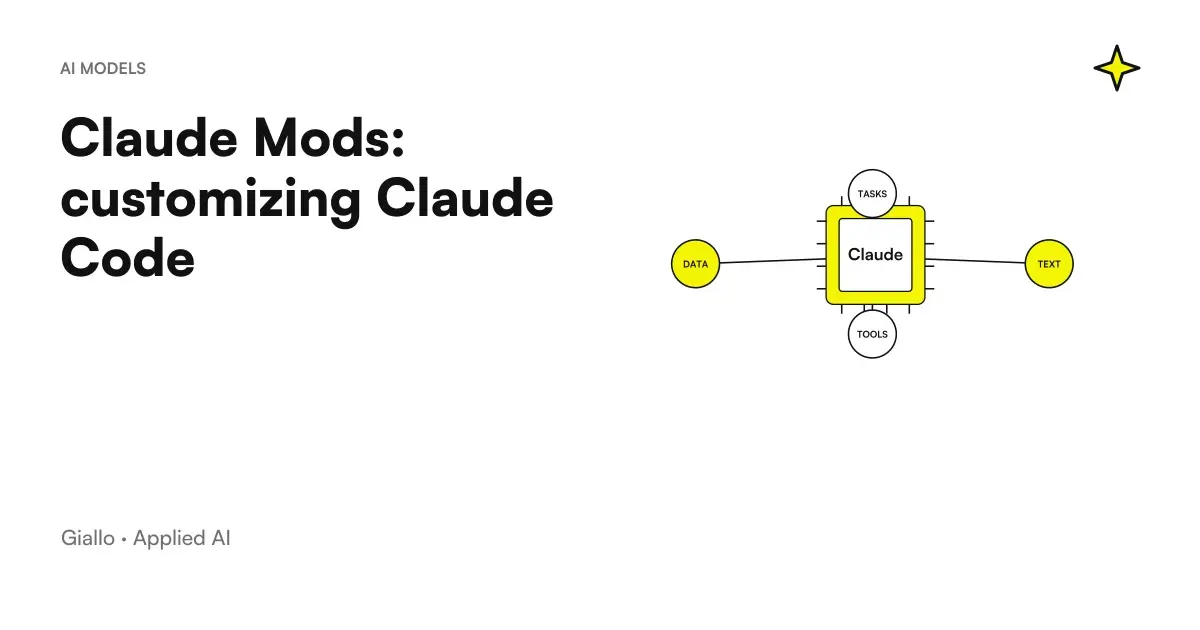 Mods by Claude: what they are and when they are needed in Claude Code
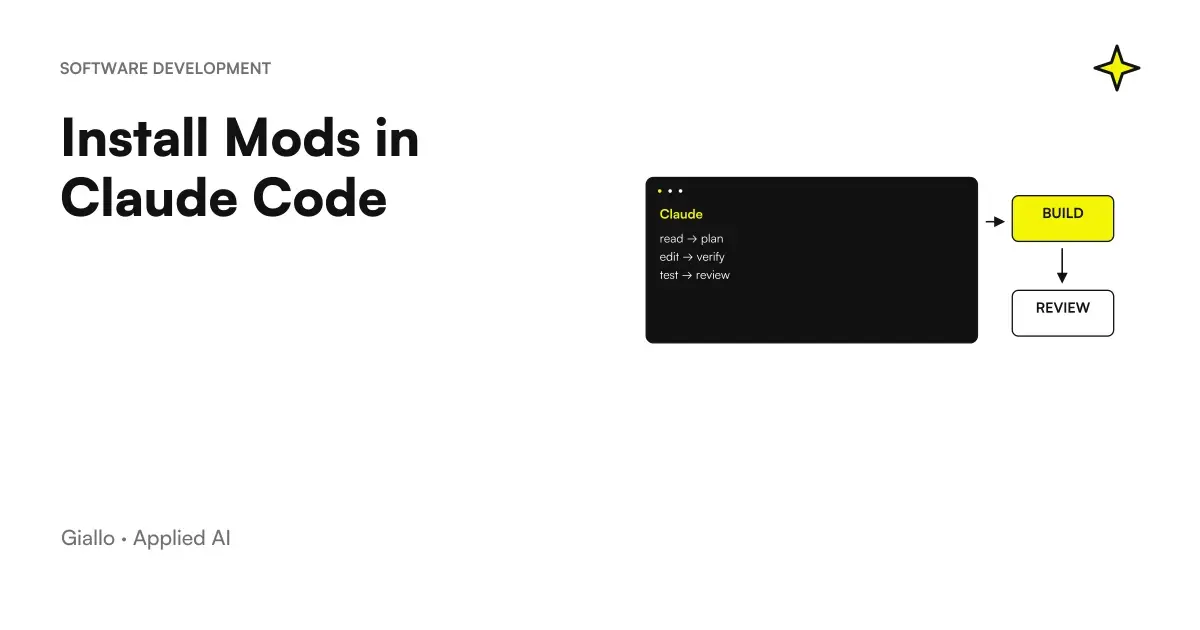 Install Mods in Claude Code: scope, reloads and updates
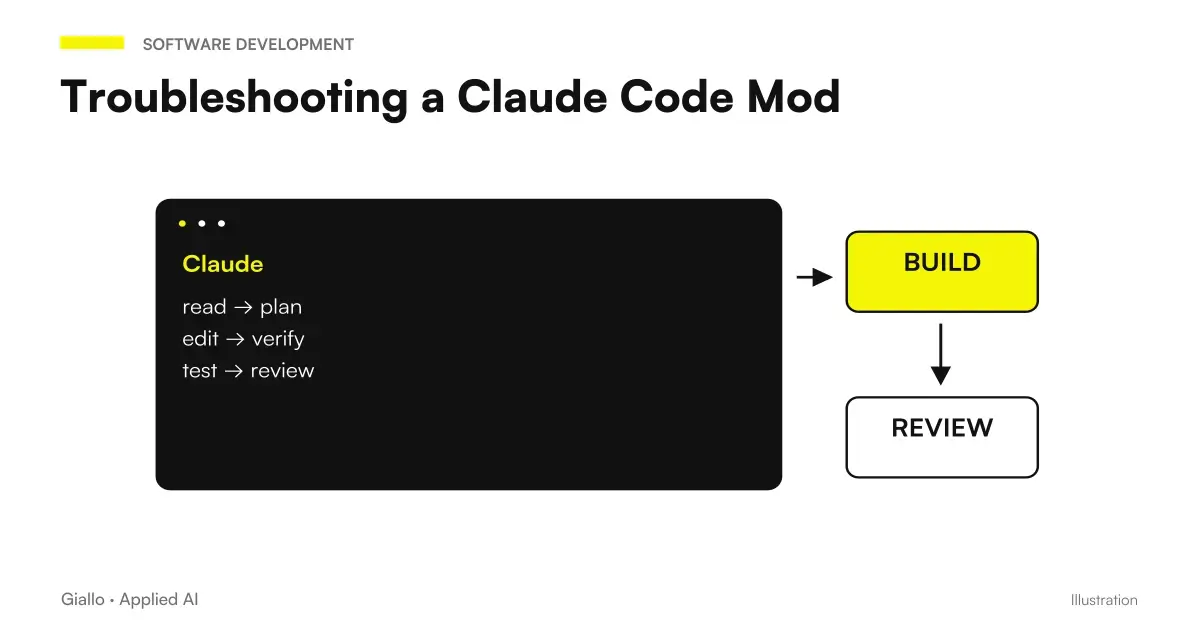 Claude Code Mod not working: loading, hot reload and state
 Replay Theater in Claude Code: review a turn's changes
 AI tokens: how they are counted and priced in October 2026
 Context Window: How Much It Really Matters
 Claude AI for long documents
 Jev AI, confidence and probability: when to get a person to intervene
FAQ
What does Token Weather show in Claude Code?
The official demo shows a band over the prompt with context occupancy, token-to-window ratio and a short turn history. It is an indicator of the use of session context. It is not a complete calculation of the cost of the workflow.
Why do Token Weather and Claude Code show different percentages?
Token Weather uses the full window as its denominator. Claude Code's message may instead refer to the auto-compaction threshold, which is lower. Before comparing percentages, check what they refer to.
Does Token Weather update during every call?
The README describes an update per turn of the main cycle, not a continuous reading during the turn. The data can then refer to the round just ended. This cadence must be considered before making decisions.
Does the chart represent an absolute scale?
The bars are relative to the fullest turn among those shown. Percentage is the absolute reference for window occupancy. A high bar, by itself, does not mean that the context is almost exhausted.
Does the history remain after reloading the mod?
No, the README documents the history reset to the new session start or reload. Do not use that chart as a session archive. For a durable recording another requirement must be designed.
Does Token Weather reduce the costs of Claude Code?
The demo makes information visible and does not promise economic savings. The README explains that the mod does not call a model to produce the indicator. This does not make the entire work done in the session free.