
Claude Opus 5.5 in Claude Code: long runs, stop rules and subagents
Claude Opus 5.5 in Claude Code: CLAUDE.md rules, TASKS.md checklists, subagents for audits and migrations, and a clear structure for the final report.
Reading time: 12 min
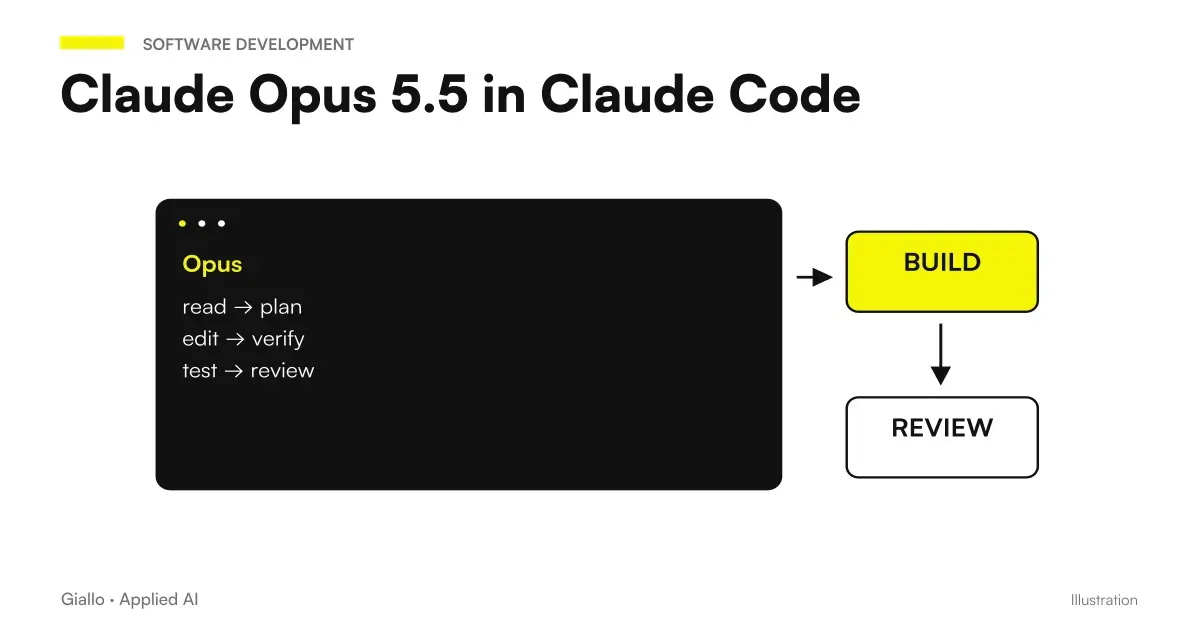
With Claude Opus 5.5 the work in Claude Code changes in nature: the model carries out long tasks, in several steps, with little supervision — Anthropic talks about runs of hours with minimal supervision in the tests of the first users. Your job is no longer to guide it one step at a time: it is write the rules into which he can go on by himself, and read the result well when he returns.
This guide translates the tips of the official launch guide into three concrete things: what to write in CLAUDE.md, how to use a file checklist, how to divide the work between subagents. Verified data on 23 September 2026.
In summary
- Give the whole task with the finish line, not the first step.
- In
CLAUDE.mdput the rule "continue, stop only if...". - Keep a checklist in
TASKS.md: survives the context summary. - On the big jobs usa Subagent, one on each side, and verify their evidence.
- Close each run with three titles: Stuck on me to Changed Found.
- Permits on Destructive Actions remain active: it is not blind autonomy.
The stop rule in CLAUDE.md
It's the piece that decides everything. Without it, the model stops to ask you for confirmation at every step and the advantage of long runs disappears. With a rule too wide, it does things you don't want. The wording recommended by Anthropic, translated:
"When a step does not require my intervention, continue. Put the status notes in the same message as the next action. Stop and ask only when you can't continue without me, or before something destructive: erase data, force a push, or edit something out of this repository."
Three details that matter:
- "State notes in the same message as the next action": so the model does not stop to tell you what it has done. Tell and continue.
- The Explicit List of Destructive Actions: delete, force, exit the repository. Not "be careful", but the precise cases.
- Permits remain active. The guide is clear: keep permission requests on destructive actions. The rule tells the model when ask, he doesn't give him carte blanche.
If you are pair programming — you work together, step by step — the rule is the opposite: ask a one-line plan before starting and a short summary at the end. The two modes do not coexist in the same file: choose according to how you work that day.
The whole task, with the finish line
It's worth as much in chat, but in Claude Code it weighs more because the model acts on real files. The official example:
"Migrates payment endpoints from the old client to the new one. Finished means: each endpoint uses the new client, the old client is deleted, and the test suite passes. Stop and ask me something only if a test fails for a reason you can't explain."
You can add running instructions " "also keep the old names as alias" — without restarting the run. And all the lines on the reasoning must be removed from the prompts: Opus 5.5 always thinks before acting. The detail is in prompt for Claude Opus 5.5.
The checklist in TASKS.md
In long runs the context is summarized, and what was only in memory is lost. The solution of the guide is a File Checklist:
"Keep a checklist in TASKS.md. Check every entry when it's done, and add everything you find again."
The file survives the summary, and at the end of the run is also the report: what was expected, what was done, what emerged. For jobs that go through multiple sessions is the only reliable memory.
Subagents for large works
For audits, migrations and revisions on large codebases, one model is not enough: the context fills up. Splitting Work Between Subagent, each with its part, and to have the evidence verified to the main model. The official example, translated:
"Check each service in services/ for the retry bug described in the linked issue. He assigns each service to a subagent of his. When a subagent reports, verify his evidence before accepting it. Close with just one table: service, affection yes or no, and proof."
| Item | Because it's there |
|---|---|
| One subagent per service | Each part has its own clean context |
| "Check your evidence before you accept it" | The underlings are wrong; the principal is the reviewer |
| "Close With One Table" | The result is readable in one stroke, not in twenty messages |
| "Test" column | A "yes" without proof is worthless |
The cost of a run with subagenti is higher than a simple run: use them when the work is really big, not out of habit. And remember that Opus 5.5 costs 40% less than Opus 5 in exercise, as explained in Claude Opus 5.5: what is it: the accounts of six months ago must be redone.
Read the result: first the blocks
When a long run ends, the temptation is to read from the beginning. The guide says the opposite: Look first for the things Claude is waiting for you for — open decisions, required approvals. To make it systematic, in CLAUDE.md:
"Close each run with three titles: Blocked on me, Changed, Found."
The first title is the one that unlocks the job. The second is the diff explained. The third is the one that the model noticed along the way and that was not in the task: it is often the most valuable part.
For code review before merge — with the exact prompt and surprising data on the effort level — see Code revision with Opus 5.5.
Fast mode and reported messages
Two specific things about Claude Code to know.
Fast mode (/fast): same model, text that comes first, cost per token higher, requires extra usage enabled, preview. It is used for barrel and answer work, not for long runs where no one is waiting in front of the screen. When it really is convenient it is in Fast mode of Opus 5.5.
Reported Messages: Opus 5.5 has stricter filters, and when a message is flagged Claude Code switches to an earlier model with a warning. /model Bring back, Esc twice edit the message, /config manages the automatic transmission, /feedback report false positives. The complete guide is in Claude moved on to an earlier model.
Practical examples
Software house, 12 developers, Padua. Migrating a service from one HTTP library to another, 40 endpoints. First: one session per endpoint, with confirmation to each file. With Opus 5.5 and the stop rule in CLAUDE.md: a single task, "finished means: each endpoint uses the new client, the old one is removed, the tests pass", TASKS.md for the checklist. The model stopped twice: both on tests that failed for reasons that he could not explain — exactly the rule.
Team of two, web agency, Florence. Security audit on 9 sites with the same plugin. A subagent per site, final table with site, vulnerable yes/no, test. Three sites found vulnerable; the evidence was files and lines, verifiable by hand in ten minutes. Without the "proof" column it would have been a list of opinions.
Choose a customization for the work on the repository
The model and the working environment solve different problems. A Mod can add a view or control to the session; it does not automatically change the quality of the model. To choose, separate the installation time, UI behavior, and team policy.
| Need | Path of deepening |
|---|---|
| Interface, events and tools | Mods by Claude |
| From marketplace to session | Installing a Mod |
| Three files, one precise function | The First Mod |
| Read the available context | Token Weather |
| Evaluate before performing | Blast Radius |
| Review the changes in the shift | Replay Theater |
| Two inputs to the Mods API | Commands and tools |
| Fixtures, time and interface | Testing a Mod |
| Diagnosis from Symptom to Cause | Mod doesn't work |
| Distribution and Confidence Boundaries | Mods for the team |
Connecting Event Controls with Hooks
A hook intervenes on a specific event in the session. Before building it, decide what test it must collect and how to handle timeouts, errors, and re-invocations. These insights cover distinct needs:
| Need | Path of deepening |
|---|---|
| Control at the Right Time | Claude Code Hooks |
| Protecting files and commands | Before the tool |
| Formatters and tests, in order | After editing |
| Notifications on your computer | When you need attention |
| SessionStart and compaction | Background to the restart |
| Stop hook without loop | Stop with a test |
| A control contract | Hooks via HTTP |
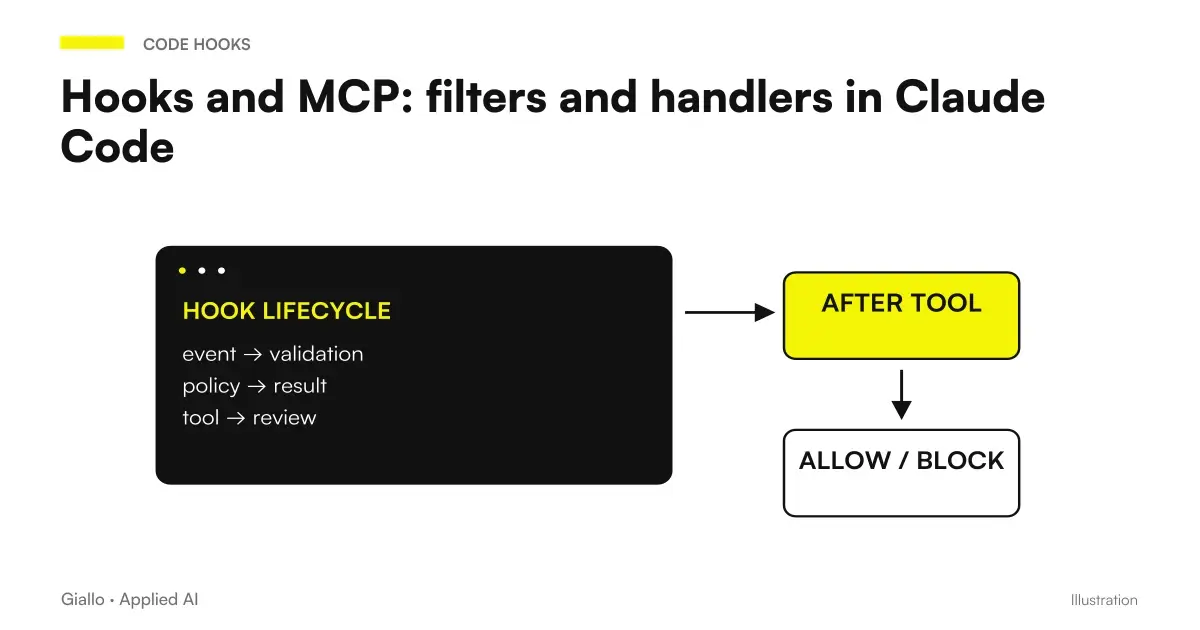
| Intercept tool and use handler | Hooks and MCP |
| Controls in delegation | Hooks and Subagent |
| Matcher, input and log | The hook doesn't start |
Mistakes to Avoid
- Removing permissions on destructive actions to "go faster". The stop rule is to ask, not to jump.
- Giving the first step instead of the whole task. The model stops at each junction.
- Defining "finished" in an unverifiable way. "When it works" is not an arrival line; "tests pass" is.
- Keeping the checklist only in chat. The context summary deletes it.
- Accepting the results of the subagent without proof. The principal must verify.
- Using Fast mode on long runs. It costs more and no one is watching.
How to apply it in the company
For a team that adopts Opus 5.5 in Claude Code, four files and rules shared:
CLAUDE.mdwith the stop rule and the explicit list of destructive actions of your context: which folders, which commands, which branches.- The Three End Run Titles, so each developer reads the results in the same way.
TASKS.mdfor each job that lasts more than one session.- A shared prompt for pre-merge review, to be used before each pull request.
If the team also works with other tools, the comparison is in Claude for the code.
Conclusion
Opus 5.5 in Claude Code is not "faster to write code": it is Able to move forward on your own within rules you write. The difference between a run that finishes the job and one that interrupts you twenty times is in three rows: the stop rule, the checklist, the report format. The model does its part if you did yours.
If you want to go from testing with ChatGPT to an AI system integrated into business processes, Giallo Studio custom designed agents and automations.
Giallo Studio guides: methodology and sources
How we apply it in the company
Related resources
 Claude Opus 5.5: what it is, what it changes and who it suits
 Code review with Claude Opus 5.5: a prompt to find bugs before merging
 Claude Opus 5.5 prompts: what to remove, what to add and examples
 Claude AI for code and development
 Claude Opus 5.5 fast mode: features, cost and when it makes sense
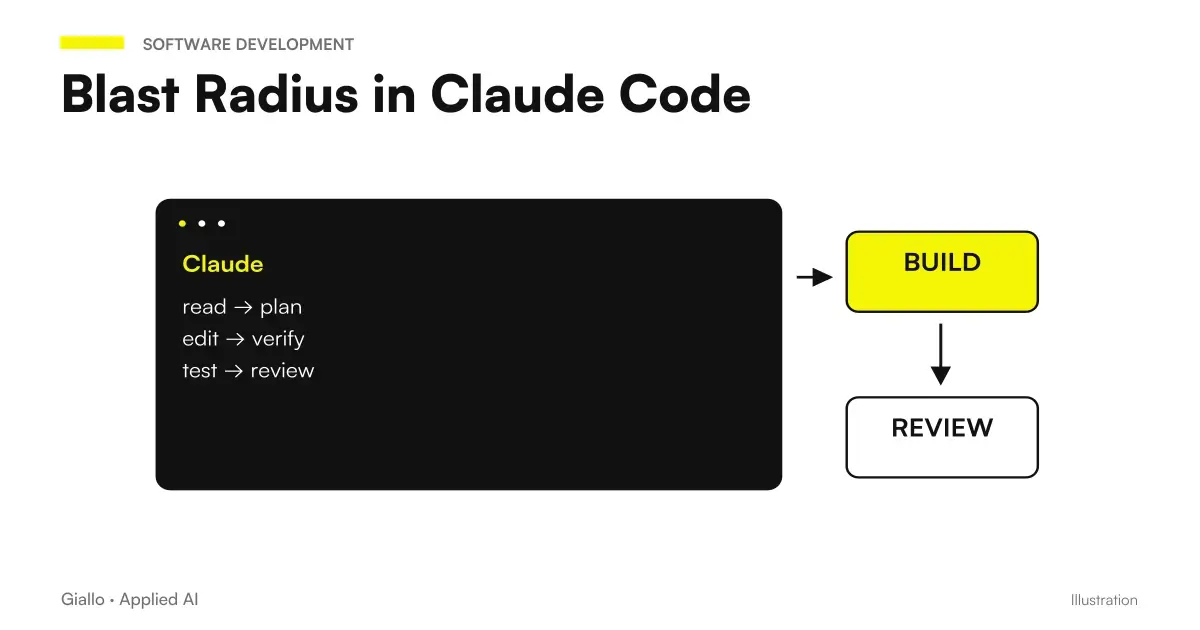 Blast Radius in Claude Code: Assessing Commands Before Acting
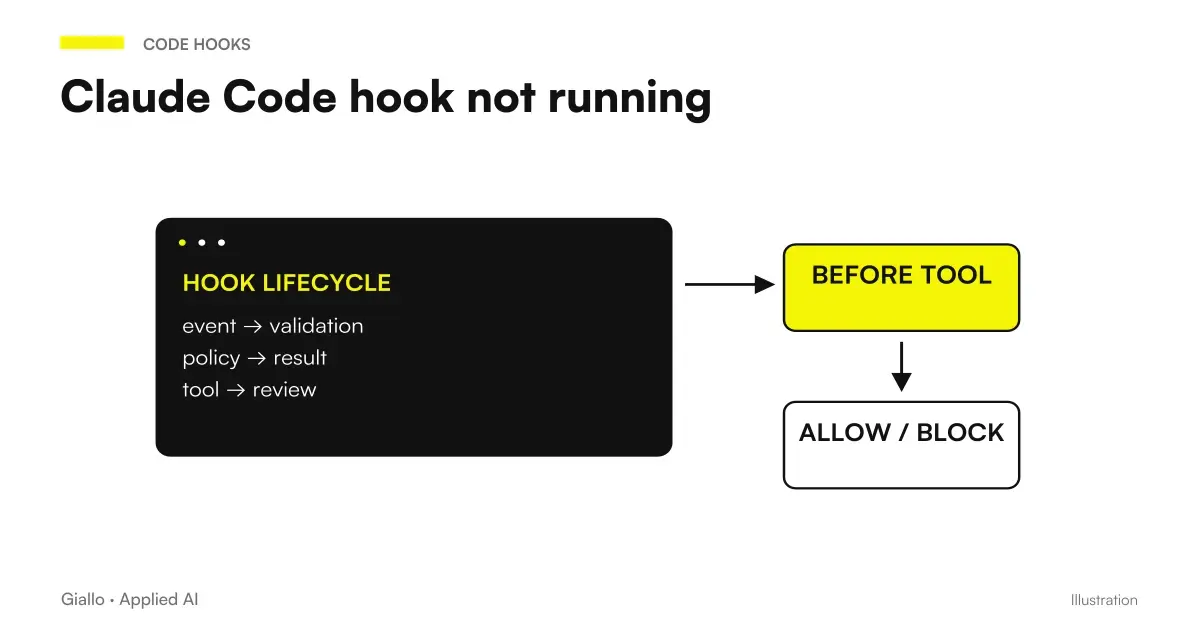 Claude Code hook not running: a debugging guide
 Hooks and MCP: filters and handlers in Claude Code
FAQ
What changes in Claude Code with Opus 5.5?
The model carries out long tasks in several steps with little supervision, and explains the changes in plain language, so the descriptions of the pull requests are easier to review. Your work moves from guiding it step by step to defining stopping rules and the finish line.
What to put in CLAUDE.md for long runs?
The rule Anthropic recommends: when a step does not require my intervention, continue; put the status notes in the same message as the next action; stop only if you can't continue without me or before something destructive, such as deleting data, forcing a push or touching something out of this repository.
What is TASKS.md for?
To keep a checklist that survives the context summary in long runs. The model is asked to tick off every completed item and add what it discovers along the way.
When should you use subagents?
For large work on extensive codebases: audits, migrations, revisions. You assign each subagent a part, ask the main model to verify each one's evidence before accepting it, and close with a summary table.
How do you read the result of a long run?
First look for the things Claude is waiting on you for: open decisions and approvals. To make this systematic, add this to CLAUDE.md: finish each run with three headings, Waiting on me, Changed, Found.
What is Fast mode in Claude Code?
A mode that delivers text sooner, using the same model, at a higher cost per token. It is enabled with /fast, requires extra usage to be enabled and is in preview. It is for back-and-forth work, not long runs.