
Claude SDK browser and computer use classes: automating business software
Claude SDK browser use introduces beta classes for tool management. Assess portals without APIs, the environment, credentials and approvals.
Reading time: 11 min
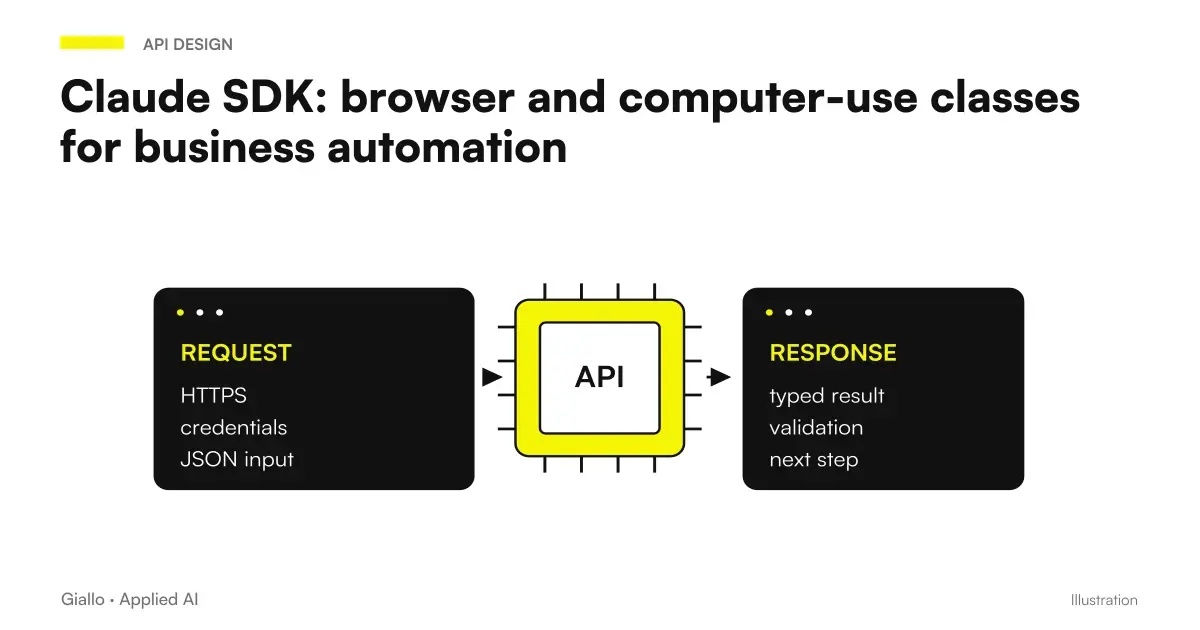
The new Claude SDK classes for browser and computer use help developers manage the tool loop, but do not deliver ready-made automated business management software. The beta in the Python and TypeScript SDKs is reported in the notes of the October 7, 2026 of Claude platform. The browser or desktop environment and available operations remain the responsibility of the project.
For an SME the novelty is interesting when a portal requires repetitive steps and does not offer an appropriate API. The problem is not just finding a button: you need to know who is operating, what data he sees, what action he can take and how to recognize an uncertain outcome. Useful automation is one that keeps the process verifiable even when the interface changes or responds late.
In summary
- The beta SDK simplifies the connection of tools, does not replace the infrastructure.
- Stable APIs and deterministic flows remain preferable when covering the task.
- Credentials, sessions, and files require specific permissions.
- External action must be shown and approved in its concrete content.
- The pilot must check for delays, duplications and restarts, in addition to the ideal route.
What do classes do and what does the developer need to build?
The SDK use browser guide describes classes that manage the tool cycle. The developer provides browsers or desktops and implements operations. This separation is important: connecting the library doesn't mean you already have a hosted environment with authentication, isolation, and session management suited to your business data.
The project must decide where the environment is running, what operations it exposes to the model and how it returns the outcomes. It must also handle the case where the command is executed but confirmation does not arrive. A technically successful click can lead to an error page or save a draft with incomplete fields. The result should be read in the context of the portal, not inferred from the fact that the tool has responded.
Examples of the documentation help to understand the link, but do not demonstrate a productive deployment. Before choosing the library you need a task map: crossed screens, data used and conditions that authorize each step. This map makes it possible to assess whether the SDK really reduces integration work in the concrete case.
When to choose API, RPA or browser agent?
A stable API offers an explicit contract of input, output, and error. An RPA procedure may be suitable for predictable screens and repetitive rules. A browser agent can be useful when the path requires interpretation, but introduces greater variability in the selection of actions. The choice must be made on the task, avoiding using the most autonomous approach only because it is available.
| Situation | Path to evaluate | Decisive proof |
|---|---|---|
| Complete and documented API | Direct integration | Correctness of data and errors |
| Stable interface, fixed rules | Deterministic automation | Resistance to page changes |
| Variable path with content to interpret | Restricted browser agent | Correct Decisions and Limits Respected |
| High-impact operation | Proposal with human confirmation | Understandable action before execution |
| Portal not reliably usable | Assisted or manual procedure | Continuity of work without forcing |
The AI integration with existing systems It starts with this assessment. If management software already offers a reliable method of exporting data, simulating its download through an interface can add fragility without producing a proportionate benefit.
How to delimit the task before opening the browser?
The warrant must describe the target, authorized inputs and stopping point. "Manage requests" is too broad; "prepare a draft using data from the indicated practice and stop before sending" is verifiable. The system needs to know which destinations it can reach and which actions are banned or require confirmation. A commercial objective does not constitute an implied authorization to any passage.
The perimeter also includes what the system reads. A page may contain messages, attachments, or instructions entered by third parties. This content is task data, not orders that have to change the agent's mandate. The project must maintain this separation and verify what happens when the page invites you to download a file or reach a foreign destination.
The AI Agents for Companies They work best when the boundary is readable to people as well. The operator must be able to stop the session and figure out where it came from. A circumscribed pilot makes it possible to observe these aspects without immediately entrusting the system with a whole process.
What environment to use for credentials, sessions, and downloads?
Credentials must belong to a role consistent with the activity. An administrator account used for convenience makes much more possible than the pilot requires. The team must evaluate dedicated session, secret management and minimal accesses, avoiding passwords entered in prompts or logs. Screenshots can contain sensitive data even when the task concerns a single field.
Downloads should be treated as results to be verified. The file name does not prove that it belongs to the correct practice; you need to check the content, origin and status of the process. Uploads also require confirmation on the concrete document, not just the button. A folder accessible to the agent should contain the necessary material, reducing the risk of selecting foreign attachments.
The distinction between environment and model is also seen in GitHub Copilot local sandbox. That product is about a different context, but the operating principle remains useful: limiting tools and files is a control separate from the ability of the model to understand a request.
What does the person who approves a submission have to see?
A useful approval shows destination, subject matter of the action, essential data and expected consequence. The phrase “can I continue?” does not allow to check if the system is saving a draft or sending a practice to an external subject. The callback is a technical point of flow; the content of the approval request must be designed for the decision of the person.
The SDK Guide provides for controls and callbacks, but these do not replace a productive policy. The application must establish what actions require confirmation and how to behave if the user refuses. The refusal must stop the planned passage, without seeking an alternative road that produces the same effect.
After approval, you must verify that the page has not changed. A confirmation granted for one destination should not automatically apply for another. If the visible data differs from the approved draft, the system must revert to revision. Human control has value only if it remains linked to the same concrete action.
Can a distributor prepare orders in a supplier portal?
Hypothetical scenario. An Italian distributor copies lines of request into a suitable API-free portal. The pilot prepares a cart or draft order, but stops before sending. The operator compares codes, quantities, recipients and conditions with the original request. The goal is to reduce recopying, while maintaining commercial approval where it already belongs.
The sample must include unavailable items, similar variants, and fields that the portal automatically compiles. A correctly selected code can be replaced by a site proposal; a quantity can have a different unit than expected. The system must verify the final screen, rather than considering the task finished after entering the fields.
The useful result is not the number of clicks avoided. It is a correct draft, verifiable and without duplicates. If one session is interrupted, the restart must look for the draft already present before creating another. The log connects request, session and final document, so the operator can understand what was actually saved.
Can a firm recover receipts without sending paperwork?
Second hypothetical scenario. A technical study wants to download receipts already available in a portal and associate them with internal practices. The mandate is read: identify the correct reference, download the document and propose the link. Sending new instances, changing data, and administrative confirmations remain out of the pilot.
The test includes practices with similar names, updated receipts and missing documents. The system must not choose a file just because it is the first result. When it does not find a secure match, it reports the case to the operator. The check can compare identifications of the practice and content of the receipt, without relying solely on the location of the document on the page.
Storage takes place in the system provided by the study, with consistent accesses. The temporary browser should not become a forgotten parallel archive. The process must indicate what remains in the environment after the session and how it is cleaned according to the company procedure. The operational advantage should be assessed together with the work needed to verify the association.
How to manage slow pages and uncertain results?
A timeout does not prove that an action did not happen. Before repeating a submission, the system must read the status of the portal and look for a reference to the previous result. The risk of duplication increases when the stream uses the click as the only proof. A saved receipt or state provides more useful evidence, as long as it corresponds to the correct practice.
The session should have checkpoints: page reached, data prepared, draft verified and action confirmed. These states help to get back to work without indiscriminately starting over. The operator must be able to distinguish completed, to be verified and interrupted. A generic expression as a fact hides precisely the cases in which a human reading would be needed.
For classification tasks before the action, the API Decisions can represent a separate component. However, the proposed category must not directly authorize the browser to send a practice. The application rule links classification and action only when the other necessary conditions are met.
What evidence reveals errors that the demo does not show?
Testing should include expired session, modified page, slow response, wrong attachment, and unauthorized destination. The rejection of an approval must also be verified: the flow must stop clearly. These tests are proposed procedures, not tests performed by Giallo on the product. They serve to define what evidence to gather before entrusting the process to users.
The network requires its own control. The Claude Managed Agents restrictions on search and web fetch They relate to specific environments and do not automatically transfer to a developer-built browser. The project must verify its execution path, without assuming that a protection documented elsewhere covers each instrument.
A AI workflow builder or one automation with n8n they may coordinate part of the process, but they do not eliminate these controls. The value of the link is to make states, errors, and responsibilities readable, not to hide them behind a seemingly simple visual sequence.
API-free portal: when the pilot is ready
The task has a clear stopping point. The account only has the necessary permissions. The result can be verified on a recognizable source. External actions show concrete confirmation. Interrupted sessions and repeated attempts do not create duplicates. A person can resume work if automation stops.
Who deals with portal changes after release?
The interface can change without the business process changing. A field moves, a new confirmation appears, or the portal proposes a different value. The project must predict who receives the report and how the correction is verified. The autonomy of the model does not eliminate this maintenance: it can help interpret a page, but the company still needs to know if the outcome remains correct.
It is useful to keep a set of test practices, minimized and authorized, covering the main variants. After a change in integration one retraces the flow and controls the final states. The comparison must be about data and consequences, not just the ability to reach the desired screen. Automation that continues to navigate may have begun to fill out a wrong field.
The manual procedure must also remain accessible. If the service stops, the operator must know which practices have already been worked and which are still awaiting verification. This continuity makes it possible to suspend the automatic component without losing control of the work. For the first release, an understandable restart is often more useful than a very wide coverage of the screens.
How to compare this road with other agents for companies?
The in-depth study on Gemini Agent for Companies It concerns another path of adoption. The useful comparison does not consist in counting announced functions, but in verifying covered task, required environment, accesses and proof of outcome. A more integrated product can reduce some steps; an SDK can offer more control at the price of more application work.
Mistakes to avoid are using overprivileged accounts, skipping final verification, repeating submissions after a timeout, and considering the SDK as a complete infrastructure. No stand-alone pricing including browser, model, and maintenance has been verified in the sources consulted. The budget must then separate these elements and the human work needed for exceptions.
To choose between API, deterministic automation and browser agent, the path of automation of business processes can start from a real activity of the portal and from the point where today it requires recopying or checking.
Giallo Studio guides: methodology and sources
How we apply it in the company
Related resources
 Claude Managed Agents extends network limits to search and web fetch
 GitHub Copilot: Local sandbox available, how it limits files, network and credentials
 OpenAI Decisions API in beta: classify tickets and requests with controllable answers
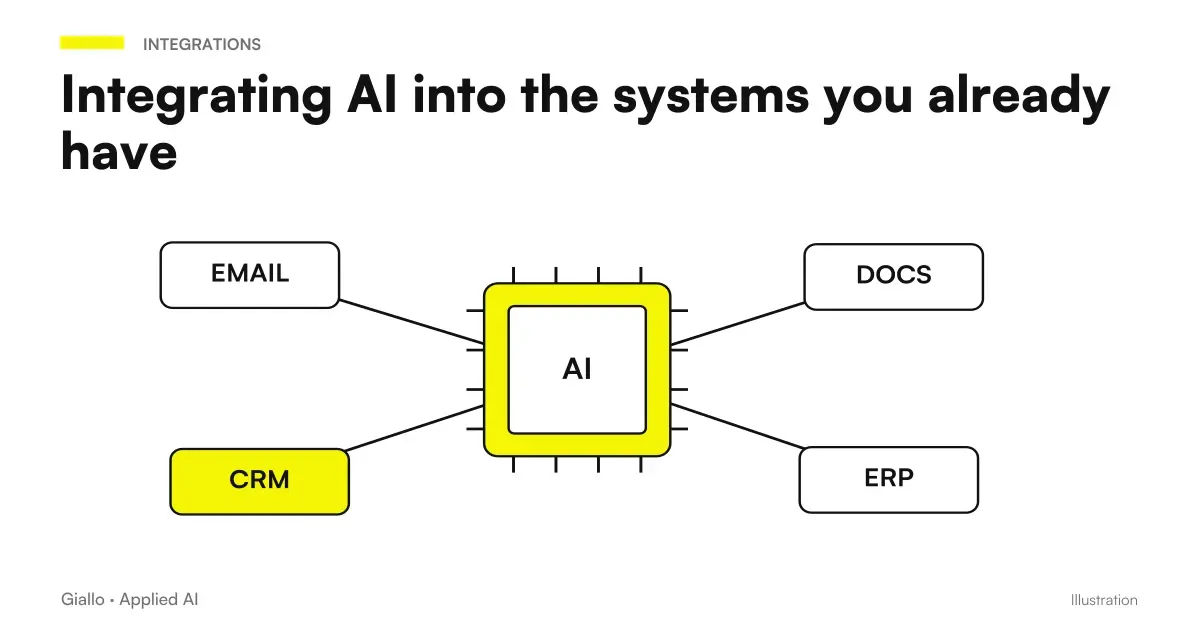 Integrating AI into the systems you already have
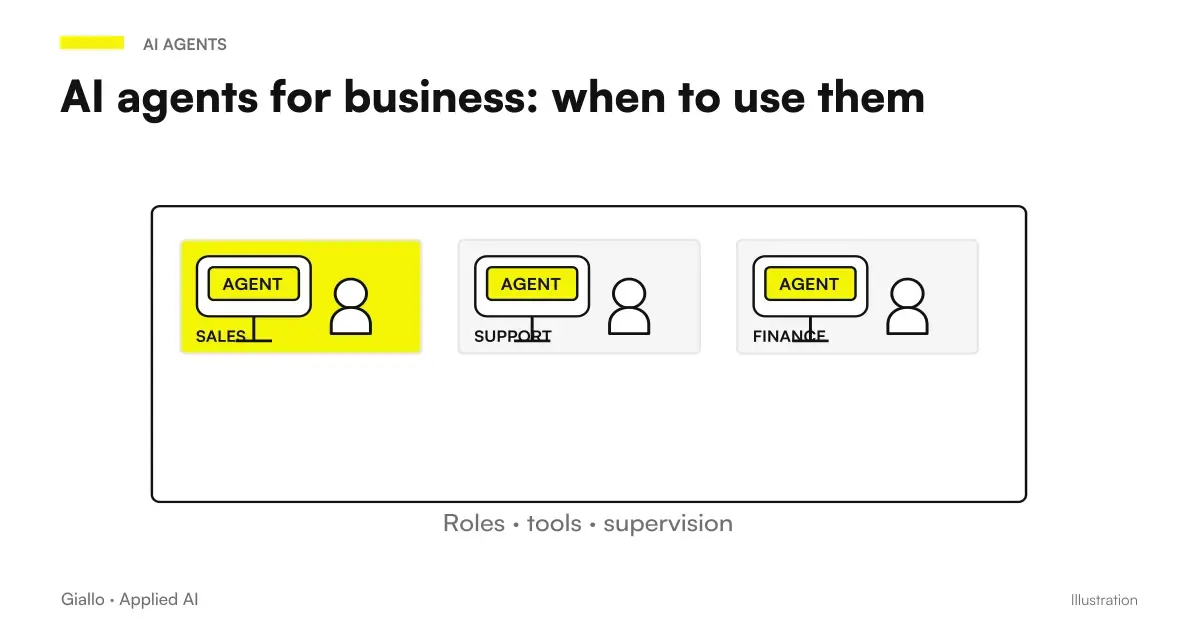 AI agents for business: when they are useful and how to adopt them
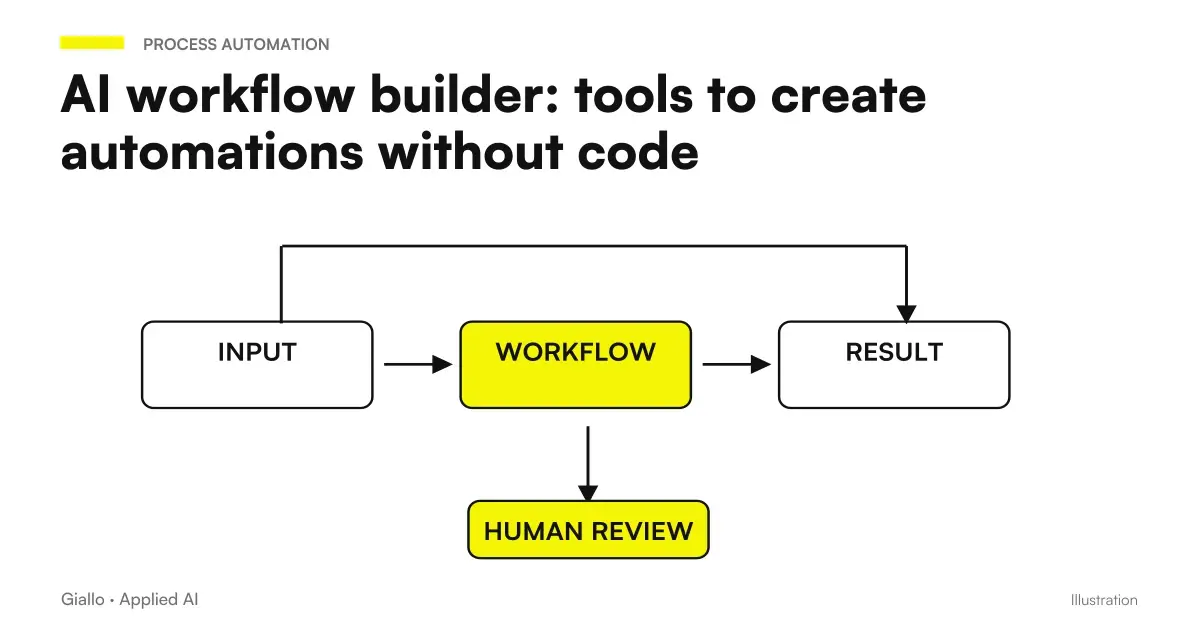 AI workflow builder: tools to create automations without code
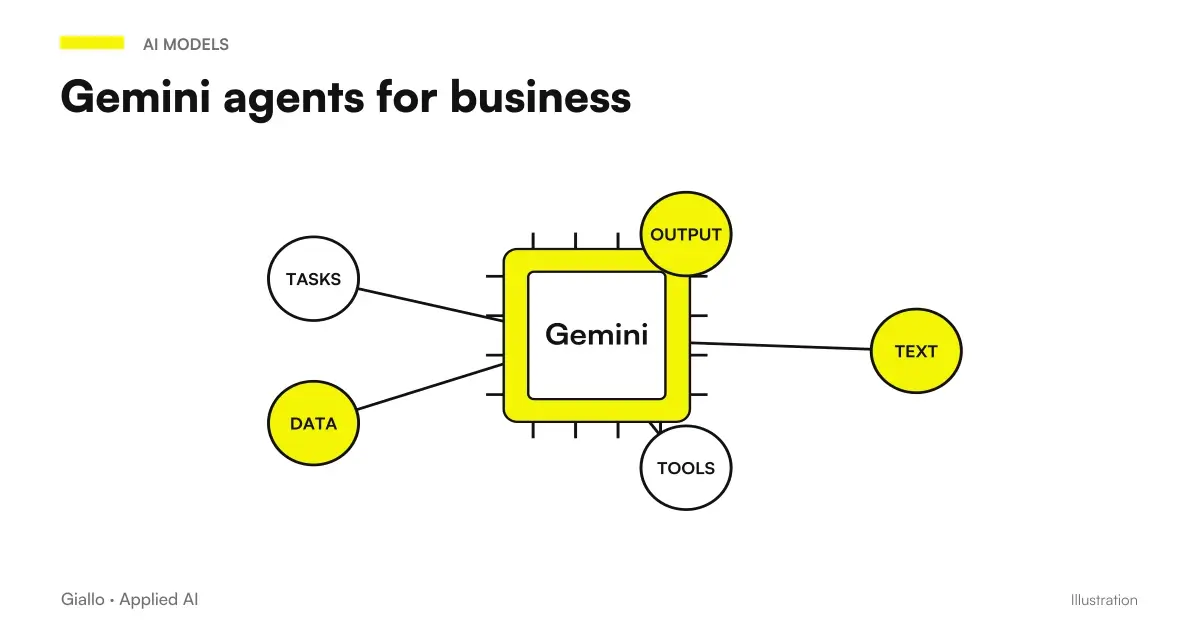 Gemini agent for companies: what Google announced and what to check before using it
 Claude Code hooks for subagents and teams
FAQ
Does the Claude SDK include a ready-to-use hosted browser?
No. Classes help manage the tool cycle, but the developer provides environment and operations. The project must build and control the necessary infrastructure.
Does the beta immediately allow any business management software to be automated?
No. Interface, authentication, data and consequences of actions must be verified in the actual portal. A demo does not prove the reliability of the production process.
When is it preferable to use an API?
When there is a stable API that covers the task and offers a more predictable contract. Visual interaction is an option to be evaluated for steps that do not have a suitable integration.
Are approval callbacks enough for security?
No. Permissions, file and destination limits, record of outcomes and a stop procedure are also needed. Approval must show concrete action to the person responsible.
Does the cost of the SDK include model and infrastructure?
The sources consulted do not verify a standalone price that includes everything. The project must account separately for model usage, running the environment and maintenance.
Which activity should an SME start from?
Start with a repetitive, narrowly defined task, initially in read-only mode or producing a draft. External actions require confirmation and specific checks.