
AI APIs: what they are and how they work
What are AI APIs and how they work: difference between chat and integration, token costs, key security and real use cases for SMEs.
Reading time: 10 min
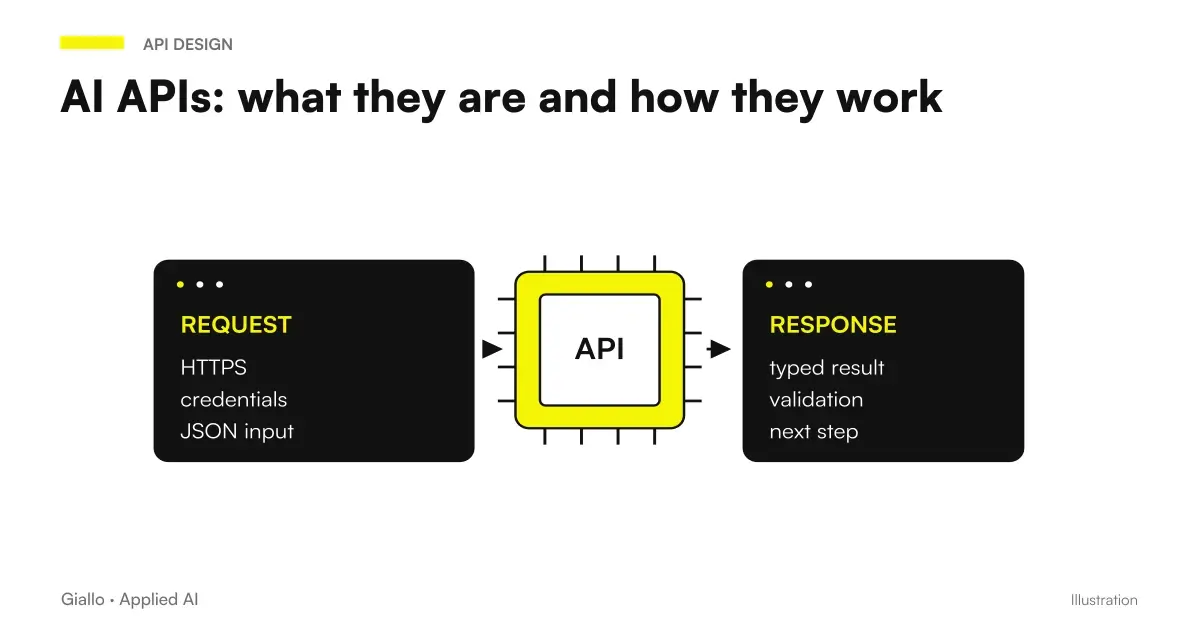
A AI API is the way your software talks to an artificial intelligence model without a person standing in front of the screen. "API" stands for programming interface: it is basically a front door that allows a program (your management software, your site, your CRM) to send a request to an AI model and receive a response back, automatically. Where you would open ChatGPT and copy a text, the API does the same thing inside the workflow, a thousand times a day, without copy-paste.
The key difference is this: chat is for people, API is for software. ChatGPT, Claude or Gemini in their web version are perfect for exploring, rehearsing and figuring out what AI can do. But when the same task is repeated identically and integrated into a process — classifying every incoming email, writing every product description, responding to every request on the site. the right way is not a person pasting, but a program calling the API.
In this guide we see what an AI API really is, how it works step by step, why you pay to tokens, how you protect keys and when it makes sense to switch from chat to integration. Language remains accessible: it serves both those who make decisions and those who then write the code.
In summary
- A AI API is the port that allows your software to send a request to an AI model and receive the answer automatically, without human intervention.
- The Chat it serves people to explore; the API software is used to repeat the same task on large volumes within processes.
- You pay on consumption, on tokens (portions of incoming and outgoing text): no mandatory fees, but on large volumes the cost should be estimated first.
- The API Key must be protected as a password and kept only on the server side: in the code of a site it is readable by anyone and goes into the hands of those who should not have it.
- APIs are not "technical magic": they are the point where AI stops being a chat test and becomes a process running on its own.
What "API" means applied to AI
A API (Application Programming Interface) is a contract between two software: one asks, the other responds, according to an agreed format. APIs have existed for decades and are everywhere: when a site shows a map, a weather or a card payment, it is using the API of another service. You don't see the mechanism, but it's what makes different programs "talk".
A AI API is simply the same idea applied to an artificial intelligence model. Your software sends a request — usually a text, which is called prompt, plus some instruction — and the API returns the response generated by the model. From the point of view of your program, the AI model becomes a function that you can recall: "give me the category of this email", "summarise this document", "write a draft reply to this message".
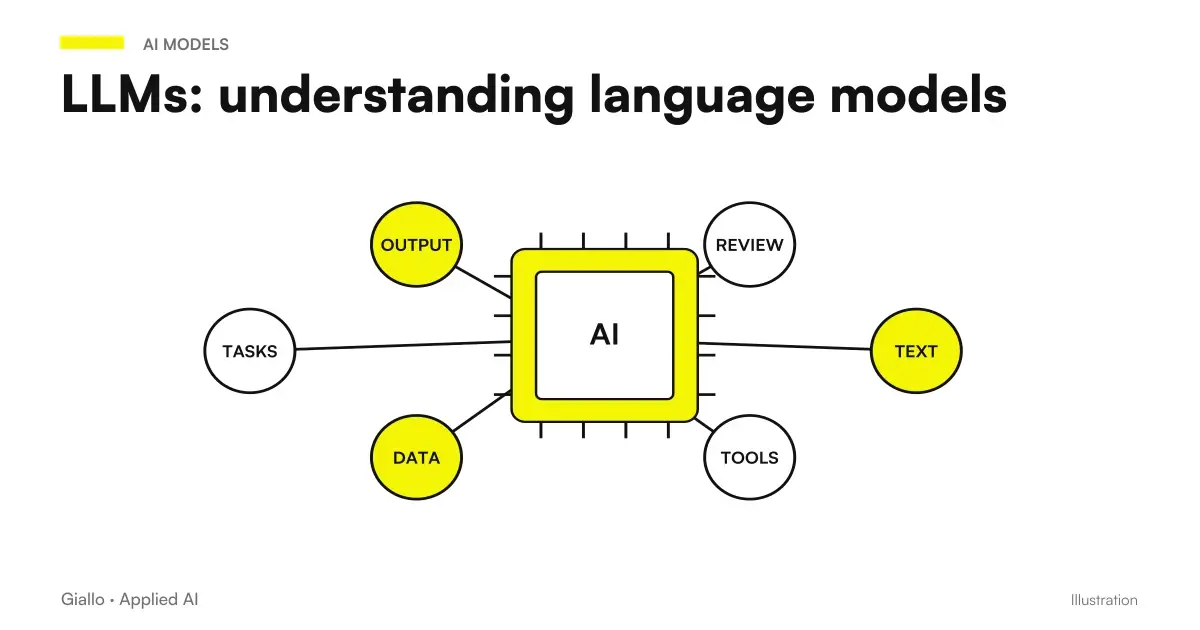
The important thing to understand is that the AI behind the API is the same model you use in chat. ChatGPT and the OpenAI API draw on the same model family; it changes the way you access it, not the underlying intelligence. To understand what these language models are under the hood, the guide on LLM and Language Models Explains how they generate responses.
How an AI API works, step by step
A concrete example is the Kimi API: the guide distinguishes endpoints, credentials and token cost from the chat subscription. The path Kimi with n8n instead shows how to design the transition from the request to the process.
Not all APIs need to generate a long response. The beta of OpenAI Decisions for classifications and structured choices It concerns limited decisions; to link them to a process, thresholds, verifications and exception management are still required.
The mechanism is always the same, regardless of the supplier. It is worth seeing it as a stream, because it is precisely this sequence that your software performs at every request.
- API key. The provider gives you a secret key (a long string of characters) that identifies your account. It is used to authorize requests and to charge consumption.
- Request. Your software prepares the question: the prompt, any system instructions (the "role" of the model) and the chosen model. Everything is packaged and sent to the API address.
- Processing. The model receives the text, transforms it into a token, calculates the most likely response and generates it, always as a token.
- Answer. The API returns the result to your software in a structured format (usually JSON), ready to be placed in a field, table or message.
- Count. The provider records how many tokens have been used in and out: this is what determines the cost of the single call.
The interesting point is that on your side this happens in a fraction of a second and invisibly. The user who writes on your site sees only the answer; he does not know that there is an API call to an AI model behind it. When this sequence is repeated over a lot of data and connected to other steps, you enter the territory of the AI Automation: the flow turns on its own, from input to result.
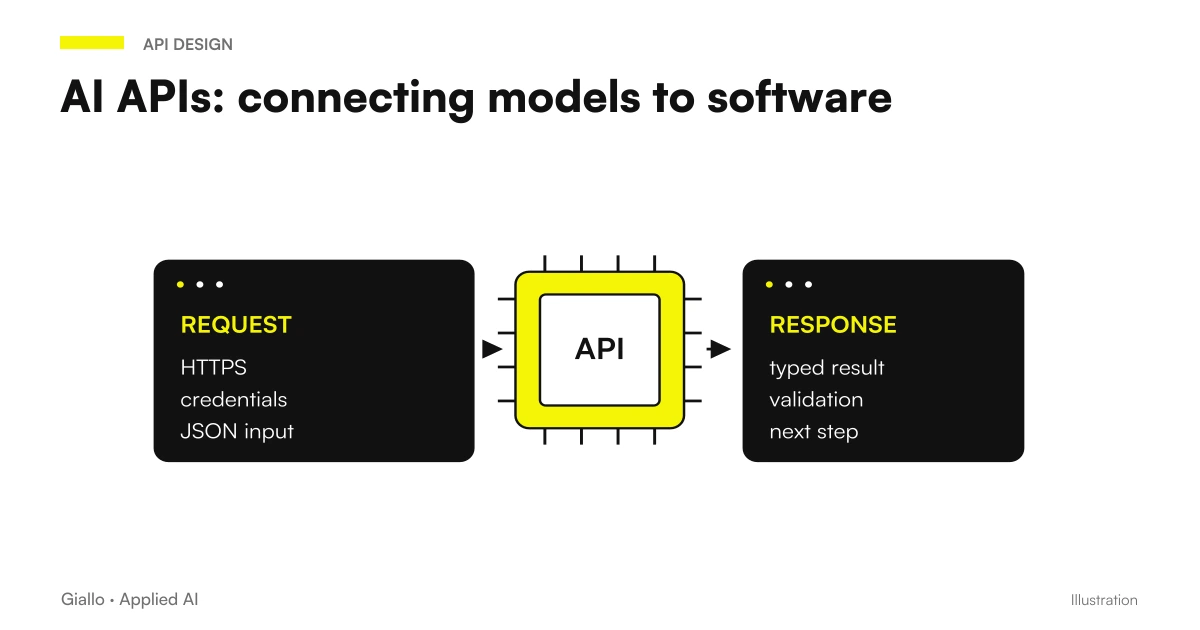
Chat or API: what's the difference that matters
The distinction between chat and API remains useful even when a plan includes an incentive. The API credits for Claude Max and Team subscribers are activated in the Console and have their own conditions: a chat subscription does not amount to an API budget without limits.
It's the distinction that makes the difference between "we've tried AI" and "AI works for us." It's not a technical issue: it's a question of scale and who does the work.
When the chat is enough
- You are exploring: you want to understand if AI is capable of doing a certain task.
- The volume is low: few requests per day, made by a person.
- The task changes every time and still requires human judgment.
- There is no need for the result to enter another software automatically.
When APIs are needed
- The same task is repeated tens or hundreds of times a day.
- The result must end up inside a system: CRM, management software, email, site.
- You want to remove the manual copy-paste and the errors it brings with it.
- The process is defined: you know what goes in and what has to go out.
Strictly stated: chat scale with people, APIs scale with software. If you need more people pasting in ChatGPT to handle more volume, you're in the wrong place. APIs take the person out of the mechanical passage and leave them where they really need to controllare to control and decide.
Why you pay per token (and what it means for costs)
Access to the model, speed allowed and actual expense are different sizes. The new structure OpenAI API Build, Launch, and Grow makes this distinction concrete: access thresholds at the level are not the price of a monthly subscription.
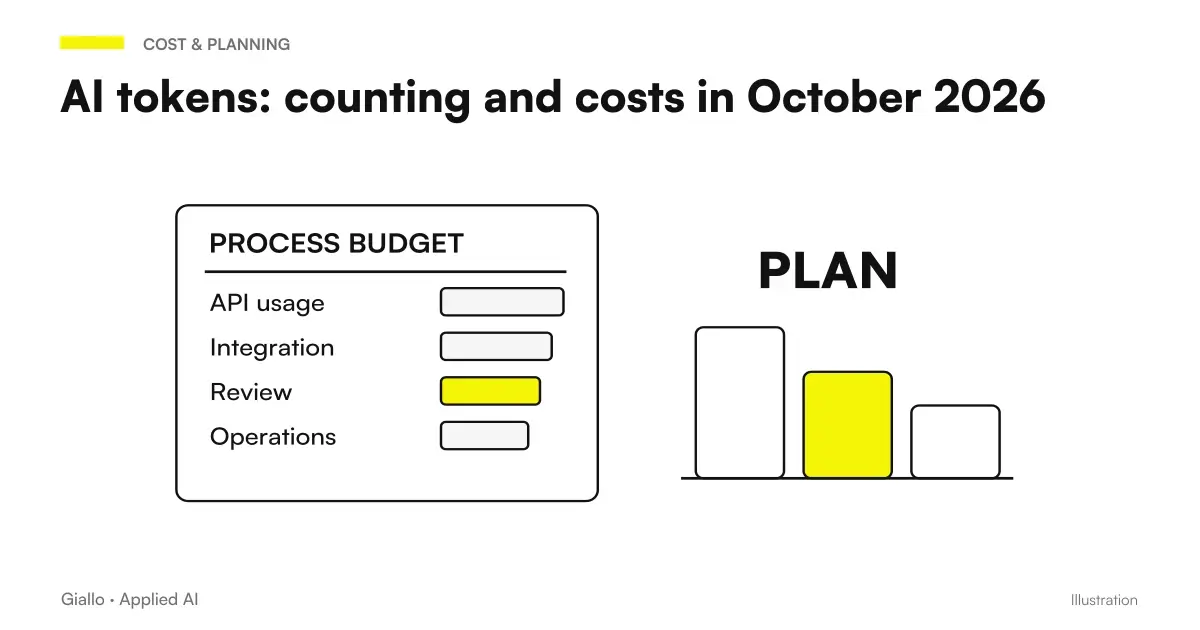
AI APIs are not paid at a mandatory fixed fee, but per consumption. The unit of measurement is the Token: a portion of text, roughly a short word or pieces of longer words. Each request consumes incoming tokens (what you send: prompts and instructions) and outgoing tokens (what the model generates). The sum, multiplied by the price of the chosen model, is the cost of the call.
This model has two practical consequences. First: Pay only what you use. A month of few requests costs very little; there is no subscription that throws money if you do not exploit it. The second: the cost grows with volume and length. A long prompt or a long response costs more than a dry request. To estimate the expense of a project you need to know how many requests per day and how much text per request. To understand how they are counted and how they affect, the guide on AI tokens goes into detail.
Here is a practical comparison between the three routes of access to a model, to choose the right one based on the case.
| Criterion | Web Chat (ChatGPT) | No-code automation (Make/n8n) | API + custom software |
|---|---|---|---|
| Who uses it | One person, manually | A configured, codeless stream | Your software, automatically |
| Manageable Volume | Low (human strength) | Middle-high | High and constant |
| Cost | Fixed monthly fee | Platform Canon + Token | Tokens per consumption only |
| Required skills | None | Configuration, untechnical | Developer |
| Integration with your systems | None (copy-paste) | Good, with connectors ready | Total, customized |
| When it makes sense | Exploring, sporadic cases | Standard Flows, Quick Start | High Volumes, Complex Logic |
Often the right path is scaled: you explore in chat, you validate a stream in no-code and, when the case holds up, you switch to an API integration inside a custom software. No need to start at the most expensive point.
How to protect API keys
The protection also includes destinations reachable by the instruments. In Claude Managed Agents Network Controls, hosts and URLs require explicit rules: a properly kept key does not alone prevent data from being sent to an unexpected destination.
For APIs not publicly displayed, the novelties of AgentCore Gateway over private network and TLS they concern the connectivity and verification of the certificate. The authorization of operations remains an additional control, to be applied in the business API.
Here is the most frequent security error, and it must be made clear why it can cost expensive. The API Key is like the password of your account: whoever owns it can make requests in your name and make you pay for the consumption. It must be treated accordingly.
The rule is simple: key lives only on server side, never in the code that runs in the user's browser. The site calls your server, your server calls the AI API with the protected key, and the user only gets the answer back. In addition to this, some basic good practices that we always ask in projects:
- It stores the key in an environment variable, not written inside the versioned code files.
- Use separate keys for development and production, so you can revoke one without stopping everything.
- Set spending and traffic limits on the supplier panel, to contain errors and abuse.
- Rotate the keys periodically and revoke them immediately if you suspect they have been leaked.
- Evaluate what you send: personal data of customers must be processed according to the GDPR, also via API.
On the subject of data there is a useful difference compared to free chat: many providers, on access via API, they don't use your inputs to train models and offer limited retention options. It is however a check to be made to contract the hand, because conditions change and personal data require attention. The basic rules on this point are found in the AI Guide for Companies.
Practical examples
Three realistic scenarios of Italian SMEs, to make concrete what changes when switching from chat to APIs.
1. E-commerce — catalog product descriptions. A store with 1,200 items wants to rewrite the descriptions starting from the data sheets. In chat would be a person pasting 1,200 times. Via API, a small program reads every tab from the database, calls the AI model with a fixed prompt and saves the draft in the catalog management software. The team reviews and publishes, instead of writing from scratch. The same mechanism then feeds the website or e-commerce.
2. Professional study — email sorting. Hundreds of emails arrive a day with different requests. An API integration reads the object and body, asks the model to classify the request (quote, assistance, administration) and assigns the label in the mail system. The operator already sees the ordered emails. No one has opened a chat: the stream runs on its own, and is the first brick of a AI Agent more complete.
3. Service company — assistant on site. On the site there is an assistant who answers visitors' questions by drawing on company documents. Each question is an API call: the server receives the message, retrieves the right context, calls the model and returns the answer. The key stays on the server, the user only sees the chat. On this scheme are built the AI agents related to internal knowledge.
In all three cases the thread is the same: the API is the point where the AI stops requiring a person to paste and start working inside the software.
Mistakes to Avoid
- Putting the API key in the site code. It's the number one risk: the key goes public and someone spends on your behalf. The key is only server-side, always.
- Starting with the API when chat was enough. If the volume is low and the task sporadic, building an integration is a waste. You first evaluate the actual volume, then decide the level.
- Ignoring costs to tokens on large volumes. A few cents on demand seems nothing, but on tens of thousands of calls per month they become a spending item. Estimate first, set limits, monitor.
- Treating API output as truth. The model returns the most likely answer, not the certainly correct one: it can make mistakes or invent. On critical steps we need checks and human review. See the AI Hallucinations.
- Not handling failures. A service may slow down or fail to respond. A serious integration involves back-up behavior and does not lock on the first bad call.
How to apply it in the company
An MCP interface makes the tools accessible to the assistant, but it does not replace the permissions of the connected system. AWS MCP Server Regional Endpoints is useful to evaluate along with authentication, operational region and minimum IAM privileges.
To operate in a browser, the model API is just a component. The new Claude SDK for browsers and computers use manage the tool cycle; the environment, credentials and permissions of the actions remain to be prepared.
Switching to APIs sensiblely is a short and verifiable path, not a big IT office project.
- Valid in chat first. Check that the model knows how to do the task on some real example, before writing a line of code. If it doesn't work in chat, it won't work via API.
- Measure the volume. How many requests per day, how much text per request. From here comes out both the estimated cost and whether it is appropriate to the no-code or the custom development.
- Choose the minimum level. A standard stream is often built into no-code; deep integration into management software requires dedicated software. Start with the simplest one it solves.
- Protect your keys and data from day one. Server-side key, spending limits, rules on what data can be sent. These are not details to be postponed.
- Keep the human on critical points. The API prepares, the person approves where the error costs. Especially in the first few months.
This is the kind of work for which there is a AI Consulting: understand which level you really need, avoid unnecessary costs and build integration safely. If you want to see experiments and prototypes on these technologies, there is also The Lab.
Do APIs only work with text?
No. There are APIs for images (generation and analysis), audio (transcription and speech synthesis), embedding (for semantic search) and multimodal models that handle multiple types of inputs together. The basic mechanism —request, processing, response, cost to consumption — remains the same; it changes the type of data you send and receive.
The natural sequel to this article: Price per million tokens explained, AI model latency compared and AI models for high volume work.
Conclusion
A AI API is the bridge between artificial intelligence and your software: the door that allows a program to ask the model for an answer and receive it automatically, without a person copying and pasting. The difference with chat is not technical but scale — chat scales with people, API scales with software — and the right decision depends on the volume, the systems to be connected and the logic of the process. On the practical level, there are two things that matter: Token Costs before leaving and protecting the keys treating them as passwords, always server side. From here you can continue with the AI agents, which use APIs to perform sequences of actions, and with the AI Guide for Companies to frame priorities and budgets.
AI becomes useful when it enters processes. Giallo Studio helps SMEs and teams to build concrete, measurable and sustainable automations.
Giallo Studio guides: methodology and sources
How we apply it in the company
Related resources
 LLM: What Language Models Are
 AI tokens: how they are counted and priced in October 2026
 AI agents: what they are and how they work
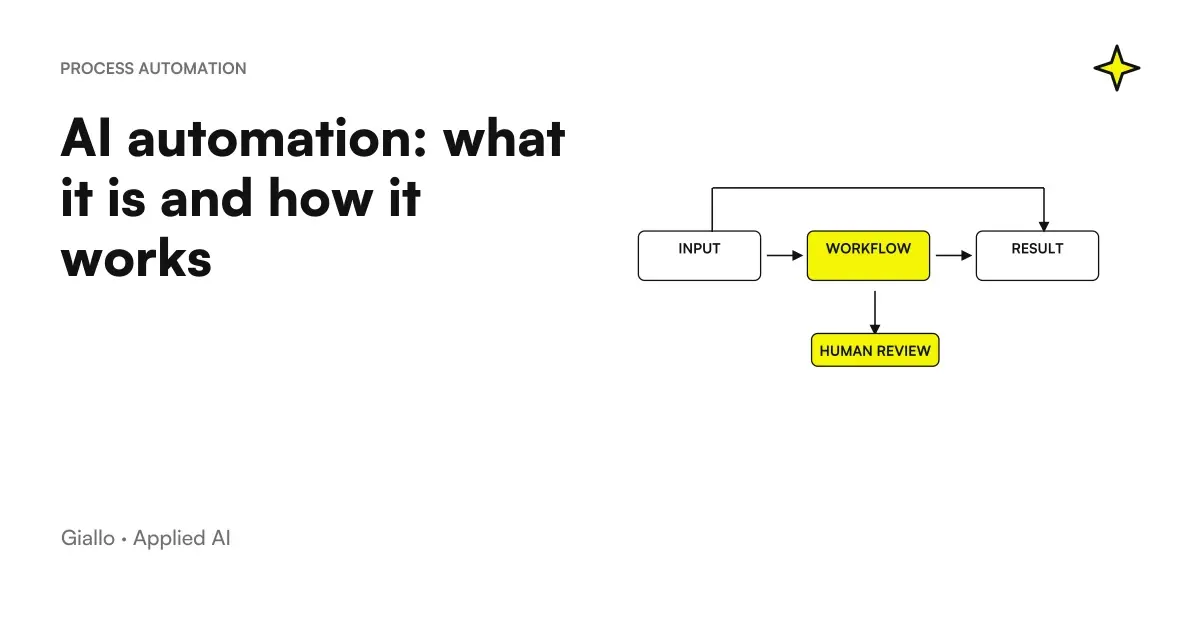 AI automation: what it is and how it works
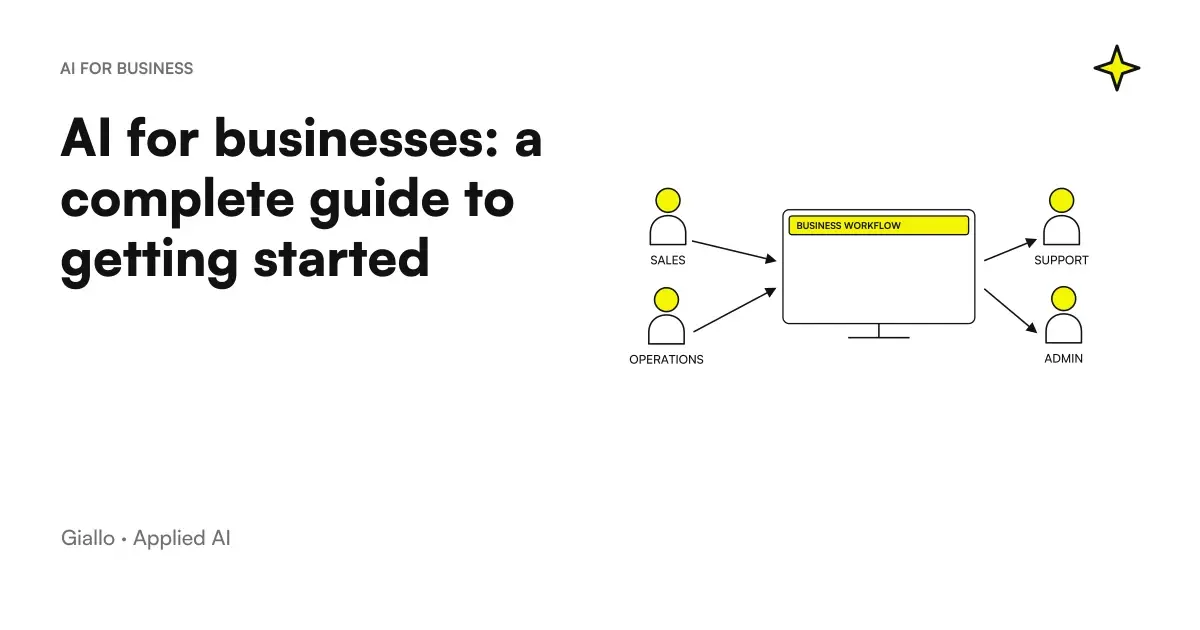 AI for businesses: a complete guide to getting started
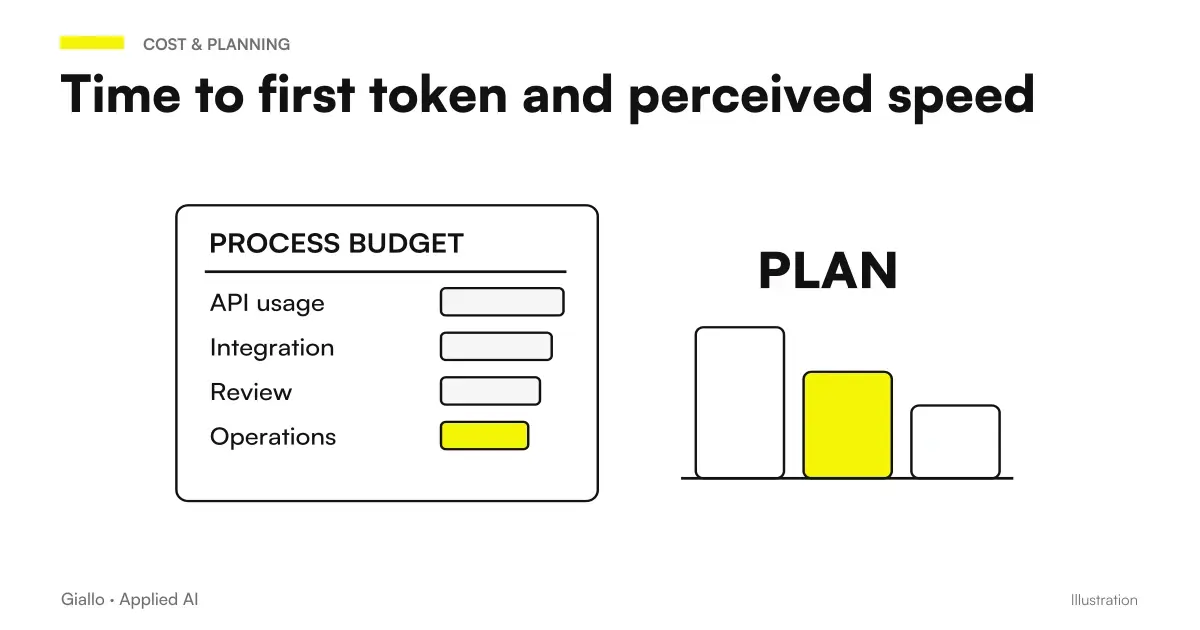 Time to first token: what it is and why it decides the perception of speed
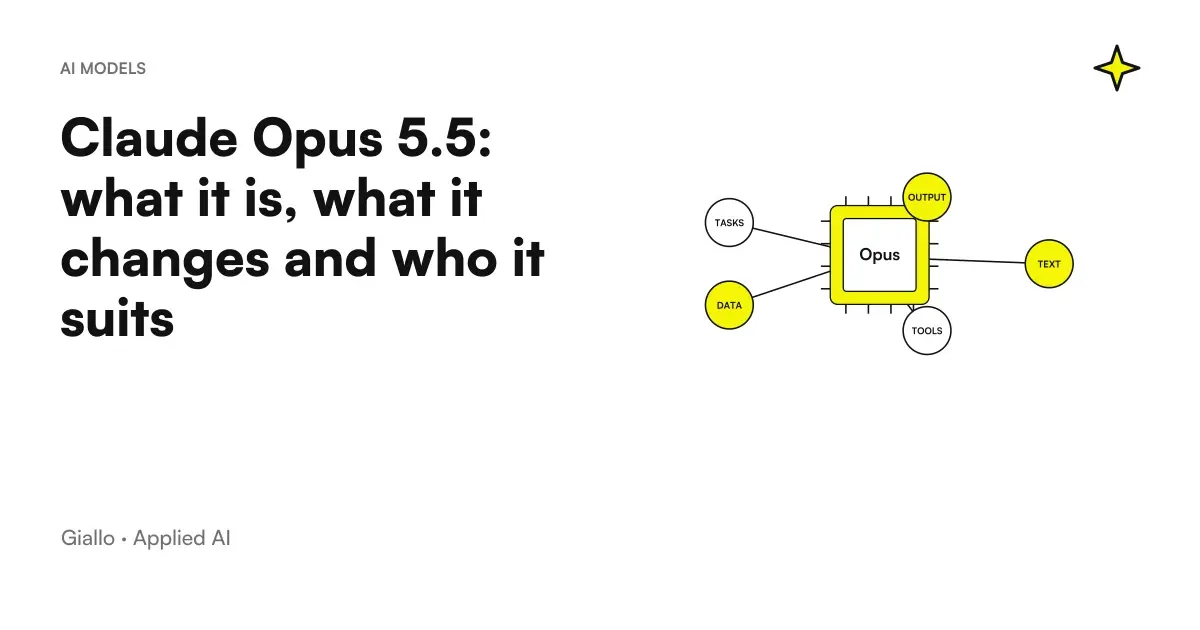 Claude Opus 5.5: what it is, what it changes and who it suits
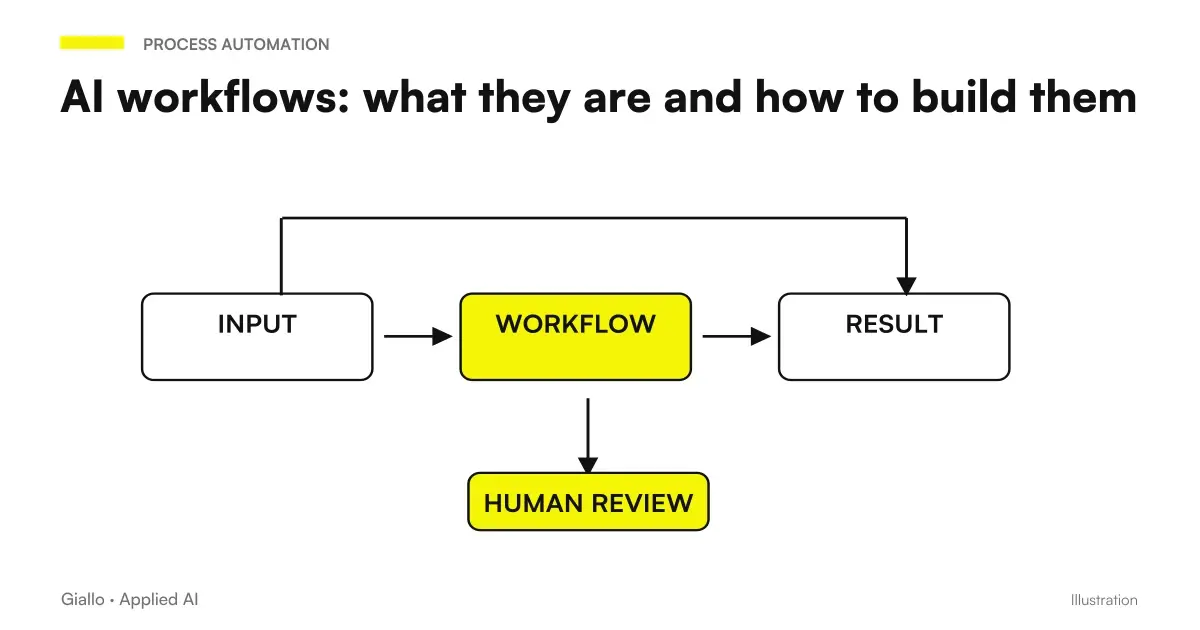 AI workflows: what they are and how to build them
FAQ
What is an AI API in simple terms?
An AI API is an access point that allows your software (business management system, CRM, website) to talk to an artificial intelligence model and get an answer automatically. Instead of copying and pasting by hand in a chat, the program sends the request and receives the output directly into the workflow.
What is the difference between using ChatGPT and using APIs?
ChatGPT is the interface for a person: write, read, copy. APIs serve software: a program sends the request and receives the response without human intervention. Chat is great for exploring; APIs serve when you want to automate the same task hundreds of times a day within your processes.
How much do AI APIs cost?
You pay as you go, based on the tokens processed (portions of text input and output). There is no mandatory fixed fee: you only pay for the requests you make. The cost per single transaction is often a few cents, but on large volumes it must be estimated in advance. Always check the provider’s official price list, because prices change often.
Are AI APIs safe for business data?
It depends on how you use them. Protect the API key like a password and keep it only on the server side, never in website code visible to users. For data, the contract matters: many API providers do not use your inputs to train models and offer limited-retention options. GDPR requirements and personal data must still be assessed before sending sensitive information.
Do you need a programmer to use AI APIs?
Connecting APIs to custom software requires a developer. There is a middle ground, however: no-code automation platforms such as Make or n8n call AI APIs without writing code. The choice depends on the use case: no-code is enough for a simple workflow, while deep integrations into a business management system require dedicated development.
What happens if the AI API fails or does not respond?
A well-done integration anticipates that this may happen. The model may return an incorrect response (hallucination) or the service may be temporarily unavailable. This is why output controls are added, a fallback behaviour when the call fails, and, on critical steps, a human review.