
Claude prompts: examples for better answers
Write effective Claude AI prompts for long documents, complex analysis and professional writing. A guide for businesses.
Reading time: 8 min
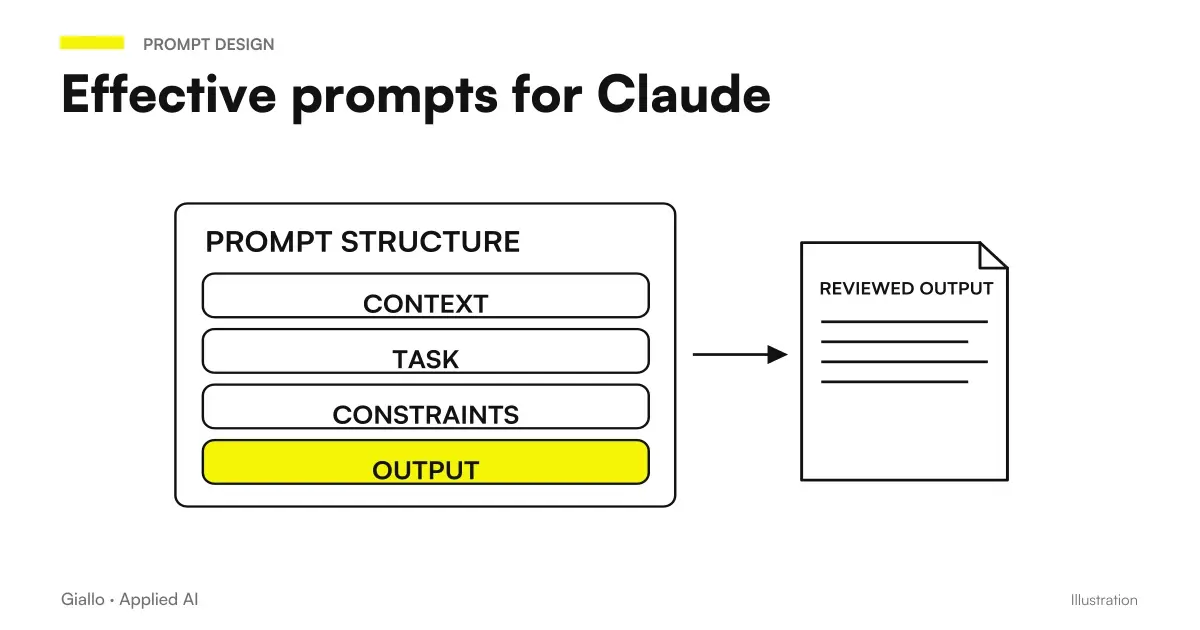
Claude is a model developed by Anthropic that stands out for handling long texts, reasoning about complex documents and producing text in a formal or professional tone. Using it well is not a matter of “magic” in the prompt, but of giving the right instructions in the right way.
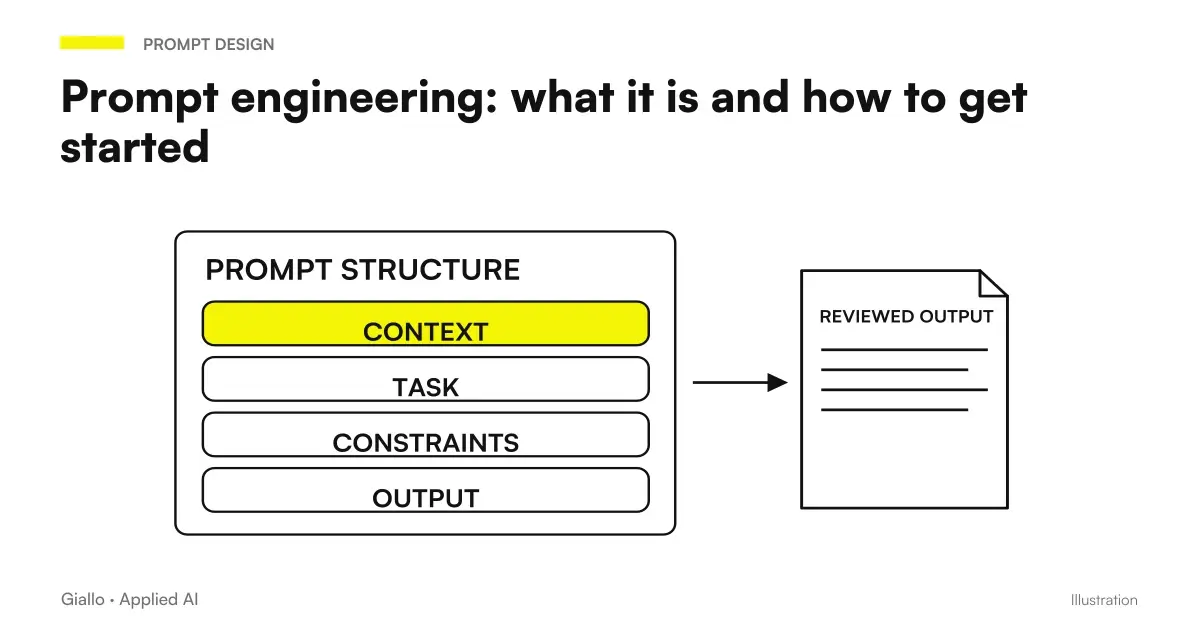
A effective prompt for Claude always has three components: the context (who you are, what you're doing), the precise task (what it has to produce), and the format constraints (length, style, structure). If one of the three is missing, the output loses quality —not because Claude is "lazy", but because he works well with clear specifications, better than he does with ambiguity.
In this guide we see concrete examples, the most frequent errors and how to apply these principles in a business context. If you want to understand first how Claude works in general, read Claude AI: what it is and when to use it.
In summary
- A prompt for Claude must include context + task + format: without one of the three, the quality drops.
- Claude excels at long documents, complex reasoning and formal texts: prompts must exploit these strengths.
- Instructions specifications produce better output than vague instructions: "maximum 5 points" works, "be synthetic" does not.
- For business documents, enter the text in the prompt itself (or via API) is more effective than describing it in words.
- Claude in Italian works well: just write the prompt in Italian and specify the register desired.
How a prompt works for Claude: the three key elements
Claude, like all linguistic models, does not "read the mind": he starts exactly from what you write. A well-structured prompt has three components that work together.
1. Context. Who you are, what role you're using Claude in, what material you're working on. Example: "I am an HR manager of a manufacturing SME. I have a 30-page contract to analyze." This orients Claude on the type of output that is useful to you.
2. Precise task. What Claude has to produce, with what goal. It does not "analyze this contract" but "identifies clauses that imply economic obligations for our company and reports those with indefinite duration."
3. Format Constraints. As you like the output: list, table, paragraph, JSON, maximum N words. If you don't specify it, Claude chooses for himself — and often chooses correctly, but not necessarily in the format that best integrates into your workflow.
To understand the theory behind the prompt structure, read the guide on prompt engineering: what it is and how to get started.
Generic Prompt vs Prompt Optimized for Claude
The difference between a prompt that produces mediocre output and one that produces useful output is often in specificity, not in length. Here is a direct comparison on real cases.
| Task | Generic prompt | Optimized prompt for Claude |
|---|---|---|
| Contract Analysis | "Analyze this contract" | "Read the following contract. List in a table: clause, risk to the client (high/middle/low), notes. Highlight clauses with economic penalties." |
| Report Summary | "Summary this report" | "Summary the report in maximum 5 points. Each point must be a stand-alone, quoteable sentence. Exclude methodological details, include only operational conclusions." |
| Professional Email | "Write a follow-up email" | "Write a follow-up email after a business meeting. Formal tone, Italian language. Mention that we expect feedback by Friday. Maximum 120 words." |
| Customer feedback analysis | "Analyze feedback" | "You have 40 reviews in the text below. Group the negative recurring themes, sort by frequency, suggest corrective action for each." |
| Document translation | "Translate to English" | "Translate the following text into professional English. Keep the bullet point structure. Do not translate the already international Italian technical terms (e.g. 'DPO', 'GDPR')." |
The rule: the more complex the task or the context is specific, the more the prompt needs to be detailed. Claude handles long instructions without problems — unlike models optimized for short exchanges.
Practical examples of prompts for Claude
Long documents and textual analysis
Claude handles very extensive contexts in a single conversation — one of his strengths compared to other models. Claude AI for long documents.
Example — contract analysis:
You are a legal consultant helping Italian SMEs. Read the following supply contract (provided after this message). Produce:
1. A table with the main clauses (clause name, concise content, risk to the client: high/medium/low)
2. A list of clauses with an indefinite term or automatic renewal
3. Three questions a lawyer should ask the supplier before signing

[contract text]
Example — technical document summary:
Read the following technical document (tender specifications, 45 pages). Produce an executive summary of max 400 words for a business owner without a technical background. Structure: the problem the contract solves → key requirements → evaluation criteria → important deadlines.

[document]
Professional Writing and Editorial Review
Claude produces texts in formal Italian of good quality. To deepen the use in writing, read Claude AI to write better.
Example — Tone Review:
You are a senior editor for Italian B2B business communications. Revise the following text:
- Keep the content unchanged
- Replace vague terms ("innovative solutions", "cutting-edge") with concrete descriptions
- Reduce the length by 20% by removing redundancies
- Produce the revised text + a list of the 3-5 main changes with reasons

[original text]
Example : build by structure:
Write the "Methodology" section of a sales proposal for a client in the logistics sector. The methodology consists of 3 phases: process audit (2 weeks), AI agent configuration (4 weeks), testing and handover (2 weeks). Tone: professional but not technical. Length: 250-300 words. Language: Italian.
Reasoning and Data Analysis
Example: structured customer feedback analysis
Prompt:
You have received 30 reviews of a B2B SaaS service (insert below).
Perform this analysis in sequence:
1. List recurring negative themes (at least 3 mentions to qualify as "recurring")
2. For each theme: how many mentions, representative quote, perceived impact (frustrant/blocker/minor)
3. Propose 1 concrete corrective action for each, formulated as a task for the product team
Final output: 4-column table (theme | Mentions | impact | corrective action)[reviews]
Claude follows the order of analysis faithfully and produces the required table even with a high number of texts.
Claude prompt in Italian: how to specify the register
Claude understands Italian without special instructions. The critical point is not the language, but the register: formal, technical, informative, commercial. If you do not specify it, Claude makes a reasonable choice but not necessarily the one you need.
Examples of specific useful registers:
- "Formal tone, suitable for an Italian B2B commercial letter"
- “Write for a non-technical entrepreneur aged 50; avoid unexplained acronyms.”
- "Disclosure log, blog article style, no legal jargon"
- "Technical-specialist, target: IT manager of Manufacturing SMEs"
The log counts mainly on emails, proposals, customer documents. For internal texts or analysis, Claude is already fine with the default.
How Claude differs from ChatGPT in the use of prompts
If you are already familiar with the prompt for ChatGPT, you will notice some practical differences. For a full comparison between the two models, read ChatGPT vs Claude: which one to choose.
Where Claude responds best to detailed prompts
- Analyzing long documents in a single context
- Multi-step instructions with structured output (table + list + text)
- Formal tone and professional writing in Italian
- Step-by-step reasoning on complex problems
Where a short prompt is already sufficient
- Direct questions about known facts
- Quick creative brainstorming
- Generation of short variants (subject email, titles)
- Fast Conversational Answers
Mistakes to Avoid
- Prompt too vague. "Improving this text" says nothing: improve for whom, in what direction, with what constraints? Always specify the improvement criterion.
- Not providing the material. "Analyze my contract" without pasting the contract forces Claude to invent. The text must be in the prompt, not described in words.
- Contradictory instructions. "Be brief but exhaustive" creates ambiguity. Choose: either "maximum 200 words" or "cover all critical points without limit". Never both.
- Not specifying the output. If you want a table, ask for a table. If you want JSON, show the format. Claude does not read the mind, but follows precise instructions with high fidelity.
- Ignoring the AI Hallucinations. Claude can produce citations, norms or invented data with authoritative tone. For factual content (laws, prices, dates), always verify the original source.
How to apply it in the company
Prompts for Claude become really useful when they come out of individual tests and enter processes. Here are three typical applications for SMEs.
Professional firm (lawyers, accountants). A prompt template for analyzing contracts or reviewing tax documents used by the whole team. Claude extracts the structured information, the professional verifies and decides. Result: less time on top-level reading, more focus on exceptions. Read more in Claude AI for companies.
Commercial office. A standard prompt to generate bid drafts from trade notes. The salesman inserts 5-10 bullet on the needs of the customer, Claude produces the draft in company format, the salesman corrects and sends. Estimate times halved.
Customer service. A prompt to classify incoming requests and suggest the type response. The operator already receives the categorization and a draft: approve, edit, send. No writing from scratch.
In all three cases the point is the same: Claude does not replace the person, he frees them from the first repetitive draft. If you want to understand how to turn these prompts into automated flows, our AI agents They do exactly that.
Conclusion
Writing effective prompts for Claude does not require special skills: it requires method. Context + Task + Format is the formula. The more complex the task, the more it is worth investing thirty seconds more to structure the prompt. the result changes substantially.
Claude excels where other models struggle: long documents, multi-step reasoning, formal texts in Italian. Exploiting these strengths means building prompts that activate them, not generic prompts that could go to any model.
If you want to go from testing with ChatGPT to an AI system integrated into business processes, Giallo Studio designs custom-made agents and automations. Or starts with driving prompt engineering: what it is and how to get started to deepen the theory.
Giallo Studio guides: methodology and sources
How we apply it in the company
Related resources
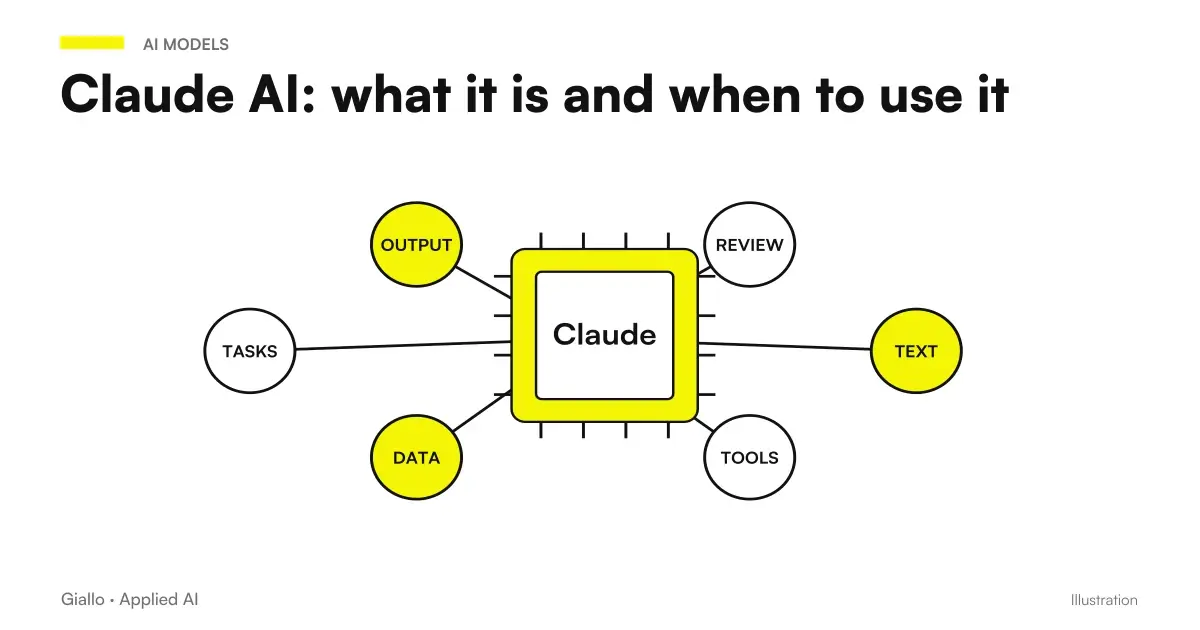 Claude AI: what it is and when to use it
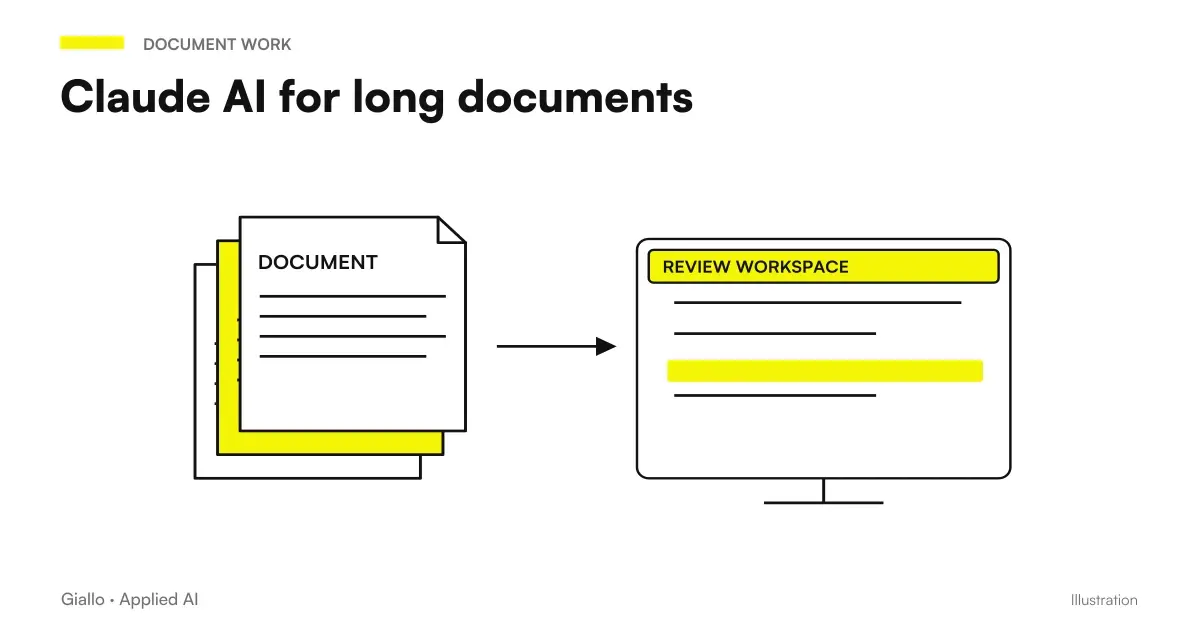 Claude AI for long documents
 Claude AI to write better
 Claude AI for companies
 ChatGPT vs Claude: which one to choose
 Prompt engineering: what it is and how to get started
 Claude Opus 5.5 prompts: what to remove, what to add and examples
 How to use Claude Opus 5.5 in the app: images, long documents, finished files
FAQ
What is the structure of a good prompt for Claude?
An effective prompt for Claude includes three elements: the context (who you are and what you are doing), the precise task (what you want it to produce), and the format constraints (length, style, output structure). Claude responds better to direct and complete instructions than to vague or too short questions.
Does Claude understand very long texts in a single prompt?
Yes, Claude handles extended contexts — even hundreds of pages — in a single conversation. This makes it particularly useful for analysing contracts, reports, transcripts and technical documentation that other models truncate or read in fragments.
How do you write prompts for Claude in Italian?
Claude understands and responds in Italian without the need for special instructions. Just write the prompt in Italian. If the tone or register counts (formal, technical, informative), specify it explicitly: Claude adapts the writing accurately.
What is the difference between a prompt for Claude and one for ChatGPT?
Claude excels with long texts, articulate instructions, and tasks that require reasoning on complex documents. ChatGPT tends to be more direct on short and creative questions. For contract analysis, multi-section reports, or structured editorial review, Claude produces more consistent output with detailed prompts.
Can I use Claude to analyze confidential corporate documents?
Technically yes, but it is necessary to verify the contractual conditions of Anthropic and evaluate the GDPR implications for personal data. For sensitive data, consider the Anthropic API with a data processing agreement (DPA) or self-hosted solutions. Do not paste personal data of customers into the free version without consent.
Does Claude always follow the formatting instructions I give it?
Almost always, if the instructions are precise. 'Answer in no more than 5 points' works. 'Be concise' does not — it is too vague. If you want structured output (a table, numbered list or JSON), specify it explicitly in the prompt and provide an example if the format is non-standard.