
Install Mods in Claude Code: scope, reloads and updates
Install Claude Code Mods: choose a marketplace and scope, check loading and update the right copy. Steps and diagnostics without running commands blindly.
Reading time: 11 min
For install Mods in Claude Code you have to treat them as plugins: identify a source, read what they add, choose a broom and verify which code is active in the session. It is not enough to copy a command found online. The official procedure distinguishes installation, enablement and loading, which may require separate verifications. Install and manage plugins.
This guide, verified on 9 October 2026, concerns already existing plugins. To understand first if the product is needed, read What are Claude's Mods; to write new code, follow the path of first mod TypeScript. Here the expected result is more concrete: to know where the customization comes from, where it is valid and how to recognize an applied update.
In summary
- A mod comes as a plugin, with a provenance and components to examine.
- The scope determines where the enabler is registered: user, project or locale.
- The installed copy may differ from the one already loaded in a session.
- A local directory allows a test for a session, after review and validation.
- Automatic updates and availability also depend on the marketplace and policies.
What to check before installing a mod?
Depart from the plugin identity: name, author, repository or marketplace, version and promised function. Then read the components. A package can contain more than just the indicator it affects: servers, instructions, agents, and reactions to events. The installation makes a package available; it does not prove that each component is necessary for your work.
Plugins can execute code with user privileges. The review of provenance must therefore understand what the code reads, modifies, or initiates. A family name and a short description are not sufficient verification. The plugin security documentation clarifies the boundary of trust; the guide to AI and Data Security puts it in the business context.
Also note the version of Claude Code and the surface you will use. For operating guides to Mods, the conservative requirement is 2.1,287 or later; an additional function may require a newer release. A plugin that draws in the terminal should not be evaluated only by an interface that does not make that component. Official Creation Guide.
Marketplaces and Plugins: What Names Do You Really Need?
The name on the right of @ identifies the marketplace, the one on the left the plugin. A custom source must be recorded through the intended path before installing the packages. If someone only sends one command, ask the project document to also report the origin: prevent two colleagues from using different packages with similar descriptions.
This is a example of syntax with placeholder, not an existing plugin to run:
claude plugin install nome-mod@nome-marketplace --scope user
Replace both names only after examining the source and choosing the broom. In the interactive session the panel /plugin allows you to consult details; the path from shell is distinct. The plugin command reference is the reference for the available version syntax.
For an initial test it is better to identify only one plugin and only one function to observe. Installing an entire collection makes it harder to understand which component produces a message or occupies the UI. If you want to start with an identified demo, Token Weather has a legible goal: to show the occupation of the context, with stated limits.
Which scope to choose between user, project and local?
The choice is about licensing, not a quality classification. User serves when that customization is part of your usual environment. Project records a shared choice in the repository. Local allows a personal choice limited to that repository. The documentation specifies the respective configuration files and distinguishes shared enablement from installation on collaborators' machines. Install broom.
| Situation | Scope to evaluate | Check before choosing |
|---|---|---|
| Personal indicator used in multiple projects | User | It does not interfere with different repositories and policies |
| Approved customization in the repo workflow | Project | Collaborators know origin and prerequisites |
| Personal experiment on the project | Local | The choice does not enter the shared configuration |
| Organizationally mandated component | Managed distribution | Personal broom does not replace administrative policy |
The decisive question is who should receive the choice. A colleague should not discover a new control while dealing with an urgent delivery. A project configuration deserves a short note: function, source, expected version and activation path. If it is still an experiment, local scope keeps responsibility for the test clear.
A team policy can establish additional constraints. In that case, you don't have to try different brooms to get around a rejection: you have to read the reason and compare it with the approved distribution. The Guide to Team and Security Mods explains why ‘enabled by managed settings’ and ‘organization mode’ are not automatic synonyms.
How to verify that the mod is active in the session?
After installation read the summary. The presence in the list of plugins proves that the package is registered; the requested function proves something different. Check your name, version, broom, and status, then observe the behavior you were expecting. If the plugin adds a command, check that command; if it adds an indicator, check the intended surface.
If you have installed or updated from shell while a session was already open, do not infer that the runtime has changed. Apply the reload indicated by the product or start a new session. /reload-plugins belongs to the Claude Code prompt, not the operating system shell. Distinguishing these inputs avoids trivial errors that look like mod issues.
Control must be a small and harmless test. An indicator can be verified with a synthetic data or a reading activity. A plugin that authorizes or modifies operations instead requires an isolated proof and already defined negative cases. Do not use a dangerous procedure as a shortcut to see if it ‘starts’. Loading is a verification, the reliability of the behavior is another.
When to use a local directory for a single session?
For an already-examined local plugin, the development path allows you to load the directory without immediately turning it into a permanent installation. The documented syntax is:
claude --plugin-dir ./mod-esaminato
The directory name is a local example. Before loading, check that it contains the intended package and that the files have been read. The command starts code: it does not become harmless just because the directory is close to the project. The Official Guide explains the loading and reloading cycle for this mode.
This option is useful for distinguishing a plugin defect from a distribution problem. If the development directory shows the correct function and the installed copy remains old, the problem may be in the versioning or upgrade path. Do not modify the installed cache to ‘return’ the result: you would lose the relationship between the declared version and the actual content.
If customization arises from a request to Claude in the session, approval and development folder follow a path of their own. Don't consider that folder a definitive distribution for the team. Before sharing it you need version, README, test and a stable source. The tutorial of the first mod It deepens just this passage.
How to update without staying with the old copy?
Distinguish three states: version published in the source, version installed on the machine, and version loaded in the session. A ‘available update’ report is for the first comparison; a successful installation is for the second; the observed function is for the third. For a clean diagnosis, you need to be able to name all three.
Documentation indicates default automatic updates for many official marketplaces and those added by claude.ai, while community, third parties, and local development have different settings. There is no single documented command to update all installed plugins simultaneously. Check the configuration of the real marketplace and the update procedure.
For a custom plugin, increment the version when distributing a change, as required by the caching model described in the creation guide. In the README, record what changes and which version of Claude Code you verified. “I updated the files” is not enough if colleagues continue installing the same nominal version. This small discipline prevents lengthy diagnoses of apparently identical copies.
The function remains old: what comparison to make?
Compare plugin name, marketplace, published version, installed version, broom and loaded path. Then read the session summary and see if the reload has been applied. If the custom plugin has new files but the same version, correct the distribution before intervening on the cache. Finally, it records a recognizable behavior of the new version.
Does a missing prerequisite mean installation failed?
Not always. A plugin can be present and have a component that requires additional configuration, for example a service included in the package. Read the summary and distinguish the registered package from the ready-to-use component. Do not repeat the installation to correct credentials or options that need to be configured separately.
In the team tab, it then indicates prerequisites and completion criteria. If the function is a local indicator, the criterion concerns the data and the surface. If it depends on a service, it also includes authorized access and response. A verification consistent with that dependency avoids calling a properly installed package "broken" but not yet configured. The official documentation of the plugin must remain linked to the tab, so those who arrive after find the requirement of the right version.
Two hypothetical examples of installation in an SME
Hypothetical example: a Turin software study tests a personal indicator. A developer wants to observe the context while working on an educational repository. Examine the demo, verify the terminal surface, and choose a limited trial. In the diary he notes origin, version and expected behavior. No other colleague automatically receives a new choice during the experiment.
The next day he wants to use it in two projects. Before choosing user scope check that the indicator does not occupy a band already used by another customization. If a conflict arises, it decides what information to keep visible. The choice is about work experience, not a promise of reduced consumption. It then shares the procedure only if the team wishes to adopt it.
Hypothetical example: an SME in Padua distributes an approved internal command. The manager prepares a package with version and README, makes it available from the team source and defines the prerequisites. The project records the shared enablement, but each machine must receive the package through the intended route. The adoption check compares list of plugins and actual function.
When the command changes, the manager publishes a new version and communicates the behavior that identifies it. A colleague still sees the previous result: before touching the files compare origin, installed version and open session. The case resolves on the distribution or reload, instead of multiplying unrecognizable manual copies.
What mistakes waste time during setup?
The first is to copy placeholders as if they were real names. The second is to confuse a prompt command with a shell command. The third is to share a scope project without indicating to the collaborators origin and installation. The fourth is to evaluate a UI from the wrong surface. The fifth is to call a plugin "updated" only because the development directory files are new.
For each error the correction starts from a concrete proof. Real name of the marketplace, correct input of the command, list of plugins, documented surface and version of the manifest are controllable data. If the upload remains absent, switch to diagnosis of mod that doesn't work, retaining the error message instead of repeating blind installations.
How to make the setup repeatable for those arriving after?
Prepare a short information sheet covering the function, origin, version, scope, prerequisites and verification criterion. Also include the path for disabling the component and the name of the person responsible. The sheet should not duplicate all the official documentation: it must connect the plugin to the team’s need and make clear when the setup is actually complete.
After a change it only verifies what that change may have altered. If you edit the version, check distribution and reload. If you change the UI, check the affected surfaces. If the behavior changes, it also updates the mod test. A targeted checklist remains legible and allows a new colleague to reproduce the result.
If the team is to make this procedure part of a shared development environment, a software house can prepare package, distribution and verification consistent with the repository. The framework of Claude Code and the corporate policy of use AI help decide which customizations to make habitual.
Giallo Studio guides: methodology and sources
How we apply it in the company
Related resources
 Mods by Claude: what they are and when they are needed in Claude Code
 Creating a Claude Code Mod in TypeScript: the first project
 Claude Code Mod not working: loading, hot reload and state
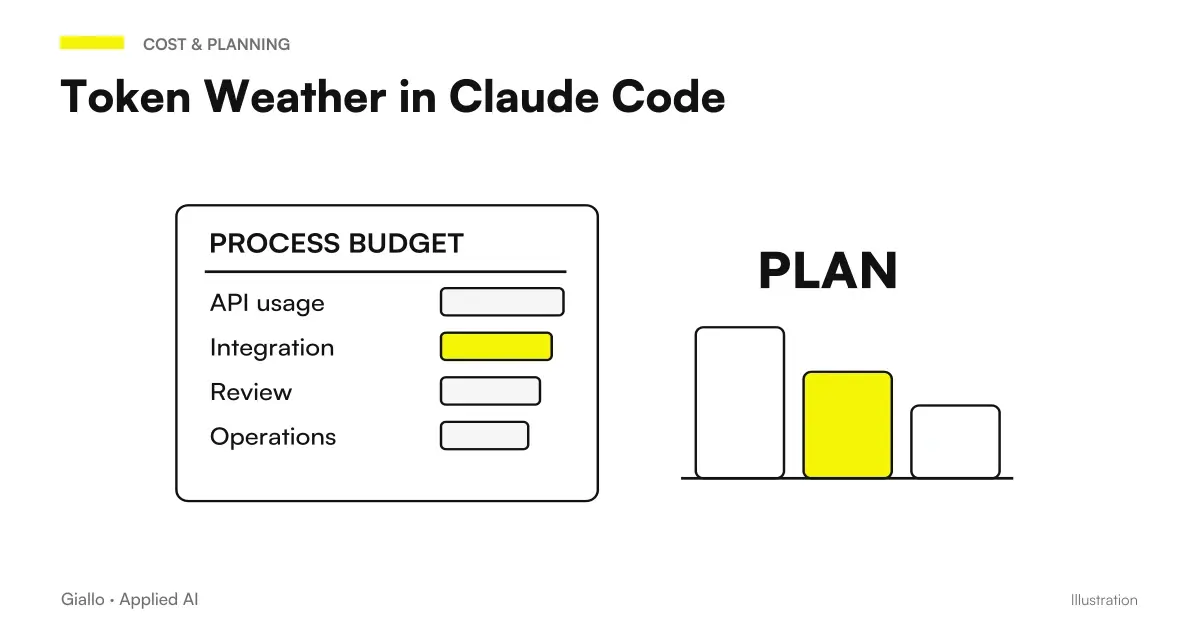 Token Weather in Claude Code: read the context window
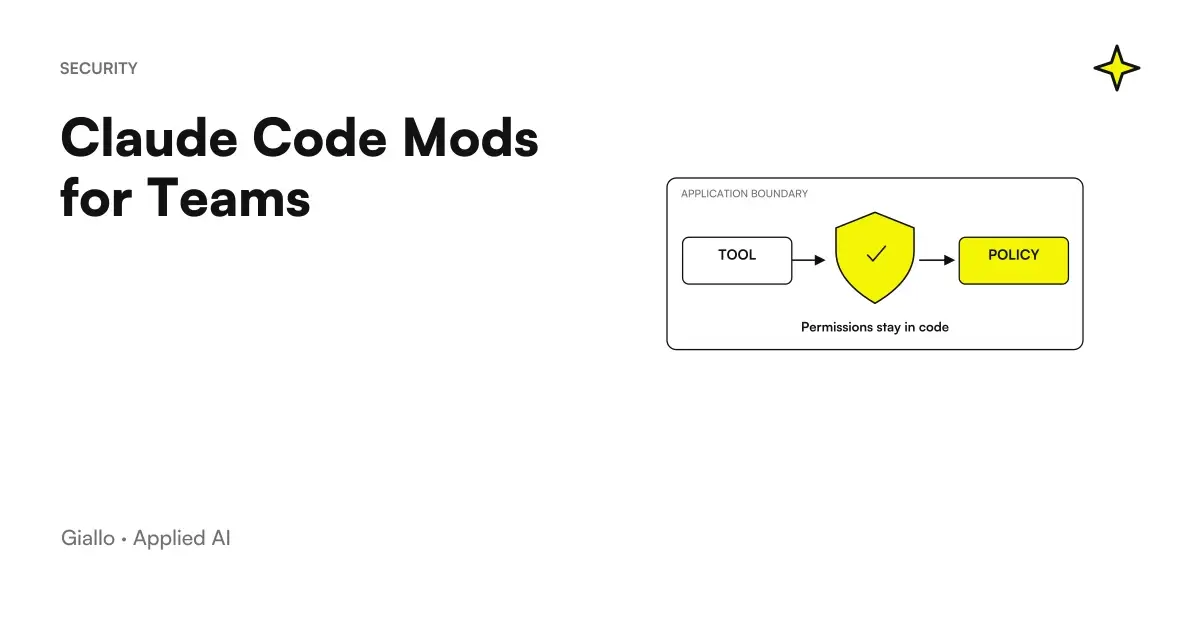 Claude Code Mods for Teams: Distribution, Policy and Security
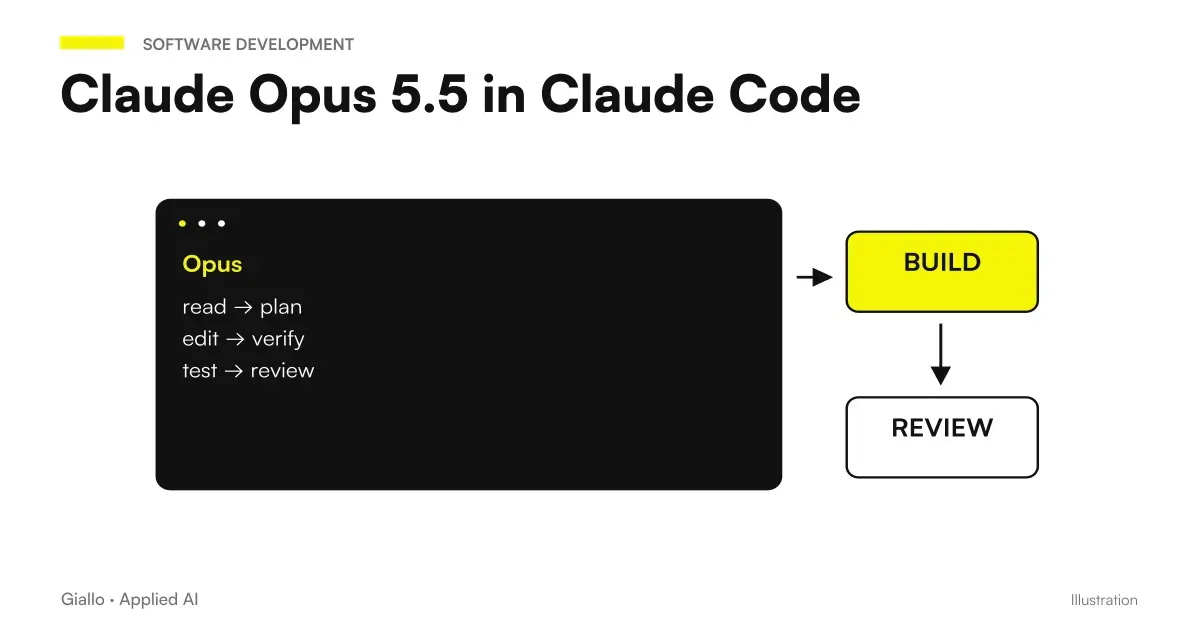 Claude Opus 5.5 in Claude Code: long runs, stop rules and subagents
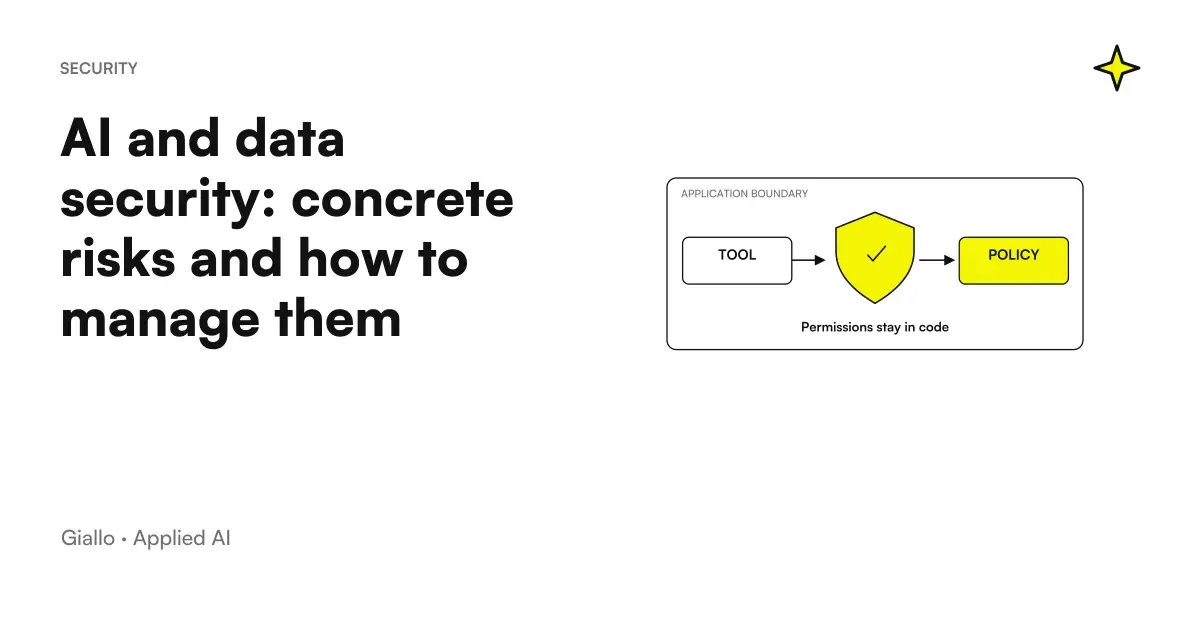 AI and data security: concrete risks and how to manage them
 Parallel questions in Jev AI: fewer requests and repetitions
FAQ
How do I install a mod in Claude Code?
A mod is installed as a plugin: identify the marketplace, check the components and choose the scope. The shell syntax uses nome-plugin@nome-marketplace. Replace the example names with the actual, verified names.
What is the difference between user, project and local scope?
User enables the plugin for that user across projects on the machine. Project records its enablement in the repository's shared configuration, while local applies only to that user in that repository. A shared configuration is not the same as downloading the plugin onto every machine.
Does installing from the shell immediately update an open session?
Do not assume that it changes code already loaded. Read the installation summary and use the specified reload procedure or a new session. The installed copy and the active copy require separate checks.
Can I try a mod without installing it permanently?
The --plugin-dir flag loads a local directory for one session. It is suitable for an already reviewed plugin and a bounded test. It does not remove the need for code review or validation.
Do all marketplaces automatically update plugins?
No. The documentation distinguishes marketplaces with automatic updates enabled by default from community or local marketplaces. Check the setting for the actual marketplace and do not assume that every source has the same policy.
Why do I still see the old function after an update?
You may have updated a different copy from the one loaded, failed to apply the reload or failed to increment a custom plugin's version. Before editing files, compare the name, source, version, scope and session path.