
AI email prompts: ready-to-use examples for every situation
AI prompts for professional emails: follow-up, quotes, complaint replies and more. Real examples ready to use with ChatGPT or Claude.
Reading time: 8 min
A well-built AI prompt can reduce the time spent writing emails by two-thirds — follow-up, presentations, responses to complaints, quotes. The point is not to delegate everything to AI, but to have a solid first draft in thirty seconds and devote the remaining time to customizing the details that matter.
This guide collects prompts ready for the most common cases in professional communication. They are structured to work with any model (ChatGPT, Claude, Gemini) and include placeholders to replace with your real data. If you want to better understand how to build effective prompts in general, read the guide on AI prompt: forms the basis for all the examples below.
In summary
- A prompt by email must include: sender role, recipient context, target, tone and maximum length.
- The placeholder like [Name], [Company], [Product] make prompts reusable for dozens of similar emails.
- AI produces a draft: the first line is almost always rewritten to look human.
- Prompts work best when the context is specific, not when they ask for "write a professional email" with no other details.
- For high volume and low customization emails (follow-ups, FAQs, confirmations) you can get to the complete automation with AI agents.
How to build an email prompt
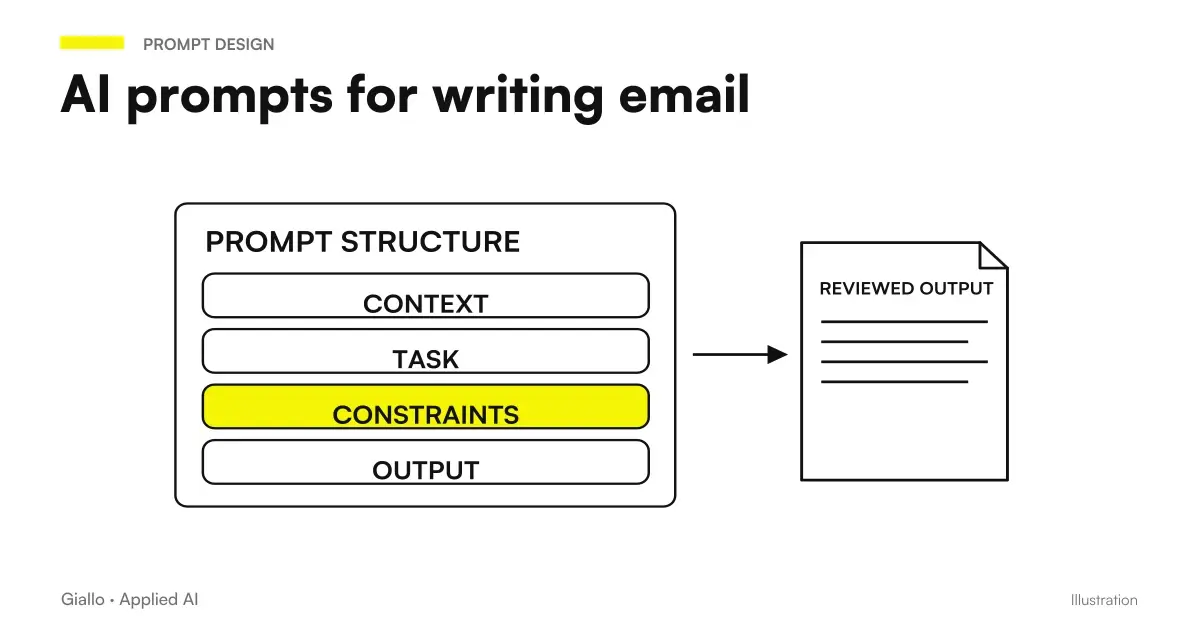
Before we get to the examples, it is worth understanding the structure that makes a prompt work. A ChatGPT prompt by email always follows the same basic scheme:
- Role: "You're a commercial of a manufacturing SME..."
- Context of the recipient: who he is, what he already knows, what his problem is
- Purpose of the email: introduce yourself, follow up, respond to a complaint
- Tone: formal, direct, warm, short
- Constraint: maximum length, what NOT to say, CTA specification
The more elements you include, the less corrections you need. A vague prompt like "write a professional presentation email" produces generic output. A context prompt produces a usable draft.
Ready prompts for email type
| Type of email | Prompt Focus | Target length |
|---|---|---|
| Presentation | Who you are, main benefit, low clutch CTA | 5-8 lines |
| Follow-up | Reference to previous conversation, clear proposal | 3-5 lines |
| Response to complaint | Problem Recognition, Concrete Action, Timeline | 6-10 lines |
| Quote | Solution summary, figures, next step | 8-12 lines |
| Thanksgiving / Onboarding | Warm tone, clear expectations, direct contact | 4-6 lines |
| Inactive customer reactivation | Specific reference to the past, new proposal, no pressure | 4-6 lines |
Presentation Email
Prompt:
You are [Role] at [Company]. Write an introductory email to [Name],
[Title] at [Client Company], which operates in the [Sector] sector.
The problem you solve: [Specific problem].
The main benefit: [Concrete benefit, preferably with a number].
CTA: [E.g. "book a 20-minute call"].
Tone: direct, no adjectives, max 7 lines.
Subject line: include that as well.
Compiled example:
You are an AI consultant at Giallo Studio. Write an introductory email
to Marco, the owner of an accounting firm with 6 staff members,
based in Milan. The problem: they manually file client documents
for 2-3 hours a day. The benefit: the system reduces this work
to 15 minutes. CTA: "A 5-minute call to see how it works".
Tone: direct, no adjectives, max 7 lines. Include the subject line.
Follow-up email
Prompt:
Write a follow-up to [Name], who received our quote
[X days ago / on date X] without replying.
Previous context: [E.g. "showed interest in module X"].
Goal: reopen the conversation without applying pressure.
Tone: [direct/warm/neutral]. Max 4 lines + subject line.
Variant for event or trade show leads:
Write a follow-up to [Name], whom we met at [Event] on [Date].
We discussed [Topic]. I want to suggest a call next
week. No selling yet: just continue the conversation.
Max 5 lines, informal but professional tone.
Email reply to a complaint
This type requires more attention: the prompt must include the real problem to avoid generic responses.
Prompt:
You are the customer relations manager at [Company]. Write a reply to
a complaint from [Name], who reports: [Description of the problem].
The problem is [already resolved / being addressed / due to X].
Concrete action: [E.g. "refund within 5 days / technical visit
scheduled for Friday"]. Tone: empathetic, direct, no empty apologies.
Max 8 lines.
Quote Email
Prompt:
Write the email accompanying the quote to be sent to [Name].
The quote includes: [E.g. "website development + 3 months of support"].
Total: [amount].
Key points to highlight: [E.g. "delivery in 4 weeks, including
1 round of revisions, payment in two instalments"].
CTA: sign the attached quote by [Date].
Tone: professional, no superlatives. Max 10 lines.
Thank you email or onboarding
Prompt:
Write a welcome/thank-you email to [Name], who has just
[purchased / signed / started using] [Product/Service].
Include: direct contact details for the person responsible ([Contact name], [Email/Phone]),
a concrete next step ([E.g. "within 3 days you will receive access / we will
call you for the initial setup"]).
Tone: warm but practical, without excessive enthusiasm. Max 6 lines.
Practical examples
Scenario 1 — Car repair workshop, quote follow-up. A workshop sends quotes for company fleet revisions. The holder uses ChatGPT with this weekly prompt: "Write 3 short follow-up variants (max 4 lines) for customers who received the quote for reviewing their fleet 7 days ago without replying. Tone: direct and friendly. Each variant must have a different hook: soft urgency, open question, call proposal." In ten minutes it has three versions to use and test.
Scenario 2 — Law Firm, reply on request information. A law firm often receives emails with generic questions outside their scope. The prompt: "You're the law firm [Name]. Write a typical response to those who seek advice on [Type of case] that we do not deal with. Thank you, briefly explain that it is not our industry, suggest contacting [Professional category]. Tone: friendly, helpful, no promises. Max 5 lines." The result is saved as a template and adapted in 30 seconds to each case.
To deepen how AI for email writing integrates into broader streams, the guide on ChatGPT by email shows real use cases with different tools.
Checklist before sending an email written with AI
- The first line does not seem generic or robotic: is there a specific reference?
- Are the data entered (name, dates, amounts) correct and not placeholders left?
- Is the tone consistent with the relationship you have with the recipient?
- The CTA is one and clear: what do you want those who read to do?
- Does the email contain no promises or statements you can't keep?
- Did you remove opening phrases like "I hope she's okay" or "I'll allow myself to contact her"?
- Is the length justified? Can you take out an entire sentence without losing sense?
How to improve prompts over time
A prompt works well the first time luckily; it works well every time because it has been refined. Three useful practices:
Save the prompts that work. A file with your reference prompts, updated whenever you improve one, is worth more than any generic online library.
Add real examples. If you already have a well-written email whose style you want to reproduce, add it to the prompt: “Write a follow-up with a style similar to this example: [sample email].” Models imitate concrete examples well.
Specify what you don't want. "Without openings like 'contact for...', without adjectives like 'innovative' or 'excellent'" produces cleaner output than any positive instruction. This applies to both AI Marketing Prompt than for commercial emails.
If you want to understand why certain prompts work better than others on a technical level, the guide on AI Automation explains how models process instructions.
Advanced prompt: email with industry-adapted tone
To adjust the tone to the recipient's sector, add this instruction to your basic prompt: "The recipient works in the [Sector] sector. Adapt language: uses technical terms of the industry where natural, avoids commercial jargon. Examples of words to use: [2-3 industry terms]. Words to avoid: [2-3 terms too generic or of other sectors]." This technique is particularly effective for health, legal, manufacturing.
Mistakes to Avoid
- Prompt without recipient context. "Write a professional sales email" produces unusable output. Always add who is the recipient and what is its problem.
- Not reviewing the first sentence. AI tends to open with standard formulas. The first line decides if the email is read: always rewrite it with a personal detail.
- Using the same prompt for all customers. A prompt with placeholder [Name] and [Sector] is not customization: it is automation. Real customization requires you to enter a specific reference to that customer's conversation or context.
- Asking for unlimited lengths. Without an explicit limit the AI produces too long emails. Always indicate "max X lines" or "max X words".
- Sending without reading. Especially with names, dates and amounts: the AI does not have access to your real data and can enter plausible but wrong values if the placeholders have not been removed.
See also the best AI tools for email to understand which tools integrate prompts directly into the mail client.
How to apply it in the company
Email prompts become a team tool when they are standardized. Here is the minimum path:
- Map repetitive emails. What types of emails do you write or review each week? Follow-ups, FAQ responses, confirmations, quotes: they are the most productive candidates.
- Write a prompt for each. Start with a real-life example of email working and build the back-up prompt: what would I have to say to AI to achieve this?
- Head on 10 real cases. Sends the emails produced with AI (after review) and measures the response rate compared to the previous average. A small test gives true data.
- Build a shared library. A document or file with the validated prompts, accessible to the whole team. No software is needed: Notion or a shared folder is enough too.
- Evaluate automation. For emails with high volume and low variability (confirmation, cold lead follow-up), a Automation workflow can eliminate manual intervention altogether.
If your company handles dozens or hundreds of commercial emails a month, integrating AI agents into CRM —capable of generating, customizing, and sending autonomously.is the logical next step. The AI agents can read the context of the contact in the CRM, choose the right template, fill out the placeholders with real data and append the email for review.
Conclusion
The AI prompt by email work when they are specific: recipient context, precise target, defined tone, maximum length. Generic prompts produce generic drafts that take longer to correct than they have saved. With a library of validated prompts for your most frequent cases, the standard email writing time drops to just a few minutes — leaving room for customization that really makes a difference.
Do you want to understand what processes in your company can be automated with AI? Giallo Studio can help you turn the problem into a real workflow — from the prompt library to a system that generates emails from your CRM data.
Giallo Studio guides: methodology and sources
How we apply it in the company
Related resources
 AI prompts: a complete guide to effective instructions
 ChatGPT prompts: ready-to-use examples to copy and adapt
 ChatGPT to write emails
 Best AI for email: tools to write and manage mail
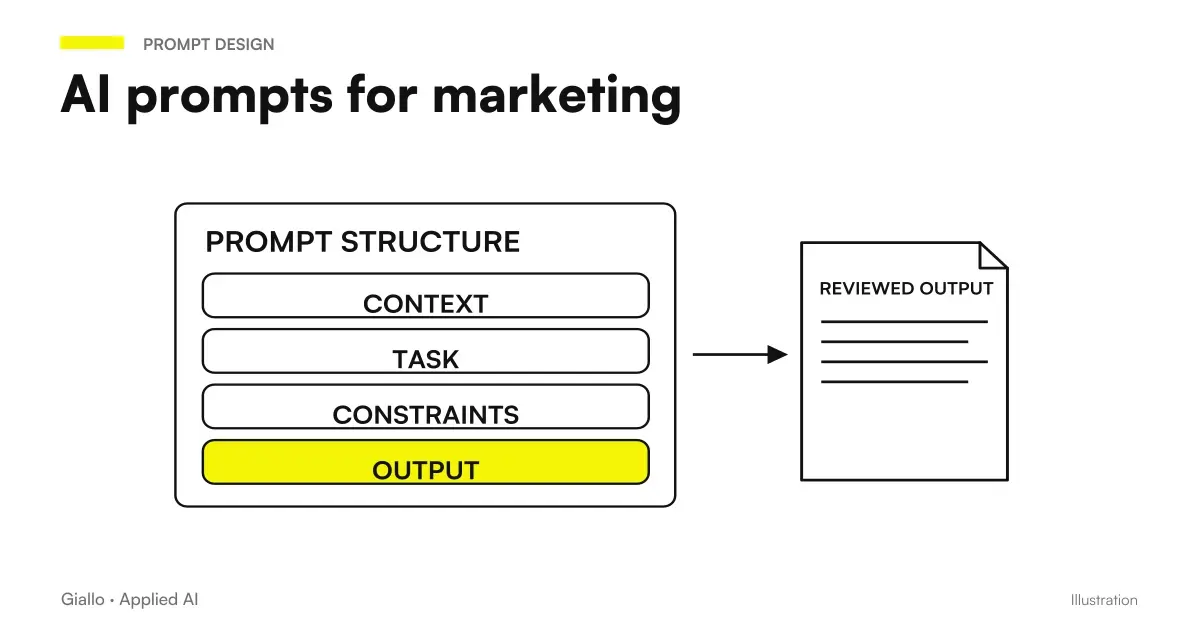 AI marketing prompts: copy, campaigns and content
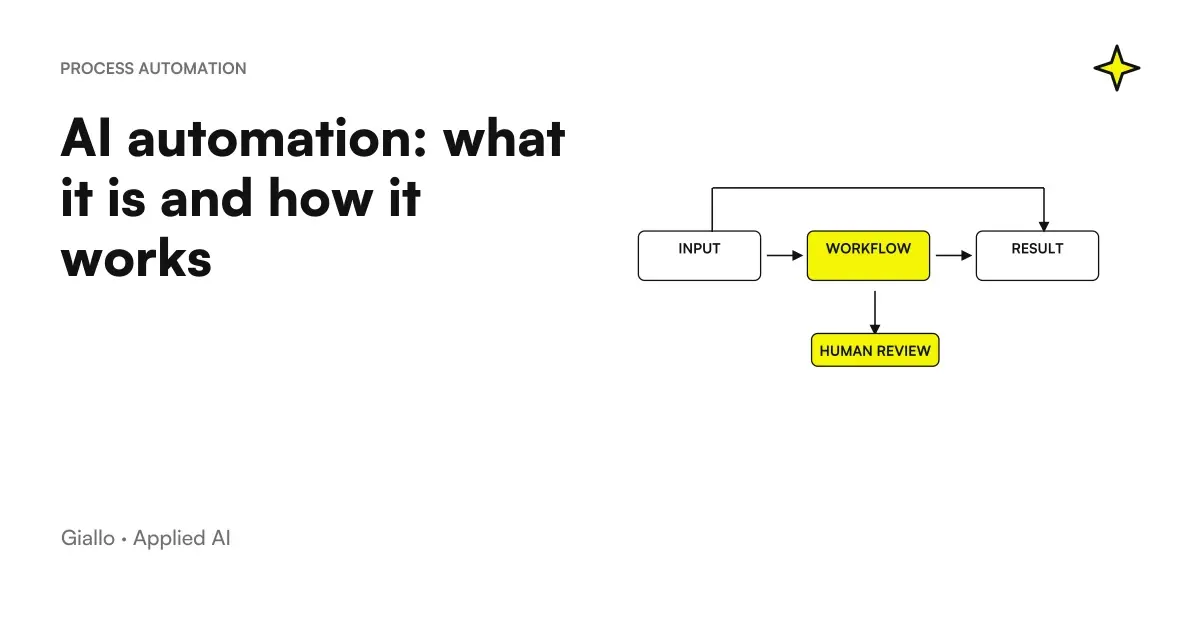 AI automation: what it is and how it works
 GPT-6 and Intelligent UI in ChatGPT: what changes at work?
 Sorting emails and attachments with AI: a single queue for sales and administration
Prompt Collections
Ready prompts for other roles and tasks.
- AI e-commerce prompts: product descriptions, email and support
- AI prompts for Excel and Google Sheets: formulas and data analysis
- AI document analysis prompts: contracts, reports and PDFs
- AI image prompts: examples for Midjourney, ChatGPT and Firefly
- AI customer support prompts: ready-to-use examples
- AI marketing prompts: copy, campaigns and content
- AI prompts for accountants: ready-made examples for documents, analytics and clients
- AI presentation prompts: PowerPoint and Google Slides examples
- AI prompts for lawyers: legal documents and communications
- AI coding prompts: write, fix and explain code
- AI prompts for real estate agents: ready-made examples for ads, emails and customers
- AI SEO prompts: optimise content and rankings
FAQ
How do I write an AI prompt for a professional email?
An effective email prompt includes the sender's role, recipient and context, desired tone (formal/informal), email objective and key information to include. The more context you provide, the more usable the output is without rewriting everything. Example: 'You are a sales consultant. Write a short follow-up (max 5 lines) to [Name], who viewed a quote 5 days ago without replying. Use a direct but non-pushy tone.'
Can ChatGPT write emails for me?
Yes, but with an important limit: it produces a draft, not a ready-made email. It should always be reviewed to check tone, specific data and adherence to your style. Used correctly it cuts down writing time, especially for repetitive emails such as follow-ups and standard responses.
What are the best prompts for sales emails?
For sales emails, the best prompts specify the client's problem (rather than the product), a concrete benefit, a clear CTA and a maximum length. Example: 'Write an introductory email to [Name], owner of an accountancy firm with 5 people. We are proposing software that automates the filing of client documents. 1 paragraph, CTA = book a demo.'
Do AI prompts work with any AI email tool?
Yes, the prompt structure is transferable between ChatGPT, Claude, Gemini and other models. The differences are in the output style: Claude tends to write more measured texts, ChatGPT more direct and commercial. Try the same prompt on both and choose.
How can you keep AI-written emails from sounding artificial?
Three measures: 1) include real details in the prompt (name, context and a specific reference to the previous conversation); 2) request a precise style, rather than a generic 'professional' one; 3) always review the first line — often the most 'robotic' — and replace it with a personal opening.
Is it useful to automate the sending of emails generated with AI?
Yes, but only for low-risk, high-volume types of messages: FAQ answers, appointment confirmations and standard follow-ups to cold leads. Human review remains necessary for active customers, quotations and sensitive communications. Complete AI automation for email can be built with AI agents connected to the CRM.