
AI prompts for lawyers: legal documents and communications
Ready-to-use AI prompts for lawyers: letters, contracts, legal research and client communications. Clear limitations and practical advice.
Reading time: 8 min
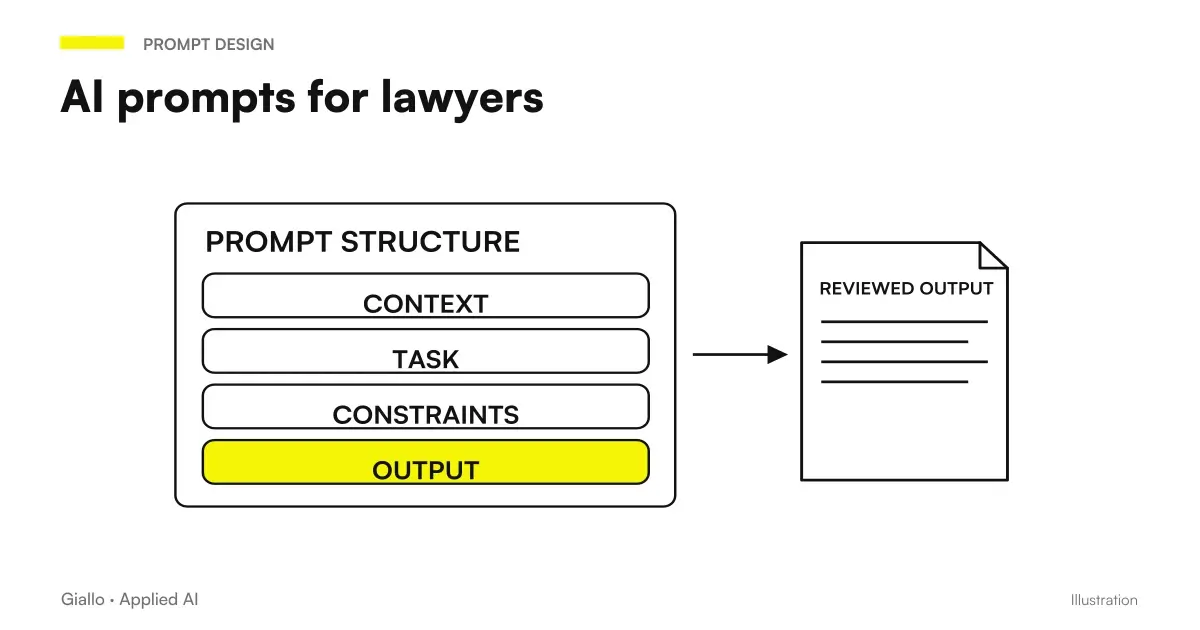
The AI prompt for lawyers are structured instructions that guide a linguistic model in the production of drafts of letters, summaries of acts, communications with customers, top-level regulatory research and other recurring texts in a law firm. They do not replace legal reasoning: they assist it in the mechanical part, freeing time for high-value activity.
The critical point to be immediately understood is this: AI does not provide legal advice and may err over rules, rulings, and normative references. Each output must be reviewed by a professional before any use. With this clear limit, a lawyer who uses well-built prompts can dramatically reduce the time spent on drafts, summaries, and repetitive communications.
This guide collects ready-to-use prompts, organized by type of activity, with directions on how to adapt them to the specific case.
In summary
- The AI prompt for lawyers They speed up the production of drafts, summaries and communications — but the output must always be reviewed by the professional.
- The AI does not provide legal advice and may hallucinate on norms or judgments: always checks on official sources (Normal, DeJure).
- A good prompt always includes: role attributed to the model, context of the case, precise task, expected format.
- For long documents (contracts, acts), Claude handles extended contexts better; ChatGPT works well for shorter communications.
- Never insert personal data of customers in consumer versions of AI tools: use business or API versions with enhanced privacy.
- AI is more useful on tasks repetitive and low variability: standard letters, summaries, playlists, frequent responses to customers.
How to structure an effective prompt for legal use
Before you see the examples, you need to understand the method. A generic prompt ("write a warning letter") produces a generic output. A structured prompt produces something that can be used as a real work base.
The structure that works best in the legal field is this:
- Role. Tell the model who it must be: "You're an Italian civil law expert legal assistant".
- Context. Provide the relevant facts: parties involved, type of report, date, amount, disputed behavior.
- Task. Describe the expected output precisely: "write a formal warning letter", "summarise the main points of this contract".
- Format. Specifies length, tone, structure: "formal tone, maximum 300 words, classical header".
- Limits. Where necessary, add: "do not invent normative references; if you need to cite a norm, use only those you know with certainty".
This approach applies both to ChatGPT prompt both for prompt Claude: the structure is the same, change the nuances of response.
Ready prompts for the most common legal tasks
The table below collects the basic prompts for recurring tasks. Each prompt is a starting point: customize it with the specific case data before using it.
| Task | Base prompt |
|---|---|
| Letter of Warrant | "You are an Italian civil law expert legal assistant. Write a formal notice letter to send to [name/company name] regarding [description of disputed behavior, e.g. non-payment of invoice No. X of [date] for € [amount]]. Formal tone, classical structure with header, body and request for fulfillment within [term]. Don't invent normative references: if necessary, leave a space [NORMA] that the professional will compile." |
| Customer Response | "You're a law firm assistant. Write a clear, professional response to this customer's email asking [question summary]. The answer must: explain the state of the practice, indicate the next step, avoid excessive technical language. Tone courteous but precise, maximum 200 words." |
| Summary of an Act | "Read the following [type of act: contract/judgment/expertise] and provide: 1) the parties involved, 2) the main object, 3) the obligations of each party, 4) the relevant clauses or key decisions, 5) any terms or deadlines. Format: pointed list, synthetic language. [Paste the text of the act here]" |
| Top Level Regulatory Research | "You are an experienced legal assistant of [Labour Law/Company Law/Consumer Law/Other]. Provide a summary of the current Italian rules governing [specific theme]. For each standard it cites the source (code, decree, law) but do not invent references: if you are not sure, indicate it explicitly. Remember: this is a starting point for research, not a legal opinion." |
| Playlist for a Defensive Memory | "You're a civil lawyer. Starting with the following facts: [description of the controversy], build a ladder for a defensive memory. Include: framing of facts, relevant procedural exceptions, defenses on the merits, final request. Don't write the text of the memory: just provide the argumentative structure." |
Prompt for communication with customers
Repetitive customer communications —updates on the status of the practice, answers to frequently asked questions, appointment confirmations —are the ideal terrain for AI prompts. Low risk, high volume, concrete savings.
Status update of the practice
"You're a law firm assistant. Write a brief update email to the customer [name] about the practice [synthetic description]. The current state is: [e.g. 'we filed the introductory act on [date]; the first hearing is set for [date]'. Professional tone, reassuring, without technicalities. Maximum 150 words. Sign: Studio [Name]."
Response on request for cost information
"Write an email response to a customer asking for a cost estimate for [type of practice]. It explains that the estimate depends on the complexity of the case and that the first evaluation interview is [free / fixed rate of € X]. Invite to make an appointment. Friendly and professional tone."
Requesting documents from the customer
"Write an email asking the customer [name] to provide us with the following documents by [date]: [document list]. Briefly explain why they are needed (without technical details). Straight and clear tone."
Prompt for long contracts and documents analysis
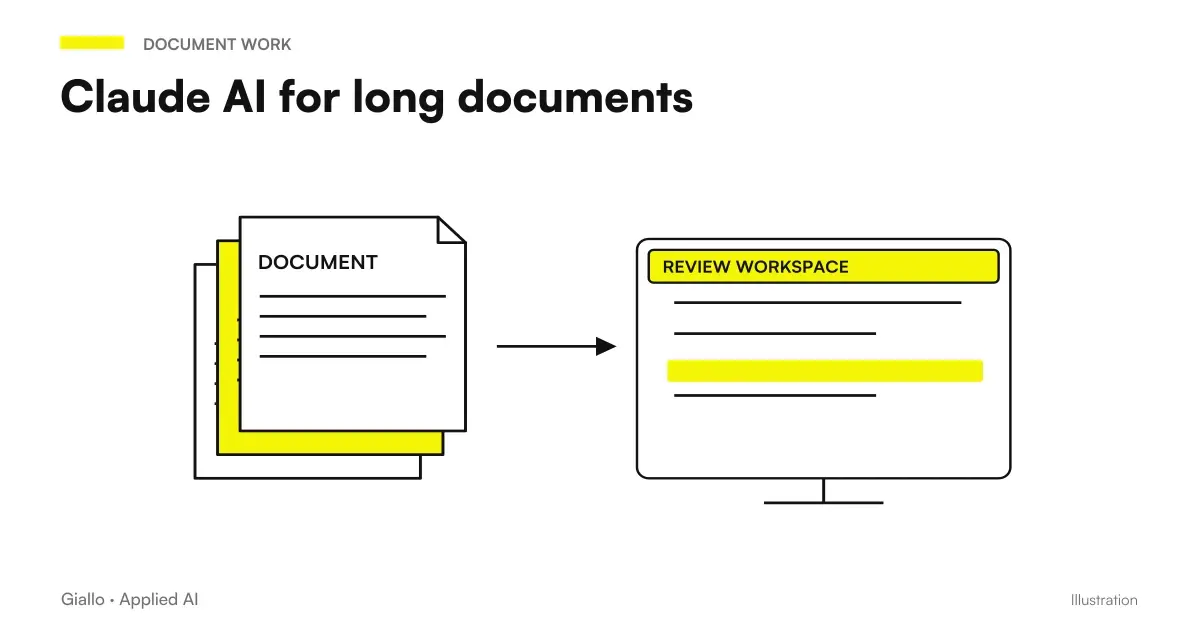
For long contracts and acts, the most suitable tool is generally Claude thanks to its extended context window — as explained in detail in the article on Claude for long documents. But the prompt structure applies to any instrument.
Analysis of Critical Clauses in a Contract
"Read the following contract and identify: 1) limited liability clauses, 2) penalties and conditions that activate them, 3) automatic renewal clauses with terms of termination, 4) competent court and applicable law, 5) any unusual or potentially disadvantageous clauses for [indicate the part]. For each point he cites the article or section of the contract. [Paste contract]"
Comparison of two versions of a contract
"Compare these two versions of the same contract and indicate: substantial changes from the previous version, added clauses, deleted clauses, changes in amount or term. Format: table with three columns (Article | Version 1 | Version 2). [Paste the two versions]"
Prompt to extract principal bonds from a complex contract
Use this prompt when you have an articulated contract and want a quick map of each party's commitments:
"Read the contract below and create a table with three columns: Bond | Party bound to fulfil | Term or condition. Include only the principal obligations (not the procedural formalities). Report with [TO VERIFY] the ambiguous clauses. [Paste the contract]"
Remember: the result is a working map, not a legal analysis. The professional must verify each point.
Practical examples
Law Firm, Milan — standard letters. A firm with four lawyers handles about 30 letters of mistrust per month for recurring debt collection practices. With a standardized prompt, the contributor generates the draft in less than 2 minutes; the lawyer reviews and customizes in another 5. Before, the drafting from scratch took 20-30 minutes per letter. Savings are real and measurable without introducing risks: human review remains in the process.
Single Lawyer, Job Specialization. A juristic lawyer uses AI to summarize lengthy conciliation minutes and to prepare defensive memory playlists. It never uses output directly: it is a tool not to start from a blank sheet. Its flow: generates the playlist with the AI, valid it, then writes the text from scratch following that structure. Time saved on setting work: about 40 minutes per practice.
When to use AI and when not to use it in a law firm
When AI Helps
- Draft letters and standard communications
- Summaries of long documents (contracts, judgments)
- Staircases and argumentative structures
- Answers to customers on frequently asked questions
- Guidance regulatory search (to be verified)
- Checklist on clauses
When not to use it
- Final legal opinions to be delivered to the customer
- Jurisprudential citations without verification
- Process strategies on complex cases
- Documents with sensitive customer personal data (without enterprise/privacy versions)
- Regulatory interpretation on very specialized subjects
Mistakes to Avoid
- Using output without revision. Even a seemingly correct warning letter may contain a factual error, an inappropriate clause, or a wrong regulatory reference. Revision is not optional.
- Entering customer personal data into consumer tools. ChatGPT.com and Claude.ai in free versions can use conversations for training. For a law firm, use business versions or APIs with contractual privacy guarantees.
- Trusting the regulatory references generated by AI. Language models can quote plausible but inaccurate articles. Always check for Normative or DeJure before quoting a norm in an act.
- Prompt too vague. "Write a lease" produces a generic and useless text. Always specify: type of contract, parts, duration, fee, specific clauses that serve.
- Copying the tone of the model. AI tends to write verbosely and use generic formulas. It also revises the tone: each studio has its own professional voice.
How to apply it in the studio
The adoption of AI prompts in a law firm works best as a gradual process, not as a mass replacement. A practical approach:
- Identify repetitive tasks. Which letters, emails or documents do you write most often? Start there.
- Build a base prompt for each. Head with real cases already closed: so you can compare your output with that of AI without risk.
- Define the revision. Who do you see again? How long? With which checklist? The check must be explicit, not "I do it by eye".
- Choose the right tool. For long documents, consider Claude; for short and fast communications ChatGPT is fine. Always check the privacy policy before using a new tool with real data.
- Measure the result. Keep track of the time saved per activity type. Without numbers you don't know if you're improving or just adding a pass.
If the firm wants to go beyond individual prompts and build structured flows —for example, an AI agent that reads incoming emails, classifies requests, and prepares response drafts —the direction is that of the AI agents and integrated automations. The page AI for law firms collects the most suitable solutions for this type of professionals.
To deepen the technique of prompts in general, the article AI prompt covers the foundations of prompt engineering applied to any professional context; for comparison between tools, read also AI prompt for accountants to see how the same method applies in another professional practice.
Conclusion
The AI prompt for lawyers are useful exactly where they make sense: as an assistant to the production of drafts, summaries and repetitive communications. I'm not a legal oracle, I don't give opinions, I don't know your file. But used methodically —with a structured prompt, an ever-present review, and attention to sensitive data.they can free up real hours of work each week.
The value comes when you stop treating AI as a magic tool and use it for what it is: a fast editor who works well under precise instructions, but who misses if left alone.
If you want to go from testing with ChatGPT to an AI system integrated into business processes, Giallo Studio custom designed agents and automations.
Giallo Studio guides: methodology and sources
How we apply it in the company
Related resources
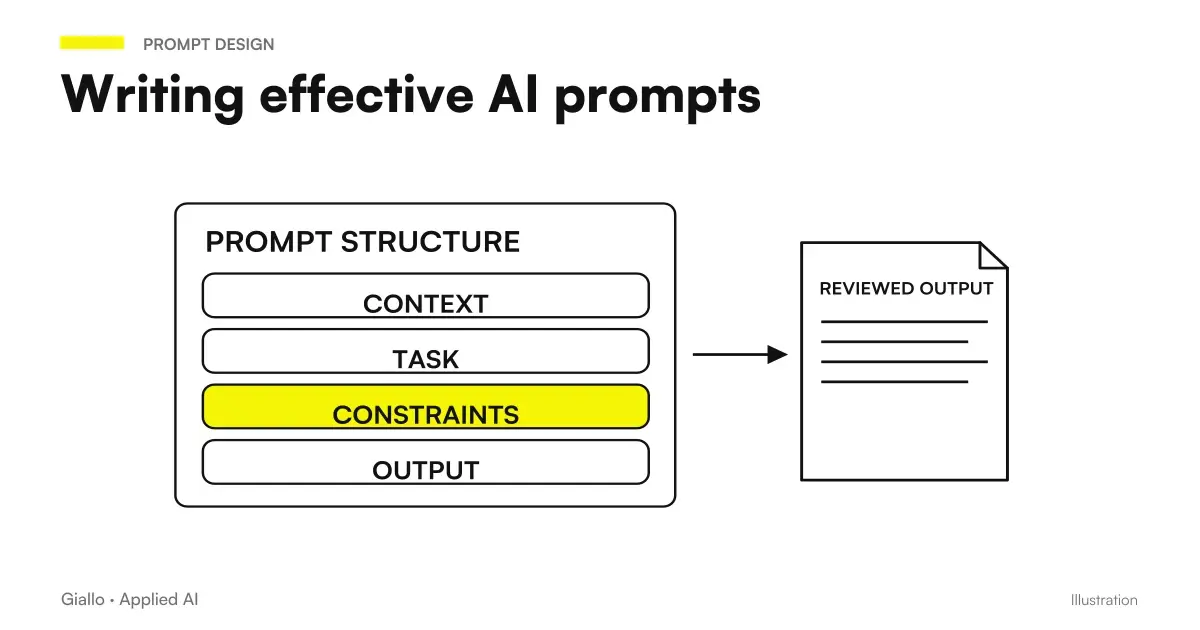 AI prompts: a complete guide to effective instructions
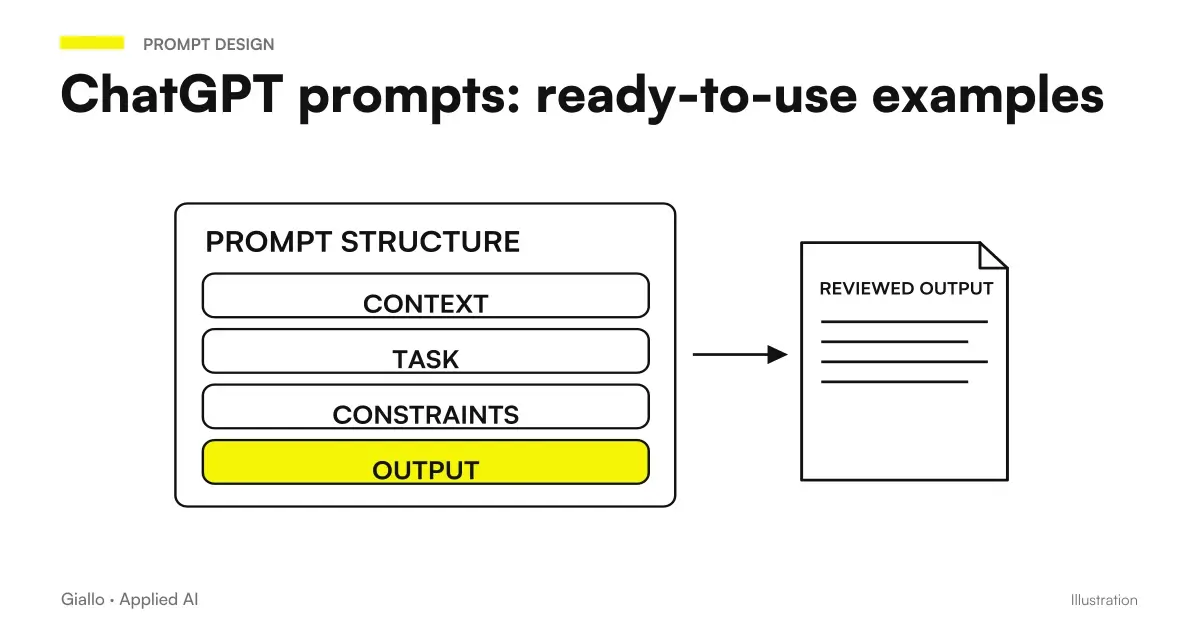 ChatGPT prompts: ready-to-use examples to copy and adapt
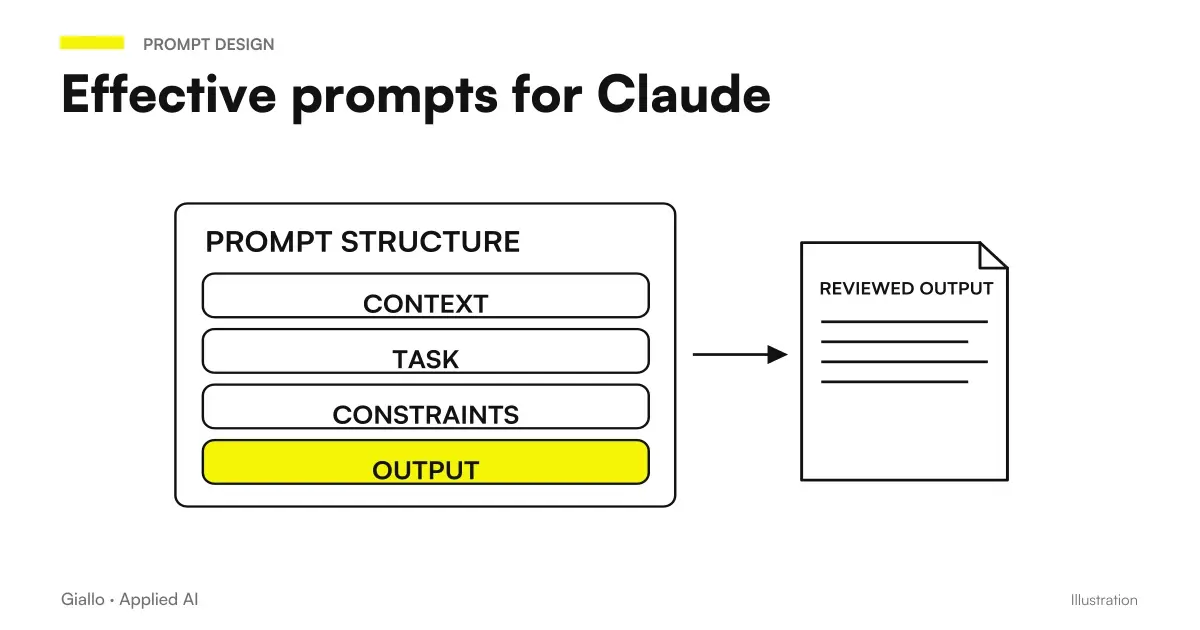 Claude prompts: examples for better answers
 AI prompts for accountants: ready-made examples for documents, analytics and clients
 AI Hallucinations: What They Are and How to Avoid Them
 Claude AI for long documents
 AI SEO prompts: optimise content and rankings
Prompt Collections
Ready prompts for other roles and tasks.
- AI prompts for real estate agents: ready-made examples for ads, emails and customers
- AI prompts for accountants: ready-made examples for documents, analytics and clients
- AI video prompts: Runway, Kling and Gemini alternatives to Sora
- AI customer support prompts: ready-to-use examples
- AI sales prompts: emails, offers and follow-ups
- AI document analysis prompts: contracts, reports and PDFs
- AI prompts for social media: ready-to-use posts, captions and content
- AI e-commerce prompts: product descriptions, email and support
- AI SEO prompts: optimise content and rankings
- AI email prompts: ready-to-use examples for every situation
- AI coding prompts: write, fix and explain code
- AI prompts for Excel and Google Sheets: formulas and data analysis
FAQ
Can I use AI to draft legal documents?
AI can produce an initial draft of a legal document or letter, but the output must always be reviewed and validated by a lawyer. An AI model has no access to up-to-date case law, does not know the specific case file and can make mistakes about legislation or citations. Use it as a drafting assistant, rather than a substitute for the professional.
Which AI is best suited for long legal documents?
For long documents (contracts, expert reports and complex legal documents), a model with a large context window, such as Claude, is generally more suitable because of its extended context window. The paid version of ChatGPT handles standard documents well. In every case, results must always be checked.
Does AI know Italian law?
The main AI models are trained on Italian legal texts, but their knowledge has a cutoff date and is not updated in real time. Never cite legislation or a judgment supplied by AI without checking it against the official source (e.g. Normattiva, DeJure or court websites).
Is customer data safe if I put it in ChatGPT?
No, not automatically. Consumer versions of ChatGPT and Claude can use conversations for training. For a law firm with sensitive customer data, use business/enterprise versions with enhanced privacy or tools with APIs configured to not use the data. Always check the provider's policy before entering personal or confidential data.
How much time can AI save in a law firm?
It depends on the activity. For tasks such as initial drafts of standard letters, summaries of long legal documents and replies to clients, the savings are real and measurable. Firms that have introduced AI workflows for repetitive activities report time reductions of 30-50% for those specific tasks. But value is obtained only if the output is reviewed: human checking is moved, rather than eliminated.
Do you need different prompts for ChatGPT and Claude?
The prompt structure works on both. Claude tends to better manage very long documents and detailed instructions in a single request. ChatGPT responds well to shorter and more direct prompts. In any case, the basic method — role, context, task, format — works on both.