
AI document analysis prompts: contracts, reports and PDFs
Write effective AI prompts for analysing contracts, business reports and PDFs. Ready-to-use examples, mistakes to avoid and limitations to understand.
Reading time: 9 min
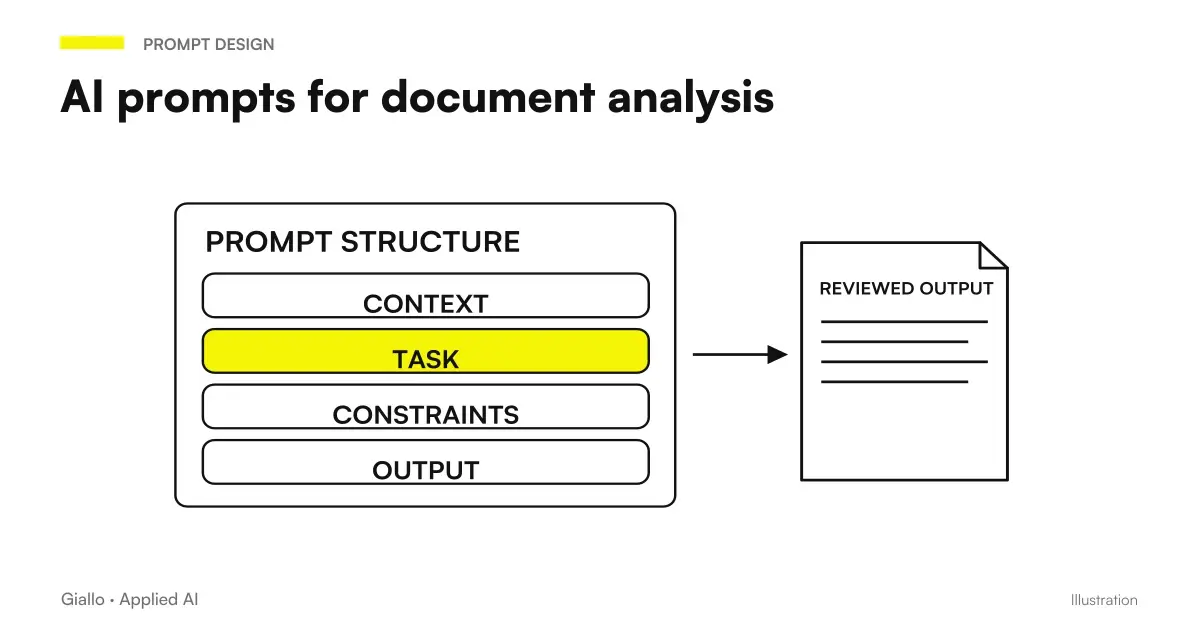
A AI prompt for documents effective is not ‘summarise this PDF’. It is an instruction that specifies the type of document, what to look for, what risks to report and in which format to return the result. The difference between the two approaches is the difference between a generic summary and an analysis that saves hours of reading.
The assumption of this guide is that you already know how to access an AI tool and upload a file: if you are looking for an introduction to that step, the article on ChatGPT for document analysis covers the basics. Here we focus on how to formulate prompts to get useful outputs, organized by document type, with common errors and limits to know before blindly trusting the output.
The starting point is simple: the AI doesn't know what you're interested in an 80-page document. If you don't tell it, make it a priority — and it often doesn't match yours.
In summary
- A prompt for documents must always include: document type, purpose of analysis, output format required.
- For contracts: ask for critical clauses, obligations, deadlines, penalties — not a generic summary.
- For financial reports: specify which numbers to draw and ask to report inconsistencies.
- The context window is a real limit: documents over ~300 dense pages should be divided or managed with RAG.
- The numeric data are the area most at risk hallucination: it always verifies source and page of each extracted digit.
- Confidential business documents should not be uploaded to consumer versions of AI tools without having verified the privacy policy.
Why the prompt matters more than the tool
Many use AI for documents and are disappointed. The problem almost never is the model: it is the prompt. A language model processes the text that receives and produces the most likely response given the requested one. If the request is vague, the answer will be vague but consistent — which makes it even more insidious because it seems useful.
A structured prompt for documents always follows this logic:
- Background — what kind of document it is, who the parties are, what is the business context
- Objective — what you need from the analysis (risks, numerical data, deadlines, obligations)
- Output format — bet list, table, named sections, maximum length
- Safety Education — "if you don't find a data in the text, tell me explicitly"
This last point is the most neglected and is crucial to avoid the AI Hallucinations: a model without this instruction tends to complete the output even when the data is not there.
Document Type Prompt: Reference Table
The table below lists the optimal prompt-bases for the most common SME and professional document types.
| Document Type | Effective prompt | Expected Output |
|---|---|---|
| Commercial Contract | "You're a contract auditor. Read the attached contract and return: (1) obligations of each party, (2) key deadlines with dates, (3) withdrawal and penal clauses, (4) any ambiguous or at-risk clauses. If an information is not present in the text, write it down." | Structured list by section |
| Minutes of the assembly | "Read the minutes attached. List: decisions taken with the result of the vote, delegations allocated, points postponed, any formal oppositions. Table format." | Decisions/actions table |
| Financial Report | "Analyze the attached report. Extracts: revenues, operating costs, EBITDA, % change year on year. Report any numerical inconsistency you find. Do not invent figures: if a data is missing, indicate it with 'n.d.'." | KPI table + notes |
| Legal / Notarial Act | "Identifies parties, subject matter, suspensive conditions, terms of effectiveness, and post-breaking obligations. Report clauses that require professional legal verification." | Structured list |
| Email chain / thread | "Summary the attached email thread in up to 150 words. Then list: decisions taken, actions opened with manager and date, points still under discussion." | Summary + action list |
| Capitulation / Ban | "Read the specifications. List the mandatory requirements, the causes of exclusion, the documentation required and the deadlines. Separate technical requirements from administrative ones." | List by Category |
Keep this table as a starting point and adapt it to the specific context: the more details you provide, the more useful the output.
How to formulate prompts for contracts
Contracts are the most frequent use case and also the one with the most risks if the analysis is superficial. The critical point is that a contract has internal structure: clauses referring to other, appendages, technical attachments. A generic prompt ignores this structure.
Base prompt for commercial contract:
"You're a contract auditor. The attached document is a supply contract between [Company Name] (supplier) and [Customer Name] (customer). Analyze it and return, in separate sections: (1) Obligations of the supplier with deadlines, (2) Obligations of the customer with deadlines, (3) Withdrawal clauses — conditions and advance notice, (4) Penalties and compensation — figures and conditions, (5) Limitation of liability clauses. For each point, indicate the reference clause (number and title). If an information is not present in the text, write 'not present'."
Why it works: specifies parts, divides output into named sections, asks for clause reference (verifiable), and includes explicit instruction on what to do if the data is missing.
Variant for NDA verification:
"Analyze this NDA. List: (1) information covered by the confidentiality obligation, (2) duration of obligation, (3) exceptions provided, (4) remedies in case of breach. Identifies any asymmetries between the bonds of the two parties."
Prompt for employment/collaboration contract
For subordinate employment contracts or autonomous collaboration uses: "Analyze the attached contract and identify: framework and level, remuneration and variable components, duration and conditions of extension, non-competition or non-stress clauses (duration and geographical perimeter), competent forum. It reports particularly restrictive clauses compared to the category standard."
Prompt for financial reports and numerical data
Financial reports are the area where AI makes the most mistakes in a sneaky way: it can confuse rows of a table, add up badly or interpret percentage changes incorrectly. The golden rule is always ask for page reference and Don't ask for calculations that you can do.
Prompt for annual report:
"Read the attached financial report. Extract in table format: Total revenues, Cost of sales, Gross Profit, EBITDA, Net profit — for each year in the document. For each data, it indicates the reference page in the document. If a value is not explicitly reported in the text (and you cannot read it directly, without calculations), write 'manual verification'."
Budget/Consumptive Comparison Prompt:
"Compare budget and final in the attached document. For each cost item, indicate: budget expected, final, absolute deviation and %. Highlight items with deviation greater than 15%."
Prompt for long PDFs and technical documents
For very long documents (chapters, manuals, expert reports, complex legal documents) the first step is to orient yourself in the structure, not to ask for a complete analysis at once.
Step 1 Mappa Structure mapping:
"Read the attached document and return the contents index: main sections with page number (or paragraph) and a description line for each."
Step 2 Analisi Section by section analysis:
"Now analyze section 3 (Technical Requirements, pp. 14-28). List the mandatory requirements by distinguishing them from the optional ones. For each mandatory requirement, indicate the number of the requirement and the condition of conformity."
This two-step approach works better than a single prompt on 100 pages because it reduces the risk of the model "losing the thread" in the central parts of the document. For documents beyond the bounds of the context window, consider Claude for long documents or solutions RAG for permanent document bases.
Practical examples
Scenario 1 legale Law Firm, revision of commercial lease agreement
A lawyer must quickly review ten identical commercial leases except for economic conditions. Prompt:
"You're a statutory auditor. Analyze the commercial lease attached. Extract in the table: monthly fee, duration, deadline before cancellation, ISTAT adjustment (%, cadence), guarantees required to the conductor, extraordinary maintenance obligations (who supports them). Report any clause that deviates from the standard ABI/AI model."
Output: table compiled in 30 seconds for each contract instead of 20 minutes of reading. The lawyer checks for reported discrepancies.
Scenario 2, Manufacturing SMEs, supply supply analysis
The purchasing department receives an offer from a new foreign supplier (English document, 40 pages). Prompt:
"Translate relevant sections and analyze this supply offer. Identifies: unit prices by product category, minimum order, payment terms, late delivery penalties, price escalation clauses, applicable law and forum. Report any unusual clauses with respect to a standard supply contract."
The purchasing office gets a summary in Italian with the highlighted critical points, to be taken to the meeting instead of the original document.
Mistakes to Avoid
- Generic prompt without target. "Analyze this contract" doesn't tell AI what it's interested in. Result: pointless narrative summary.
- Trusting numbers extracted without verification. Even an advanced model can confuse similar amounts or misinterpret tables. It verifies every critical digit in the original source.
- Not specifying what to do when data is missing. Without this instruction the AI can infer or invent. Always add: "If the information is not present in the text, write 'not present'".
- Loading the entire document at once onto complex structured documents. For a 90-page notary deed with technical appendages, single-block analysis produces less precise output than a section analysis.
- Ignoring data security. Contracts with personal data, NDAs, confidential financial information should not be uploaded to consumer versions without having read the provider's privacy policy. See the prompt for Claude for enterprise options.
How to apply it in the company
The most sustainable workflow for an SME that uses AI on documents regularly is building a Validated prompt library for your own recurring document types. Do not reinvent the prompt each time: write the prompt once for "type supply contract", test it on 3-4 real contracts, correct it and save it.
- Identify the documents you read most often. Supply contracts, CDA minutes, monthly reports, specifications: choose the two or three that take up the most time.
- Write a specific prompt for each one. Use structure: context + target + format + instruction on missing data.
- Test it on real documents with already known outcome, compare AI output with your manual analysis.
- Save validated prompts in an internal document shared with the team.
- Define what always needs to be verified. Economic clauses, deadlines and critical numerical data are never fully delegated: final human control is part of the process.
For law firms and accountants, the AI Agent Service can integrate document analysis directly into existing workflows, without having to do manual copy-paste each time. To understand which AI models are best suited for long documents, the comparative guide helps to choose according to document type and volume.
If you want to apply these prompts systematically — also on ChatGPT or other tools — it's worth looking into how to build AI prompt in general to have a solid methodological basis.
Conclusion
Formulate an AI prompt for documents is a practical skill that is learned in a few days and brings measurable results: fewer hours of reading, more structured analysis, less risk of losing critical clauses. The point is not to blindly trust AI — it's to use it to make the first quick, structured, goal-oriented reading, then focus human attention on the points that matter.
The limits remain real: finite context window, hallucinations about numbers, privacy risk for sensitive business data. Knowing them is already half the job.
If you want to go from testing with ChatGPT to an AI system integrated into business processes, Giallo Studio custom designed agents and automations.
Giallo Studio guides: methodology and sources
How we apply it in the company
Related resources
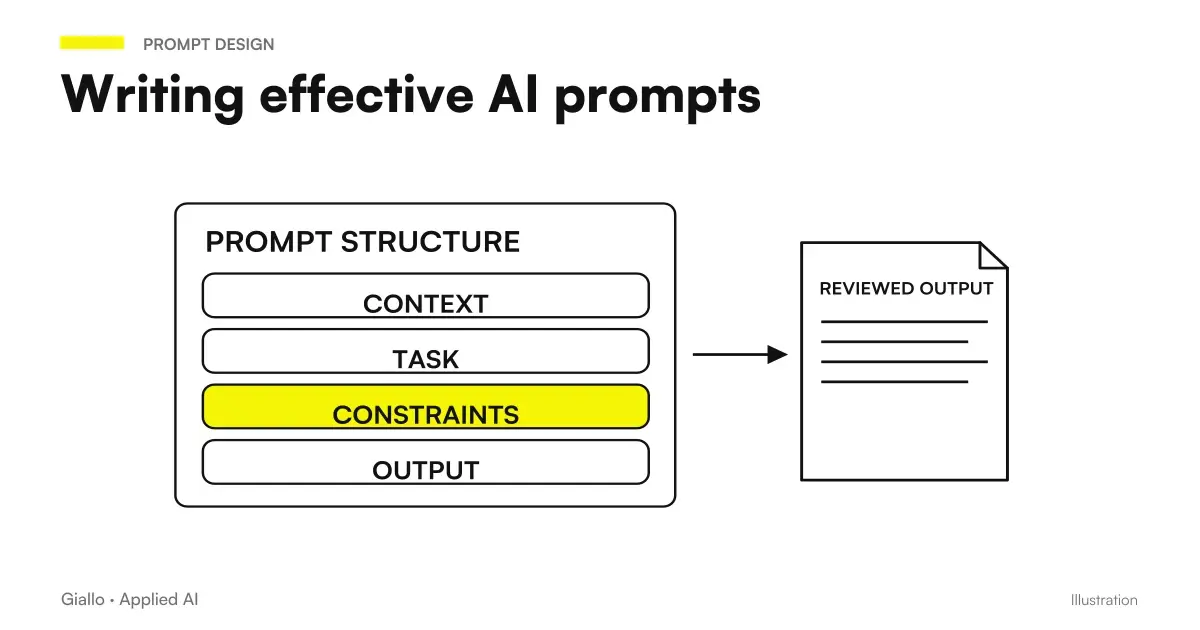 AI prompts: a complete guide to effective instructions
 Claude AI for long documents
 ChatGPT for document analysis
 AI Hallucinations: What They Are and How to Avoid Them
 Best AI models for long documents
 Best AI Model for Long Documents
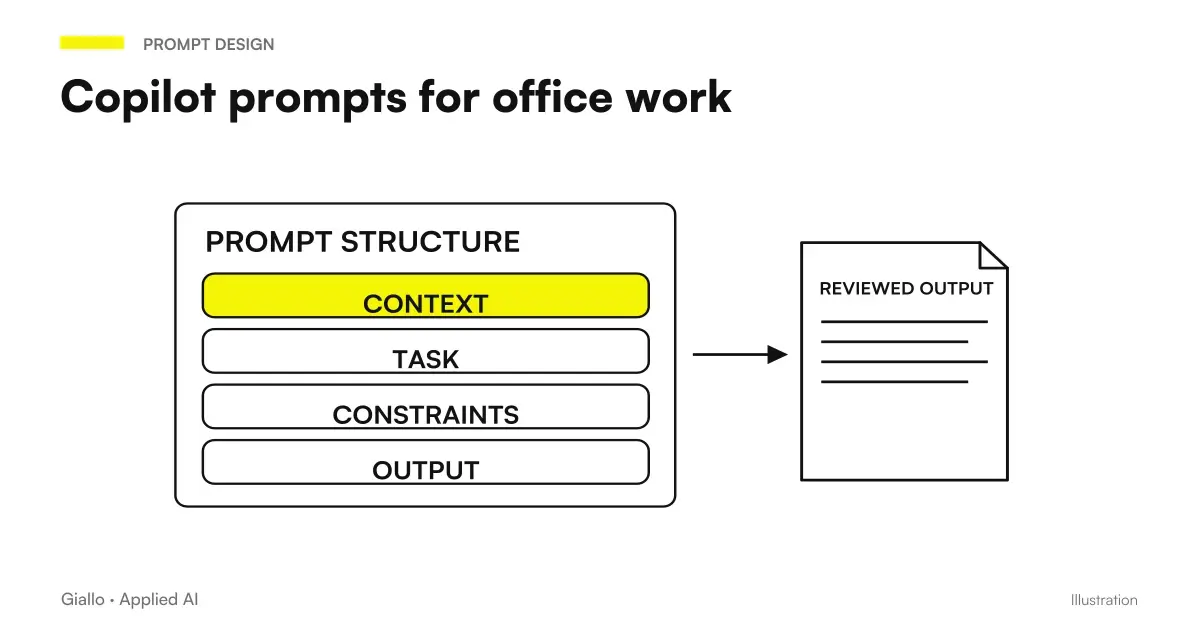 Copilot prompts: examples for office work
 Jev AI, confidence and probability: when to get a person to intervene
Prompt Collections
Ready prompts for other roles and tasks.
- AI customer support prompts: ready-to-use examples
- AI e-commerce prompts: product descriptions, email and support
- AI prompts for accountants: ready-made examples for documents, analytics and clients
- AI email prompts: ready-to-use examples for every situation
- AI prompts for lawyers: legal documents and communications
- AI prompts for Excel and Google Sheets: formulas and data analysis
- AI prompts for real estate agents: ready-made examples for ads, emails and customers
- AI image prompts: examples for Midjourney, ChatGPT and Firefly
- AI video prompts: Runway, Kling and Gemini alternatives to Sora
- AI marketing prompts: copy, campaigns and content
- AI sales prompts: emails, offers and follow-ups
- AI presentation prompts: PowerPoint and Google Slides examples
FAQ
What is the best way to ask an AI to analyze a contract?
Provide the context (contract type, parties involved and what you are looking for), then specify the output format: a bulleted list of critical clauses, any risks and open questions. Avoid generic prompts such as 'analyse this contract': without precise instructions, AI produces a generic summary answering questions you had not asked.
Can ChatGPT and Claude read PDFs directly?
ChatGPT allows you to attach PDFs and Claude accepts text, PDF and Word files; formats and limits depend on the plan, so check the official page. In both cases the document is converted to text: complex tables or scanned PDFs (images) can lose formatting and data. For critical documents always check that the extracted text is readable before relying on analysis.
Can AI be wrong in interpreting contractual clauses?
Yes. Current models may misinterpret cross-references between clauses, confuse similar amounts or percentages and not update their legal context (rules changed after the training date). Output should be treated as first reading, not as final legal opinion. See also the problem of AI hallucinations.
How many pages can an AI parse in a single prompt?
It depends on the model's context window and, in ChatGPT, also on your plan. Limits change with every new version, so always check the model's official page. For documents exceeding the limit, split the text into sections or use RAG techniques, which retrieve only the passages relevant to the question.
Is it safe to upload business contracts to ChatGPT or Claude?
Not by default. Consumer versions of ChatGPT and Claude send data to the provider's servers and may use it for training (unless you opt out). For documents containing personal data, confidential clauses or NDAs, use Enterprise plans (isolated data, no training) or on-premises AI systems. Always check the provider's current privacy policy.
Which AI model is best for analyzing long documents?
Depends on the case: Claude is known to handle very long documents well with high fidelity to the original text; the most recent model available in ChatGPT is more versatile on mixed formats (always check the official page for the current version). The guide on the best AI models for documents lists the practical choice criteria based on the length and type of document.