
Best AI for email: tools to write and manage mail
Discover the best AI tools for writing and managing business emails. A practical comparison with real use cases for Italian SMEs.
Reading time: 8 min
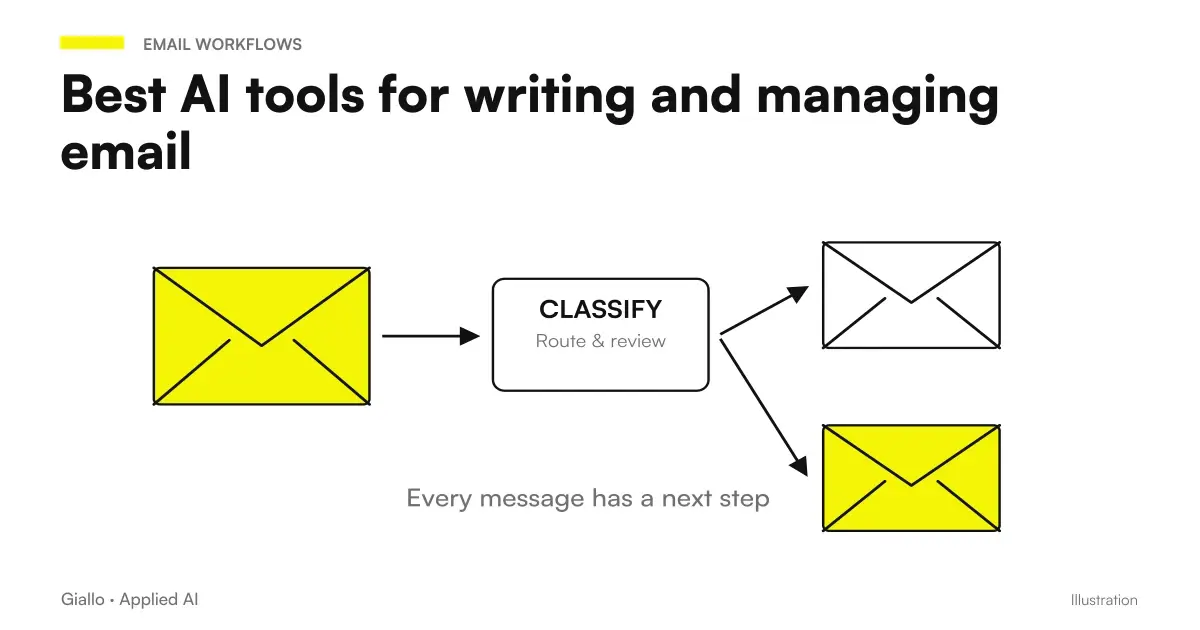
Writing professional emails takes time: finding the right tone, structuring the answer, avoiding misunderstandings. The best AI tools for email they do not eliminate this work, but they speed it up sensitively — up to a 40-60% reduction in the time spent on mail in some industry estimates.
It's not just about generating text: the most advanced tools classify emails, suggest priorities, identify the actions required and propose contextual responses. For an Italian SME that receives dozens or hundreds of emails a day, this means recovering real work hours every week.
In this guide we compare the AI tools for email more useful in the business context, with a focus on practical integration, real limits and verifiable use cases — without unrealistic promises.
- Native vs. external tool integration: Gemini in Gmail and Copilot in Outlook operate directly in the client; ChatGPT and Claude require copy/paste but offer more flexibility.
- Tone and context: built-in tools access the full thread; external ones only see what you paste — choose based on the complexity of the emails.
- Data security: by email with sensitive data (customers, contracts, health) always verify the data residency and sign a DPA with the provider.
- Automation vs. assistance: for standardized emails (confirmations, FAQs) evaluates complete automation; for complex relationships you prefer assistance with human supervision.
- Real cost: many tools are already included in suites (Google Workspace, Microsoft 365) — before buying a new tool, check what you already have active.
- Italian: the main tools support Italian natively; always check for niche tools.
What are the best AI tools for email in 2026?
The market is divided into three main categories: tools integrated into business suites, native email clients with AI, and text generation tools that you can use in combination with your box.
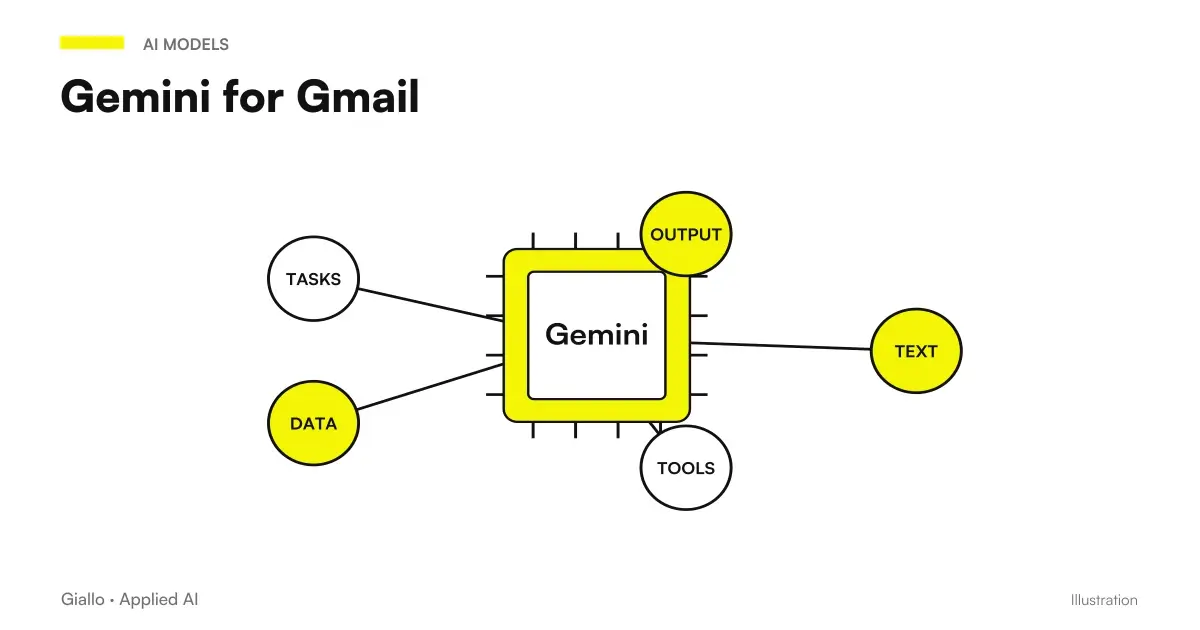
Gemini for Google Workspace is the natural choice for those who use Gmail. The "Help me write" key generates contextual drafts based on the subject and thread; "Summary this email" compresses threads that are long in a few places. Gemini also sees the attached Drive files and can refer to shared documents. The main limit: advanced functions require the Business Plus or higher plan, and the quality in Italian is good but not perfect on complex formal tones.
Microsoft Copilot in Outlook It works similarly in the Microsoft ecosystem. Generate drafts, summarize threads, propose actions, and integrate with Teams and Calendar. It is especially useful for those who manage emails with Word or Excel attachments: Copilot can refer to the contents of files without opening them manually. Requires Microsoft 365 Business Premium or Copilot for Microsoft 365.
Superhuman is a complete email client (available for Gmail and Outlook) built around productivity. The built-in AI suggests quick responses, ranks emails by urgency, and allows you to clear the box with an AI-driven "Inbox Zero" logic. It is a premium tool, with a selective onboarding process — suitable for professionals who handle high volumes of mail.
Flowrite (now integrated into other products after its evolution) was one of the first tools dedicated to generating bullet point emails. The principle — write 3 key points, AI generates mail — has been adopted by many competitors.
SaneBox not write emails but rank them: use AI to figure out which messages are important and which can wait, automatically moving irrelevant emails into dedicated folders. Complement to any writing tool.
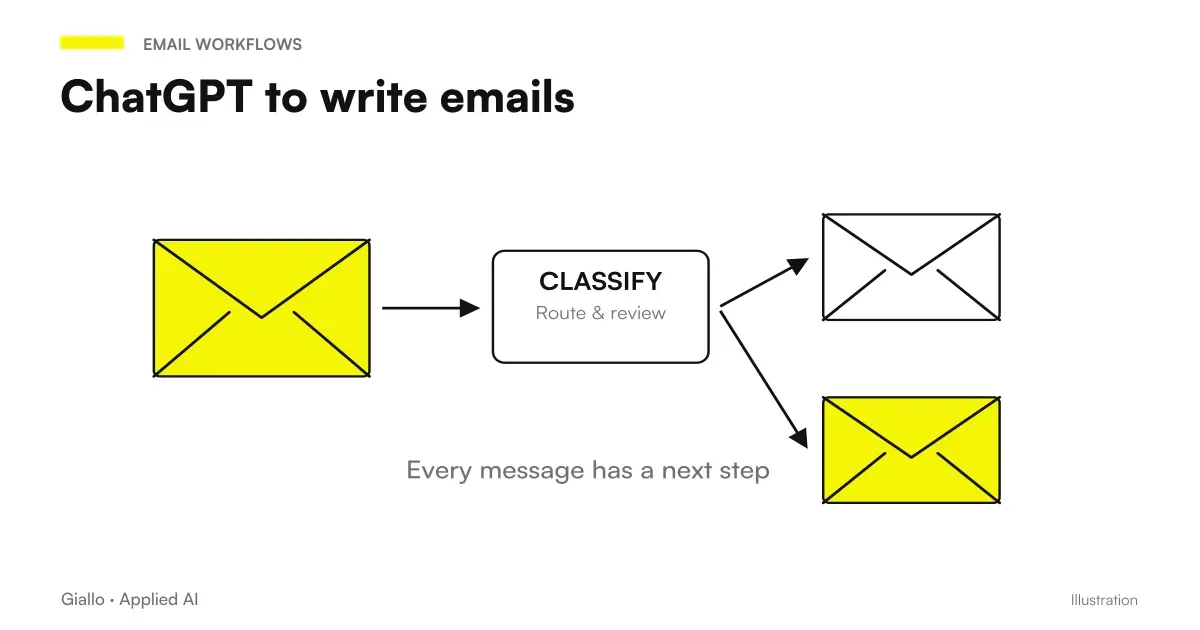
ChatGPT and Claude They are not native email tools, but remain among the most used for writing complex emails: negotiations, delicate communications, emails in foreign languages, responses to complaints. They require copy/paste, but offer maximum control over the prompt and tone.
Practical examples for Italian SMEs
Law Firm with 8 Lawyers — Client and Counterparty Management
A law firm receives dozens of emails from clients, counterparts, and courts every day. The main risk is not volume, but precision: an ambiguous response or one with the wrong tone can have concrete consequences.
The adopted workflow: Gemini (on Google Workspace) automatically classifies emails by urgency and proposes a first draft for standard responses (date confirmation, document requests, practical updates). The lawyer always reviews before sending. For the most sensitive emails — communications with counterparts, responses to complaints — Claude is used in assisted mode: you paste the context, specify the required tone ("formal but not hostile") and get a draft that is then manually reworked. Estimated savings: 45 minutes per day per lawyer on routine emails.
B2C e-commerce with 3000 orders/month — customer care email
A clothing e-commerce received up to 200 emails a day including returns, refunds, tracking requests and product questions. The customer care team was 2 people.
The solution: Zapier with an AI module (based on an OpenAI language model) that classifies incoming emails by category (return, refund, product info, complaint) and generates a contextual response draft from a corporate policy database. A similar approach can be built with AI agents configured to measure. The operator sees the draft, edits it if necessary and sends. E-mails of the category "serious complaint" are always sorted under human supervision without automatic draft. Result: Average response time reduced from 4 hours to 40 minutes, error rate in standard replies reset.
Comparison of AI tools by email
| Tool | Strengths | Limitations | Indicative price |
|---|---|---|---|
| Gemini in Gmail | Native integration, thread summaries, context drafts, Drive support | Requires advanced Workspace plan, variable quality on formal Italian | Included in Business Plus+ verifica Google site verification |
| Copilot in Outlook | Microsoft 365 integration, Office attachment management, Teams summary | Requires license Copilot for M365, learning curve | Included in M365 Business Premium+ verifica Microsoft site verification |
| Superhuman | Full client, AI inbox zero, speed, urgency rating | High cost, selective onboarding, no automation workflow | Official website verification |
| SaneBox | Automatic classification, distraction reduction, compatible with any client | Doesn't write email, just organization | Official website verification |
| ChatGPT / Claude | Maximum flexibility, great on complex emails, multilingual support | Requires copy/paste, no native integration with client | Limited free plan; Plus/Pro verifica check official sites |
| Zapier AI / Make AI | Full automation on email boxes, integrable with CRM and database | Technical setup required, not suitable for complex emails | Check official sites |
- Manage more than 30 emails a day and want to reduce friction
- Do you already have Google Workspace or Microsoft 365 — the feature could already be included
- Need to summarize long threads or with many participants
- You want contextual response suggestions without leaving the box
- You have to write sensitive emails (treaties, complaints, legal communications)
- You need very specific tone or cultural adaptation
- Write emails in foreign languages that require precision
- Do you want to test different versions of the same message before choosing
Mistakes to Avoid
1. Send AI drafts without rereading. Models can introduce factual inaccuracies, promises you have not authorised, or a tone that does not fit your brand. Every AI-generated email must be read before sending — especially at the beginning.
2. Use AI tools for emails with sensitive data without checking terms. Pasting emails with patient, customer, or contract information in an external AI service may violate the GDPR if the provider is not a DPA-certified data processor signed. Always check first.
3. Automate responses on emails that require judgment. Serious complaints, out-of-policy reimbursement requests, legal communications: complete automation on these categories generates reputational risks. Keep human oversight on critical cases.
4. Ignore thread context. An AI tool that only sees the last email can generate inconsistent responses with what was written earlier. Use tools that access the entire thread or always include context in the prompt.
5. Underestimating style consistency. If five people in the company use AI to write emails, each with different settings, the result is a fragmented communication identity. Define internal guidelines on tone, signature, greetings — and configure them as a system prompt where possible.
How to choose it for your company
The choice depends on three main variables: the suite you already use (Google or Microsoft determines the most convenient tool), the email volume (under 20/day generic tools like ChatGPT suffice; over 50/day is worth investing in a dedicated client) and the type of email (standardizable or with high relational content).
Before choosing a tool, it is worth understanding what AI tools exist and how they compare in terms of cost and functionality. For an Italian SME that starts from scratch, the most sensible path is:
- Activate Gemini or Copilot if you already have the Workspace/M365 licenza additional zero cost license.
- For complex emails, use ChatGPT by email or Claude in an assisted manner.
- Only if the volume is high and you have a customer care team, evaluate automation solutions with Zapier or Make.
If you are considering building a more structured system —for example, an agent that automatically responds to top-level emails by tapping into a business knowledge base.the leap in complexity is significant but feasible. This type of AI Automation requires careful design of flows and exceptions.
To understand what is already possible without large investments, you can explore the Process Automation Services or take a concrete test through The Lab.
Conclusion
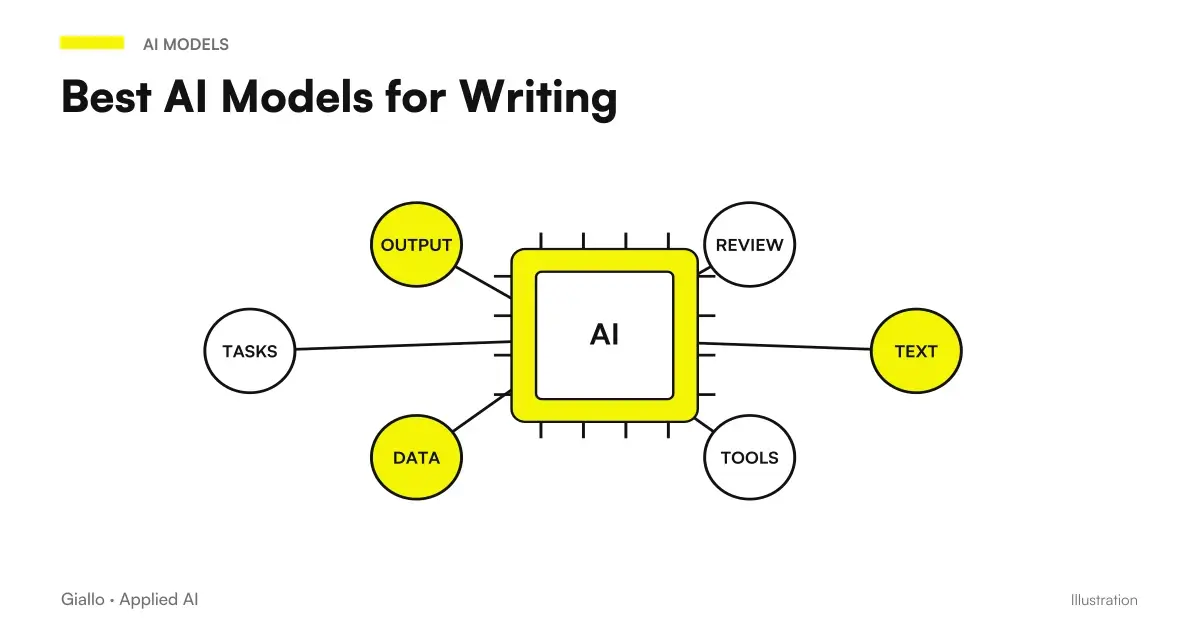
There is no "best AI tool for email" at all: there is the right one for your volume, your infrastructure and the type of communication you manage. Gemini and Copilot are the natural starting points for those already in their respective suites. ChatGPT and Claude remain the most flexible for complex emails. Tools like Superhuman and SaneBox add a layer of intelligent organization that goes beyond writing.
The guiding principle: start with what you already have, test on a limited volume, measure real savings. If you want to understand how to integrate these solutions in a way that is consistent with your company's processes, Giallo Studio helps SMEs and teams to build concrete, measurable and sustainable automations.
Giallo Studio guides: methodology and sources
How we apply it in the company
Related resources
 ChatGPT to write emails
 Gemini for Gmail
 Best AI Models for Writing
 Best AI for Marketing: Tools and Platforms
 AI automation: what it is and how it works
 Knowledge cutoff: what it means in practice
 Figma AI: Design agent and Weave tools exit beta, consumption changes
 Higgsfield Ad Multiplier: creating variants of advertising videos from a reference
Comparisons by activity
Which tool suits the other tasks.
- Best AI for Customer Care: Customer Service Tools
- Best AI for Excel (October 2026): Copilot, ChatGPT, Claude or Gemini?
- Best AI for CRM: Sales Management Tools
- Best AI for Marketing: Tools and Platforms
- Best AI to Create Websites
- Best AI for presentations: tools to create slides
- Best AI for Data Analytics: Tools and Platforms
- Best AIs to summarize PDFs and documents
- Best AI for Translations: Tools and Comparison
- Best AI for SEO: Tools to Optimize Content
- Best AI for Students: Tools for Better Studying
- Best AI for social media: tools for content and management
FAQ
What is the best AI tool for writing business emails?
Depends on context: Gemini for Google Workspace is the most integrated choice for those who use Gmail, Copilot for those who use Outlook and Microsoft 365. Tools like Superhuman or Flowrite are great for those who want a native email app with built-in AI. For pure email text generation, ChatGPT and Claude remain the most flexible.
Do AI tools for email work in Italian?
Yes, most major tools (Gemini, Copilot, ChatGPT and Claude) fully support Italian. Some smaller or specialised tools offer partial support: always check before adopting them in production.
How much do AI tools for email cost?
Prices vary a lot: Gemini is included in Google Workspace Business plans (from around €14/month per user), Copilot in Microsoft 365 Business Premium plans. Tools like Superhuman or Flowrite have dedicated plans. Always check the official website for updated prices.
Are email AI tools safe for sensitive business data?
The enterprise products of Google, Microsoft and other major vendors offer adequate security guarantees and GDPR compliance. Third-party tools require more careful assessment: read the terms of service, verify the location of data and sign a DPA if the provider is a data processor.
Can an AI automatically respond to emails instead of me?
Yes, but with caution. Tools such as Zapier AI, Make with AI modules or custom agents can handle automatic responses to standardised emails (order confirmations, FAQs and information requests). For emails requiring human judgement (negotiations, complex complaints and customer relationships), maintaining human supervision is advisable.
What is the difference between using ChatGPT for emails and an AI tool built into the client?
ChatGPT requires copying and pasting text between apps and offers maximum prompt flexibility. A tool integrated into the email client (Gemini in Gmail, Copilot in Outlook) works directly in the inbox, knows the thread's context and reduces friction. For intensive everyday use, native integration is more productive.