
AI coding prompts: write, fix and explain code
AI prompt examples for writing code, fixing bugs, refactoring and documentation. Use them with ChatGPT, Claude and other models.
Reading time: 9 min
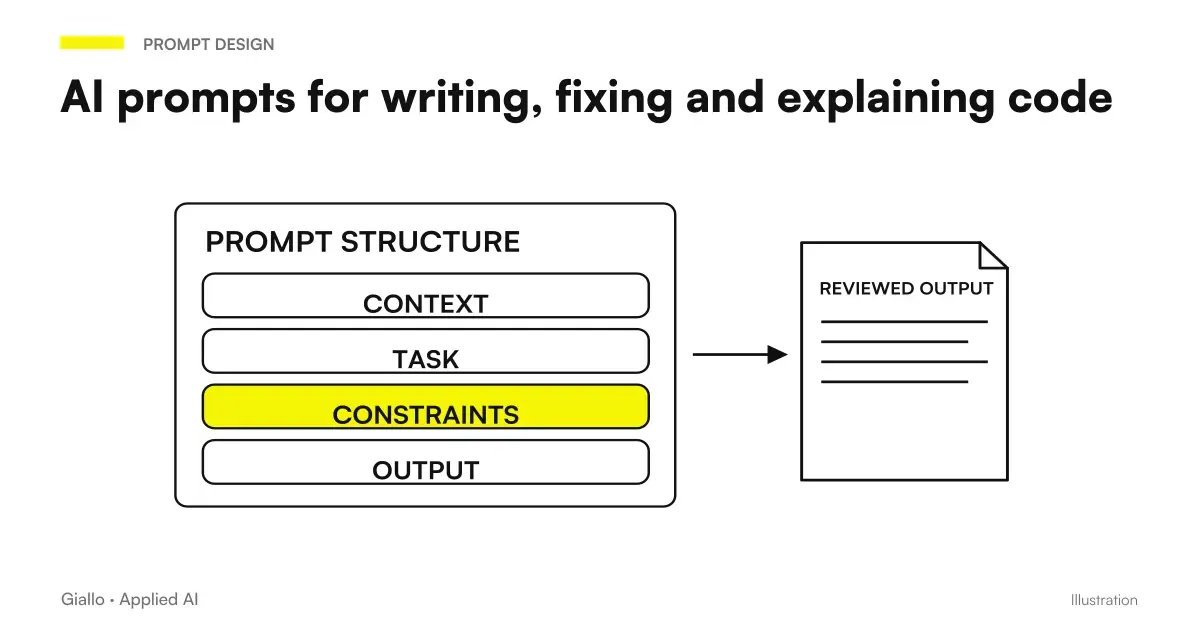
AI prompts to program They work well when they give the model the context it lacks: language, verbatim error, expected behavior, constraints. A vague prompt produces generic code that it probably does not compile. A precise prompt —even two lines —produces usable code at the first stroke in most cases.
This guide collects ready-made examples to use with ChatGPT, Claude and other models: not only for those who develop every day, but also for those who use AI to automate small tasks, write Python scripts, build formulas or explore code without being a professional developer. To understand how prompts work in general, the starting point is the guide to prompt engineering.
In summary
- A effective prompt for code always includes: language, version (if relevant), expected input/output, any constraints.
- For the debugging, pasting the verbatim error is worth more than any description.
- ChatGPT and Claude behave differently: Claude excels at long contexts, ChatGPT is fast on isolated snippets. Check the current versions on the official pages.
- AI is also useful for non-developer: simple Python scripts, formulas, SQL queries, no-code automations.
- The generated code always goes read and tested: the AI produces the most likely version, not the certainly correct one.
- For critical tasks in production, the Human Control remains necessary — do not copy in prod without understanding what the code does.
Why generic prompts don't work with code
"Write a function ordering a list" is a prompt that works. "Fix my code" is a time-wasting prompt. The difference lies in the context: an AI model doesn't have access to your environment, your stack, your mistakes — unless you give them to it.
The most common problems with code prompts are three:
- The language or version is missing. "Write a function" in Python 3.10 is different from Python 2.7 or JavaScript. Without this information, the model chooses itself and often misses context.
- There is no verbatim error. If you write "it doesn't work", the model must guess. If you paste
TypeError: unsupported operand type(s) for +: 'int' and 'str'He knows exactly where to look. - It is not clear what the code should do. Expected input and output are the minimum specification. Adding limit cases (what happens if the list is empty? if the value is null?) drastically reduces iterations.
If you want to deepen the basics for building effective prompts, start from the guide on AI prompt and then the one about prompt for Claude.
Table: prompts ready for most common development tasks
Each line shows the task, the prompt pattern and what to expect in output. Fit the part between [ ] to your case.
| Task | Prompt Pattern | Expected Output |
|---|---|---|
| Writing a Function | "Write a function [language] that takes [input] and returns [output]. Manage the case where [limit case]. Include an example of usage." | Function with docstring and sample test |
| Fixing a Bug | "In [language], this code: [code]. Produce this error: [verbatim error]. What is wrong with it and how do you correct it?" | Bug explanation + correct code |
| Refactoring | "Rewrite this function [language] making it more readable and removing duplication. Do not change external behavior. [code]" | Refactored code + list of changes |
| Explain code | "Explain what this code does line by line, as if you were explaining it to a developer who doesn't know [language]: [code]" | Natural Language Explanation |
| Writing Tests | "Write unit tests with [framework: Jest/pytest/etc.] for this function: [code]. Cover normal cases and limit cases." | Ready-to-use test suites |
| Document | "Write the JSDoc/docstring documentation for this function. Include: description, parameters with type, return value, usage example. [code]" | Formatted documentation |
| Automation Scripts | "Write a Python script that [task: reads a CSV / renames a file / calls an API]. Input: [description]. Output: [description]. Only use standard libraries." | Script working with comments |
Practical examples
1. Law Firm — script to rename files automatically
A non-developer lawyer receives hundreds of documents with random names and must rename them following a convention (YYYY-MM-DD_cliente_tipo.pdf). He doesn't know how to program, but he wants to automate it with Python.
Prompt used:
"Write a Python 3 script that reads all .pdf files in a folder, asks the user to enter the name of the customer, and renames them to the AAAA-MM-DD format_customer.original.pdf using today's date. Use only standard libraries. Add a confirmation message before renaming."
Output: script working in about 25 lines, with os, datetime and input(). The lawyer ran it from Terminal without touching the code. Time to get to a usable version: less than 5 minutes.
2. E-commerce team — debugging a slow SQL query
An analyst notes that a query on orders from the last 30 days takes 8 seconds on a Postgres database with 500k lines. It is not a DBA, but it knows how to use Claude.
Prompt used:
"This Postgres query is very slow (~8s on 500k lines). Analyze the execution plan and suggest optimizations — indexes to add, rewrite, etc. Query: [SQL]. EXPLAIN ANALYZE Plan: [output]"
Output: Claude identified a full table scan on created_at (no index), suggested the index and proposed a rewritten version of the query. Time dropped to less than 200ms after creating the index. For an overview of which model to use in these cases, see best AI models for programming.
How to choose between ChatGPT and Claude for the code
When to Prefer ChatGPT for Code
The OpenAI model in ChatGPT (now GPT-5.6) is fast on isolated snippets, debugging common errors, generation of standard boilerplates. The Code Interpreter (in ChatGPT Plus) allows you to run the code directly in the chat — useful to verify that a script works without leaving the conversation. Great for widely used languages such as Python, JavaScript, SQL where training data is abundant. Check the current version on openai.com.
When to Prefer Claude for Code
Claude handles very large context windows, which makes it superior when you have to paste whole files, compare multiple functions at once, or refactor on large code bases. Particularly effective on structured reasoning (explaining architectures, evaluating approaches) and on code with complex logic. Check the current version at anthropic.com. For a dedicated guide, read Claude for code and development.
When it doesn't matter which one you use
For standard tasks — a simple function, a common error, a basic query. the difference between the main models is minimal. Use what you've already opened. The prompt counts more than the model in most everyday cases.
Prompt for those who are not developers
You don't need to write code every day to use AI productively. These prompts are designed for those who want to automate small tasks without a technical background.
Simple Python Scripts
"Write a Python 3 script that [precise task]. Don't use external libraries. Add comments explaining each step. At the end it shows an example of how to run from terminal."
Excel Formulas / Google Sheets
"Write an Excel/Sheets formula that [goal]. The data is in column A (header: [name]), column B (header: [name]). The formula goes in column C. It explains what each part does."
Basic SQL Query
"Write an SQL query for [objective] from the table [name] that has these columns: [list columns with type]. Filter by [condition]. Sort by [column]."
No-code automations
"I want to create an automation in Zapier/Make that goes: [trigger], then [action 1], then [action 2]. What steps do I have to configure? Are there any limit cases to watch out for?"
For those who want a reference point on the use of ChatGPT in these scenarios, the guide on ChatGPT for coding goes into detail about Code Interpreter features.
Mistakes to Avoid
- Pasting code without context. "What's wrong here?" without language, error or goal is a prompt that generates generic answers. The minimum context is always: language, what needs to be done, what happens instead.
- Accepting the code without reading it. AI produces the most likely, not the most correct code. On scripts that touch files, databases or APIs, reading before executing is necessary — not optional.
- Using wrong library versions. If you do not specify the version, the model uses the most common one in the training data, which may be outdated.
"usa Python 3.11 e pandas 2.x"if relevant. - Asking for refactoring without testing. Behavior-changing refactoring is not refactoring. If you don't have any tests, first ask the AI to write a base set, then do the refactoring and check that the tests still pass.
- Sending to production without revision. For personal scripts or formulas, the risk is low. For code in production that touches customer data or transactions, a human review is required. AI for code is used as a fast contributor, not as an autonomous system. To build structured AI workflows, our team of Custom software development can help you.
How to apply it in the company
The AI for the code isn't just about developers. In a company of 10-50 people there are dozens of small automations waiting to be built: data import/export scripts, formulas in spreadsheets, queries to extract reports, automations between different software.
- Identify repetitive manual tasks involving structured data: CSV export, massive rename, format transformation.
- Parts from Python scripts or Sheets formulas: short tasks, verifiable output, low risk.
- Document the prompts that work: Create an internal collection of verified prompts for your team's recurring tasks.
- Forms those who are not developers on the basic prompts for SQL and Python — reduces the bottleneck on IT for simple requests.
- Use AI for code review: "Review this code for security or performance issues" is a prompt that also works for a code written by humans.
For teams who want to integrate AI into processes in a structured way —not just in manual prompts — Giallo Studio designs custom-made agents and automations that operate continuously and integrated with existing systems.
Conclusion
The AI prompt to program more effective share a simple structure: context (language, version, environment), precise target (input → output), constraints (libraries, performance, style), and where relevant the verbatim error message. With this basis, most daily tasks —writing a function, fixing a bug, documenting, writing tests. resolve on the first or second attempt.
You don't need to be a developer to take advantage of this: simple Python scripts, formulas, queries, and no-code automations are within reach of anyone who can build a precise prompt. The important thing is to read the output before using it. If you want to deepen how to structure complex prompts, start from prompt engineering and then explores the differences between models in the guide to Best AI for Programming.
If you want to go from testing with ChatGPT to an AI system integrated into business processes, Giallo Studio custom designed agents and automations.
Giallo Studio guides: methodology and sources
How we apply it in the company
Related resources
 AI prompts: a complete guide to effective instructions
 Claude prompts: examples for better answers
 ChatGPT for coding
 Claude AI for code and development
 Best AI Models for Programming
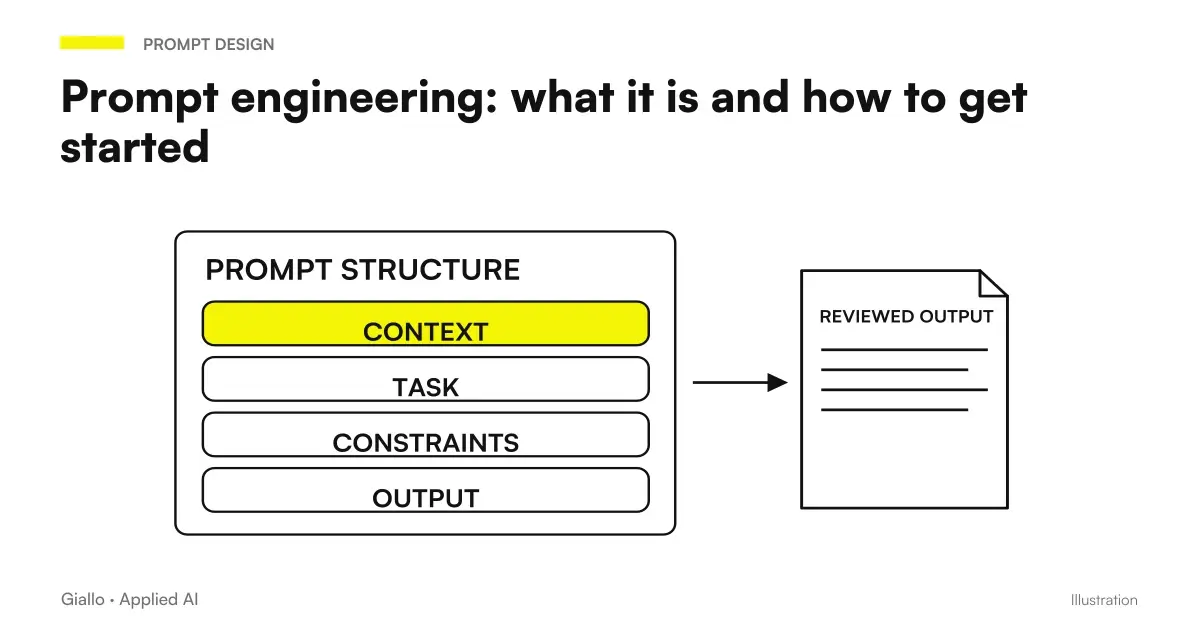 Prompt engineering: what it is and how to get started
 Claude model pricing: API rates and the cost of getting work done
 Claude models compared: a guide to choosing
Prompt Collections
Ready prompts for other roles and tasks.
- AI presentation prompts: PowerPoint and Google Slides examples
- AI SEO prompts: optimise content and rankings
- AI marketing prompts: copy, campaigns and content
- AI prompts for social media: ready-to-use posts, captions and content
- AI image prompts: examples for Midjourney, ChatGPT and Firefly
- AI sales prompts: emails, offers and follow-ups
- AI prompts for Excel and Google Sheets: formulas and data analysis
- AI video prompts: Runway, Kling and Gemini alternatives to Sora
- AI email prompts: ready-to-use examples for every situation
- AI prompts for real estate agents: ready-made examples for ads, emails and customers
- AI e-commerce prompts: product descriptions, email and support
- AI prompts for lawyers: legal documents and communications
FAQ
What are the most useful AI prompts for programming?
The most useful prompts provide precise context: language, version, what the function should do and which cases it should handle. An effective coding prompt specifies inputs, expected output and constraints. For bug fixes, pasting the error message verbatim is more useful than any generic description.
Is ChatGPT or Claude better for code?
Depends on the task. ChatGPT is strong on fast snippets and standard debugging, especially with newer models like GPT-5.6. Claude is particularly effective on long code reasoning, refactoring with many dependencies and detailed explanations. The practical difference is often in context: Claude handles larger context windows. Check current models on official pages — versions change often.
How do I write a prompt to debug an error?
Basic structure: (1) language and version, (2) what you are trying to do, (3) the code with the problem, (4) the error message verbatim, (5) what you have already tried. This eliminates 90% of fruitless iterations. If you include only 'it does not work', the model has to guess too much.
Can I use AI to program without being a developer?
Yes, within limits. AI is very useful for simple Python scripts, Excel/Sheets formulas, basic SQL queries and automations with no-code tools such as Zapier or Make. The limit is verification: if you cannot read the generated code, you cannot check it. For critical tasks or tasks integrated into production, a developer's review is necessary.
Can AI write automated tests?
Yes, and it is one of the strongest use cases. Give it a function and request a unit-test suite, specifying the framework (Jest, pytest, etc.). AI covers basic cases and the most obvious boundary cases, but may miss edge cases related to business logic. Read and supplement generated tests rather than accepting them blindly.
How do I use AI prompts to document the code?
The most direct prompt: 'Write the JSDoc/docstring documentation for this function: [code]. Include: description, parameters with type, return value, usage example.' For more narrative documentation (README, wiki): 'Explain this function/module to a developer who approaches the project for the first time, starting with the goal and not the implementation.'