
AI prompts: a complete guide to effective instructions
What an AI prompt is and how to write one well: structure, techniques, common mistakes and practical examples for ChatGPT, Claude and Gemini.
Reading time: 13 min
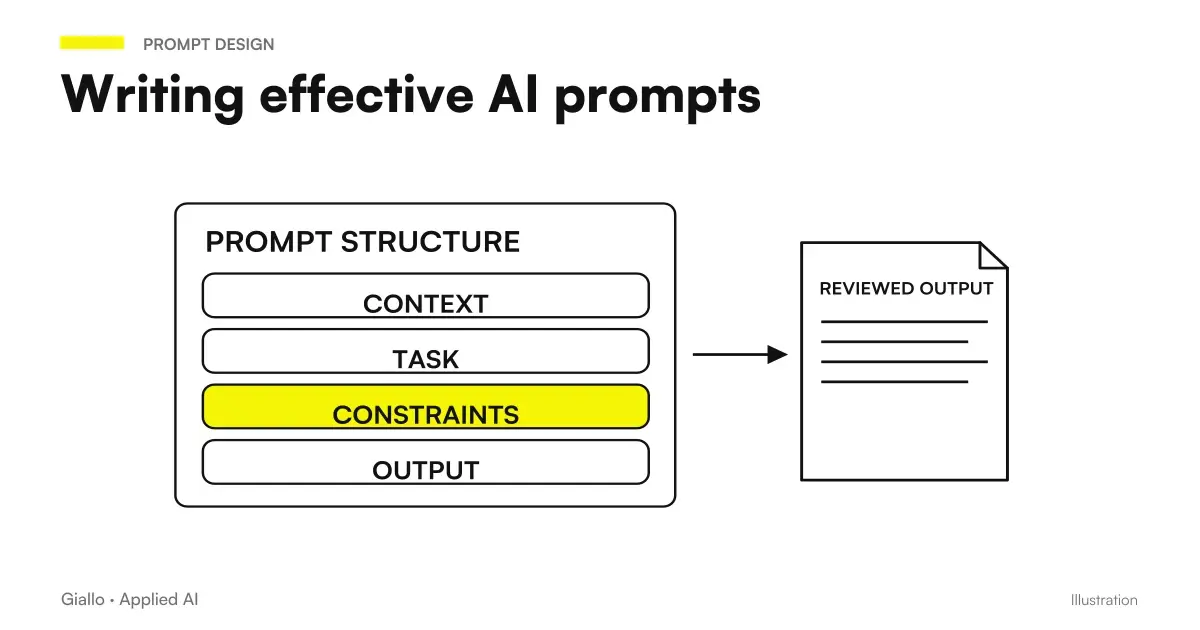
A AI prompt is the text you write to a language model such as ChatGPT, Claude or Gemini to get an answer. It is not just "the question": it is the set of instructions, context and constraints that guide the behavior of the model. The quality of the prompt almost always determines the quality of the output — more than the chosen model.
The point that many fail to grasp is this: a Language Model (LLM) It doesn't "understand" what you want. It provides for the most likely continuation of the text you have written. If the instructions are vague, the continuation will be generic. If they are precise and structured, the model behaves like a professional to whom you gave a full brief.
In this guide we see what an AI prompt is, how it is structured, the main techniques, the most common errors and how to apply it in a concrete way in a business context.
In summary
- A AI prompt is the instruction that guides the model: role, task, context and expected format.
- Structure is more important than length: a short but precise prompt beats a long but disorganized one.
- The main techniques are few-shot (examples in the prompt), chain-of-thought (step by step reasoning) and role prompting (assign a role to the model).
- Each model (ChatGPT, Claude, Gemini) responds slightly differently: always test before automating.
- No prompt deletes the hallucinations: Human control over critical data remains necessary.
- The prompt engineering It is not for technicians only: anyone can apply the basics with immediate results.
What is an AI prompt and why is it important
A prompt is much more than a question. When you write to an AI model, you're providing the only input it has to produce the answer: it doesn't know your industry, your company, your customer, the format you need. Everything you don't write, the model invents it — choosing the most likely continuation based on the data it was trained on.
This explains why the same model can give brilliant answers to one user and useless answers to another: the difference is almost always in the prompt, not in the "bravura" of the model.
Write effective prompts is not a technical competence reserved for developers. It is a precise form of communication: such as writing a brief, an agency brief or a chapter. Those who can explain what they want, get what they want.
The structure of an effective prompt
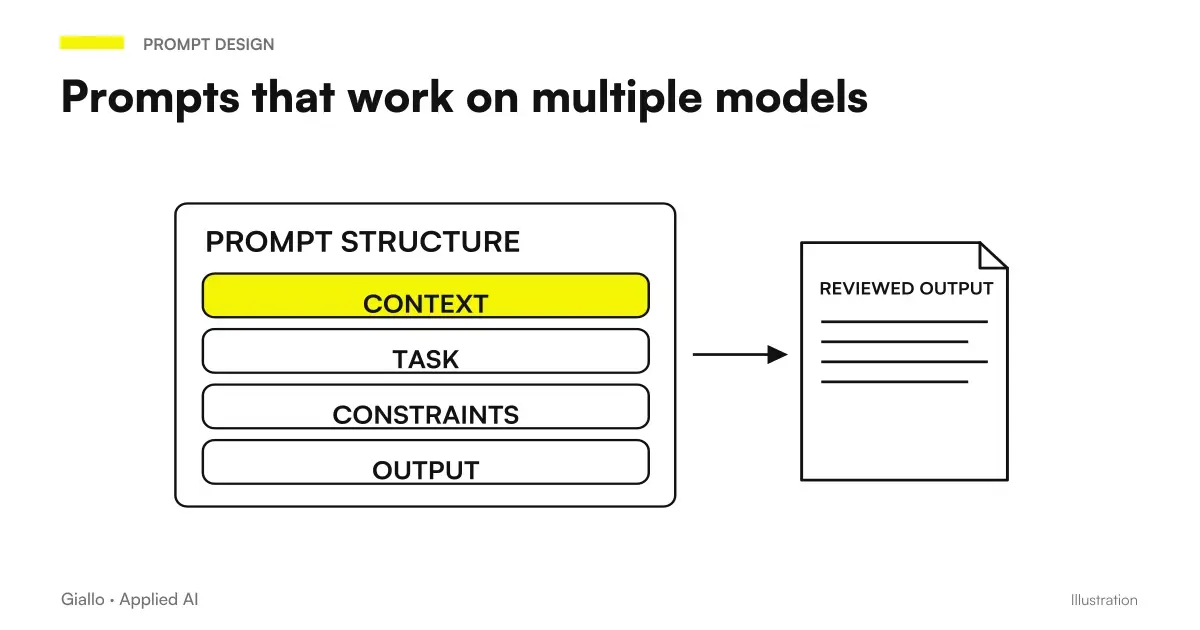
Every prompt that works has four components. They don't always have to be present, but more tasks require them.
- Role. Who must be the model in this context? "You are an experienced accountant of Italian SMEs", "You are a B2B copywriter", "You are an HR assistant". Assigning a role calibrates the tone, lexicon, and level of detail of the response.
- Task. What exactly does he have to do? The more specific the verb, the better it works: not "write something on X" but "write a 5-line follow-up email for a prospect who hasn't responded in 10 days, professional but direct tone".
- Context. What information does the model need to respond well? Customer data, text to summarize, emails to analyze, specific constraints. Without context, the model works on assumptions.
- Format. How should the output be structured? Bet list, table, paragraph, JSON, markdown. If you don't specify it, the model chooses the format it deems most likely — often not the one you need.
A concrete example. Generic prompt: "Write a product description." Result: something generic and useless. Structured prompt:
You are a copywriter specializing in e-commerce. Write a product description of 80 words for the XR-500 wireless headphones, aimed at professionals working from home. Key Features: 40h battery, active noise cancellation, USB-C. Tone: direct, no empty adjectives. Format: an untitled paragraph.
The second prompt produces a publishable text on the first attempt. The first one requires three iterations.
The main techniques of prompt engineering
The prompt engineering has developed some techniques that work in a repeatable way. These are the most useful in business practice.
Zero-shot, one-shot, Few-shot
The difference concerns how many examples you include in the prompt.
| Technique | Description | When to use it |
|---|---|---|
| Zero-shot | No examples, only instructions | Simple and universal tasks (translate, summarise, rank) |
| One-shot | An example of input → output | When format is unusual or tone is specific |
| Few-shot | 2-5 input examples → output | Repetitive tasks on which you want high consistency (e-mail classification, scoring) |
Few-shot is the highest-impact technique for those who use AI on business processes: it shows the model exactly what you expect, reducing the variance of output.
Chain-of-thought (stepping reasoning)
Adding "reason step by step" or "first analyze, then respond" dramatically improves quality on tasks that require logic or evaluations. The model "puts in" intermediate reasoning instead of jumping directly to the answer, reducing logical errors.
Useful for: contract analysis, option evaluation, process debugging, calculations with multiple variables.
Role prompting
Assigning a precise role to the model is not a trick: it actually changes the register, the level of technicality and the priorities of the response. "You are an experienced lawyer of Italian labour law" produces a different output —and more suitable —than "you are a general assistant".
System prompt vs User prompt
In integrated AI products (API, custom assistants) there is a technical distinction:
- System prompt: persistent instruction invisible to the end user. Defines role, rules, limits and pattern tone throughout the session.
- User prompt: the message of the single turn.
For daily individual use the distinction is less relevant, but whether you build a business assistant or an agent this separation is critical. To understand how agents use prompts in automated streams, see the guide on AI agents.
How to write a prompt: step by step guide
- Define the target in a sentence. What exactly does the model have to produce? If you can't describe it in a sentence, the task is too vague.
- Assign a relevant role. Choose a role that knows the domain of your task: accountant, copywriter, data analyst, customer support.
- Provide the minimum context needed. Only what the model cannot know on its own: customer data, reference text, company-specific constraints.
- Specify the output format. Length, structure (list, table, paragraph), tone (formal/informal), what to exclude.
- Add an example if the format is unusual. "Like this: [example]" solves 90% of format problems.
- Head, fit, iterate. Change one item at a time. If the output fails, identify which component of the prompt is missing or is ambiguous.
Differences between main models
ChatGPT, Claude and Gemini respond well to the same principles of structure, but have different operational nuances (always check the current versions on the official pages, because models evolve quickly).
| Appearance | ChatGPT | Claude | Gemini |
|---|---|---|---|
| Format Instructions | Good | Excellent — follows precise templates | Good |
| Few-shot | Responds very well | Responds well | Responds well |
| Long text in input | Variable context window | Very large window | Wide Window |
| Tools Integration | Plug-ins and linked apps | Projects and artifacts | Google Workspace native |
| Italian | Great | Great | Great |
To learn more about operational differences, you can read the specific guides on ChatGPT, Claude AI and Gemini AI.
Practical examples
1. Law Firm — Contract Analysis. The prompt includes: role ("expert lawyer of Italian commercial contracts"), task ("identifies risky clauses for the client"), context (the text of the contract pasted), format ("list pointed with: clause, risk, recommendation"). The model produces a first analysis in 20 seconds. The lawyer checks and corrects it, instead of starting from scratch.
2. E-commerce — response to complaints. Few-shot prompt: the handler pastes 3 examples of the complaint received with the related response approved by the management. Then he asks the model to respond to the new complaint in the same style. The tone is consistent, the management time drops from 8 to 2 minutes. For a similar content-oriented case, see ChatGPT for content.
3. Commercial — follow-up email. Prompt with role ("commercial B2B"), task ("write a follow-up after an unsuccessful meeting"), context ("prospect name, company, product discussed, date of the meeting"), format ("5 lines, object included, non-aggressive direct tone"). The salesperson customizes 2-3 details and sends. Result: more managed follow-ups, more consistency in the message. By email in general, see ChatGPT by email.
When to use advanced techniques and when not
Simple prompt enough when
- The task is frequent and the model knows it well (translate, summarize, correct).
- Output format is not binding.
- Use AI occasionally and not in an automated stream.
Advanced techniques are needed when
- The task is repetitive and must produce consistent outputs each time.
- The output format is accurate (JSON, structured table, specific tone).
- The task requires logic or multi-step evaluations.
- You're building an assistant or an automated agent.
Mistakes to Avoid
- Prompt too vague. "Write me something on X" does not give the model enough to produce something useful. Every component (role, task, context, format) that is missing is a hypothesis that the model makes on its own.
- Taking the context for granted. The model doesn't know who you are, what your company does, who the customer is, what your standards are. All this should be written in the prompt.
- Changing everything together when the output is not going. If you change role, task and format at the same time, you don't know what improved the result. Change one item at a time.
- Trusting output blindly on critical data. The AI Hallucinations can produce plausible but incorrect numbers, names or dates. On data entering official documents, offers or communications to customers, always check.
- Different prompts each time on the same task. If a prompt works, save it. A company should have a library of tested prompts for recurring tasks, not start over every time from scratch.
How to apply it in the company
Introducing an enterprise prompt culture does not require an IT project. It requires method.
How to Build a Business Prompt Library
Create a shared document (Notion, Google Docs, Confluence) with a simple structure: task name, tested prompt, recommended model, and notes on what to change case by case. Involve the people who use AI most often: sales, support and marketing. A well-written, shared prompt saves the whole team hours.
The concrete steps to start:
- Identify the 3 repetitive tasks where the team already uses AI or could use it (emails, summaries, classifications).
- Write a structured prompt (role + task + context + format) for each.
- Head with 5-10 real examples and measures whether the output is acceptable without heavy overhaul.
- Save and share the prompt with who performs that task, with notes on how to customize it.
- Measure Time before and after: hours saved, errors reduced, consistency improved.
If the task volume justifies an assistant integrated with your tools (CRM, email, management software), the next step is to build an AI agent that uses these prompts in an automated way. You can deepen with our guide to AI agents or explore what we do about The Lab.
Conclusion
A AI prompt is the most immediate and highest impact tool for anyone who uses language models in their work. It does not require technical skills: it requires communicative precision. Structure each prompt with role, task, context, and format; use the few-shot on repetitive tasks; save the prompts that work.
The transition from "I use AI every once in a while" to "AI saves me hours every week" almost always passes by here — not by a more powerful model, but by more precise instructions.
If you want to go from testing with ChatGPT to an AI system integrated into business processes, Giallo Studio custom designed agents and automations.
Giallo Studio guides: methodology and sources
How we apply it in the company
Related resources
 Prompt engineering: what it is and how to get started
 ChatGPT: what it is and how to use it
 Claude AI: what it is and when to use it
 Gemini AI: what it is and how it works
 AI Hallucinations: What They Are and How to Avoid Them
 LLM: What Language Models Are
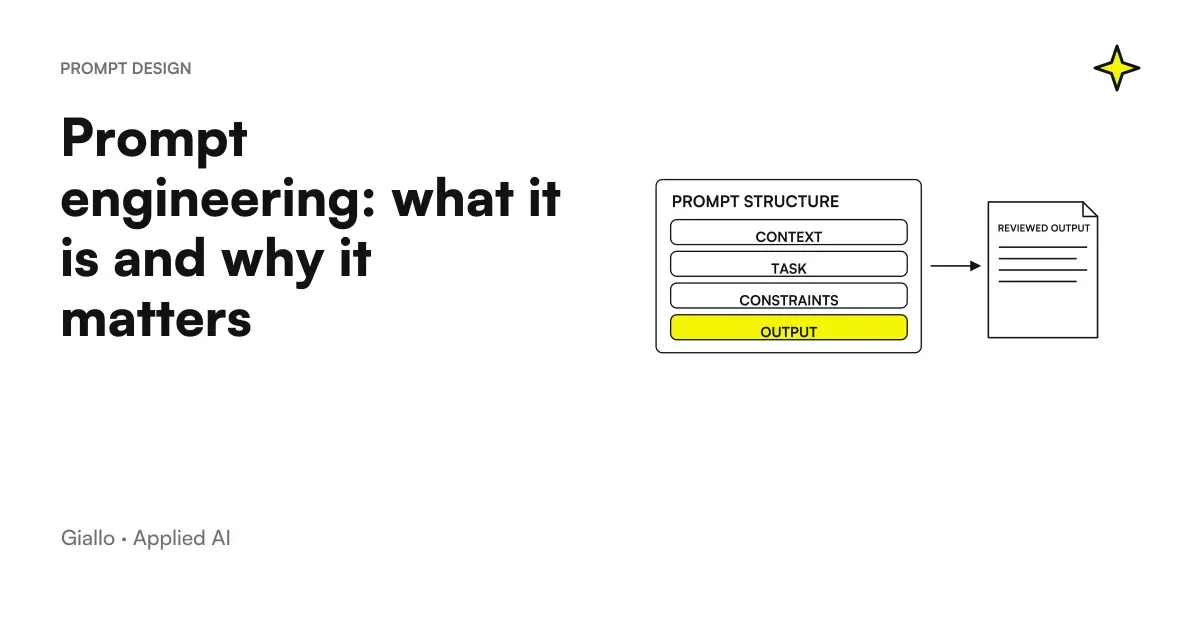 Prompt engineering explained: how relevant is it today?
 Prompts that work on multiple models: how to write them
FAQ
What is an AI prompt?
An AI prompt is the text you write to a language model to get an answer. It is the instruction that guides the behavior of the model: it includes the task to be performed, the necessary context, the expected format and the constraints to be respected. The more accurate the prompt, the more useful the answer is.
What is the difference between prompt and prompt engineering?
A prompt is simply the message you send to the model. Prompt engineering is the discipline — with techniques, structures and repeatable tests — of designing prompts that produce reliable, consistent results over time, including for automated workflows.
How do you write an effective prompt?
An effective prompt has four elements: role (who the model is in this context), task (exactly what it must do), context (data, constraints and reference material) and format (the expected output structure). The more specific each element is, the better the result.
Do prompts on ChatGPT, Claude and Gemini work the same way?
The basic structure is the same, but each model has different strengths. Claude tends to follow very precise format instructions. ChatGPT responds well to prompts with examples (few-shot). Gemini is oriented to integration with Google Workspace. It is advisable to do small tests with the chosen model before automating.
What does 'system prompt' mean?
The system prompt is an instruction invisible to the end user that defines the persistent behavior of the model: tone, role, rules to be adhered to, what not to do. It is used in AI products to set up a consistent assistant, without having to repeat the rules to each message.
Is a longer prompt always better?
No. A long but disorganized prompt makes the answer worse. An effective prompt is complete but not redundant: it includes everything you need (role, task, context, format) and nothing else. The optimal length depends on the task; a simple task takes less than 50 words, a complex one can take a few hundred.
How do I avoid hallucinations with a good prompt?
By specifying that the model must respond only with information provided in context ('respond only based on the text below'), asking to indicate 'I don't know' when the information is missing, and verifying critical claims on external sources. No prompt eliminates hallucinations altogether: human control remains necessary.