
ChatGPT prompts: ready-to-use examples to copy and adapt
Ready-to-use ChatGPT prompts for email, marketing, documents and Excel. Copy and adapt them to get practical answers in Italian.
Reading time: 9 min
A ChatGPT prompt is the request you write to the model to get a specific action or text. The quality of the result depends almost entirely on how it is structured: a vague prompt produces a generic response; a precise prompt produces an output that you can use with small changes or directly.
This article is a practical collection of prompt ChatGPT ready to copy, organized by business use case: email, content, documents, data, SEO. It is not a theoretical guide — for that, you can read prompt engineering: what it is and how to get started. Here you will find concrete examples, to be adapted and used immediately.
If you still don't understand how ChatGPT works at the base, you'd better start from ChatGPT: what it is and how to use it and then come back here with examples.
In summary
- A effective prompt always includes: role, goal, desired format, variables to customize.
- Ready prompts on this page cover email, marketing, documents, Excel, SEO and customer support.
- ChatGPT answers correctly in Italian: no need to write in English to achieve good results.
- Every prompt goes adapted to the context: Replace placeholders in square brackets with real data.
- The output of ChatGPT always goes verified prior to use, especially on numbers, regulations and specific data.
The structure of a prompt that works
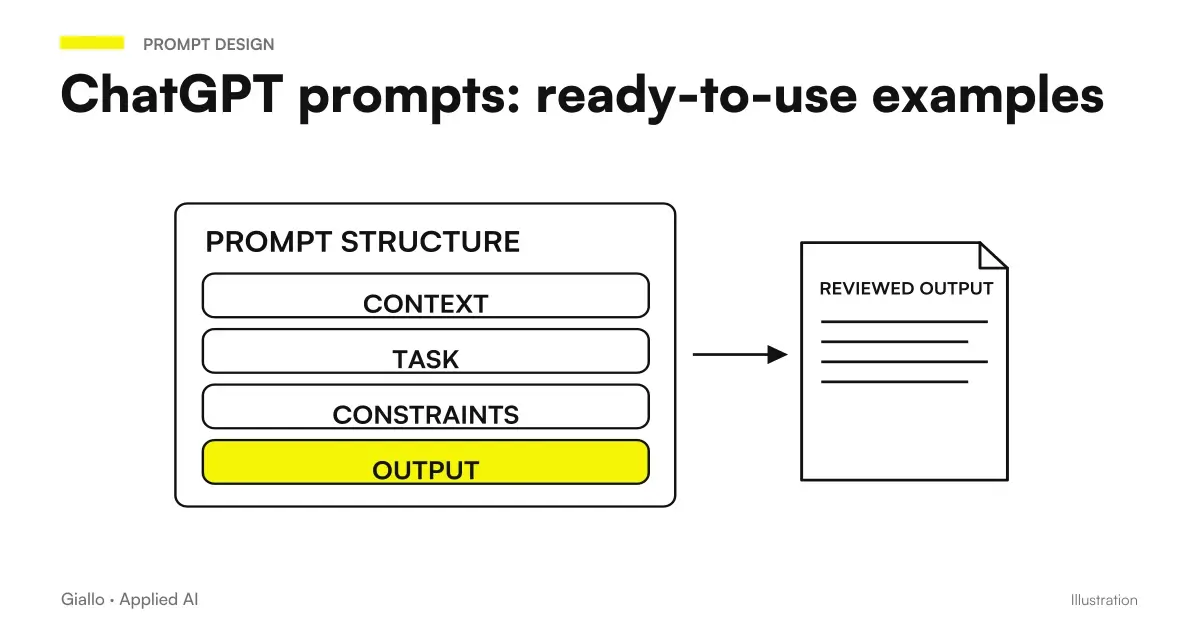
Before examples, a model to keep in mind. An effective prompt has four components:
- Role — who must "be" ChatGPT:
Sei un copywriter B2B esperto di PMI italiane - Objective — what it must produce:
Scrivi una email di follow-up dopo una demo - Format — how the output should be:
Max 5 righe, tono diretto, nessuna frase d'apertura generica - Variables — the actual data to be entered:
Il cliente si chiama [Nome], azienda [Azienda], settore [Settore]
You don't always need all four components, but the more you include, the less you'll have to correct the answer.
ChatGPT prompt for professional emails
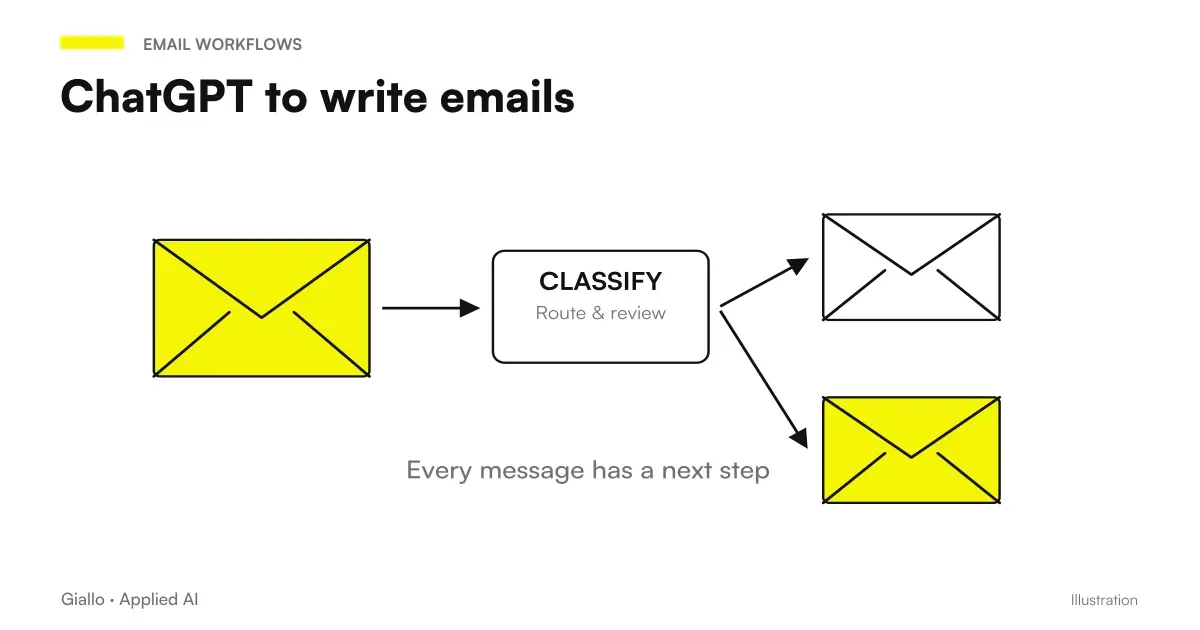
Emails are the most immediate use case. ChatGPT can generate the draft in seconds; you review the tone and add the details that only you know. To learn more, there is a dedicated guide on ChatGPT to write emails.
Follow-up after a demo or meeting
You are an Italian B2B salesperson. Write a follow-up email to send 48 hours after a demo of [Product/Service] with the client [Name] at [Company].
The demo went well, but there is no confirmation yet. Goal: maintain contact without being pushy.
Tone: professional, direct, friendly. Length: max 5 lines plus a signature. No opening phrases such as "I hope you are well".
Reply to a complaint
You are the customer service manager at [Company]. Reply to this customer complaint:
"[Paste the complaint text]"
Tone: empathetic, responsible, constructive. Suggest a concrete solution or a clear next step. Max 6 lines.
Inactive customer reactivation email
You are an account manager. Write an email to reconnect with [Name], a client who has not placed an order for [X months].
Do not mention the inactivity. Suggest a concrete reason to reconnect: [new product / update / useful content].
Tone: natural, not promotional. Max 4 lines.
ChatGPT prompt for content and marketing
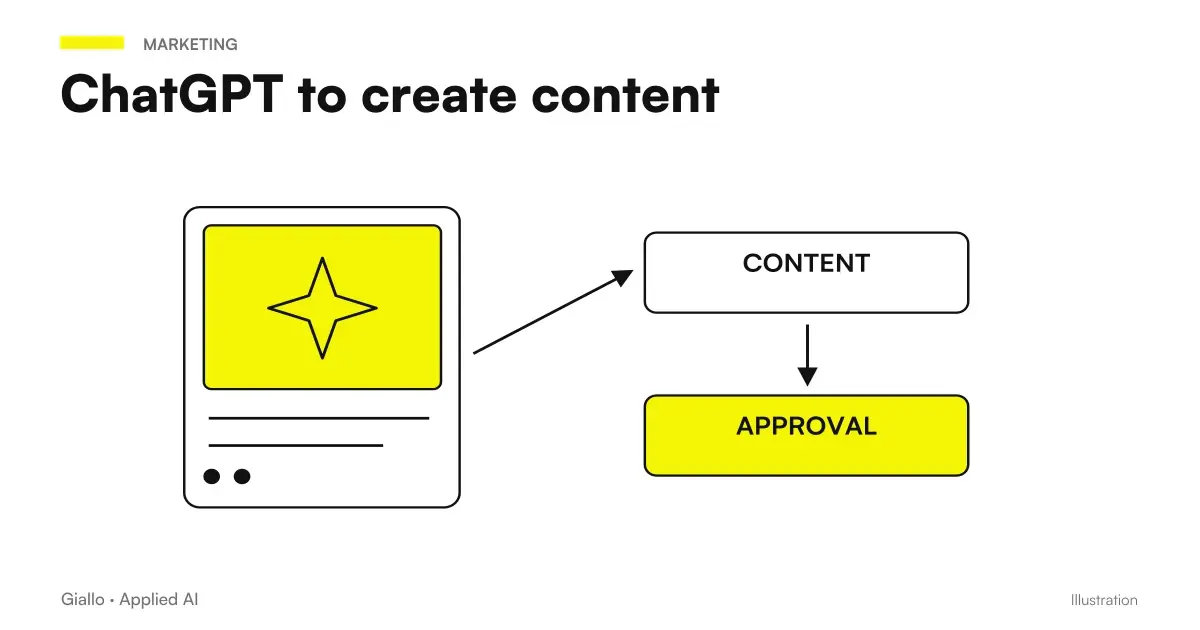
For an overview of how to use ChatGPT in content production, read ChatGPT to create content.
Product description for e-commerce
You are a copywriter specialising in Italian e-commerce. Write a product description for [Product name].
Main features: [feature 1], [feature 2], [feature 3].
Audience: [customer type]. Tone: [professional / informal / technical].
Structure: 1 opening sentence focused on the benefit, 3 bullet points with features, 1 closing sentence with a call to action.
LinkedIn posts for professionals
You are an Italian professional in the [Sector] sector. Write a LinkedIn post about this topic: [Topic].
Length: 150-200 words. Structure: 1 attention-grabbing opening line, development in 3-4 short paragraphs, 1 final question to the audience.
No generic hashtags. Tone: direct, based on concrete experience, no buzzwords.
Email object by campaign
Generate 5 alternative subject lines for an email about [campaign type: product launch / offer / newsletter] aimed at [target].
Each subject line must be under 50 characters, specific, and free of clickbait. For each, indicate the type of appeal used (urgency, curiosity, benefit, question, number).
ChatGPT prompt for document and text analysis
ChatGPT is useful for extracting, summarizing and structuring information from long texts. For complex documents, see ChatGPT for document analysis.
Summary of a contract or legal document
Read this text and produce a structured summary for a non-specialist.
Structure: 1) Main subject of the document, 2) Obligations of the parties, 3) Deadlines and key dates, 4) Clauses to pay attention to, 5) Missing or ambiguous elements.
[Paste the document text]
Meeting minutes from messy notes
You are an executive assistant. Turn these meeting notes into professional minutes.
Structure: Date and participants, Points discussed (list), Decisions made, Assigned actions with an owner and deadline.
Notes: [Paste the notes]
Analysis of customer reviews
Analyse these [N] customer reviews and produce a structured report.
Highlight: 1) The 3 most praised aspects with quotations, 2) The 3 most recurring problems with quotations, 3) Customers' implicit suggestions, 4) Overall tone (scale 1-5).
Reviews: [Paste the reviews]
ChatGPT prompt for Excel and data
To deepen the use of ChatGPT with spreadsheets, the guide ChatGPT for Excel and Google Sheets covers the most common cases.
Natural Language Excel Formula
You are an Excel expert. Write the formula to do this:
[Natural-language description of what the formula should do]
Sheet structure: column A = [content], column B = [content], etc.
Explain the formula in one line after writing it.
Interpret data from a table
Analyse these data and produce 3-5 practical observations useful for making business decisions.
Do not just describe the data: interpret what they mean and what they suggest.
Data: [Paste the table or figures]
ChatGPT Prompt for SEO
Meta description for a page
You are an Italian SEO copywriter. Write 3 alternative meta descriptions for this page.
Main keyword: [keyword]. Page: [briefly describe what it covers].
Requirements: max 155 characters each, contains the keyword, includes a clear benefit or an implicit micro-action. No clickbait.
For an in-depth look at how to integrate ChatGPT into a structured SEO process, read ChatGPT for SEO.
Table: ChatGPT prompt by category and target
| Category | Objective | Prompt structure |
|---|---|---|
| Business Email | Follow-up after demo | Business role + meeting context + tone + length |
| Customer support | Response to complaint | Role + text complaint to be pasted + empathic tone + solution |
| Contents | Product description | Role copywriter + features + audience + output structure |
| Social | Post LinkedIn | Role + theme + length + structure + no buzzword |
| Documents | Contract Summary | Summary structure + text to be analyzed |
| Data | Formula Excel | Description task + structure sheet + explanation request |
| SEO | Meta description | Keywords + page description + technical requirements |
| Campaigns | A/B Email Objects | Target + campaign type + constraints + leverage label |
Practical examples
1. Consulting firm — business proposal in 10 minutes. A consultant must prepare a proposal for a manufacturing company in Bergamo. Use this prompt:
You are an Italian business consultant specialising in manufacturing SMEs. Write the structure of a sales proposal for [Type of service] aimed at [Company] in the [Sector] sector.
Structure: executive summary (3 lines), the problem we solve, methodological approach (3 phases), expected value, investment (to be completed), next steps.
Tone: professional, results-oriented, no unnecessary jargon.
Result: a complete structure to fill with specific data. The consultant saves 40-60 minutes on the first draft.
2. Small e-commerce — FAQ management. An online shop of artisan products receives the same questions every day about shipments, returns and customizations. With this prompt it generates the answers in bulk:
You are the customer relations manager at [Store name], an Italian e-commerce business selling [Product category].
Write answers to the following frequently asked questions. For each answer: max 3 lines, friendly and direct tone, without referring to generic policies.
Questions: [Paste the FAQ list]
The responses generated are reviewed once, then used as a template throughout the season.
Mistakes to Avoid
- Prompt too vague. "Write a professional email" does not give context. ChatGPT will produce something generic that will require three revisions. Better: role + goal + format + constraints.
- Not specifying the length. Without directions, ChatGPT tends to be verbose. It always indicates a limit: "max 5 lines", "about 150 words", "3 bullet point".
- Taking the business context for granted. ChatGPT does not know your company, your industry or your customers. Each prompt must include the relevant context — give nothing for acquired.
- Treating the first output as definitive. The first result is a draft. Read, correct the tone, verify the facts. On specific data, regulations or information, always check. To understand when ChatGPT may be wrong, read on AI Hallucinations.
- Using the same prompt for different contexts. A prompt that works for one sector may not work in another. Keep a personal collection of prompts that work in your specific context.
How to Build a Prompt System for Your Company
Instead of rewriting the prompt from scratch each time, create a document shared with approved prompts for your team's recurring tasks. Structure: task name, template prompt with placeholder, expected output example, notes on when to adapt it. Each team member uses the template, not reinvents. This reduces the variance of results and forms the team to proper use without formal courses.
How to apply it in the company
The prompts in this collection already work as isolated tools — copy, fit, use. To move to the next level, the point is to integrate the prompts into repeatable workflows:
- Identify the 3-5 text tasks your team repeats each week (type emails, reports, customer responses).
- For each, build a template prompt tested and saved in a shared document.
- Define who revises the output before it exits: ChatGPT prepares, the person approves.
- Measure the time saved after 4 weeks: if the data is positive, extend to other tasks.
- For high-volume or high-frequency tasks, consider automation with an AI agent instead of manual copy-paste.
This is exactly the kind of analysis we do in a first consulting session: identify where time is lost, which tasks are automatable with prompts or agents, and how to structure a sustainable system. You can explore the services on Giallo Studio or see concrete examples of automations in the The Lab.
If you want to expand your skills on the topic, the guide on how to use AI prompts covers the general method, while prompt engineering: how to get started He delves into advanced techniques such as chain-of-thought and Few-shot.
Conclusion
The ChatGPT prompt are the most immediate tool to extract value from AI in everyday work. You don't need to be technical; you need to be specific. Role, goal, format, variables questi these four elements transform a generic response into a usable draft.
The prompts in this collection cover the most common use cases for Italian SMEs and professionals. Copyed, adapted to your context and tested over time, they become an internal library that accelerates every text activity of the team.
Do you want to understand what processes in your company can be automated with AI? Giallo Studio can help you turn the problem into a real workflow.
Giallo Studio guides: methodology and sources
How we apply it in the company
Related resources
 AI prompts: a complete guide to effective instructions
 Prompt engineering: what it is and how to get started
 ChatGPT: what it is and how to use it
 ChatGPT to write emails
 ChatGPT to create content
 GPT-6 and Intelligent UI in ChatGPT: what changes at work?
 AI news, 2–8 October 2026: what changes for SMEs
 ChatGPT Ads: new formats, lead measurement and availability in Italy
FAQ
What is a ChatGPT prompt?
A prompt is the text you write to ChatGPT to get an answer. The more specific and contextualized it is, the more useful the result will be. A good prompt includes the role you want ChatGPT to assume, the precise target, the output format and any limitations.
How to write a good prompt in Italian?
Use Italian directly: ChatGPT responds in the language you write in. A good prompt always starts with context ('You are a B2B salesperson'), then defines the task ('write a follow-up email'), then the desired format ('max 5 lines, professional but direct tone'), and finally the variables ('the customer is Marco Rossi from Edil Rossi SRL').
How many prompts can I use in a ChatGPT session?
ChatGPT has no fixed limit on the number of prompts per session, but does have a context limit (how many words it 'remembers' in the conversation). The free version also has an hourly message limit. For long tasks, split the work into separate sessions and use a summary prompt at the start of each one.
Do ChatGPT prompts also work in Italian?
Yes. ChatGPT understands and generates Italian correctly. Write in Italian if you want output in Italian — you don't need to translate into English. On very technical texts or sector slang you can get slightly better results in English, but for the vast majority of business tasks Italian works.
Can ChatGPT go wrong even with a good prompt?
Yes. A good prompt reduces errors but does not eliminate them. ChatGPT produces the most statistically likely output, not the certainly correct one. On numbers, regulations, up-to-date data and company-specific information it is always necessary to verify the result before using it.
What is the difference between a simple prompt and a structured prompt?
A simple prompt is a direct request ('write an email'). A structured prompt adds role, context, format and constraints ('You're a B2B sales manager. Write a follow-up email after an unconfirmed demo. Tone: direct, not insistent. Max 5 lines. Signature: Paolo, Giallo Studio'). The second one gets almost always better output on the first shot, without having to correct and reformulate.